Microsoft Surface Pro Repair Services

Notice: This service is currently on hold.

Microsoft Surface Pro Repair Service

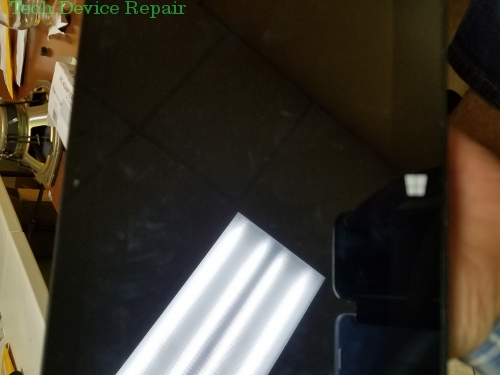
The Microsoft Surface Pro is a sleek, innovative gadget—but when it breaks, few are willing to tackle its notoriously challenging repair. Its delicate assembly and myriad tiny parts with a notoriously poor repair-ability design have discouraged many. At TDR, however, we have mastered the art of Surface Pro repair.

Surface Glass Repair w/ Digitizer

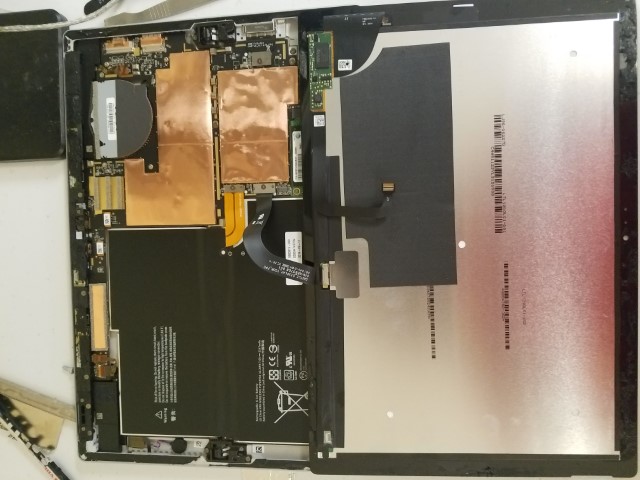
One of the most common issues is a dead or cracked screen. Our affordable screen and digitizer replacements bring your Surface Pro back to life quickly.

No Power While Charger is Plugged In

Even when the charger is connected and its light is on, your Surface Pro might not power on. This issue often signals internal component failure.

Troubleshooting:

  1. Press and hold the power button + volume up for 15 seconds, then quickly tap the power button.
  2. Alternatively, remove the charger, press and hold the power button for 30 seconds, wait 10 seconds, and press the power button once.
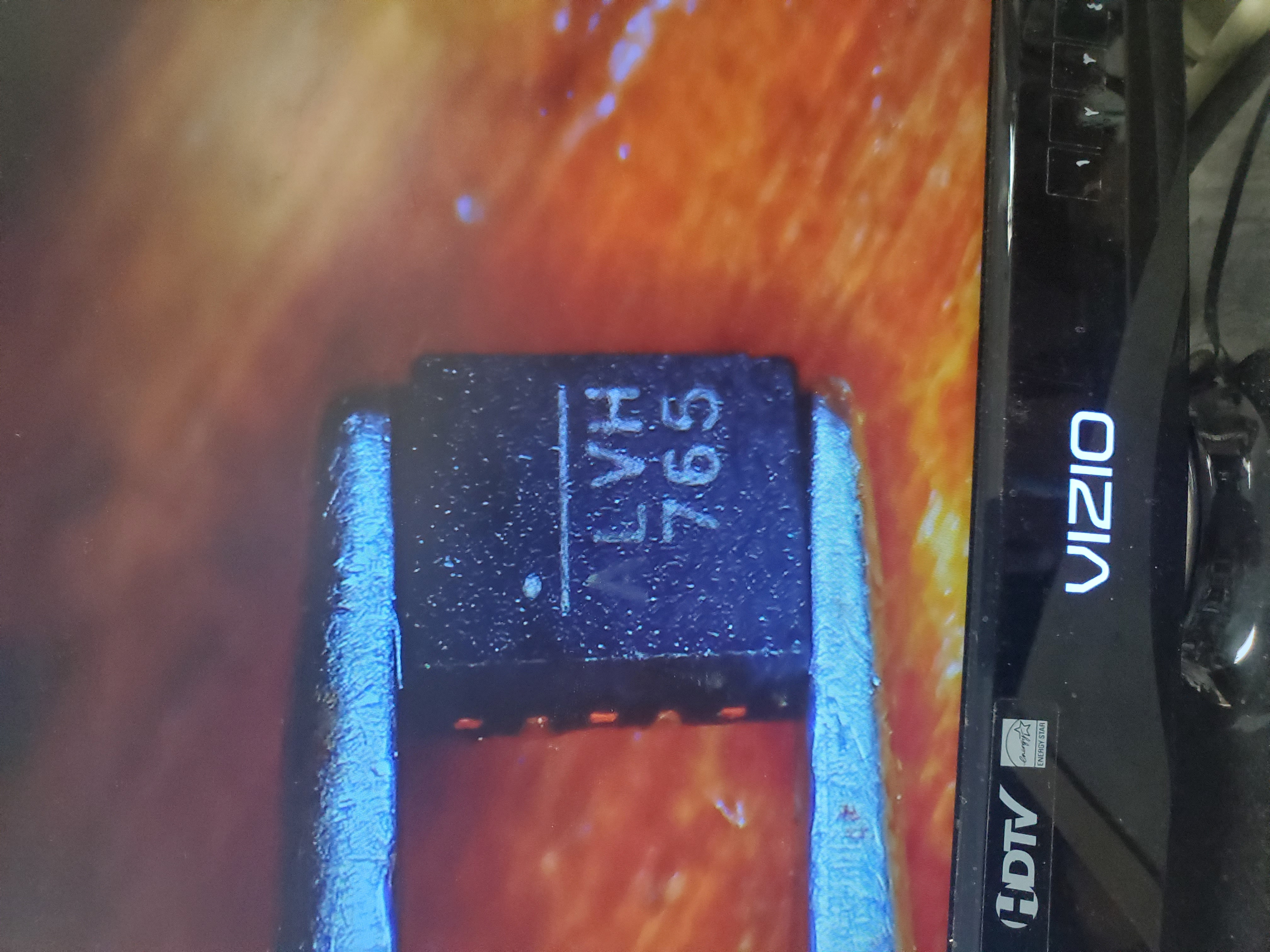
  3. If these steps fail, a motherboard repair or replacement of components (such as burnt capacitors, MOSFETs, or diodes) may be necessary.

No Power When Charger is Removed

In some cases, the device works well when plugged in but shuts off immediately once the charger is removed.

Troubleshooting:

  1. Check the battery health in Windows.
  2. If the battery is healthy, the issue may lie with the motherboard.
  3. If the battery is failing, a battery replacement is required.

Table of Contents

  • Charger Port Replacement
  • Surface Pro Stuck on the Windows Logo
  • Models: Surface Pro 6, Surface Pro 5, Surface Pro 4

We also offer screen repair, headphone repair, and much more for Microsoft Surface devices. For further details, please visit our Microsoft Surface Repair Blog.

In-Depth Diagnostics

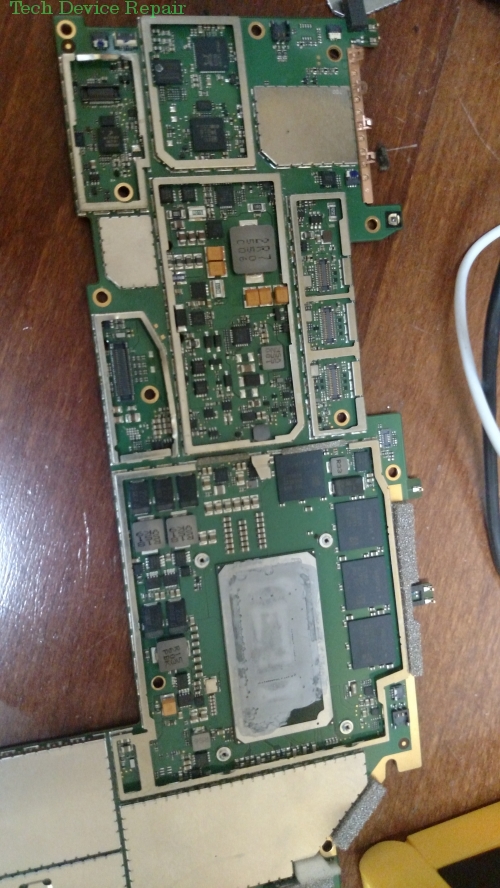
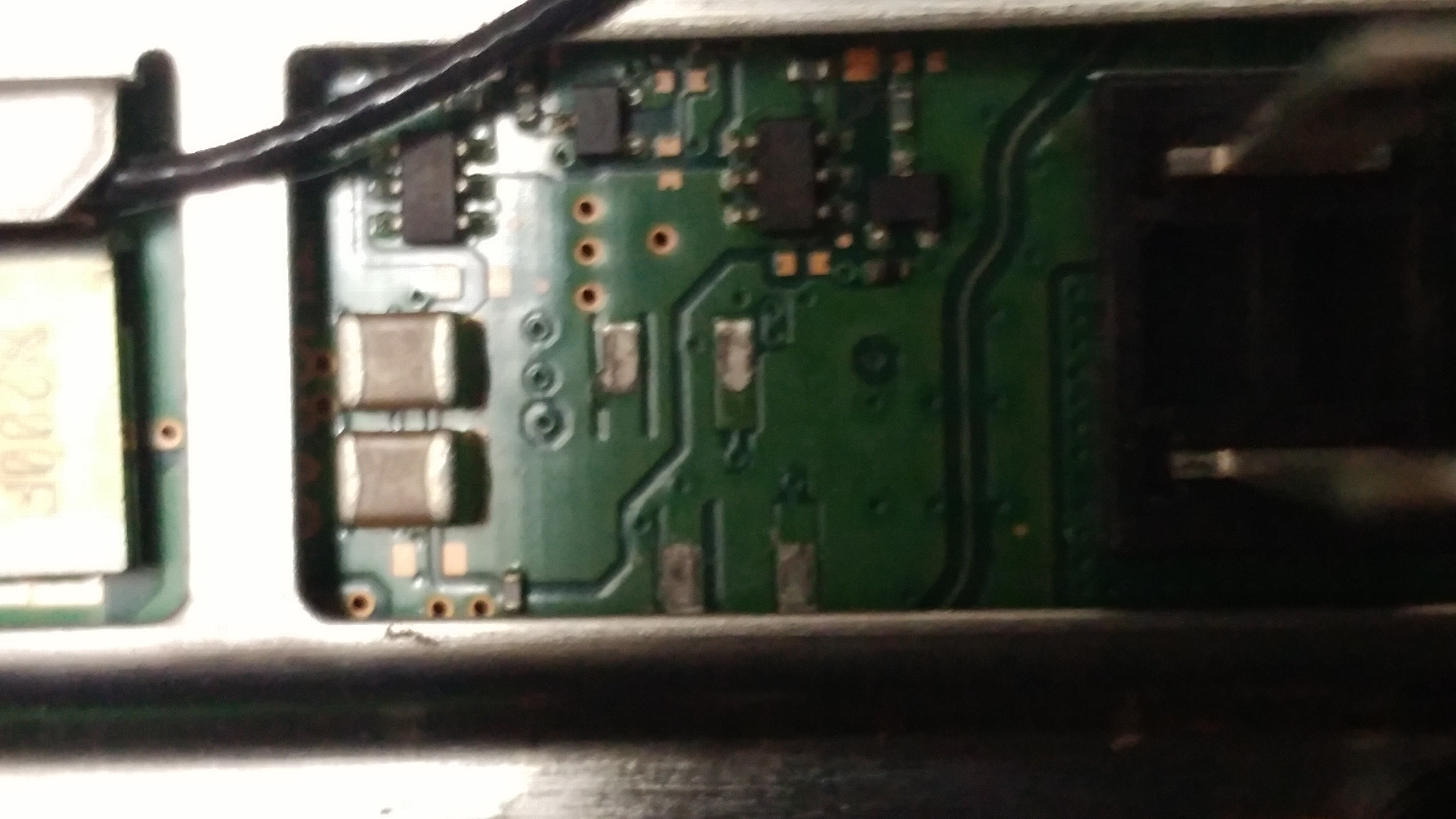
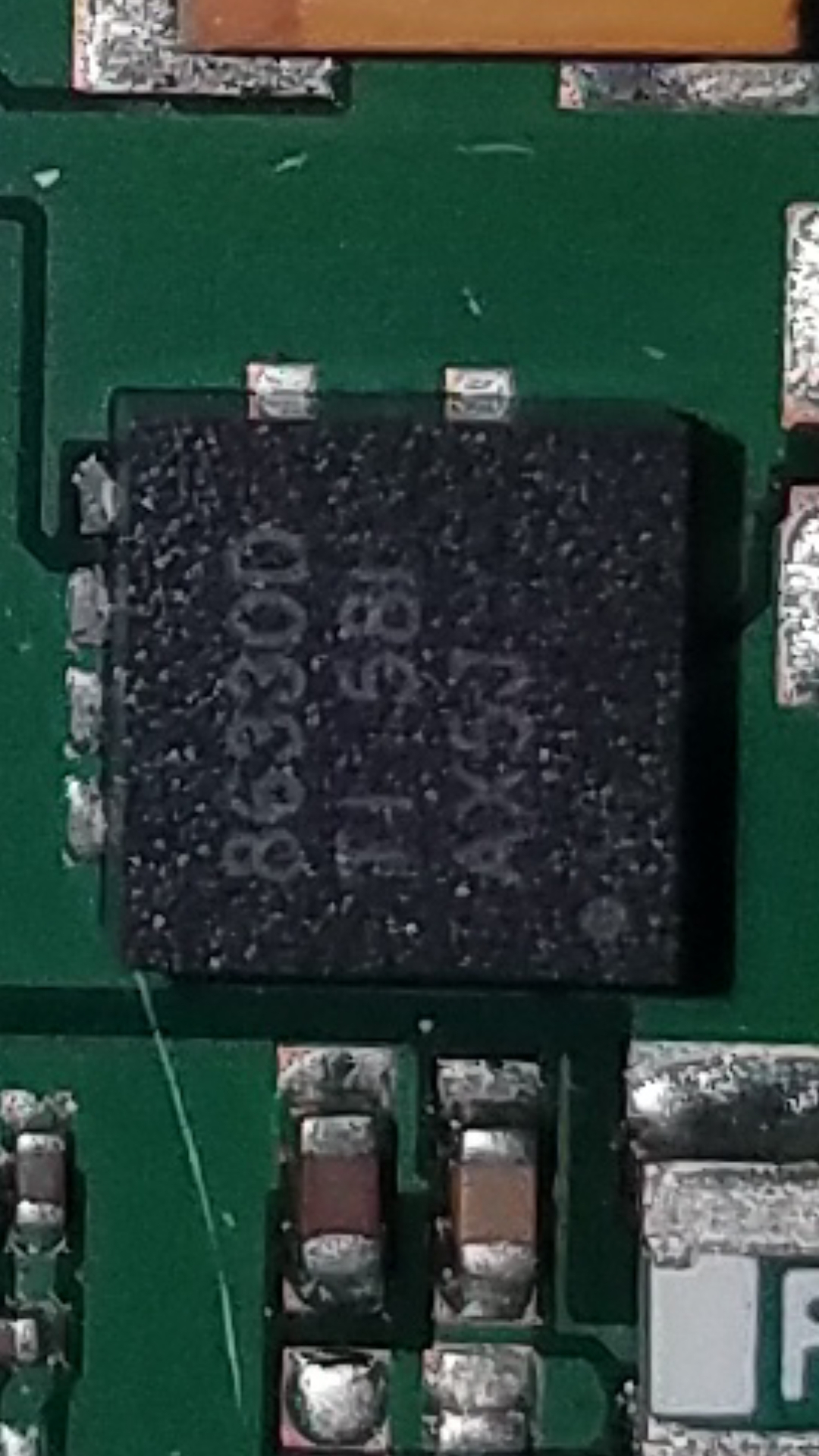
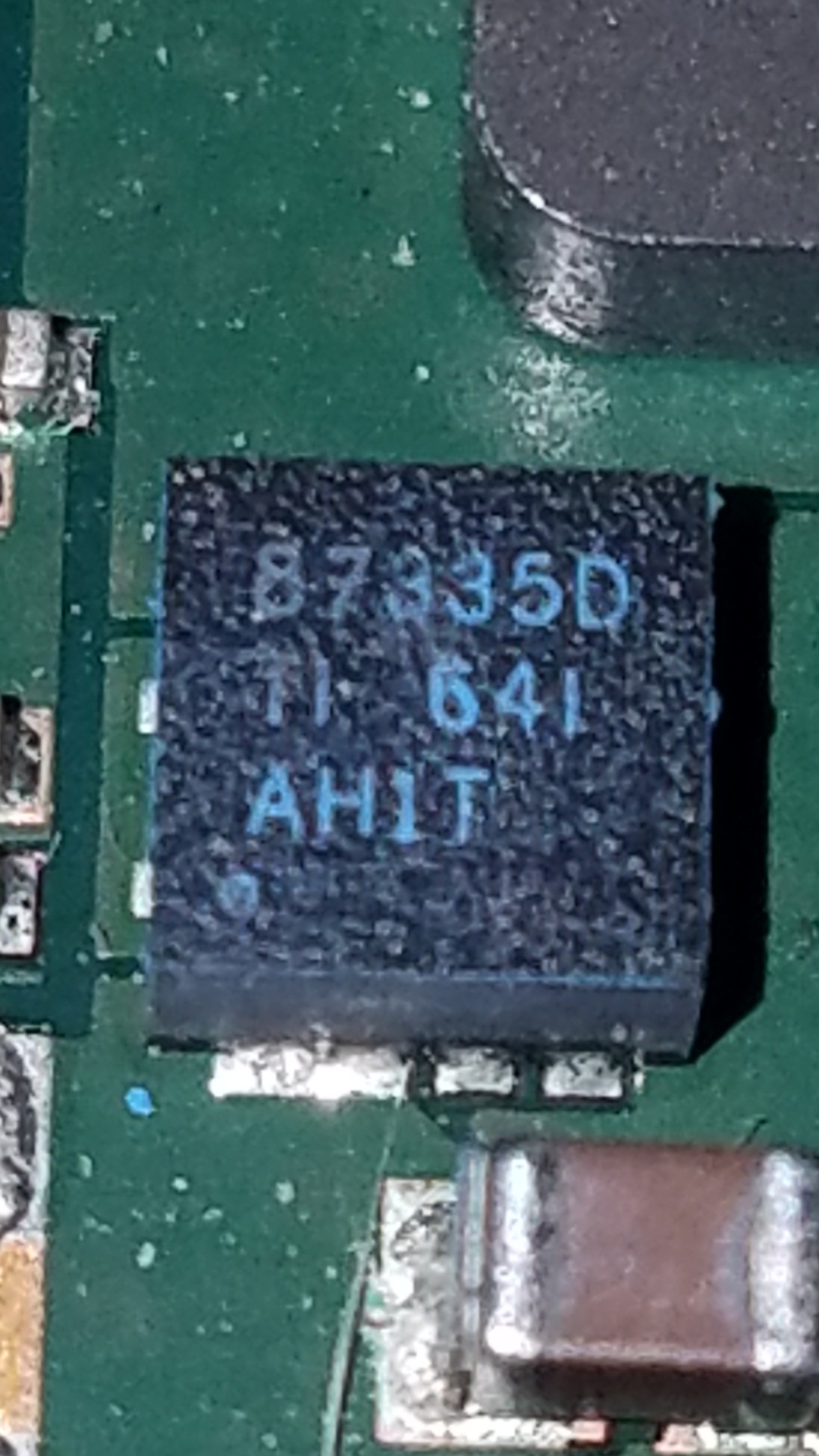
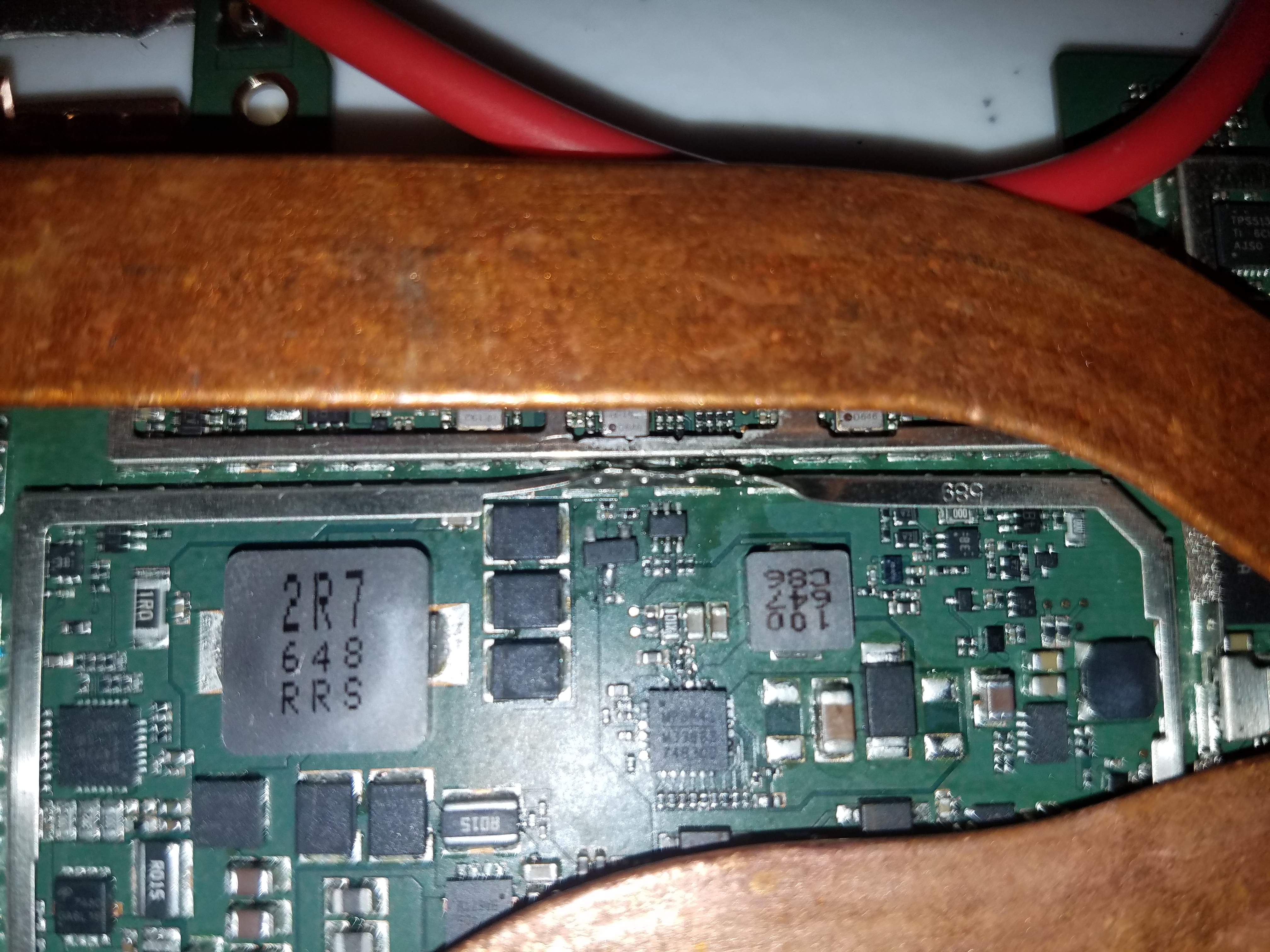
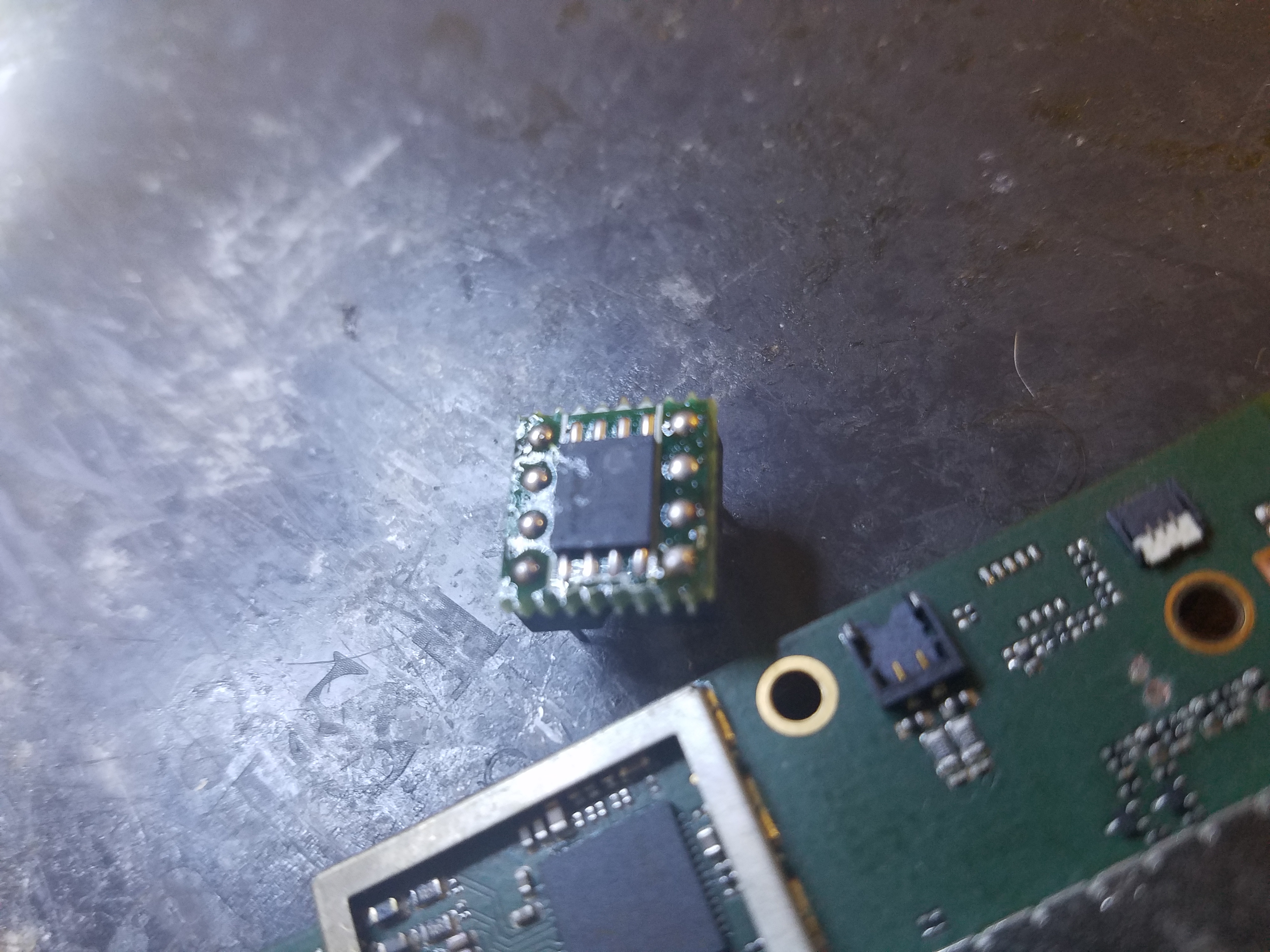
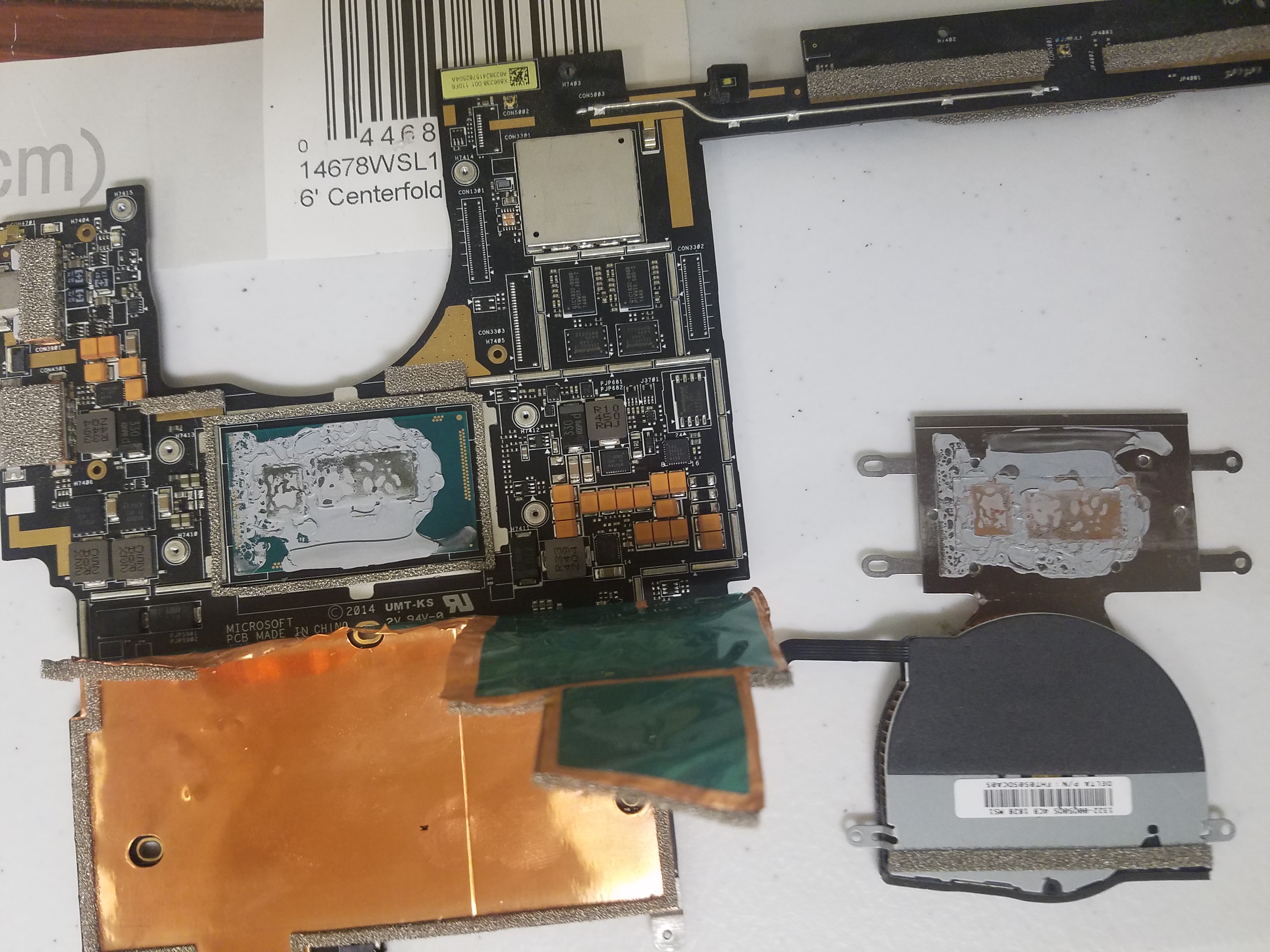
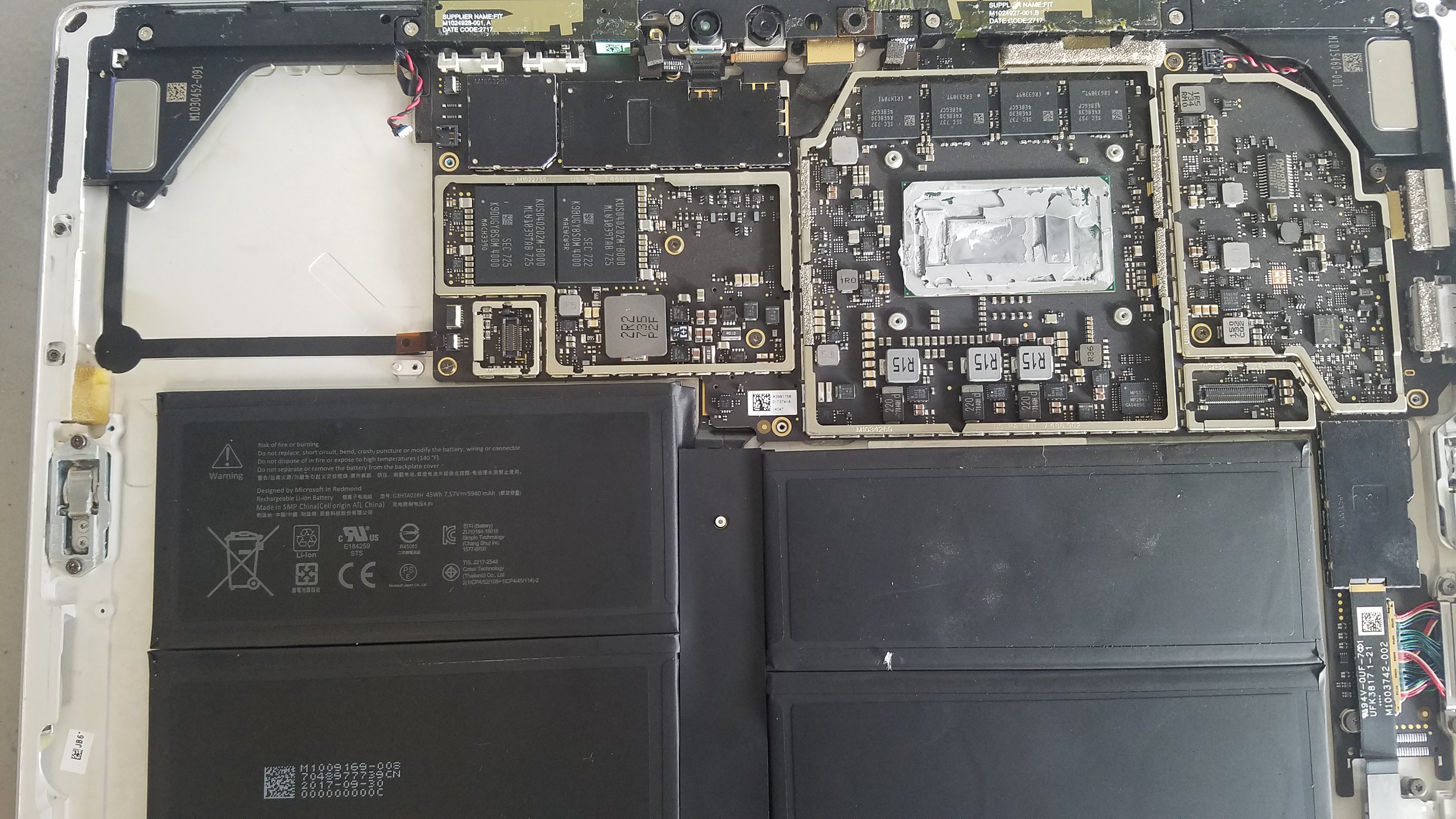
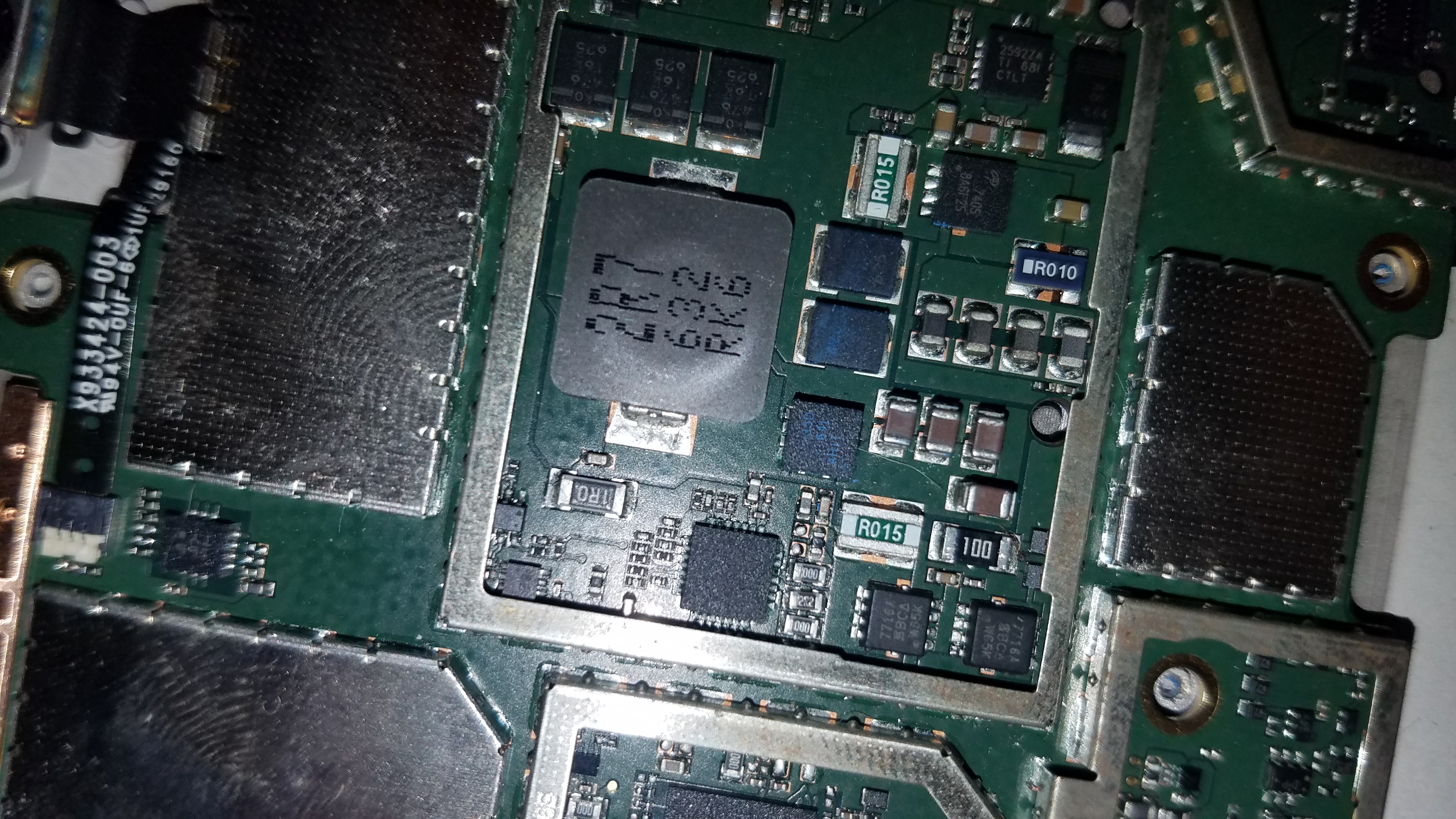
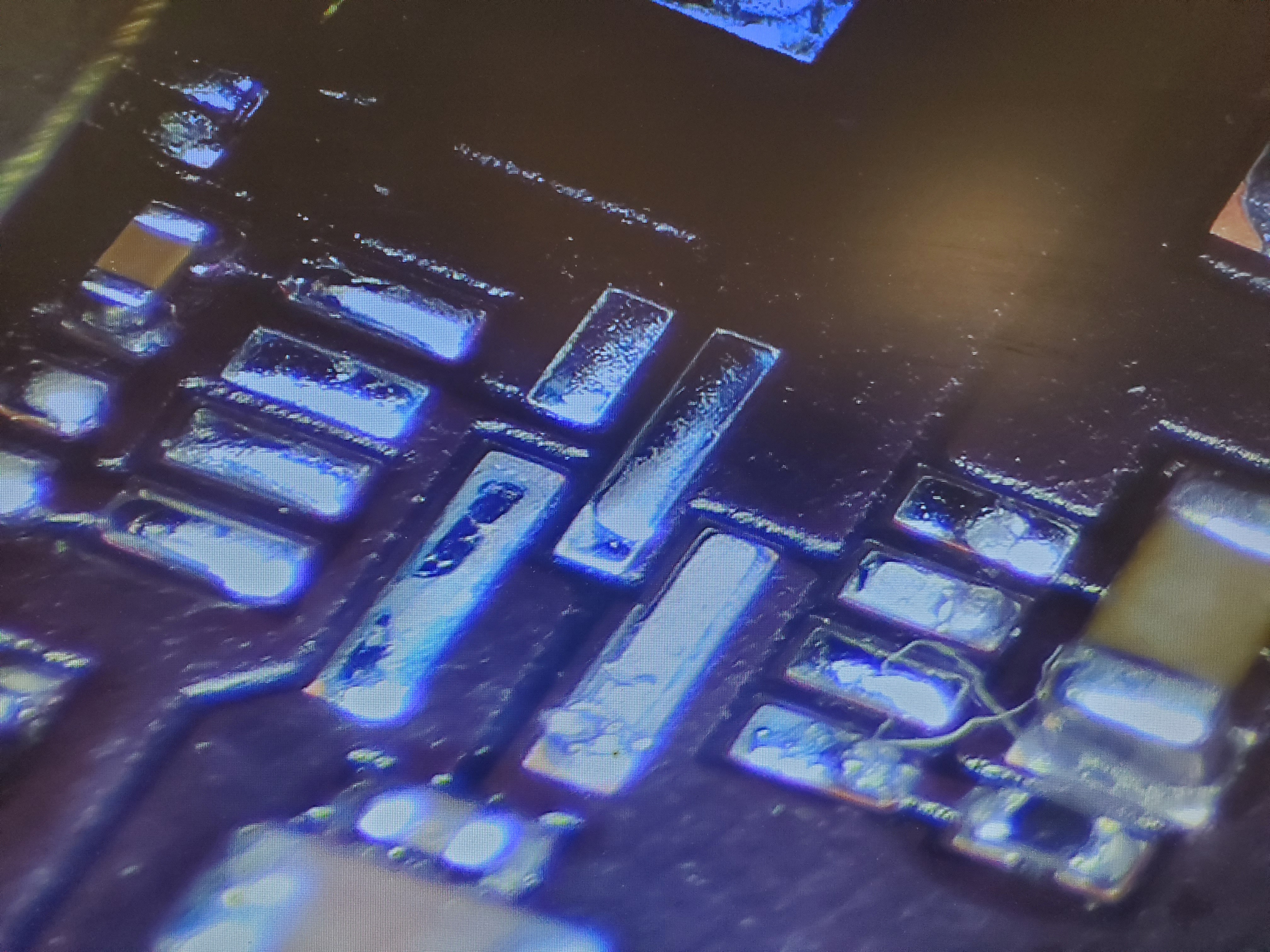
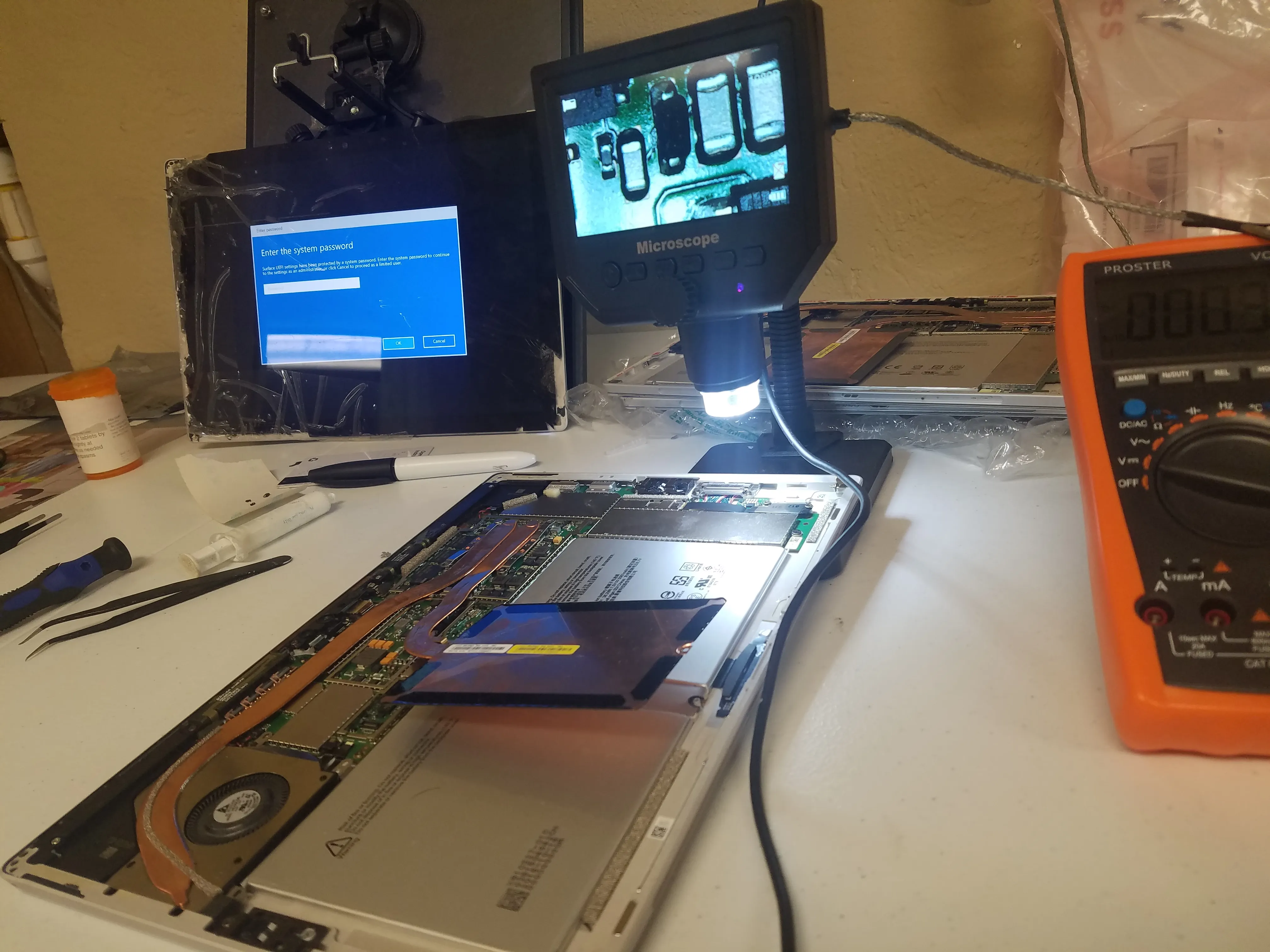
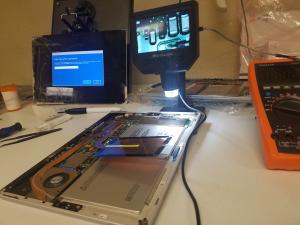
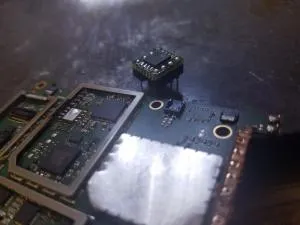
When a Surface Pro reaches our lab, we perform a full diagnostic. For example, one unit showed a voltage leak on the 0V line. Using a multimeter, we discovered a leak and subsequently replaced the power IC chip along with several capacitors—restoring proper voltage and full functionality.

Surface Pro 5 No Charge Light

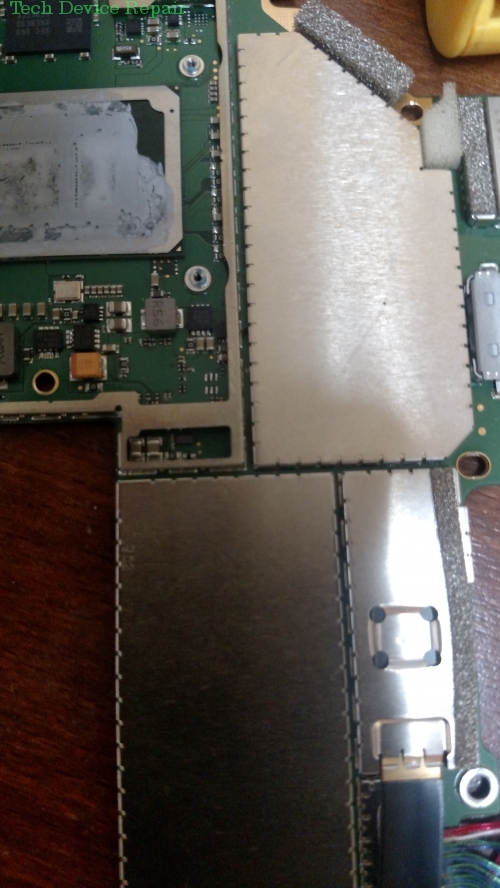
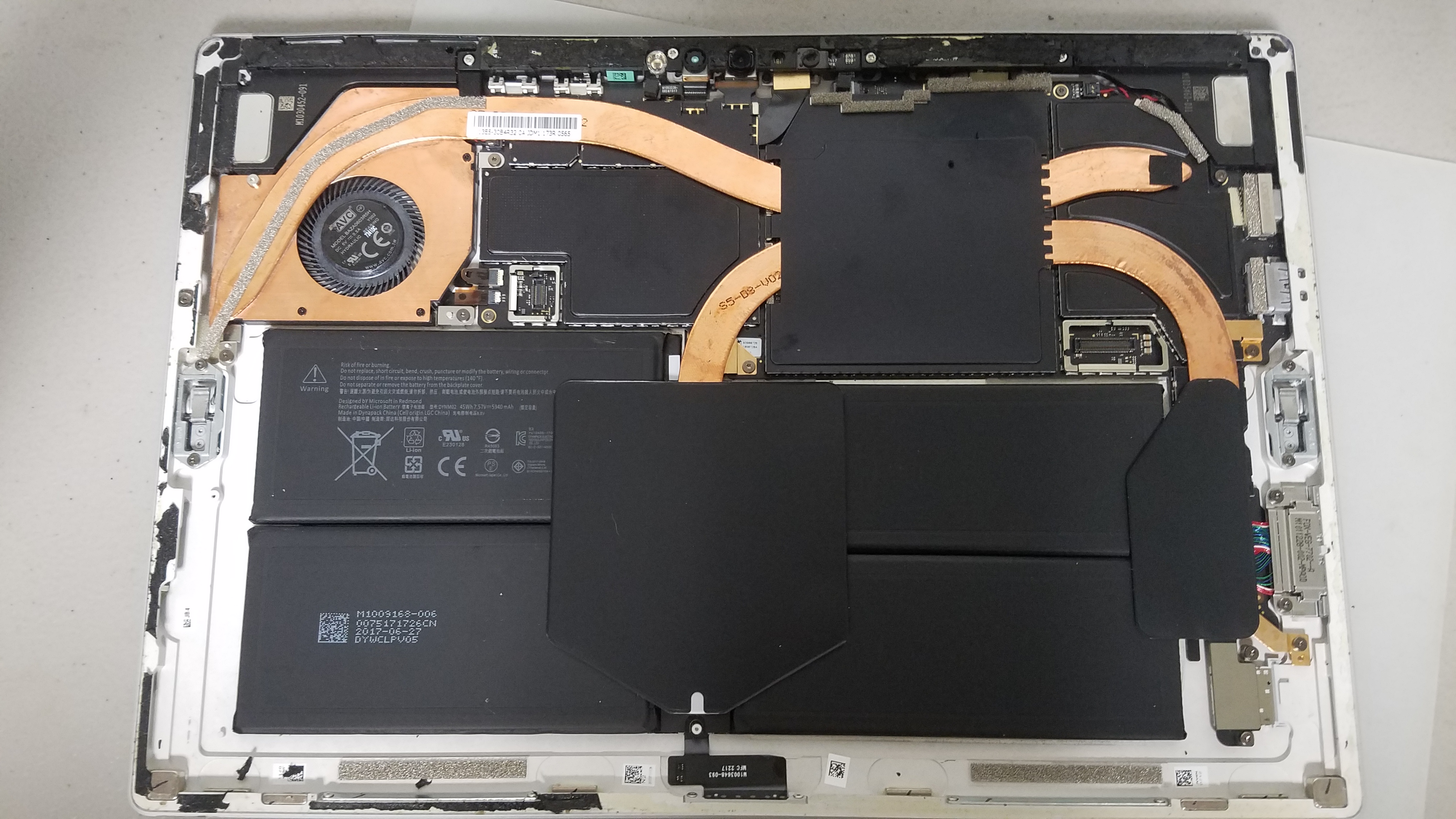
Another common issue is the Surface Pro 5 not charging, even though the battery icon appears when attempting to power it on. This indicates a no-charge issue rather than a complete power failure. The repair process involves removing the screen, diagnosing a short on the 12V rail, and replacing defective diodes, bridges, and capacitors.

Surface Pro 3: A Tough Case

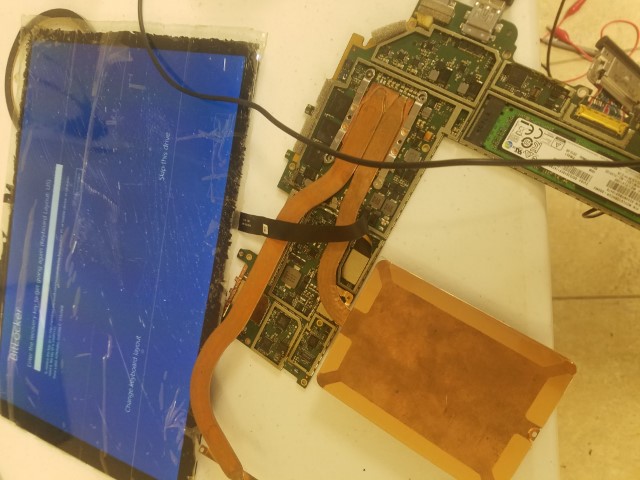
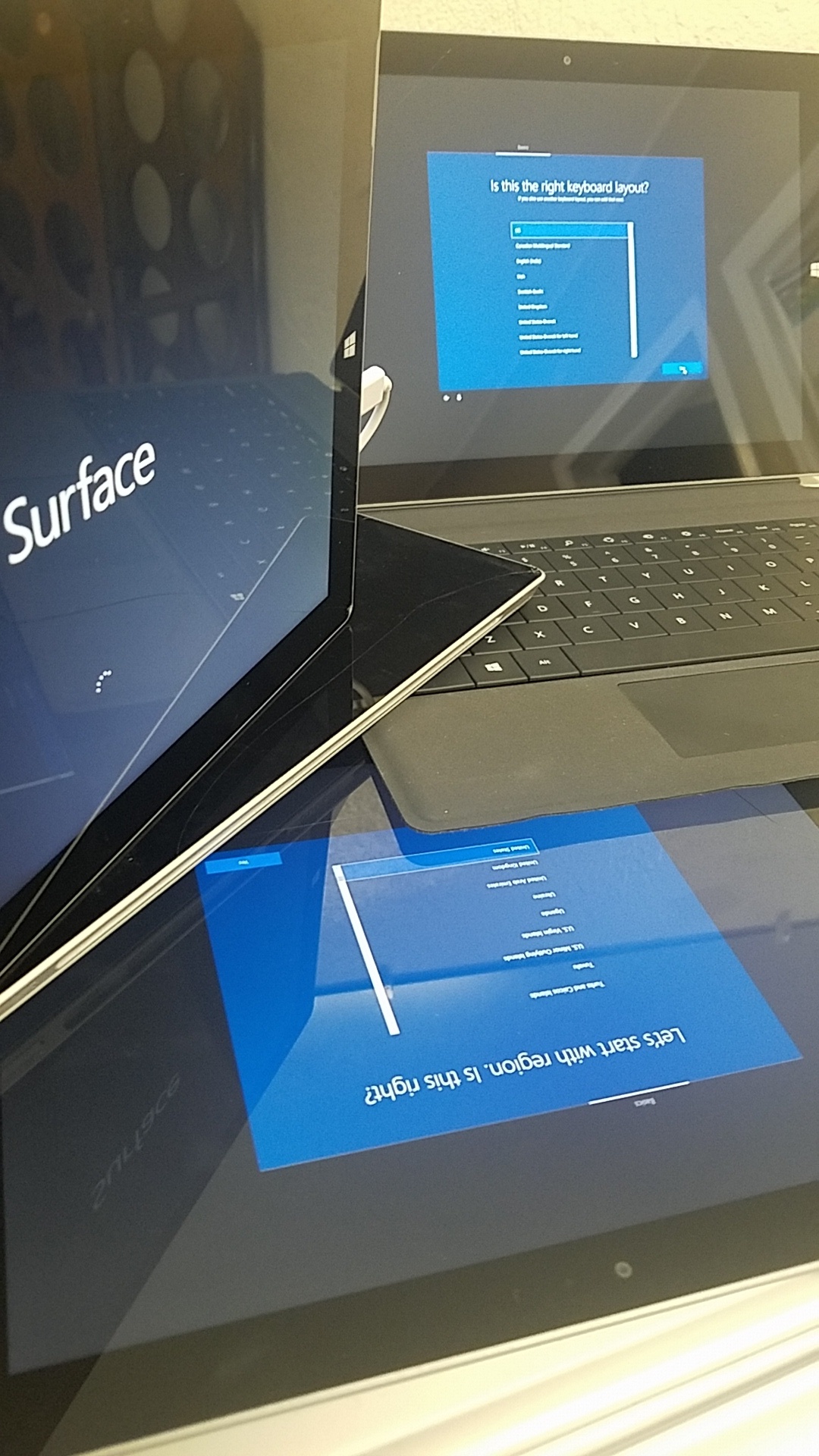
One challenging case involved a Surface Pro 3 sent in for screen repair and battery replacement. The initial screen replacement failed due to a bent shell, requiring a complete new shell and motherboard rework. Even after installing a new battery, further diagnostics revealed that firmware and software upgrades were necessary. Once updated and reassembled with APU cleaning and re‑thermal pasting, the device performed better than ever.

Surface Pro 3 Battery Replacement

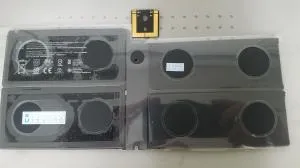
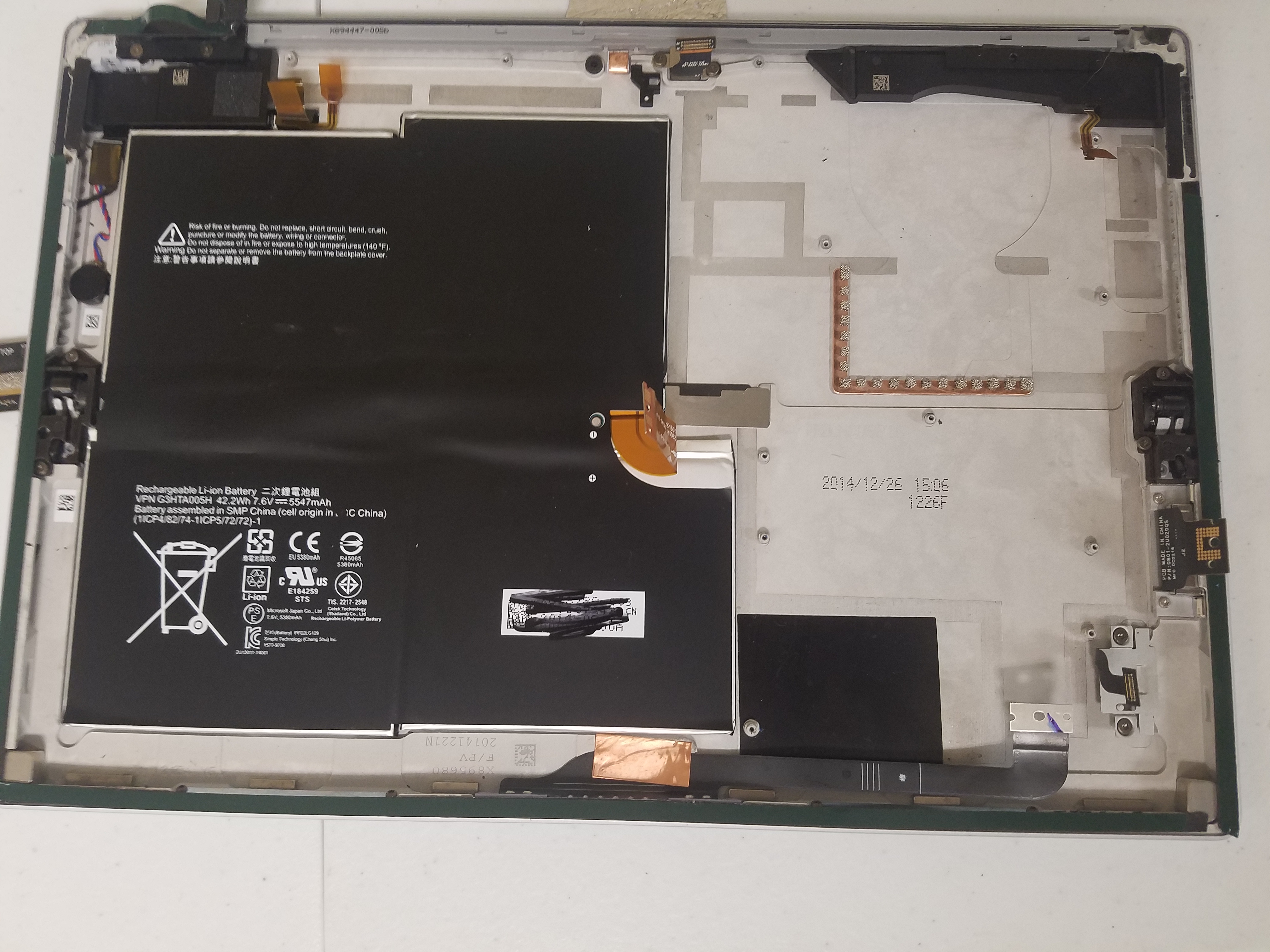
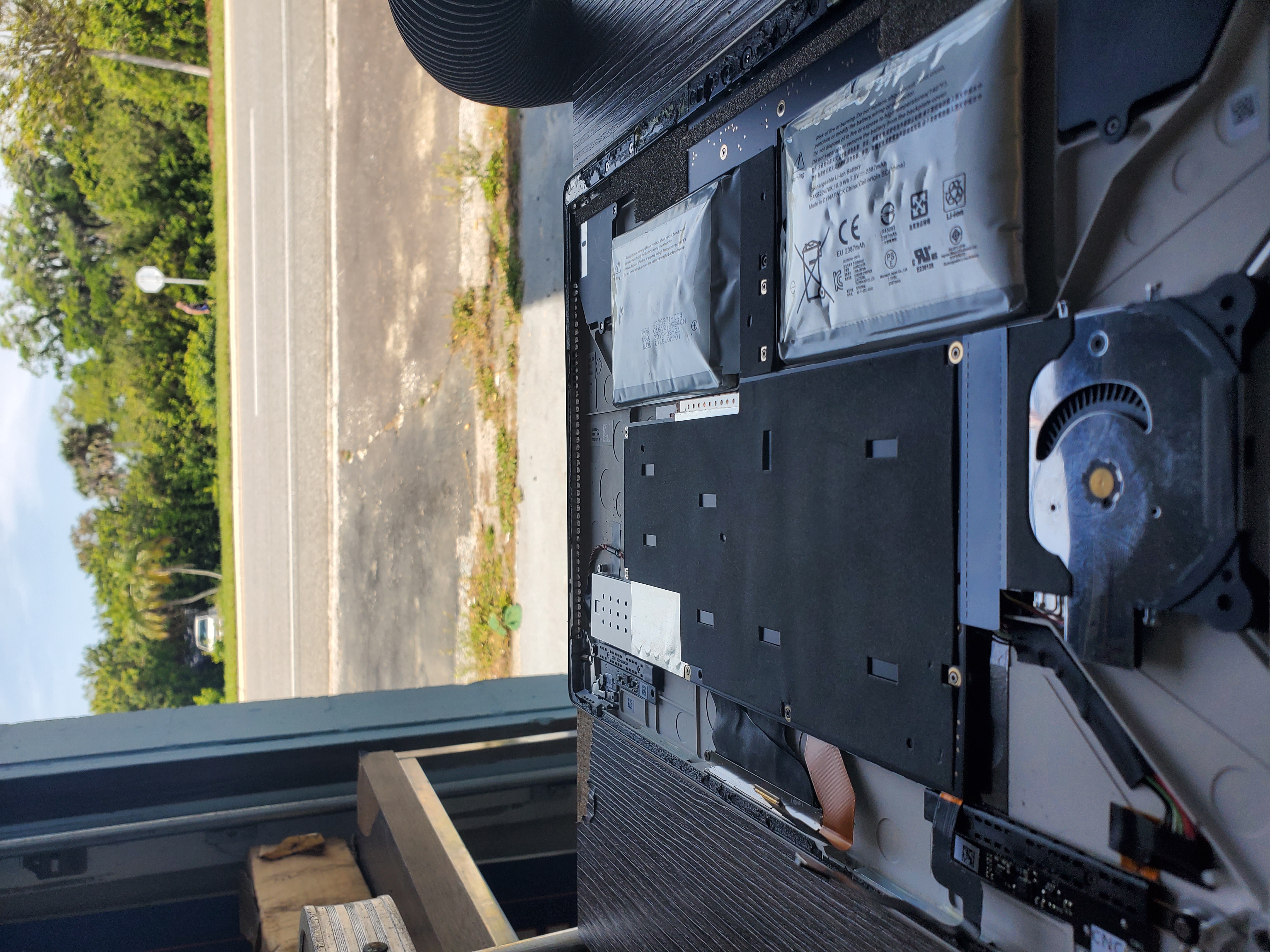
Surface Pro 3 batteries can die, bulge, and lose charge rapidly. Our careful battery replacement process involves removing the screen, safely extracting the old battery, and reassembling the device to ensure optimal performance.

At TDR, we tackle some of the most complex Microsoft Surface repair challenges—from Surface Pro 6 to Pro 3. Our expertise and attention to detail ensure that your device is restored to peak condition. For more information or to get started, please click the "Start A Repair" button above.
Most Popular Microsoft Surface Pro Videos

We only guarantee 80% of the screens we open. These screens are some of the easiest to break. however, the motherboard was "repaired" and we are cur...
10K+

Stuck at the windows logo! This Microsoft surface pro repair is not easy. - YouTube

Duration: 00:00:56

53,516
This happens often on these devices. if the charger is oft wiggled. This causes small spikes in power, and can cause failure to the main power railcau...
10K+

MS Surface Pro 5 that doesn't charge. no light on charger. ( Model 1796 ) - YouTube

Duration: 00:01:00

35,076
the microsoft surface pro system is expensive and delicate. the most problematic issue is the screen removal. if done properly you still need to clean...
10K+

Microsoft Sufrace Pro 4 not charging, and no charger light - repair - YouTube

Duration: 00:01:00

34,331

Common Microsoft Surface Pro Repairs

No specific repair issues are listed for the Microsoft Surface Pro yet.

Please contact us or start a general repair request below.

Start a Repair Request

More Microsoft Surface Pro Videos

Surface Pro 5 SSD Data Recovery! Unfortunately Dead SSDs are impossible. Chip On Chip SSD Technology, Disassembled and reconstructed successfully. For...
10K+

First look on the surface pro 5 Chip on Chip SSD repair-ability (data recovery) - YouTube

Duration: 00:01:00

11,328
Motherboard damage is imminent... and in this case this board needed some work when he left the battery bulging in the device for too long using it!SU...

Once batteries bulge up you need to replace them! ASAP #shorts #surfacepro - YouTube

Duration: 00:00:45

8,423
Customer opened Microsoft Surface Pro 4 on his own trying to repair it, and ended up causing more issues. For more information on getting your Microso...

Microsoft Surface Pro 4 previously fondled... #shorts - YouTube

Duration: 00:01:00

7,684
standard battery repair and incomplete video. sorry guys. lol it's tough to do repairs and take videos and remember you were doing one! for more infor...

Microsoft Surface Pro 5 Battery replacement - YouTube

Duration: 00:00:36

6,794
This one definitely taught us and the team a lot. one of the many ways the ms surface Pro CPU can die. first, it's the fuse on the 8v line then the...

I can't repair them all, but I'll try! Microsoft surface pro 4 repair attempt... #shorts - YouTube

Duration: 00:01:00

5,250
Quick repair0:00: Surface Pro 70:12: Update has a Problem0:21: Screen on0:33: Transferred the touch controlFor info on our Surface Pro repairs visit:...

Surface Pro 7 - shattered screen 😴 #shorts #youtubeshorts #short - YouTube

Duration: 00:00:41

4,870
Just as the title suggests we replaced the faulty battery. And screen in this case. For more information on our services visit https://techdevicerep...

Surface pro 4 bulging battery replacement - YouTube

Duration: 00:00:59

4,099
it went from a simple battery replacement to having it being sent to TDR for repair for a no power issue.for more information on our surface pro repai...

DIY repair fail. Surface Pro systems are not for the novice. - YouTube

Duration: 00:00:58

3,719
These blue cards are no longer on the market!But they are the perfect size and hardness for removing the Surface Pro Screens! Enjoy. and please suppor...

Sharing a small trade secret, how to remove the surface pro screen... #bluecard - YouTube

Duration: 00:00:28

3,411
due to reparability issues with the structure of this device we are unable to extract the motherboard. For more information on MSD Surface pro repairs...

Microsoft Surface Laptop with a serious problem.. - YouTube

Duration: 00:00:53

3,150
Broken Screen, and it doesn't Power on! Can we fix it? find out and leave a comment...For more information on surface pro repairs visit: https://www...

Completely dead Surface Pro, Can we fix it? - YouTube

Duration: 00:00:56

2,979
For more information on our Microsoft Surface Pro repairs visit : https://www.techdevicerepair.com/microsoft-surface-pro-repair-service/SUBSCRIBE: htt...

Surface Book Bulging Battery & Discolored Screen. Fixed. - YouTube

Duration: 00:00:54

2,934
Yea they come bad sometimes. 1 battery is not enough to test a no power when unplugged issue. For more information about our repairs please visit http...

Bad Batteries Straight From Manufacturer - Surface Pro 4 - YouTube

Duration: 00:00:59

2,177
Surface pro 5 screen and battery replacementStraight forward. I hope you enjoy For more info on our repairs please visit https://techdevicerepair.com...

Surface pro 5 screen and battery replacement... - YouTube

Duration: 00:00:59

1,645
No lie the tiktok app coming from sleep mode goes blank to my drafts. and all i have is the first 36 seconds! boohooo.. it might be a hack through th...

Surface Repair, Video cut, Tiktok hacked! - YouTube

Duration: 00:00:44

1,230
Fast, quick, and dirty. LeggoFor more information on our repairs please visit https://techdevicerepair.com/microsoft-surface-pro-repair-service/

Surface Pro 3 Screen replacements - YouTube

Duration: 00:00:59

978
No 3 volts, 5 V on 0 V line. Leak. Replace the chip! form ore information on our surface pro repairs visit:https://techdevicerepair.com/microsoft-surf...

Surface Pro Not powering on, completely dead. (Fixed) - YouTube

Duration: 00:01:00

964

Microsoft Surface Pro Photo Gallery

Ready to Fix Your Microsoft Surface Pro?

Don't wait! Get a fast, reliable repair from our expert technicians. Click below to start the process online.

Start Your Repair Now
Repair service guide

Choose the right path before you ship.

Tech Device Repair provides component-level electronics repair through nationwide mail-in service, local drop-off partners, and limited On-the-Go service around Port Orange and Daytona. Use this guide to understand diagnosis, pricing, shipping, payment, warranty coverage, and customer support before starting an intake.

Start with the device model, the symptoms you can observe, and the service route you prefer. Useful details include whether the device powers on, whether video or charging fails intermittently, whether a connector is loose or physically damaged, and whether another shop has already worked on the board. Clear symptoms help TDR support route the request without guessing at a diagnosis.

The online intake creates a support record so the customer, the repair request, and later updates stay connected. It does not promise that a specific part is the cause. A console with no video may need an HDMI connector, filter, encoder, power rail, or board-level diagnosis. A laptop that will not charge may have a damaged port, cable problem, battery issue, or motherboard fault. The lab confirms the repair path after inspection.

Use the repair intake for a new device. Use TDR support when you already have a case, need help choosing a catalog service, or have a question about an existing repair.

Nationwide mail-in service is available throughout the United States. After opening an intake, package the device securely and follow the shipping instructions provided by TDR support. Remove loose accessories that are not required for diagnosis, protect protruding ports, use sufficient padding on every side, and choose a box that prevents movement. Customers pay shipping to and from the repair facility unless a written service term says otherwise.

TDR also works with independent drop-off partners. A drop-off location receives the device and helps move it into the repair process; it is not necessarily the laboratory that performs component-level board work. Check the location directory for the current address, directions, available services, and location-specific instructions before traveling.

On-the-Go repair is a local service around Port Orange and Daytona for eligible devices and repairs. Availability depends on the work, route, and schedule. Some faults require lab equipment and cannot be completed in the truck. TDR support will confirm whether mobile service, local drop-off, or mail-in service is appropriate for the reported problem.

TDR focuses on faults that often require soldering, connector replacement, trace repair, circuit testing, or board-level rework. Common services include PlayStation and Xbox HDMI port repair, Nintendo Switch charging-port work, laptop HDMI and charging-port replacement, damaged fan connectors, no-video diagnosis, and motherboard repair. Browse the service catalog for currently published repair options and prices.

A catalog service describes a known repair path, but the reported symptom remains the starting point. Physical damage, liquid exposure, previous repair attempts, missing pads, torn traces, damaged chips, and multiple simultaneous failures can change the work required. The device is inspected before the repair is represented as complete. When the reported fault does not match a published service, TDR may require diagnostic review before confirming a price.

The no-fix, no-repair-labor policy means repair labor is not charged when TDR cannot successfully repair the reported fault. Shipping, diagnostic items expressly approved in advance, parts already authorized, or other written non-repair charges may still apply. Review the service agreement for the terms governing a particular order.

Published catalog prices are starting points for the named service and device. An invoice can include the repair service, outbound shipping, applicable tax, and any separately approved work. TDR support should explain material changes before charging for a different repair path. Customers should rely on the current TDR invoice rather than an amount copied from an older message or an external ticketing system.

Online checkout uses PayPal for supported card and PayPal payments. A payment link is associated with one TDR invoice and should not be reused after that invoice is voided or superseded. TDR can also record an approved manual payment method, such as cash, against the invoice with an audit trail. The invoice status and payment ledger—not the support ticket—are the source of truth for whether TDR has been paid.

Do not send card numbers, account credentials, or other payment secrets through support chat, email, or intake notes. Use the secure checkout attached to the active invoice. If an amount or invoice number appears inconsistent, contact TDR before paying so support can verify the current order.

TDR customer support is connected through CCC, the system that helps the support agent recognize the customer and keep phone, SMS, email, web intake, and ticketing activity attached to the correct case. The support ticket is a communication tool; it is not the invoice, payment record, or repair record. TDR owns the catalog, order, invoice, payment, shipping, and repair facts for this business.

When you contact support about an existing repair, provide the current TDR invoice number or the support reference shown in your confirmation. Avoid opening multiple intakes for the same device and fault unless support asks you to do so. Duplicate requests make it harder to keep messages, shipping information, and repair decisions in one place.

A returning customer can have more than one case over time. A later laptop repair should not overwrite an earlier PlayStation repair, and an external ticket number should not become the customer identity. This structure lets TDR support understand the relationship without mixing separate devices or jobs.

After a successful repair, TDR records completion and coordinates the return method. Mail-in devices are normally shipped back using the address associated with the order. Local devices may be returned through the applicable pickup or drop-off process. Confirm address changes with support before return shipping begins.

Successful repairs include a 90-day warranty on parts and the repaired issue plus a 2-year guarantee on labor and workmanship, subject to the service agreement. Coverage does not turn every later device problem into the same repair. New impact damage, liquid exposure, unrelated faults, tampering, and damage outside the completed work may require a separate case and diagnosis. Contact support promptly if the repaired symptom returns.

Keep the invoice number and describe what changed after the repair. TDR can compare the current symptom with the completed work and determine the next step. Do not send the device without a current support instruction, because the correct route and shipping details may differ from the original order.