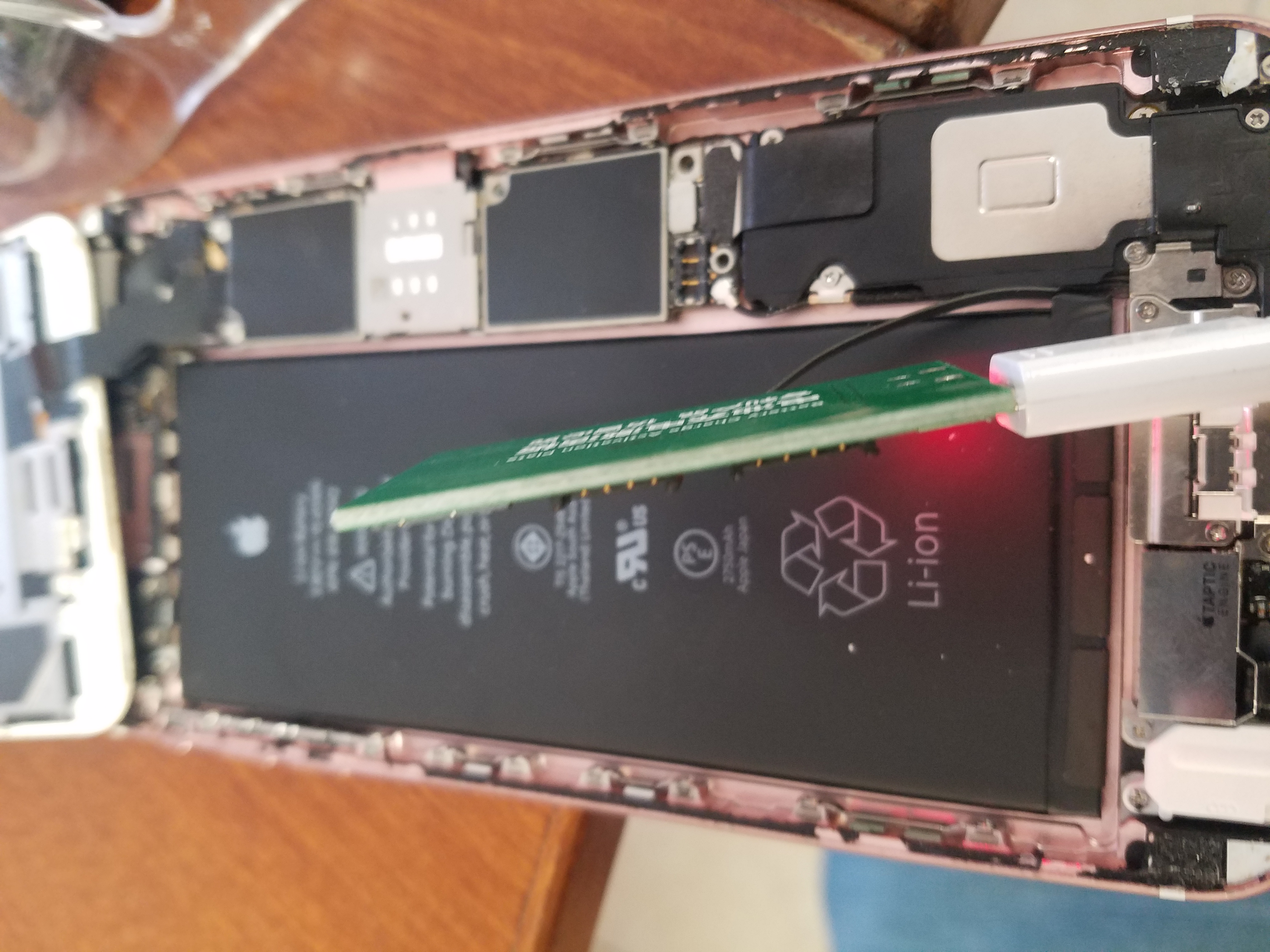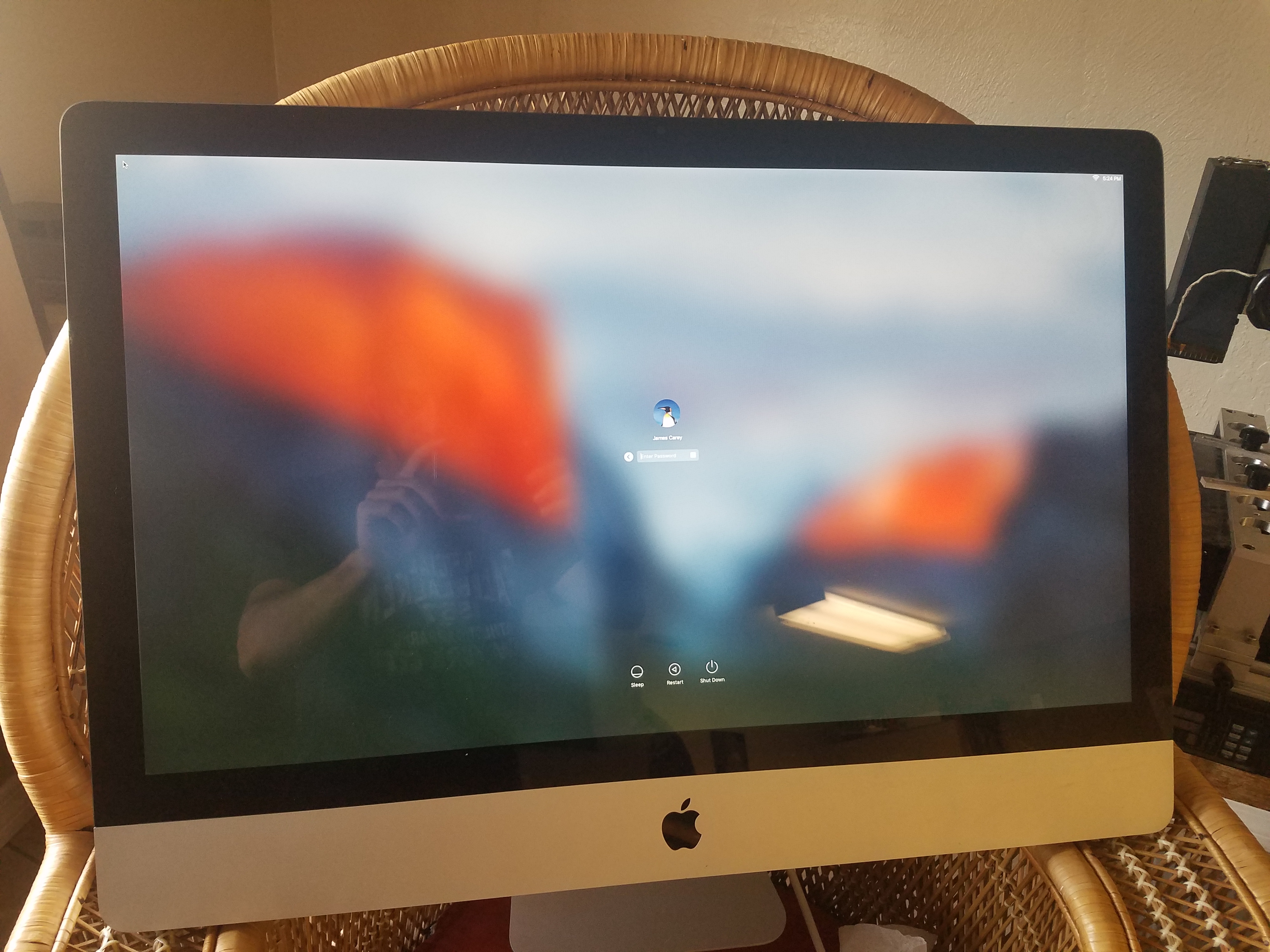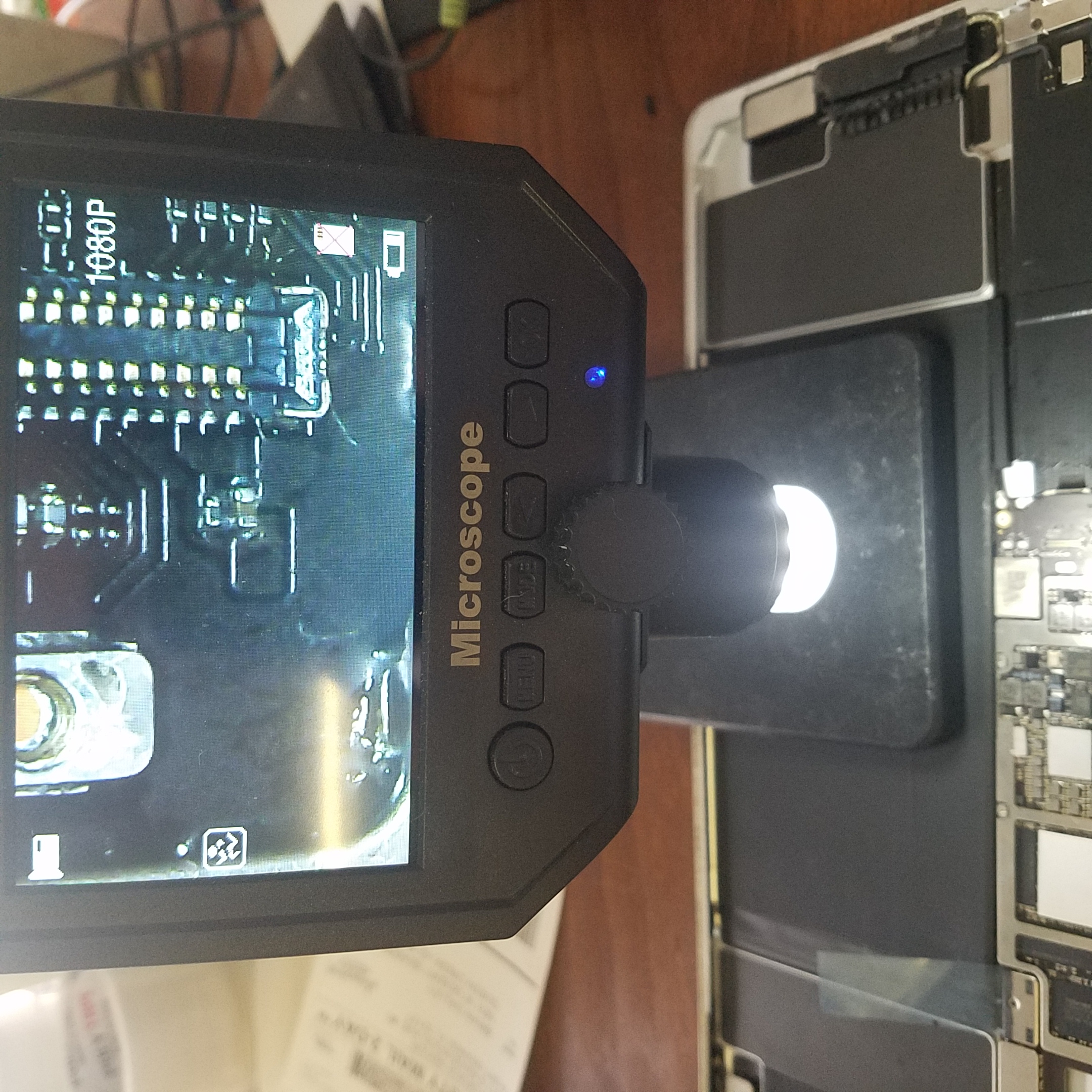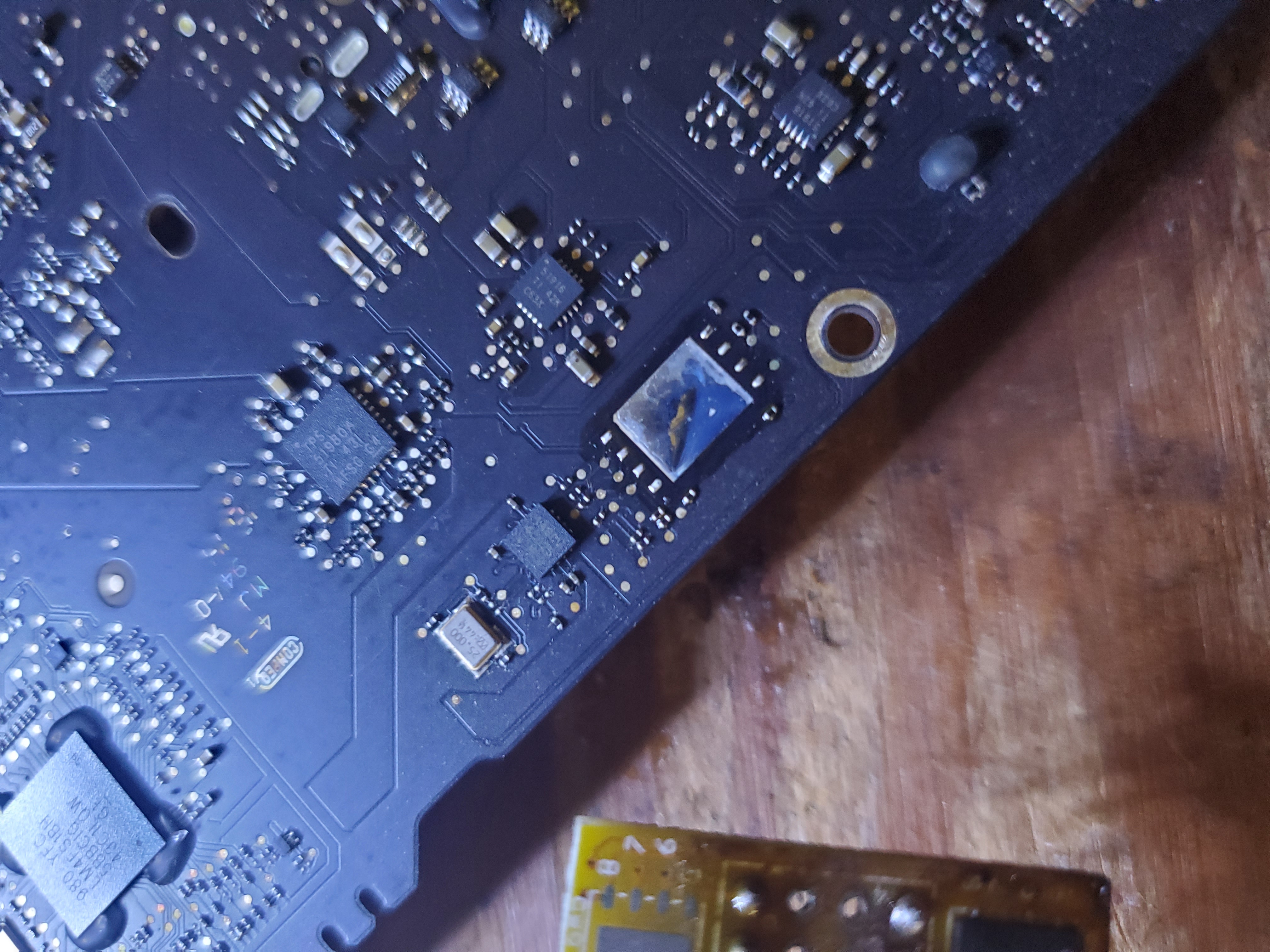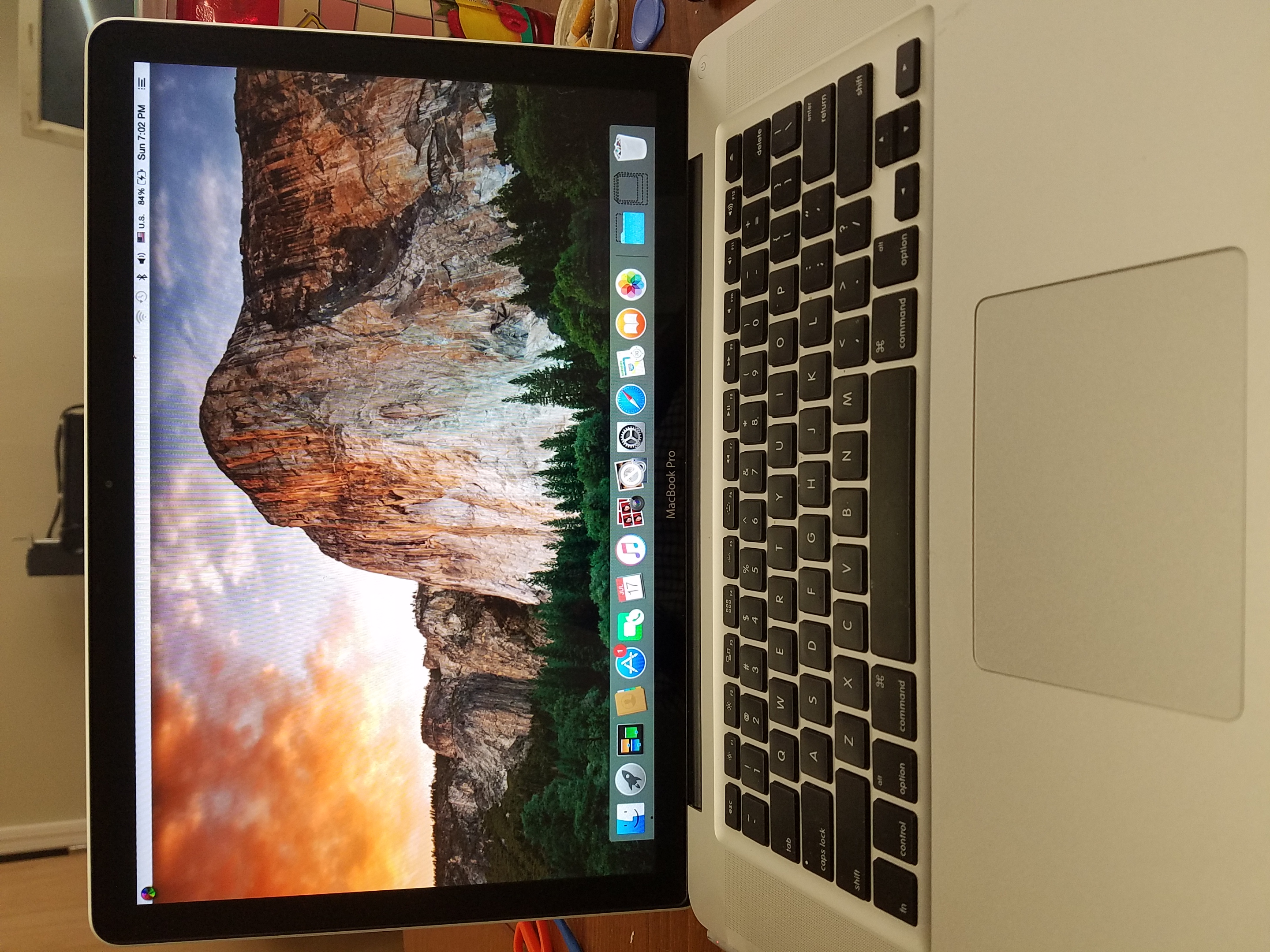
Apple Devices Repair Services

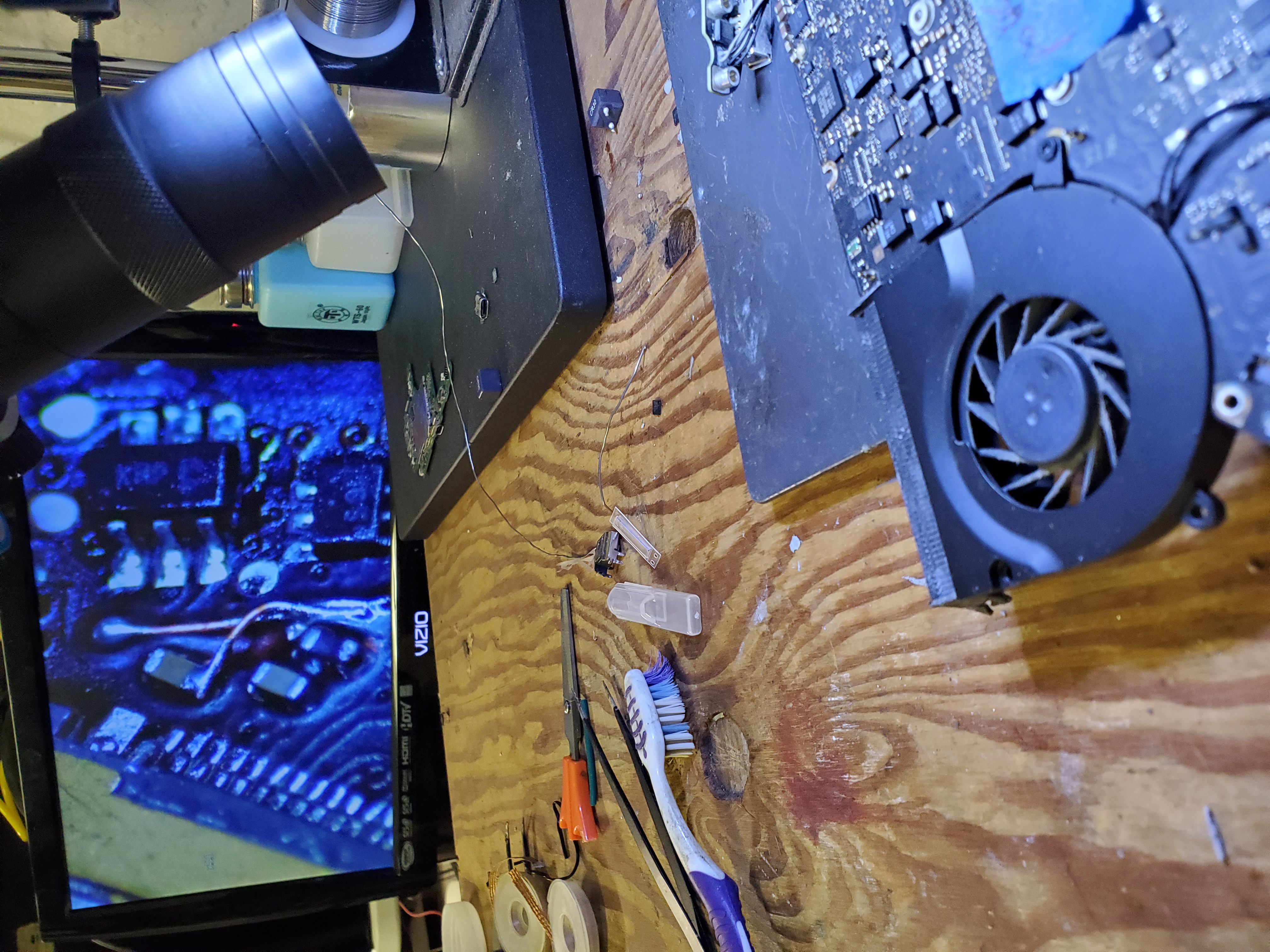
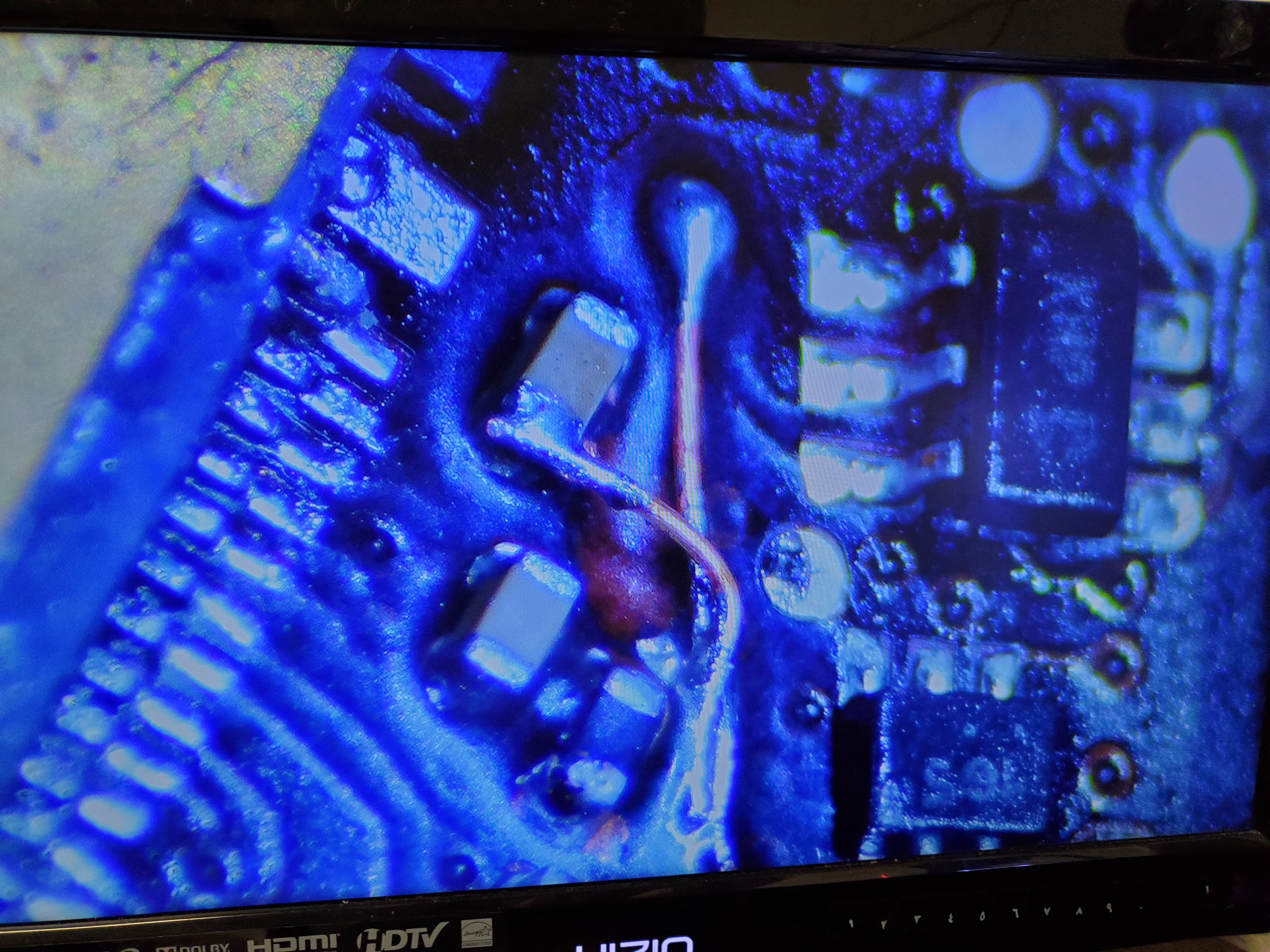
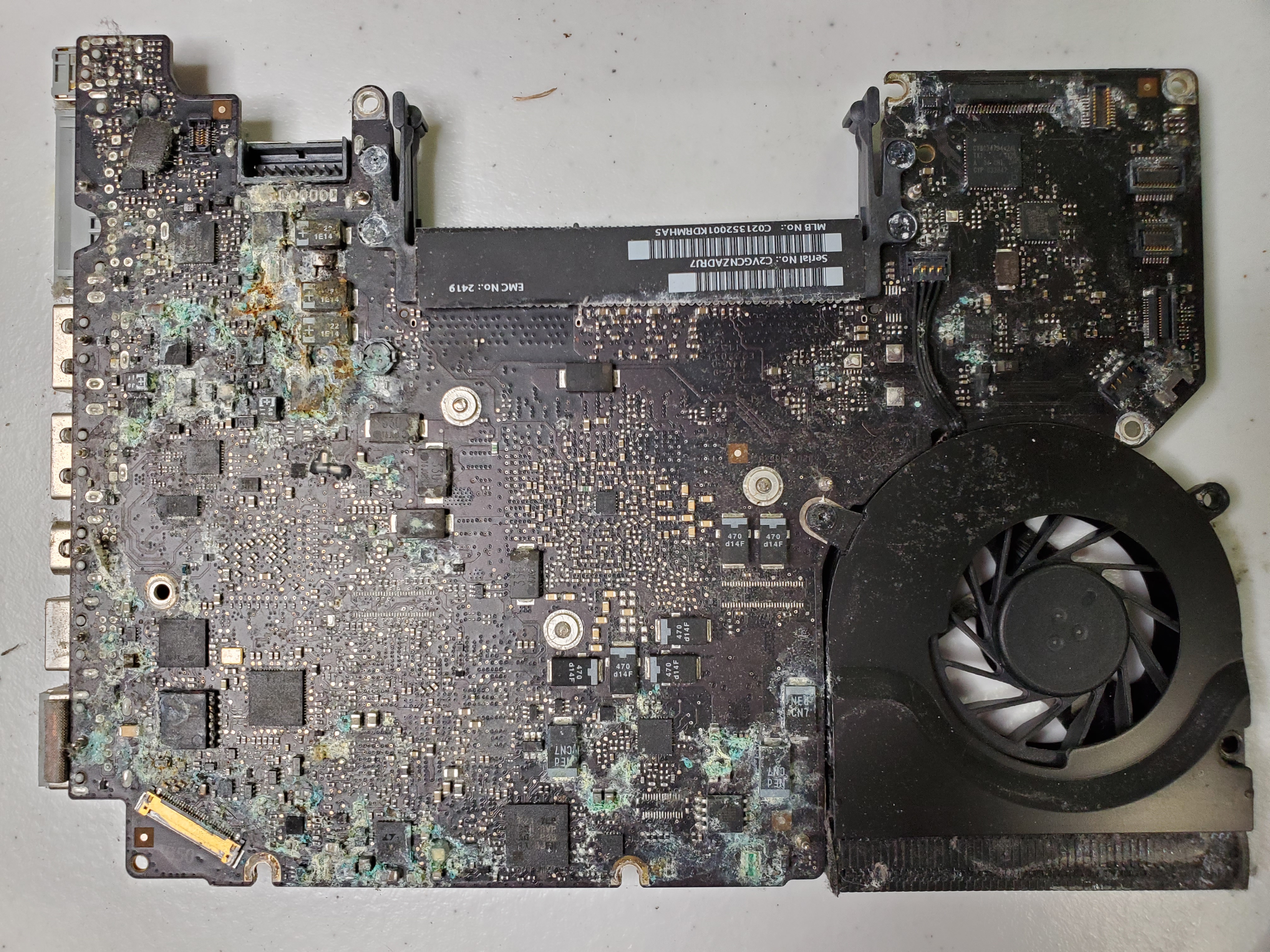
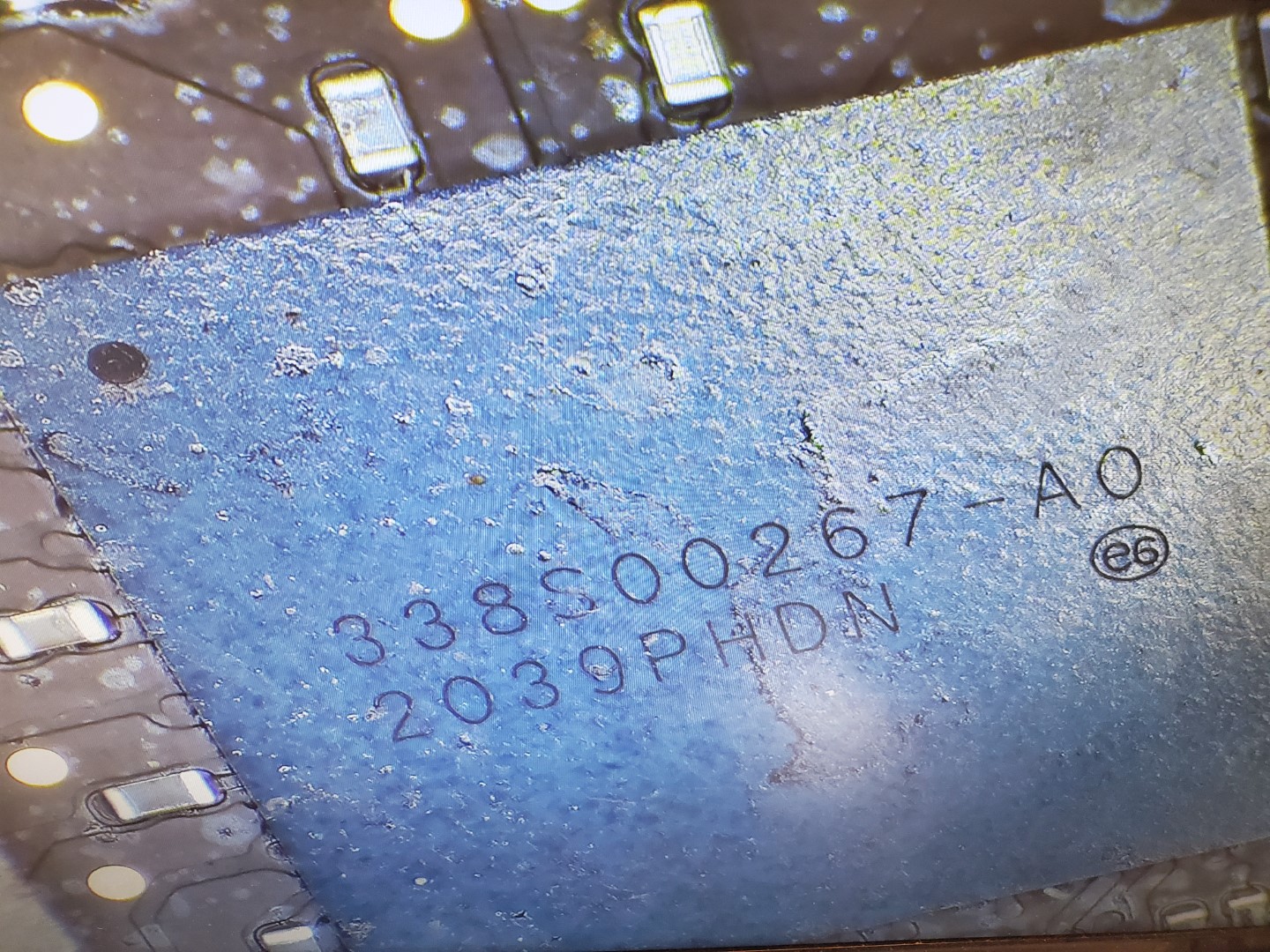
We do not fully support apple products however we do motherboard repairs in bulk upon request for certain chips and modules. Inquire by starting a repair. You must be a technician or advanced DIYer

Apple / Mac / iMAC Repairs & Help

Expert Repair Services for all Apple Macintosh Systems and OSX Versions

Call us today to consult regarding your Apple product problems.

Our Services

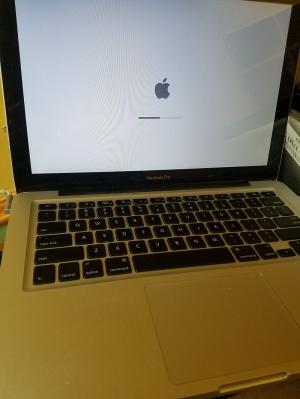
We all love our Apple Macintosh products – they are elegant, user-friendly, and remarkably secure from viruses most of the time. However, when issues arise, only a true expert can help. At our repair center, we handle repairs for all Mac and Apple systems, supporting every version of OSX. Since 1999, our dedicated team has been providing top-notch repair services for MacBooks, iMacs, and other Apple devices.

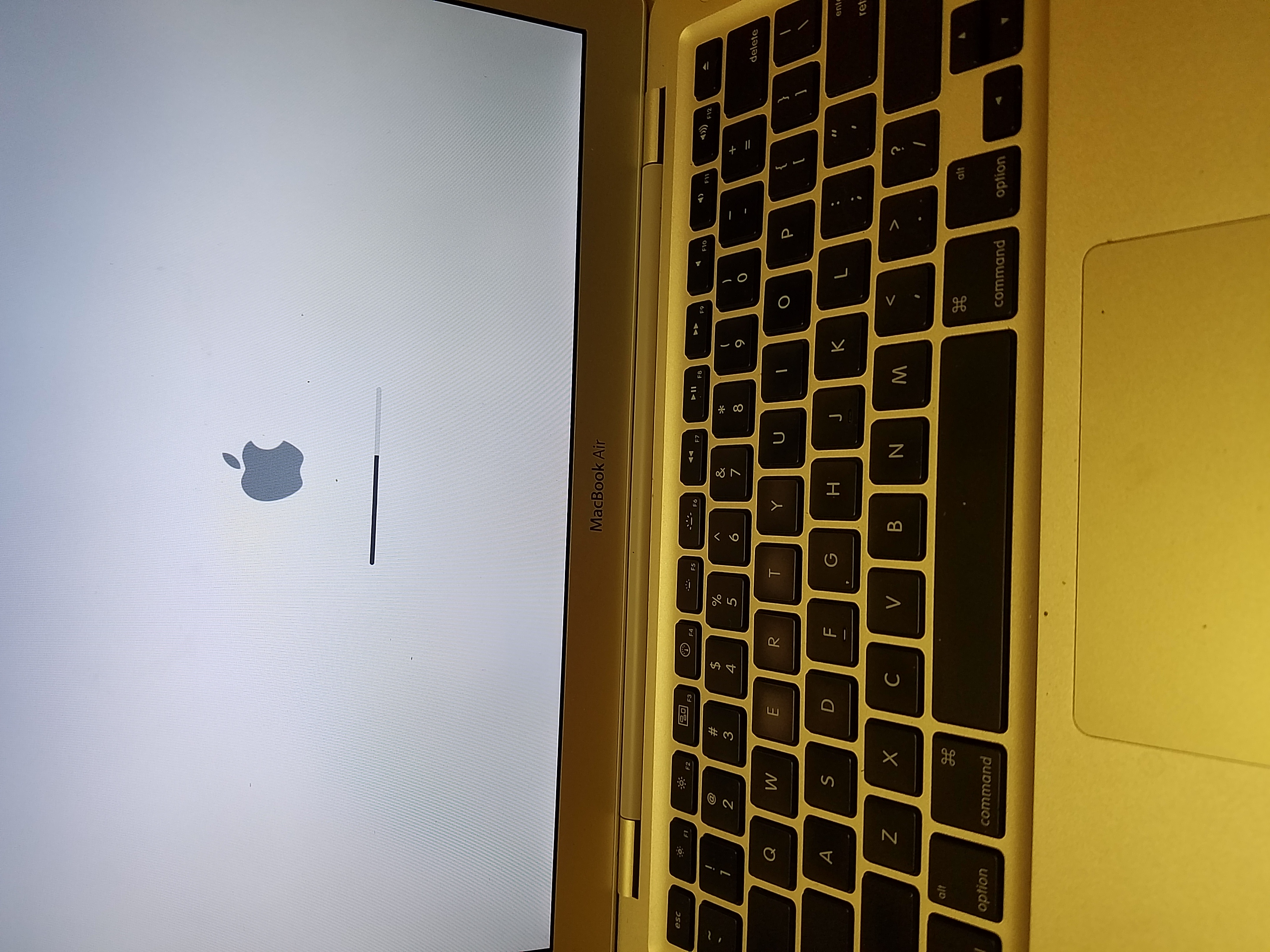
MacBook Repair Services

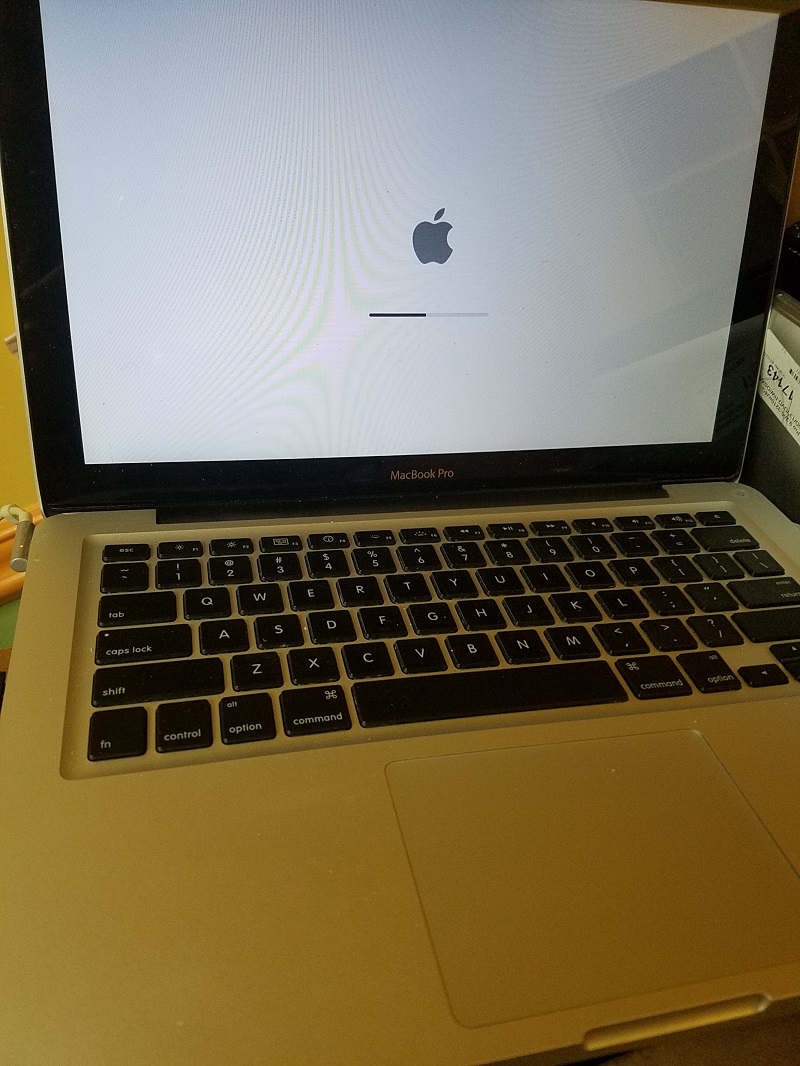
We have been repairing MacBooks since 1999. Whether it’s a broken screen, faulty keyboard, or a logic board that’s seen better days, our experienced technicians provide expert repair and advice.

MacBook Broken Screen LCD Replacement

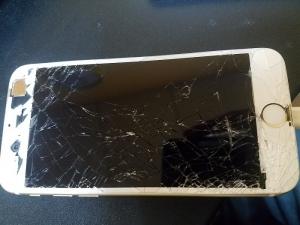
Accidents happen – sometimes you’re lucky, and sometimes your MacBook ends up with a shattered screen or damaged LCD. We offer the best quality replacement screens for MacBook Air, MacBook Retina, MacBook Pro, and MacBook Mini models to get you back to work in no time.

MacBook Keyboard Replacement

Whether a key has fallen off or the entire keyboard has taken a beating, our repair service is the most reliable and affordable in the USA. We provide extensive keyboard repairs and replacements for all MacBook models – Air, Retina, Mini, and Pro – so you never have to worry about a broken keyboard again.

Advanced Hardware Repairs

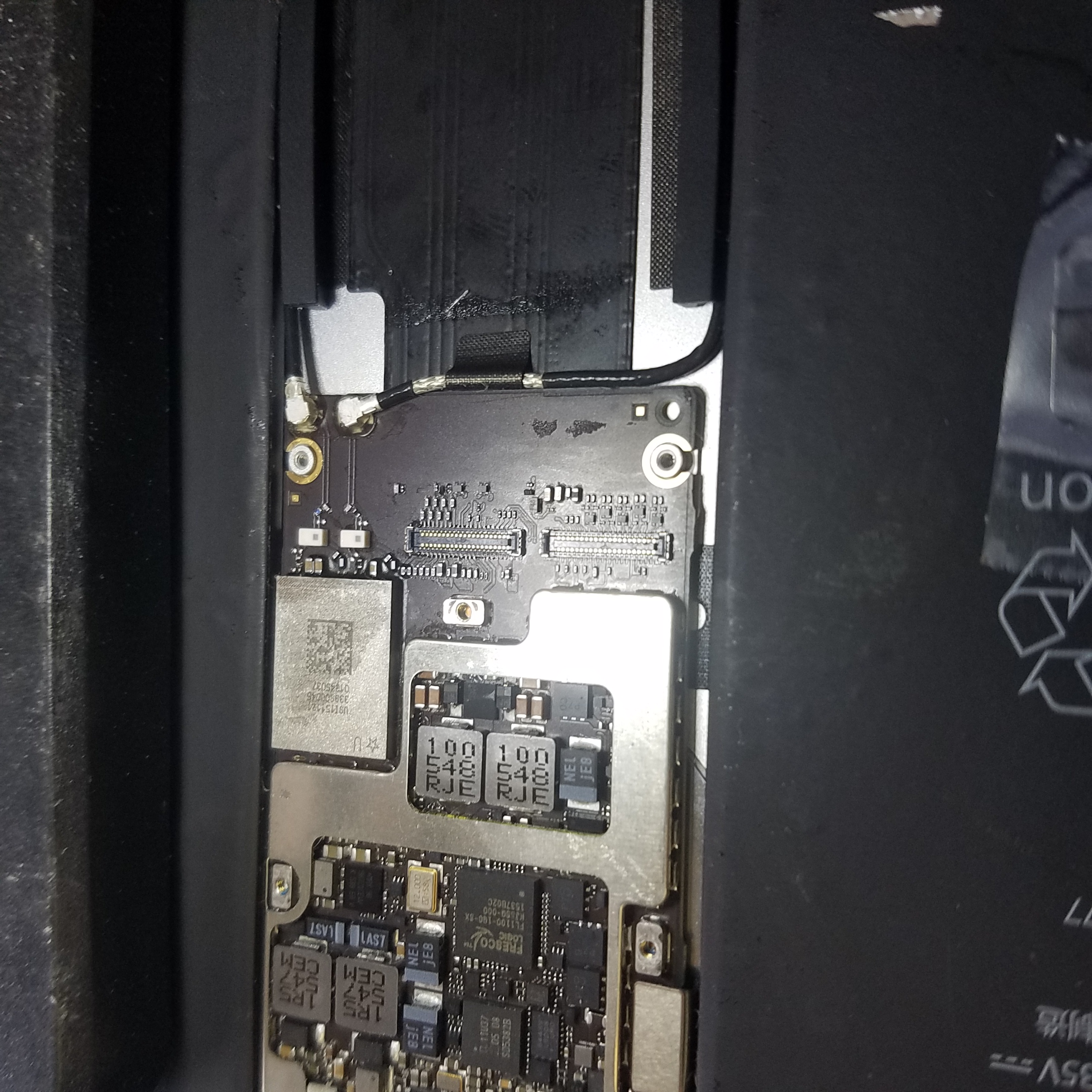
MacBook Logic Board Repair

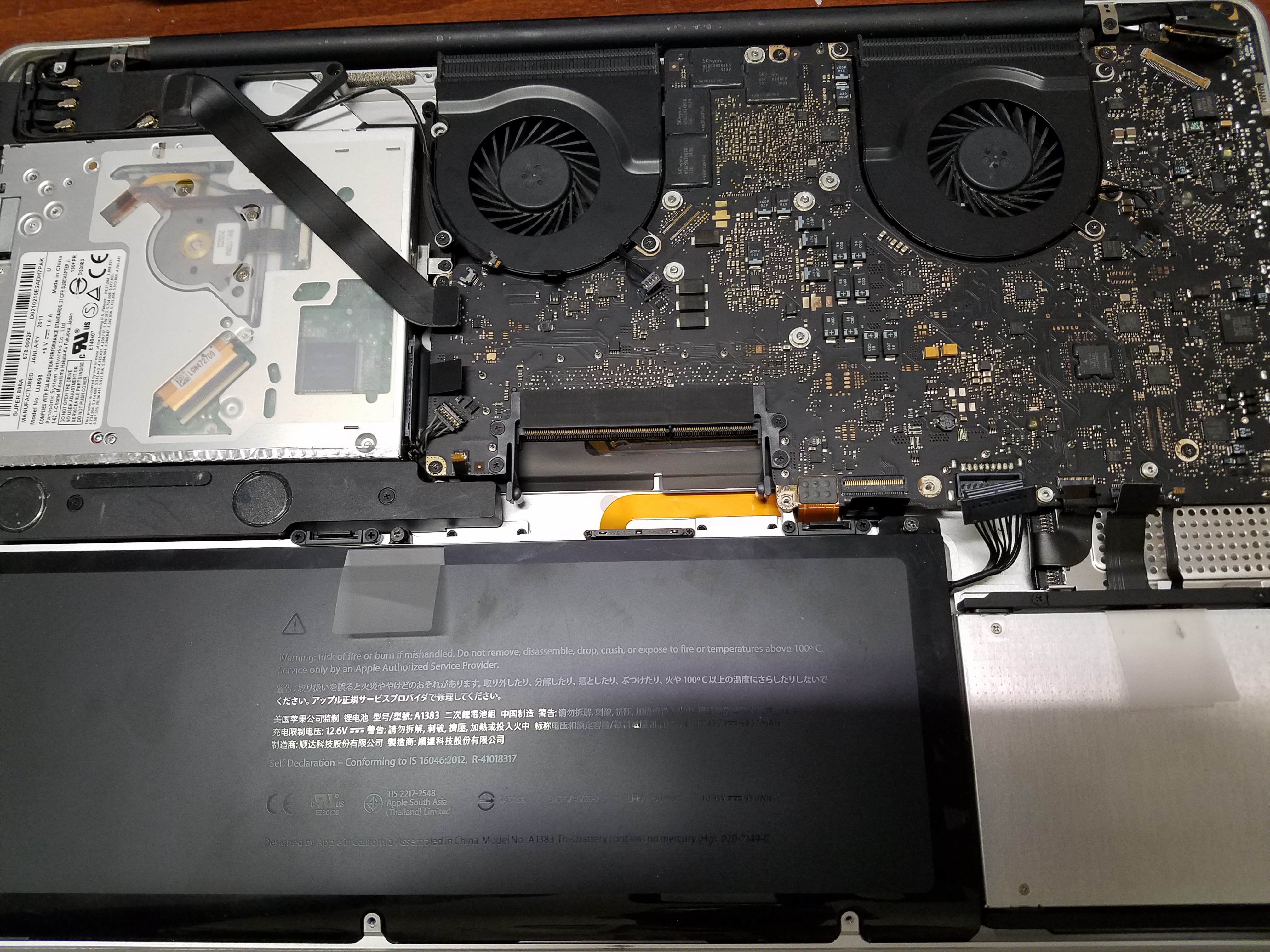
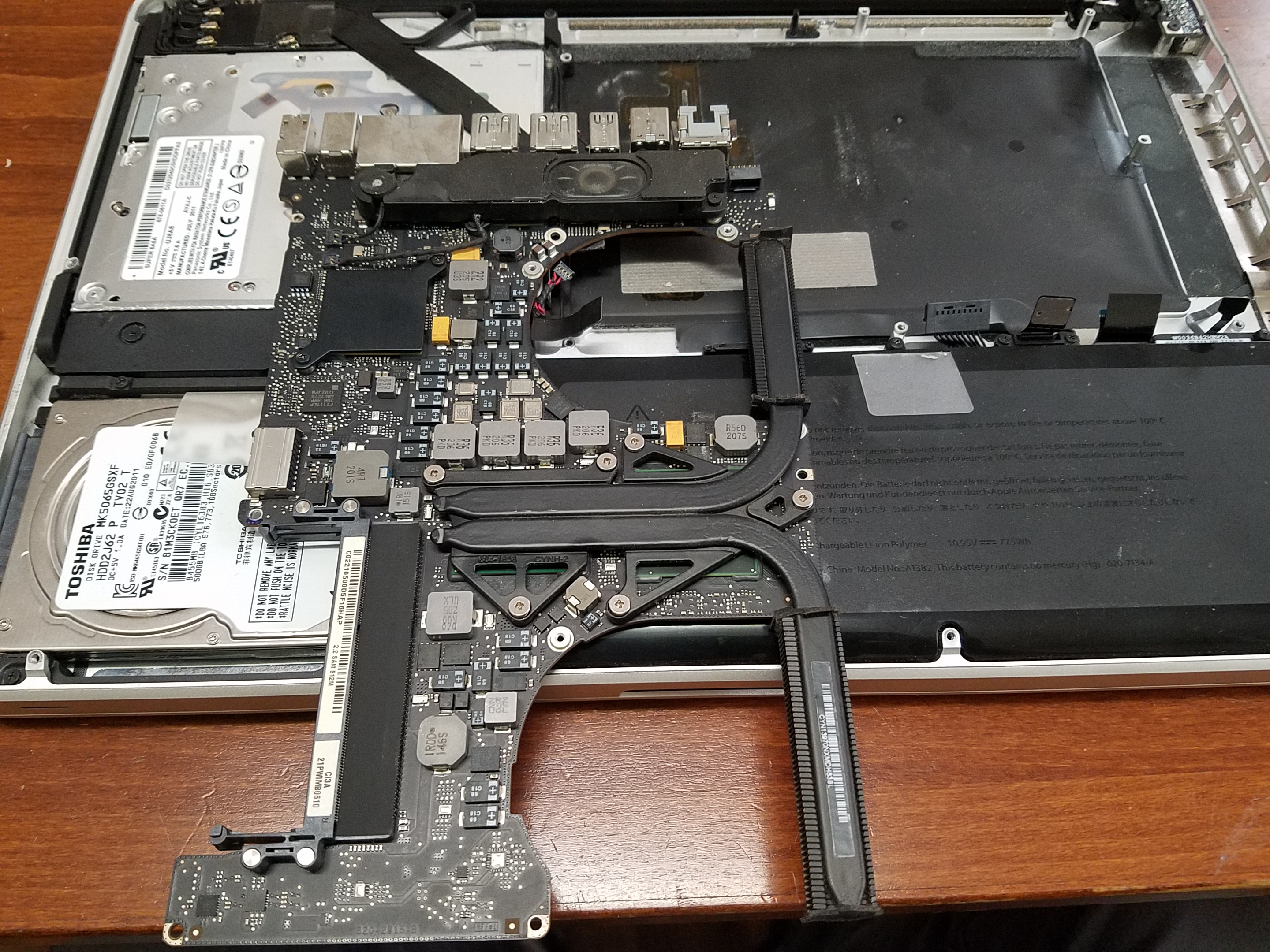
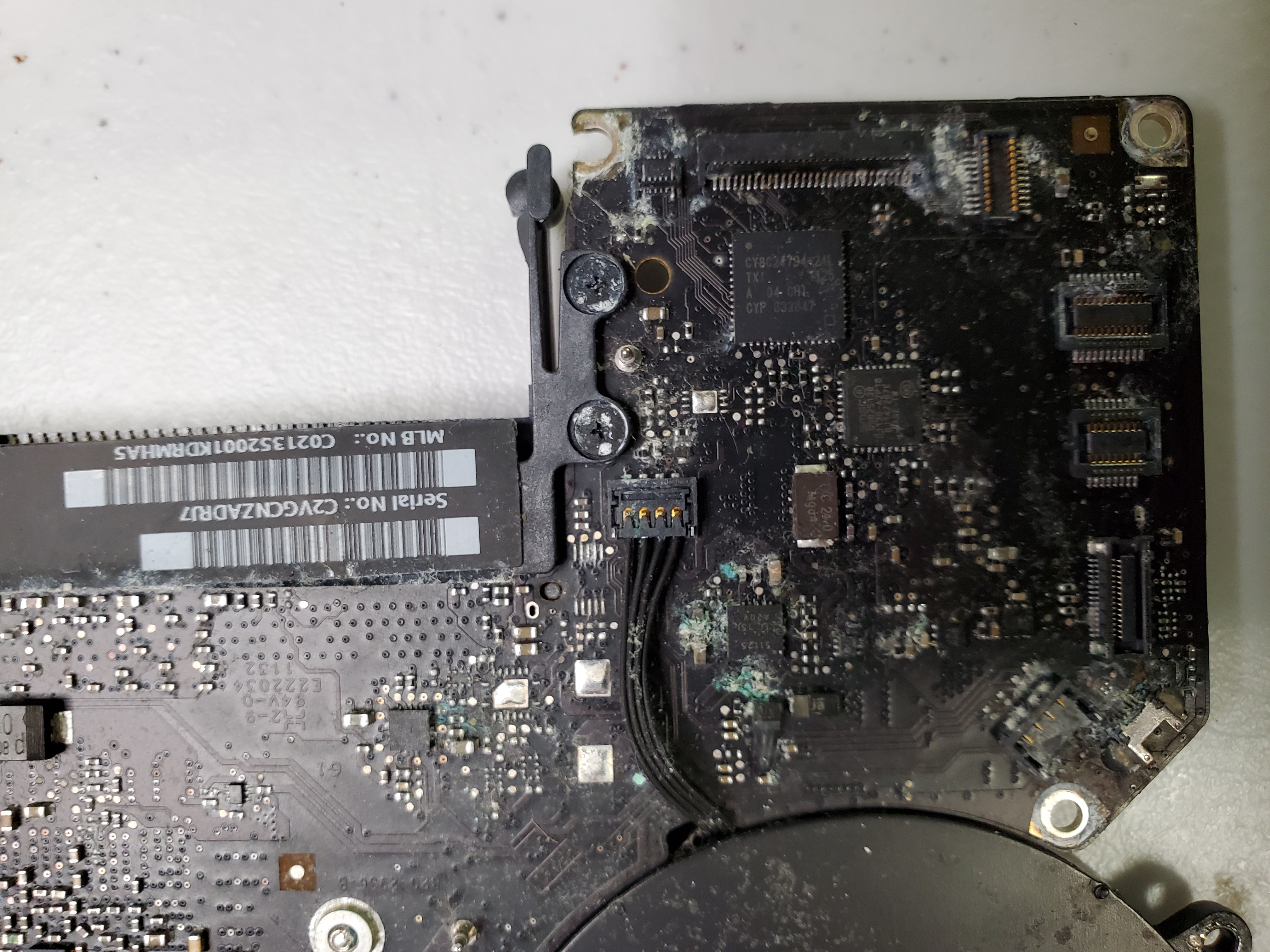
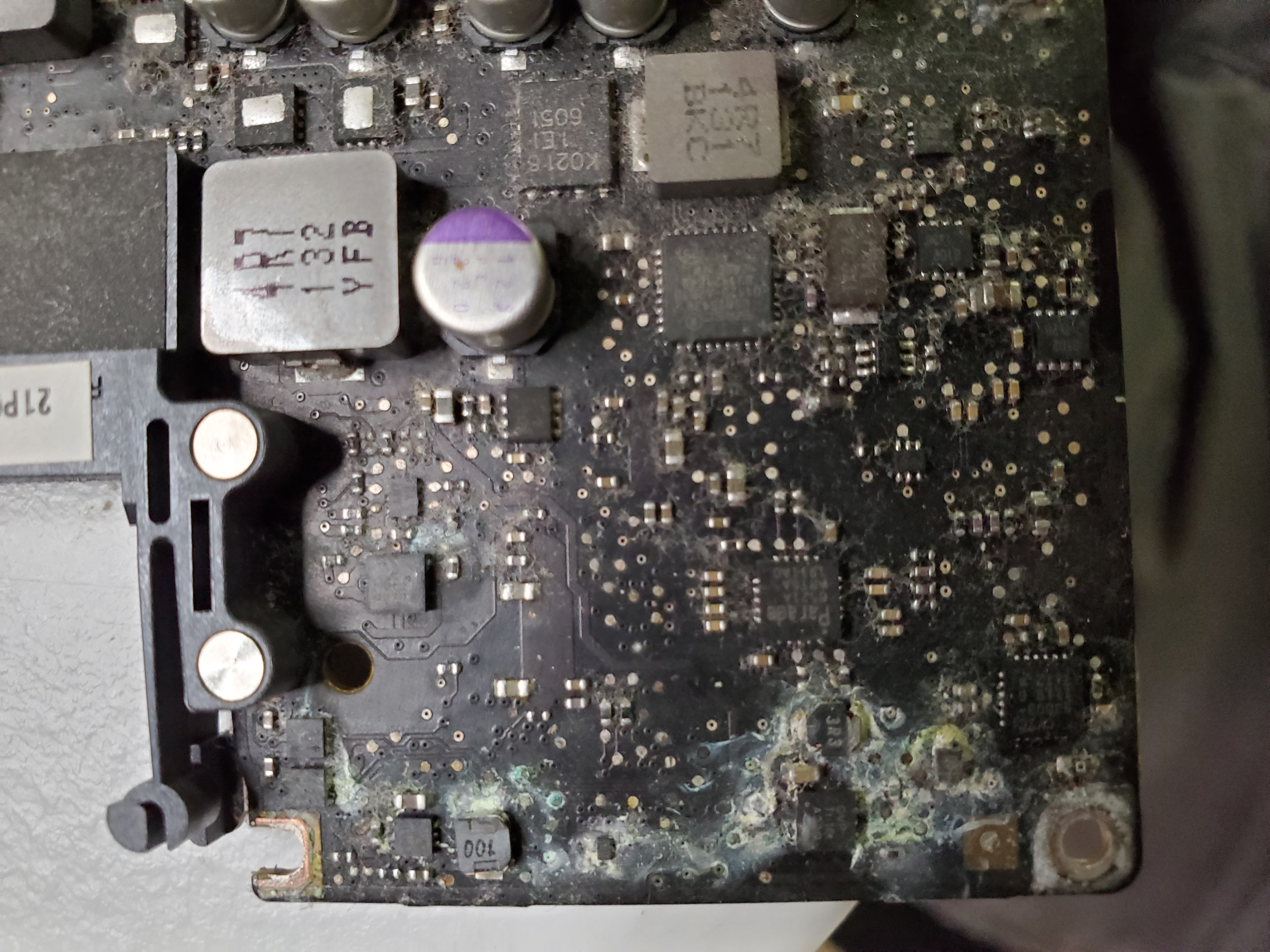
Tired of getting quoted exorbitant prices from Apple for a new logic board? We can repair your existing logic board for under half the cost. Our team expertly handles issues caused by overheating, faulty components, or worn-out connections.

Mac GPU, Memory & CPU

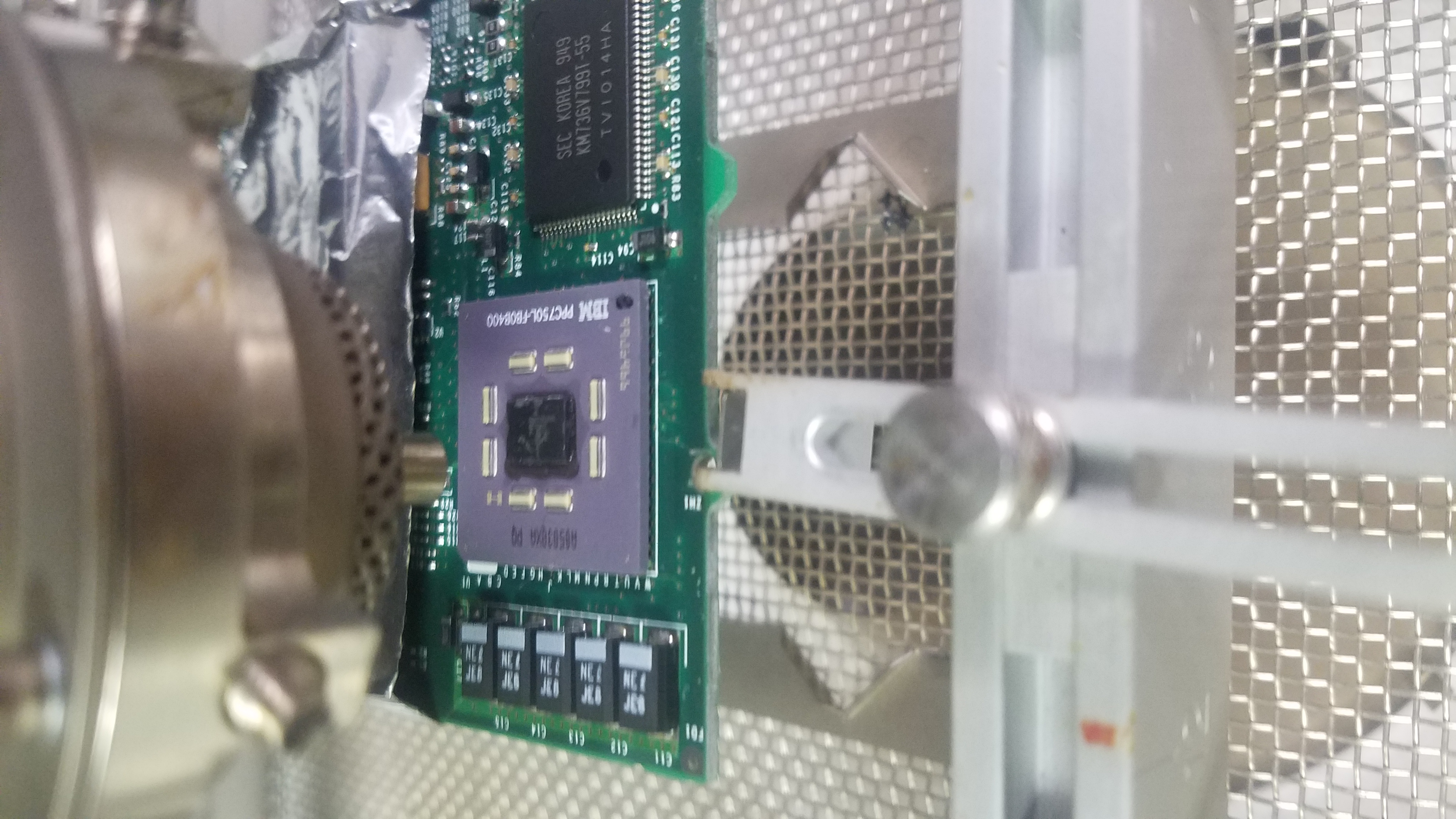
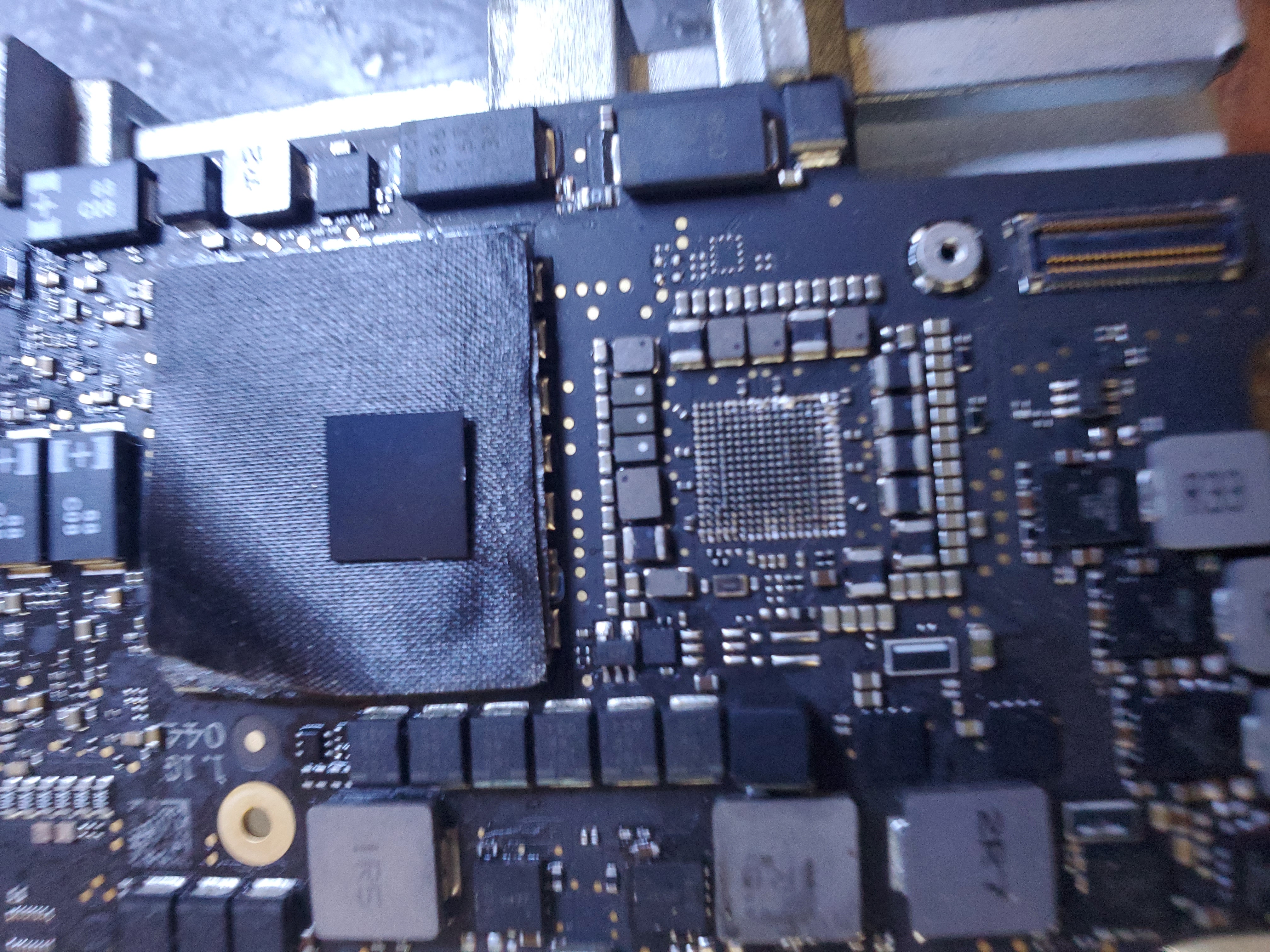
The GPU is often the most problematic chip on a Mac’s motherboard, leading to power issues and boot failures. Board memory can overheat with continuous use, and although CPU problems are rare, our technicians are prepared to tackle them with precision.

Software-Related MacBook Issues

  • Slow or Freezing Performance (may require cleanup or memory upgrades)
  • WiFi Connectivity Problems (we even repair Apple routers and switches)
  • No Shutdown – often a virus alert
  • Bluetooth or Sound Issues
  • Insufficient Hard Drive Space
  • Mac OSX Update and Installation Errors
  • Email Connectivity and Other Software Glitches
  • Virus Removal

Other Hardware-Related Issues

  • Charging and Charging Port Problems
  • Ethernet Port Issues
  • Failure to Power On
  • Memory Upgrades
  • Hard Drive Upgrades and SSD Installations

iMac Repair Services

In addition to MacBook repairs, we also offer comprehensive iMac services including memory upgrades, screen replacements, OSX cleanup, and speed optimization. Whether it’s a vintage iMac or the latest model, our expertise ensures your system runs smoothly.

Generations of iMacs We Repair

  • iMac G3, iMac G4, iMac G5
  • iMac (Intel Plastic)
  • iMac (Aluminum & Aluminum Unibody)
  • iMac (Slim Aluminum Unibody)
  • iMac (with Retina Display)

Common iMac Issues

  • Freezing Video and Sound Problems
  • Power Issues and Cracked Screens
  • Memory Upgrades

Supported Devices and Operating Systems

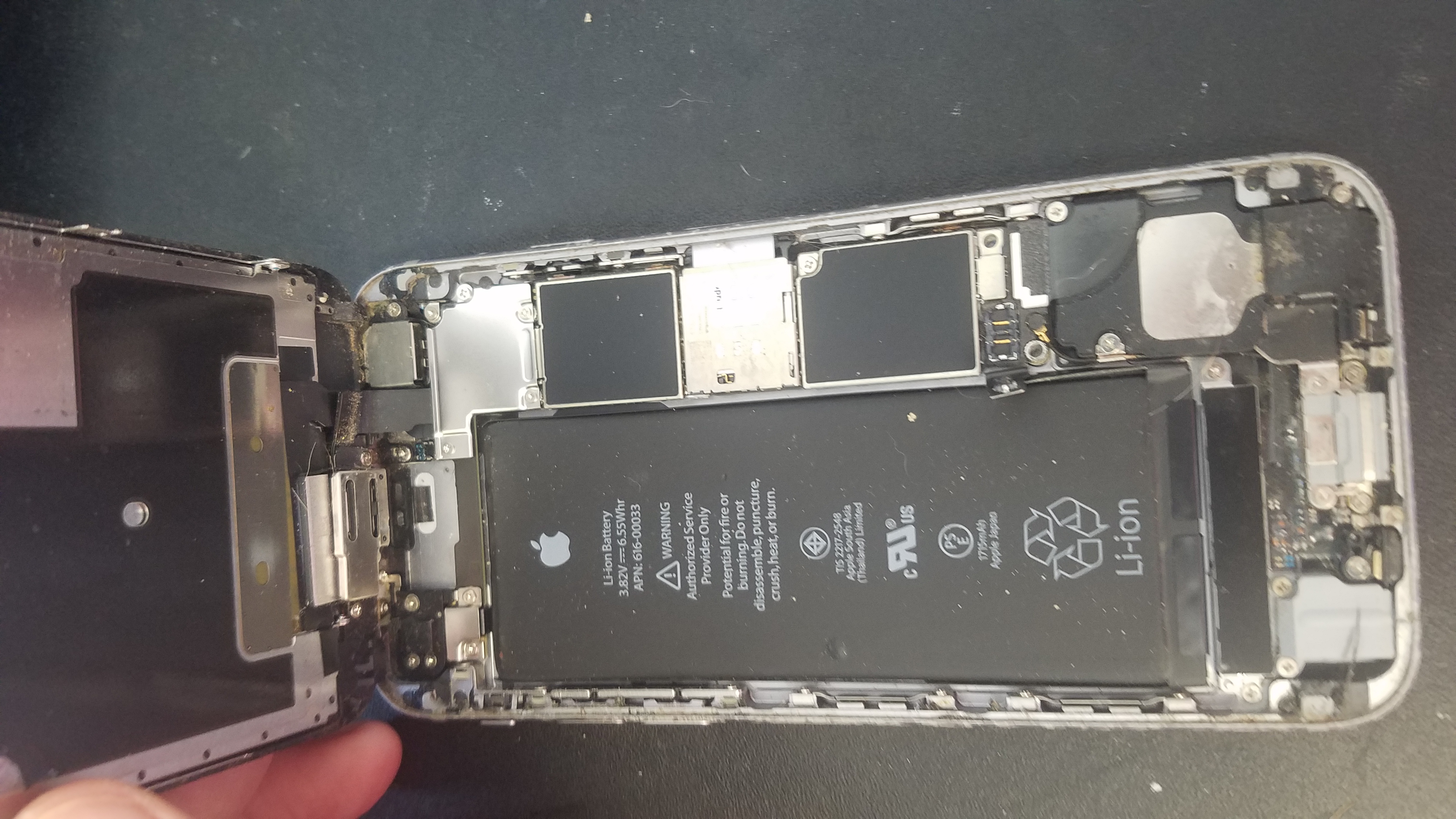
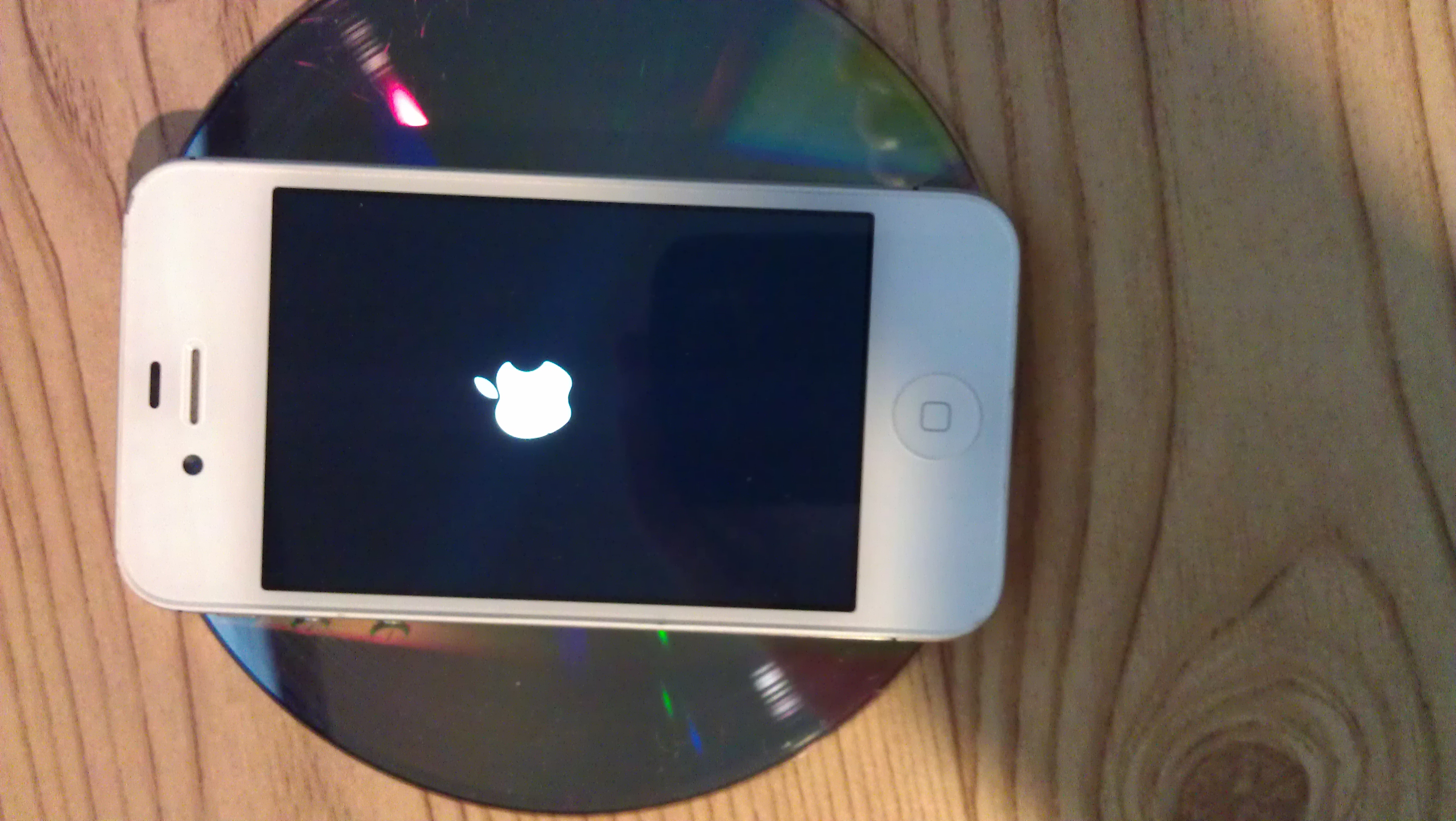
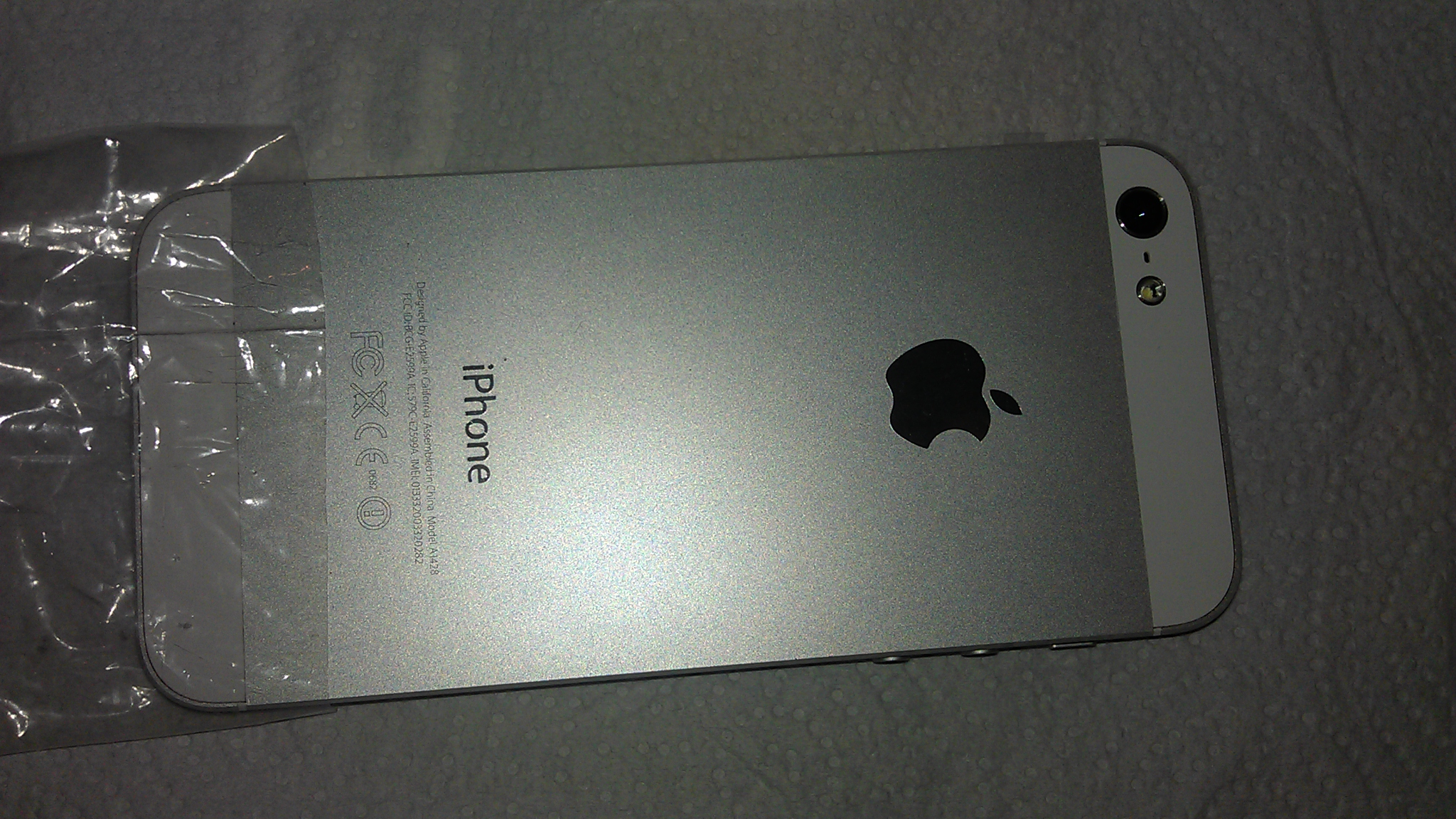
We support all Macintosh devices, including MacBooks, iMacs, iPads, iPods, and iPhones. We carry parts for all MacBook models (Pro, Air, Retina) and have honed our skills across a wide range of Mac operating systems.

Mac Operating Systems We Repair

  • OS X 10 beta: Kodiak
  • OS X 10.0: Cheetah
  • OS X 10.1: Puma
  • OS X 10.2: Jaguar
  • OS X 10.3: Panther (Pinot)
  • OS X 10.4: Tiger (Merlot & Intel: Chardonnay)
  • OS X 10.5: Leopard (Chablis)
  • OS X 10.6: Snow Leopard
  • OS X 10.7: Lion (Barolo)
  • OS X 10.8: Mountain Lion (Zinfandel)
  • OS X 10.9: Mavericks (Cabernet)
  • OS X 10.10: Yosemite (Syrah)
  • OS X 10.11: El Capitan (Gala)
  • macOS 10.12: Sierra (Fuji)

MacBook Models We Repair

  • MacBook Retina A1425 13" (Cracked Screen Repair)
  • MacBook Air A1370 11.6" (Screen Repair – 2010-2015)
  • MacBook Air A1466 13" (Cracked Screen Repair – 2012-2014)
  • MacBook Air A1369 13" (Damaged Screen Repair)
  • MacBookPro Unibody 15" A1286 (Matte & LED+Glass Screen Repair)
  • MacBookPro A1278 13" (LED and LCD/Glass Screen Repair)
  • MacBook Retina A1398 15" (Cracked Screen Repair – 2012-2014)
  • MacBook Retina A1502 13" (Damaged Screen Repair – 2013-2014)
  • MacBook Air A1465 11.6" (Screen Repair – 2012-2015)

MacBook Keyboard Models We Fix

  • MacBook Air A1369 13.3" (Keyboard Replacement – US Layout 2010-2012)
  • Apple MacBook Pro A1398 15" (Retina Model Keyboard Replacement – US Layout)
  • Apple MacBook Pro A1502 13" (Retina Model Keyboard Replacement – US Layout)
  • MacBook Air A1465 11.6" (Keyboard Repair – US Layout)
  • MacBook Pro A1425 13" (Retina Model Keyboard Replacement – US Layout)
  • MacBookPro A1286 15" (Keyboard Repair – US Only)
  • MacBook Air A1370 11.6" (Keyboard Repair – US Layout)
  • MacBook Air A1466 13.3" (Keyboard Replacement – US Layout 2010-2012)
  • Apple MacBookPro Unibody A1278 13" (Keyboard Replacement – US Layout Only)

Need immediate help? We offer a Remote Tech Support option to fix your Macintosh system from our headquarters.

Apple Macintosh Repair Blog

MacBook Pro Has No Power

A client brought her MacBook Pro to us after another shop mishandled her repair—resulting in an incorrectly installed keyboard and a shorted motherboard. We replaced the burnt parts, and the MacBook Pro is now back to full functionality. Trust our experienced team for delicate, high-stakes repairs.

MacBook Water Damage

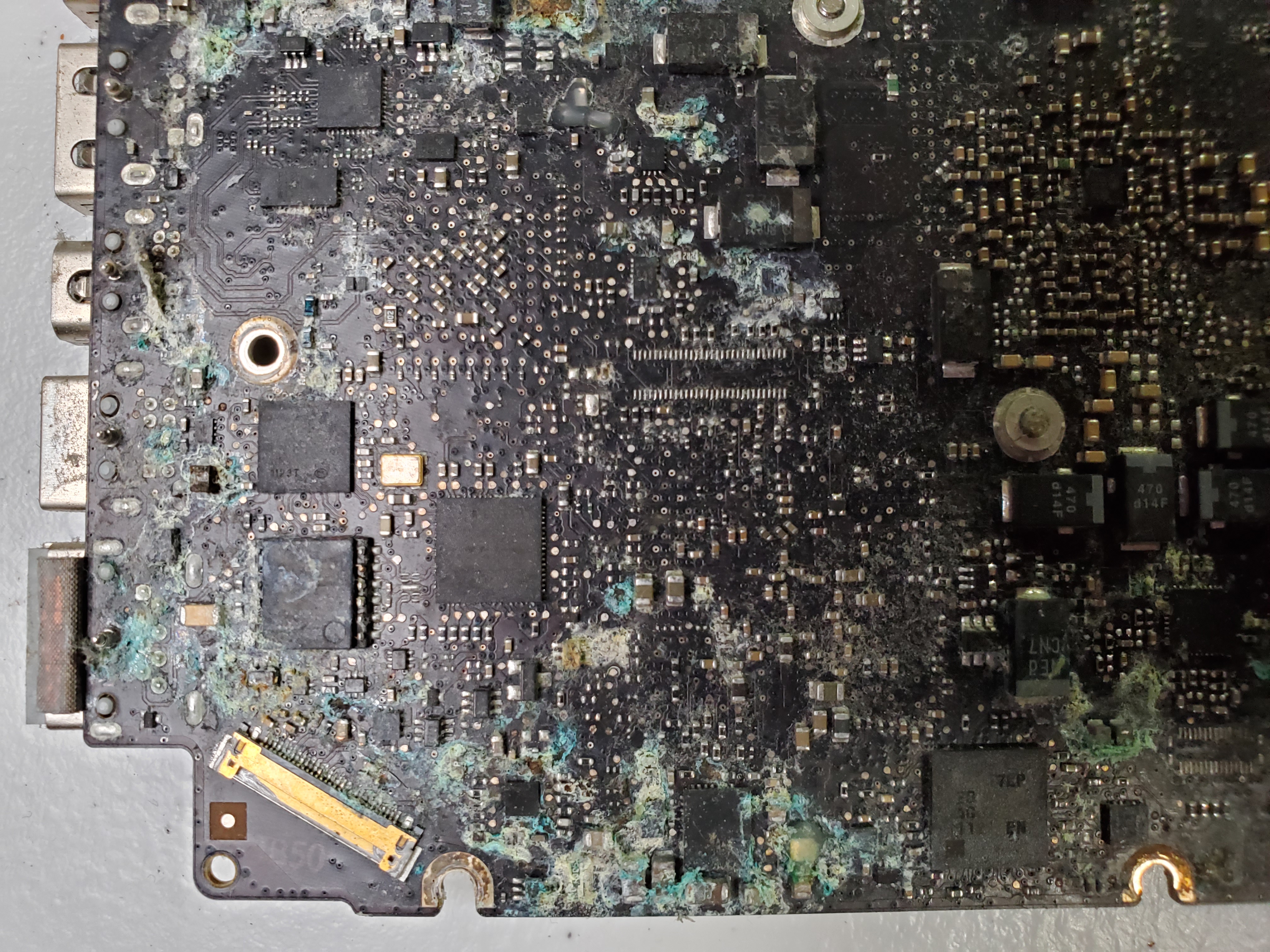
Water damage on a MacBook Pro caused an internal burn to the keyboard microchip. We replaced the affected component and conducted extensive testing to ensure the device’s reliability.

MacBook with No MacOS Installed

One MacBook arrived at our shop without an operating system. Using tools like Clover and direct UEFI access, we resolved a boot order issue and successfully installed a fresh copy of MacOS.

A1278 HDD Connector with Ripped Pads

A MacBook suffered user damage when two pads were ripped off the hard drive connector. We carefully repatched the pads and resoldered the connector, allowing the MacBook to boot up normally.

Mac OSX Remove and Reinstall (Refresh)

When OSX 10.11 El Capitan required a complete refresh, we utilized disk utility to remove old HDD components before installing a clean copy of the operating system.

MacBook Air A1304 Battery Issues

After a battery replacement, a MacBook Air still failed to charge. We discovered a faulty MOSFET on the logic board, replaced it, and restored full charging functionality.

MacBook A1342 Lion Reinstall

This MacBook needed a power refresh and a complete OS reinstallation to return to its optimal performance.

GPU Issues with A1287 MacBook

The GPU on a MacBook A1287 was reattached to the logic board using specialized flux and precise heat control to secure a stable connection.

MacBook Air One Long Beep Issue (A1304)

A MacBook emitting one long beep was diagnosed with a memory connectivity issue. We reattached the memory to the board, and the system now functions flawlessly.

MacBook A1502 GPU Issues

The logic board of a MacBook A1502 required rework on the GPU chip. Using low melting point solder, we extended the life of the device by several years.

MacBook Air 11-inch Early 2015 Battery Replacement

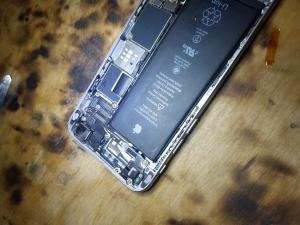
Battery replacement on the MacBook Air is a quick, painless process. New batteries are installed rapidly to minimize downtime.

Mac Air LCD and Glass Refurbishing

The Mac Air’s integrated LCD and digitizer demand exceptional skill to refurbish. Our process involves carefully removing the aluminum bezel, separating the LCD, and then detaching the backlight components. This demanding task is reserved for our most experienced technicians.

MacBook Air A1465 with Broken LCD

Repairing the slim MacBook Air 11.6-inch model is challenging. We installed a refurbished LCD screen in under 24 hours, ensuring a flawless replacement.

2 MacBooks, 2 Problems

One MacBook (early 2009 A1297) couldn’t update due to OS incompatibility, while another emitted a three-beep warning caused by a faulty memory slot. Both systems were expertly repaired.

MacBook Pro A1287 LogicBoard Repair

A MacBook Pro suffering from severe motherboard issues—flickering screens, distorted colors, and overheating—was brought to us. We repaired the damaged connectors and reattached the GPU, restoring full functionality.

Lion 10.7 OS Refresh

By tapping into hidden repair features, we connected the Mac to Apple’s servers to download the necessary software. Although the process took several hours, the MacBook was successfully refreshed.

Late 2014 MacBook Pro Screen Replacement

This MacBook Pro required a comprehensive screen repair that could only be performed in our workshop with specialized equipment. The result was a beautifully restored display.

MacBook Air A1466 OSX Refresh

An encrypted MacBook with a multitude of corrupt files underwent a complete OS refresh. We formatted the hard drive and installed a fresh copy of OSX – all within one day.

MacBook Stuck on Blinking Folder

A failing hard drive was causing a MacBook to display a blinking folder on startup. We cloned the system, installed a larger hard drive, and configured the boot settings, resulting in a fully functional device.

2 MacBook Battery Replacements

End-of-life batteries on MacBook models A1297 and A1281 were replaced. After resetting the NVRAM and configuring the startup disk, both devices now operate at full capacity.

MacBook A1297 Motherboard Repair

A MacBook A1297, previously rejected by other repair shops, was revived by our expert technicians. We isolated issues with the GPU, CPU, and HDD corruption, and successfully repaired the motherboard along with the software.

A1278 MacBook with Kernel Error

A persistent kernel error coupled with a semi-failing hard drive plagued this MacBook Pro. After refreshing the NVRAM/PVRAM and installing a new 1TB SSD, we initiated data recovery from the old drive.

No Video MacBook Pro

Following the removal of the motherboard, we performed a special reflow on the GPU. Once reassembled, the MacBook Pro now displays video without issue.

Sad Face on Customers’ Mac

A MacBook suffering from faulty memory modules was brought in by a concerned customer. We replaced the defective memory, and the Mac now runs smoothly – bringing a smile back to our customer’s face.
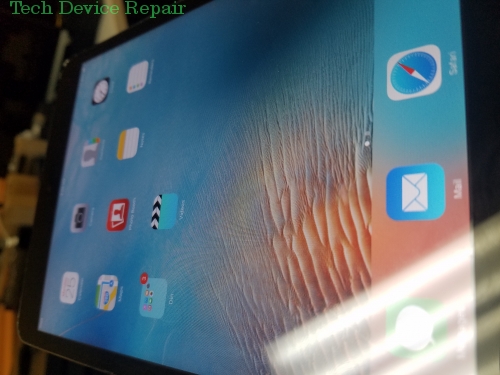
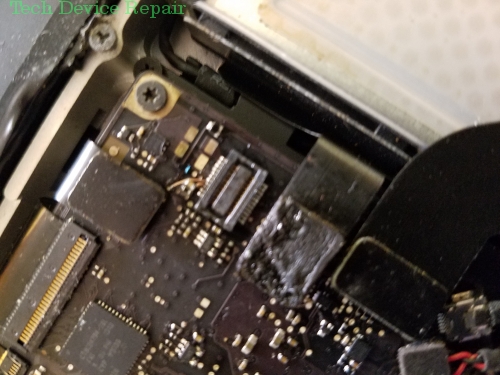
Most Popular Apple Devices Videos

First attempt, a fail! I ran into a few Apple Complications. Will try again!0:00: Intro of iPhone Carrier Unlocker Sim Card0:17: It will unlock it0:35...
1M+

iPhone Carrier Unlocker Sim Card #shorts - YouTube

Duration: 00:01:00

1,528,372
For more information on our motherboard rework services visit: https://techdevicerepair.com/motherboard-rework-services/
10K+

Retro Apple PowerBook G3 to G4 upgrade (short) - YouTube

Duration: 00:01:00

35,605
without putting a valid UEFI password, automated recovery mode will give you a question mark folder. Pressing option + R will give you a UEFI prompt.F...

MacBook Air, UEFI password unlocked! #firmware - YouTube

Duration: 00:00:55

7,166

Common Apple Devices Repairs

No specific repair issues are listed for the Apple Devices yet.

Please contact us or start a general repair request below.

Start a Repair Request

More Apple Devices Videos

This board is thicker making for a more difficult repair. however, mission accomplished...SUBSCRIBE: https://www.youtube.com/@TechDeviceRepair--------...

Mac Mini Motherboard fan connector replacement - YouTube

Duration: 00:00:16

5,597
Screen replacements on an iPhone are old news... but here it is in case you want to see how we do it...iPhone 6s screen replacement starts with unplug...

iPhone 6s screen replacement. - YouTube

Duration: 00:01:00

5,261
This was a custom request from a TDR customer. Enjoy!For more information about our repairs please visit https://techdevicerepair.com

Apple PowerBook Microchip upgrade. G3 to G4 conversion. - YouTube

Duration: 00:00:59

4,274
The iDont....I do not like this device.SUBSCRIBE: https://www.youtube.com/@TechDeviceRepair-----------------------------------------------------------...

iPhone is boot looping. My solution to the heatshields.. Just rip them off. - YouTube

Duration: 00:00:58

3,393
The CPU is getting 12 V lol... not repairable. for more info on our company visit: https://techdevicerepair.com/

RIP MacBook... 12v on ppbus s5? - YouTube

Duration: 00:00:25

2,788
SUBSCRIBE: https://www.youtube.com/@TechDeviceRepair--------------------------------------------------------------------------------------------------...

They come to buy the broken OEM iPhone LCDs - YouTube

Duration: 00:00:26

2,063
For more info on our iPhone repairs visit: https://techdevicerepair.com/iphone-repair-service/SUBSCRIBE: https://www.youtube.com/@TechDeviceRepair----...

My level 1 Tech Stinks. iPhone 11 Pro LCD repair. - YouTube

Duration: 00:00:58

1,604
At first we needed to replace the connector, Then troubleshoot the no image issue. 1. the no enable led us to the GPU.. however the LCD sense didn't e...

MacBook with no image on the screen... Repaired! - YouTube

Duration: 00:00:59

1,102
Another MacBook A1297 came in suffering from the three beeps. This is how to diagnose it correctly. late 2011 modelhttps://techdevicerepair.com/comput...

Diagnosing Memory Slot Problem in Macbook models - YouTube

Duration: 00:00:58

588

Apple Devices Photo Gallery

Ready to Fix Your Apple Devices?

Don't wait! Get a fast, reliable repair from our expert technicians. Click below to start the process online.

Start Your Repair Now
Repair service guide

Choose the right path before you ship.

Tech Device Repair provides component-level electronics repair through nationwide mail-in service, local drop-off partners, and limited On-the-Go service around Port Orange and Daytona. Use this guide to understand diagnosis, pricing, shipping, payment, warranty coverage, and customer support before starting an intake.

Start with the device model, the symptoms you can observe, and the service route you prefer. Useful details include whether the device powers on, whether video or charging fails intermittently, whether a connector is loose or physically damaged, and whether another shop has already worked on the board. Clear symptoms help TDR support route the request without guessing at a diagnosis.

The online intake creates a support record so the customer, the repair request, and later updates stay connected. It does not promise that a specific part is the cause. A console with no video may need an HDMI connector, filter, encoder, power rail, or board-level diagnosis. A laptop that will not charge may have a damaged port, cable problem, battery issue, or motherboard fault. The lab confirms the repair path after inspection.

Use the repair intake for a new device. Use TDR support when you already have a case, need help choosing a catalog service, or have a question about an existing repair.

Nationwide mail-in service is available throughout the United States. After opening an intake, package the device securely and follow the shipping instructions provided by TDR support. Remove loose accessories that are not required for diagnosis, protect protruding ports, use sufficient padding on every side, and choose a box that prevents movement. Customers pay shipping to and from the repair facility unless a written service term says otherwise.

TDR also works with independent drop-off partners. A drop-off location receives the device and helps move it into the repair process; it is not necessarily the laboratory that performs component-level board work. Check the location directory for the current address, directions, available services, and location-specific instructions before traveling.

On-the-Go repair is a local service around Port Orange and Daytona for eligible devices and repairs. Availability depends on the work, route, and schedule. Some faults require lab equipment and cannot be completed in the truck. TDR support will confirm whether mobile service, local drop-off, or mail-in service is appropriate for the reported problem.

TDR focuses on faults that often require soldering, connector replacement, trace repair, circuit testing, or board-level rework. Common services include PlayStation and Xbox HDMI port repair, Nintendo Switch charging-port work, laptop HDMI and charging-port replacement, damaged fan connectors, no-video diagnosis, and motherboard repair. Browse the service catalog for currently published repair options and prices.

A catalog service describes a known repair path, but the reported symptom remains the starting point. Physical damage, liquid exposure, previous repair attempts, missing pads, torn traces, damaged chips, and multiple simultaneous failures can change the work required. The device is inspected before the repair is represented as complete. When the reported fault does not match a published service, TDR may require diagnostic review before confirming a price.

The no-fix, no-repair-labor policy means repair labor is not charged when TDR cannot successfully repair the reported fault. Shipping, diagnostic items expressly approved in advance, parts already authorized, or other written non-repair charges may still apply. Review the service agreement for the terms governing a particular order.

Published catalog prices are starting points for the named service and device. An invoice can include the repair service, outbound shipping, applicable tax, and any separately approved work. TDR support should explain material changes before charging for a different repair path. Customers should rely on the current TDR invoice rather than an amount copied from an older message or an external ticketing system.

Online checkout uses PayPal for supported card and PayPal payments. A payment link is associated with one TDR invoice and should not be reused after that invoice is voided or superseded. TDR can also record an approved manual payment method, such as cash, against the invoice with an audit trail. The invoice status and payment ledger—not the support ticket—are the source of truth for whether TDR has been paid.

Do not send card numbers, account credentials, or other payment secrets through support chat, email, or intake notes. Use the secure checkout attached to the active invoice. If an amount or invoice number appears inconsistent, contact TDR before paying so support can verify the current order.

TDR customer support is connected through CCC, the system that helps the support agent recognize the customer and keep phone, SMS, email, web intake, and ticketing activity attached to the correct case. The support ticket is a communication tool; it is not the invoice, payment record, or repair record. TDR owns the catalog, order, invoice, payment, shipping, and repair facts for this business.

When you contact support about an existing repair, provide the current TDR invoice number or the support reference shown in your confirmation. Avoid opening multiple intakes for the same device and fault unless support asks you to do so. Duplicate requests make it harder to keep messages, shipping information, and repair decisions in one place.

A returning customer can have more than one case over time. A later laptop repair should not overwrite an earlier PlayStation repair, and an external ticket number should not become the customer identity. This structure lets TDR support understand the relationship without mixing separate devices or jobs.

After a successful repair, TDR records completion and coordinates the return method. Mail-in devices are normally shipped back using the address associated with the order. Local devices may be returned through the applicable pickup or drop-off process. Confirm address changes with support before return shipping begins.

Successful repairs include a 90-day warranty on parts and the repaired issue plus a 2-year guarantee on labor and workmanship, subject to the service agreement. Coverage does not turn every later device problem into the same repair. New impact damage, liquid exposure, unrelated faults, tampering, and damage outside the completed work may require a separate case and diagnosis. Contact support promptly if the repaired symptom returns.

Keep the invoice number and describe what changed after the repair. TDR can compare the current symptom with the completed work and determine the next step. Do not send the device without a current support instruction, because the correct route and shipping details may differ from the original order.