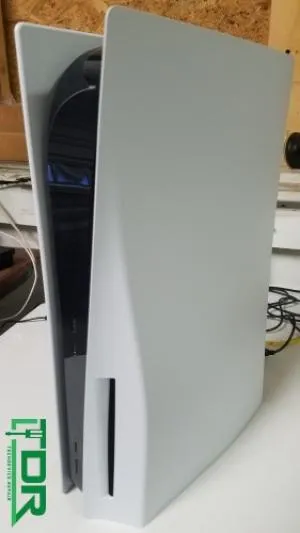
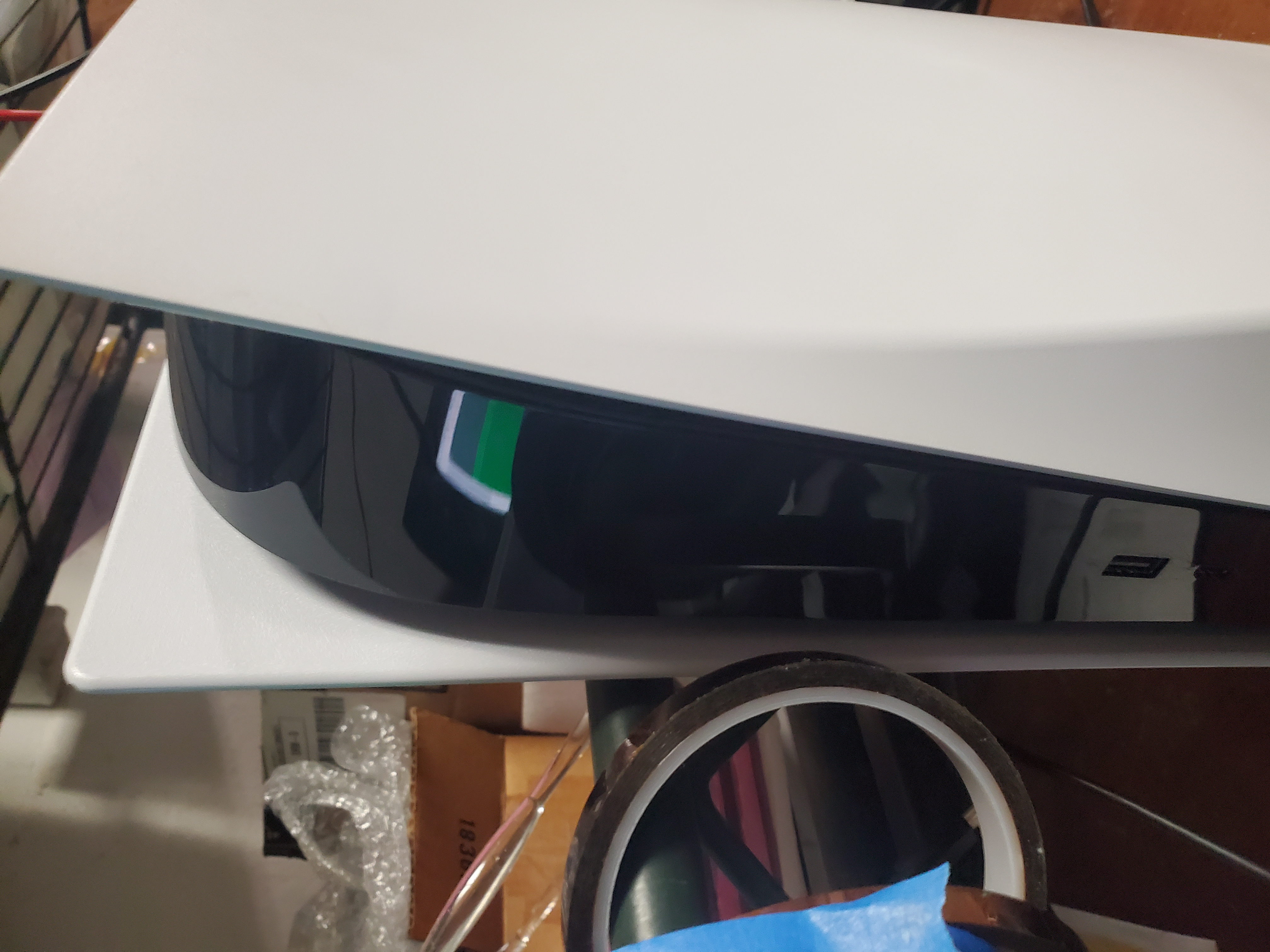
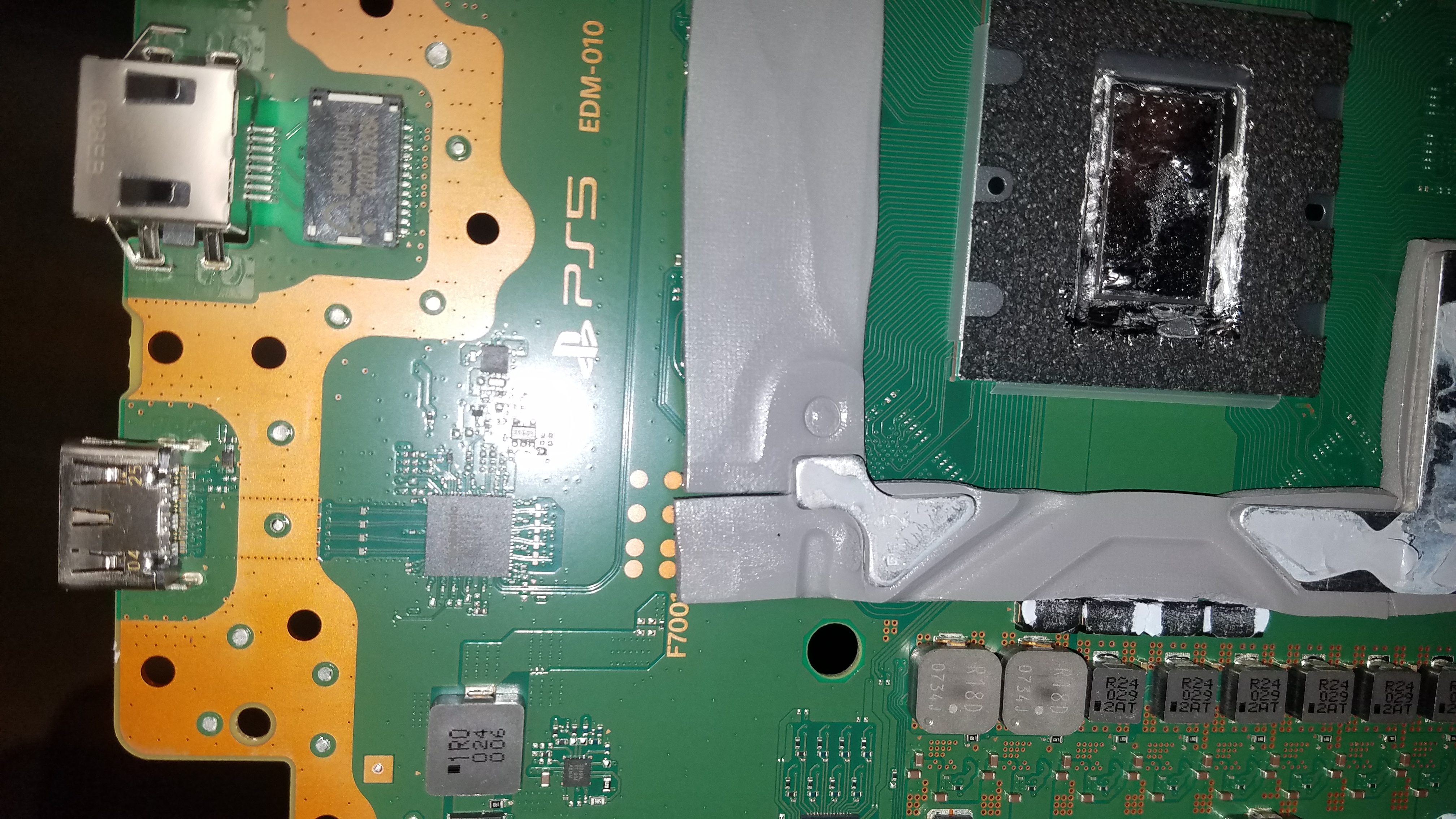
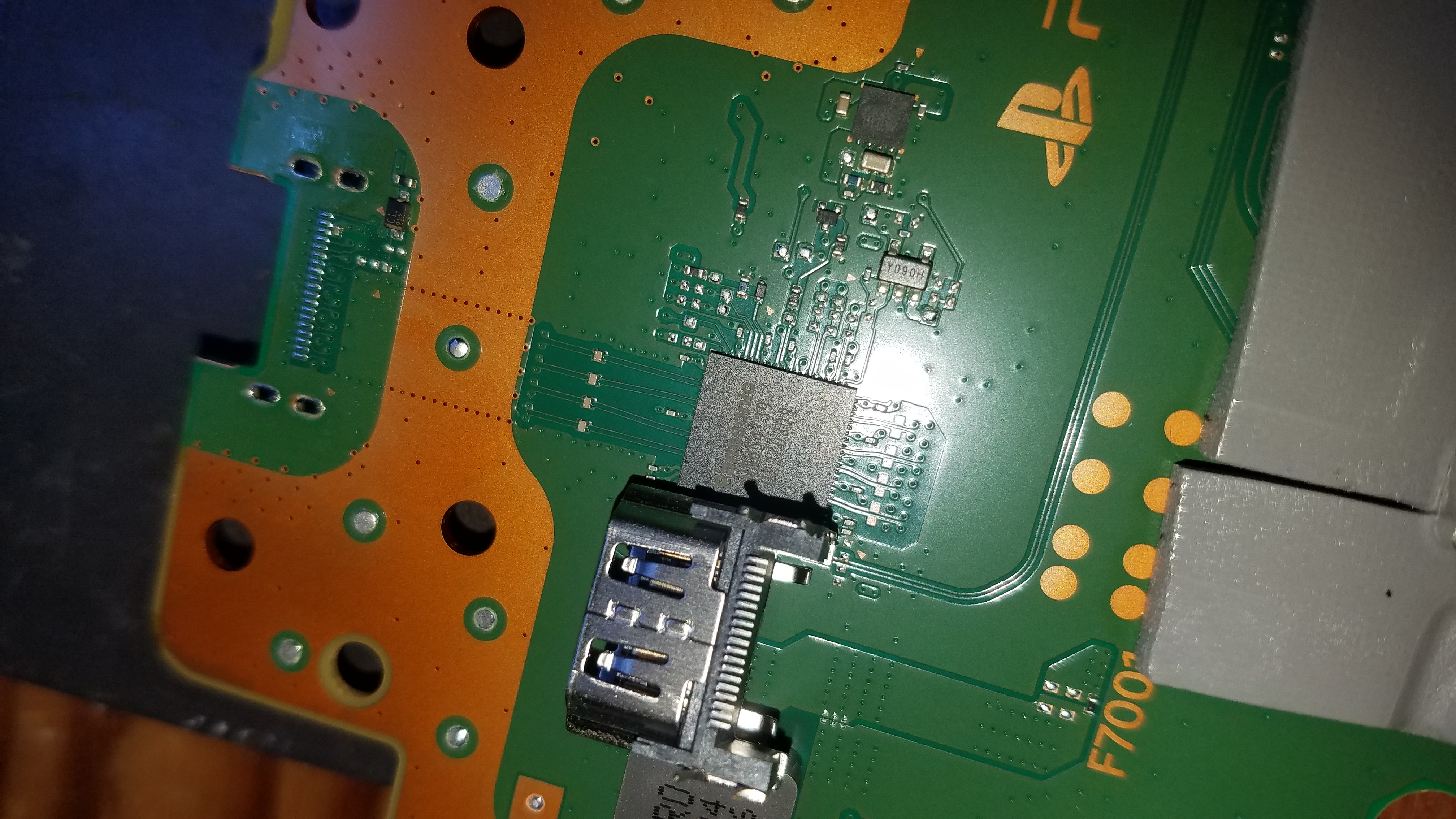
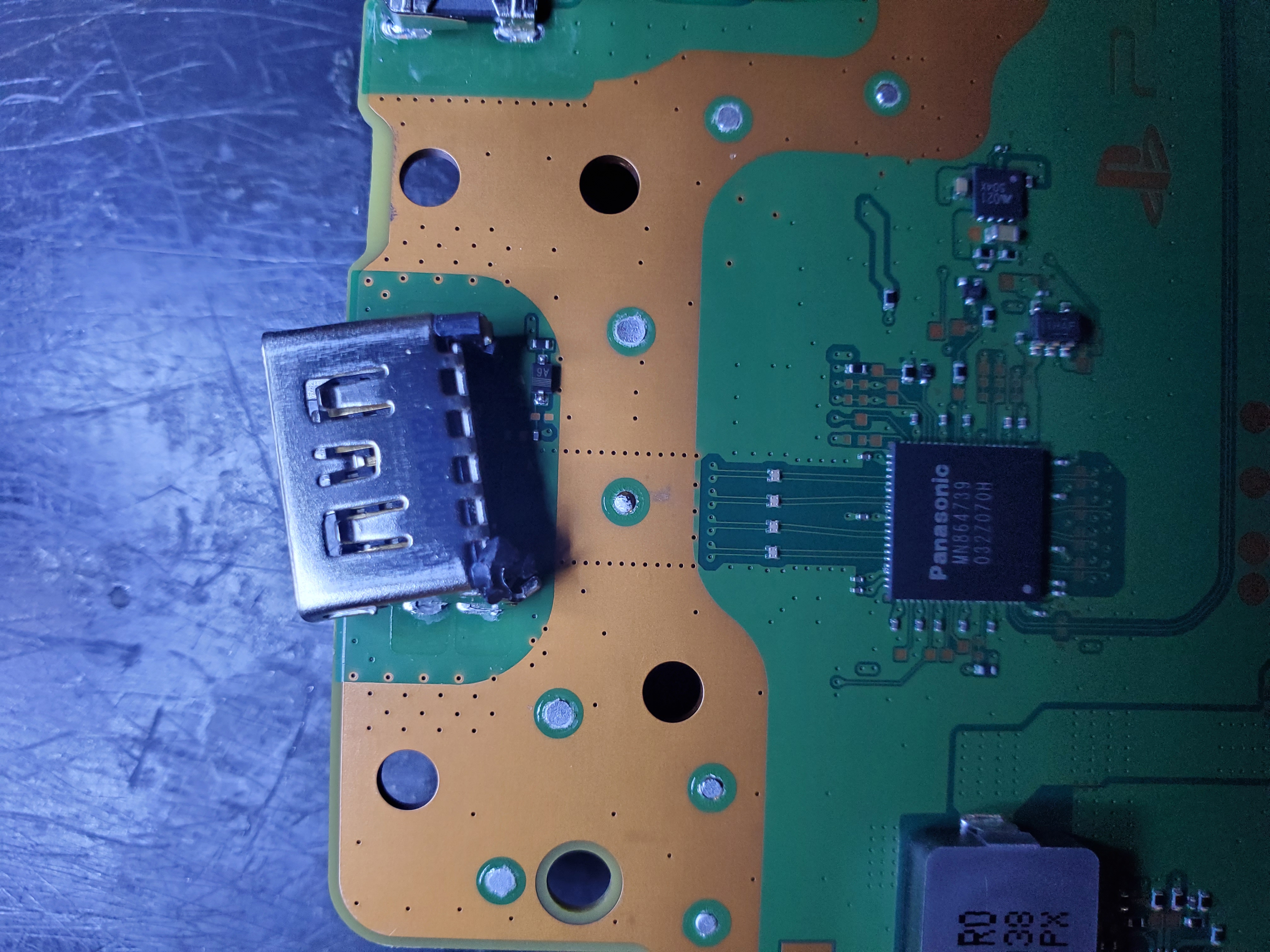
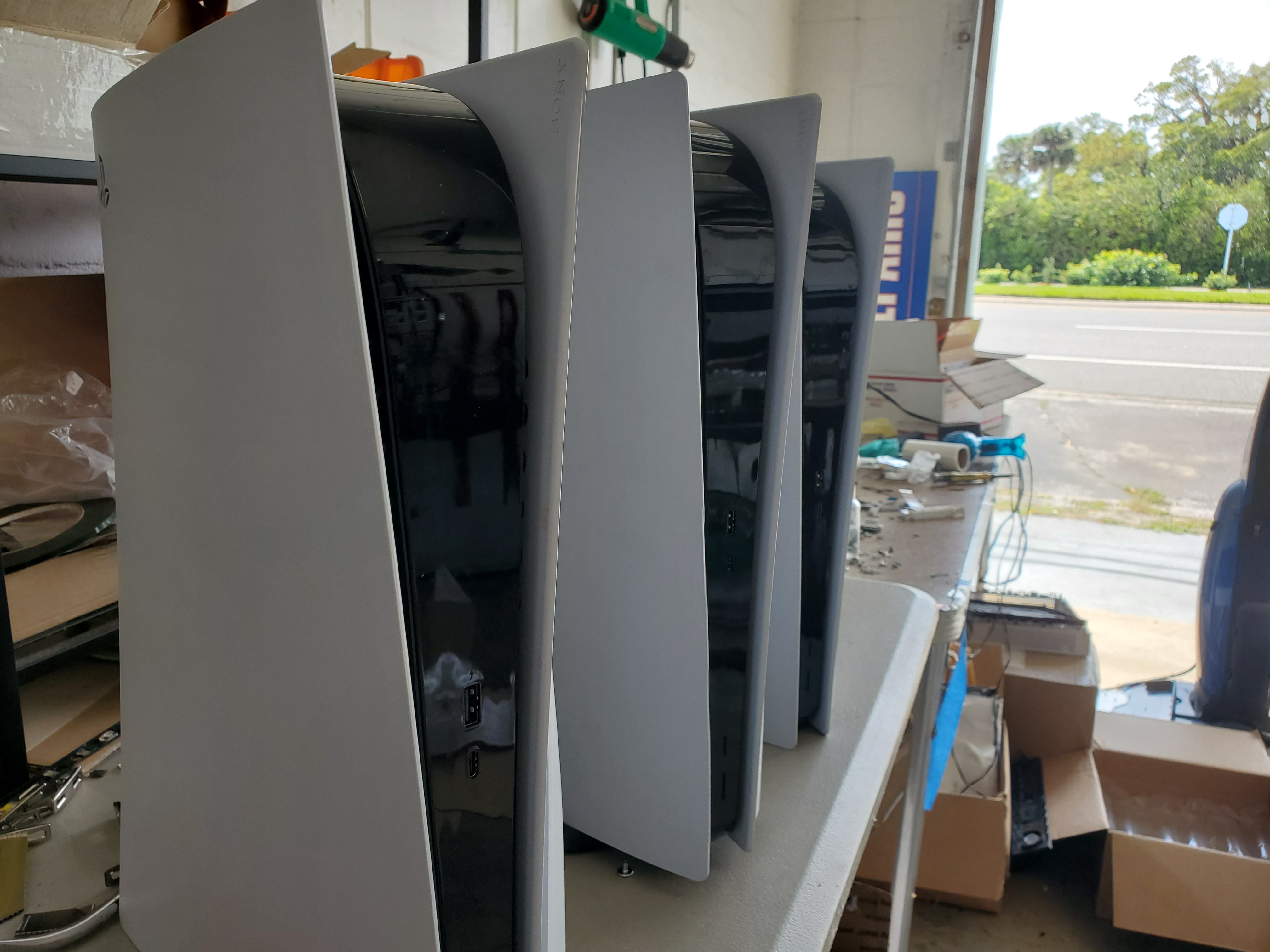
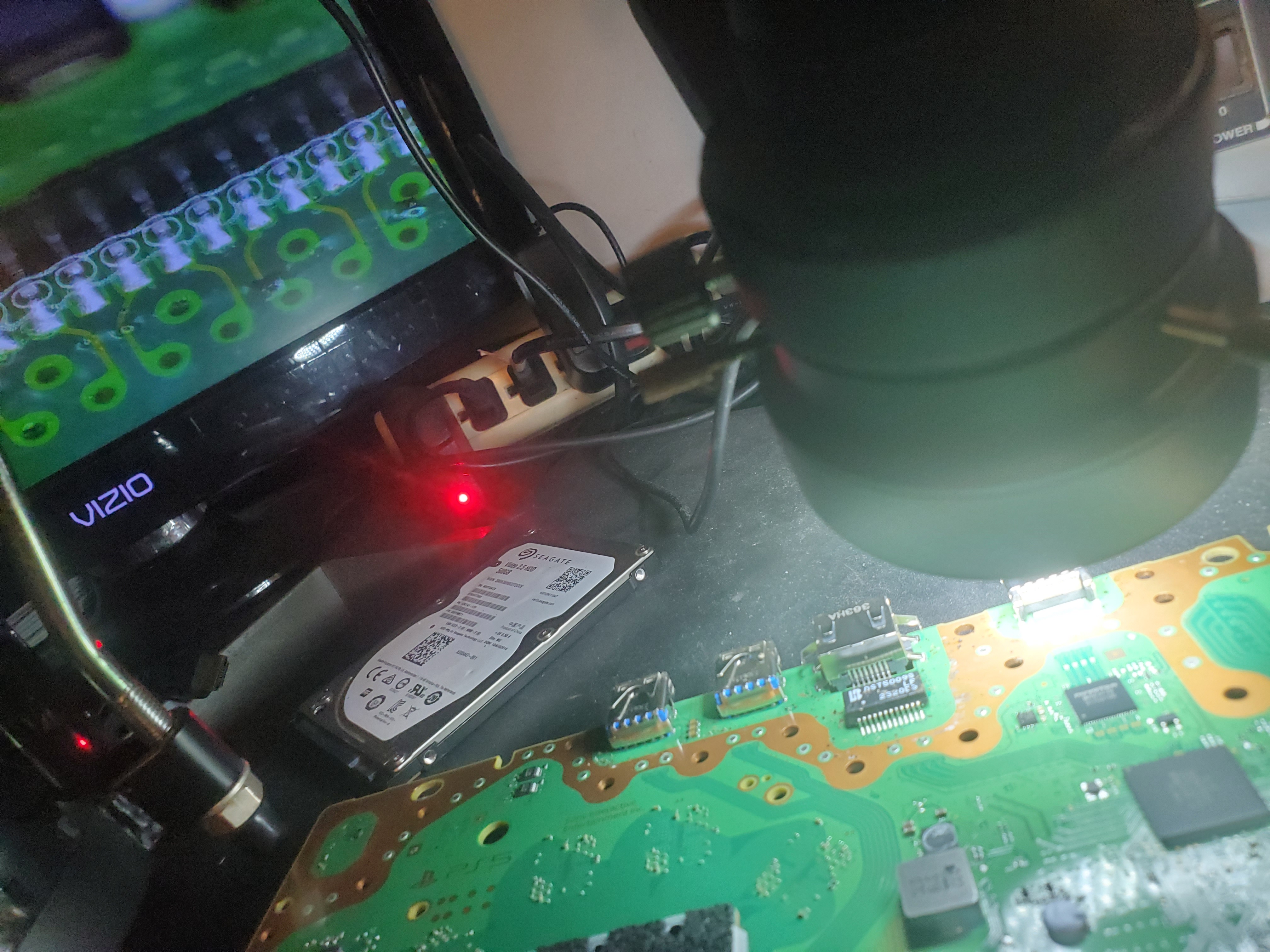
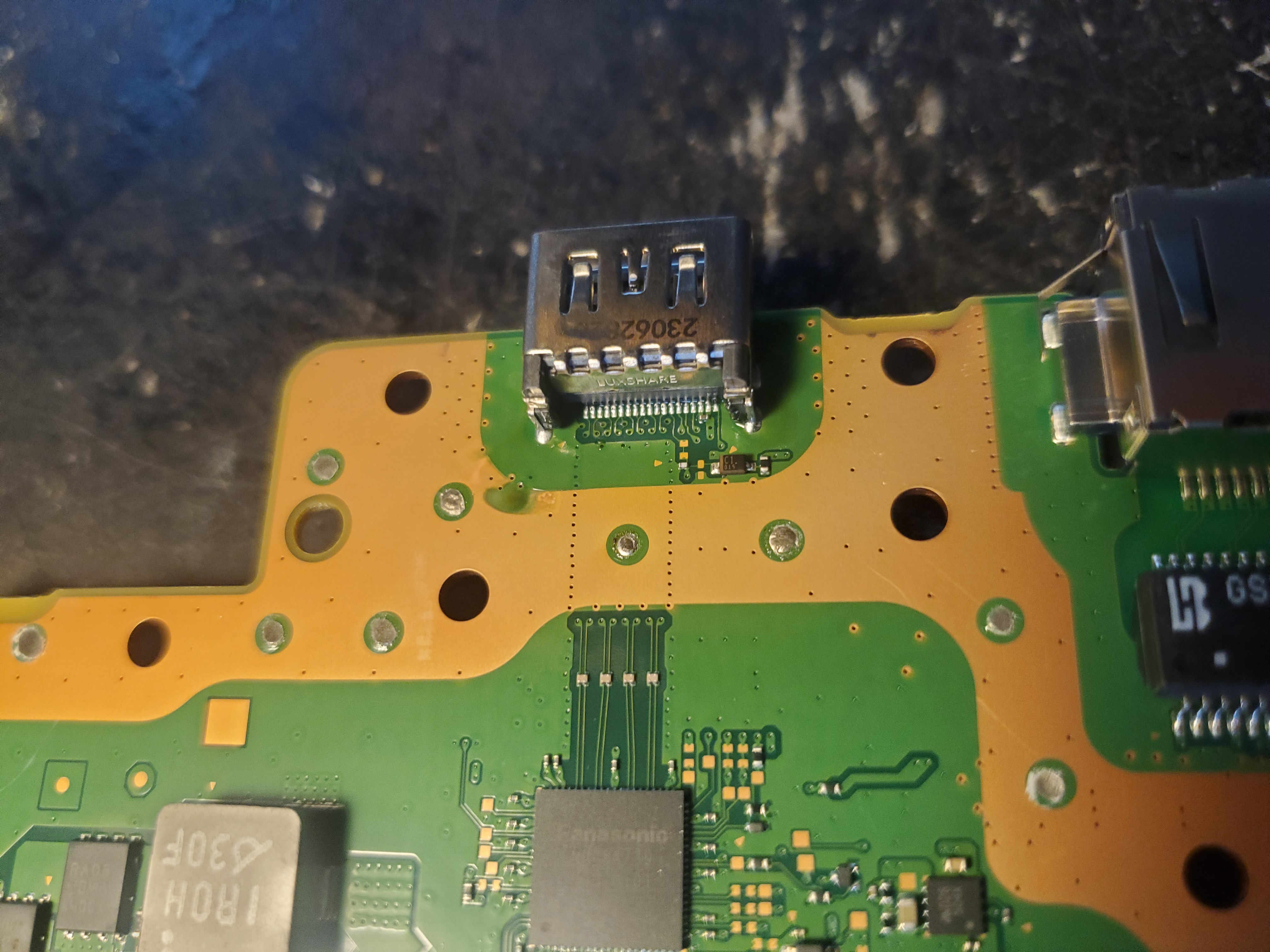
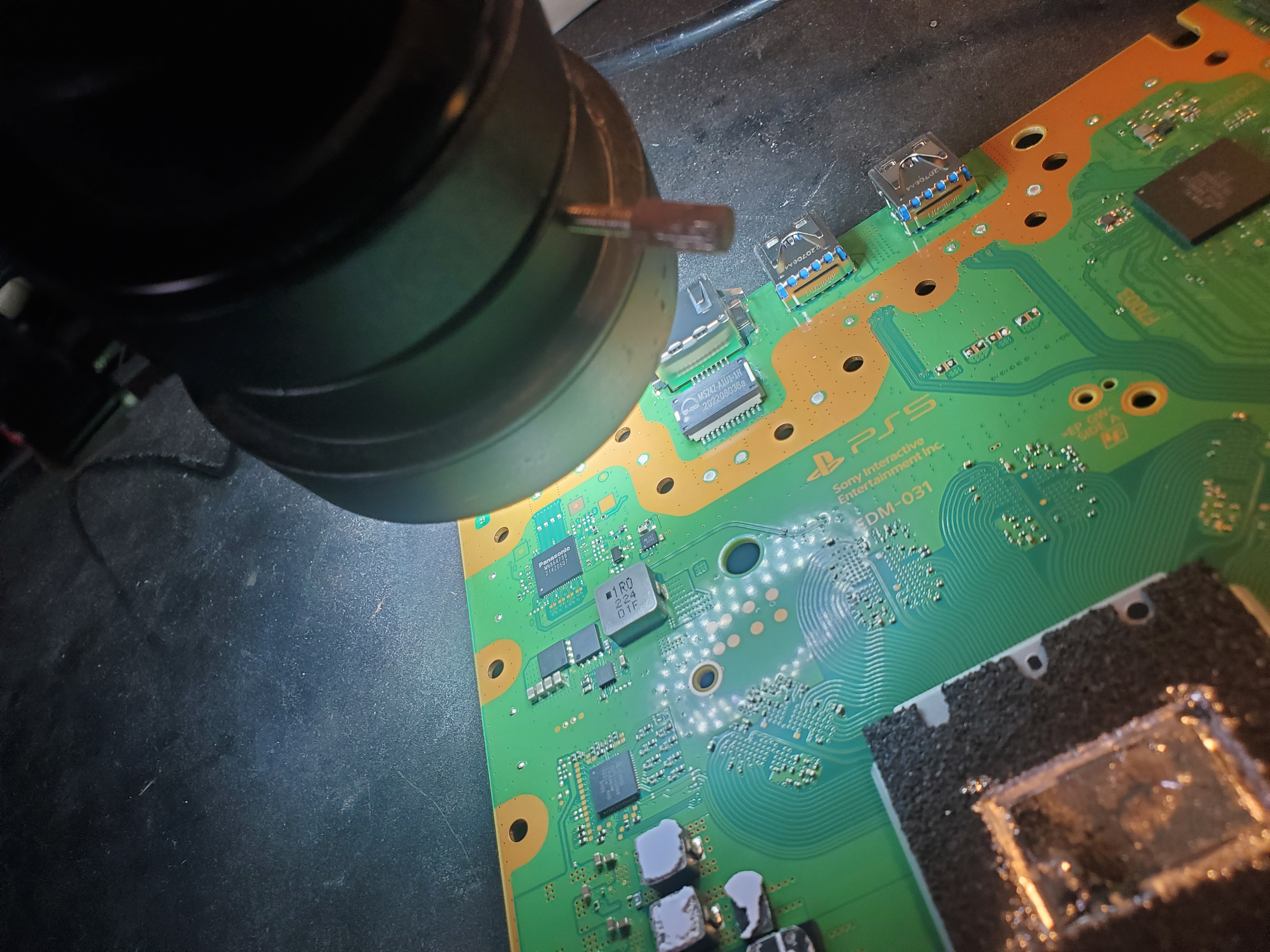
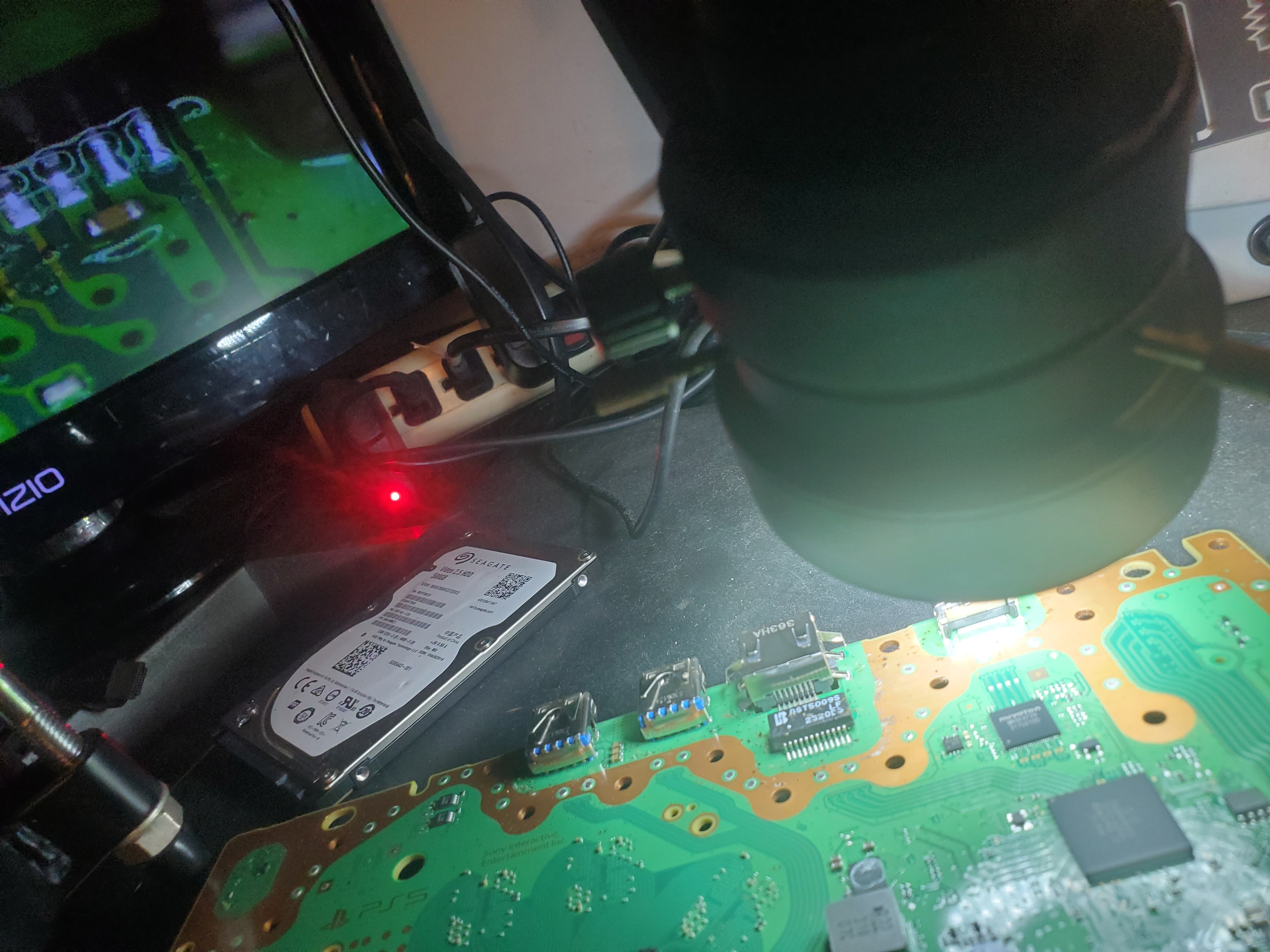
PlayStation 5 Repair Services
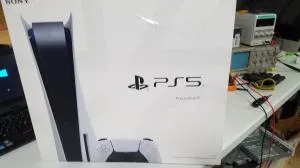
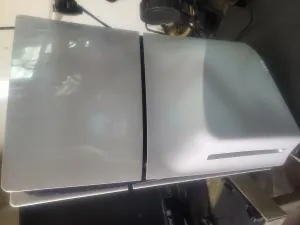
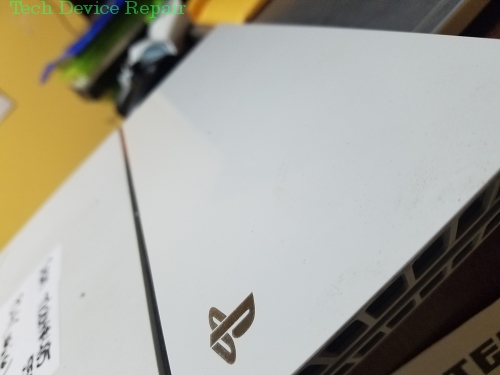
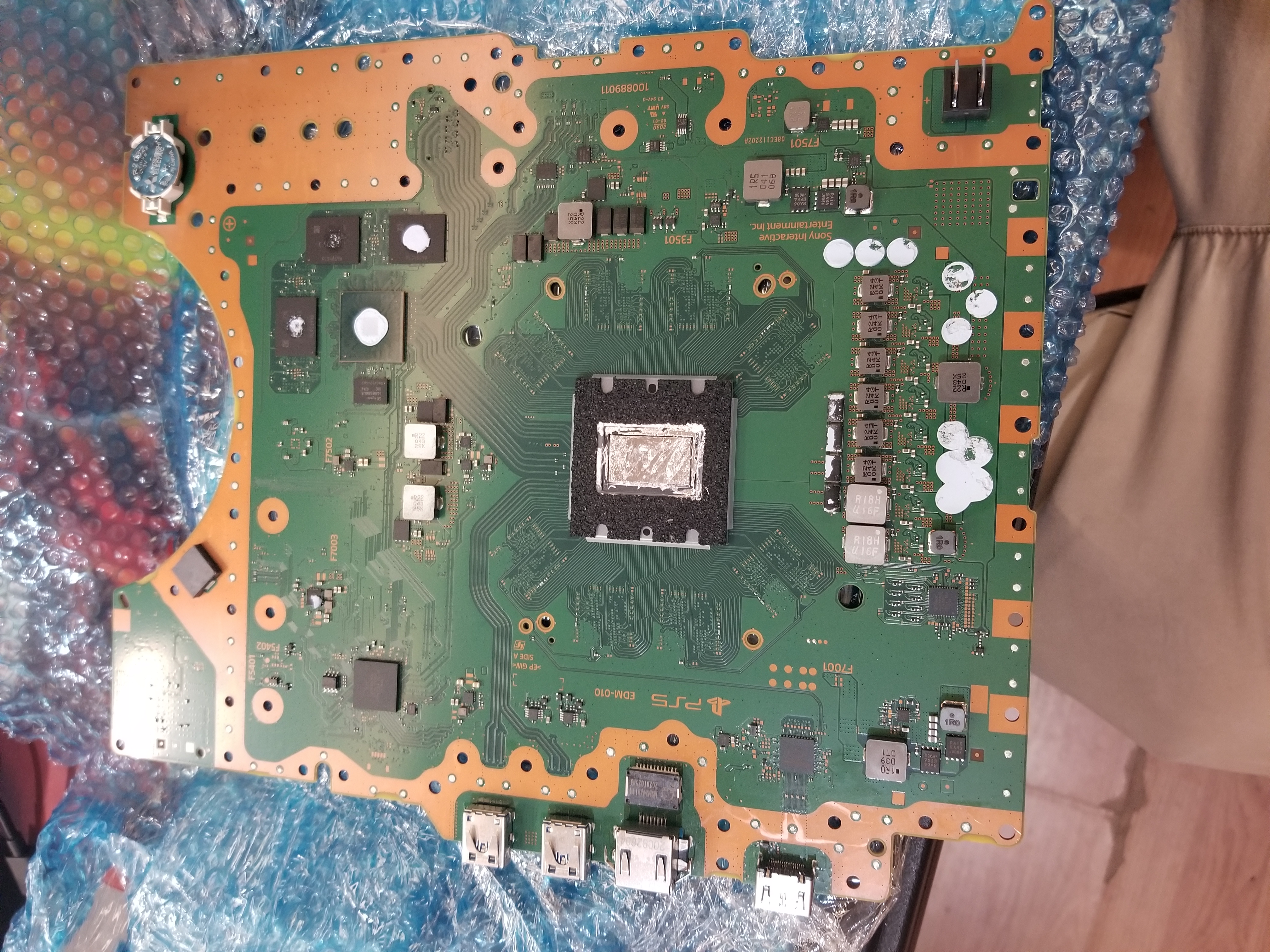
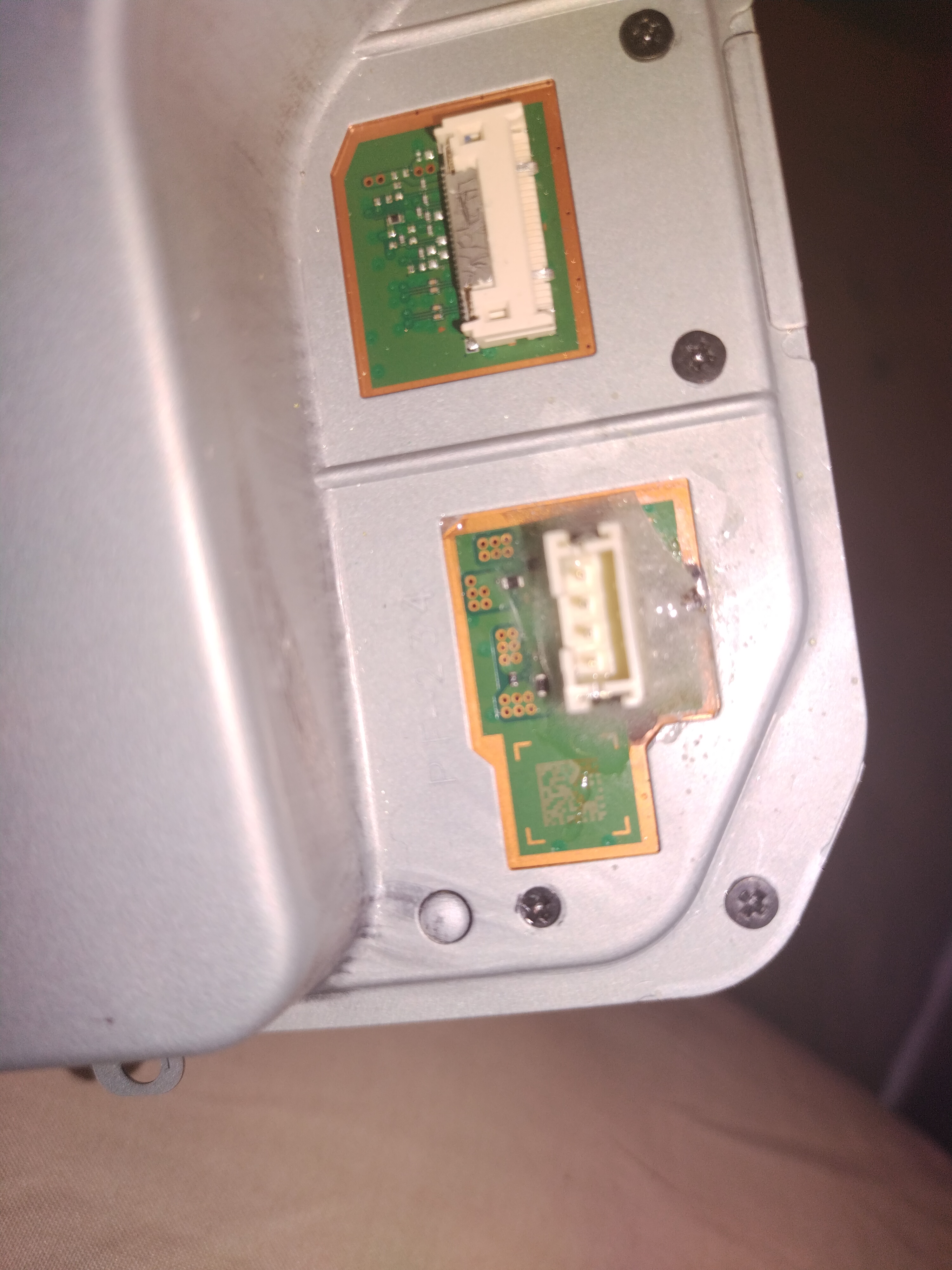
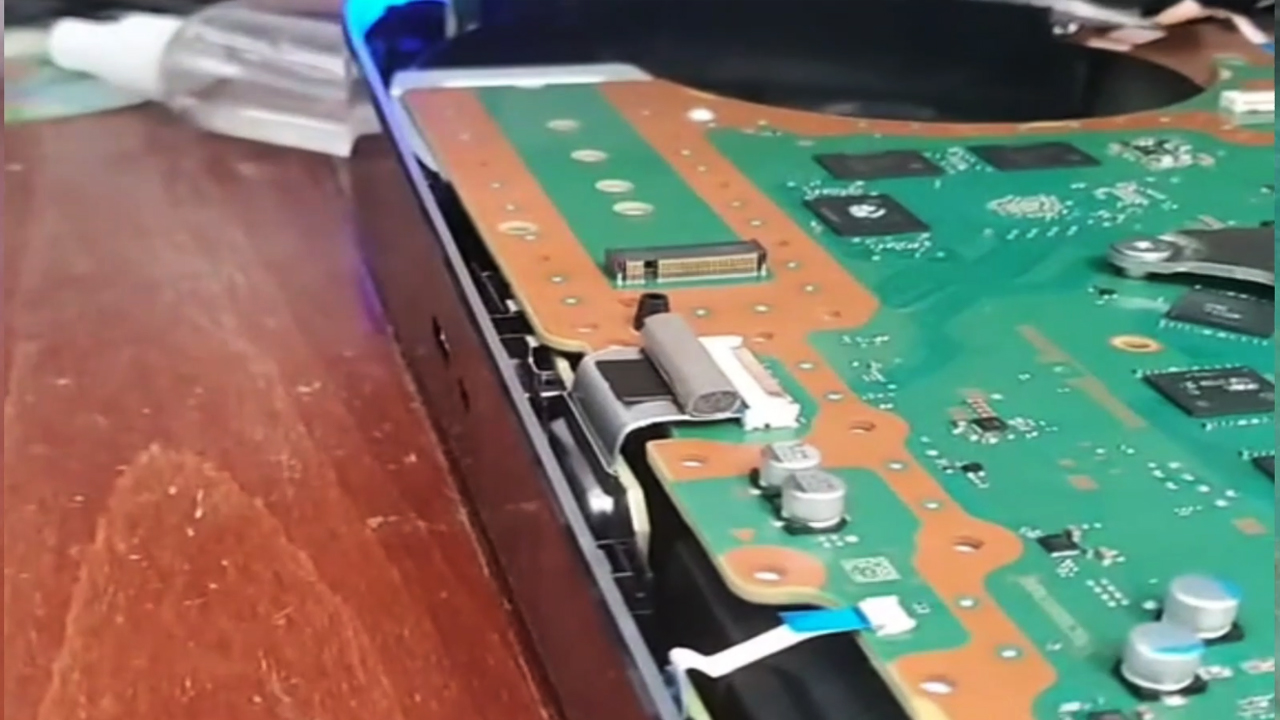
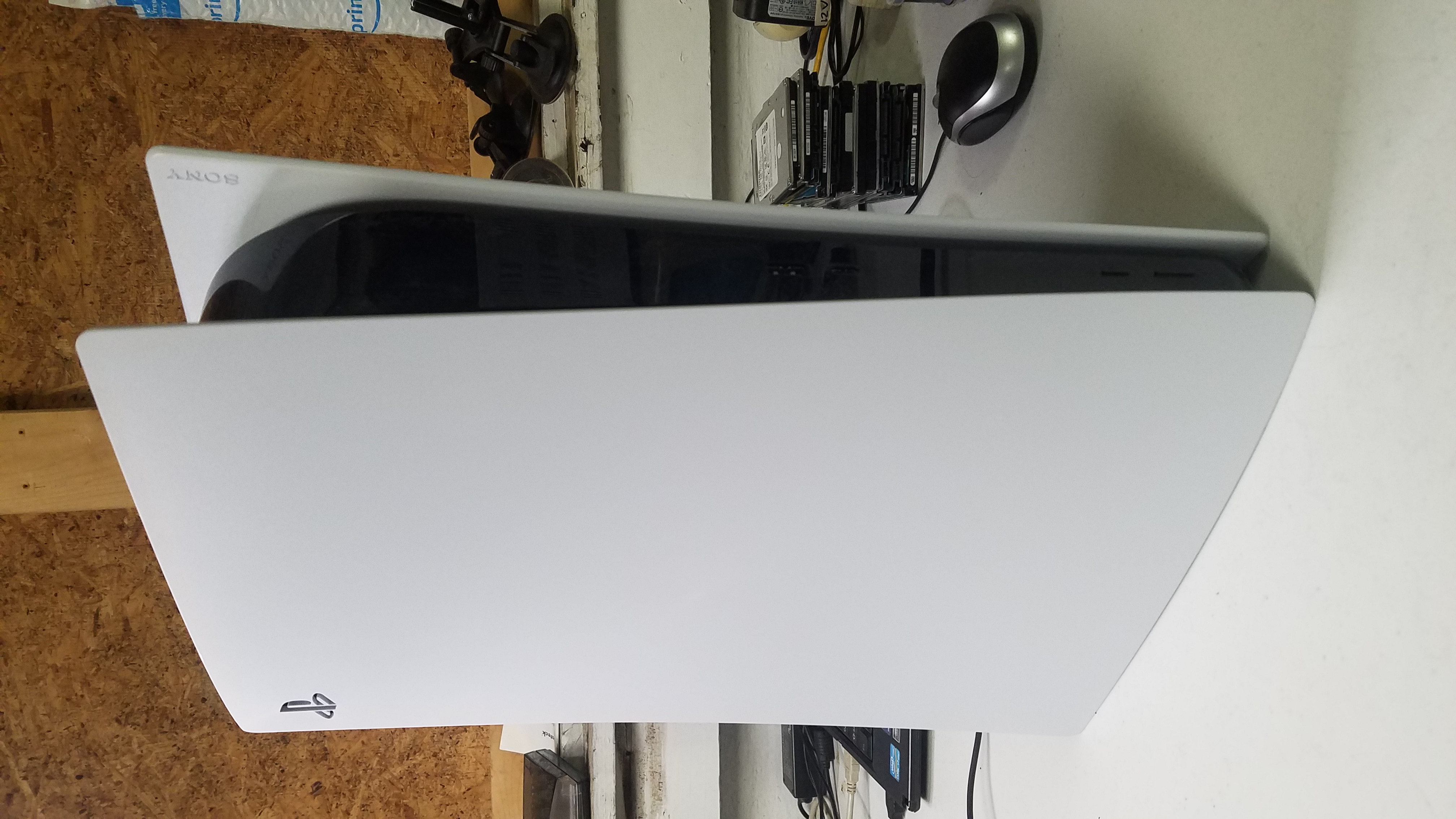
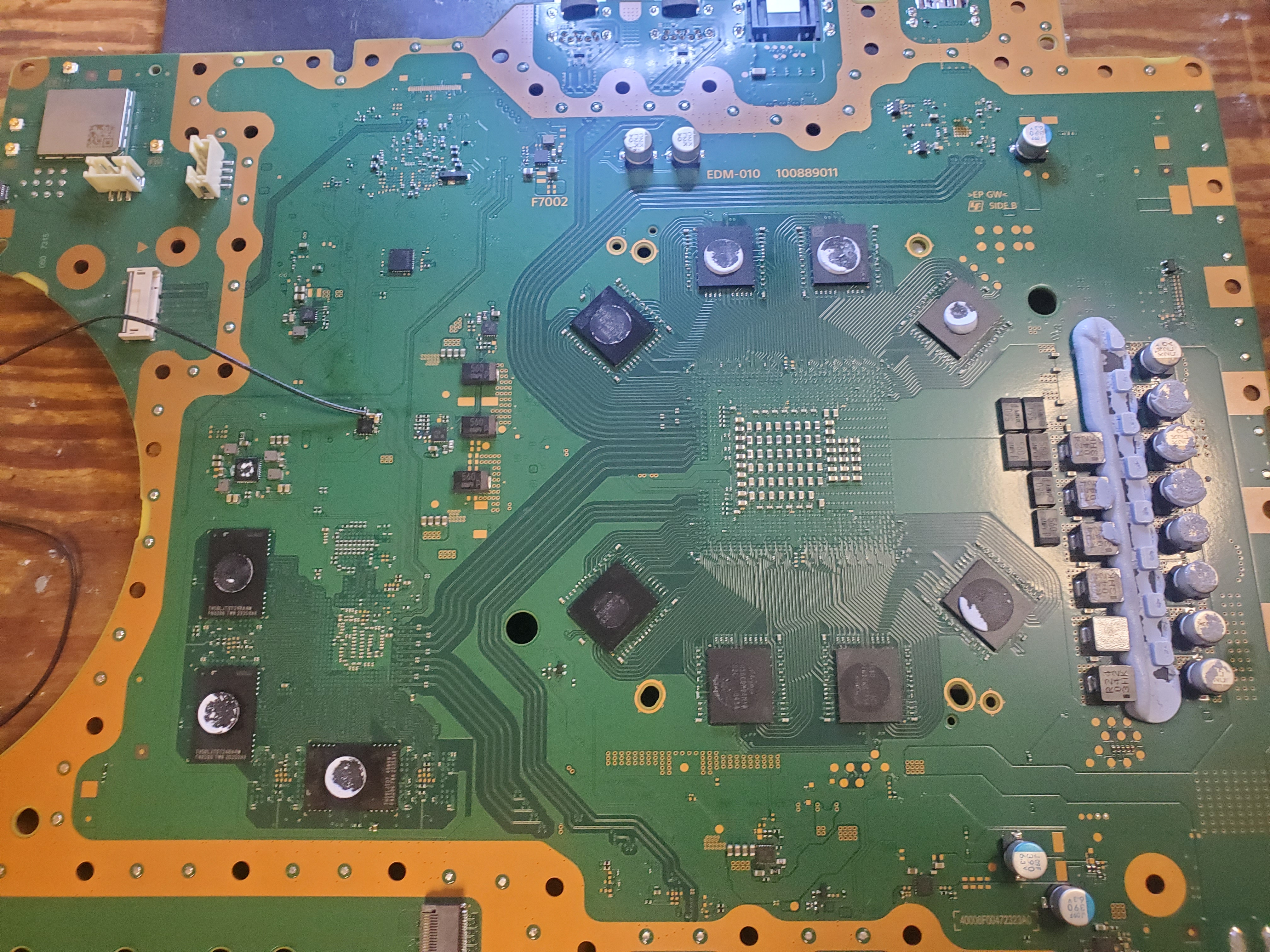
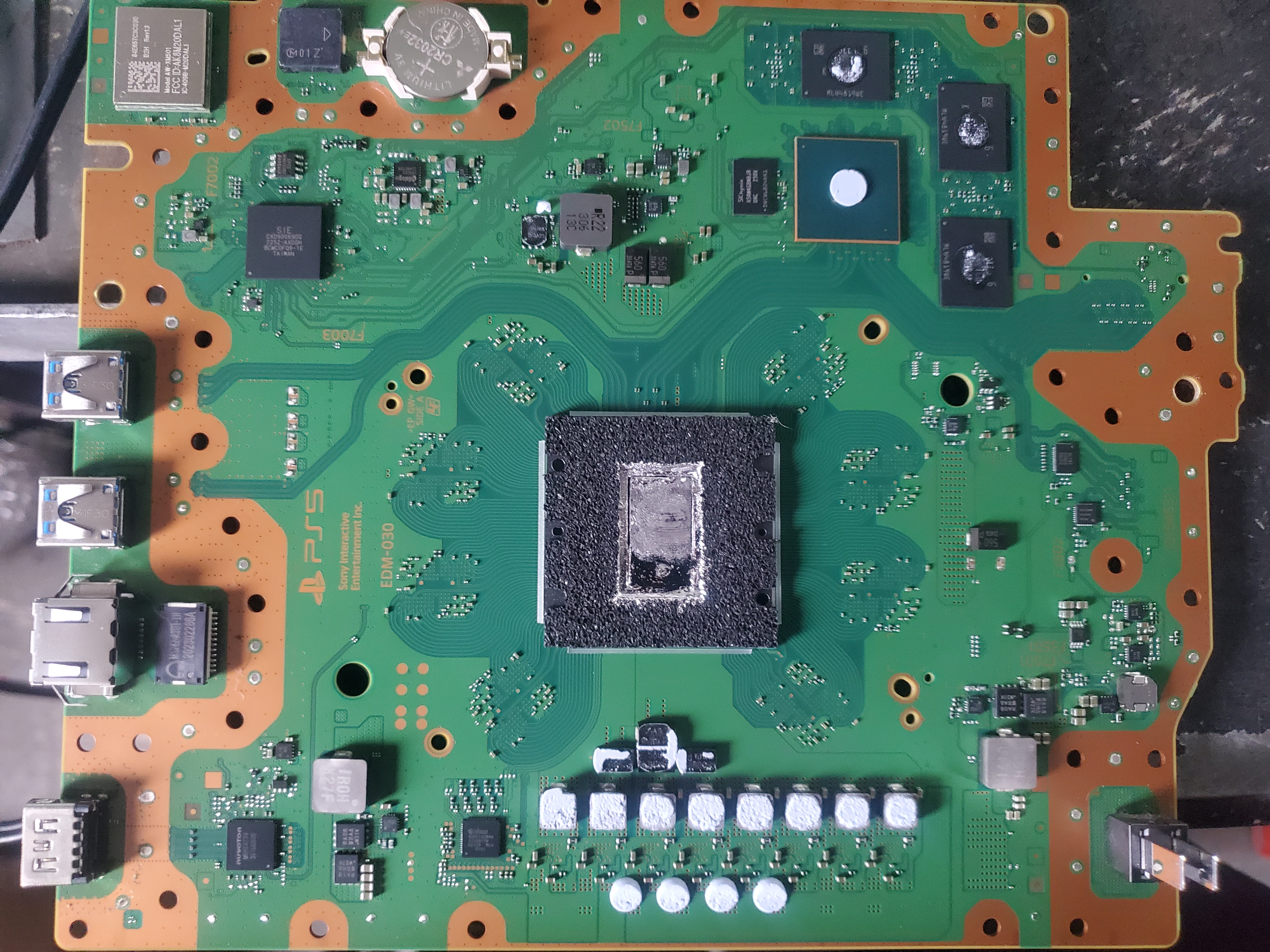
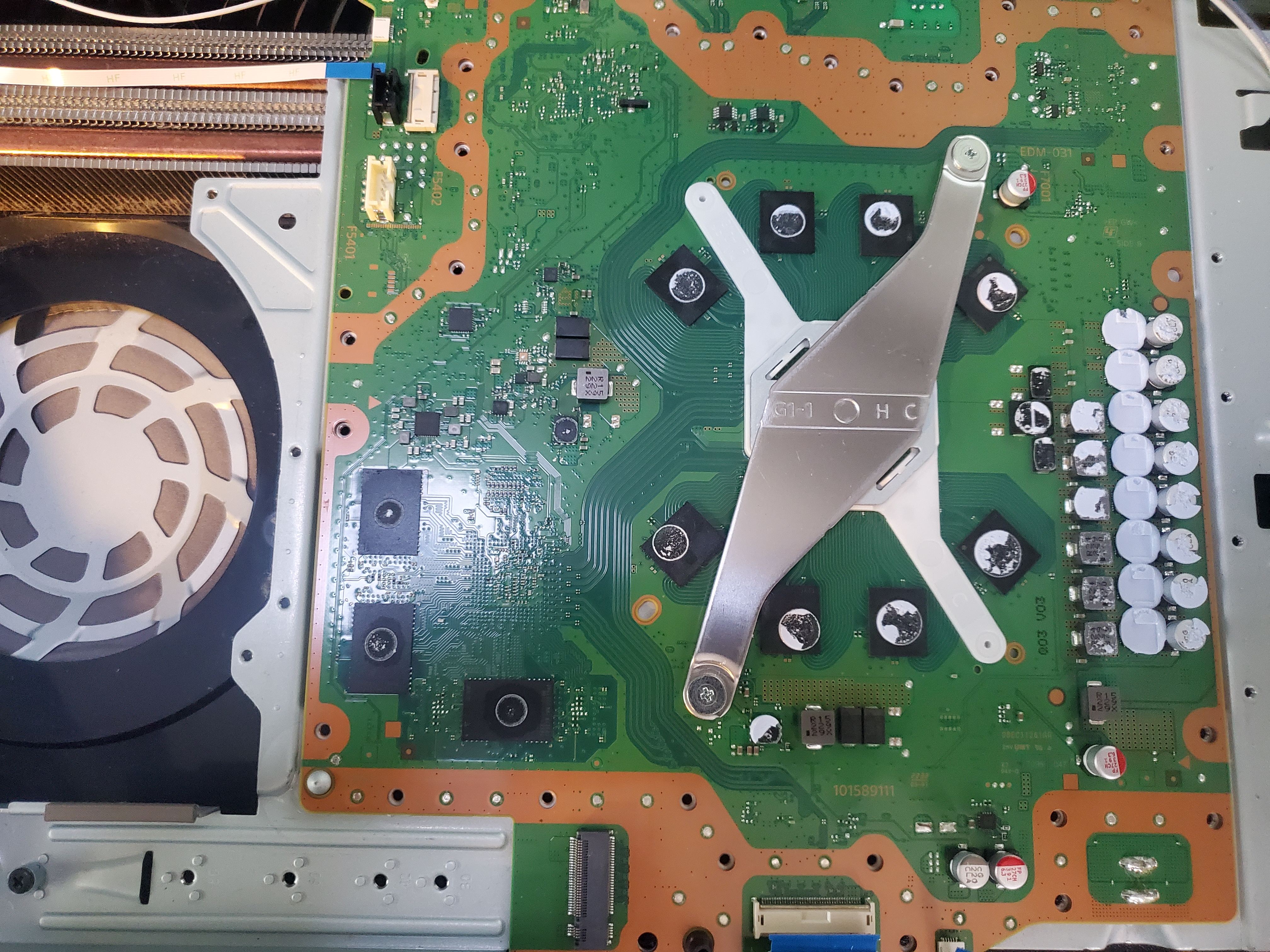
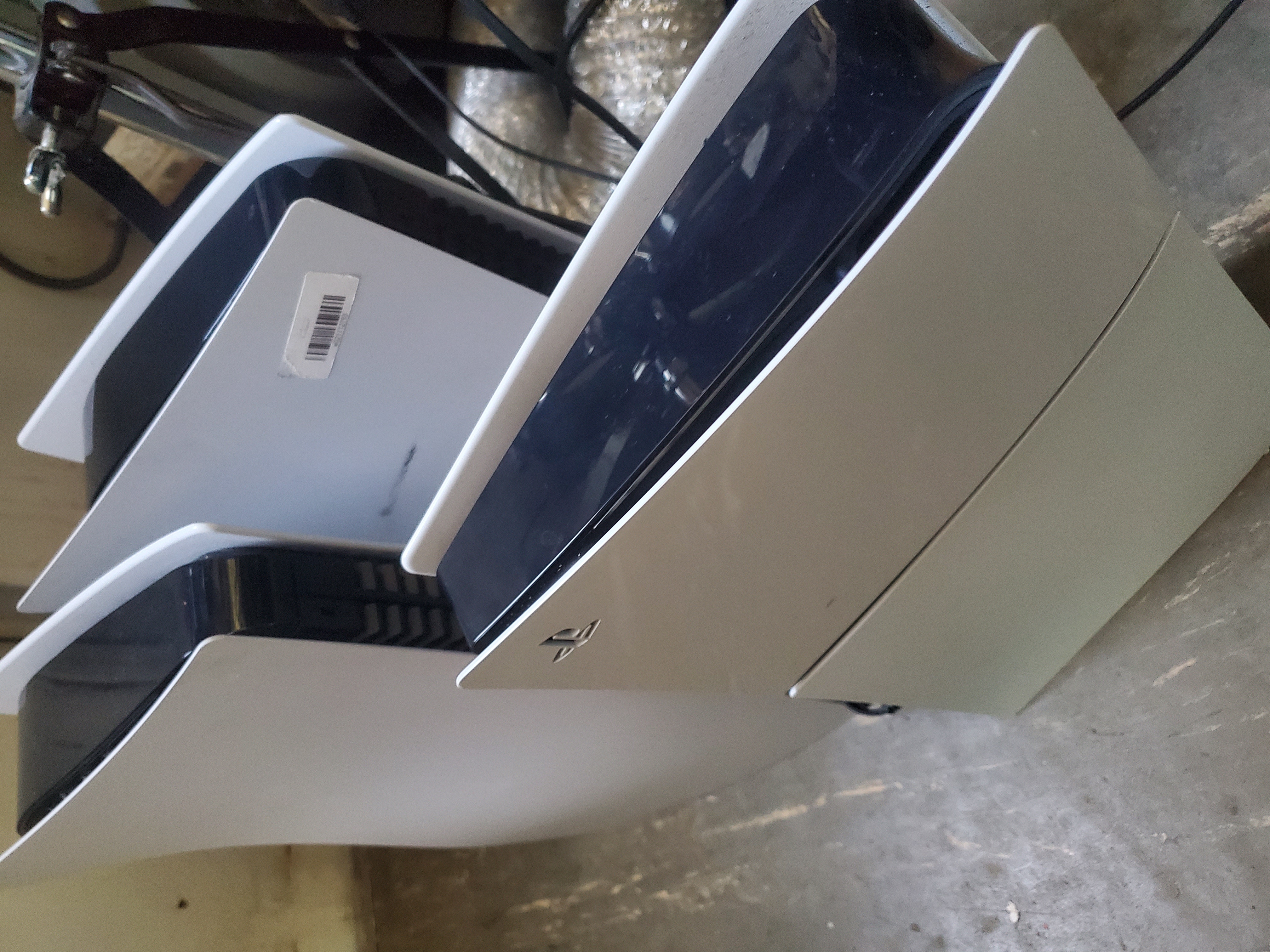
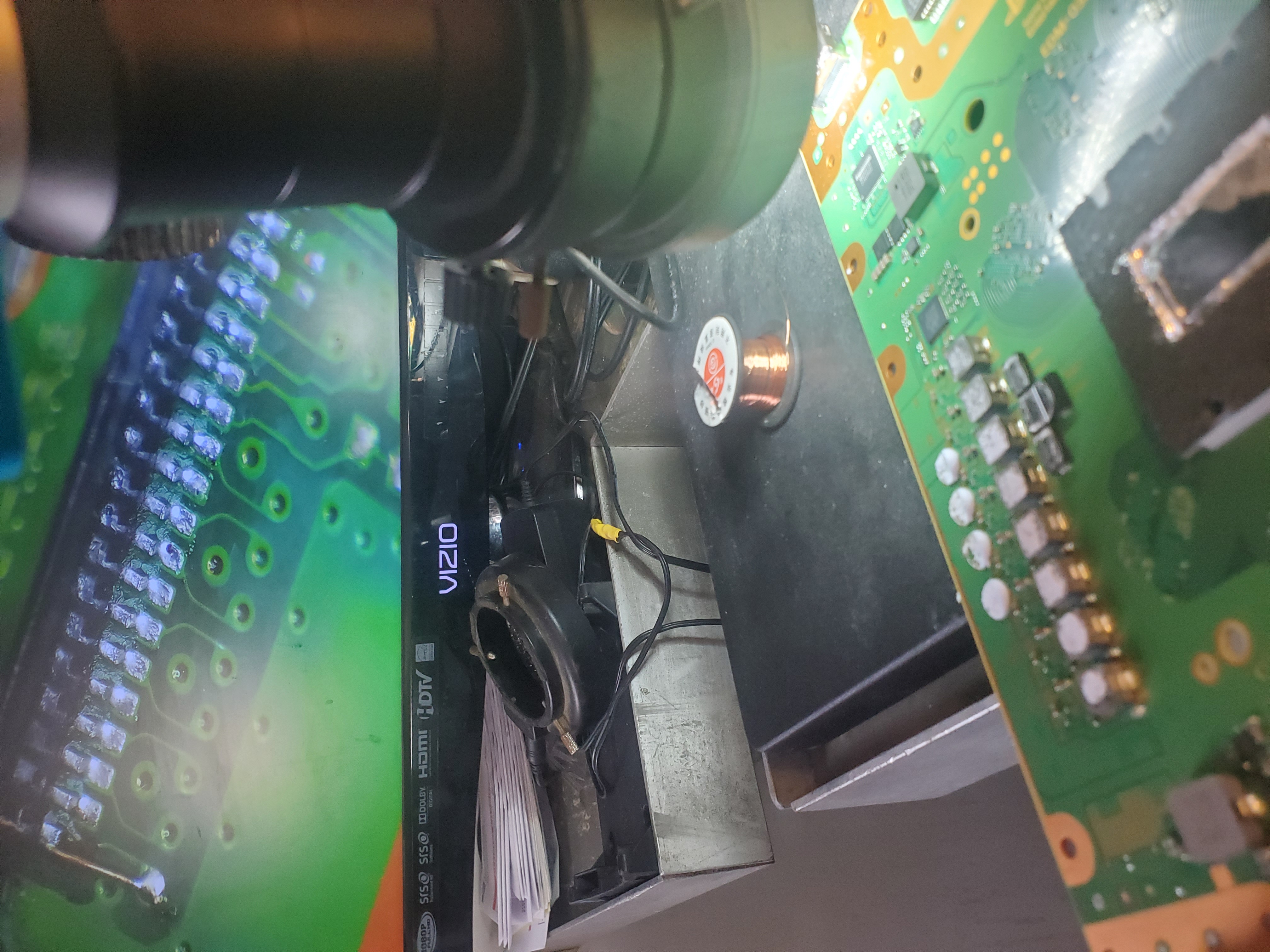
The PlayStation 5 has been released, and yes, they are breaking. If you’re looking to get your PS5 fixed, you’ve come to the right place. At TechDeviceRepair.com, we specialize in repairing PS5 consoles in most broken conditions. Click the Start a Repair button to get started.
Why Choose Us?
We are the leaders in PS5 repairs, with over 2.5 million likes on TikTok and 37 million views on YouTube. Our videos have taught the internet most of the repairs that repair shops know how to do. When other shops tell you it can’t be repaired, there’s still hope at TDR.
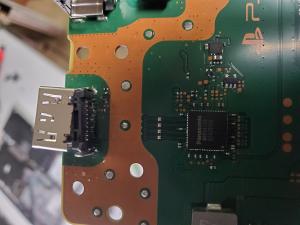
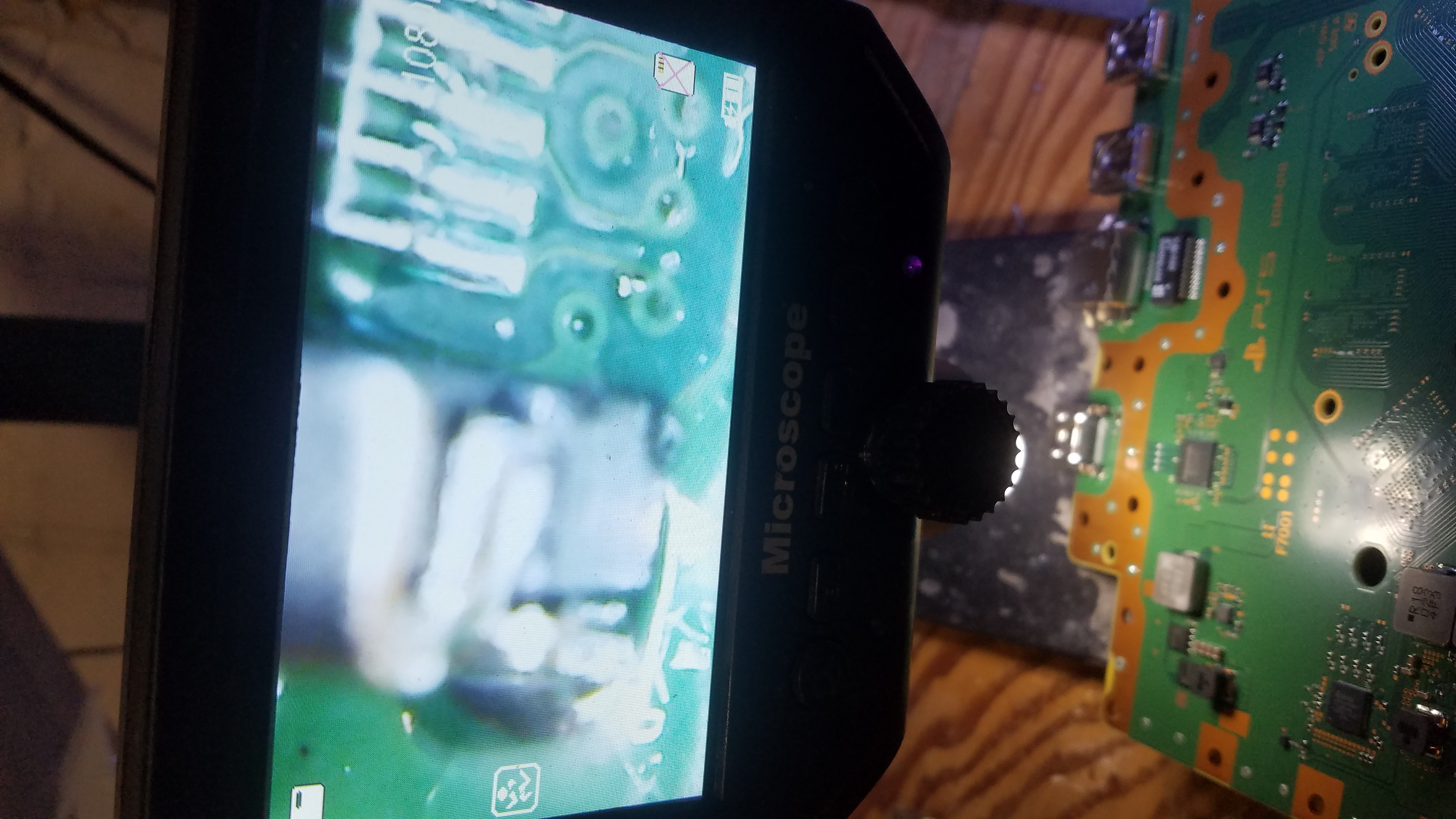
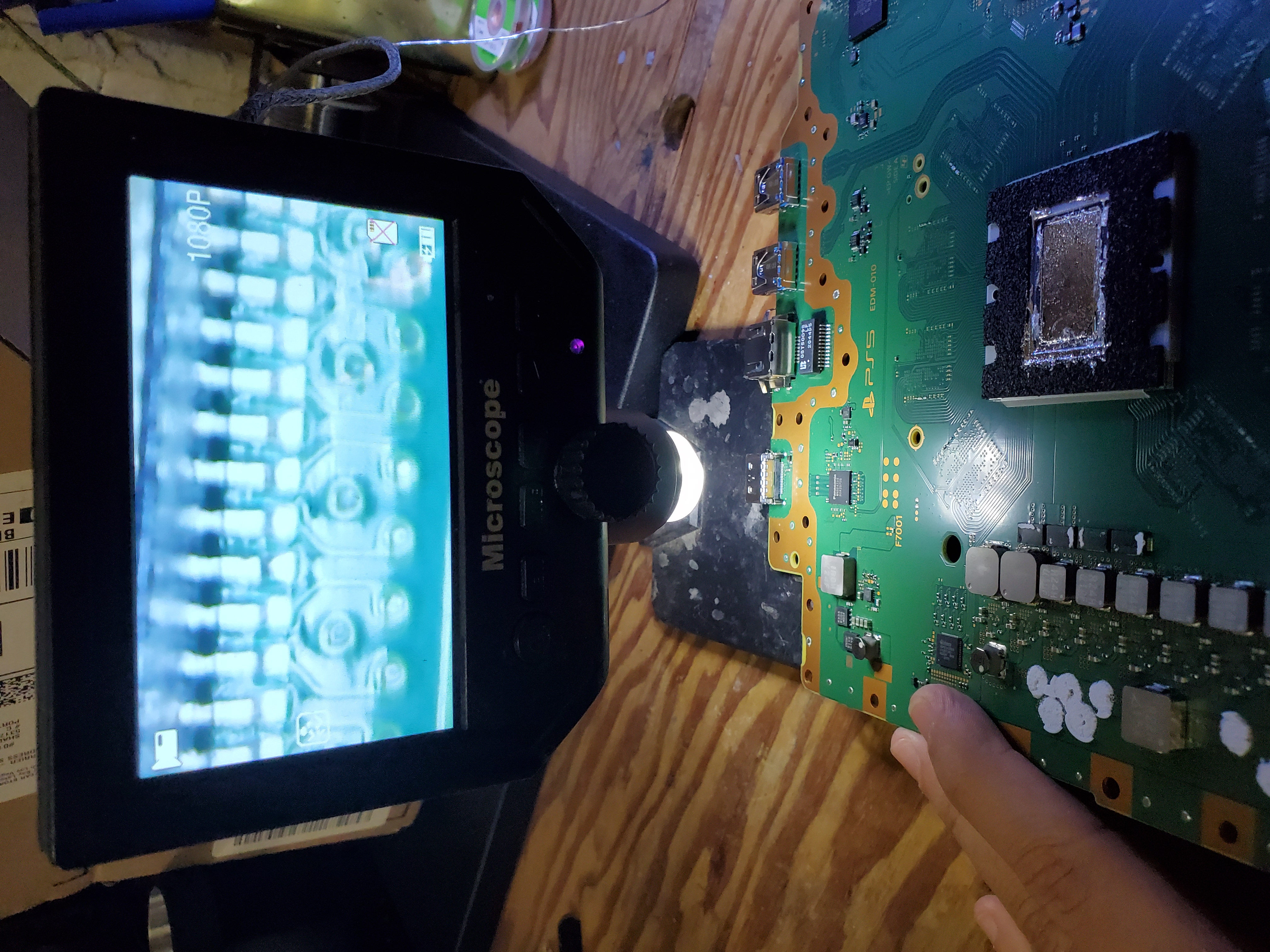
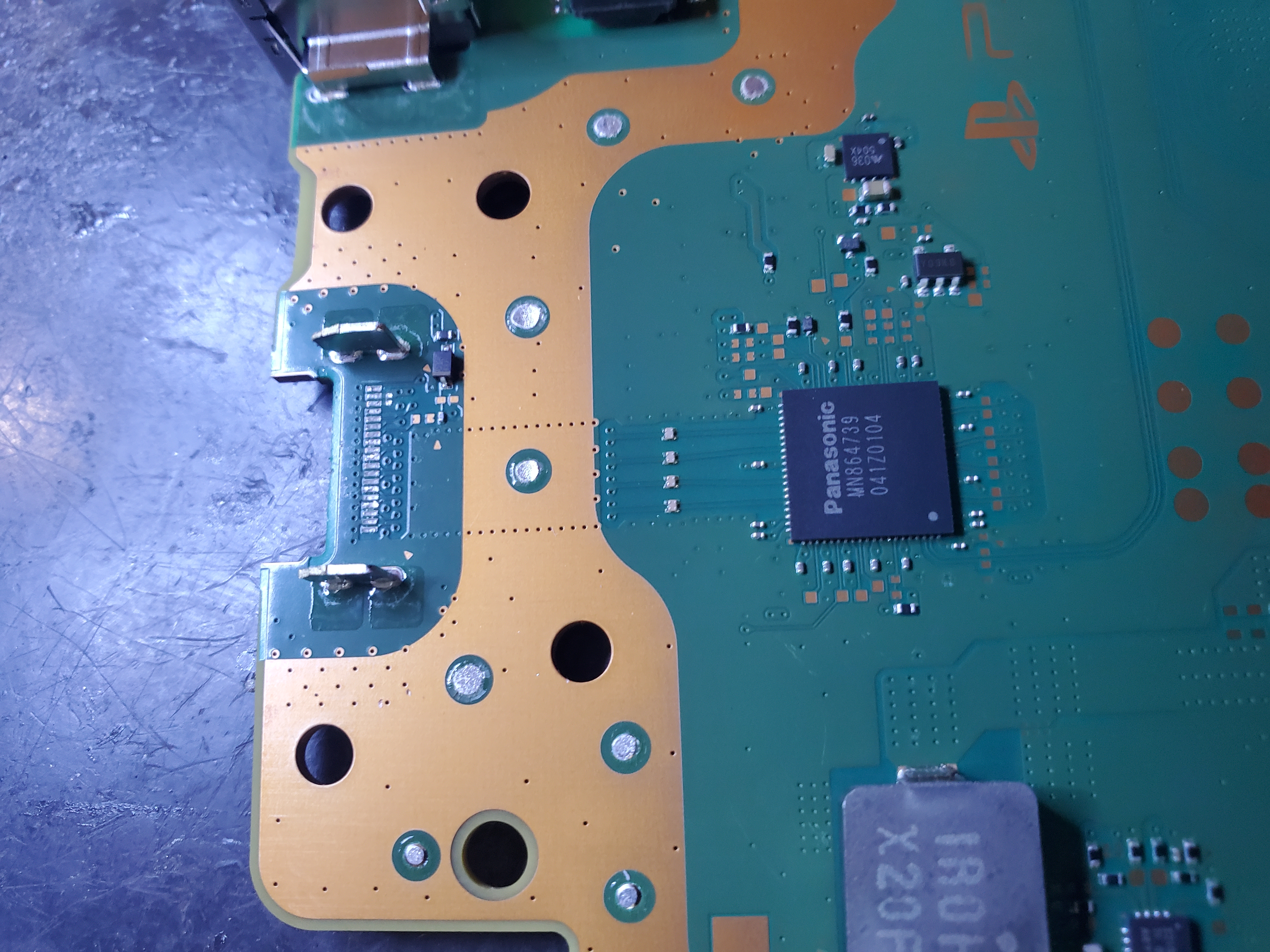
From HDMI port replacements to power issues, we’ve fixed it all. Watch our videos to see the quality of our work!
Common PS5 Repairs
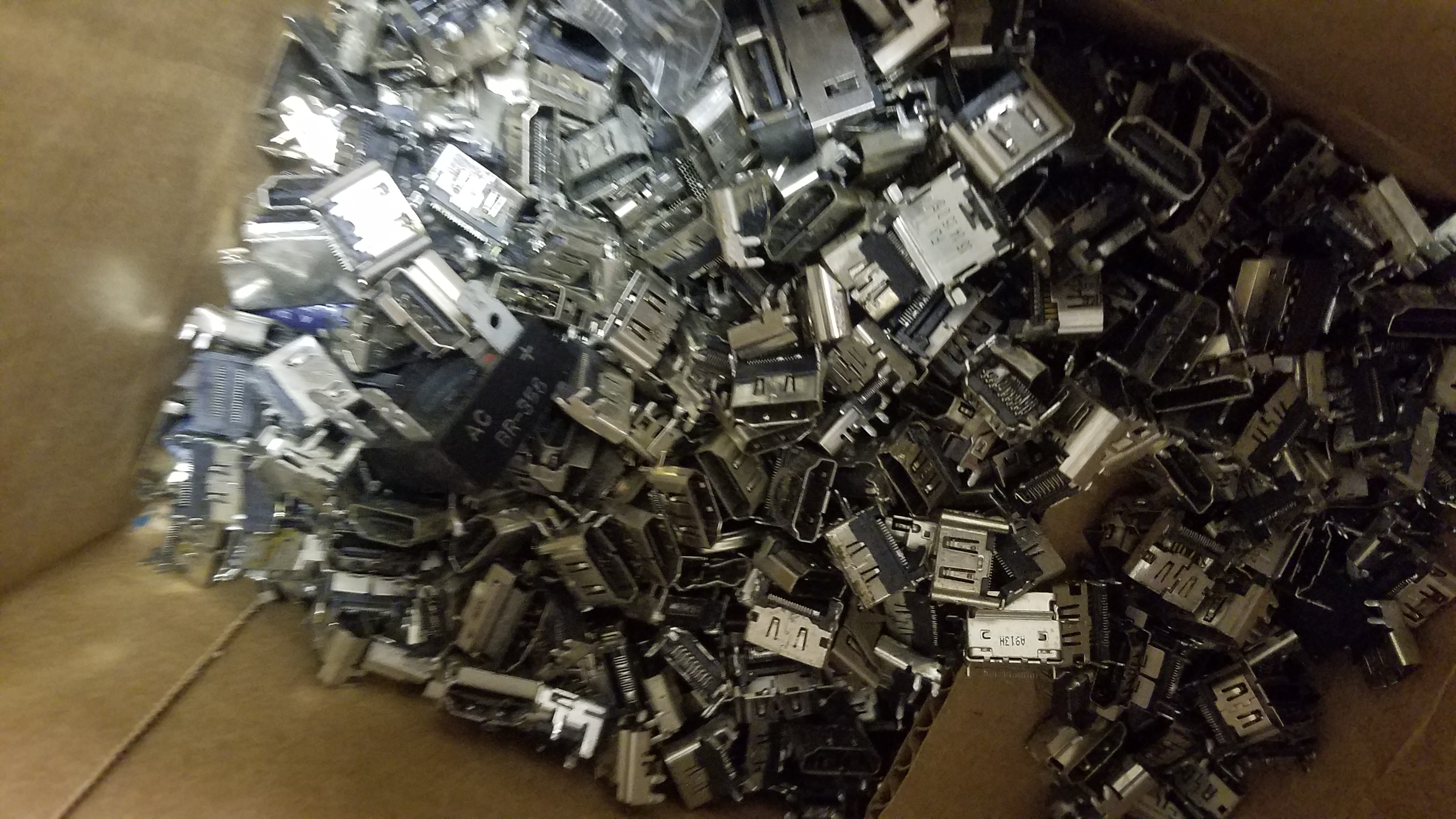
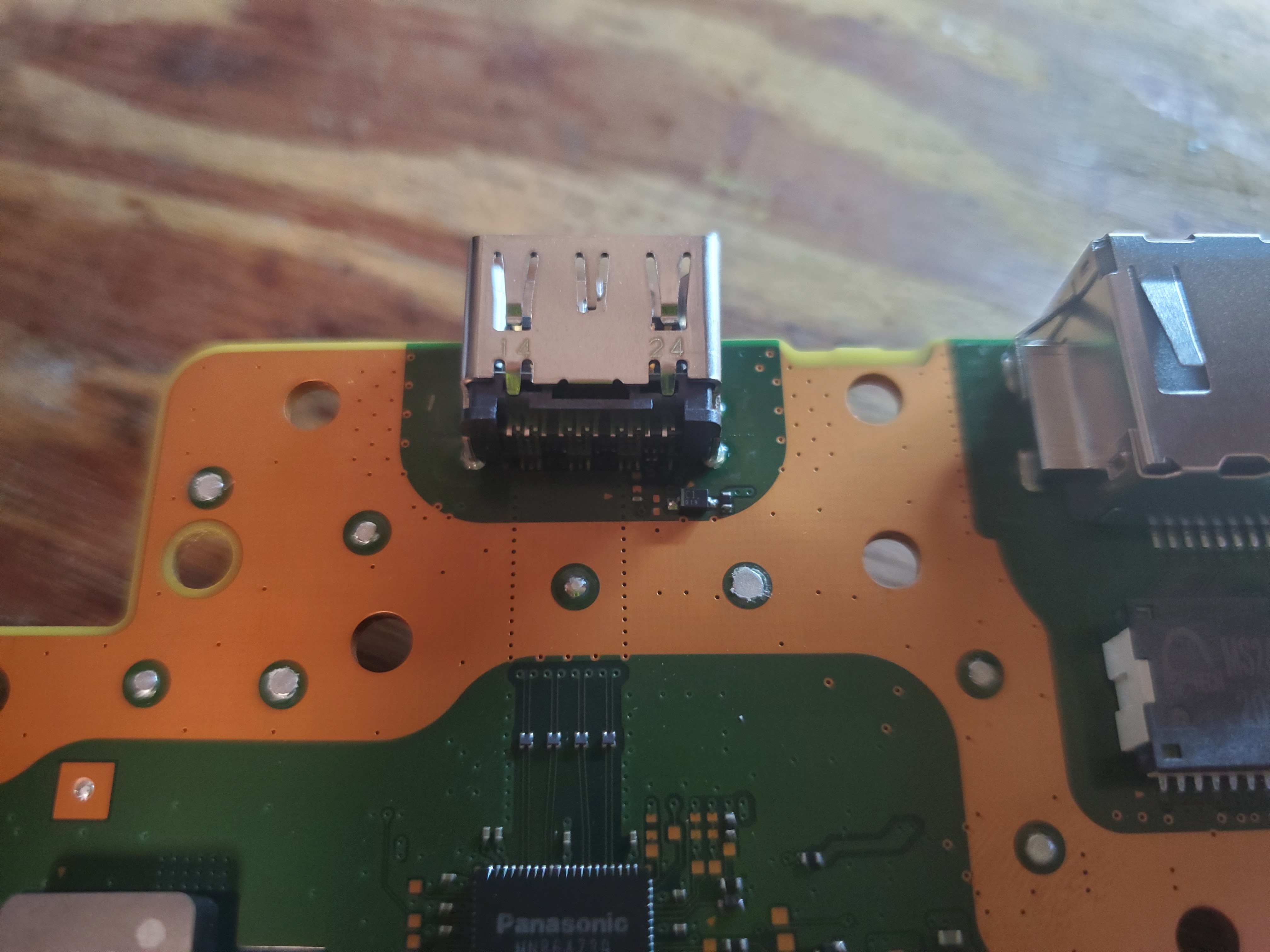
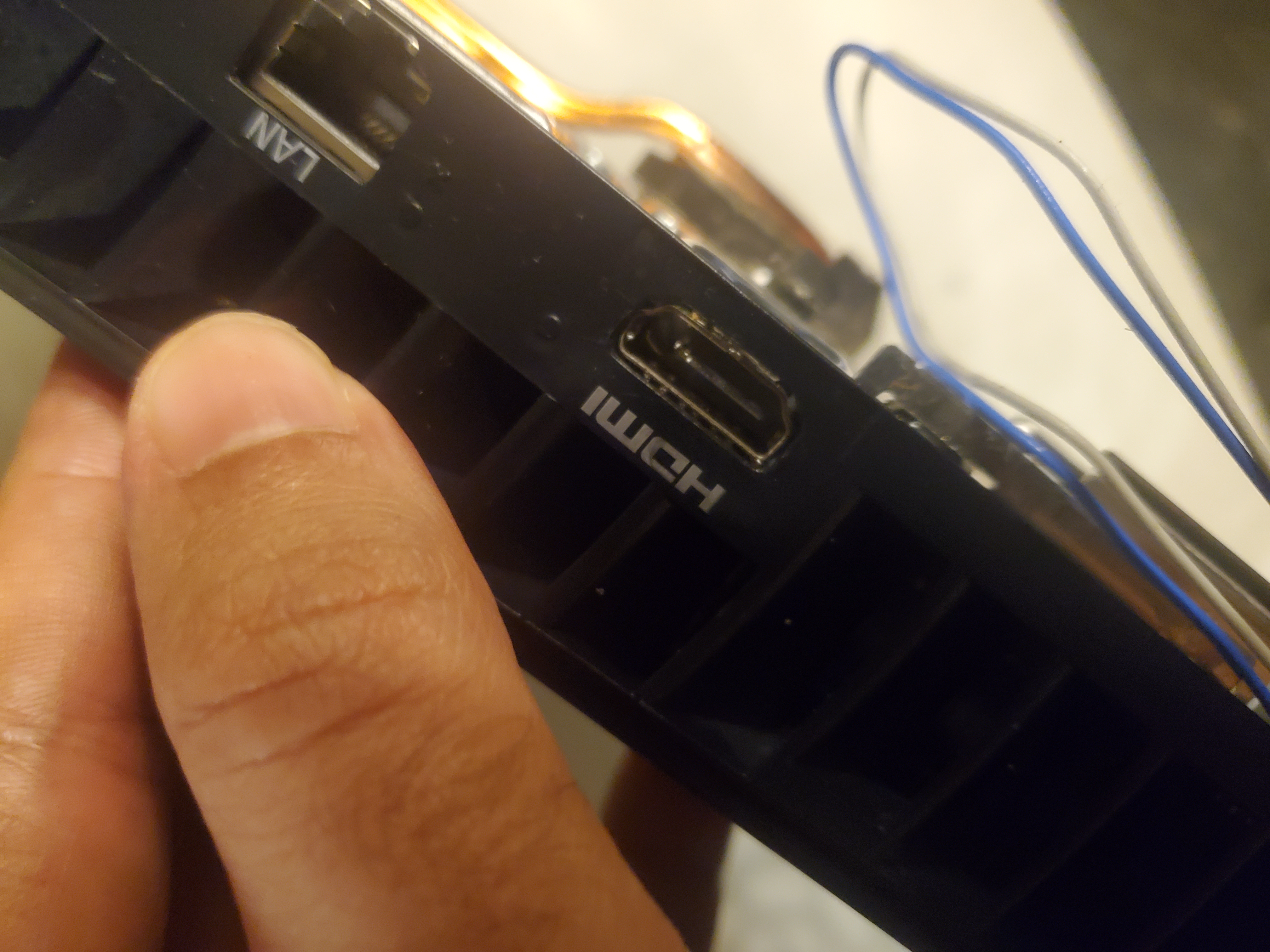
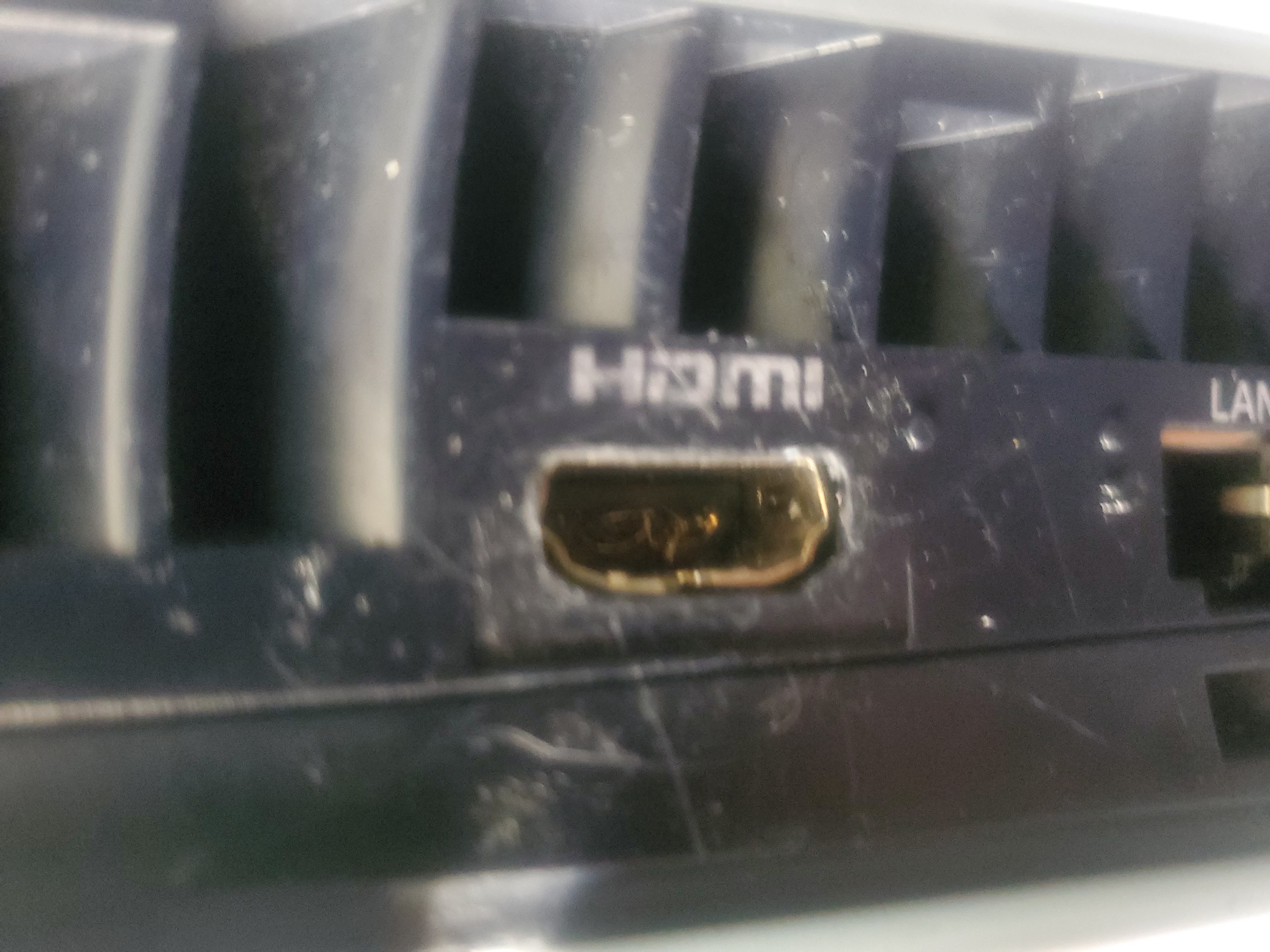
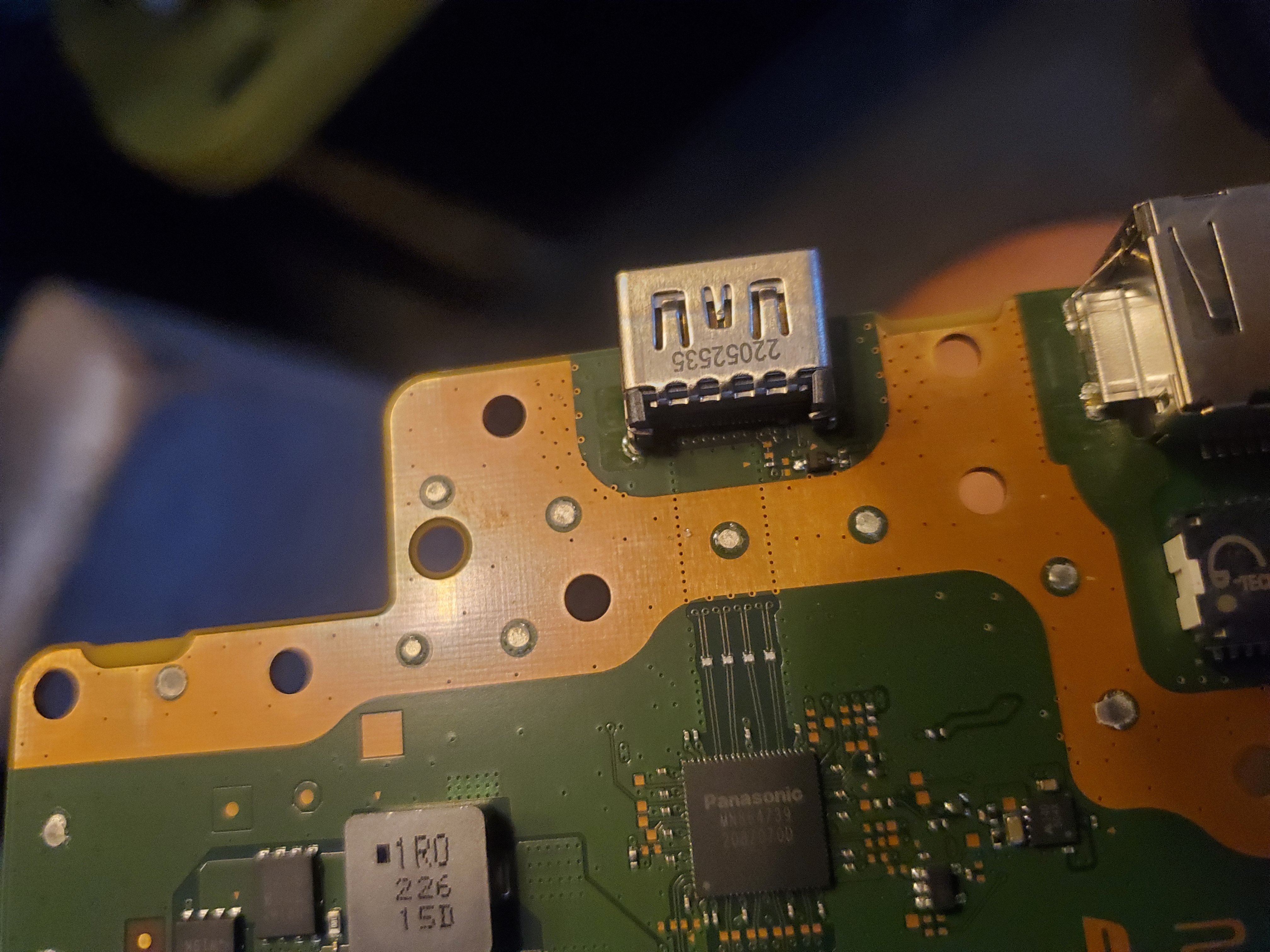
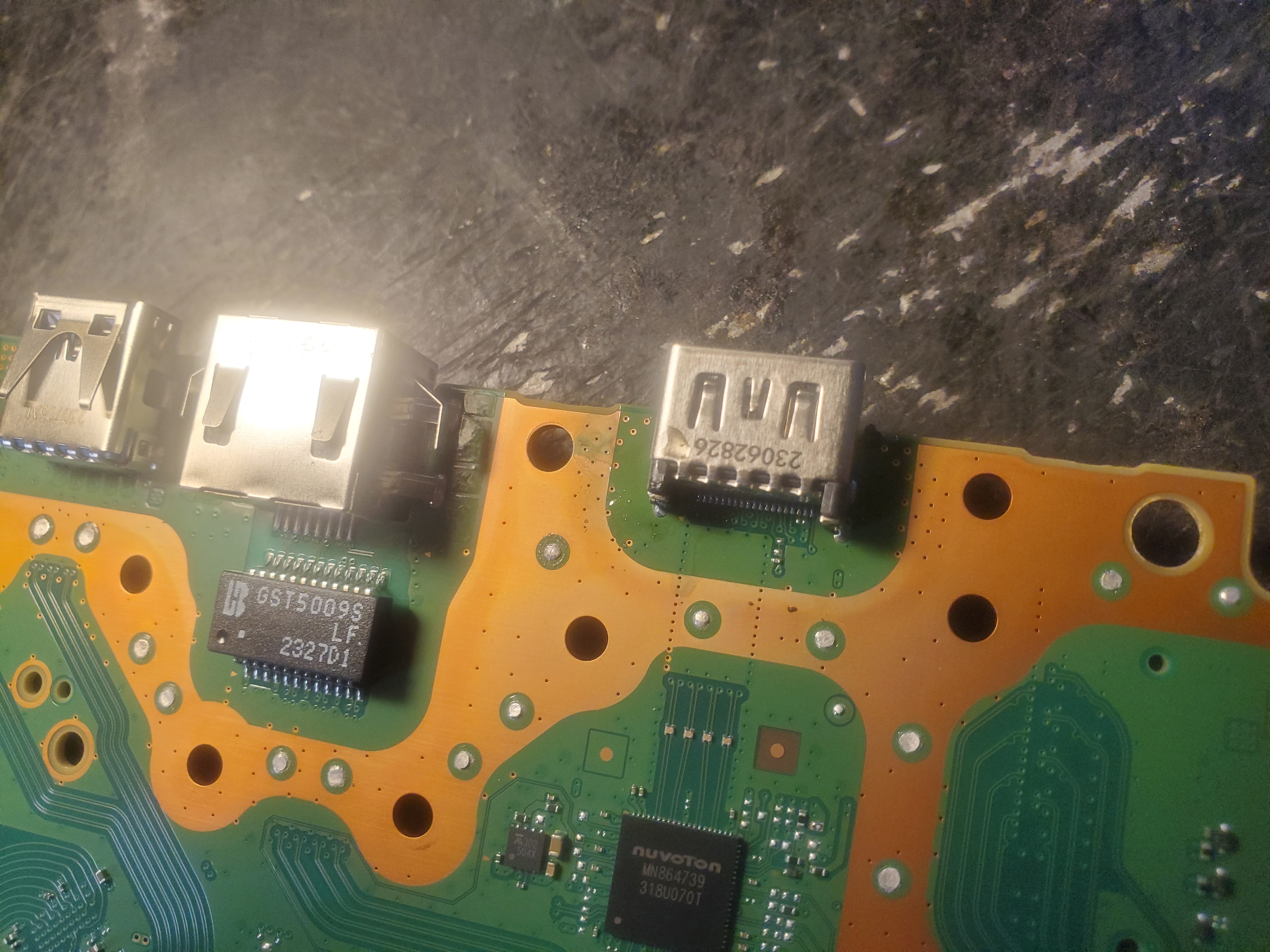
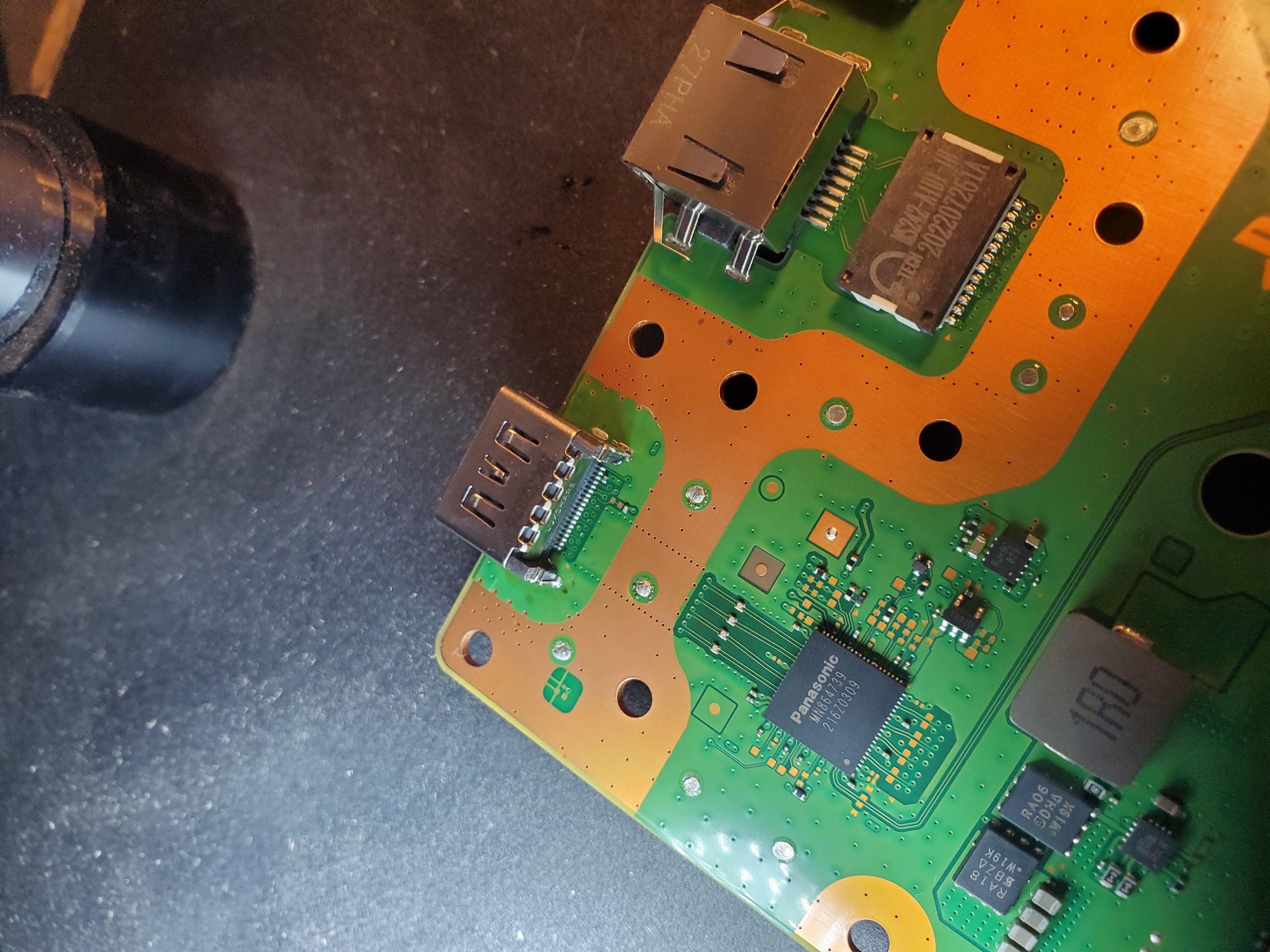
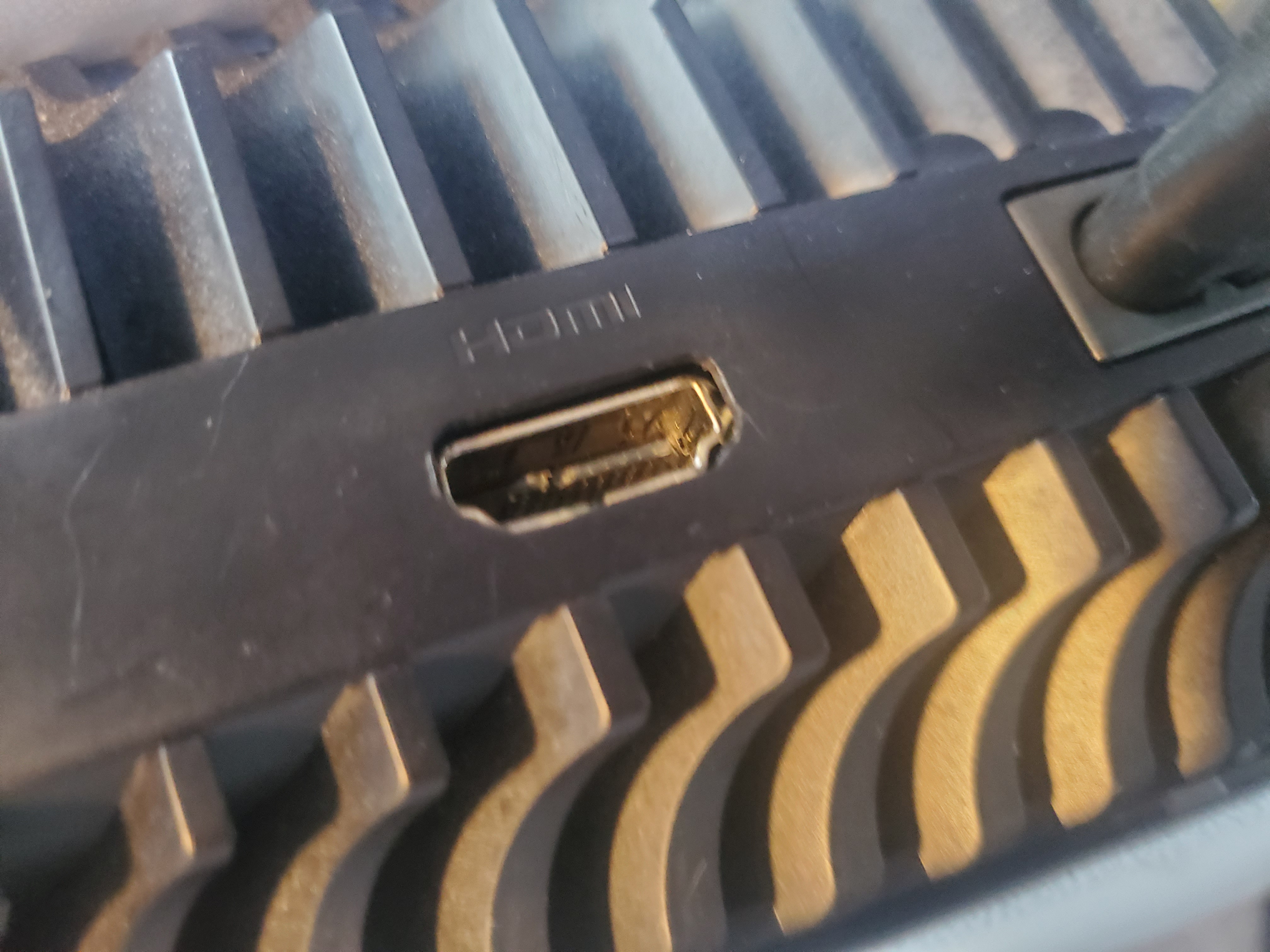
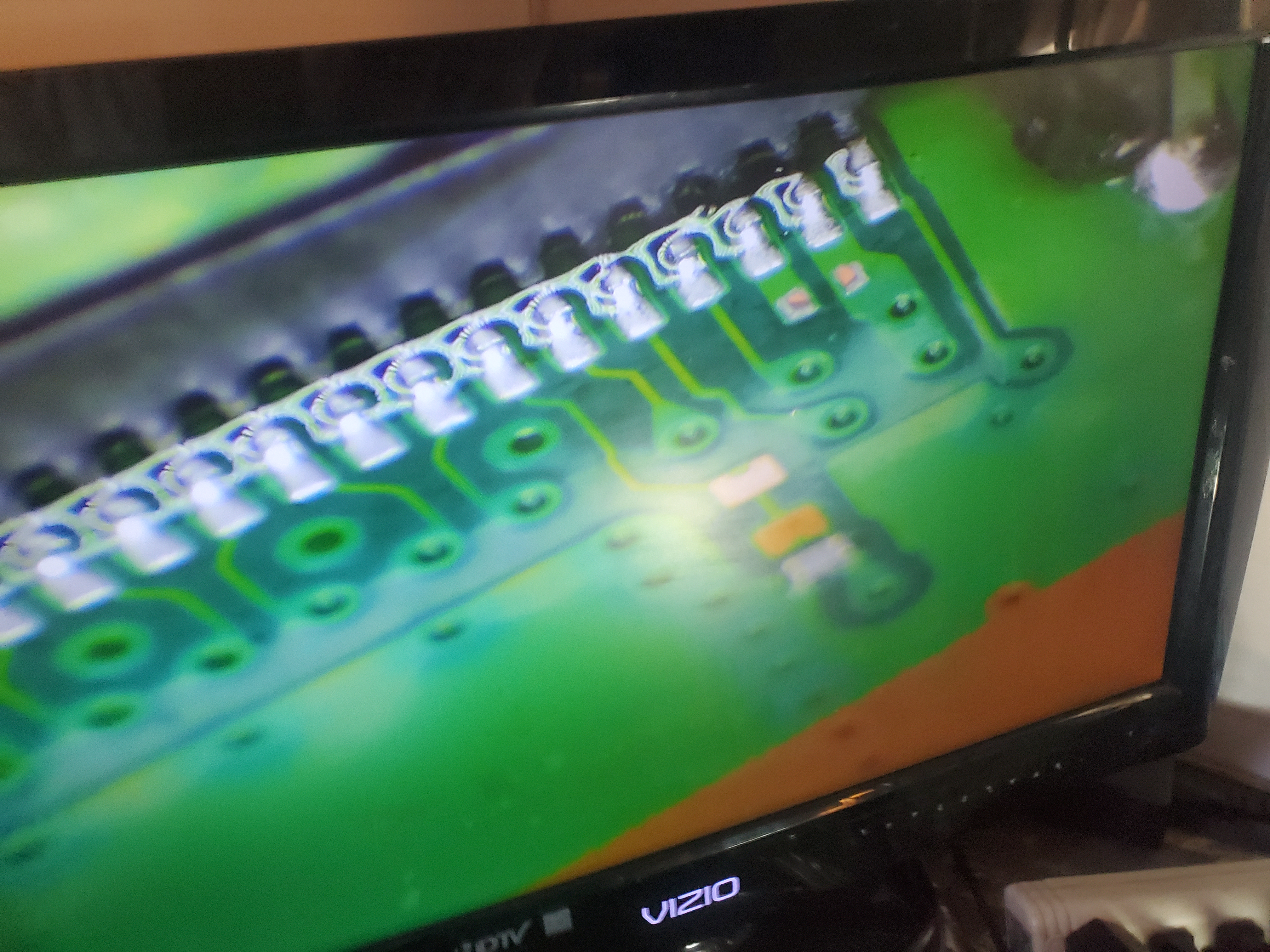
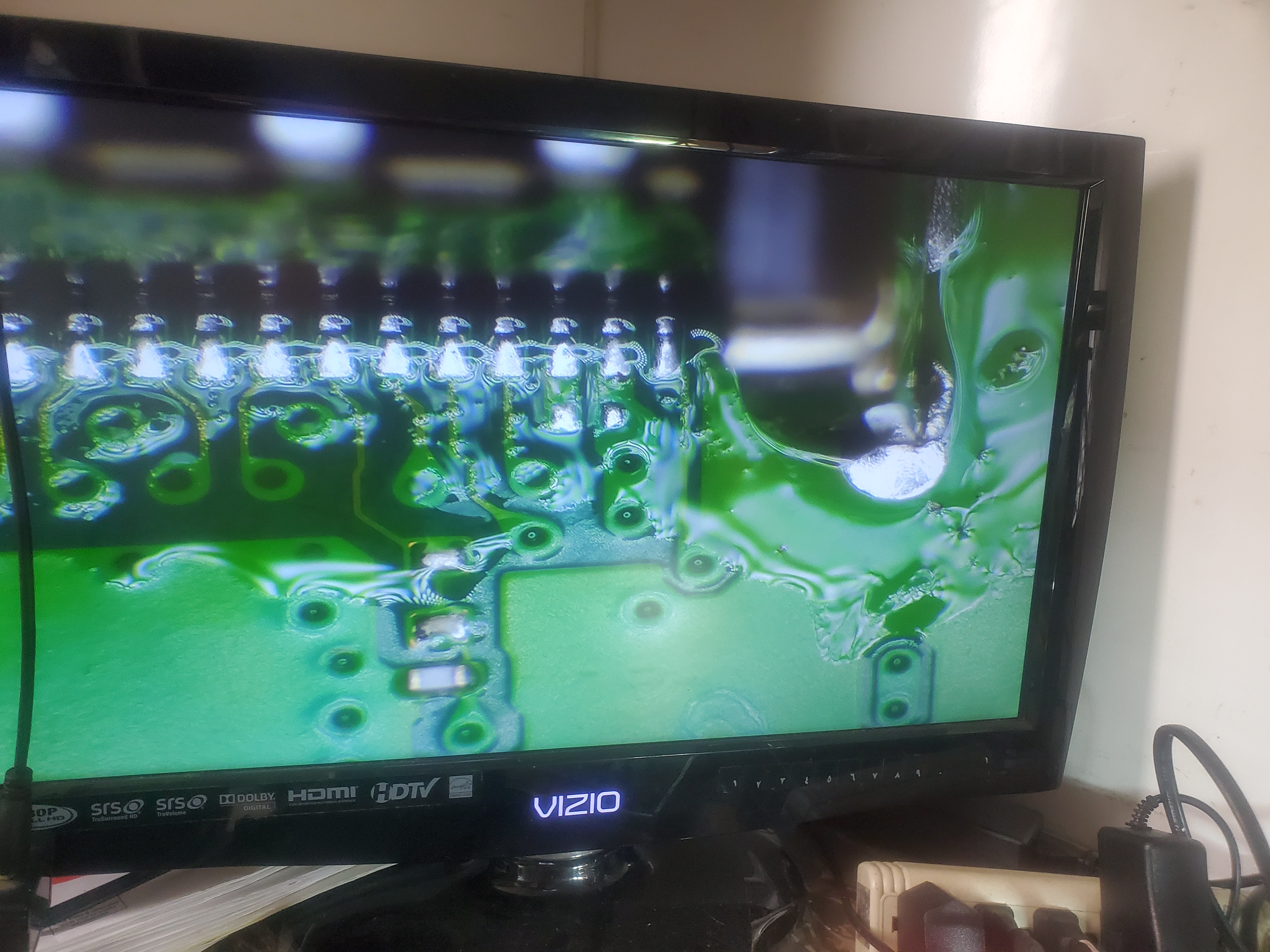
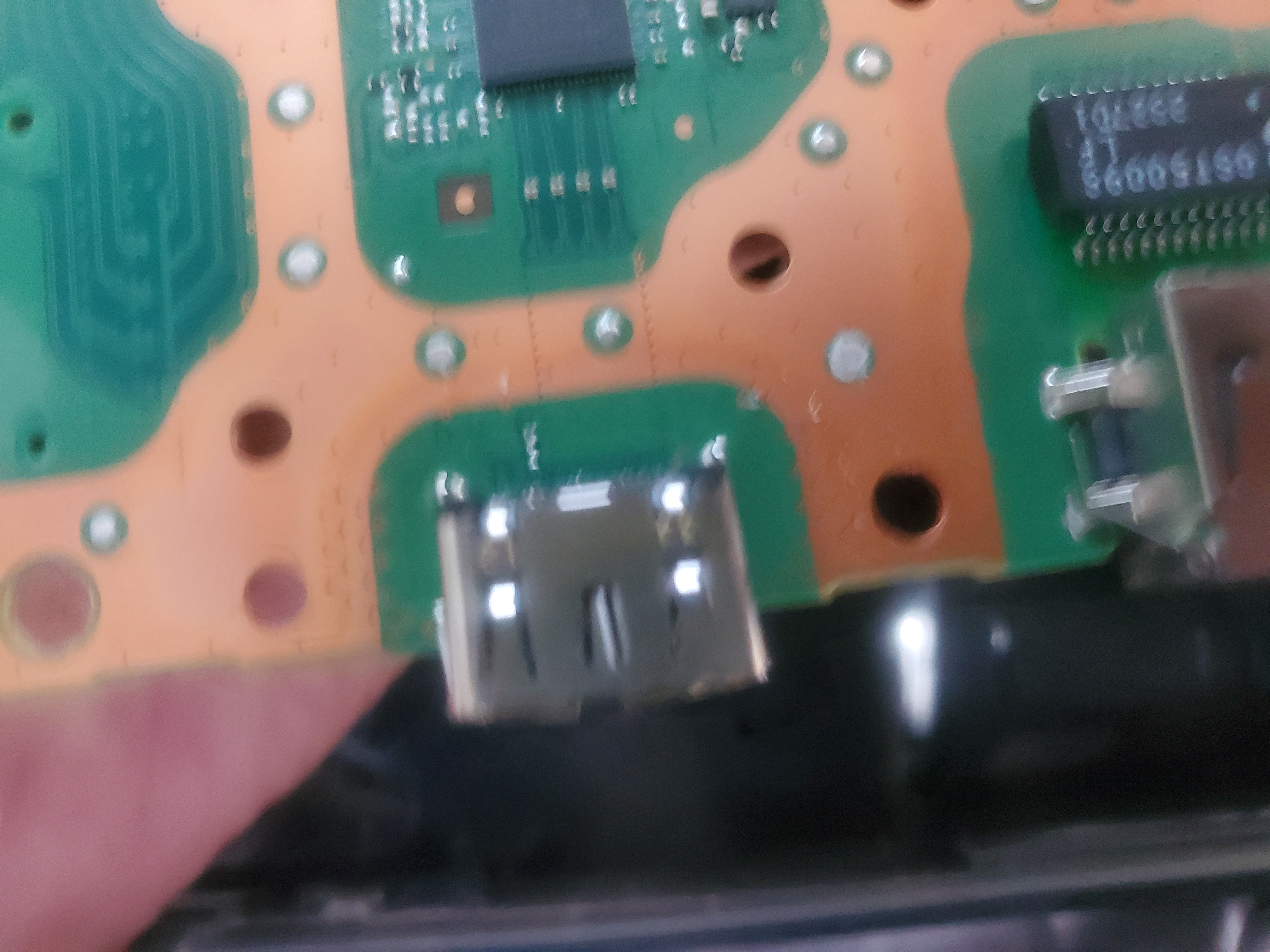
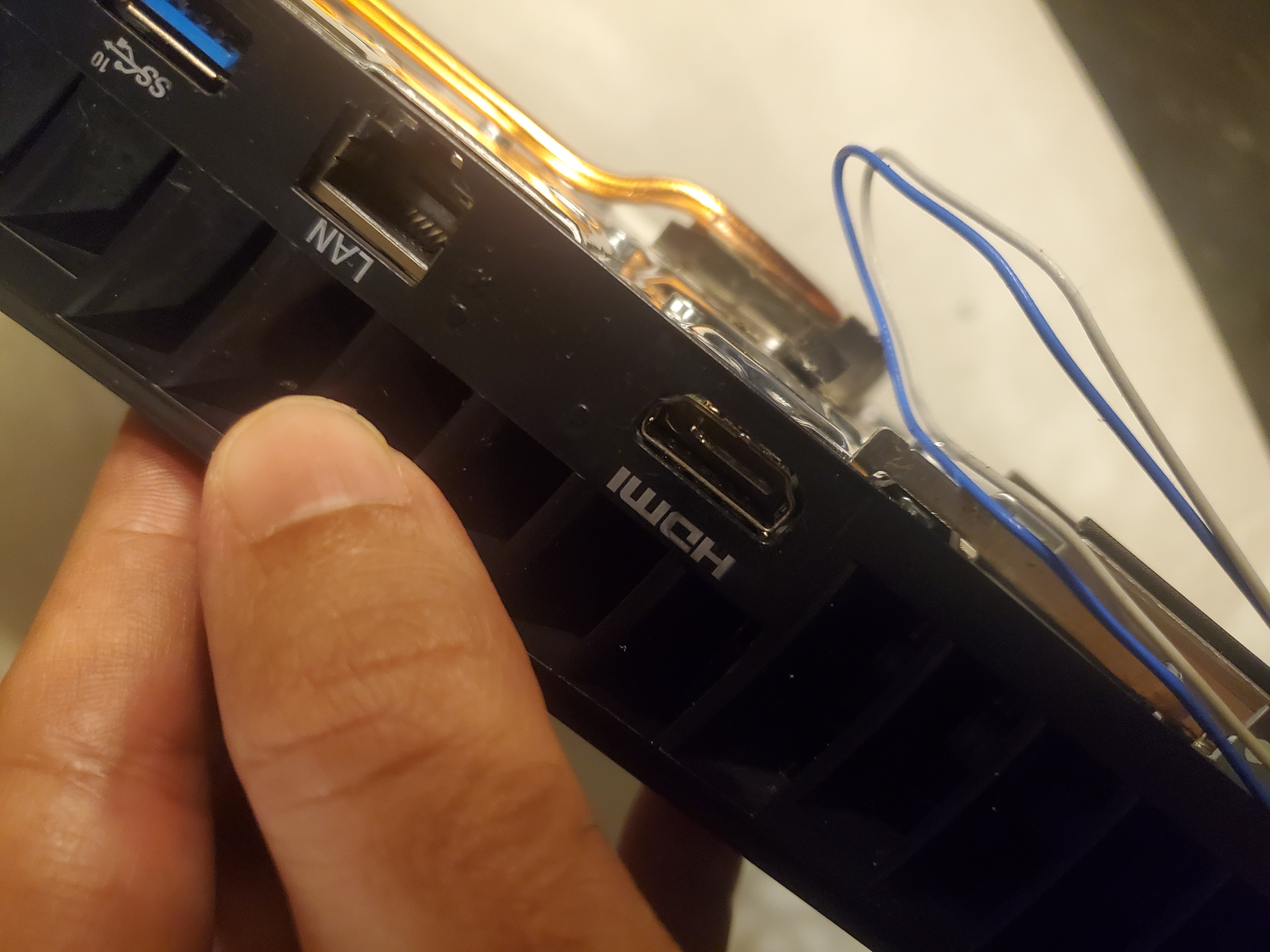
- HDMI Port Repairs: Same-day repairs with Factory Original HDMI ports.
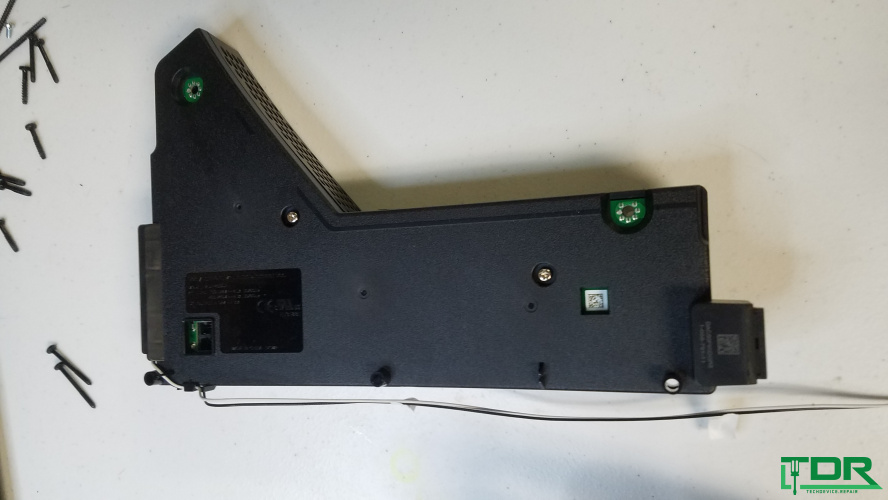
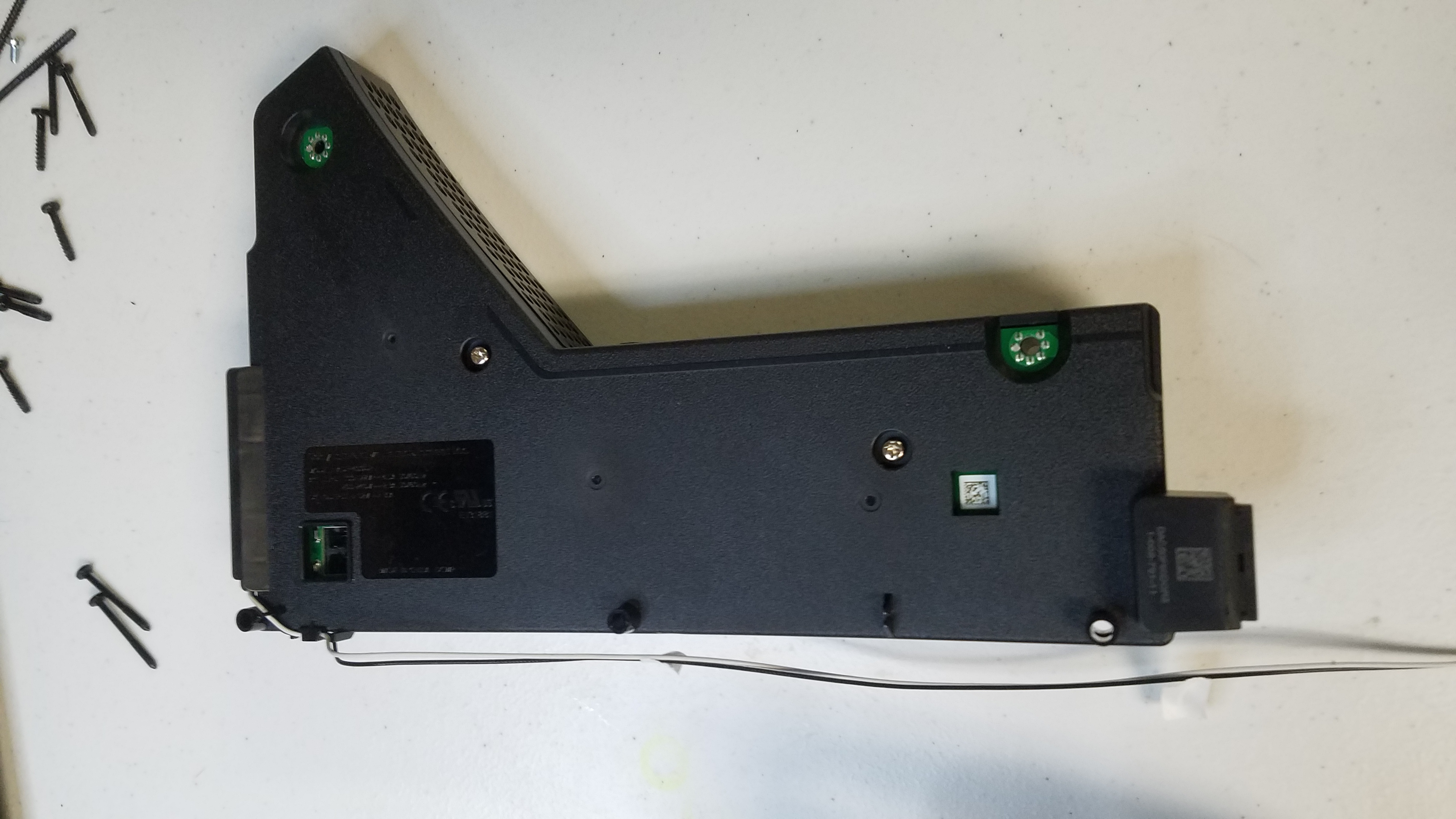
- Power Issues: Fixing power supply failures and voltage-related problems.
- Blue/White Light of Death: Diagnosing and repairing system boot failures.
- No Signal/No Video: Repairing video signal circuitry on the motherboard.
- Blu-Ray Drive Issues: Fixing disc jams, alignment issues, and dirt buildup.
- Storage and Software Issues: Addressing SSD and software-related problems.
PS5 Repair Process
Our repair process ensures your PS5 is restored to peak performance:
- Inspect the console to diagnose the issue.
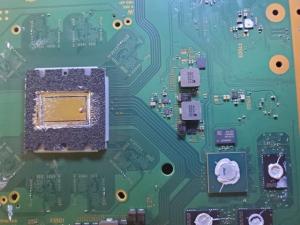
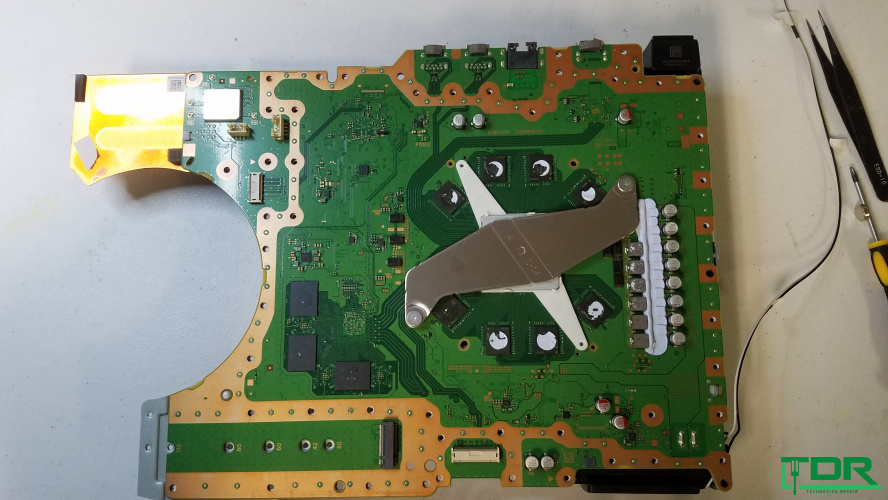
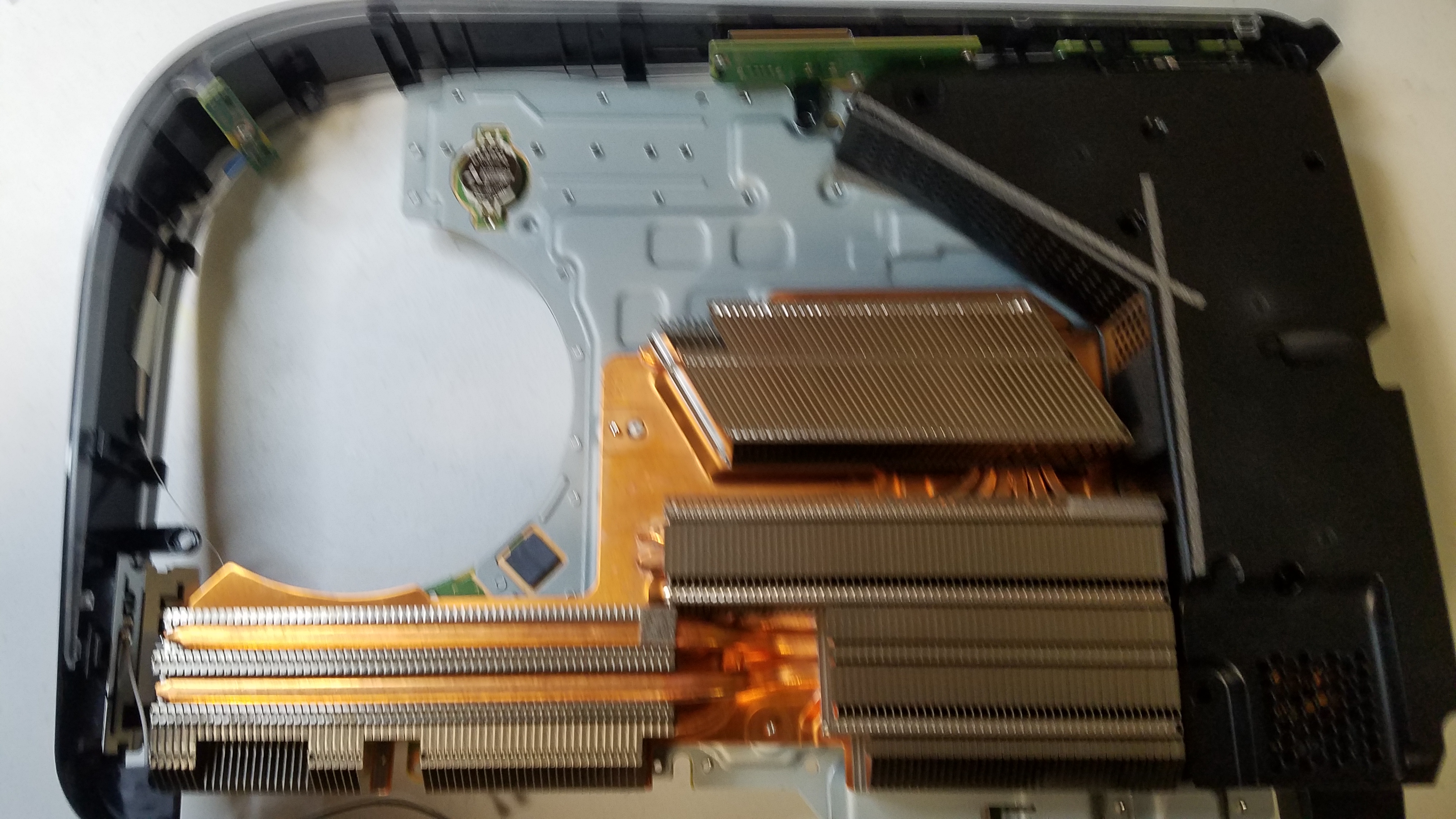
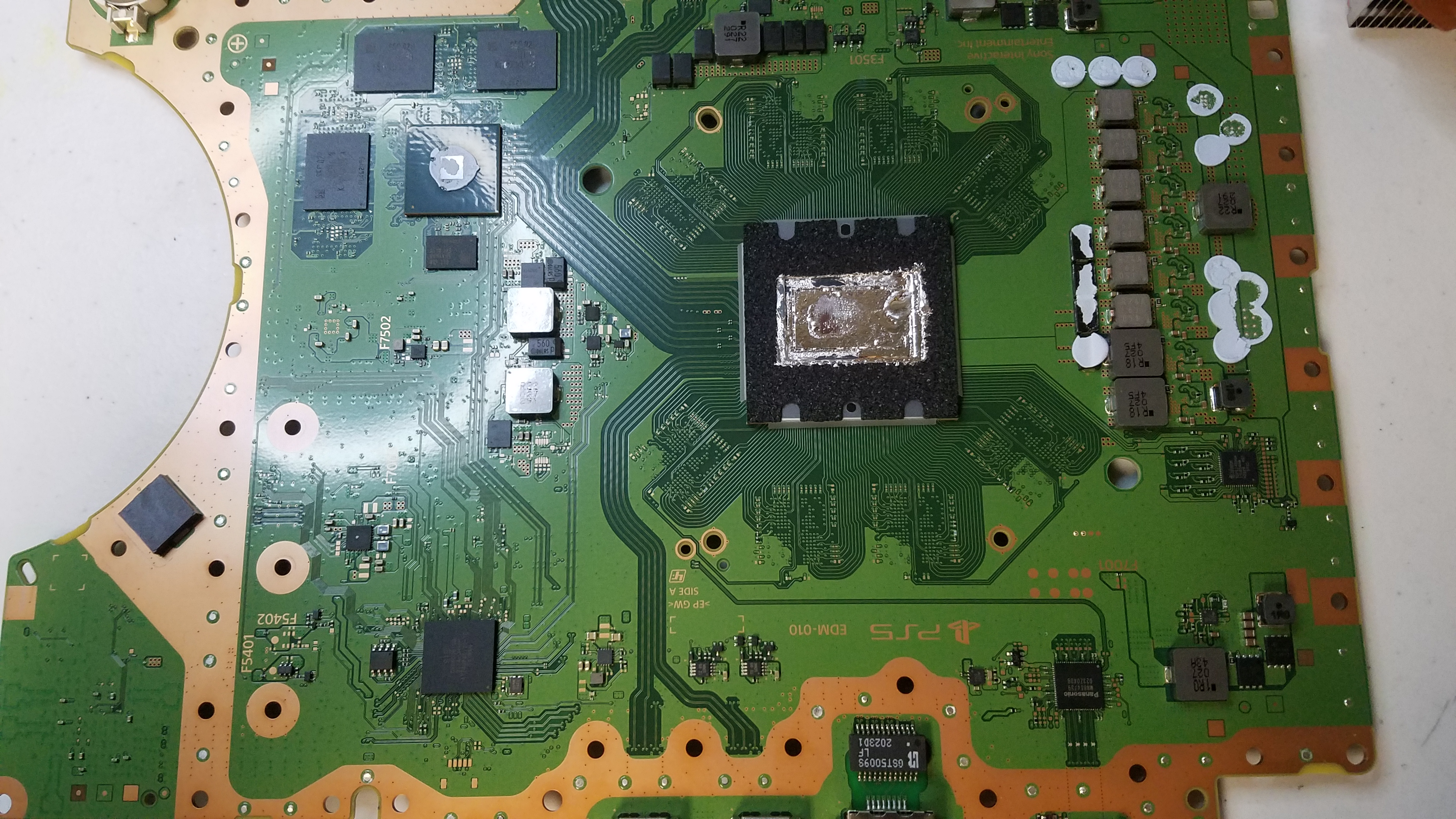
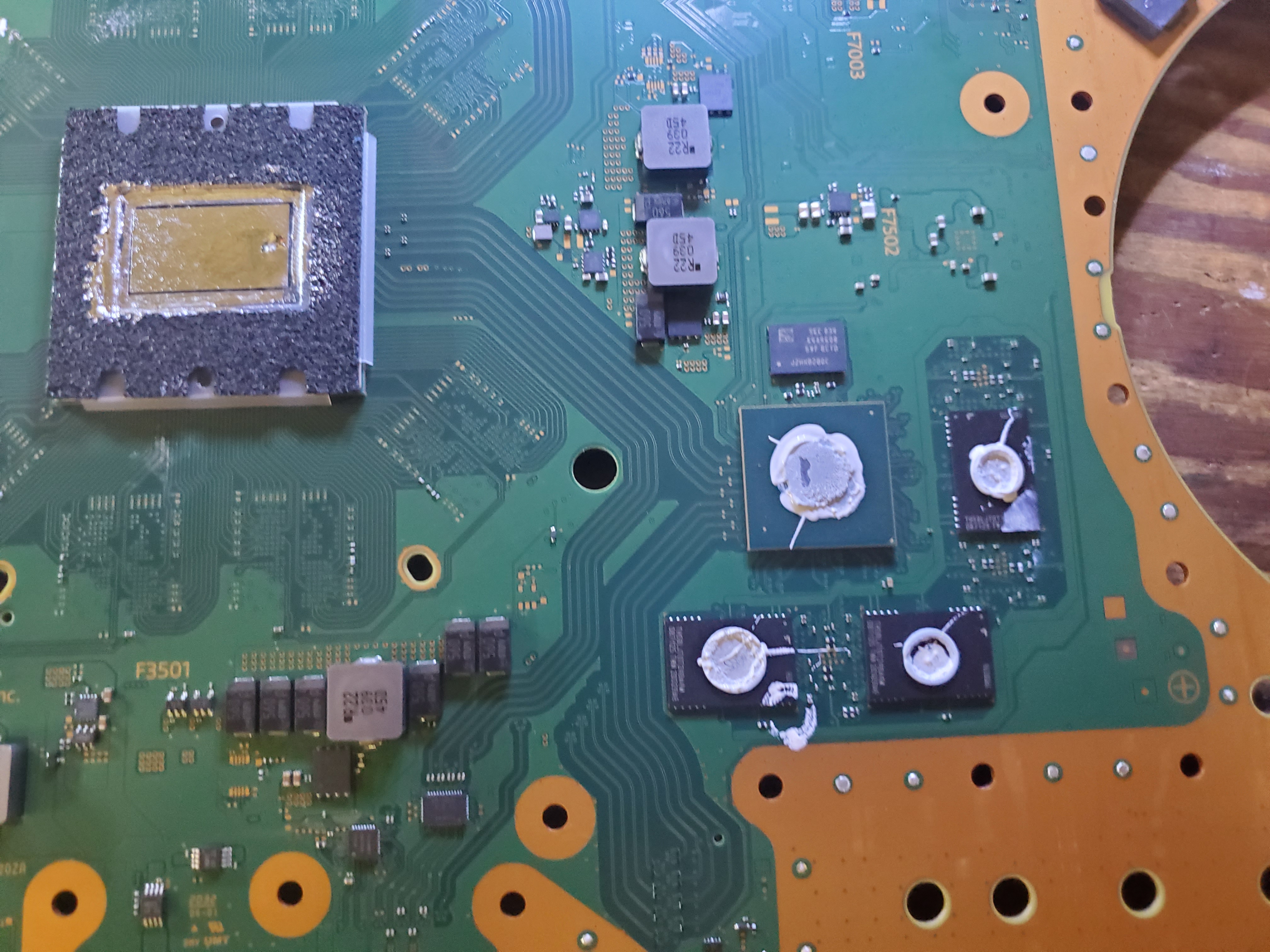
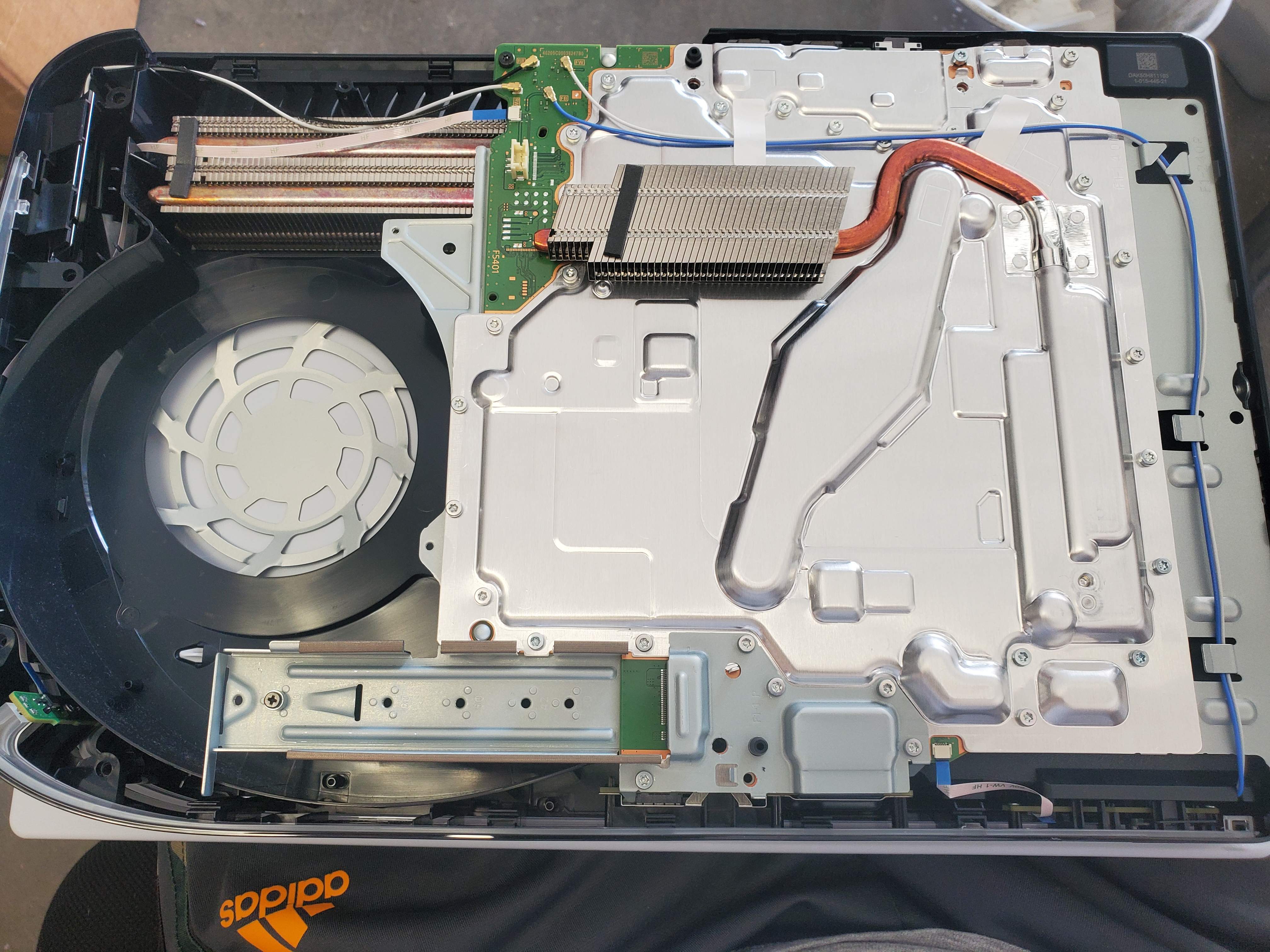
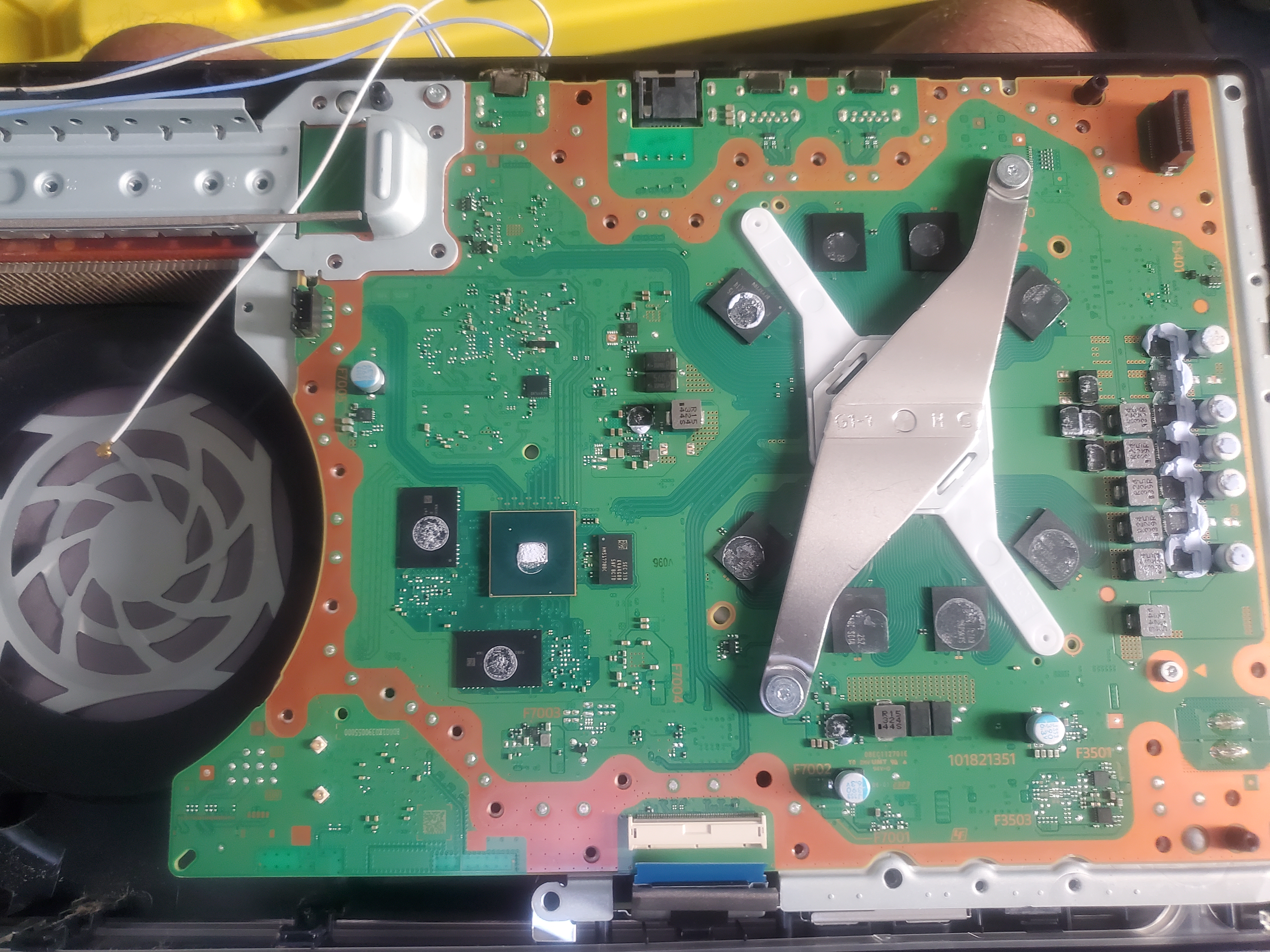
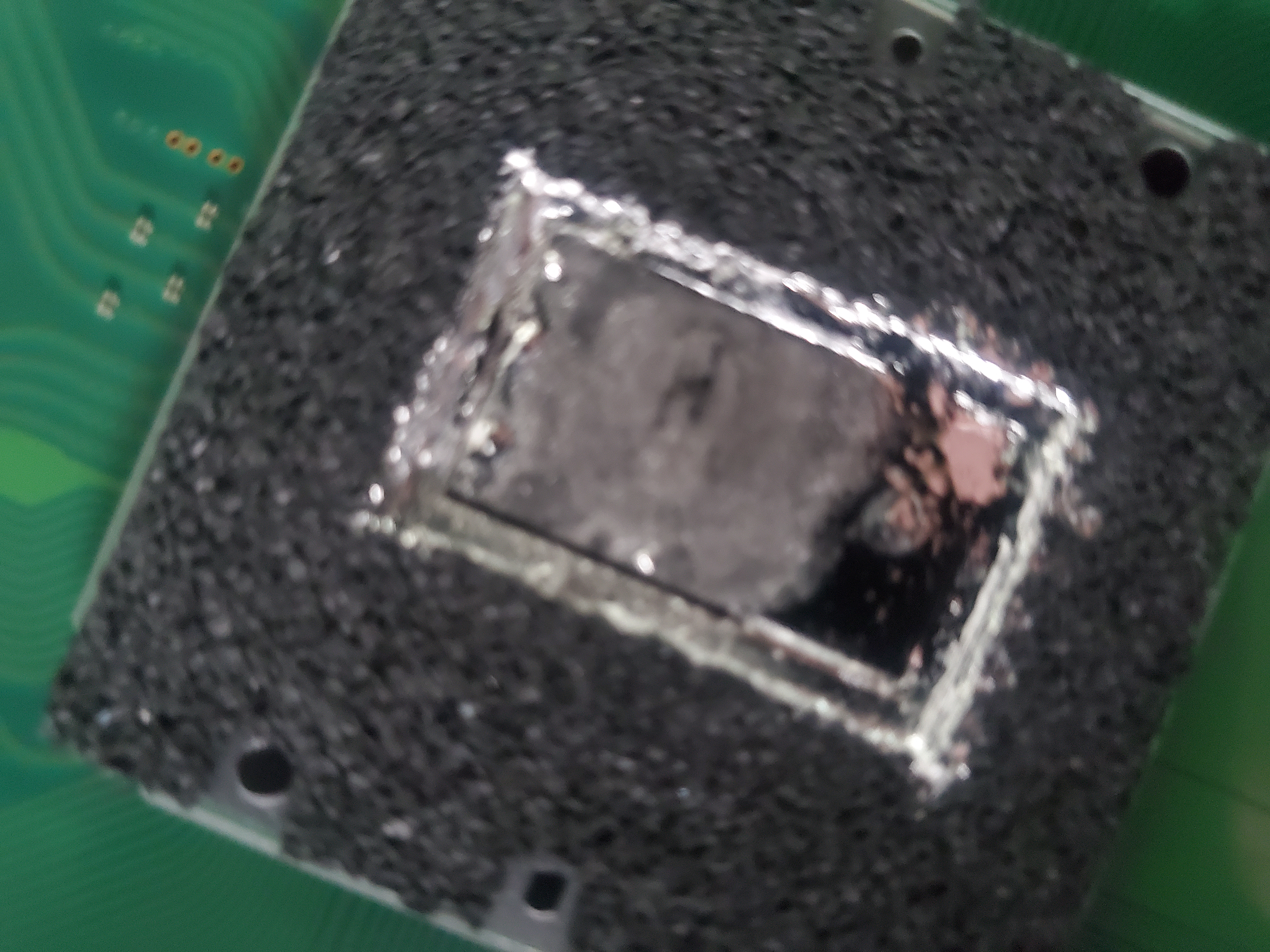
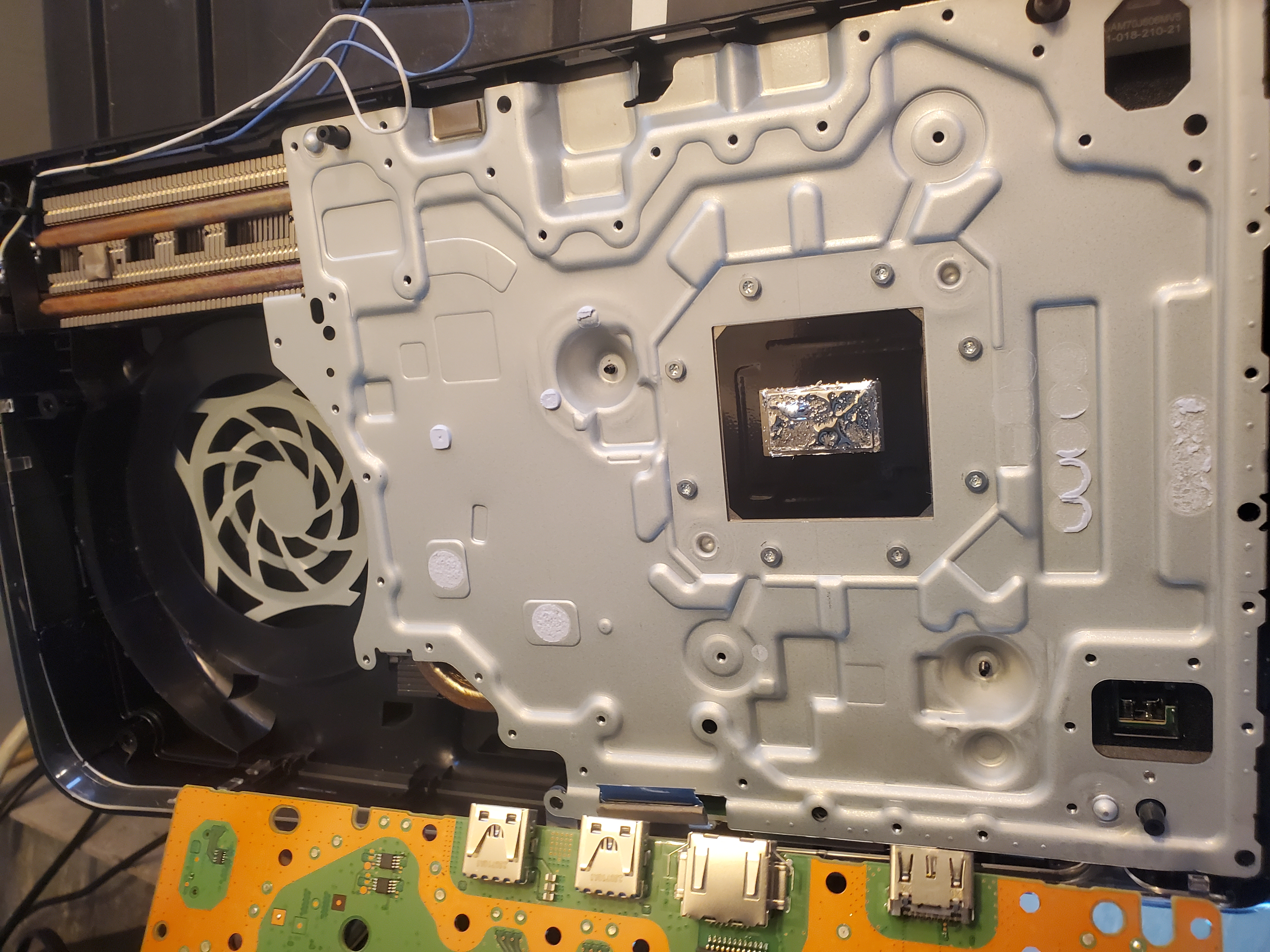
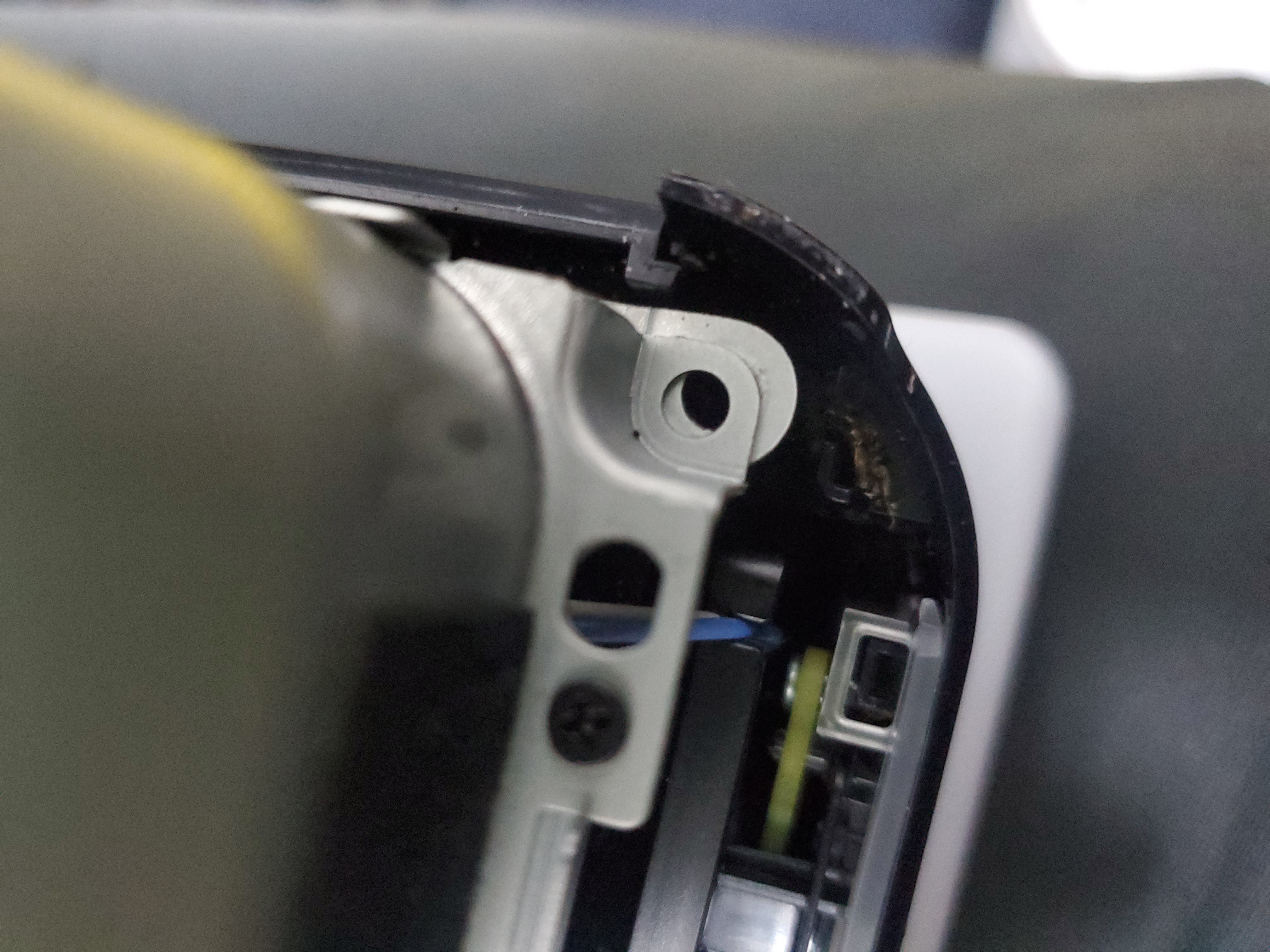
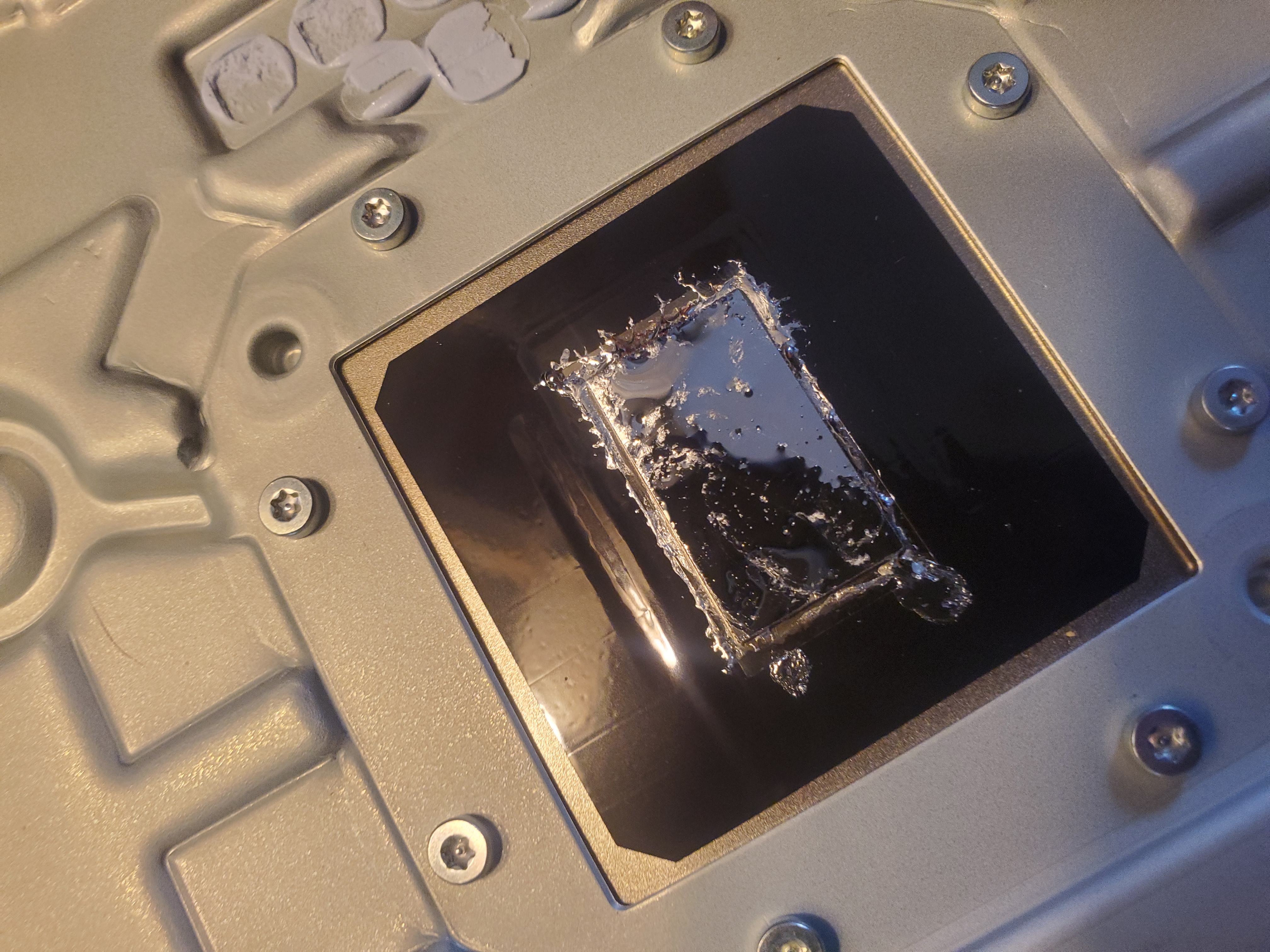
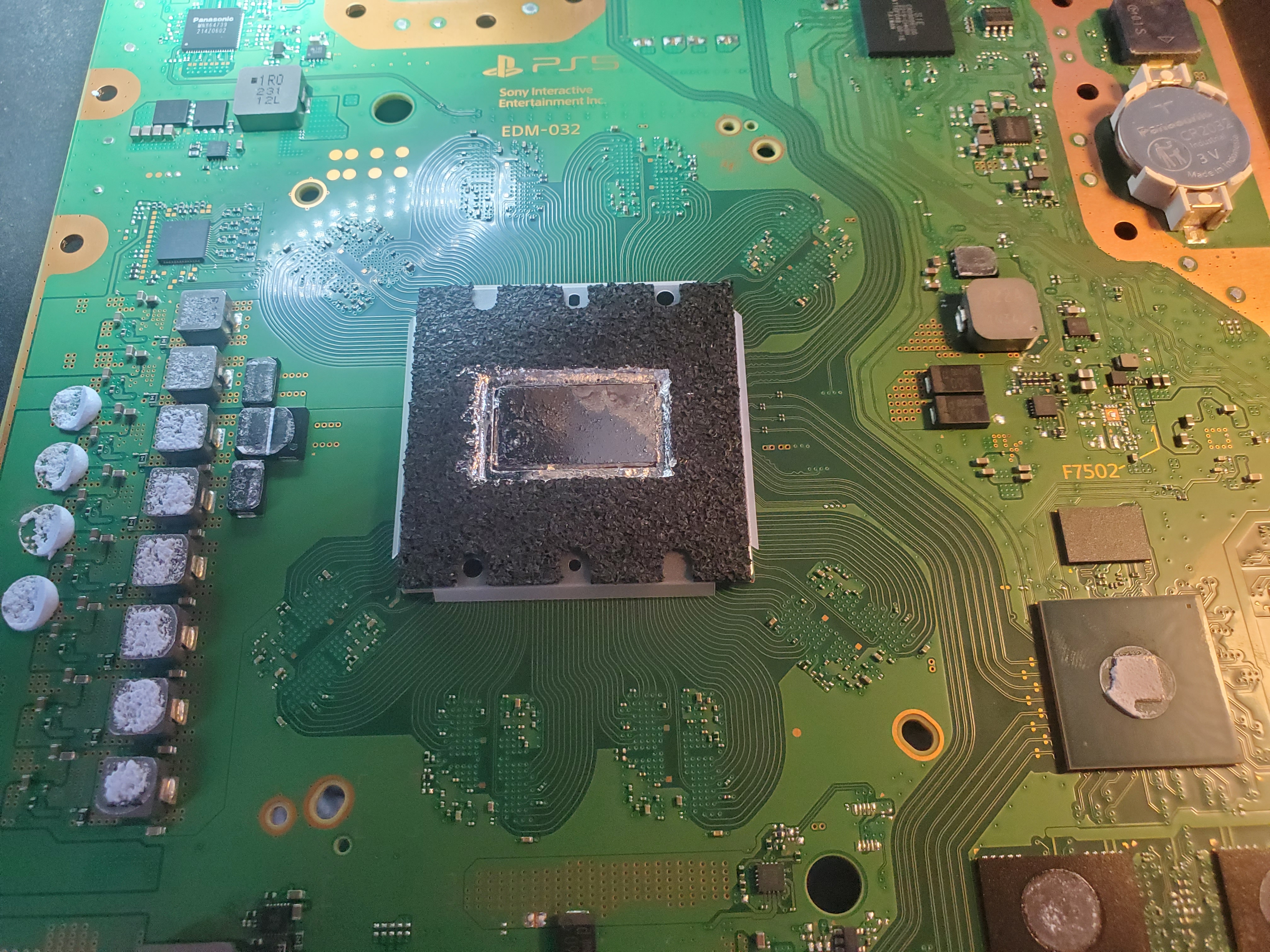
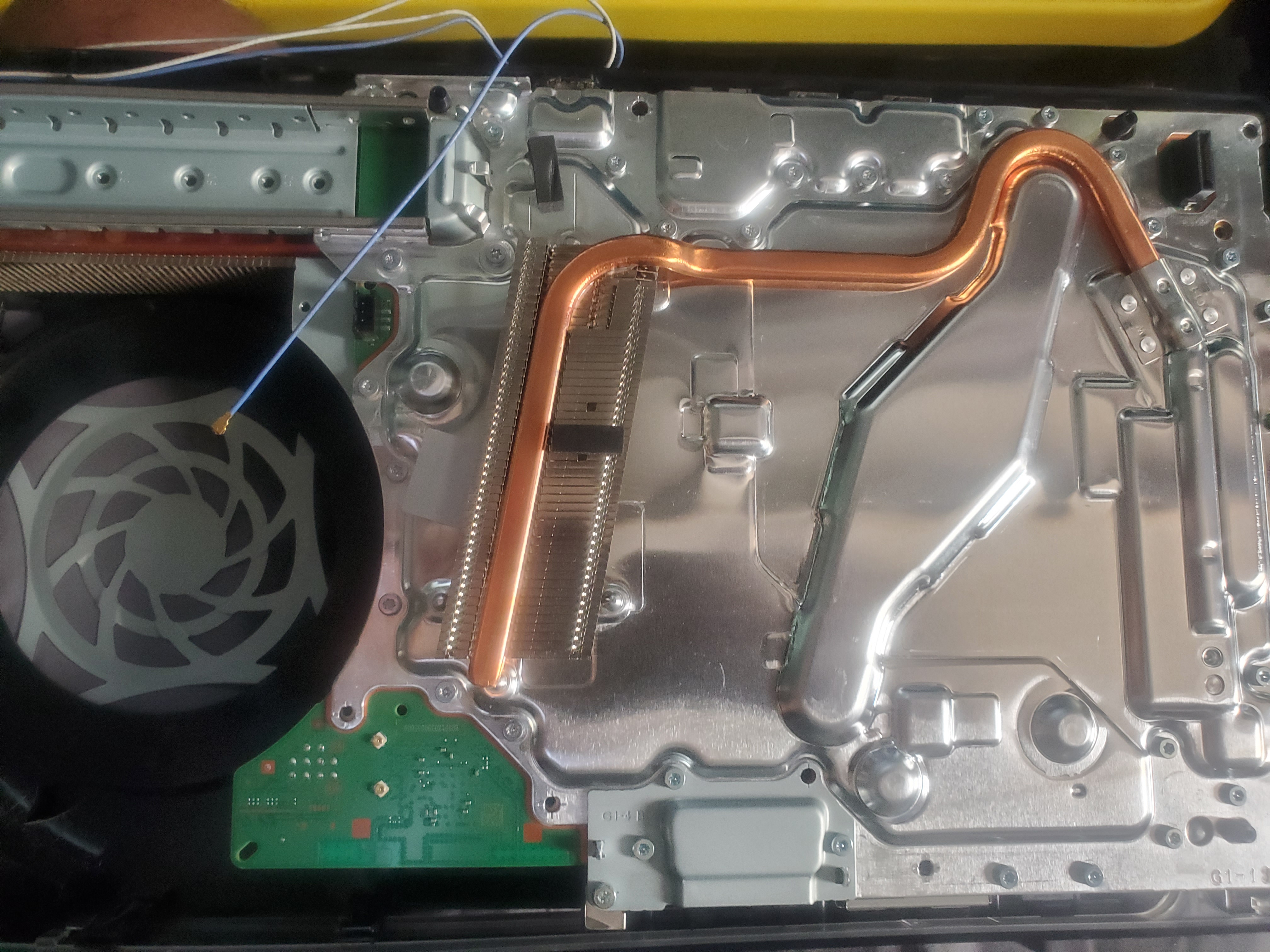
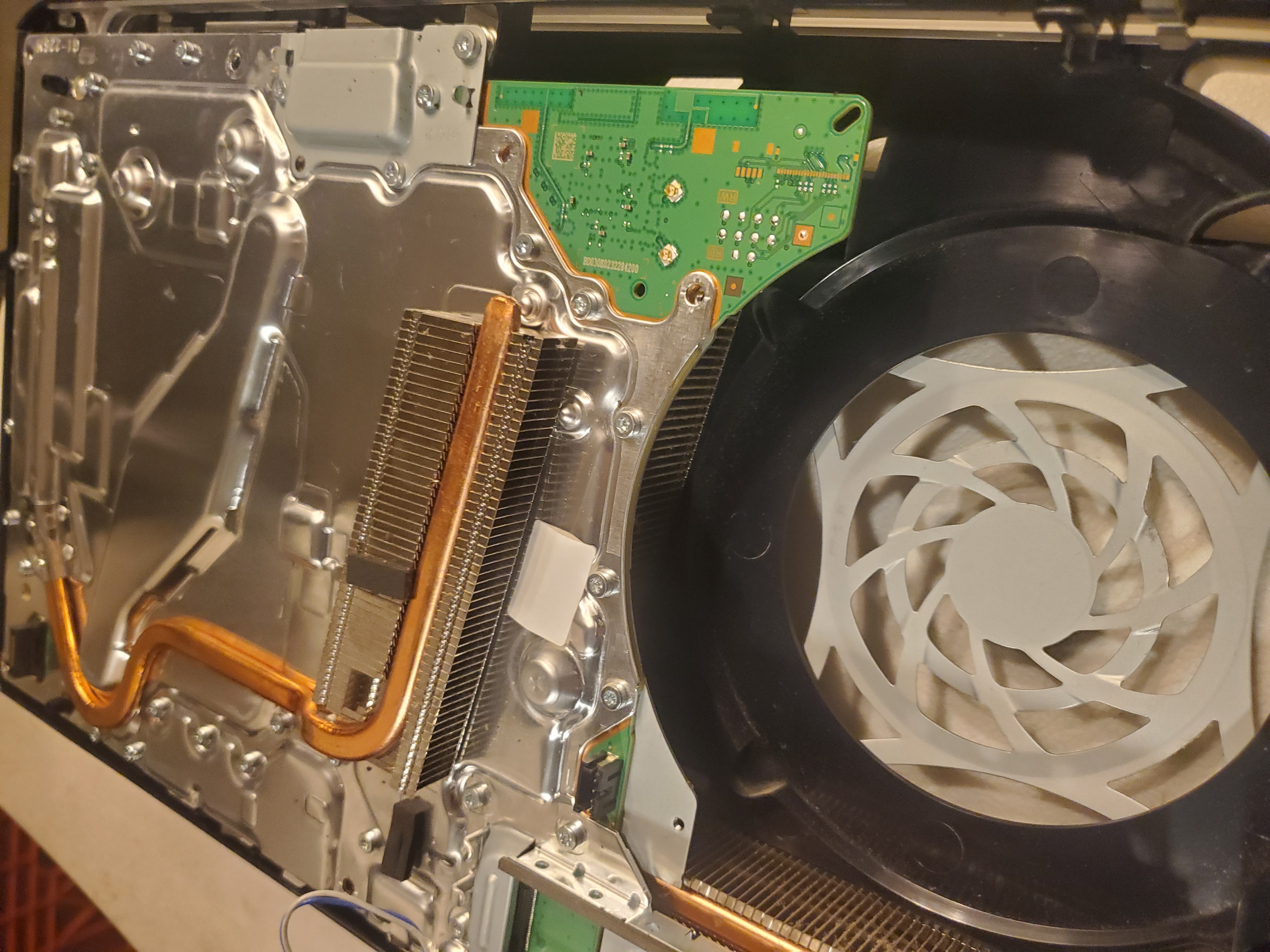
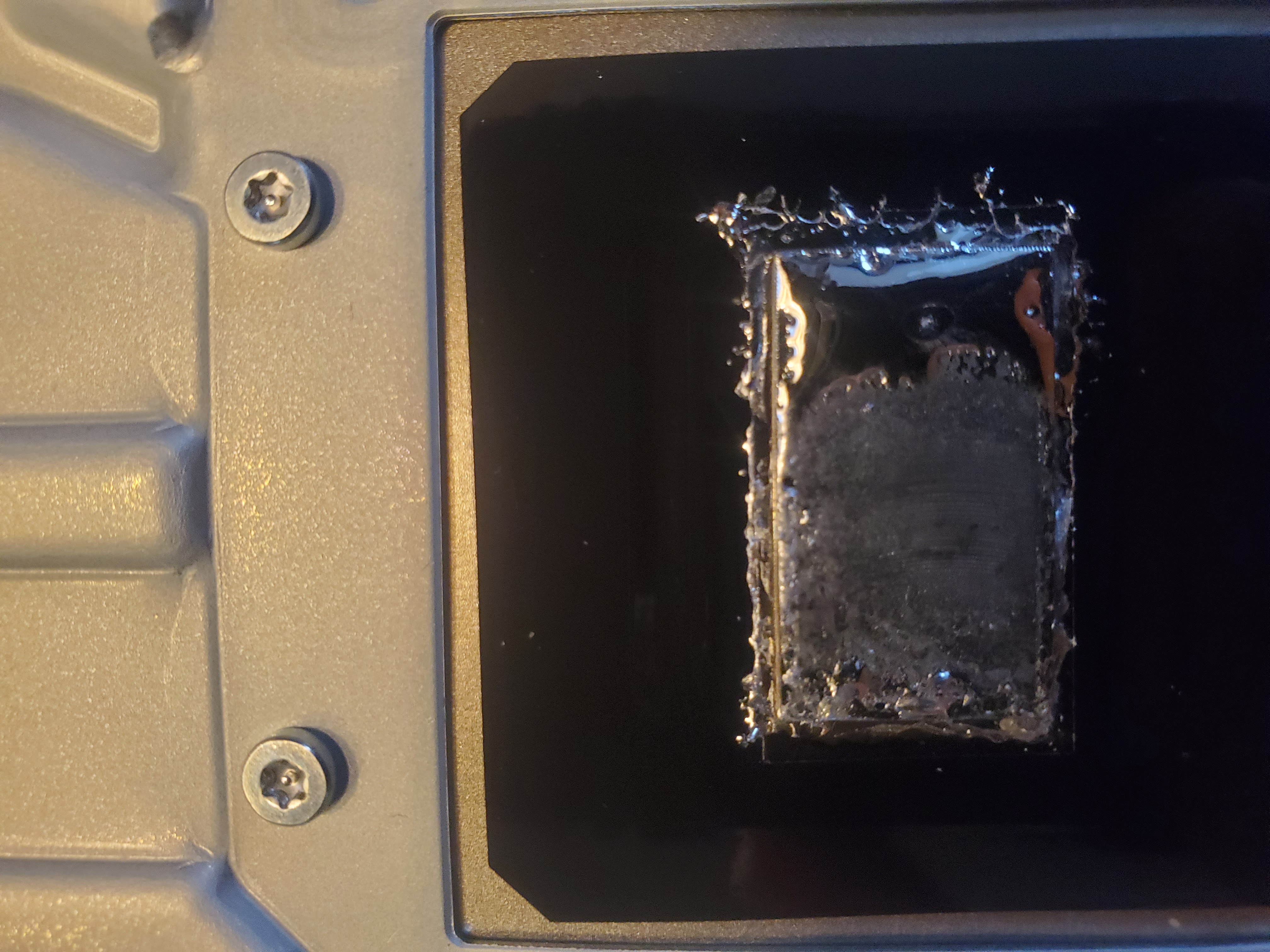
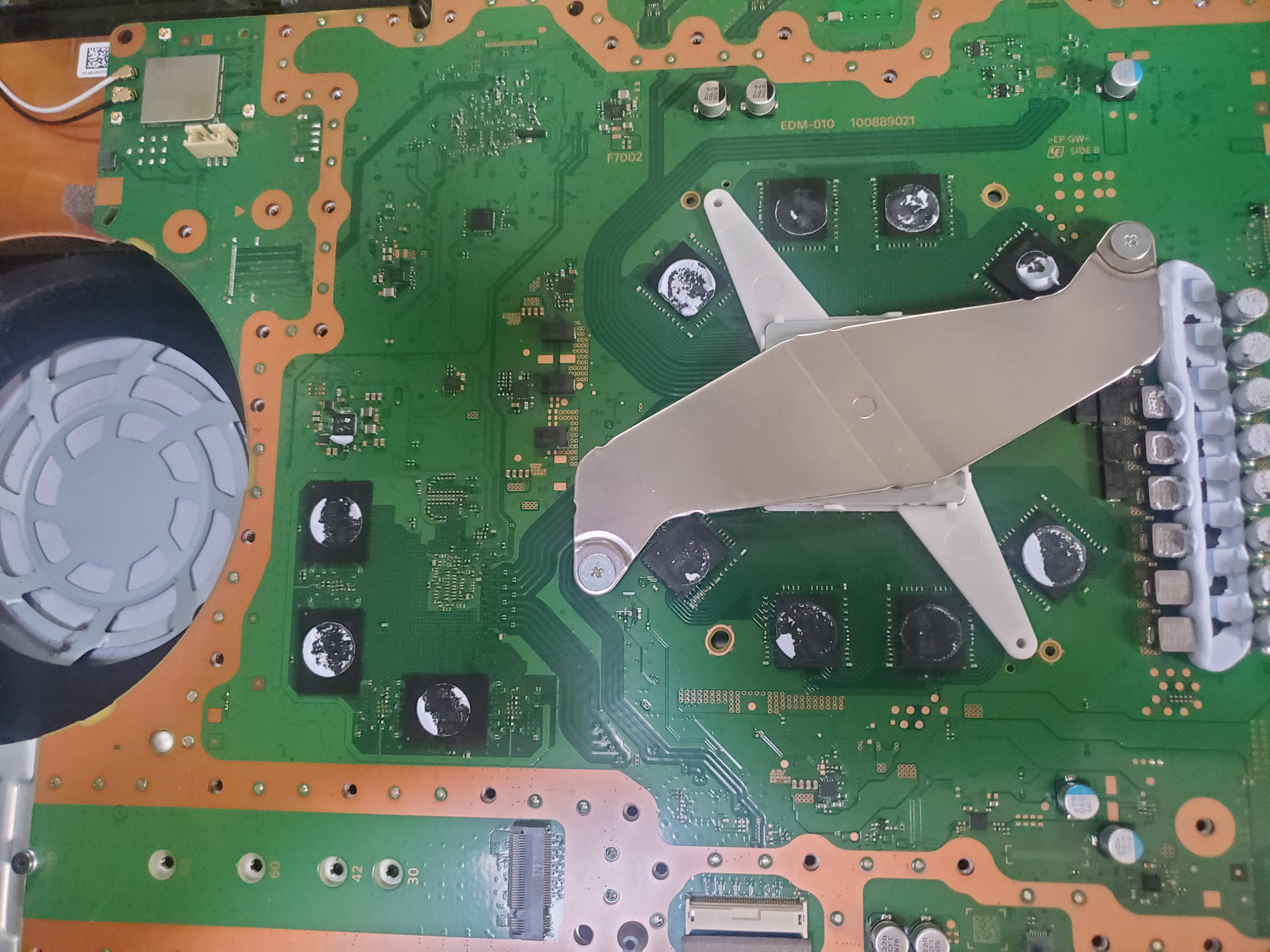
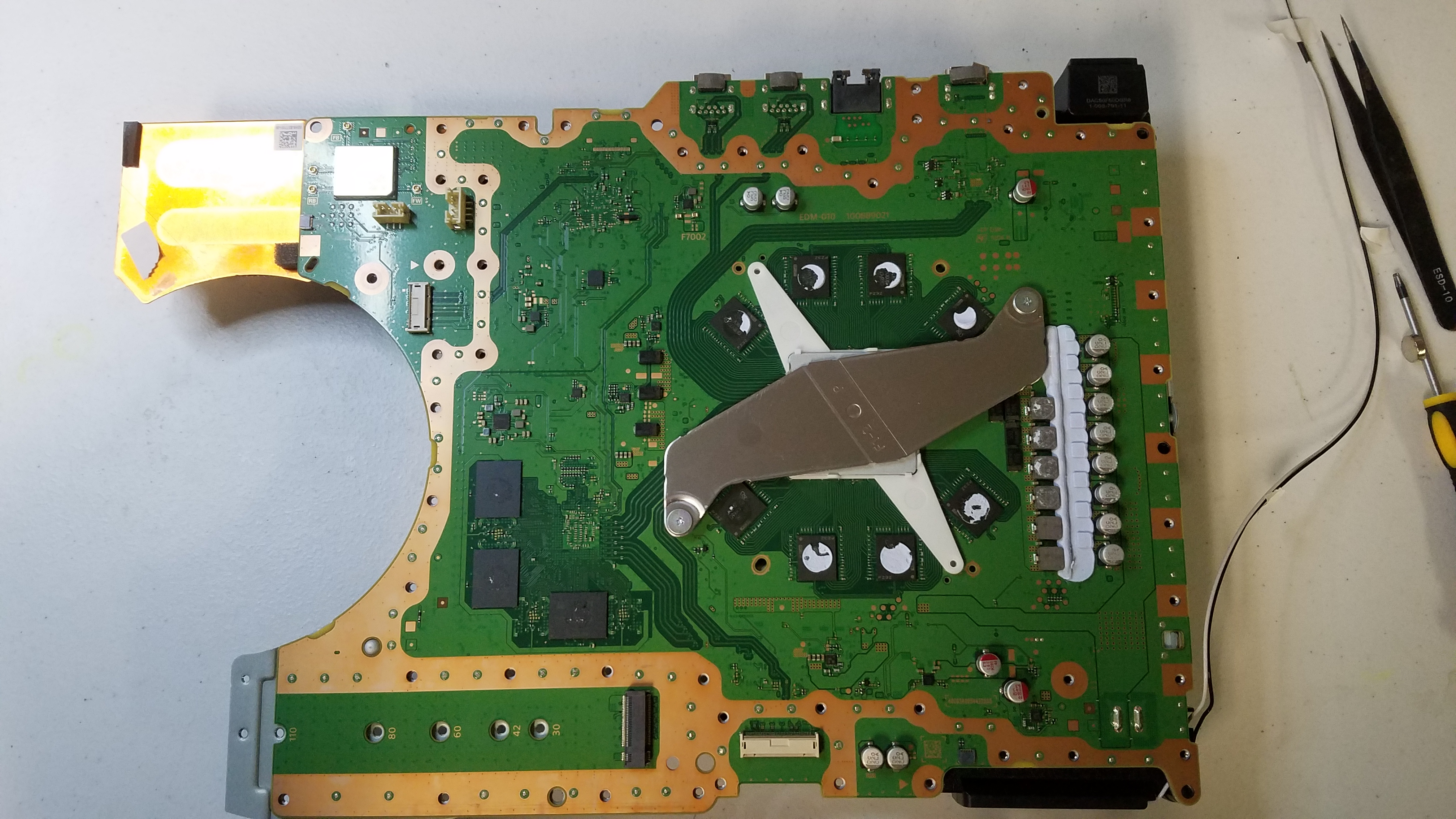
- Disassemble the PS5 carefully, handling the liquid metal cooling system.
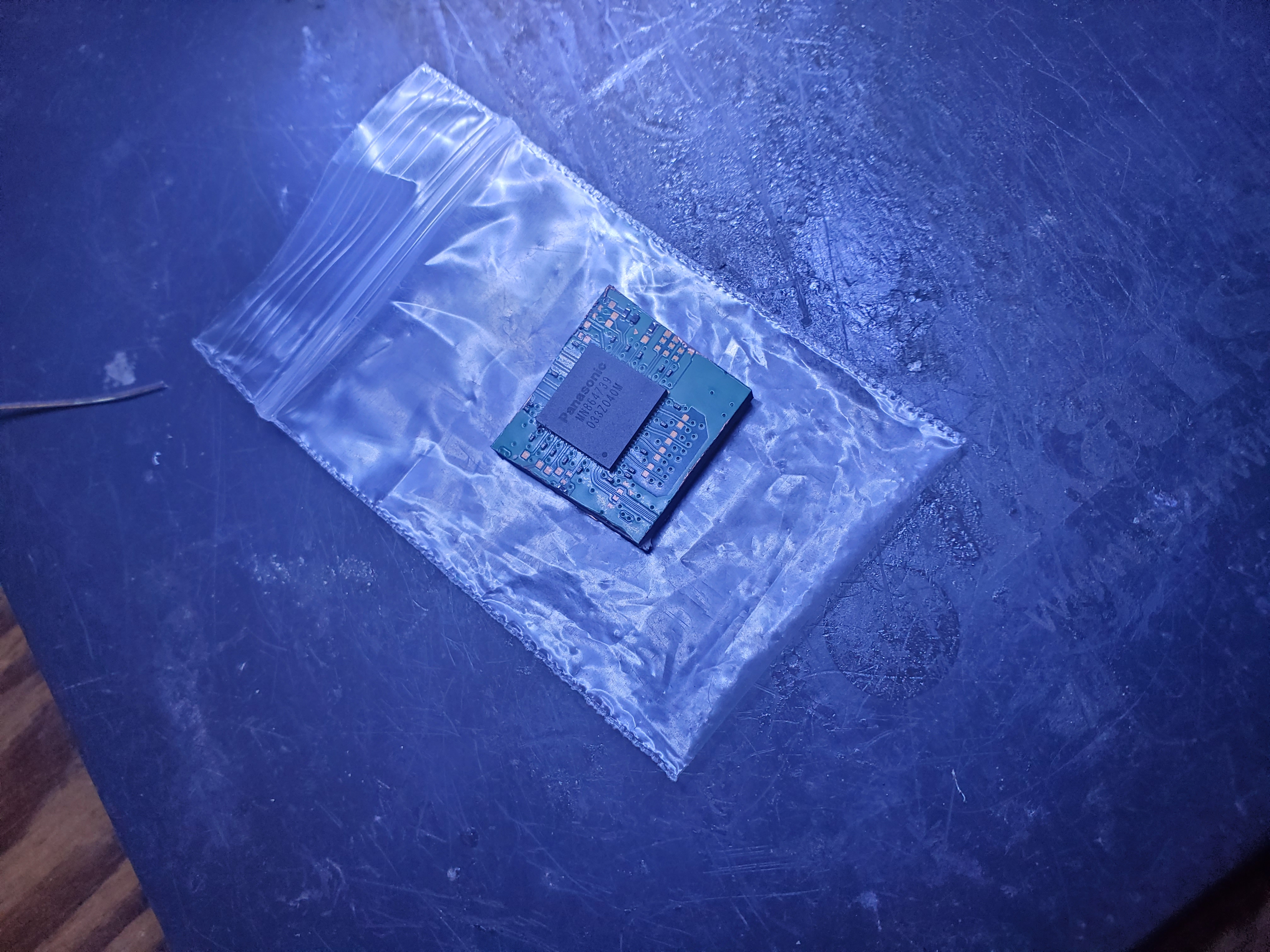
- Replace or repair damaged components (e.g., HDMI port, power supply).
- Reassemble the console and test it thoroughly.
Important Notes
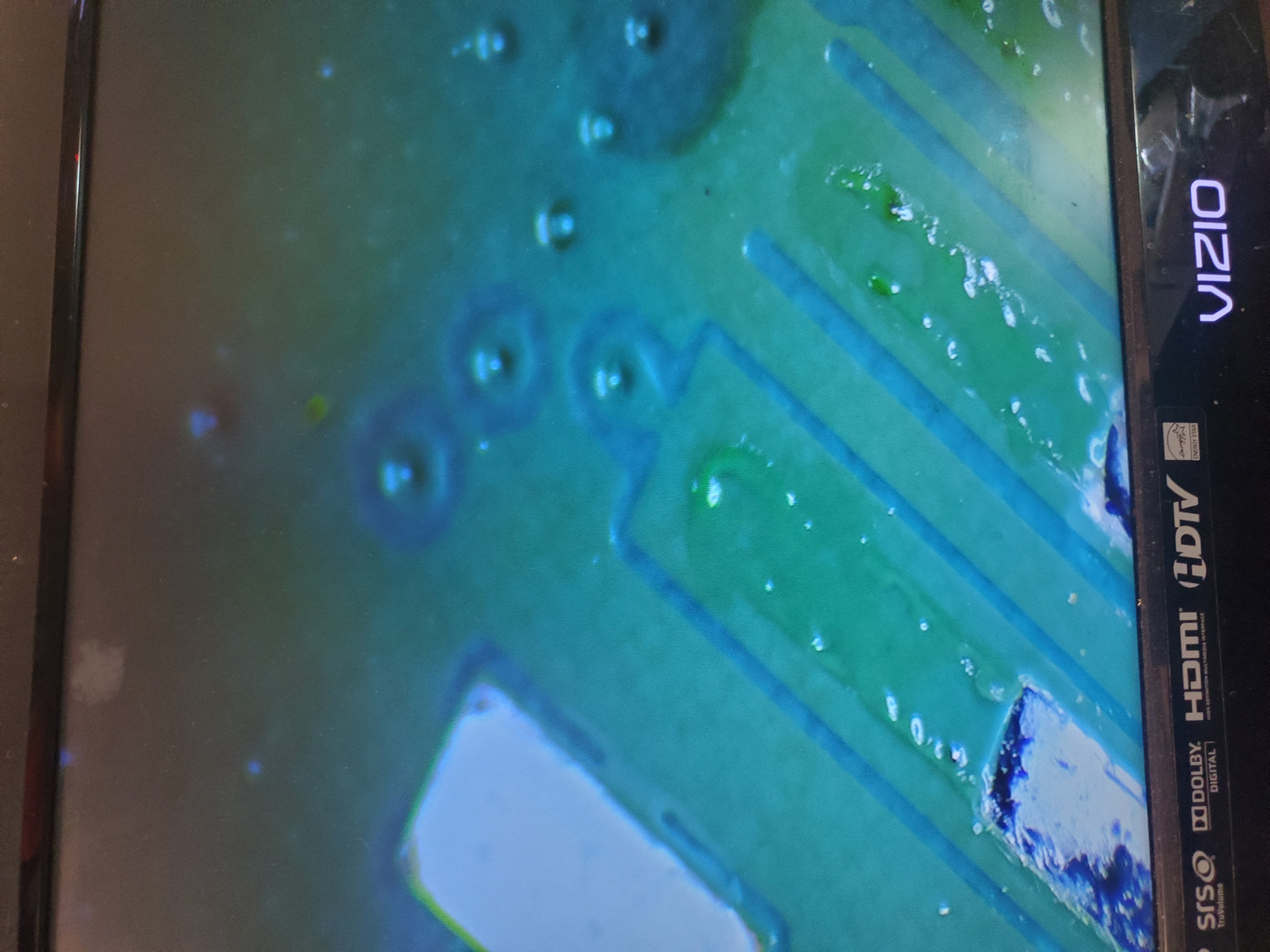
- Do Not Drop Your PS5: Dropping the console can cause severe damage to the PCB layers, making repairs impossible.
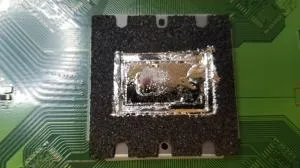
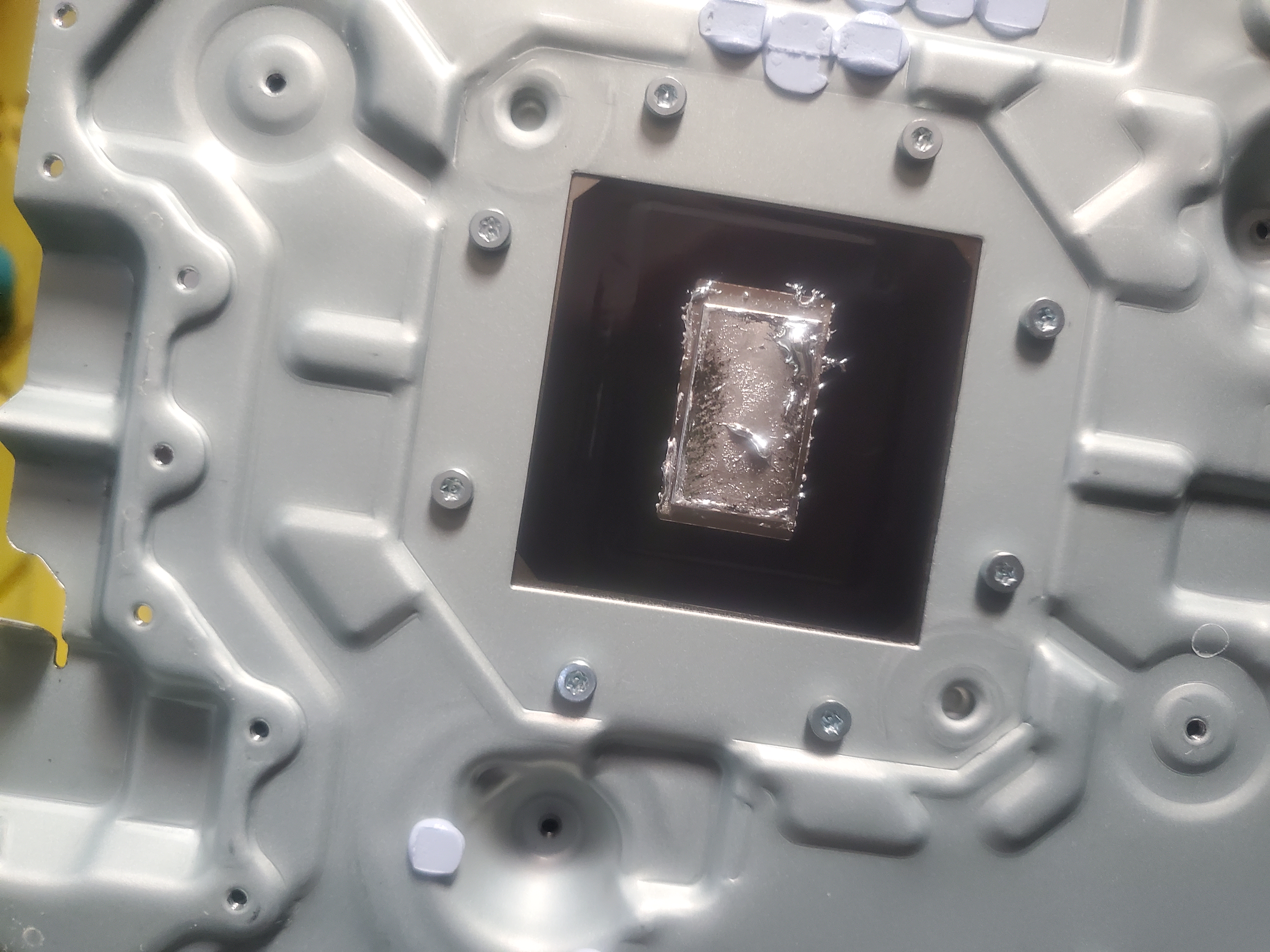
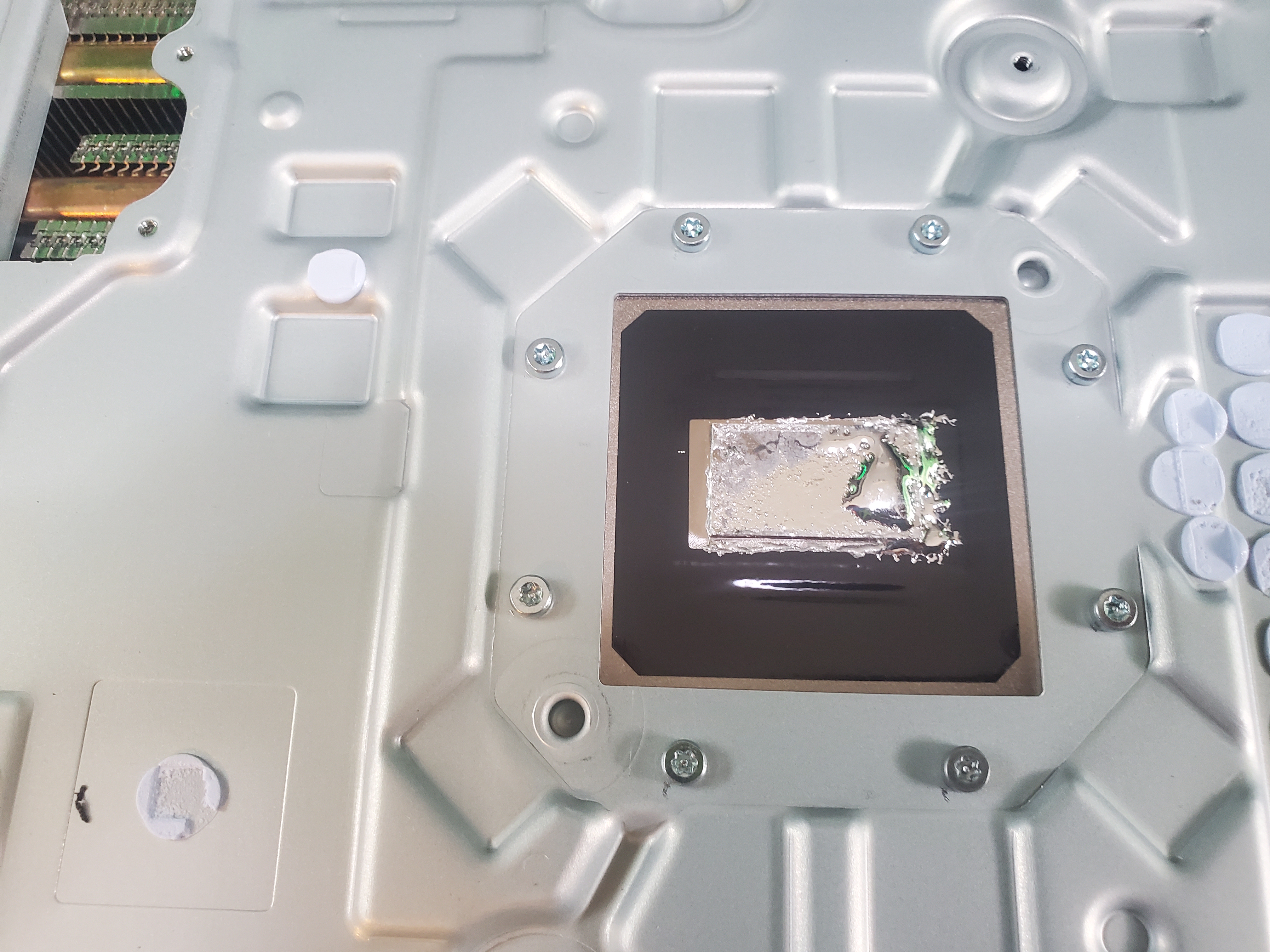
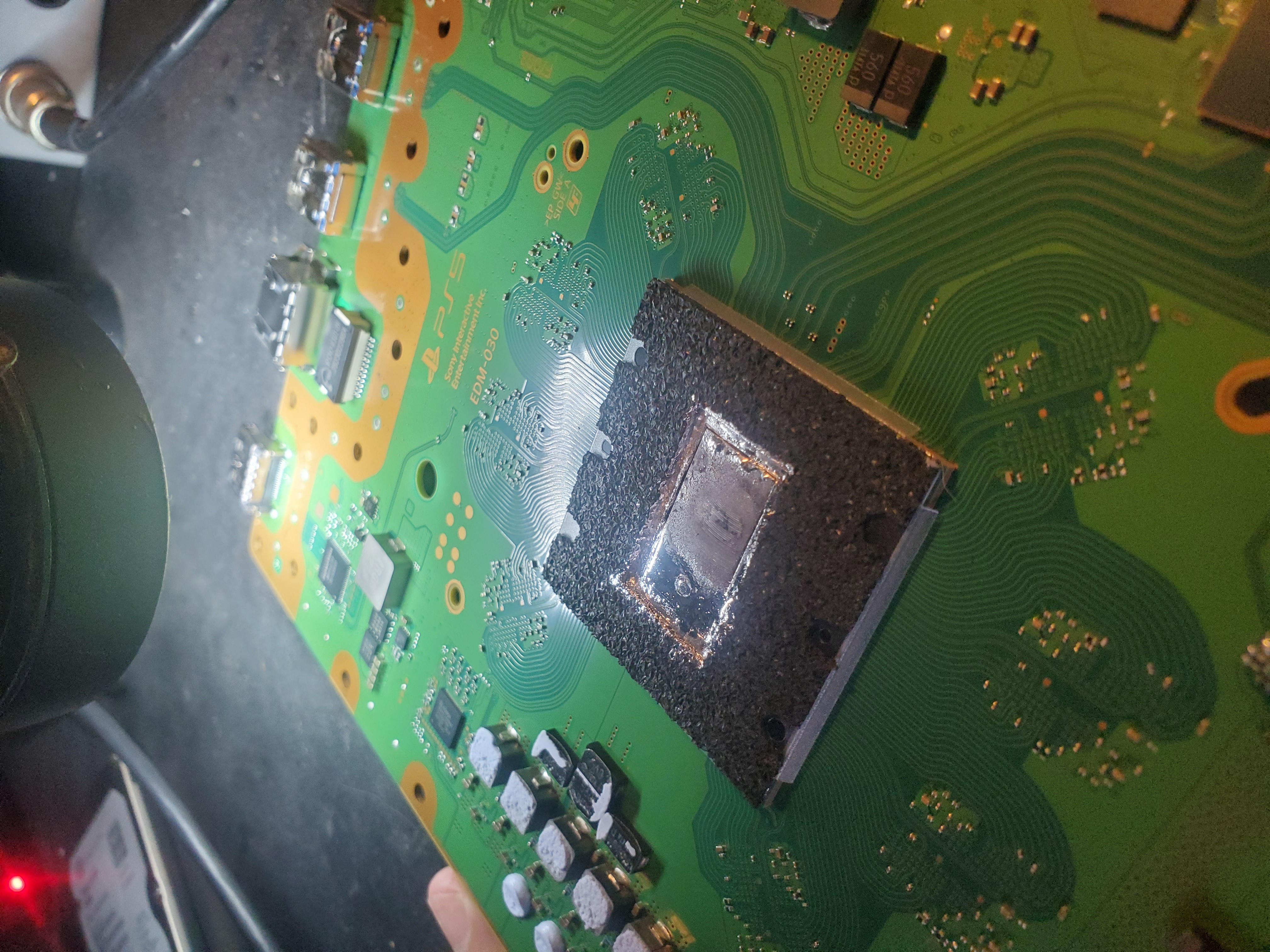
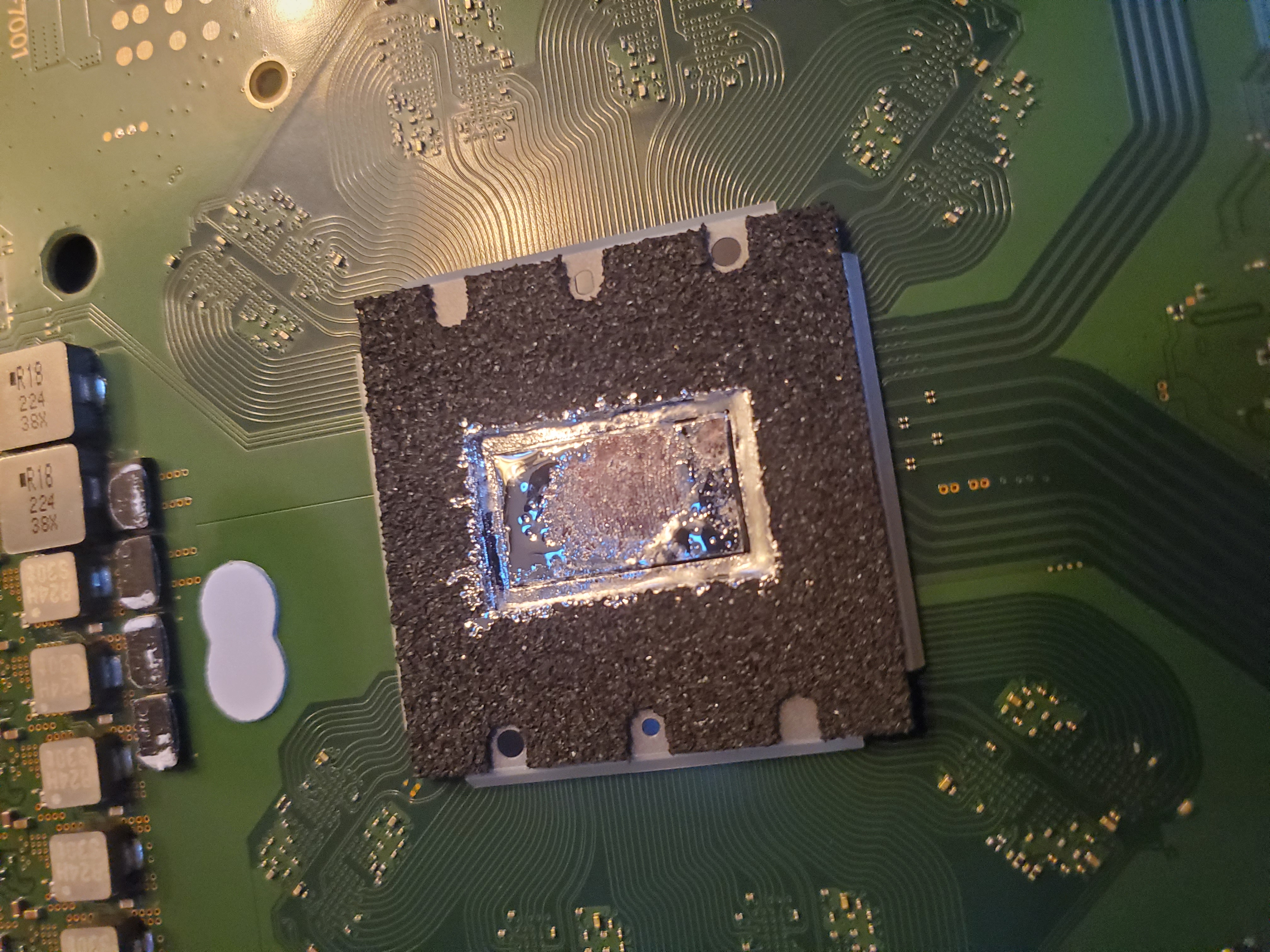
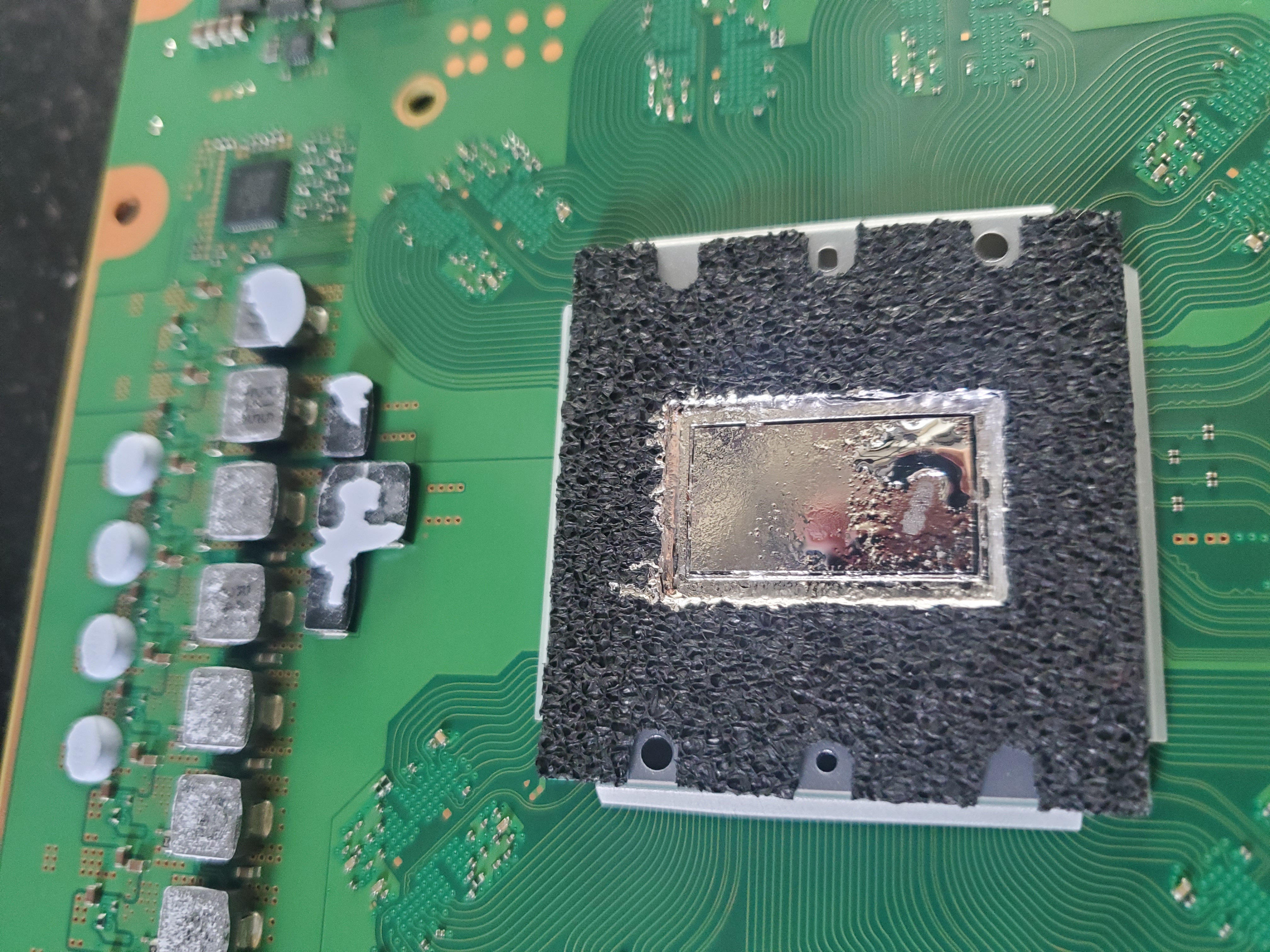
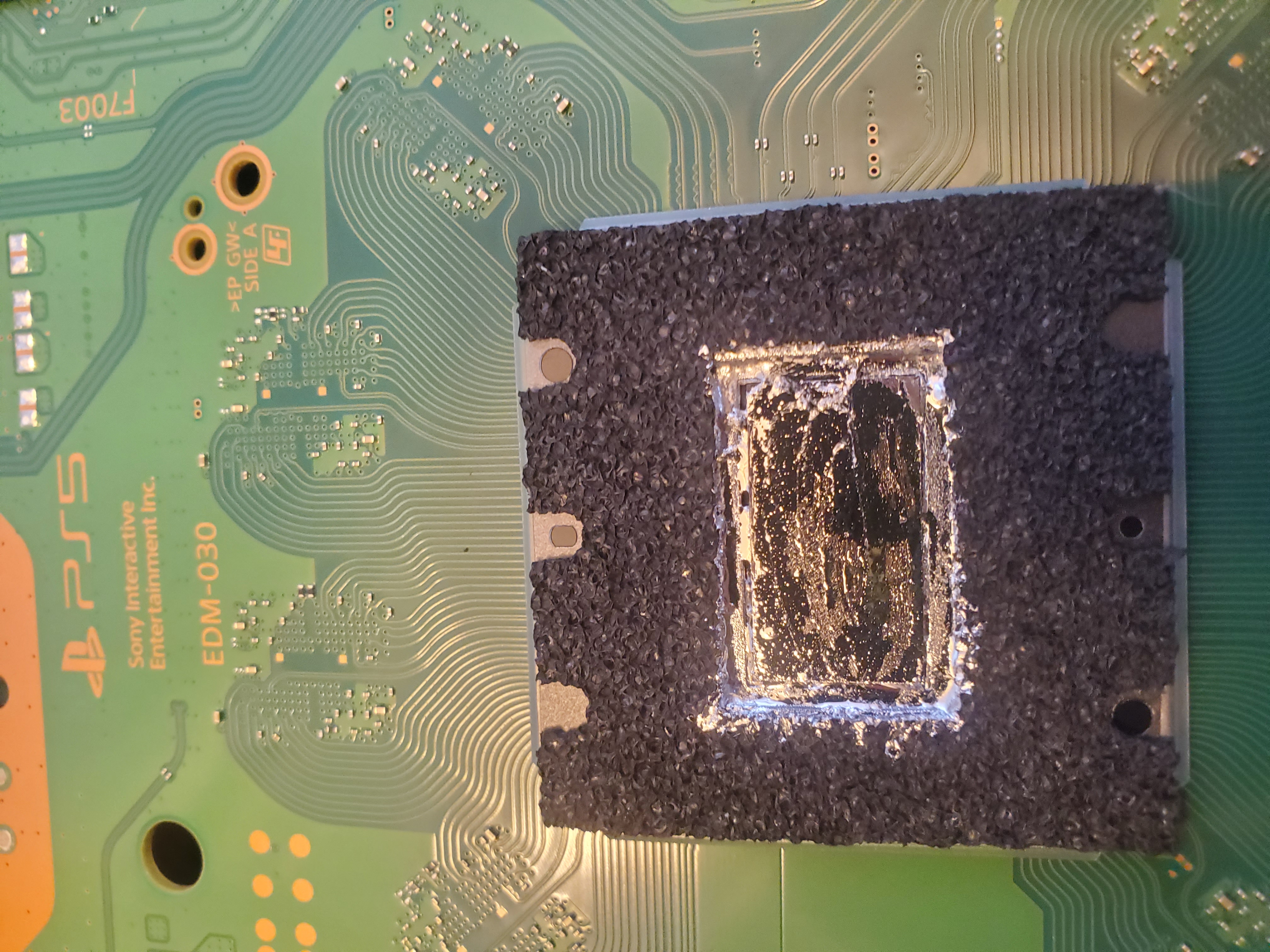
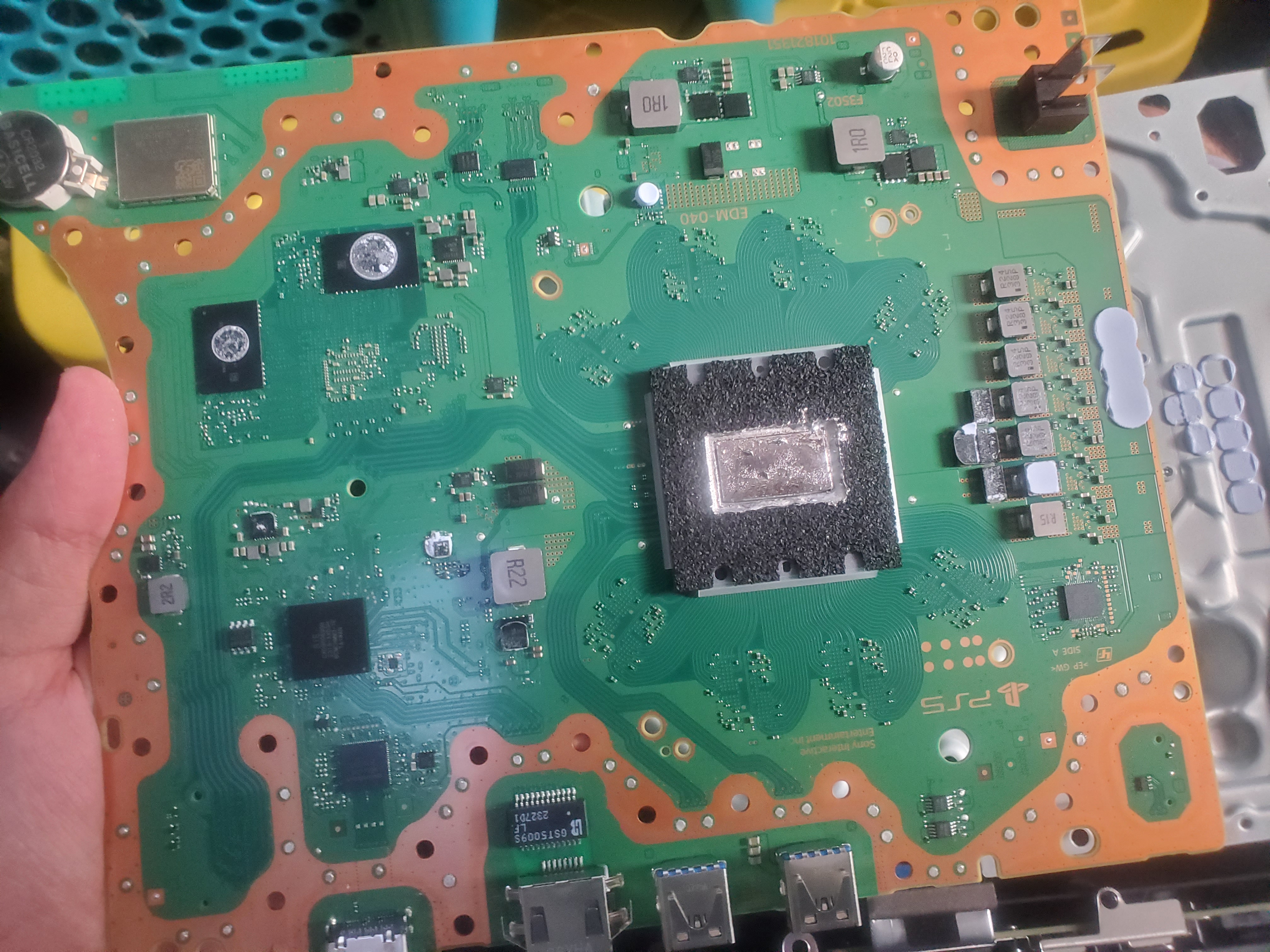
- Liquid Metal Cooling: The PS5 uses liquid metal for cooling, which requires careful handling during repairs.
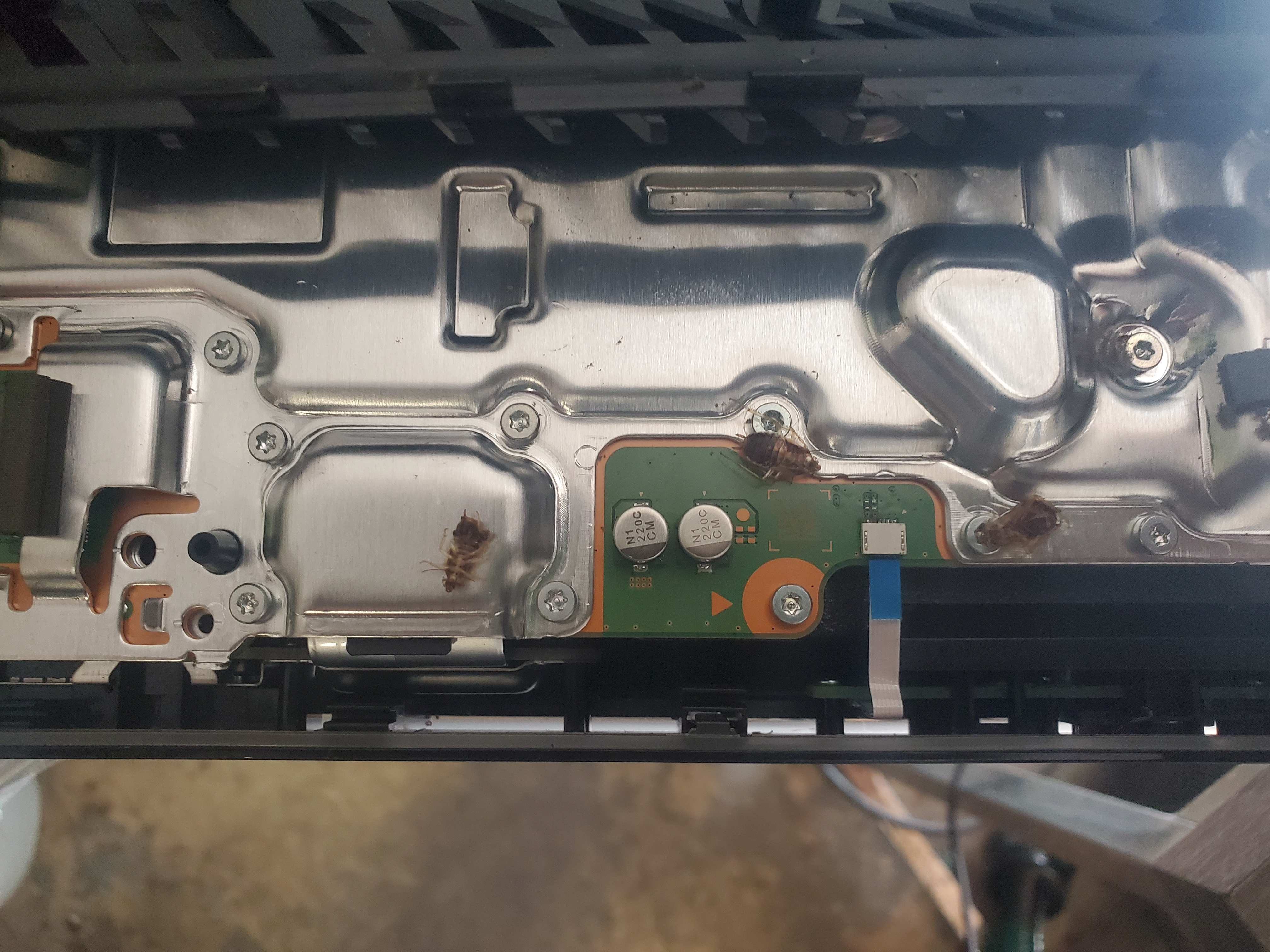
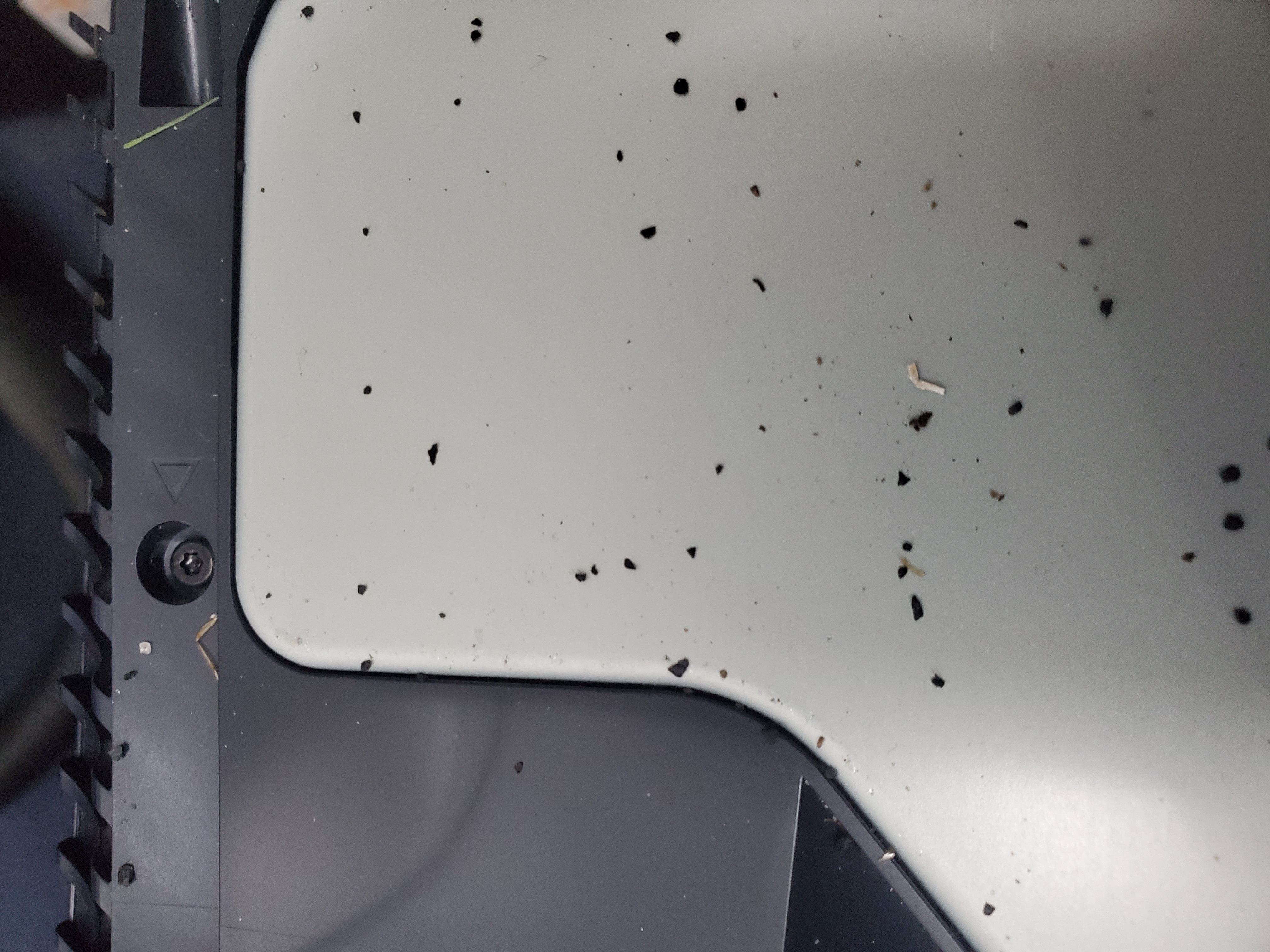
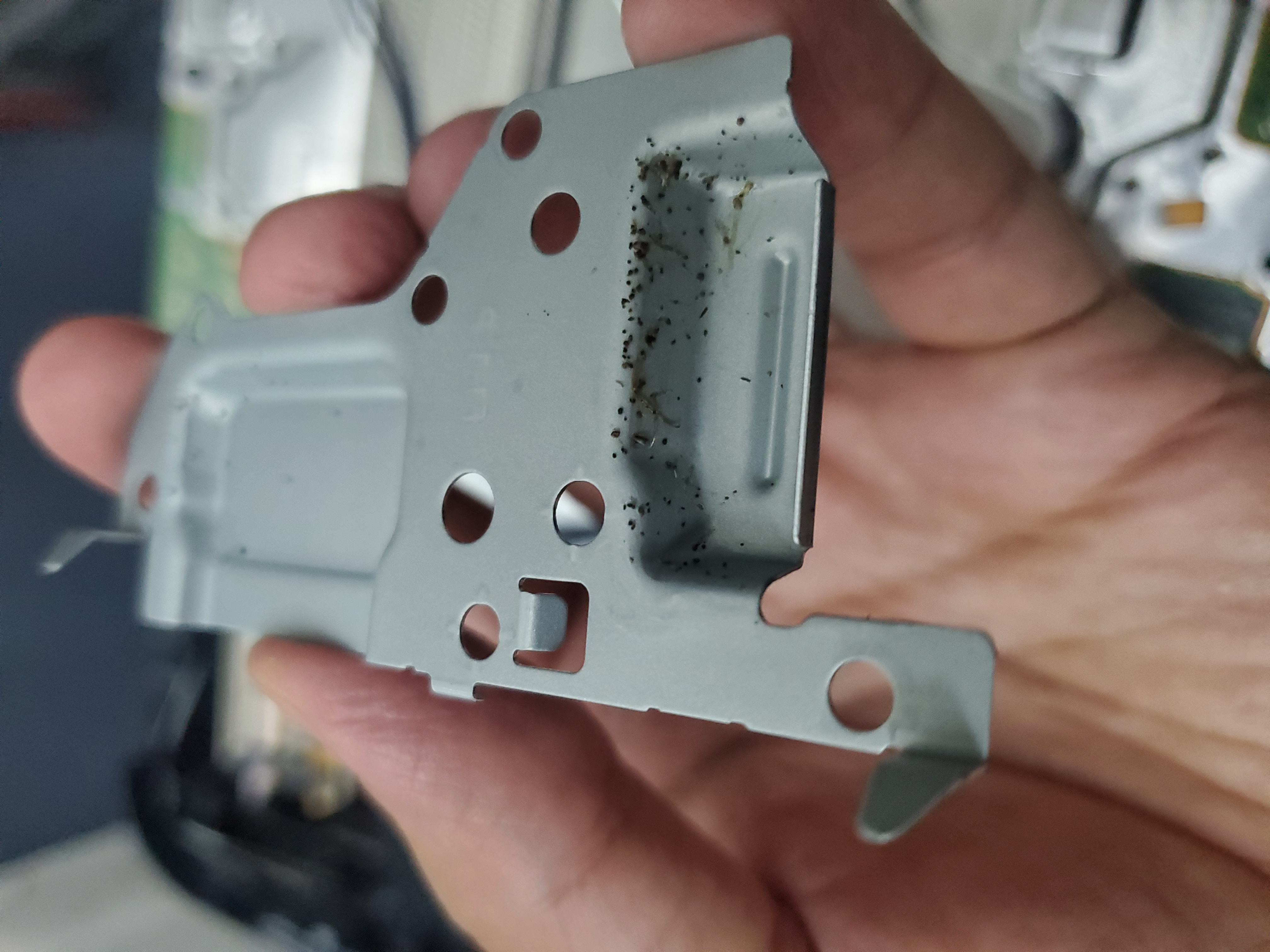
- Roach Infestations: We do not accept consoles with roaches, bugs, or any signs of animal/human feces.
PS5 Cleaning
Cleaning your PS5 is straightforward:
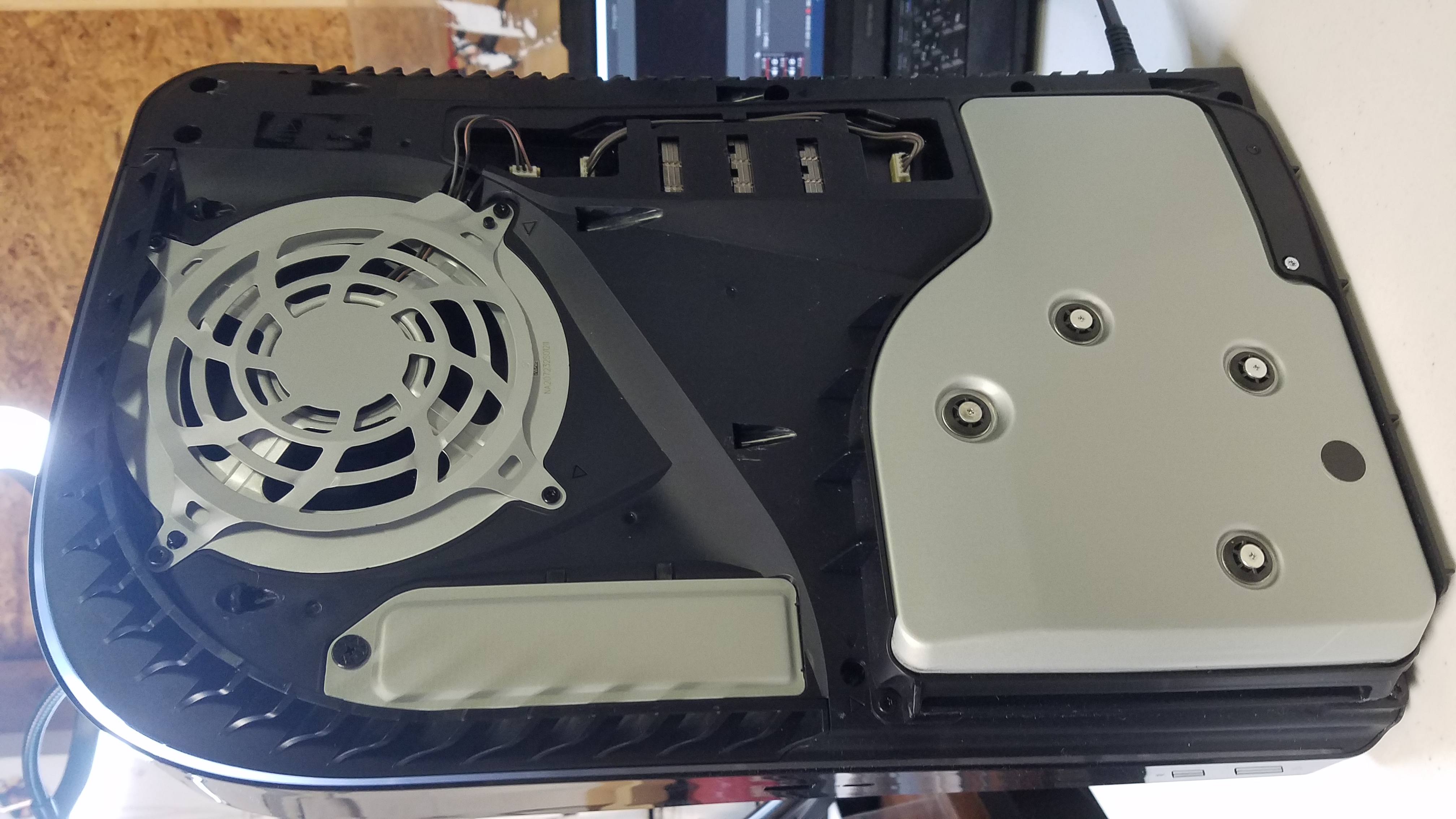
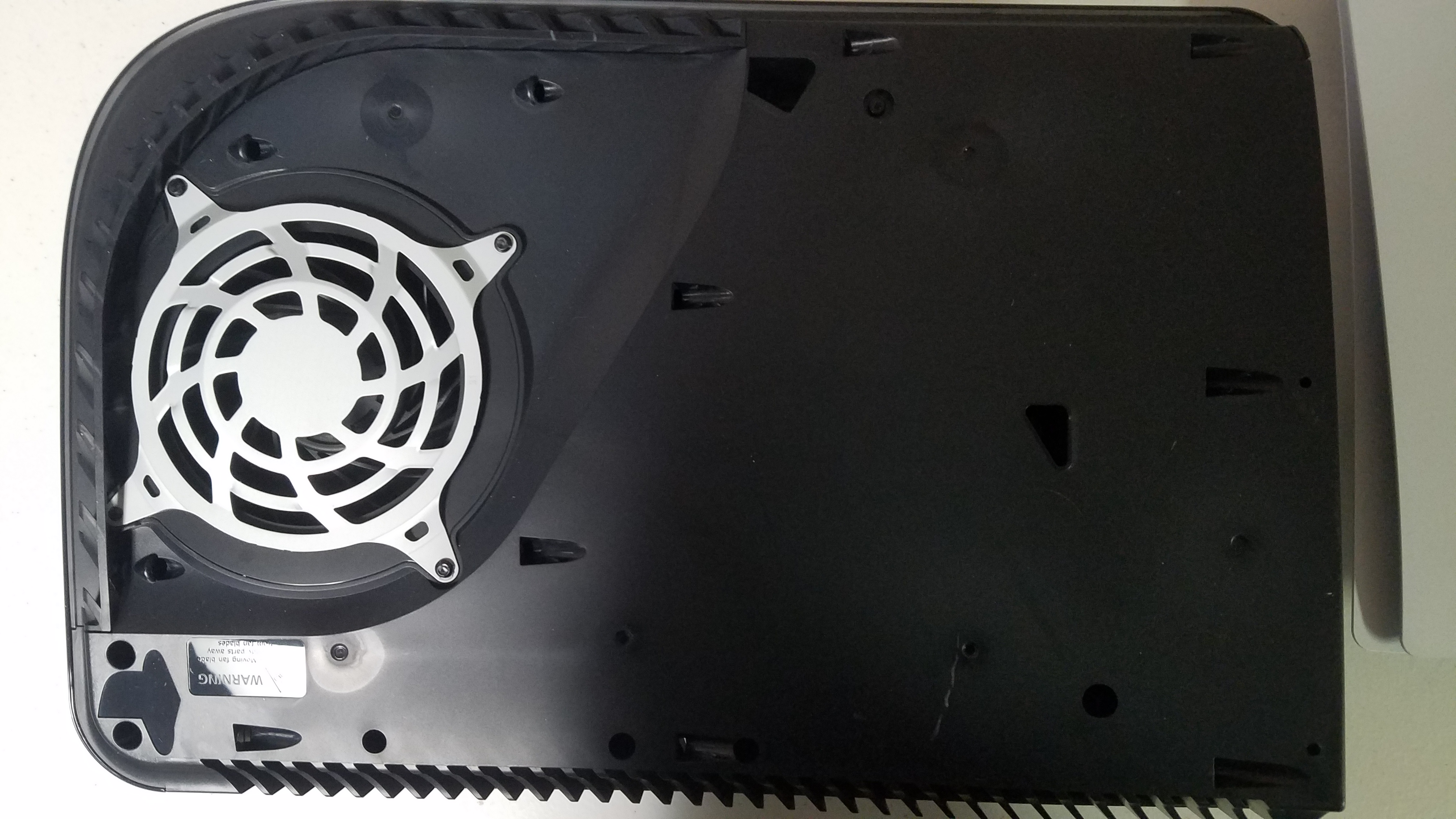
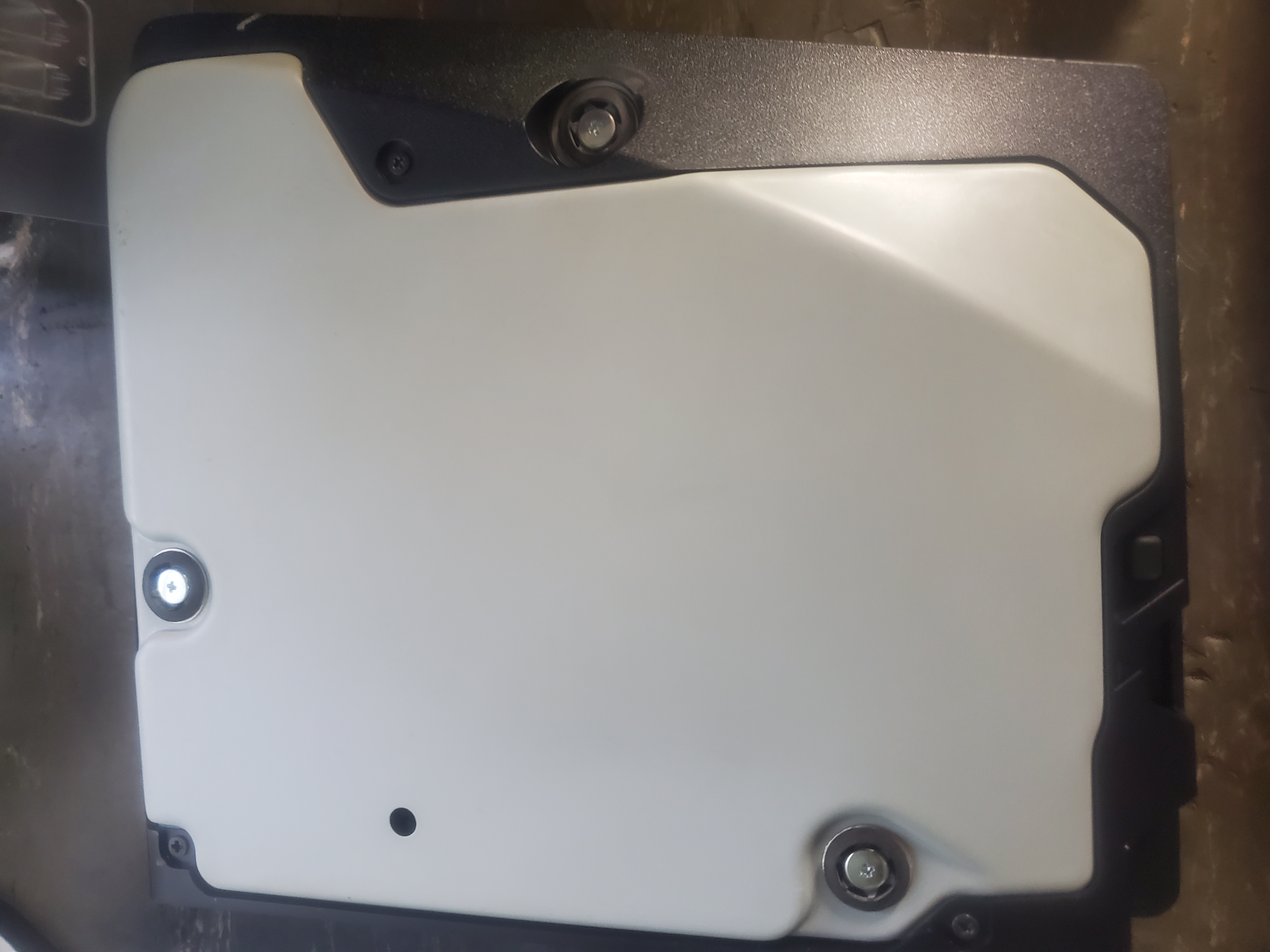
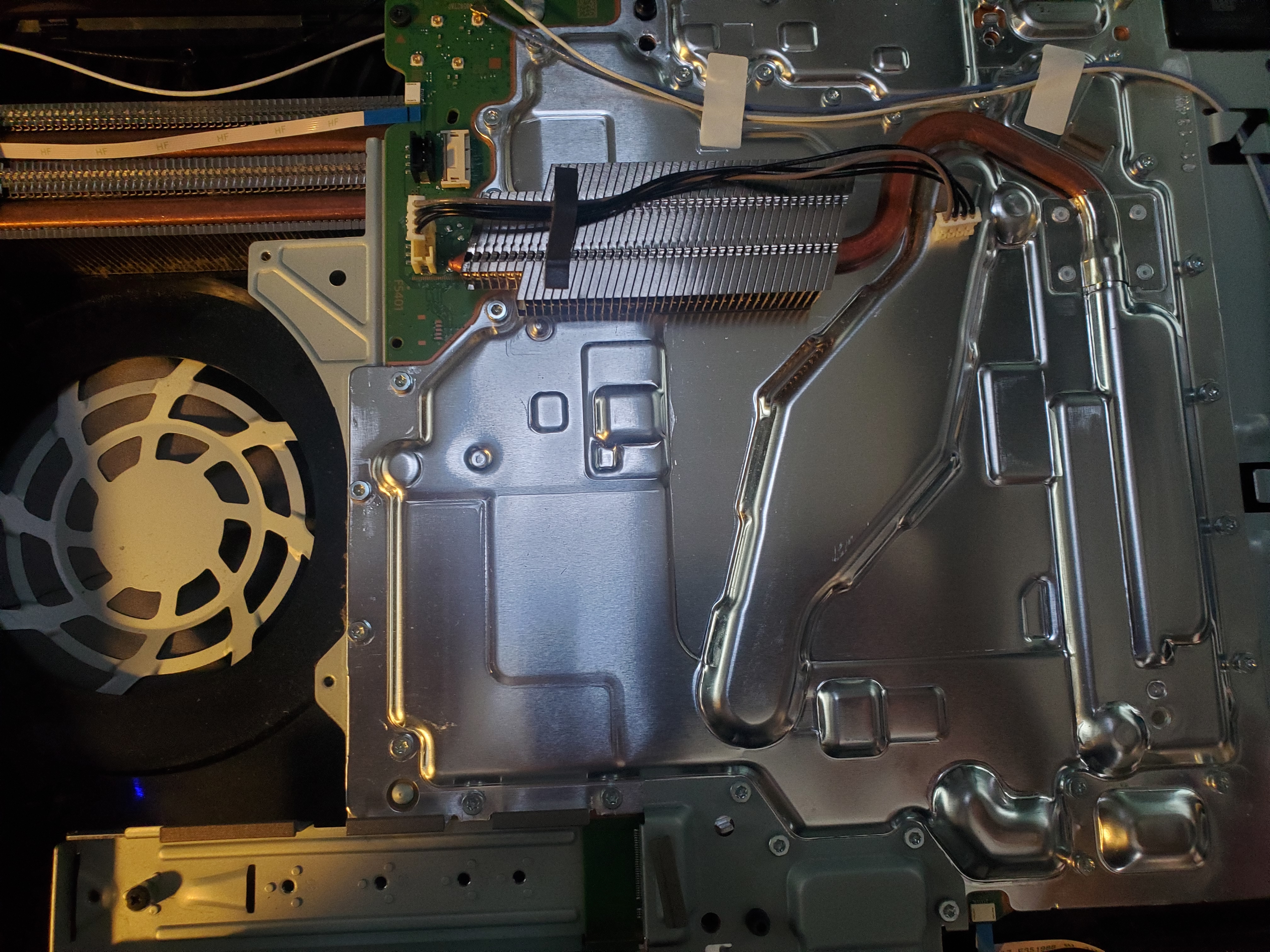
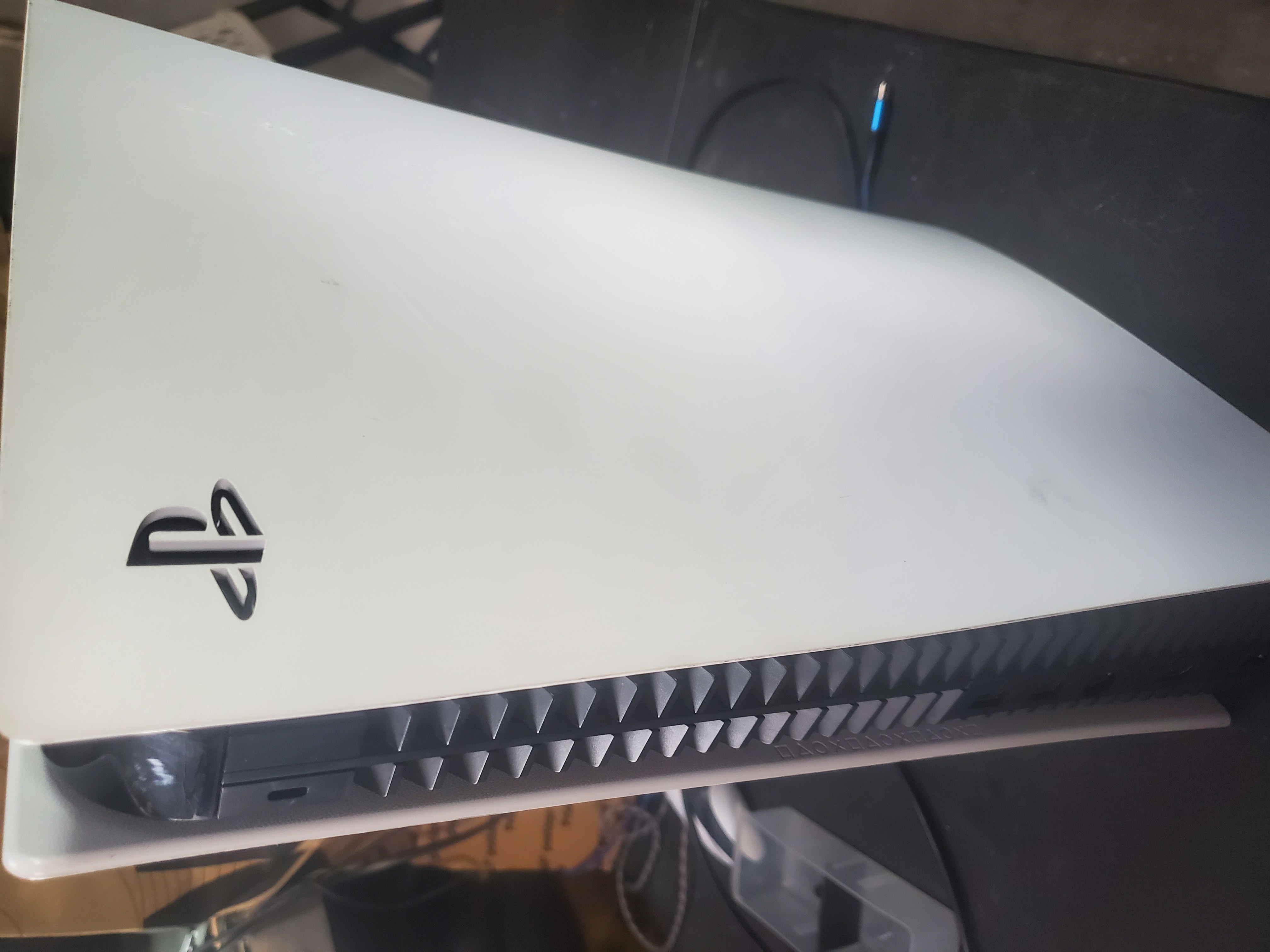
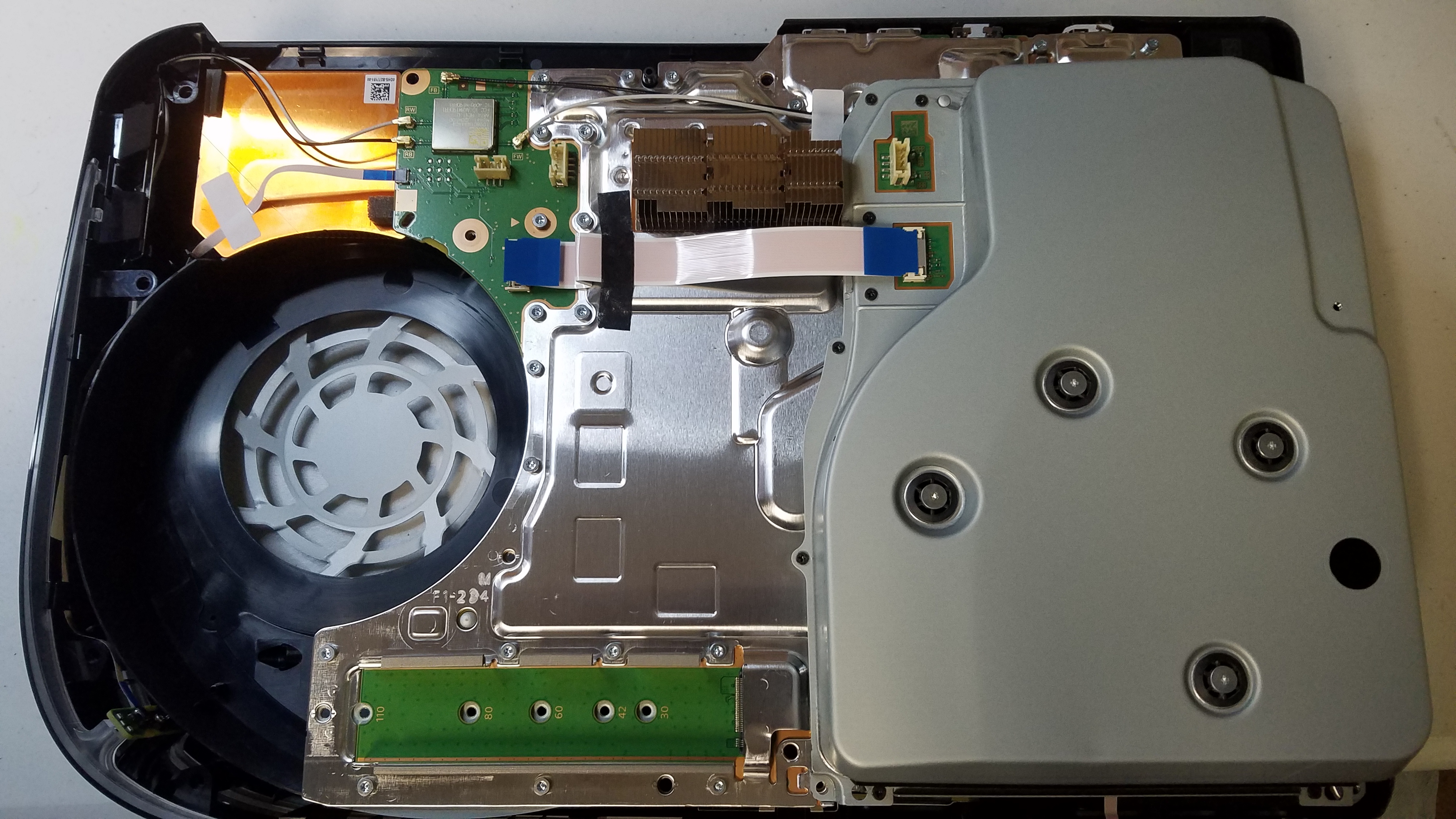
- Slide off the console covers.
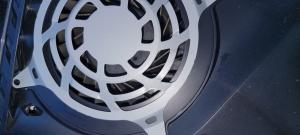
- Use a Torx screwdriver to remove the fan.
- Vacuum out dust and debris.
PS5 Release & Repairability
The PS5 is backward compatible with PS4 games and features cutting-edge technology like 4K/120 gameplay and super-fast SSD storage. However, like all tech devices, it will need repairs over time due to planned obsolescence, dust, water damage, or other issues.
At TDR, we’ll be here to repair your PS5 when it breaks, ensuring you get the most out of your next-gen console.
Get Started Today
Don’t let a broken PS5 keep you from gaming. Schedule your repair now.
Most Popular PlayStation 5 Videos
PS5 HDMI Port Repair. retrofit playstation hdmi port. - YouTube
Duration: 00:01:00
Motherboard Tears, But HDMI Port Doesn't break! PS5 #HDMI #Repair #Shorts - YouTube
Duration: 00:01:00
The first Broken PlayStation 5 in the house! (No Video & Audio) PS5 repair - YouTube
Duration: 00:00:54
Common PlayStation 5 Repairs
We fix a wide range of issues for the PlayStation 5. Here are some common problems we address:
-
Broken PS5 HDMI Port
$120.00 (1.00% Off)
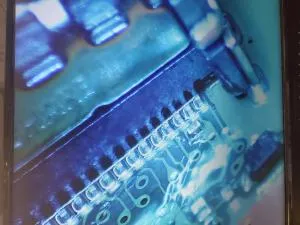
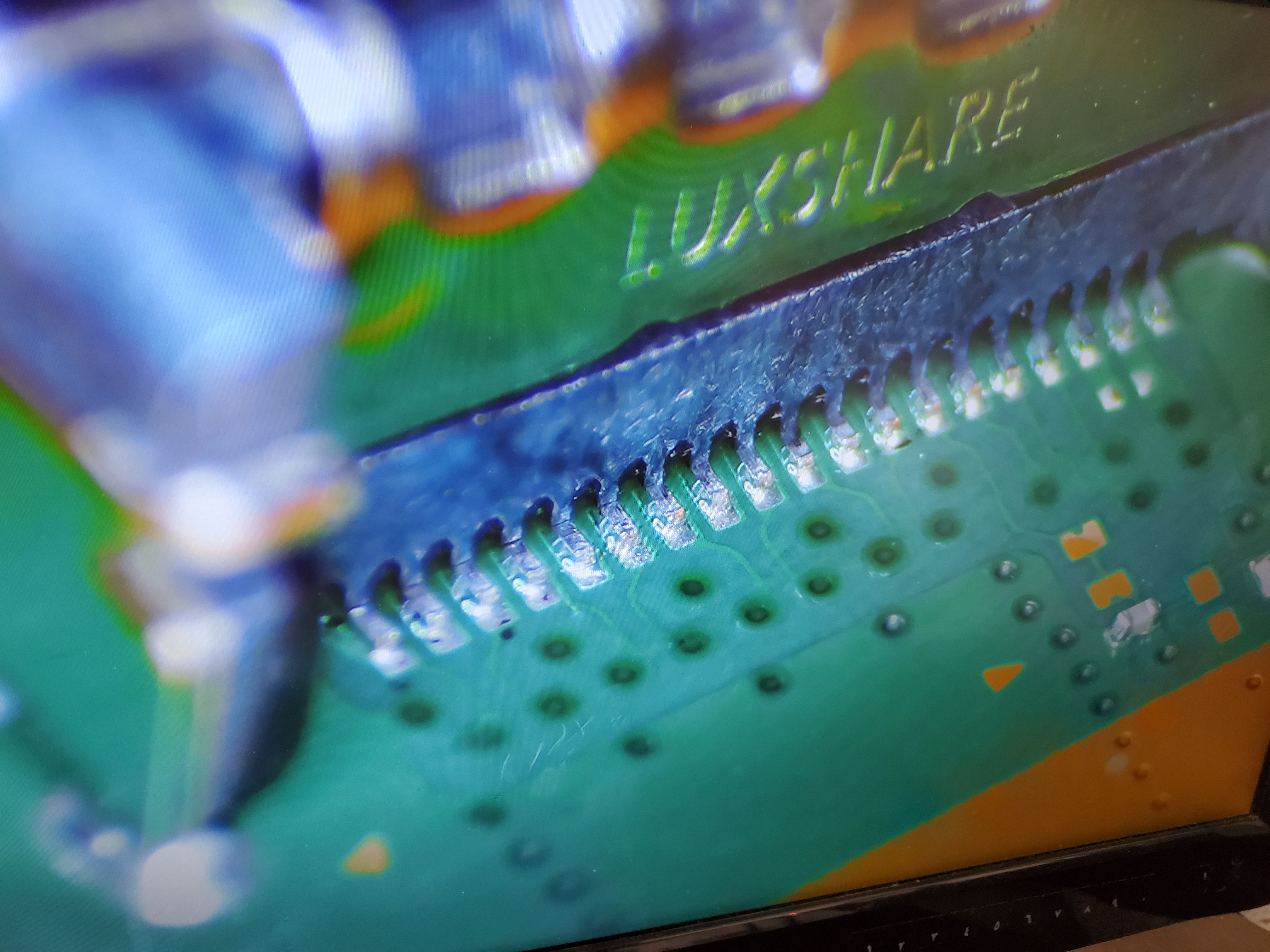
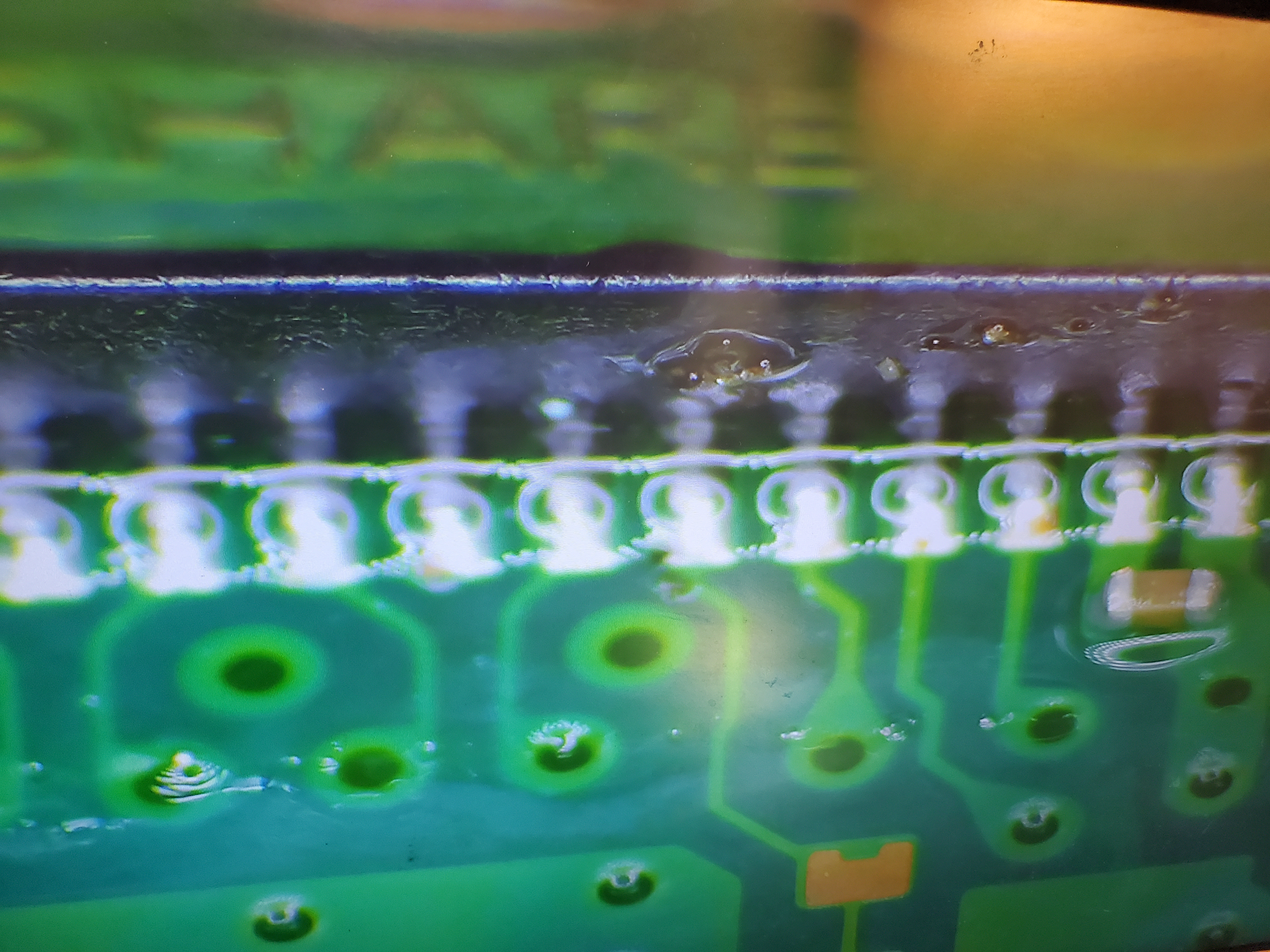
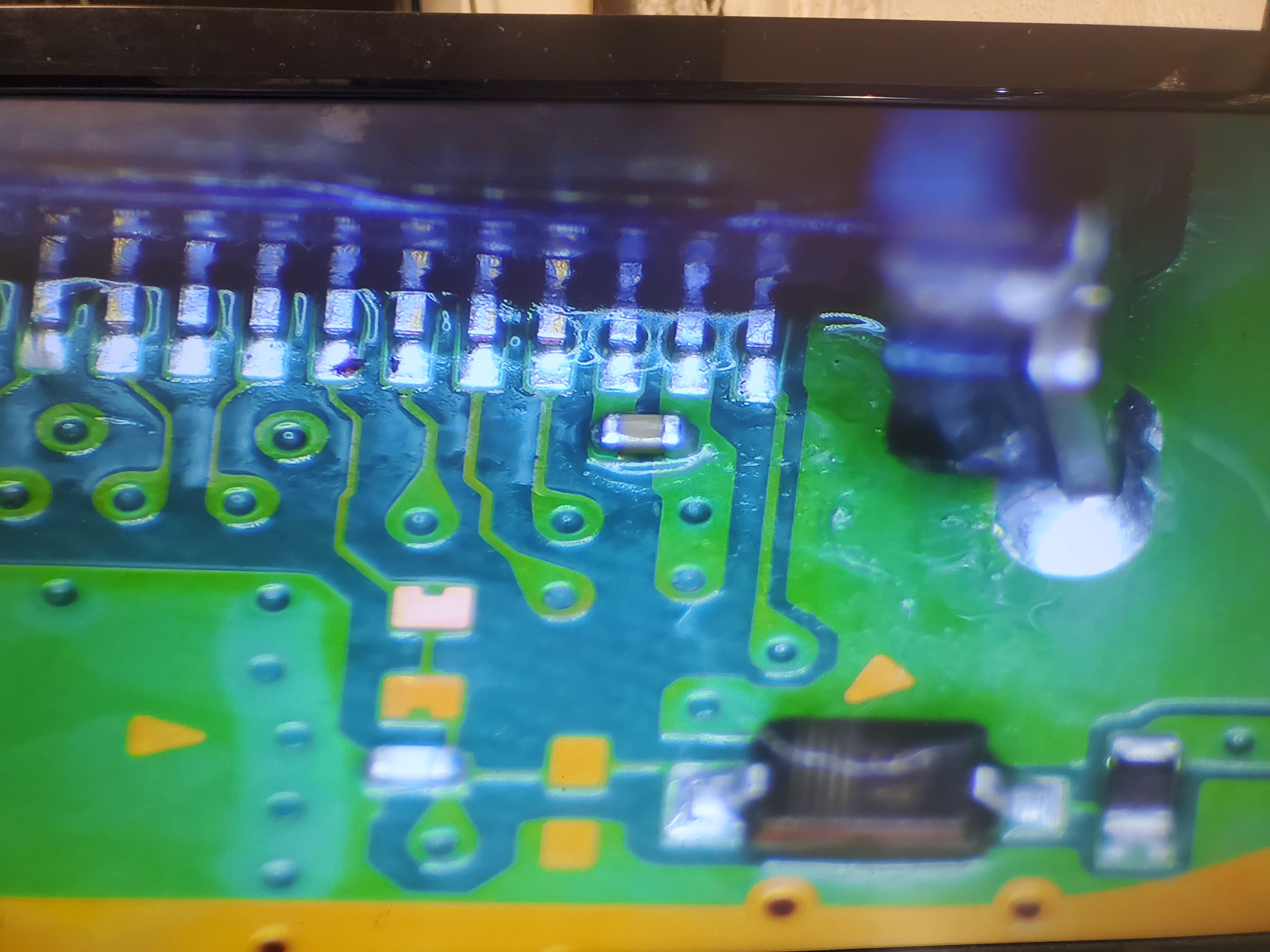
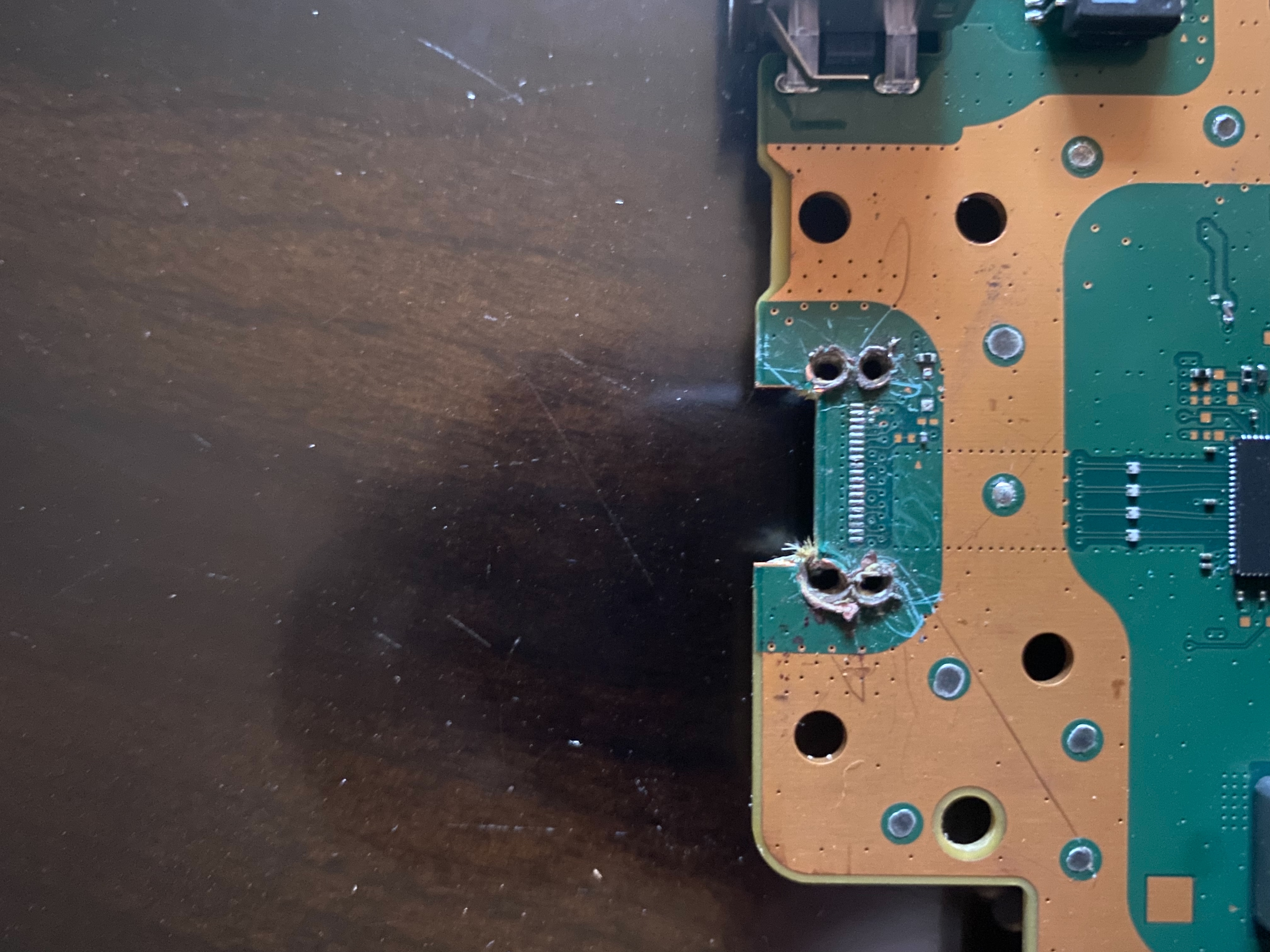
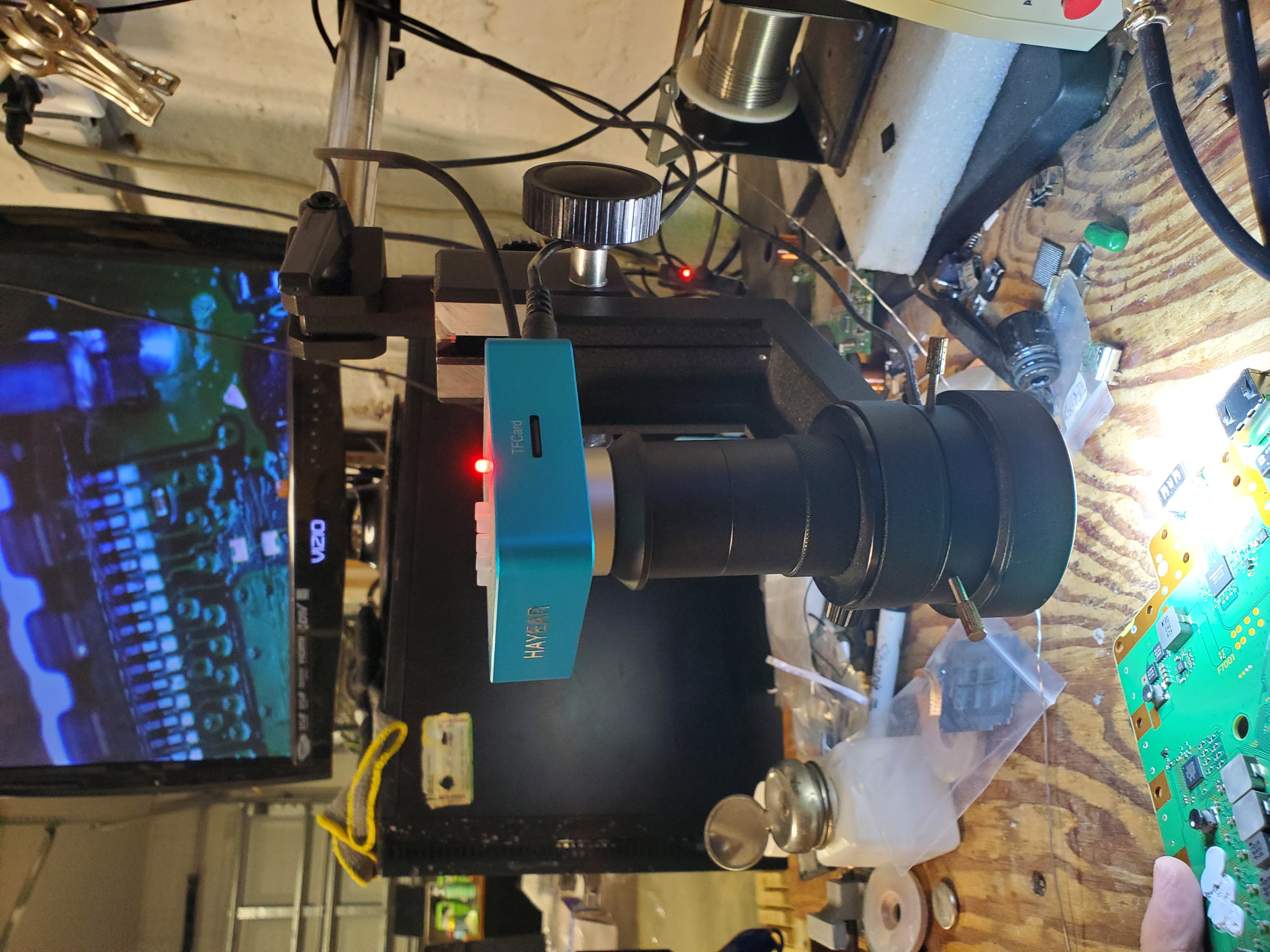
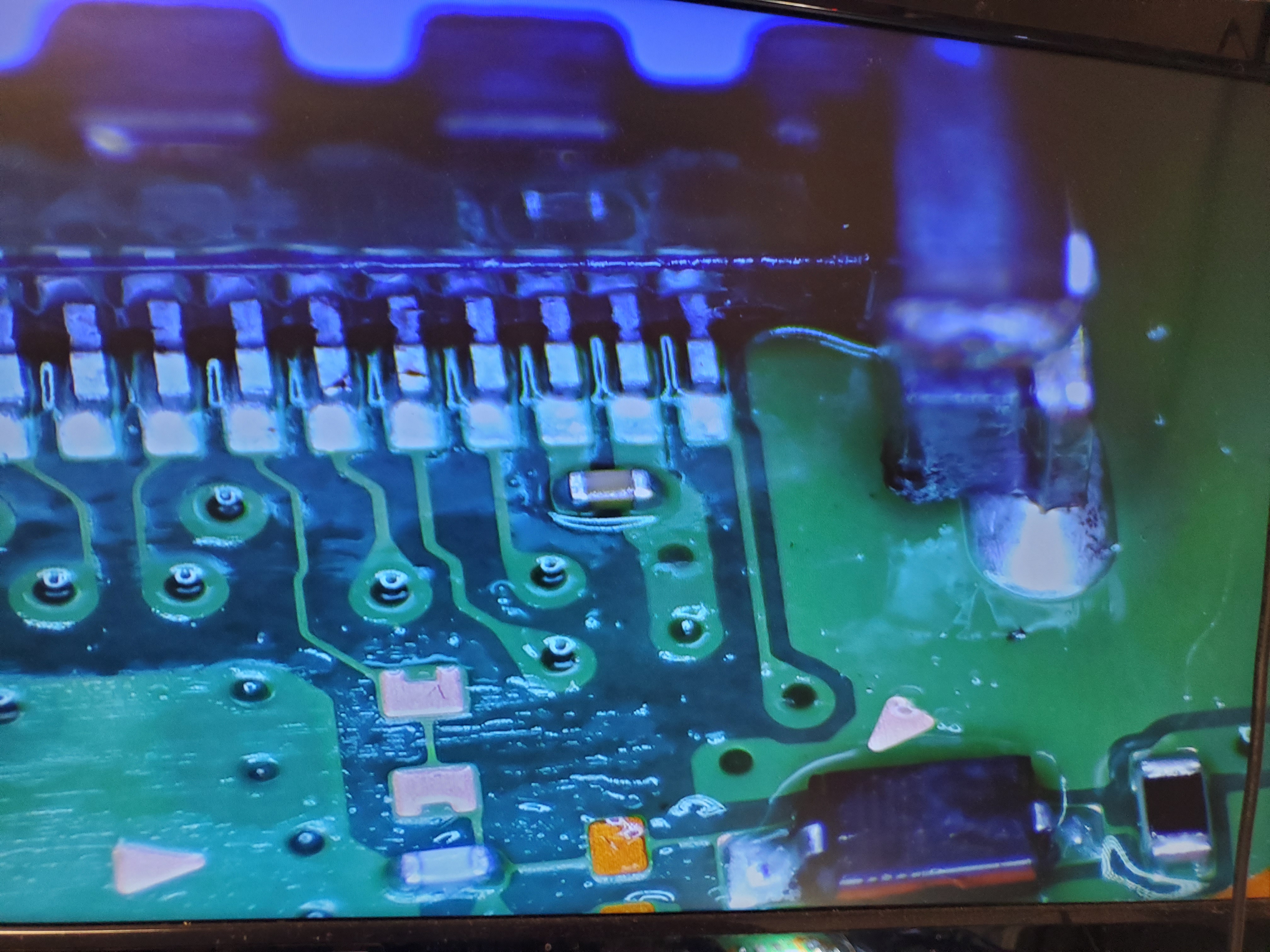
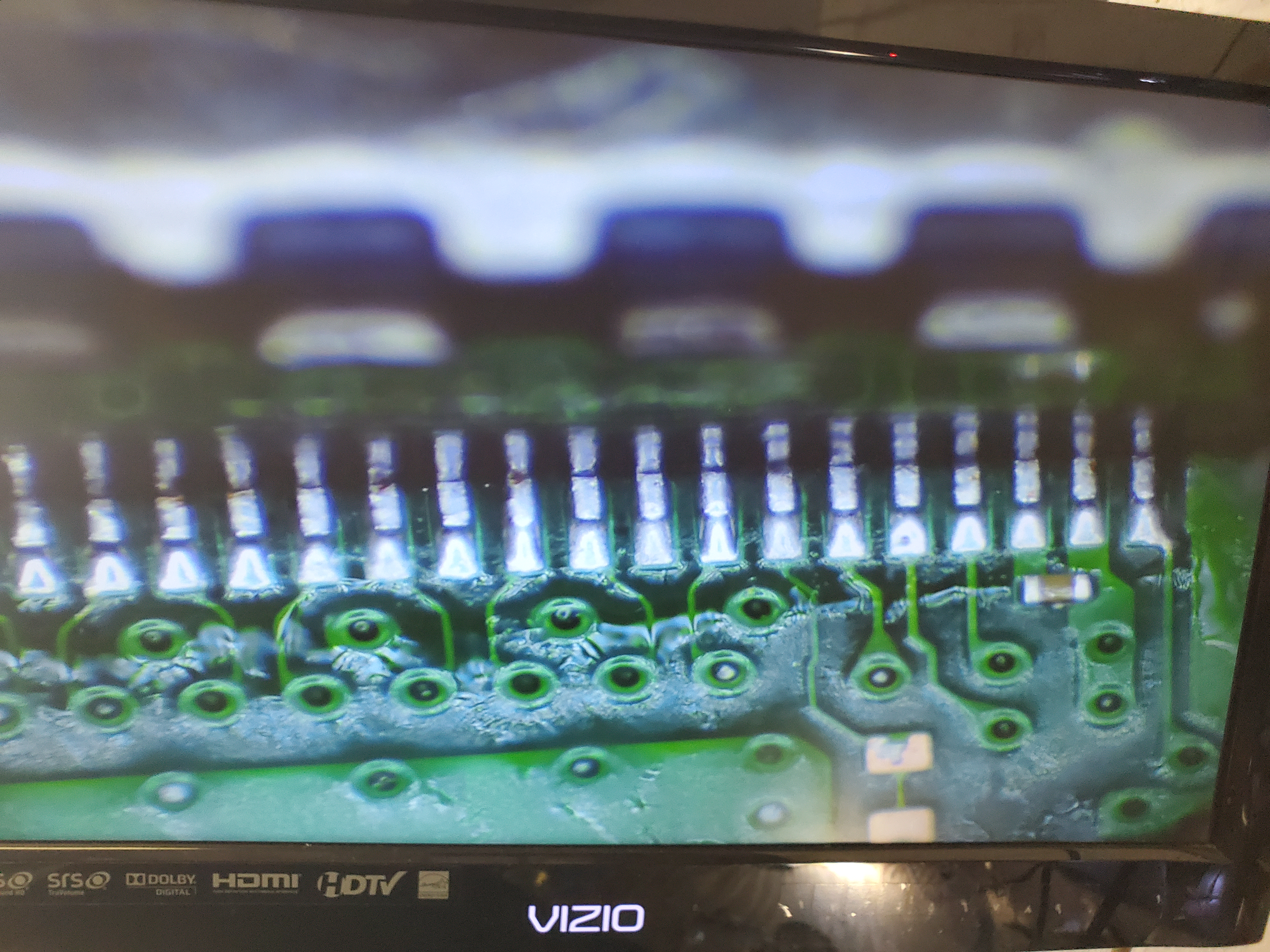
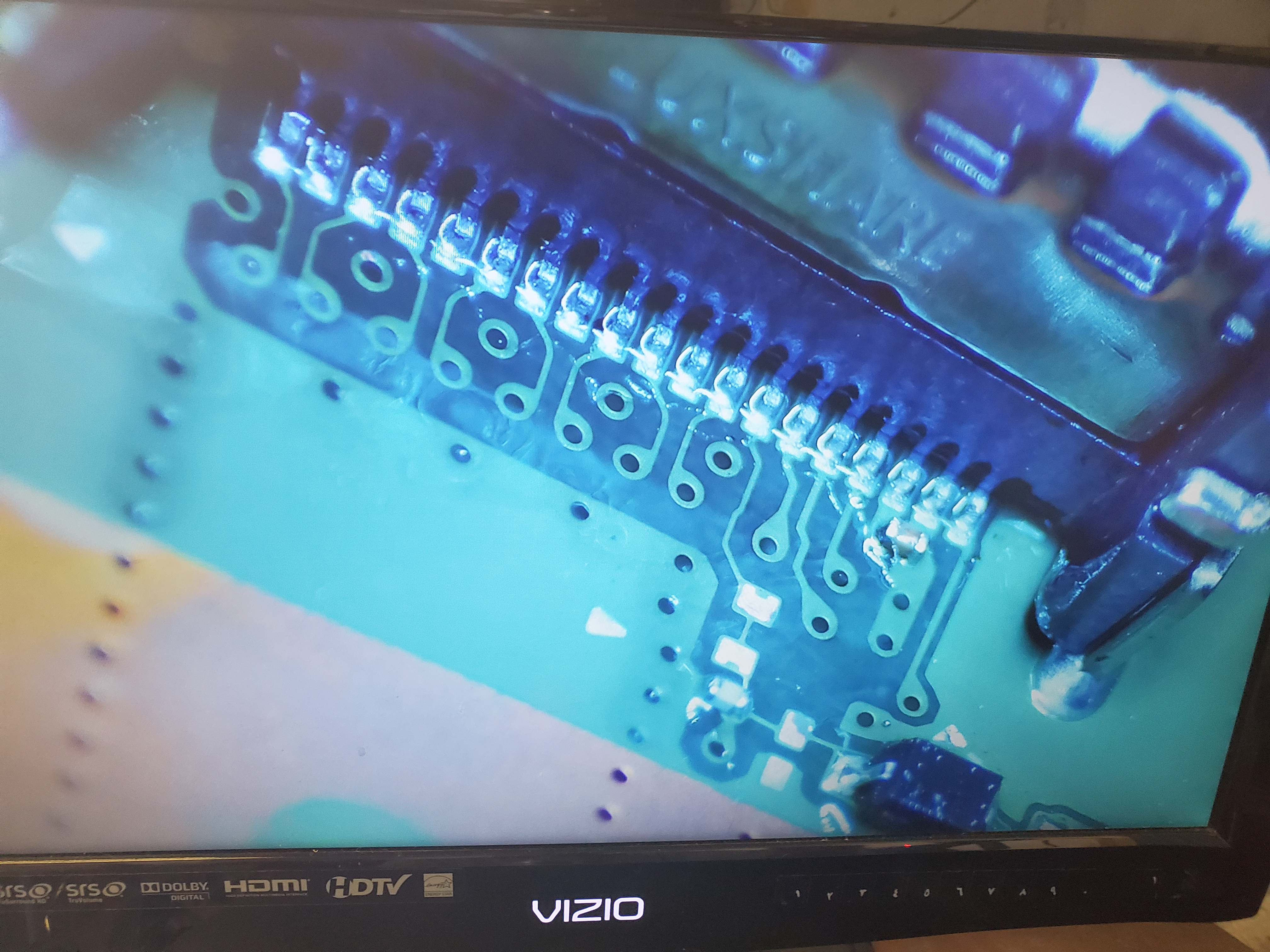
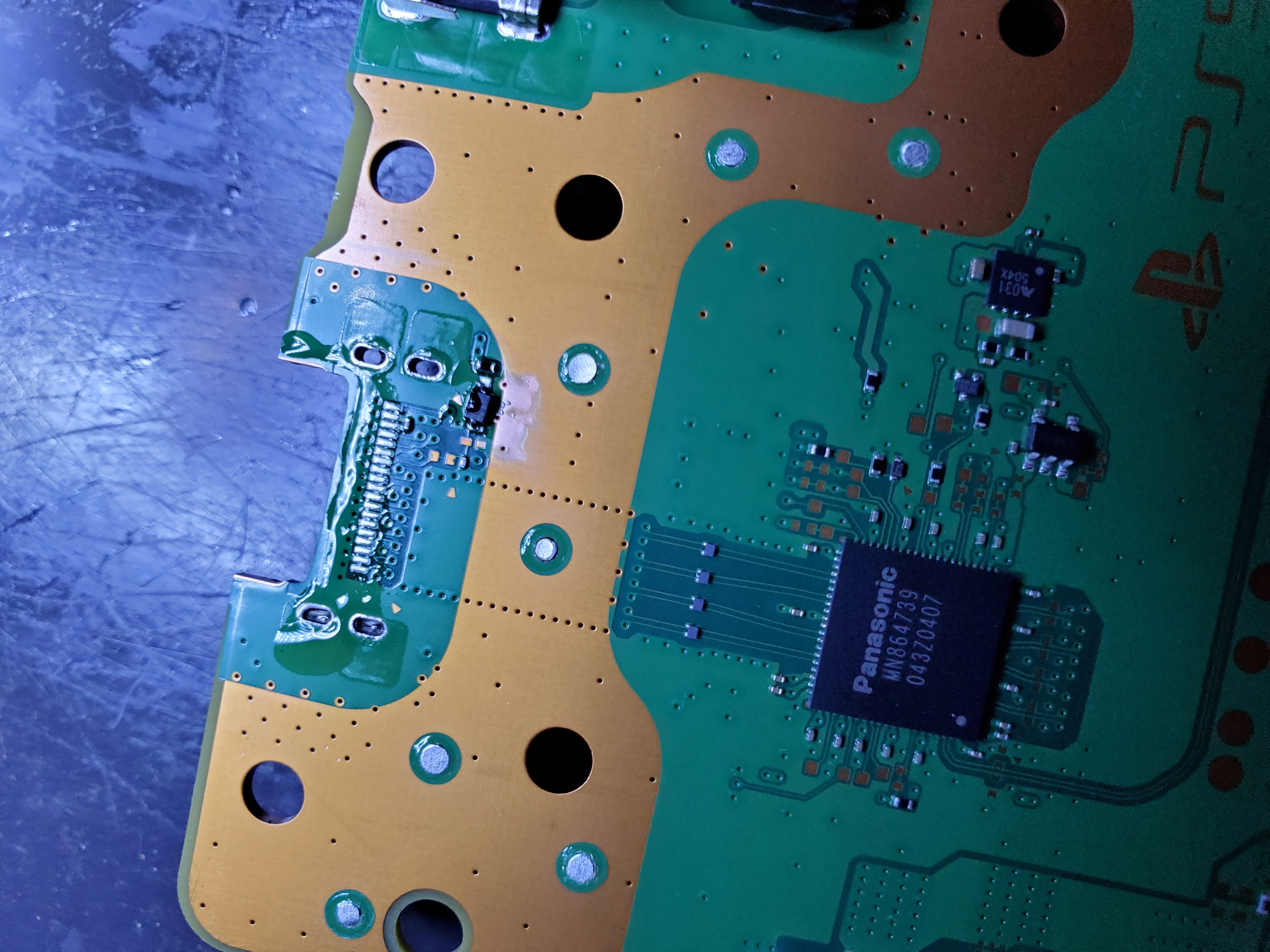
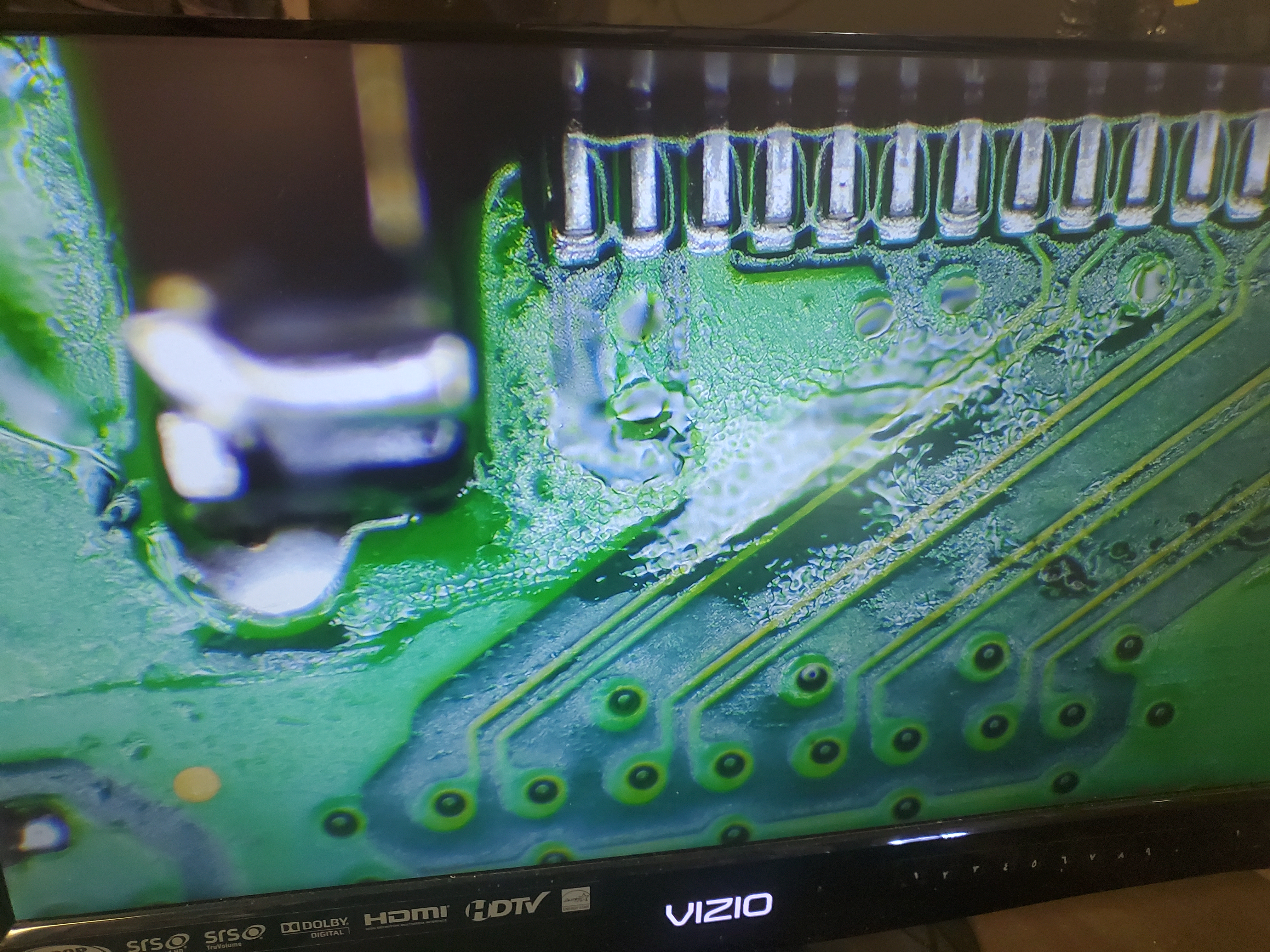
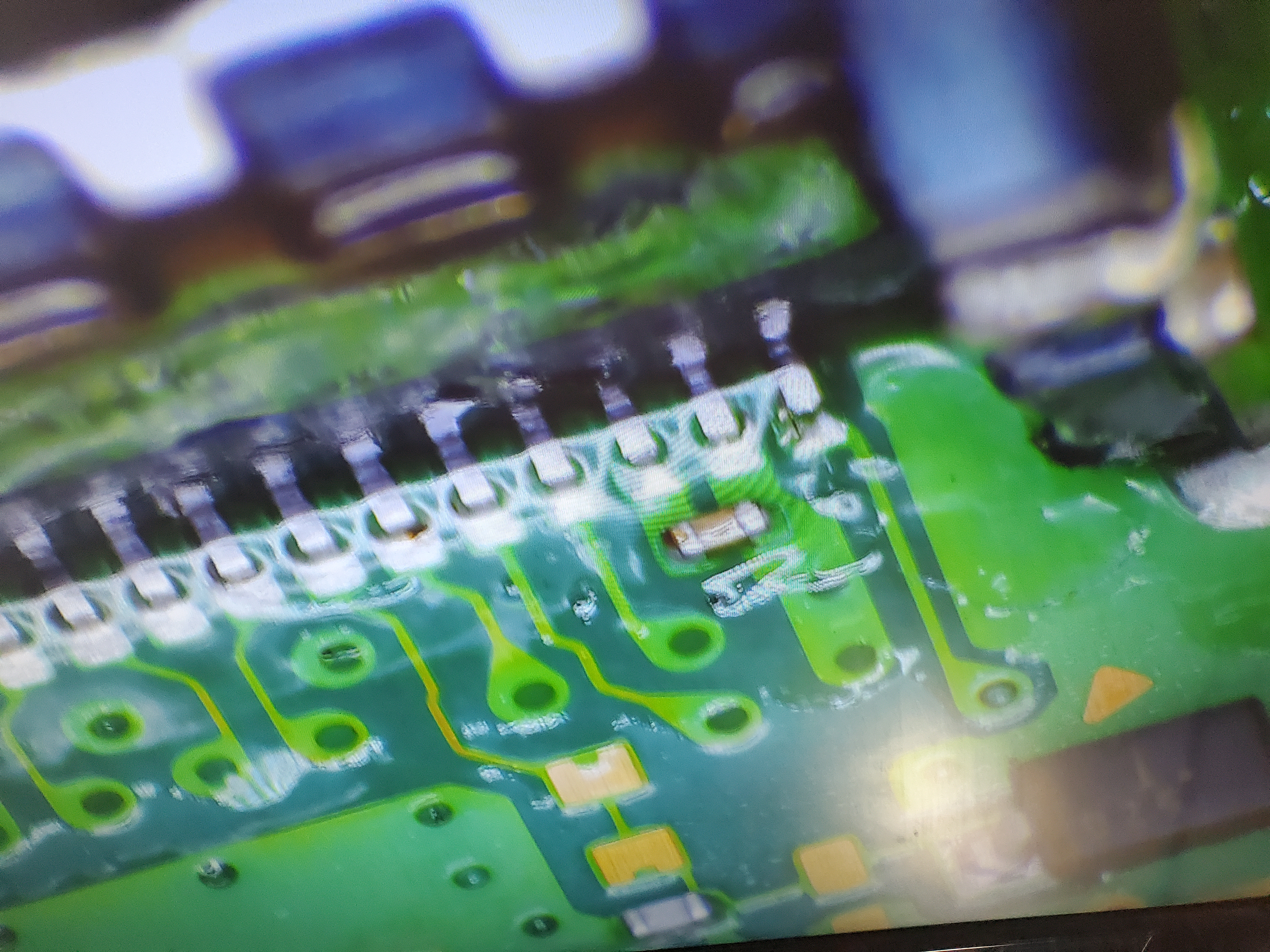
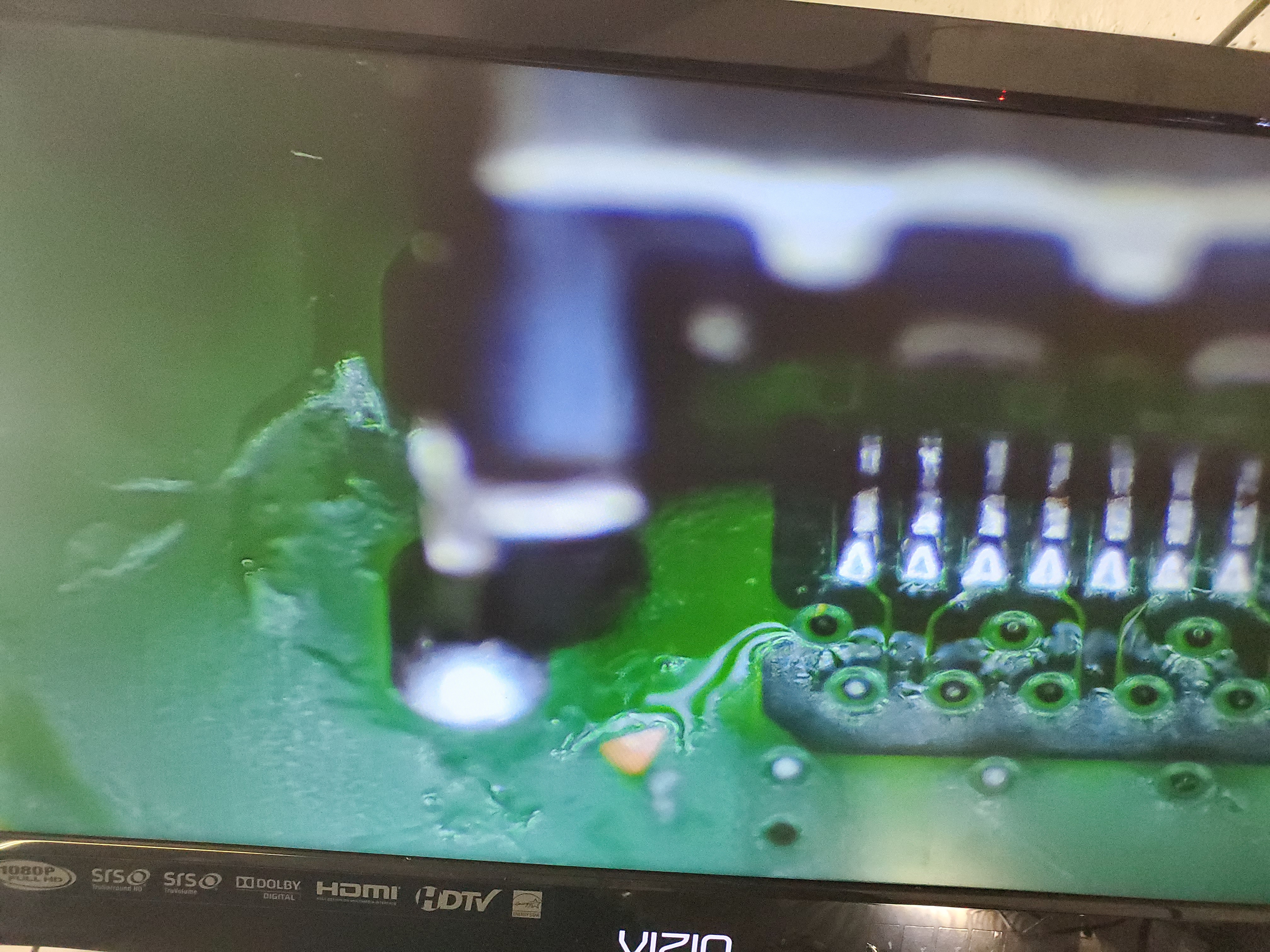
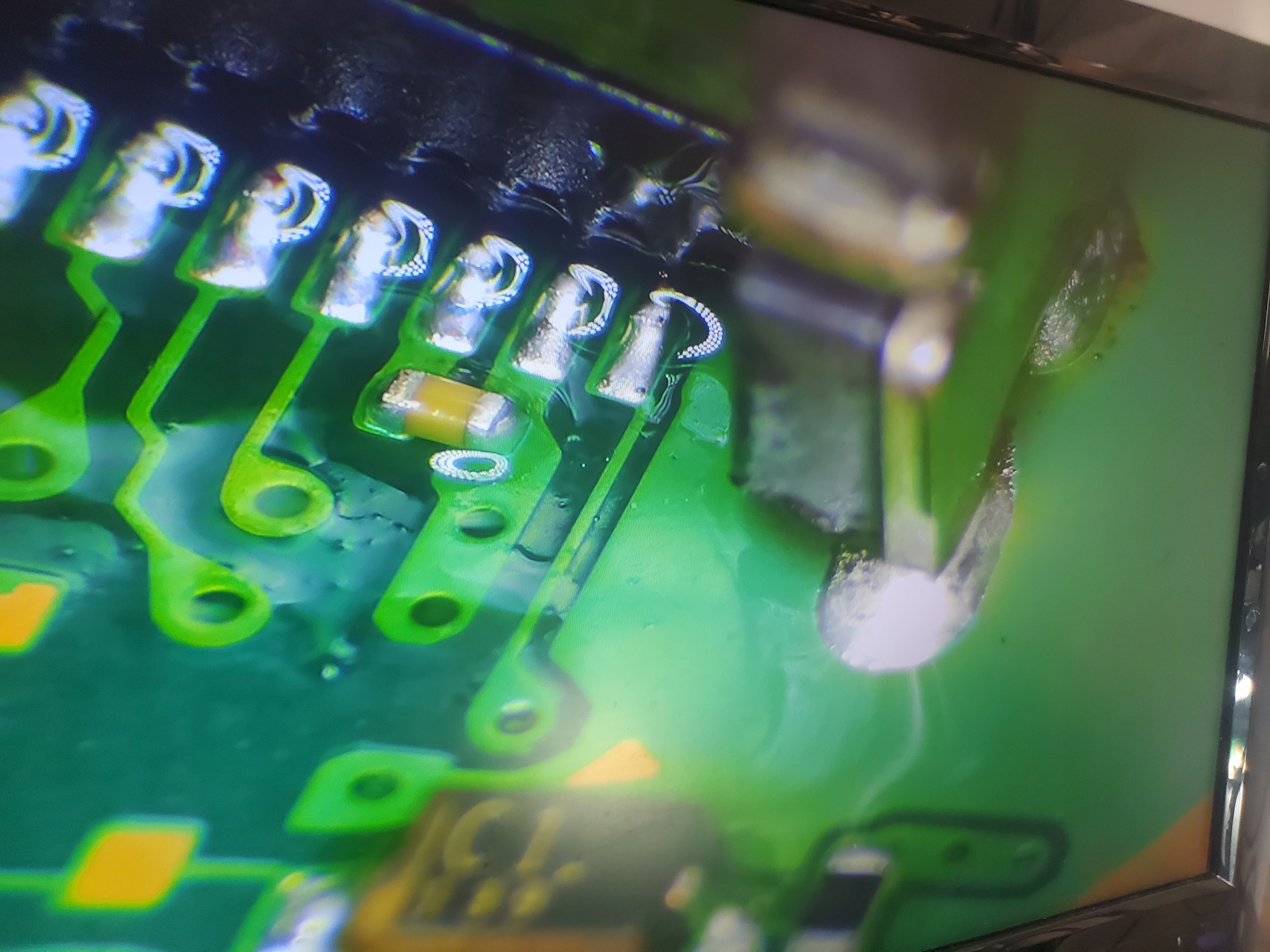
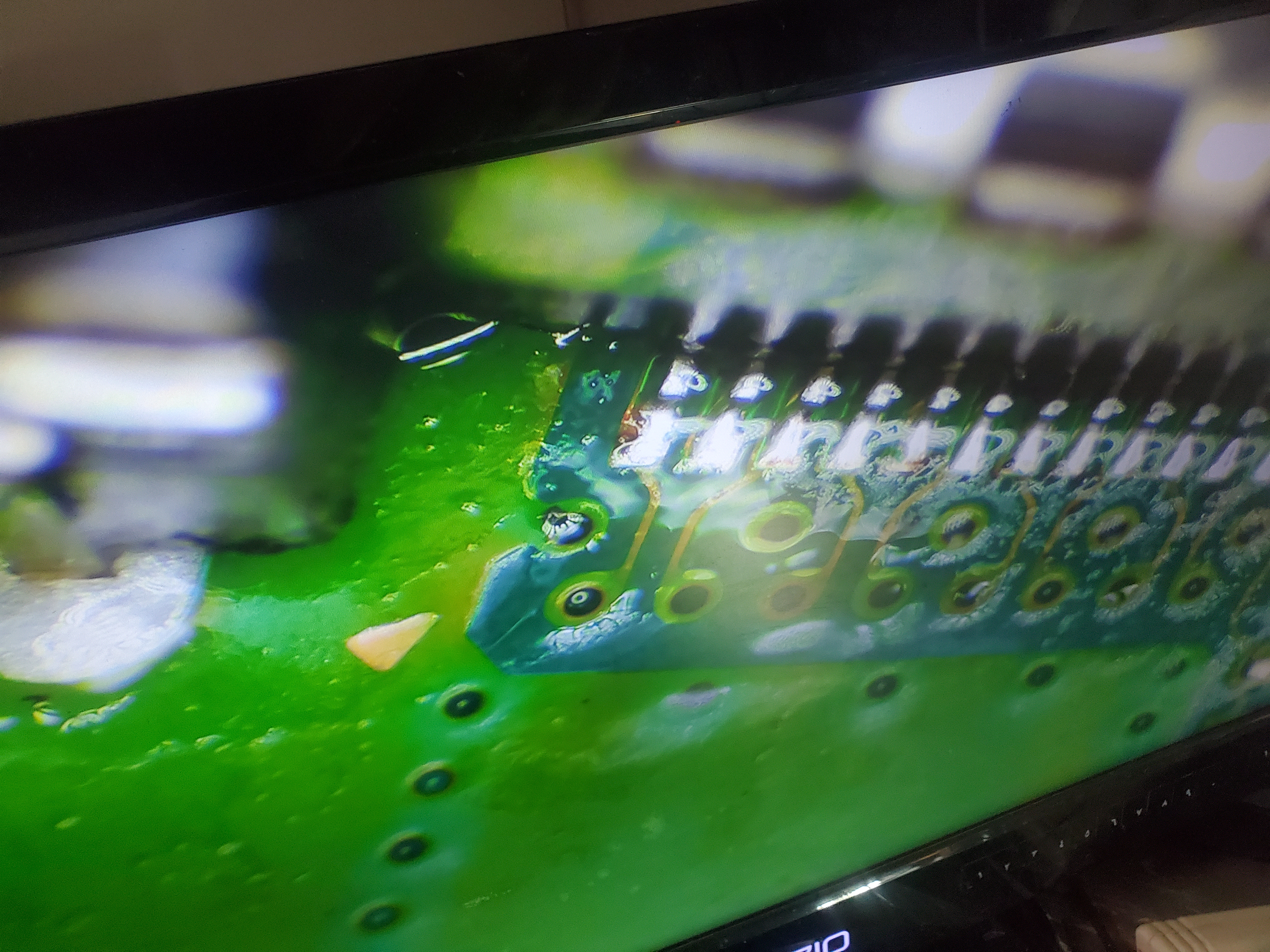
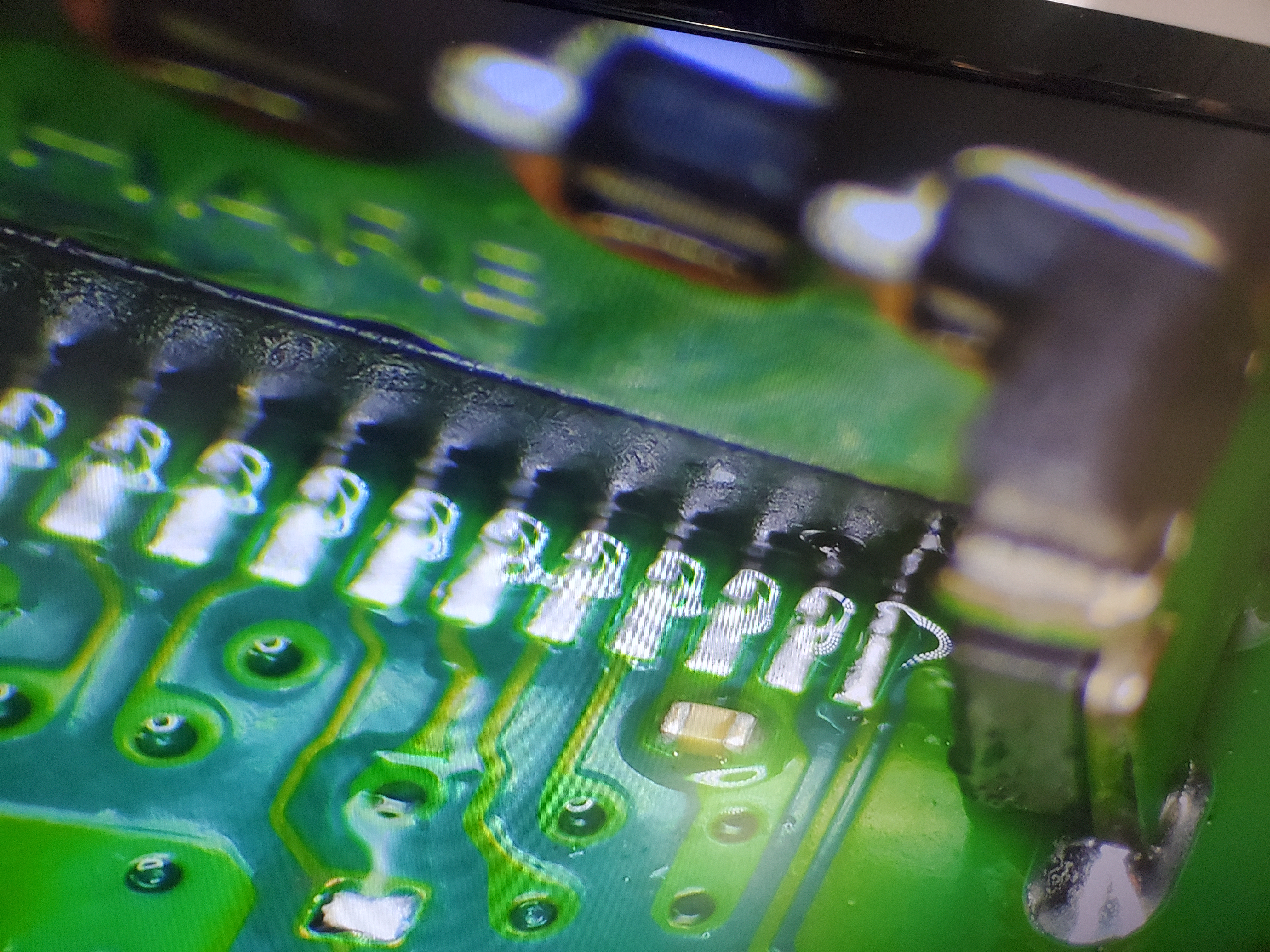
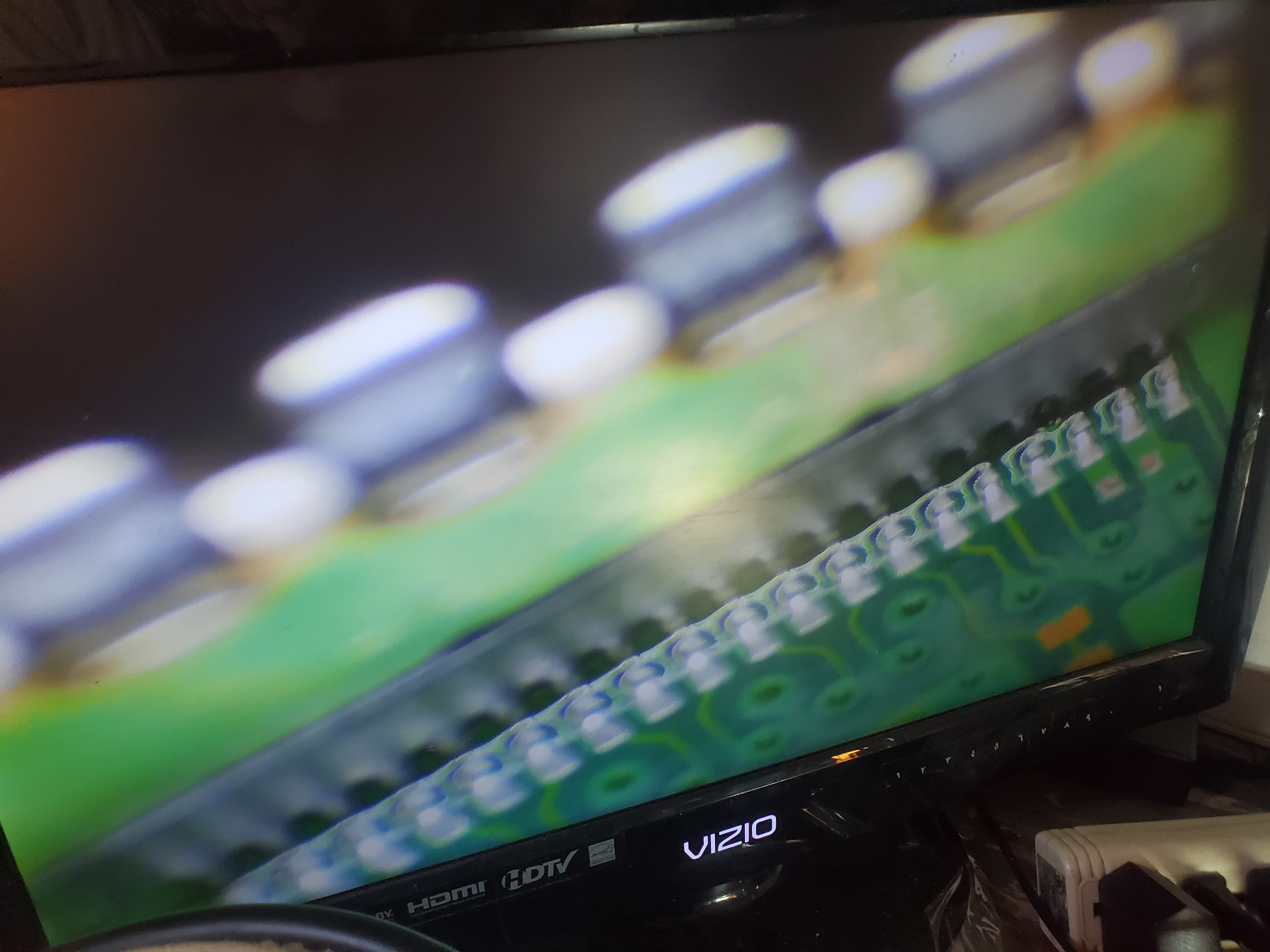
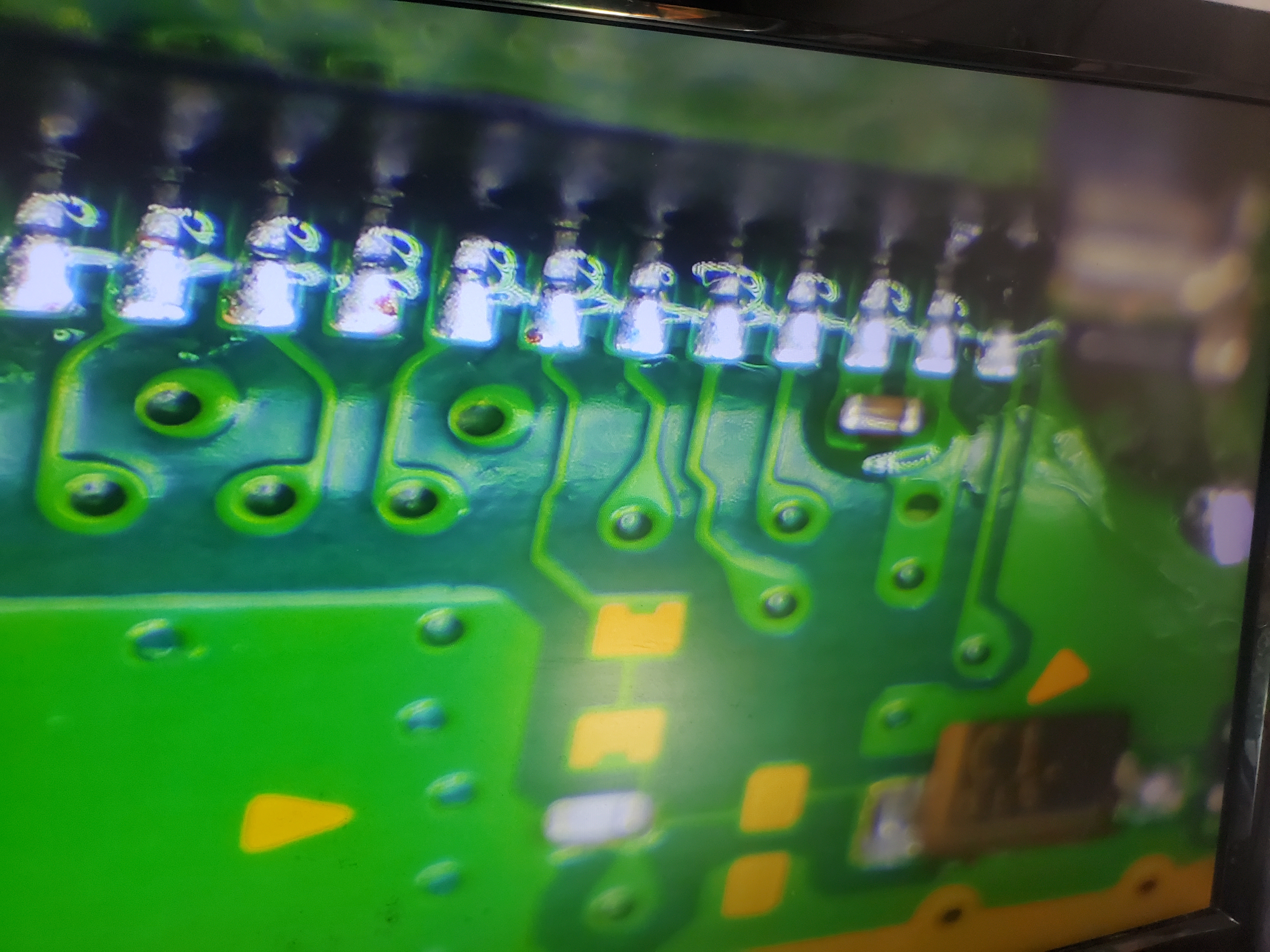
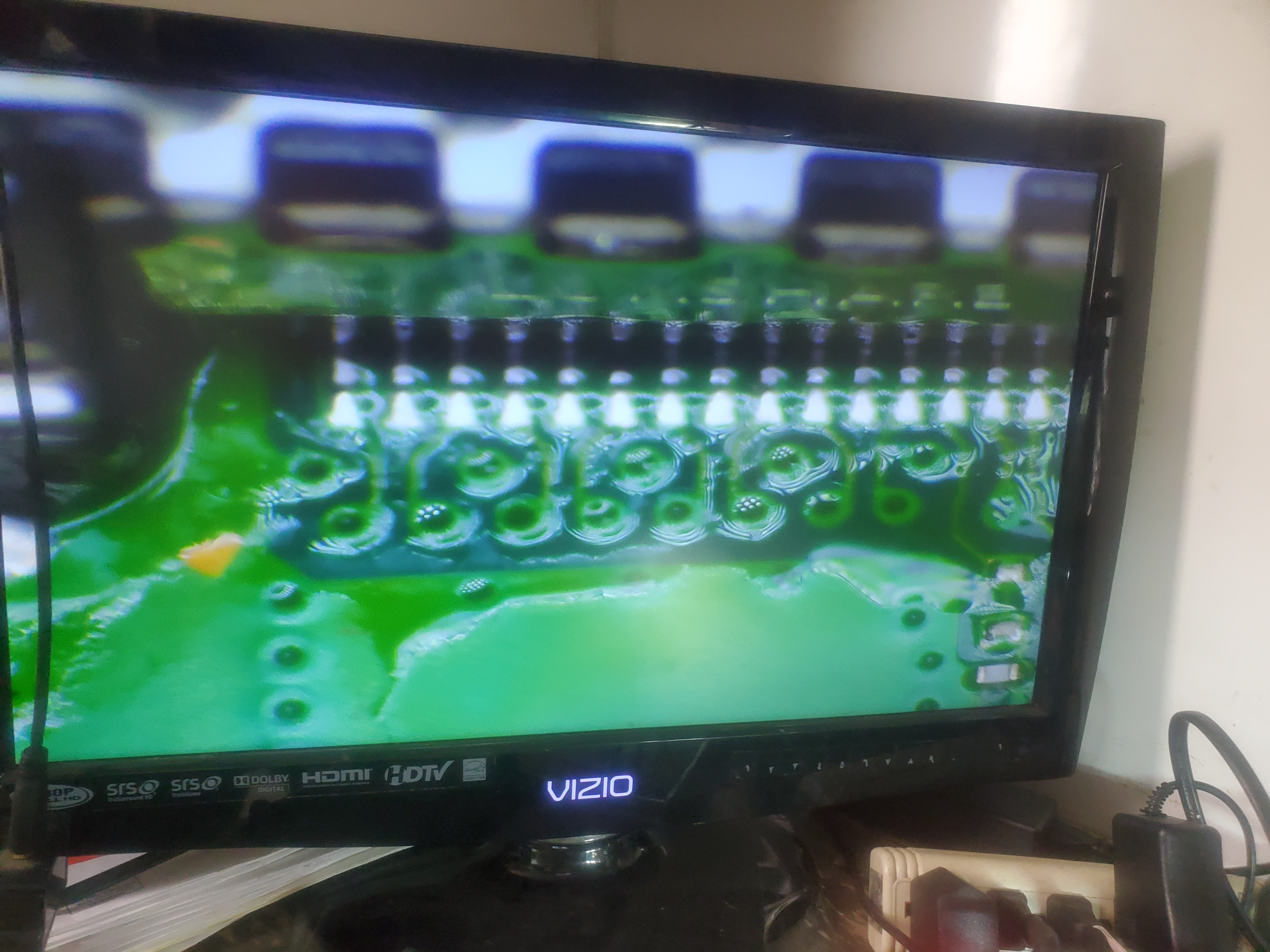
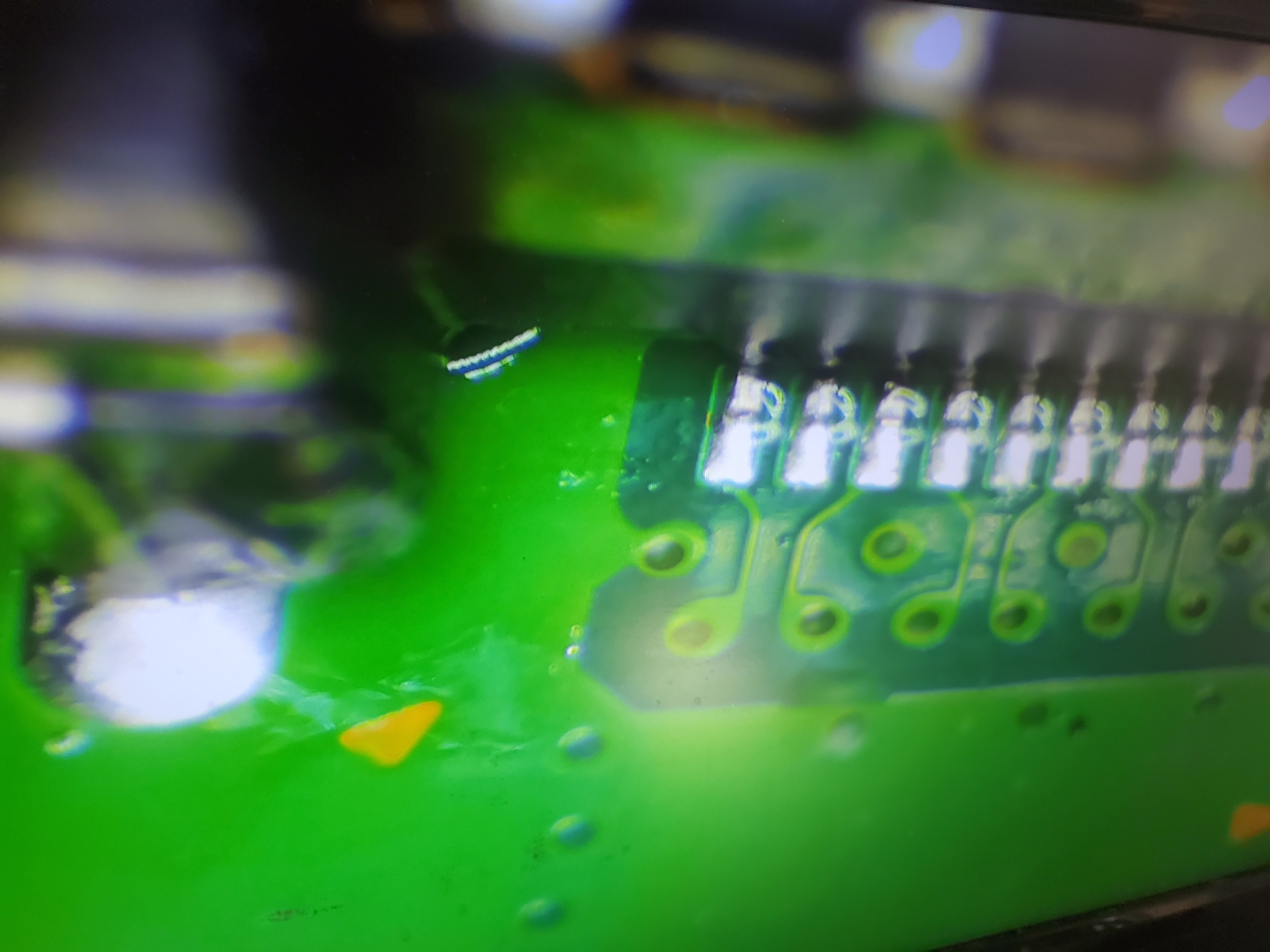
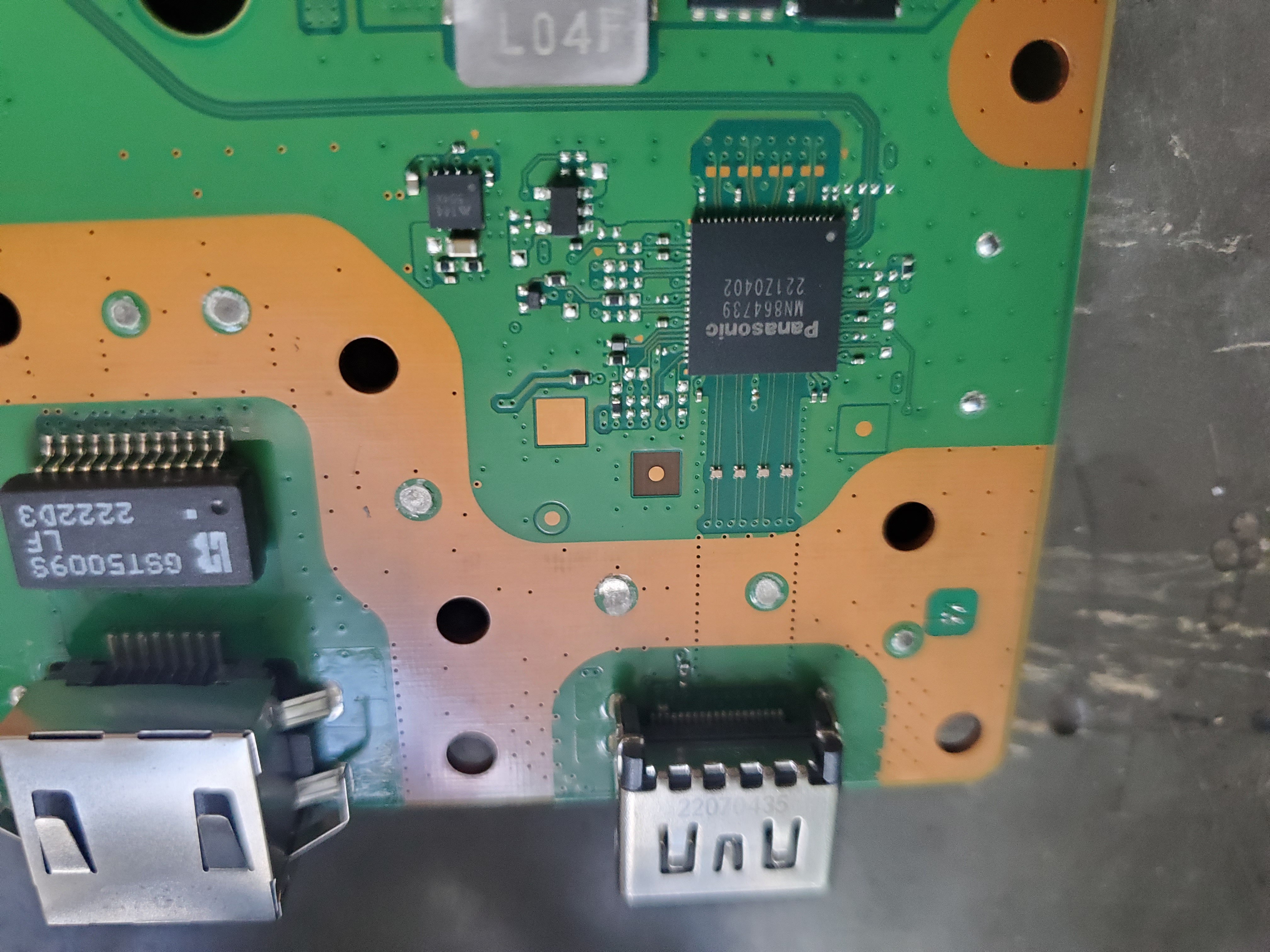
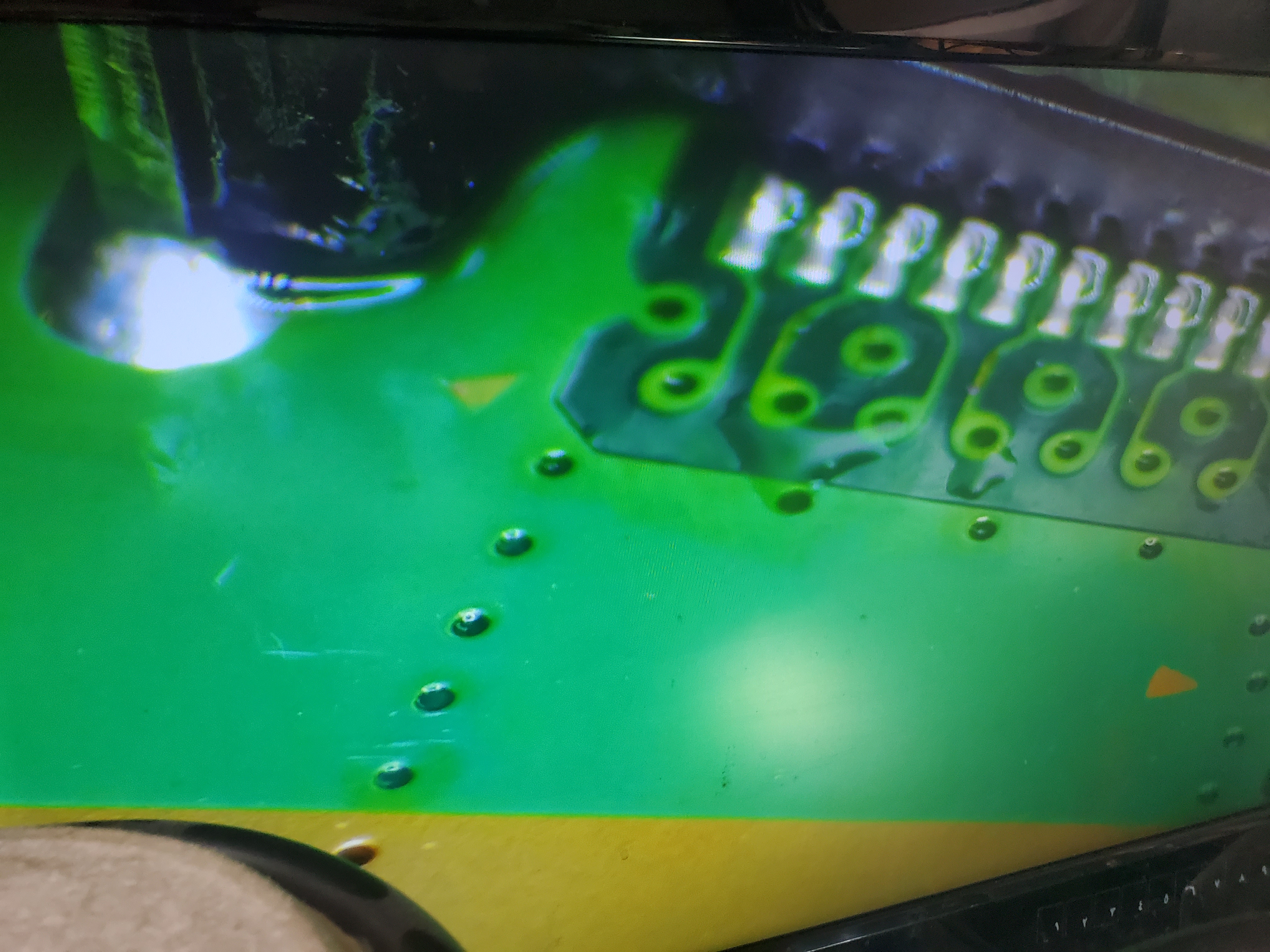
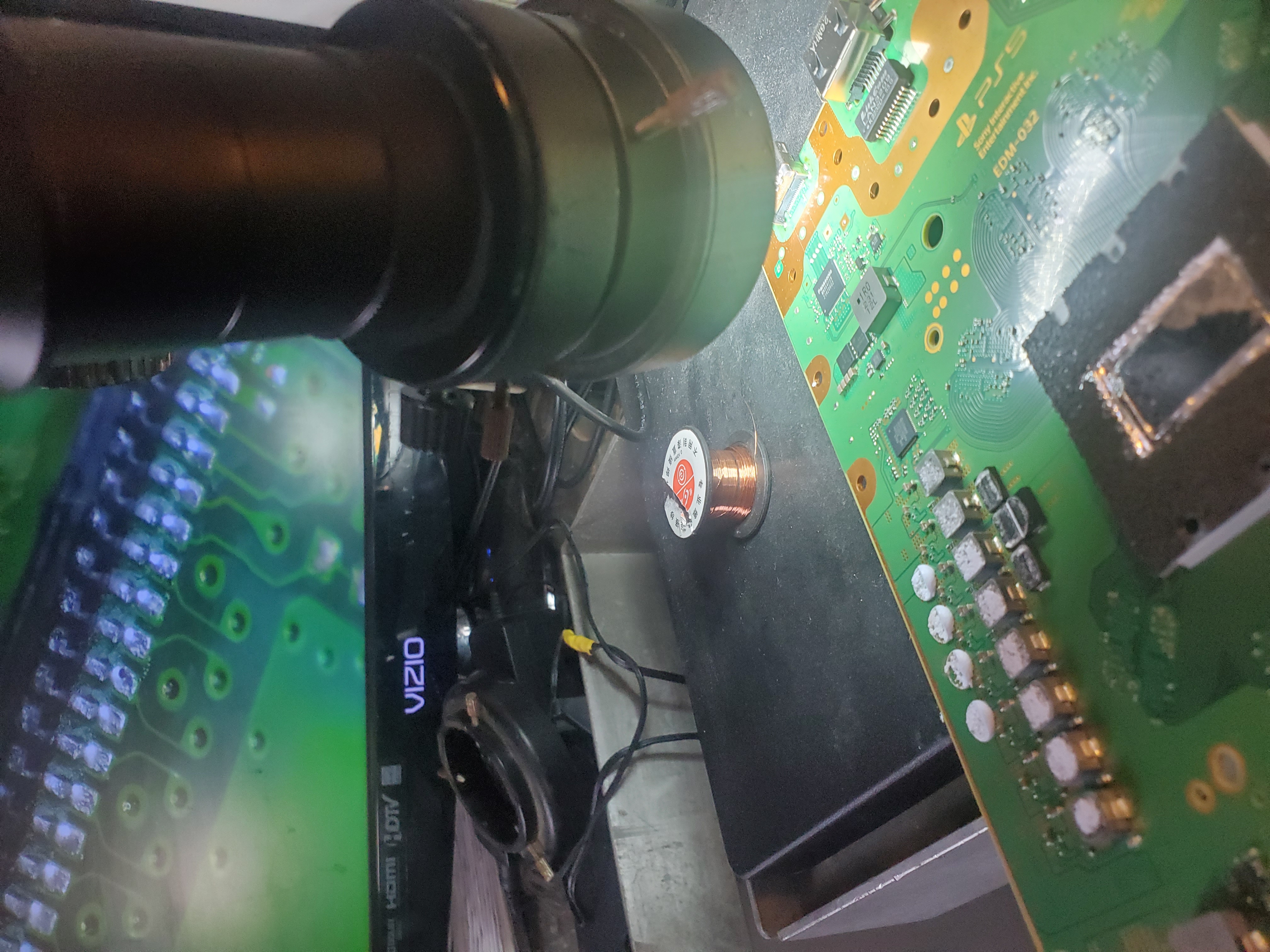
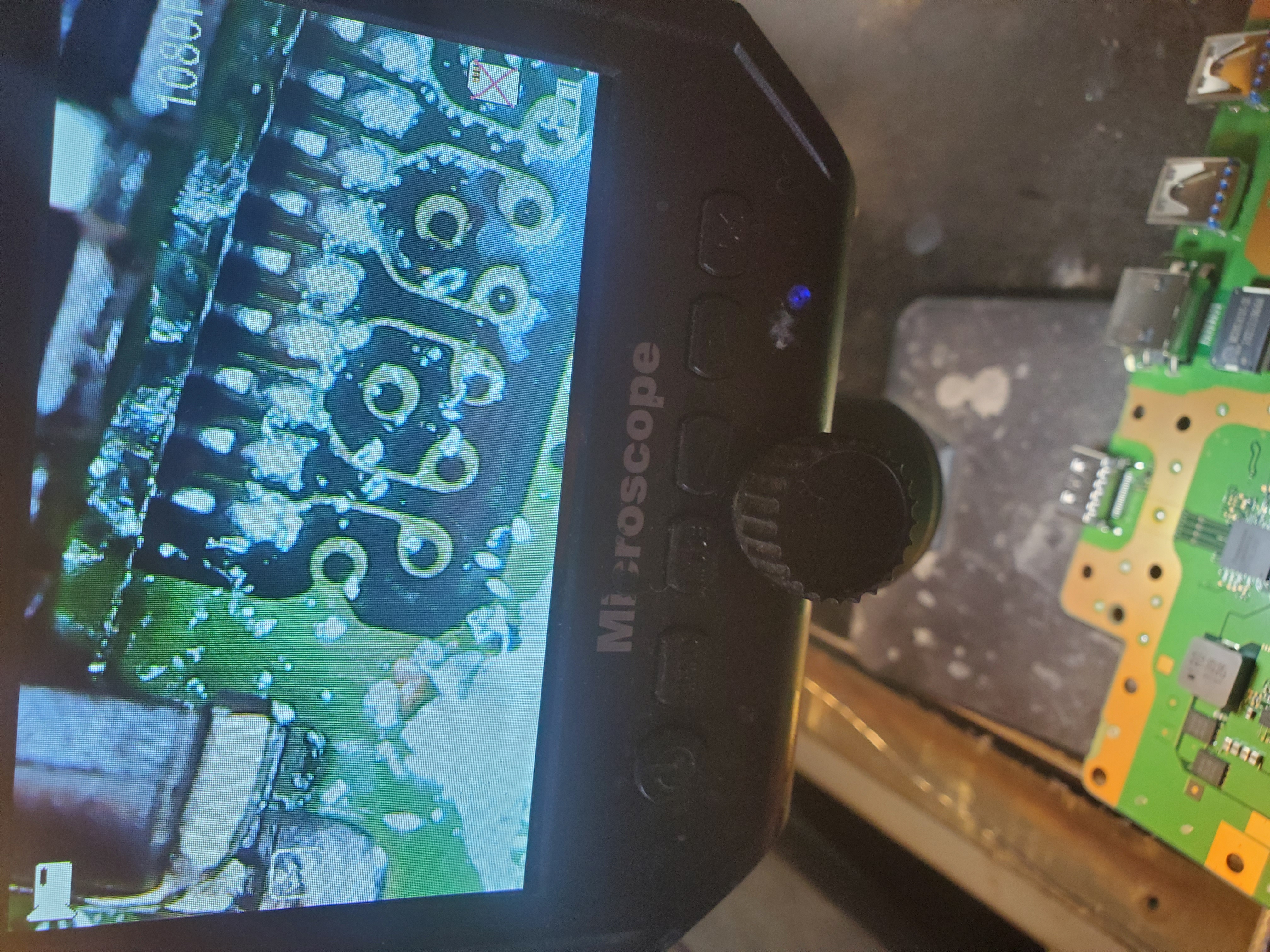
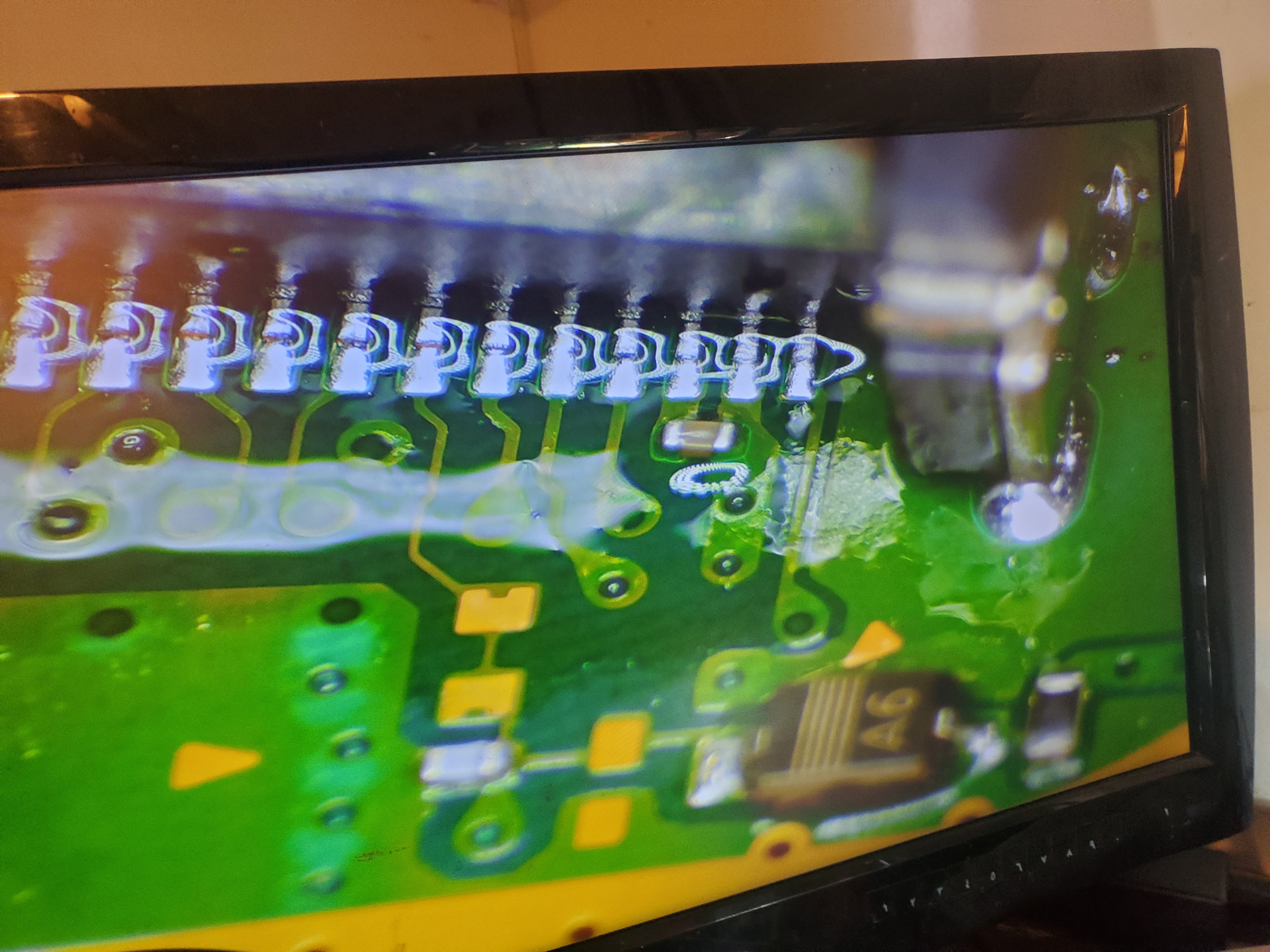
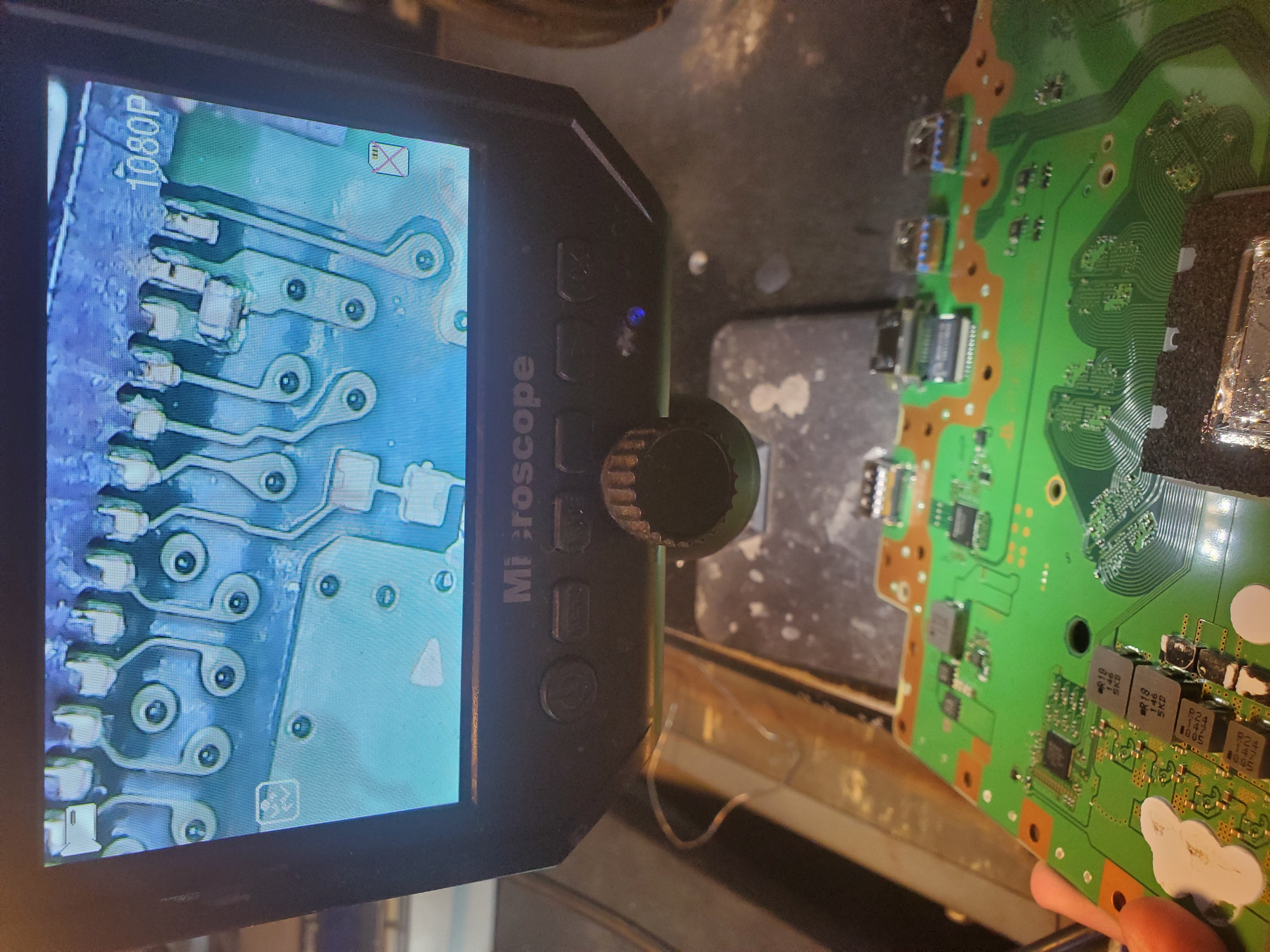
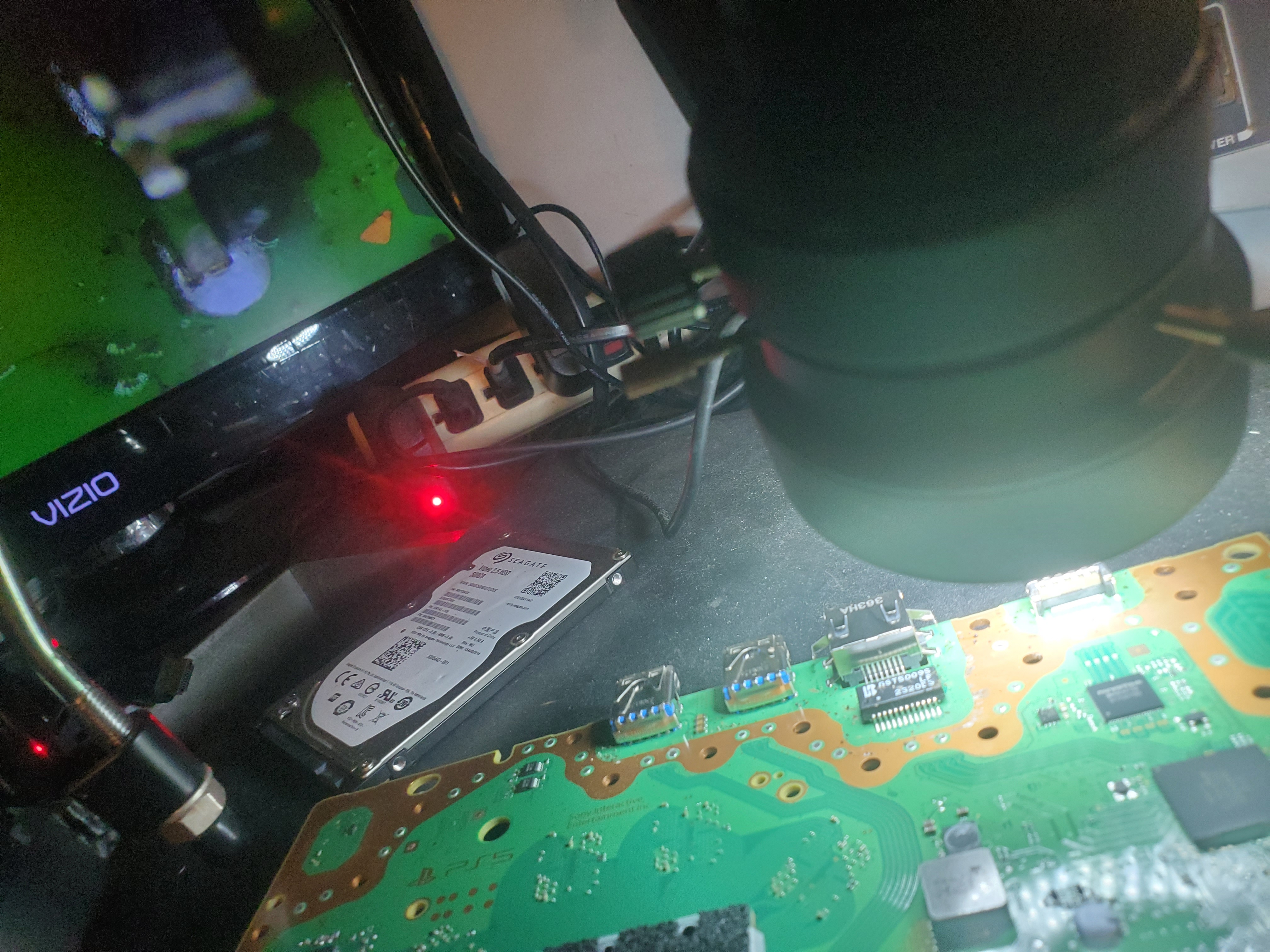
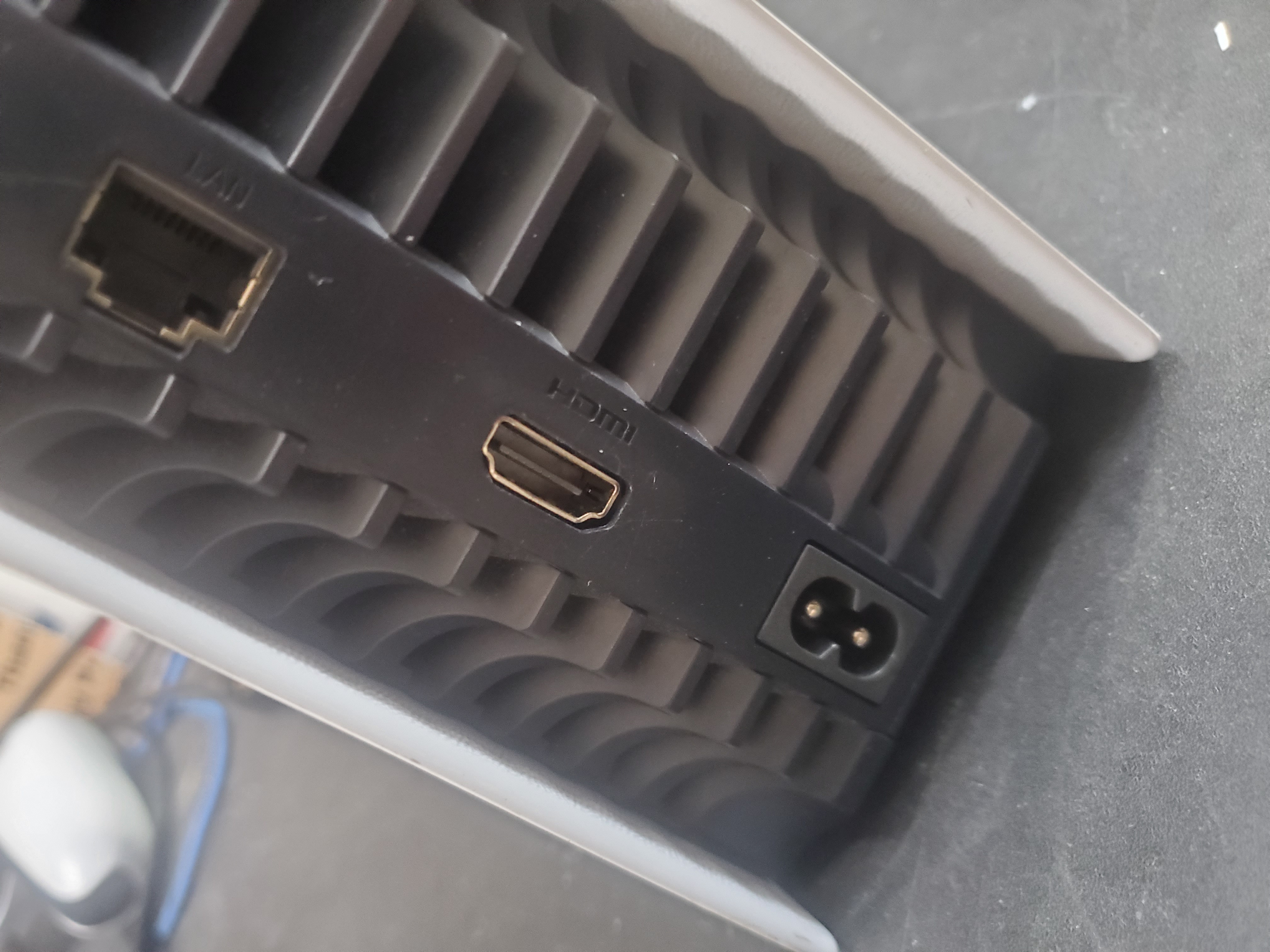
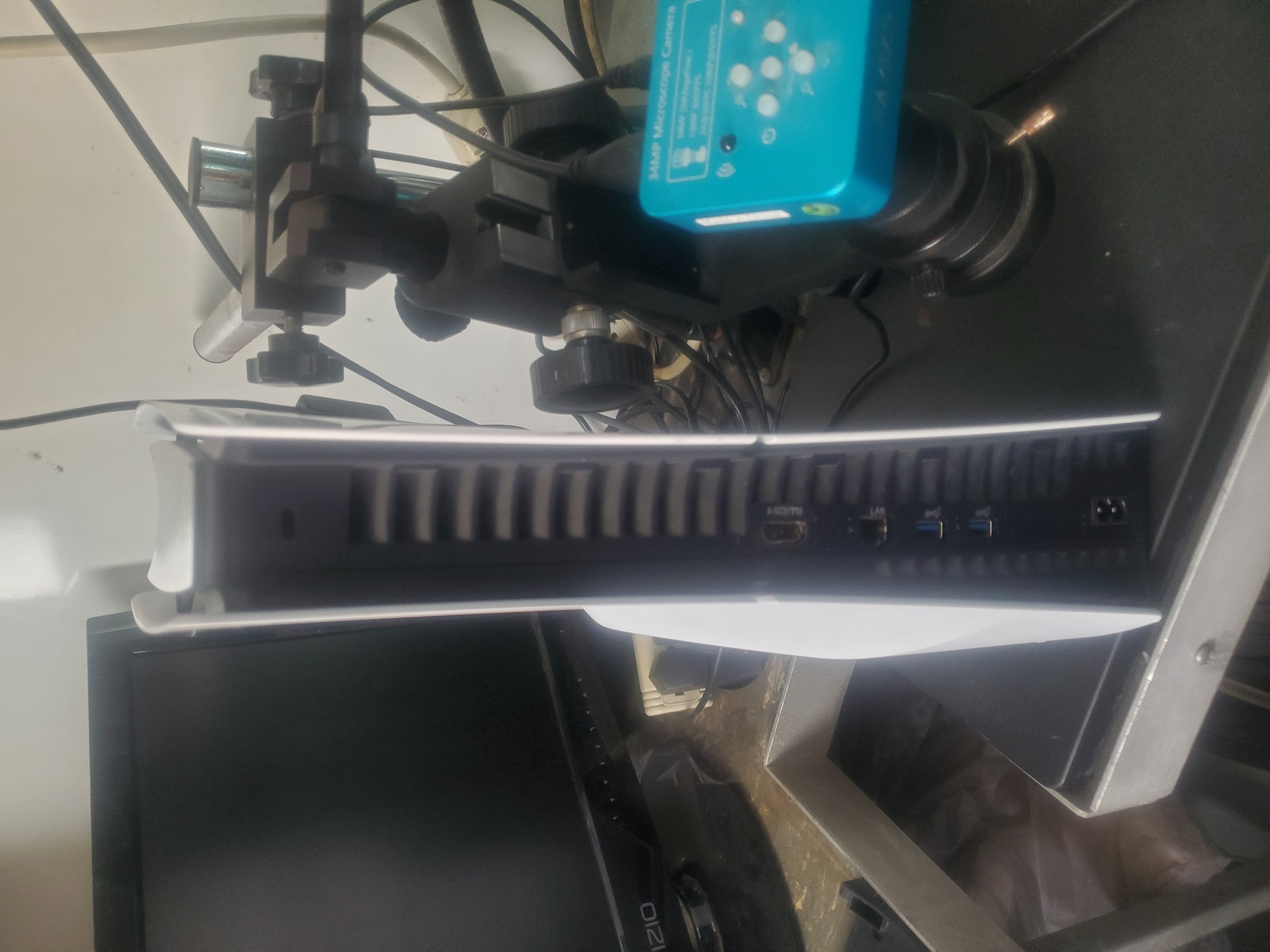
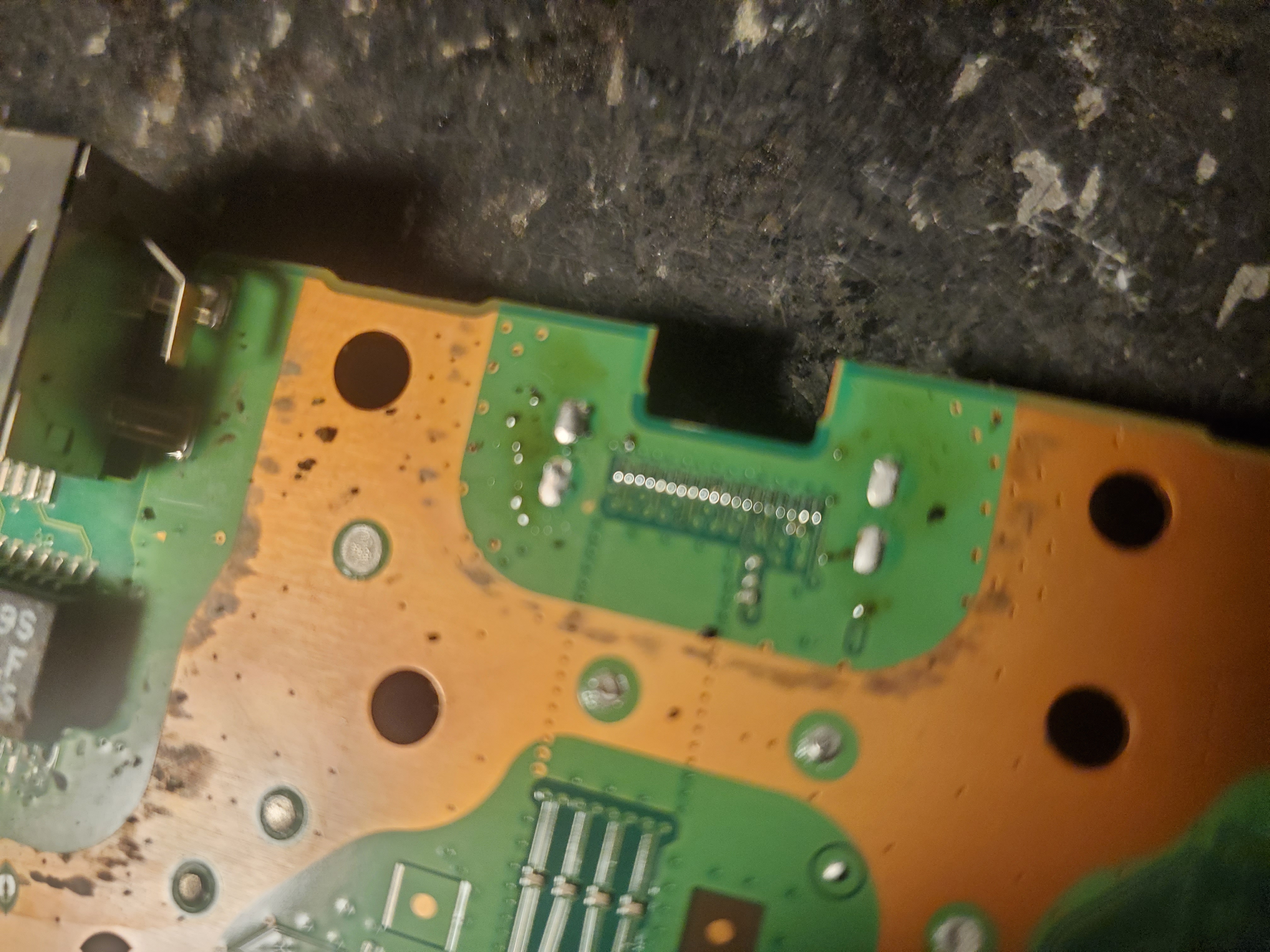
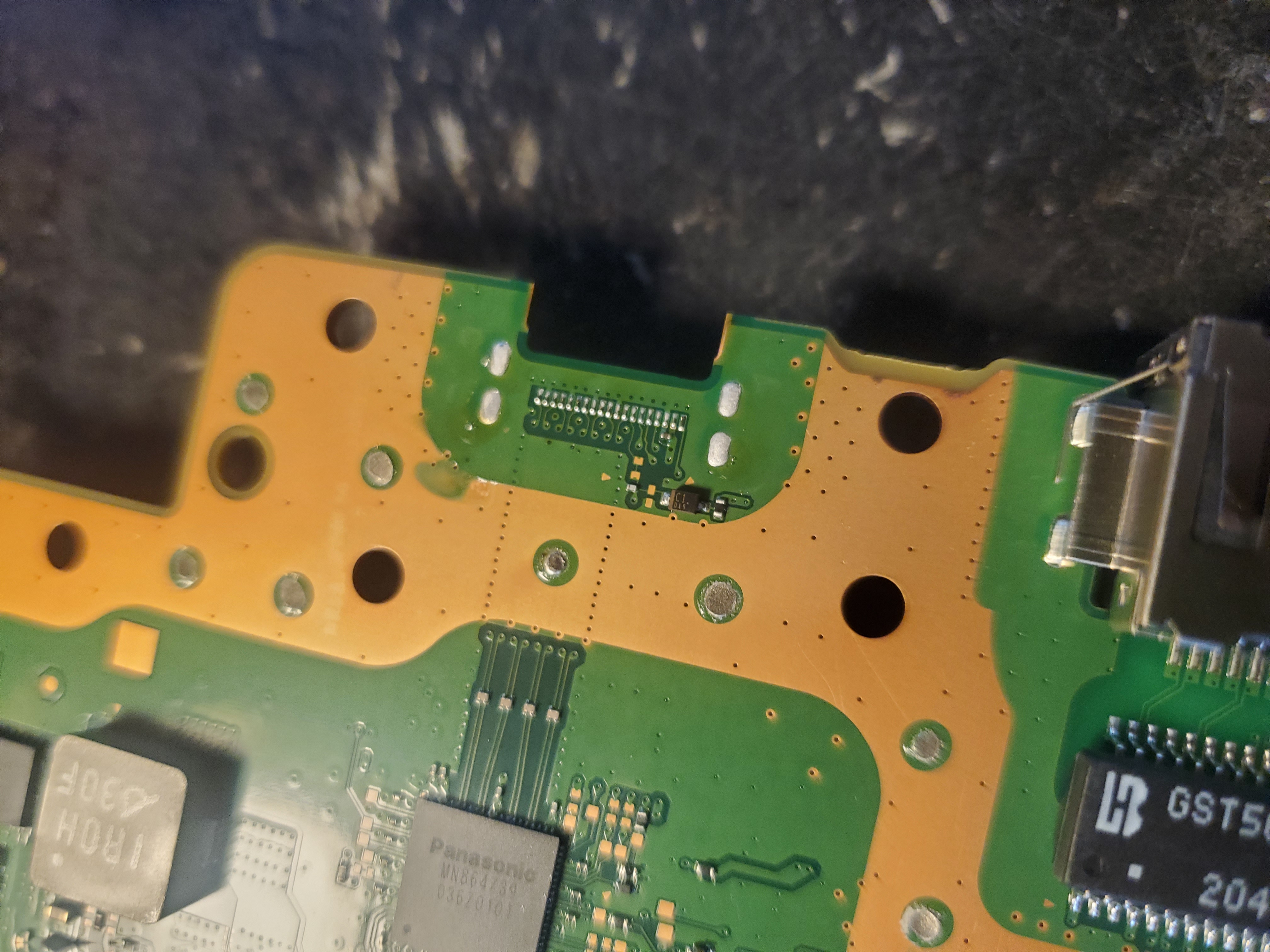
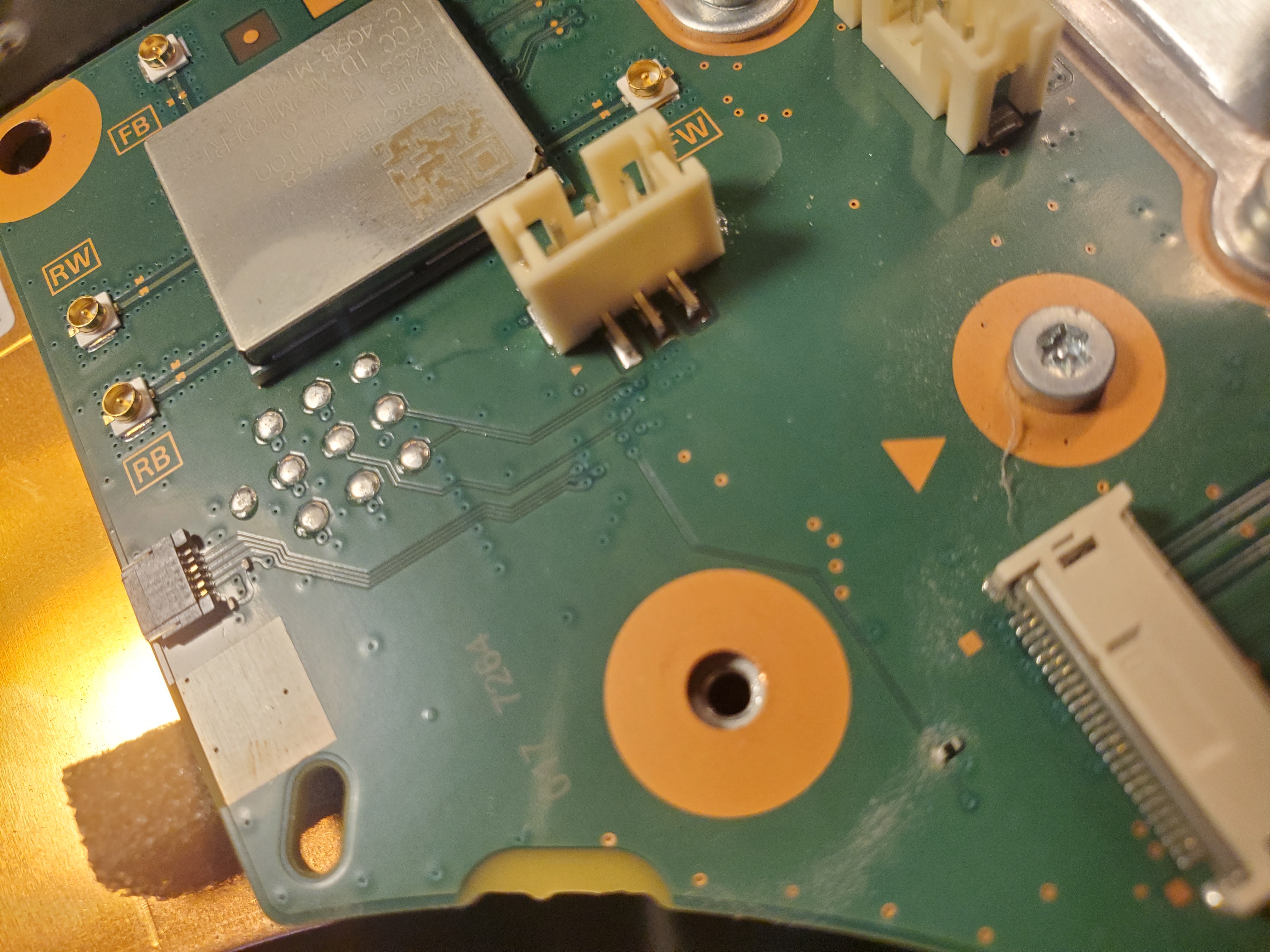
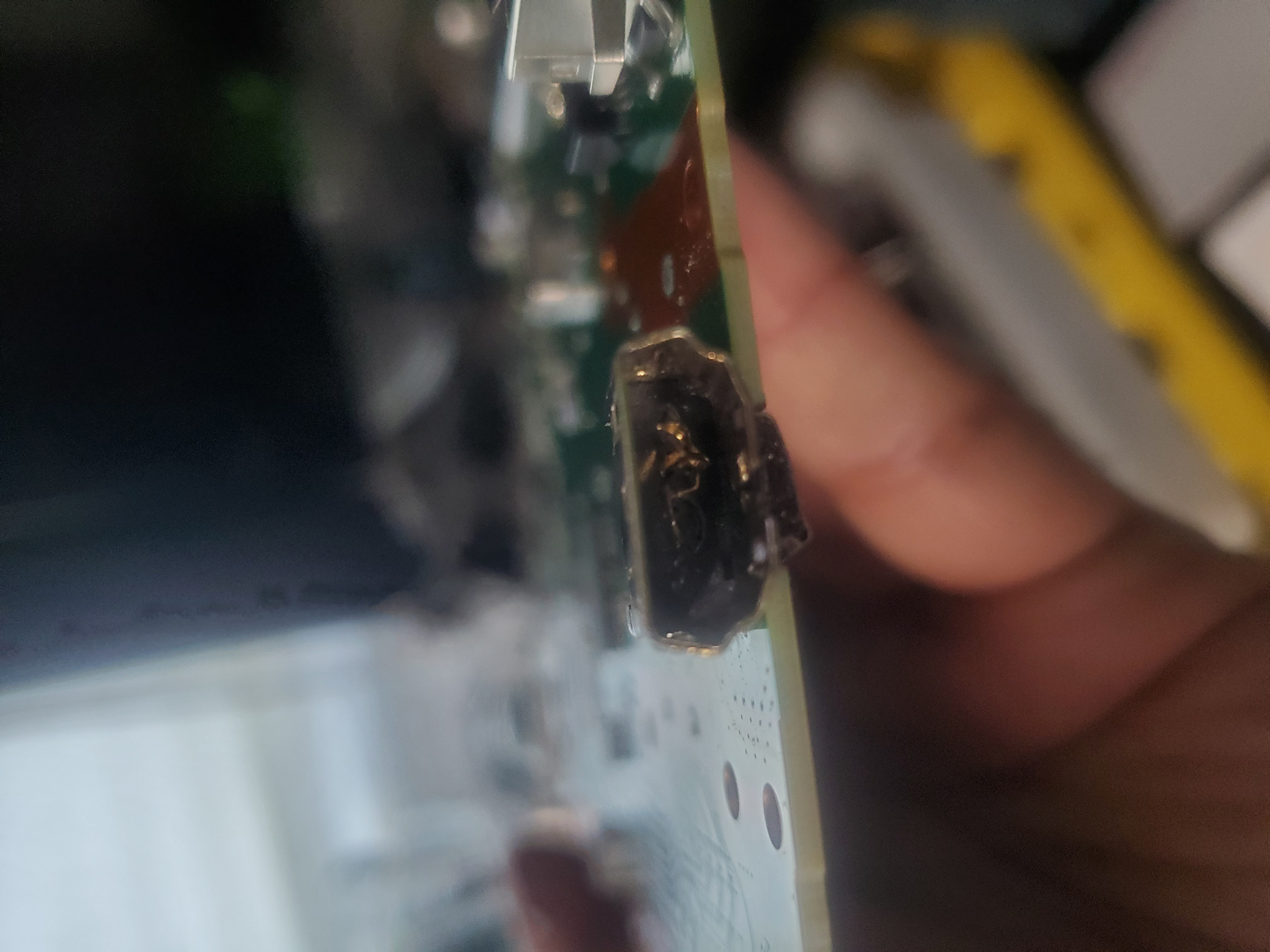
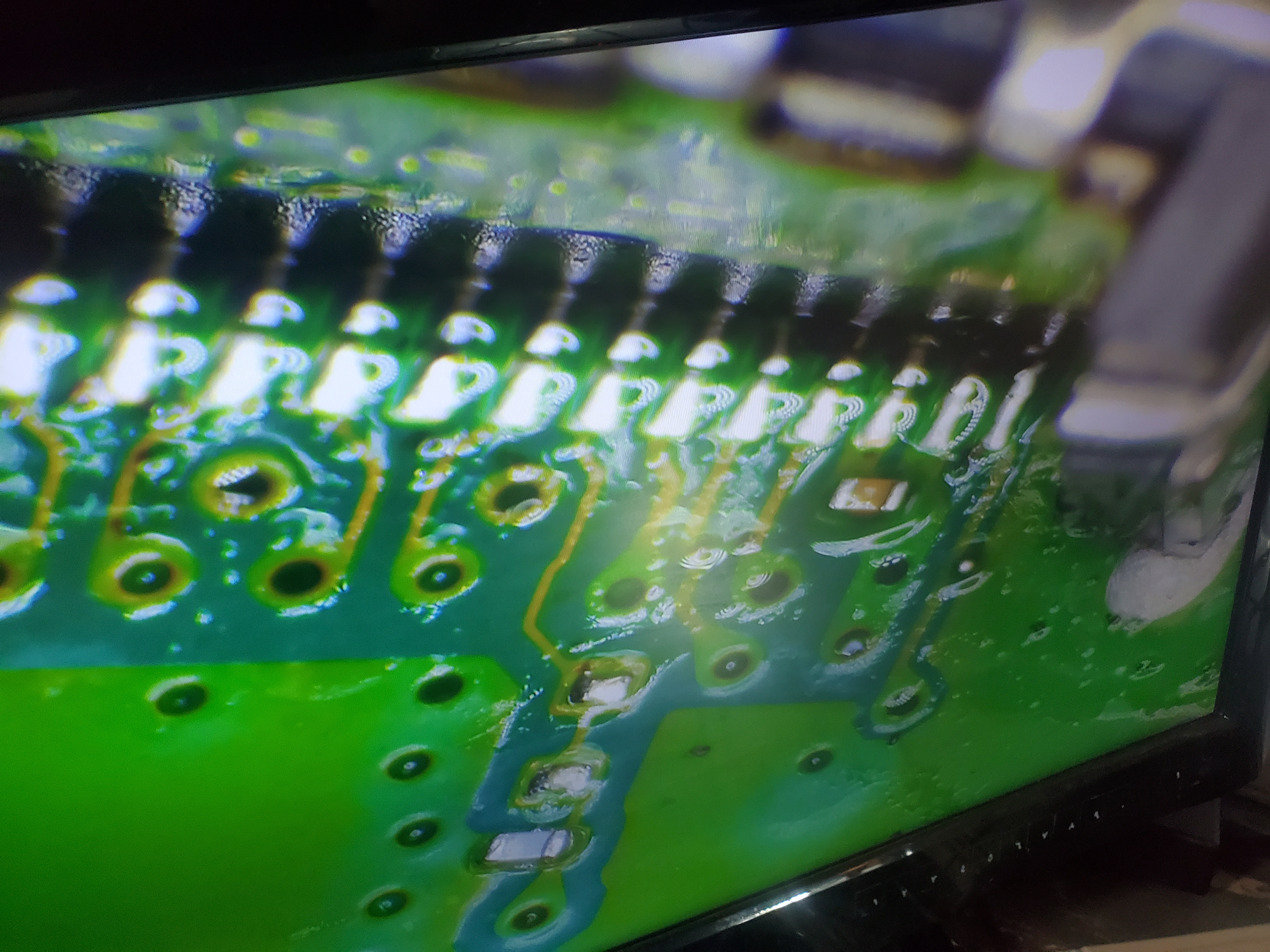
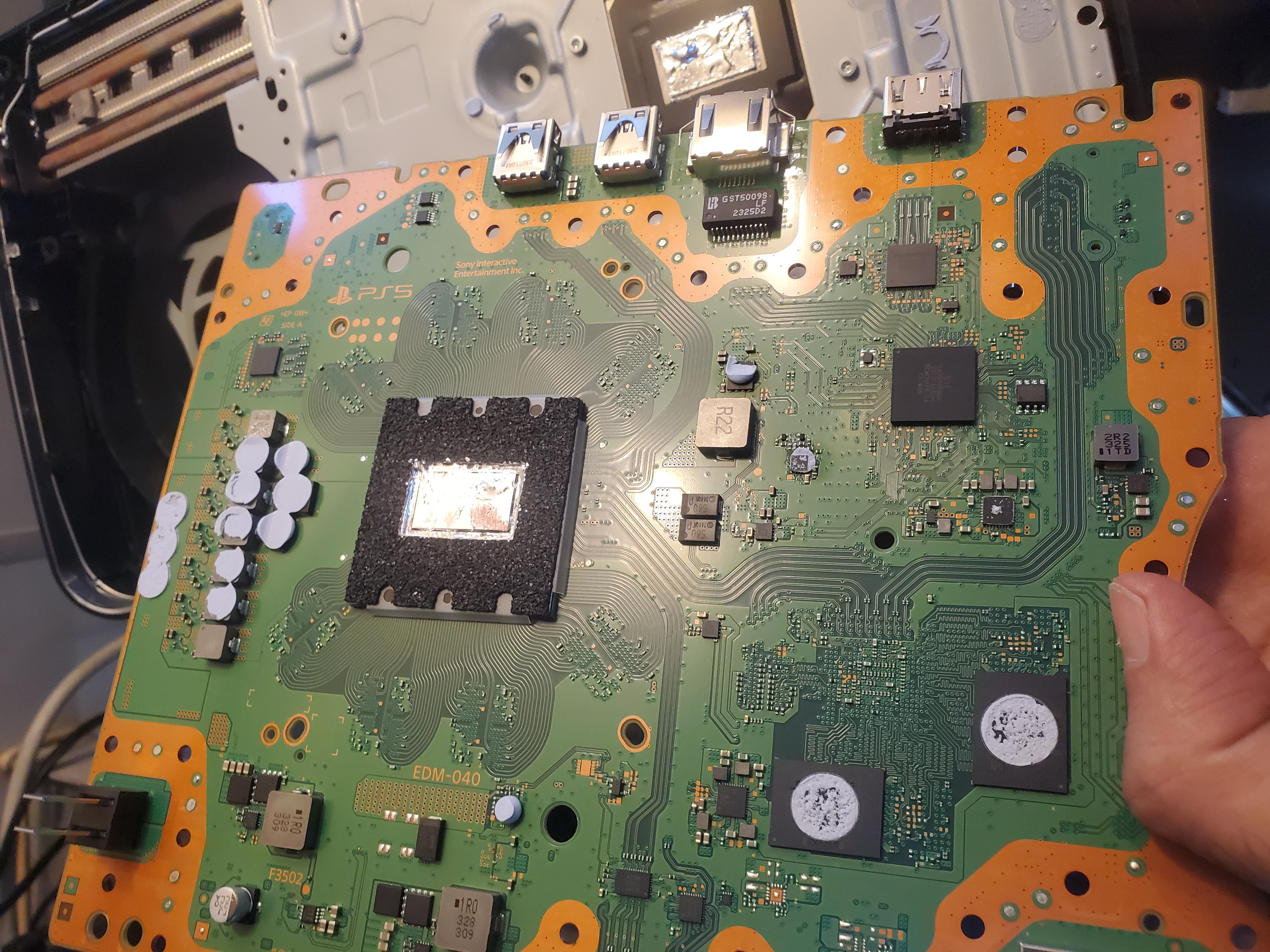
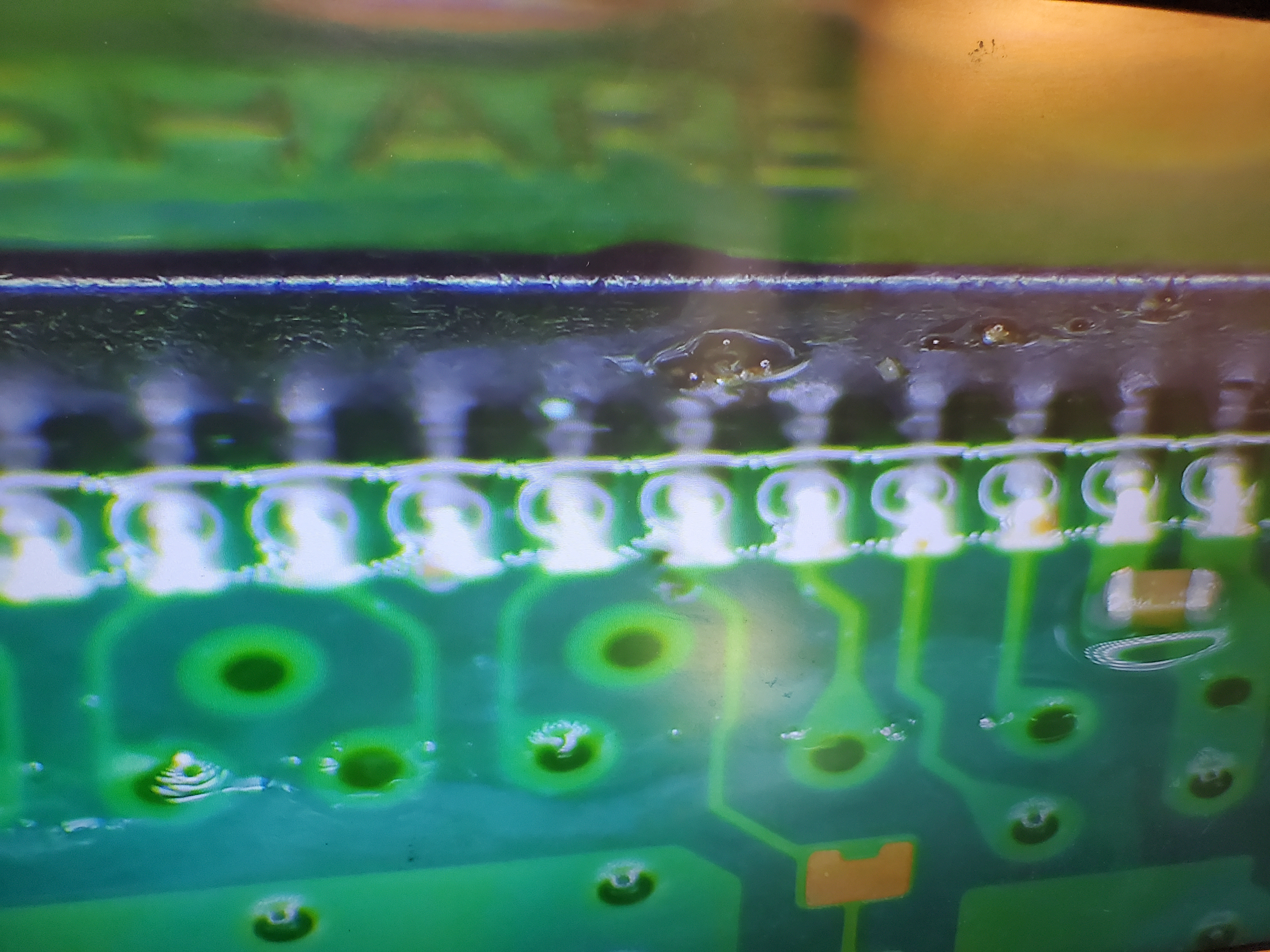
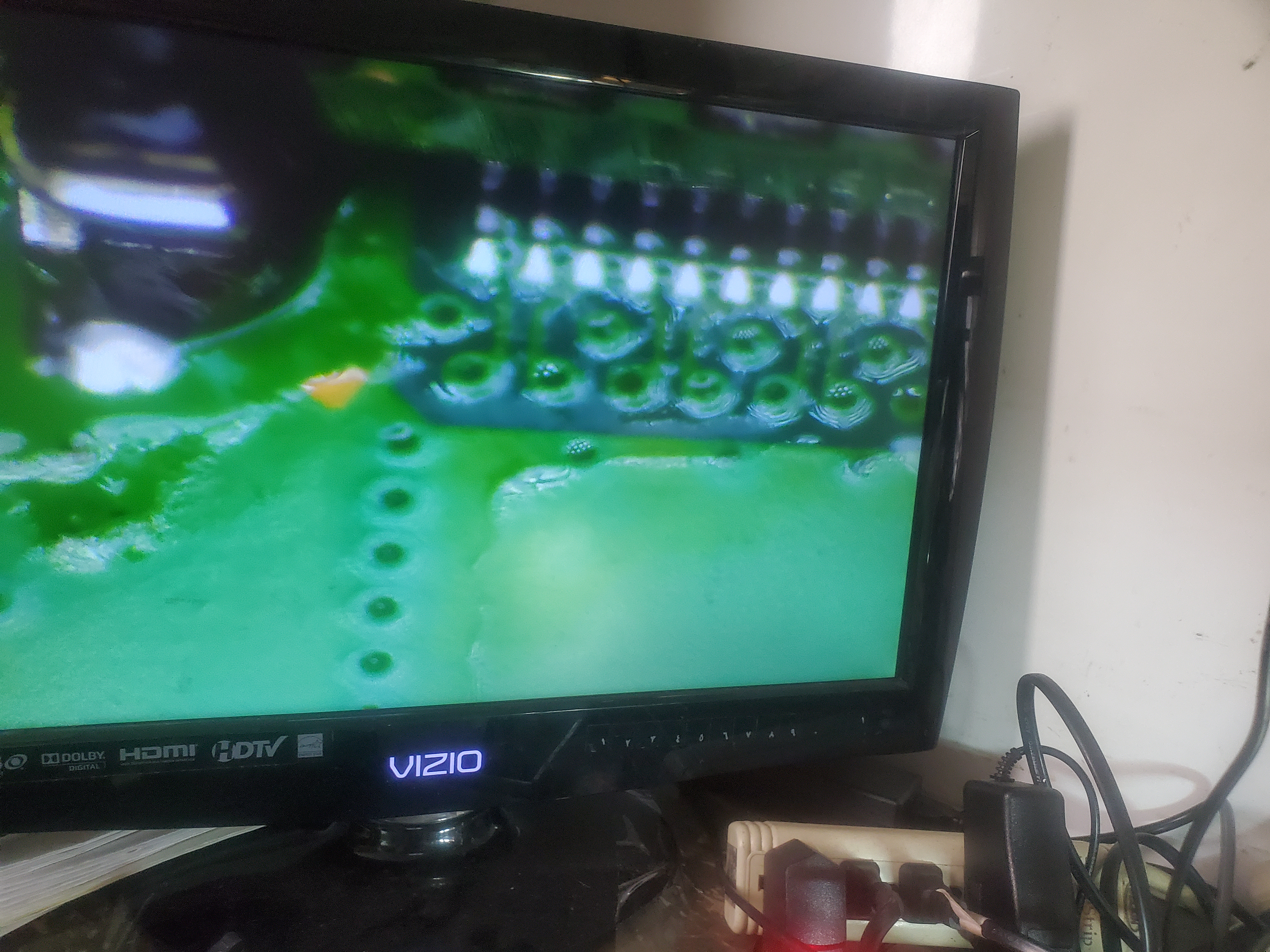
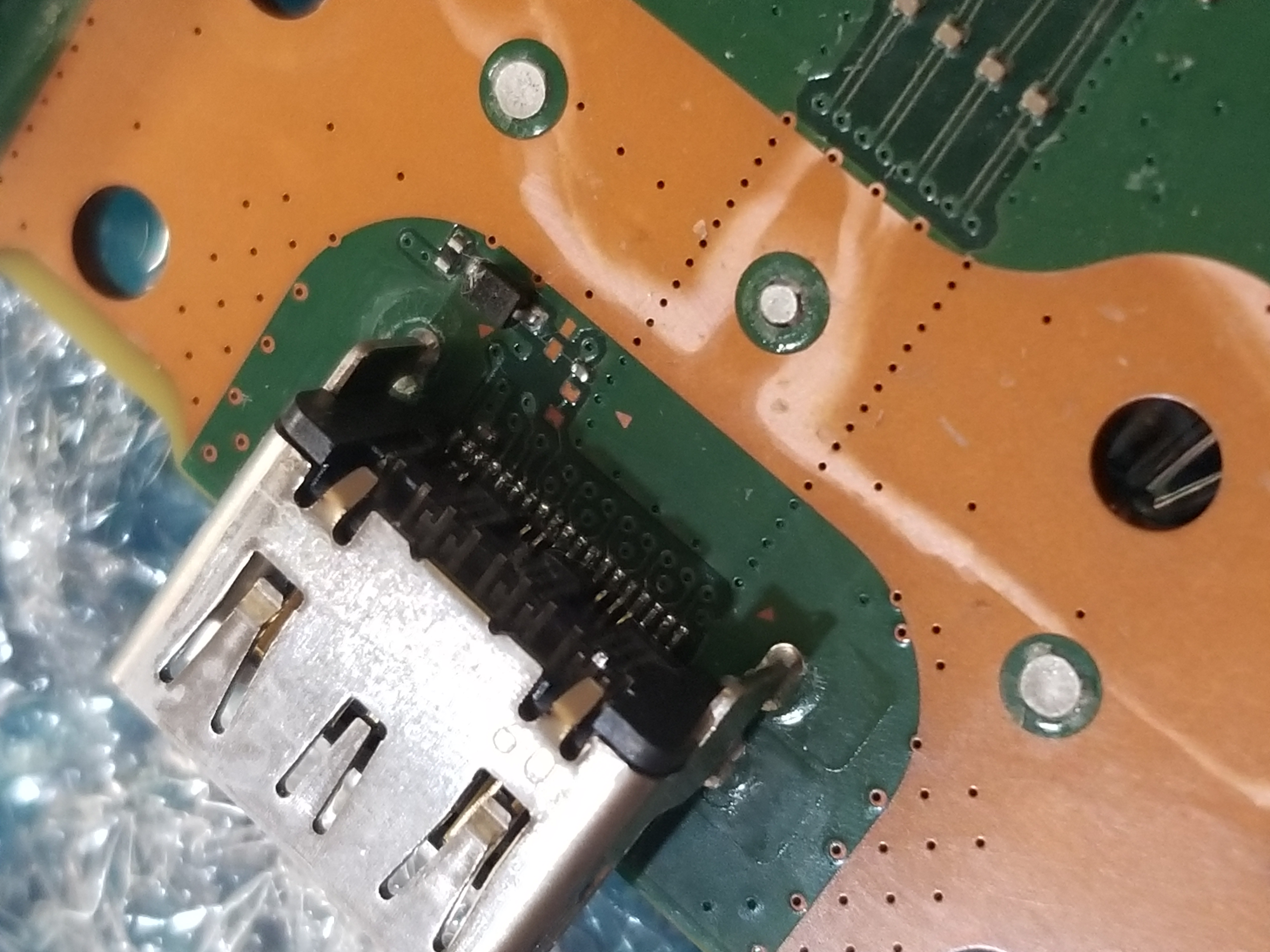
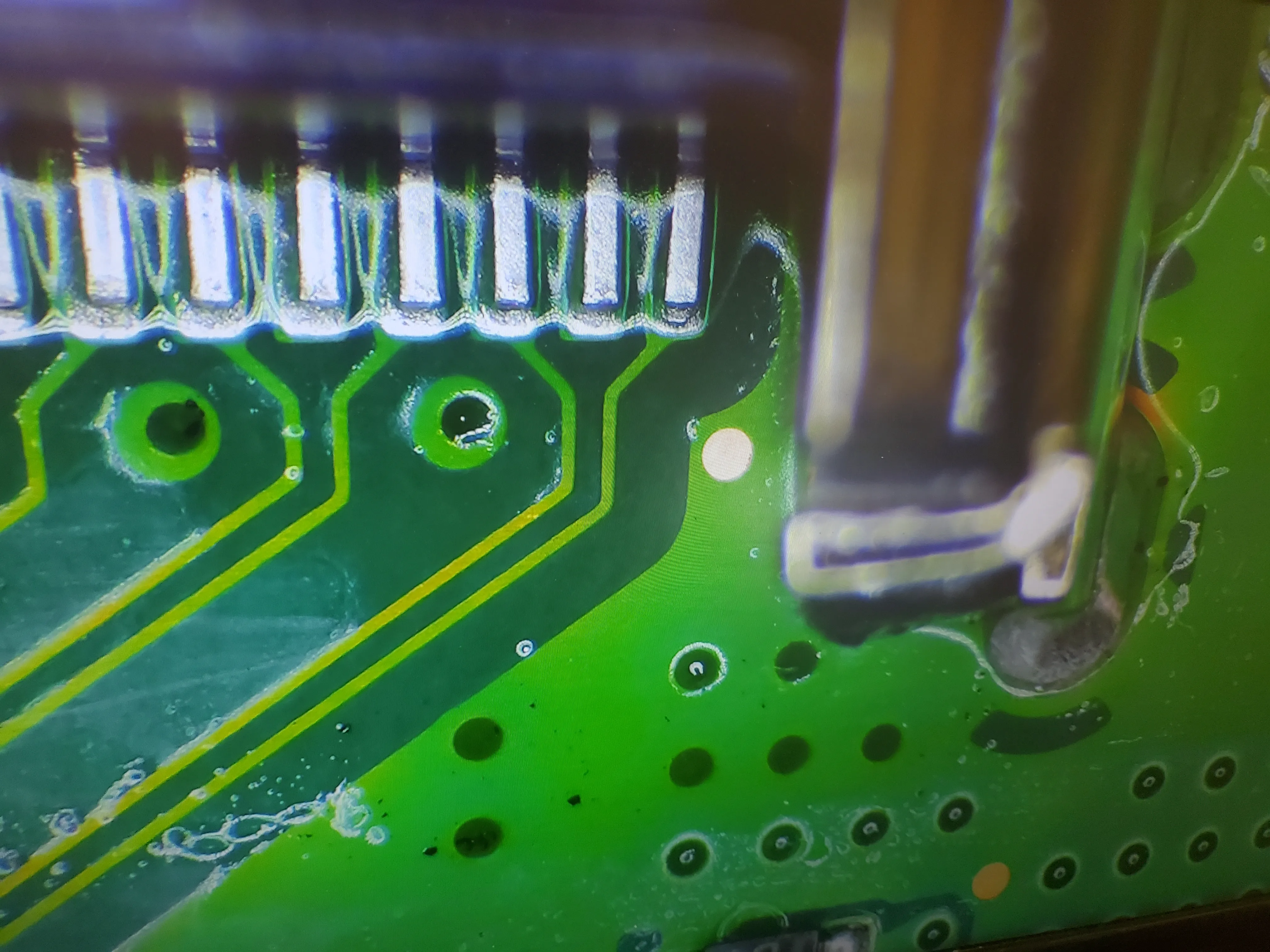
Fast & Reliable PS5 HDMI Replacement At TechDeviceRepair.com, we specialize in PS5 HDMI port repair for every model — the standard PS5, PS5 Digital Edition, PS5 Slim, and PS5 Pro. We use Factory Original HDMI 2.1 ports and back every repair with a 60-day warranty on parts and labor. No fix, no fee — you only pay after we successfully repair it. You cover shipping both ways. A broken HDMI port is one of the most common PS5 failures and one of the most repairable. Symptoms include a black screen, no signal, flickering, or a loose connector. Most repairs are completed in 1–3 business days of arrival at our Florida lab, and we ship it back via UPS or USPS once the repair is complete. What the repair includes Factory Original HDMI 2.1 connector (OEM, not aftermarket). Full motherboard reball — pads rebuilt with micro-soldering if damaged. Full bench test of the console before return. 60-day warranty covering parts and labor. Free cleaning included with every repair. How mail-in repair works (anywhere in the U.S.) Submit a repair ticket online — no payment up front. Receive your repair ticket number and shipping instructions by email. Pack your PS5 (no cords needed) in any box with 2–3 inches of padding. Ship to our Port Orange FL lab via UPS or USPS. We repair within 1–3 business days and ship it back to you — you cover return shipping (a USPS Medium Flat-Rate Box is ~$13.67 anywhere in the US). Pay only after the repair is complete and your PS5 is on its way home. The PS5 is a powerhouse with 4K/120 gameplay, 8K/60 support, super-fast SSD, the DualSense controller with haptic feedback, and 3D audio. A broken HDMI port can bring all of that to a halt. Whether the pin is broken, the pads are ripped, or the screen is just black, we have the parts, the training, and the warranty to put your console back in service. PS5 Models We Service Standard PS5 (CFI-1000, CFI-1100, CFI-1200 series) PS5 Digital Edition (CFI-1000B, CFI-1100B, CFI-1200B series) PS5 Slim (CFI-2000 series) PS5 Pro Common Causes of PS5 HDMI Port Damage Console was dropped or knocked off a shelf. Cable was yanked out at an angle, breaking the pins. Forced cable insertion, snapping the connector body off the board. Vertical placement with an unstable stand — easy to tip. Repair Process Free the motherboard from the console. Inspect the HDMI port under microscope to assess damage. Remove the damaged port and clean the area. Install a new Factory Original HDMI 2.1 port. Rebuild pads if ripped, with micro-soldering. Test the console end-to-end before return. How to Prevent HDMI Port Damage Place the console horizontally on a stable surface. Avoid pulling the HDMI cable straight out — pull straight back. Use an HDMI port saver or angle adapter to take the stress off the connector. Keep pets and kids away from the cable path. Get Started Click Start a Repair to submit a ticket — it takes 60 seconds. We will email you the shipping label and instructions. Questions? Email support@techdevicerepair.com or call (888) 659-3487.
View Details → -
PS5 3BOD (Three Beeps)
$179.00 (5.00% Off)
Does your PlayStation 5 beep three times when plugged in, sometimes with a blue light and sometimes with no light at all? If so, you’re experiencing the 3 Beeps of Death (3BOD). At TechDeviceRepair.com, we are the leaders and the first in the world to discover and repair this issue! What is 3BOD? The 3 Beeps of Death (3BOD) is a data issue related to the PS5 firmware. There are two types of 3BOD: 3 Beeps with Blue Light: The console beeps three times and displays a blue light. 3 Beeps with No Light: The console beeps three times but does not display any light. Both types are 100% repairable. Our expert technicians are currently dissecting the issue further to provide the best solutions. Is 3BOD Repairable? Yes! The 3 Beeps of Death issue is fully repairable. To get your PS5 fixed, please fill out the Start a Repair form and visit our PlayStation 5 Repair Page. 3BOD Video Review Watch our expert technicians diagnose and repair a PS5 with the 3 Beeps of Death issue: In this video, we explore the issue step-by-step, from diagnosing the problem to successfully repairing the console. Whether it’s an overheating issue, power supply problem, or storage failure, we’ve got the expertise to fix it. How We Repair 3BOD Our repair process for the 3 Beeps of Death issue includes: Diagnosis: We test the console to identify the root cause of the issue. Disassembly: We carefully disassemble the PS5 to inspect the motherboard, power supply, and storage. Repair: Depending on the issue, we may replace the power supply, reapply liquid metal, or repair the storage. Testing: We reassemble the console and test it thoroughly to ensure it’s fully functional. If your PS5 is experiencing the 3 Beeps of Death, don’t worry—we’ve got you covered. Contact us today to schedule your repair!
View Details → -
PS5 Cleaning (Overheating)
$79.00 (1.00% Off)
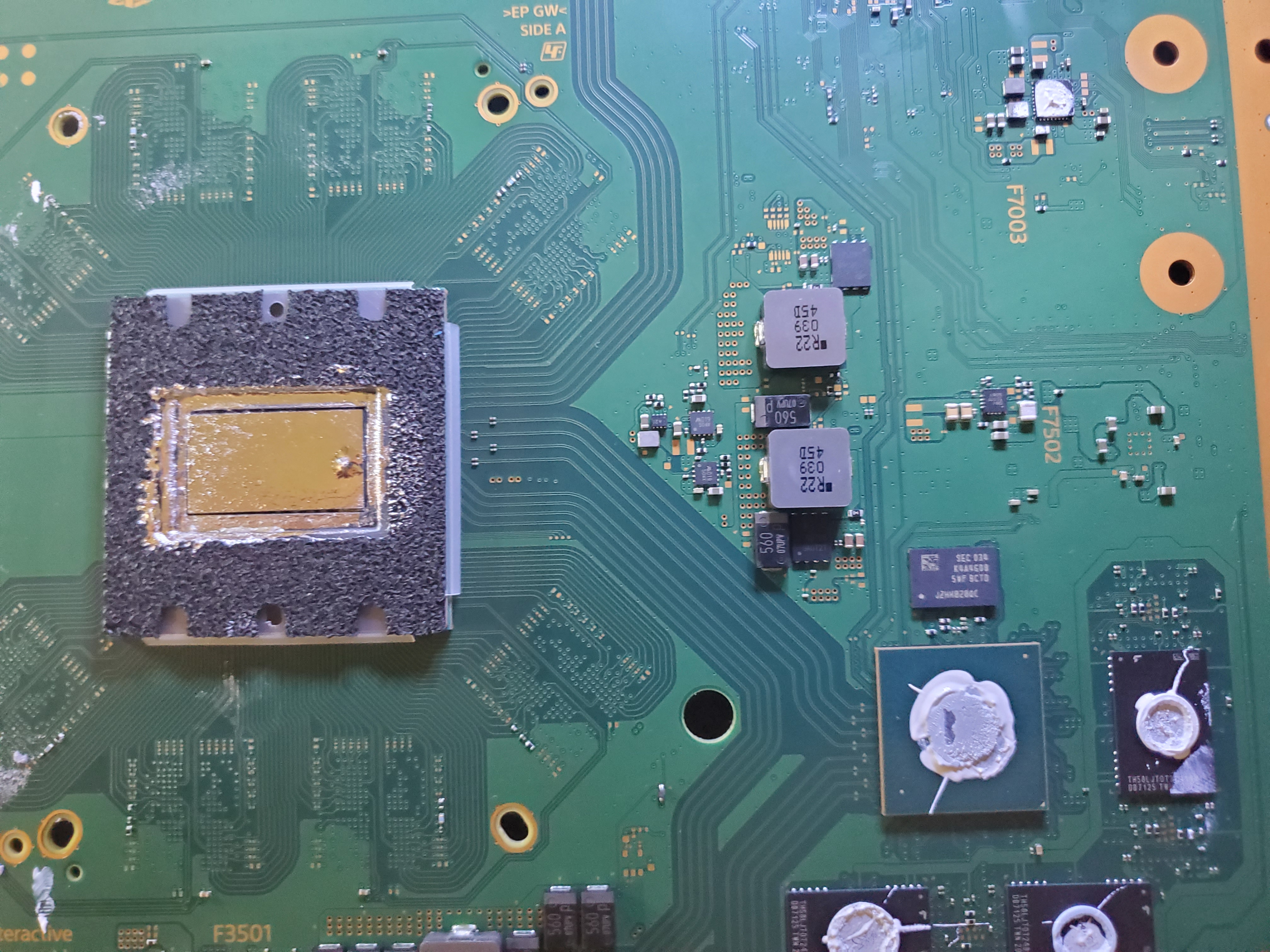
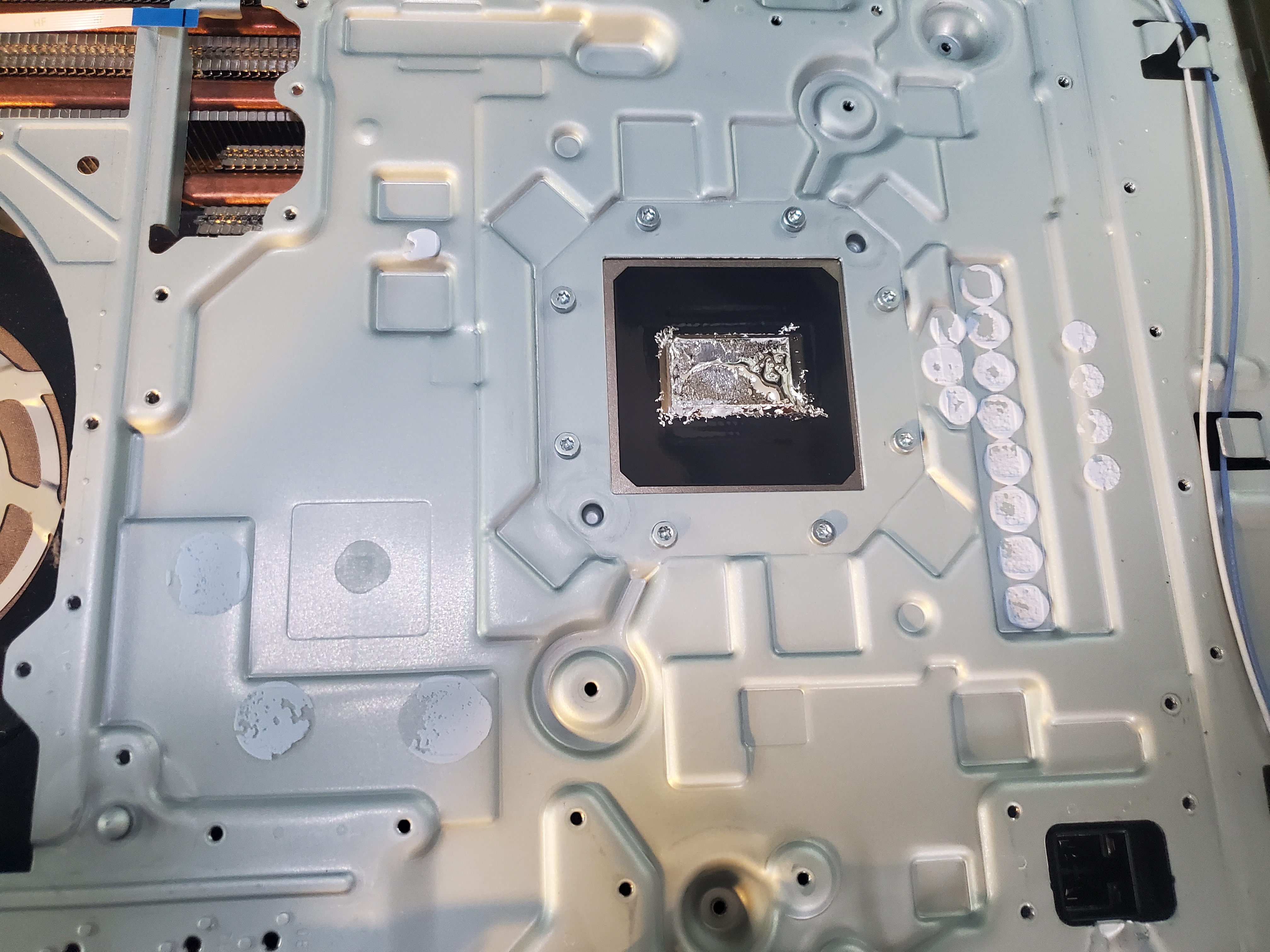
Table of Contents PS5 Liquid Metal on APU Does the Liquid Metal Need to Be Reapplied? What Comes with the Cleaning? Does Cleaning Eliminate Random Power Off Issues? Deep Cleans, Regular Cleans, & Dust Out? PS5 Liquid Metal on APU Unlike traditional consoles like the PS4, the PlayStation 5 uses a thin layer of liquid metal to bond the APU and heatsink. This innovative design eliminates the need for thermal paste but requires specialized handling during cleaning and repairs. Does the Liquid Metal Need to Be Reapplied? The short answer is no! Some repair shops mistakenly believe that breaking the factory seal is necessary to “respread” the metal. In reality, those “dry spots” are simply areas where the liquid metal was already sufficiently squeezed out. Opening the unit only exposes it to oxidation and other degrading factors. What Comes with the Cleaning? Our cleaning service involves a careful partial disassembly of your PS5—removing only the covers and, if necessary, the fan—to access the internal components without causing damage. We then use pressurized air, directed against the natural airflow, to force out dust and debris from the heatsinks and fan. This thorough process typically takes around 10 minutes. Cleaning Options: We offer a standard (basic) cleaning service for dust removal. For systems where oxidation of the liquid metal is a concern, we also provide an advanced cleaning service that includes a liquid metal treatment to ensure optimal cooling performance. Does Cleaning Eliminate Random Power Off Issues? In most cases, random shutdowns are resolved after a proper cleaning, as dust buildup often leads to overheating. However, if the issue persists, it might be due to other components (such as the SSD) and further diagnostics may be required. Deep Cleans, Regular Cleans, & Dust Out? Is your system displaying warning messages, overheating, or shutting off unexpectedly? It could be simply due to dirt and dust buildup—making a cleaning service the ideal first step. However, if the issue stems from a deeper hardware problem, cleaning alone won’t fix it. That’s why we recommend ordering the cleaning service and testing your system afterward. Important: We do not accept devices that exhibit roach infestations, fecal contamination, or water damage from unsanitary conditions. We cannot process any hazardous materials. Get Started Today Don’t let a dirty PS5 affect your gaming experience. Order our cleaning service now and test your console afterward to ensure optimal performance. Start a Repair
View Details → -
PS5 Ripped Fan Connector
$39.00 (1.00% Off)
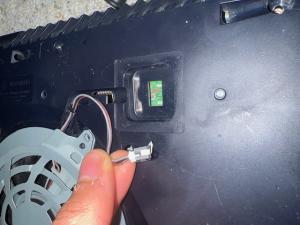
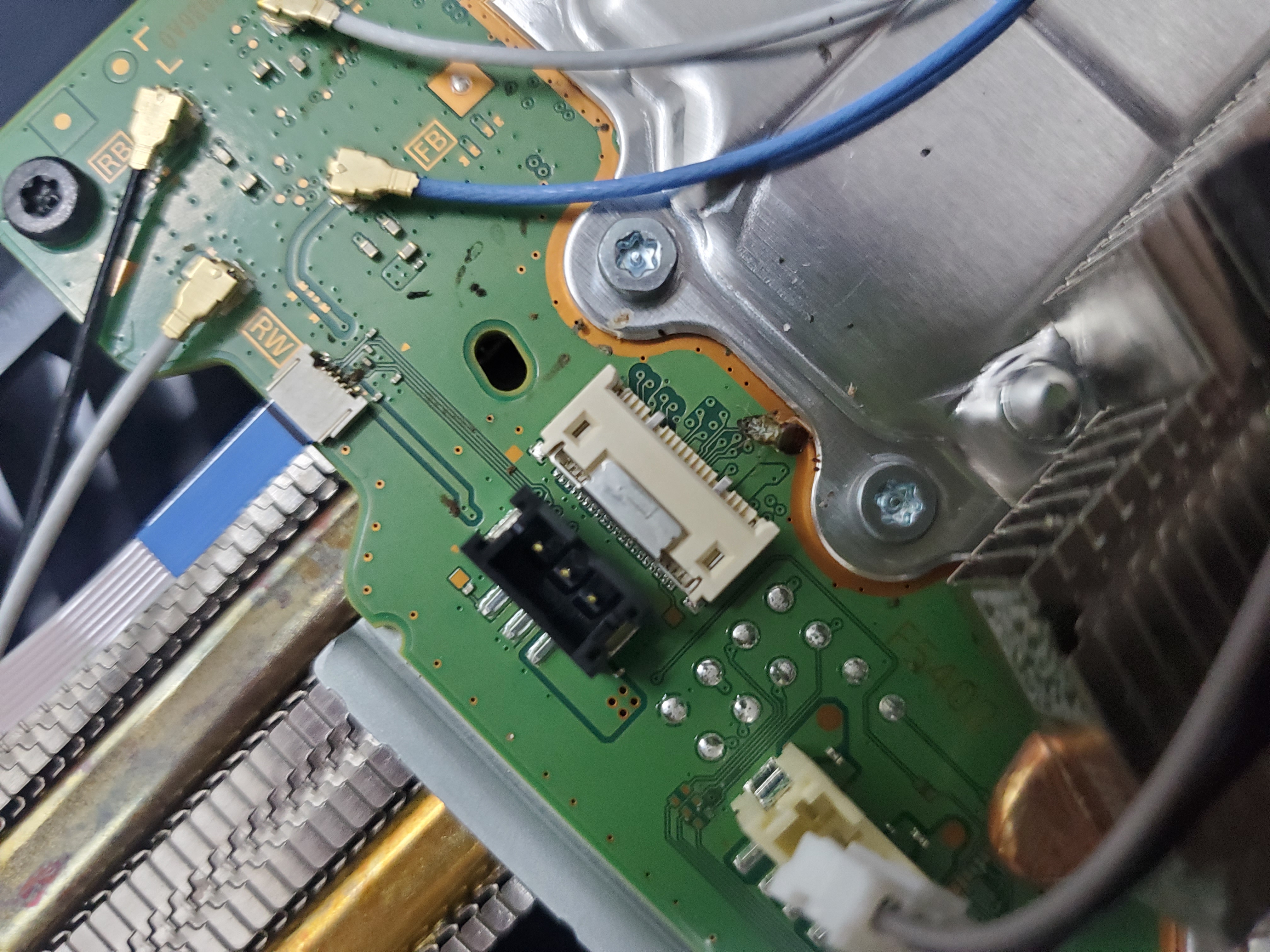
Troubleshooting and Repairing a Ripped Fan Connector on Your PS5 For detailed prices, please inquire with a ticket. This service can range from very inexpensive to really expensive, depending on how the connector was ripped from the board and your level of expertise. If you own a PlayStation 5, you may have encountered issues with the fan connector. While a broken connector can cause the fan to stop spinning, note that a non-spinning fan does not necessarily mean the connector is torn – it could be due to other underlying issues. Causes of a Ripped Fan Connector Wear and Tear: Continuous use can loosen or damage the connector over time. Improper Handling: Dropping or bumping the PS5 can rip or tear the connector. Cleaning Mishaps: Using improper techniques when cleaning the console can inadvertently damage the fan connector or nearby components. Troubleshooting Turn off your PS5 and unplug it from the power source. Carefully remove the top panel by loosening the screws on the back of the console. Locate and inspect the fan connector for visible damage. Note that a non-spinning fan does not always indicate a torn connector – it might also be due to issues with the fan motor or power supply. A thorough inspection is necessary. If the connector appears ripped or torn, it will require repair. Repairing a Ripped Fan Connector DIY Repair: You can attempt to repair the connector yourself using a soldering iron and electrical tape. This task is challenging and requires precision to avoid further damage. Professional Repair: Alternatively, take your console to a professional repair shop. A skilled technician can assess the damage and decide whether to resolder or replace the connector entirely. Deep Cleans, Regular Cleans, & More Is your system displaying warning messages, overheating, or shutting off unexpectedly? If it’s only shutting off, dust and dirt buildup may be to blame, and a cleaning service is the right first step. However, if the problem persists after cleaning, it might be due to another hardware issue – cleaning alone won’t resolve that. Order the cleaning service and then test your system. Please note, we do not accept devices with roach infestations, fecal contamination, or water damage from unsanitary conditions. We cannot process any hazardous materials. Start a Repair
View Details →
More PlayStation 5 Videos
(girlfriend's revenge) This PlayStation 5 has seen some better days! Must watch - YouTube
Duration: 00:00:57
We found out why the Newest model PS5 turns on for 1 second then turns off | #shorts - YouTube
Duration: 00:00:57
This PS5 motherboard was sent in raw! #part1 - YouTube
Duration: 00:00:44
An Overheating PS5... dead fan. - YouTube
Duration: 00:00:36
A new PS5 problem arises from the ashes of the hardware catacombs.. (PS5 BLOD) - YouTube
Duration: 00:00:29
Dirtiest PlayStation 5, Cleanest HDMI port! #shorts #youtubeshorts #short - YouTube
Duration: 00:00:57
2 PS5s received suffering issues from a major power surge. #shorts - YouTube
Duration: 00:00:58
1 Tech, 2 Playstation 5 systems - suffering no signal issues! - YouTube
Duration: 00:01:00
This ps5 was repaired before. #shorts #youtubeshorts #short - YouTube
Duration: 00:00:56
No Power PS5 - simple fix - YouTube
Duration: 00:00:46
Got this ps5 just like that. #shorts - YouTube
Duration: 00:00:50
They are already ripping the PS5 apart.. torn pads, running a trace! - YouTube
Duration: 00:01:00
Almost every port is damaged on this PS5 #shorts - YouTube
Duration: 00:00:50
PS5 WLOD issue resolved... #shorts #youtubeshorts #short - YouTube
Duration: 00:00:39
2 PlayStations. the old(ps4) and the new(ps5) in for repair. #shorts - YouTube
Duration: 00:00:42
A warranty label ⚠️ you can trust. 🏷 #tdr #ps5 - YouTube
Duration: 00:00:45
PS5 HDMI ports can not be replaced properly at most shops. #shorts #youtubeshorts #short - YouTube
Duration: 00:00:49
PS5 customer didn't agree with the quote. #shorts - YouTube
Duration: 00:00:46
This PS5 motherboard was sent in raw! #part2 #shorts - YouTube
Duration: 00:00:45
Someone was inside of this PS5..😮.. #shorts - YouTube
Duration: 00:00:52
This PlayStation 5 went to the meat shop for repairs! Must watch! #shorts - YouTube
Duration: 00:00:44
PS5 Bluray is not accepting or ejecting discs. Repaired! - YouTube
Duration: 00:01:00
Definitely not touching this PS5! #roach #youtubeshorts #shorts #short - YouTube
Duration: 00:00:15
Cannot update this PS5, SU-101312-8 error code.. let's fix it - YouTube
Duration: 00:00:56
A dirty PS5 with broken USB-A ports... #shorts - YouTube
Duration: 00:00:26
don't drop your PS5.. we still have no fix. - YouTube
Duration: 00:00:59
It had signs of a roach infestation... PS5 HDMI Port repair #short - YouTube
Duration: 00:00:54
PS5 is stuck on the blinking blue light. #shorts - YouTube
Duration: 00:00:18
You need to invest into a surge protector for your PS5 #gamingconsole - YouTube
Duration: 00:00:29
PS5 with the brown line of dirt | PlayStation 5 repair #shorts - YouTube
Duration: 00:00:58
A small warning ⚠️ #PS5 #uvmask - YouTube
Duration: 00:00:59
All Black PS5. Repaired #15sec #short - YouTube
Duration: 00:00:16
Another dirty PS5| Let's fix this PS5 HDMI Port.. #shorts - YouTube
Duration: 00:00:22
The new PS5 just came in for repair.. #shorts - YouTube
Duration: 00:00:50
they are starting to coming very dirty almost 2 years in... #shorts - YouTube
Duration: 00:00:43
PS5 motherboards have problems... (doesn't beep) #gaming - YouTube
Duration: 00:00:58
A slightly strange ps5, let's fix it! - YouTube
Duration: 00:00:58
The new PS5 motherboard is a precursor to the PS5 slim #AI #HDMI - YouTube
Duration: 00:00:18
Removing the PS5 Bluray gearbox... - YouTube
Duration: 00:00:56
Another repair shop attempted to fix this PlayStation 5.. #shame - YouTube
Duration: 00:00:46
Motherboard damage on this PS5 causing it not to power up! 1 second blue light then turns off! - YouTube
Duration: 00:00:51
Reply: 🤨"where are all these* people getting their ps5s fixed?"🤔 #shorts - YouTube
Duration: 00:00:15
Now that's a giant roll of PS5 HDMI ports! - YouTube
Duration: 00:00:06
just another ps5 HDMI port repair... #shorts - YouTube
Duration: 00:00:37
The newest PS5 is in for repair. let's take a look inside this PS5 HDMI port! - YouTube
Duration: 00:00:53
Roach infested PS5s are not accepted. I dunno why we keep getting them. - YouTube
Duration: 00:00:56
Top 5 PS5 DIY mistakes. #shorts - YouTube
Duration: 00:00:30
He said, he tried 2 HDMI cords & no cigar... 😆 🤣 😂 #mondaymadness #mustwatch #shorts #short - YouTube
Duration: 00:00:15
PlayStation 5 HDMI repair, roach edition.... #ps5 - YouTube
Duration: 00:00:35
A PS5 that does nothing. #quickfix - YouTube
Duration: 00:00:34
it's been a while since I posted an HDMI repair. #PS5 - YouTube
Duration: 00:00:38
This PS5 was opened before. Yikes #hdmi #port #repair - YouTube
Duration: 00:01:00
It's not the HDMI. This is currently the most common problem with the PlayStation 5! - YouTube
Duration: 00:00:31
A big brand name in repairs can't fix this PS5... #smh #HDMI #repair - YouTube
Duration: 00:01:00
Got Roach? #ps5 #repair - YouTube
Duration: 00:00:50
Water Damaged PS5 Repair | ps5 HDMI port replacement #part1 - YouTube
Duration: 00:01:00
BLOD PS5.. repaired - YouTube
Duration: 00:00:36
PS5 customers haven't paid in a while... - YouTube
Duration: 00:00:08
Send me just the motherboard and you save BIGLY!! #ps5 - YouTube
Duration: 00:00:16
[PS5 Roach Motel] my first repair in this new room... - YouTube
Duration: 00:00:24
A failed DIY attempt... let's fix it #PS5 #gamingconsole - YouTube
Duration: 00:01:00
Is this the PS5 slim? #shell - YouTube
Duration: 00:00:27
Happy new HDMI port repair year! | ps5 HDMI port replacement - YouTube
Duration: 00:00:24
The PS5's just keep coming in... What is going on!? - Let's Repair it. - YouTube
Duration: 00:00:52
You need a surge protector for your PS5 HDMI.. this is why. - YouTube
Duration: 00:00:38
Gotta use an adapter for any aftermarket PS5 Bluetooth earbuds.. - YouTube
Duration: 00:00:42
Water Damaged PS5 Repair | ps5 HDMI port replacement #part2 - YouTube
Duration: 00:01:00
what's in this box? a PlayStation 5.. PART2!! - YouTube
Duration: 00:00:58
All roads lead back to TDR.. (PS5 HDMI Replacement) - YouTube
Duration: 00:01:00
Za burble bs5 #PS5 #cleaning - YouTube
Duration: 00:00:41
Three PlayStation 5's in for repair!!! - YouTube
Duration: 00:00:57
15 Second PS5 HDMI Repair! - YouTube
Duration: 00:00:15
the new ps5. is small. let's fix it... - YouTube
Duration: 00:00:38
Another repair shop couldn't fix this PS5. It doesn't turn on. - YouTube
Duration: 00:00:51
We repair gaming console HDMI ports for repair shops. #facts - YouTube
Duration: 00:00:59
Fix one thing.. and then..... #ps5 #repair - YouTube
Duration: 00:01:00
The official PS5 Green LED mod! - YouTube
Duration: 00:00:35
PS5 roach edition #hdmi #repair - YouTube
Duration: 00:00:58
what's in this box? a PlayStation 5.. he f$&% it up... #whatsinthisbox - YouTube
Duration: 00:00:56
WLOD/BLOD PS5... thanks @TheCod3r for a virus free UART tool.. - YouTube
Duration: 00:02:29
That's one Sexy PS5, Even Sexier HDMI port repair! - YouTube
Duration: 00:00:53
PlayStation 5 Photo Gallery
Ready to Fix Your PlayStation 5?
Don't wait! Get a fast, reliable repair from our expert technicians. Click below to start the process online.
Start Your Repair Now