Xbox One Repair Services

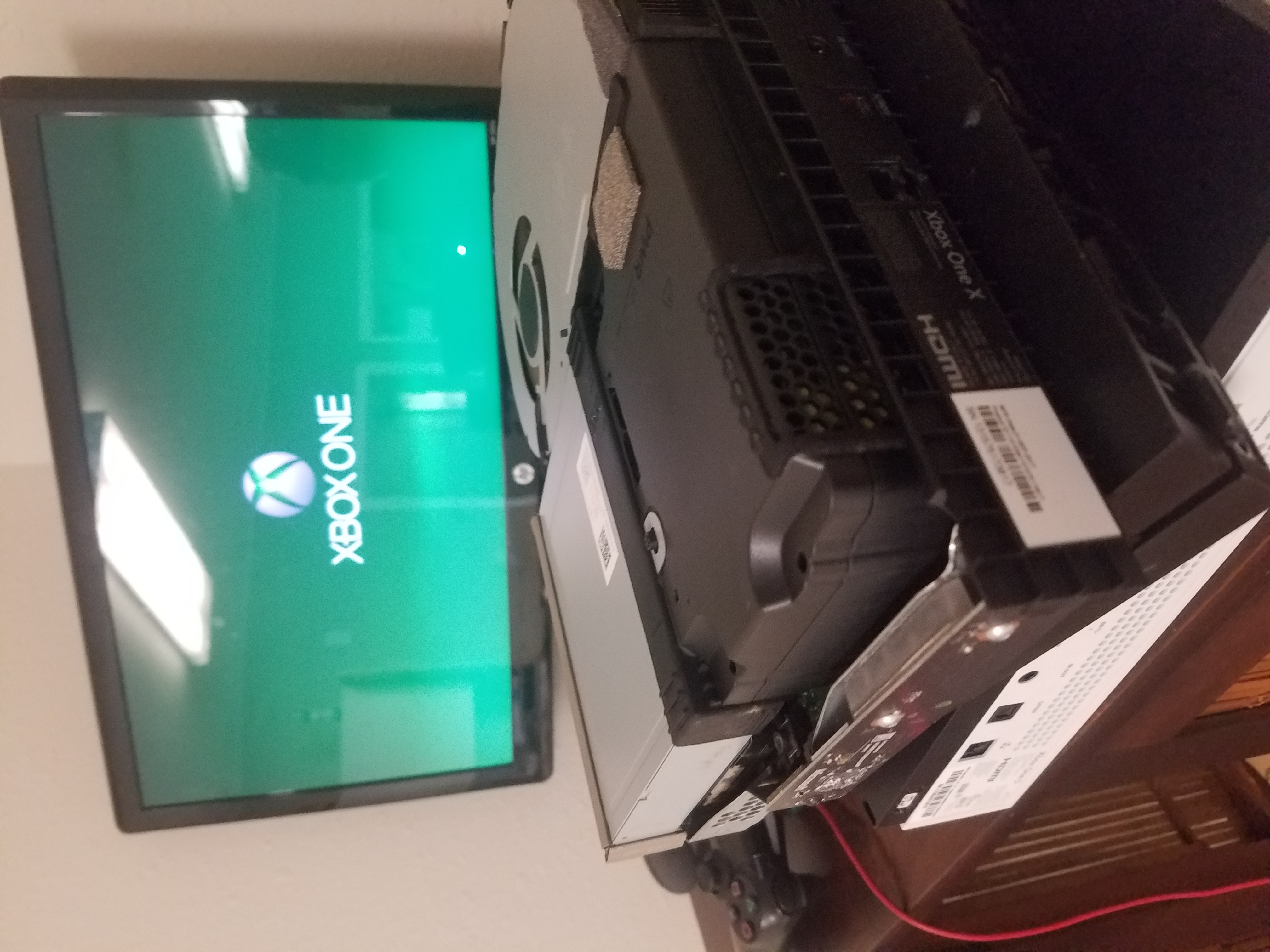
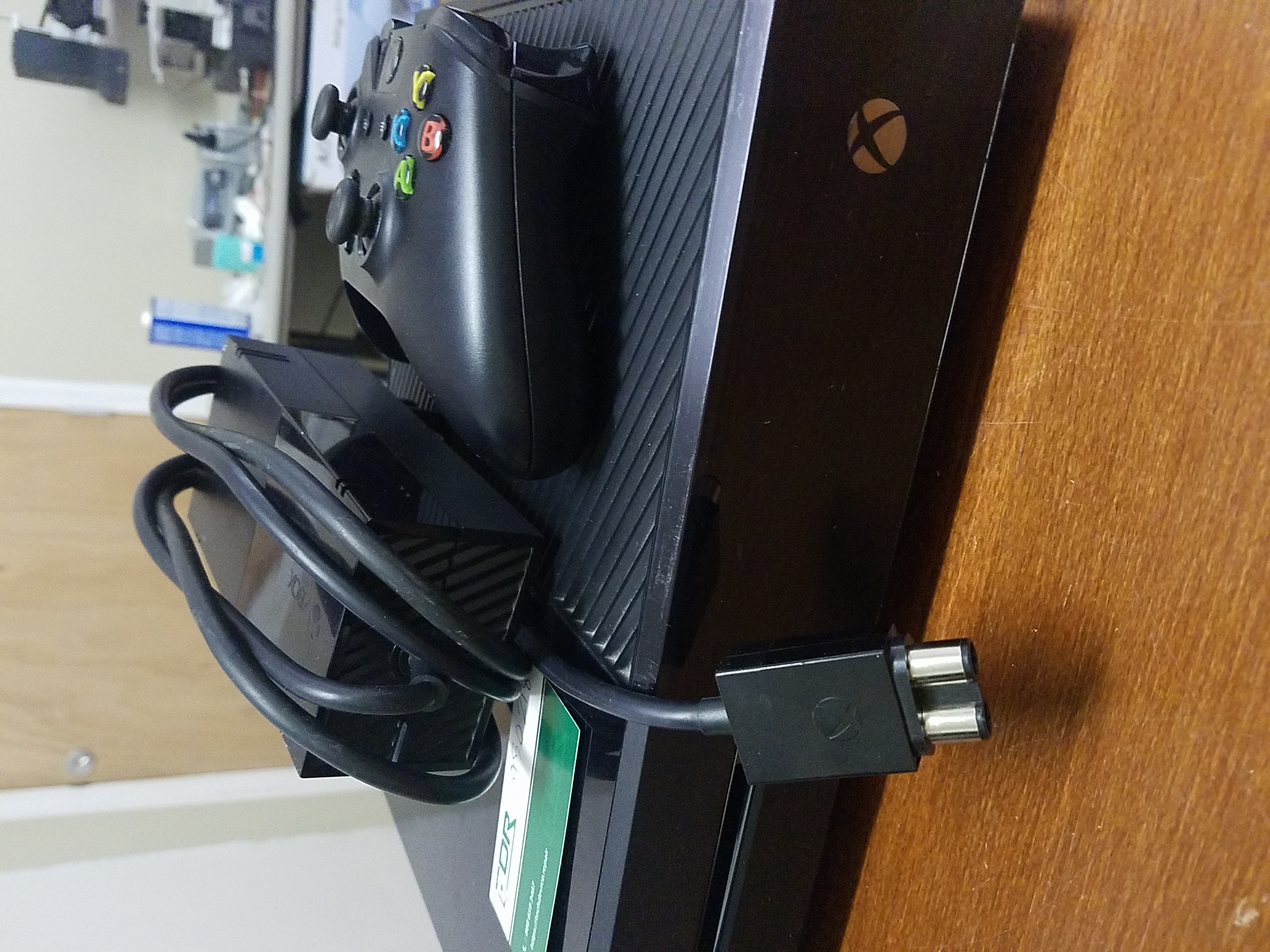
Do you have a broken Xbox Gaming System? Are you tired of constant issues and eager to get back to your gameplay? Contact us about your Xbox One problems – we can fix them!

Standard Xbox One / S & Xbox 360 / S Problems We Repair

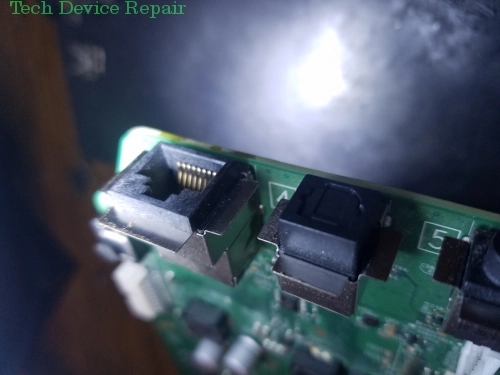
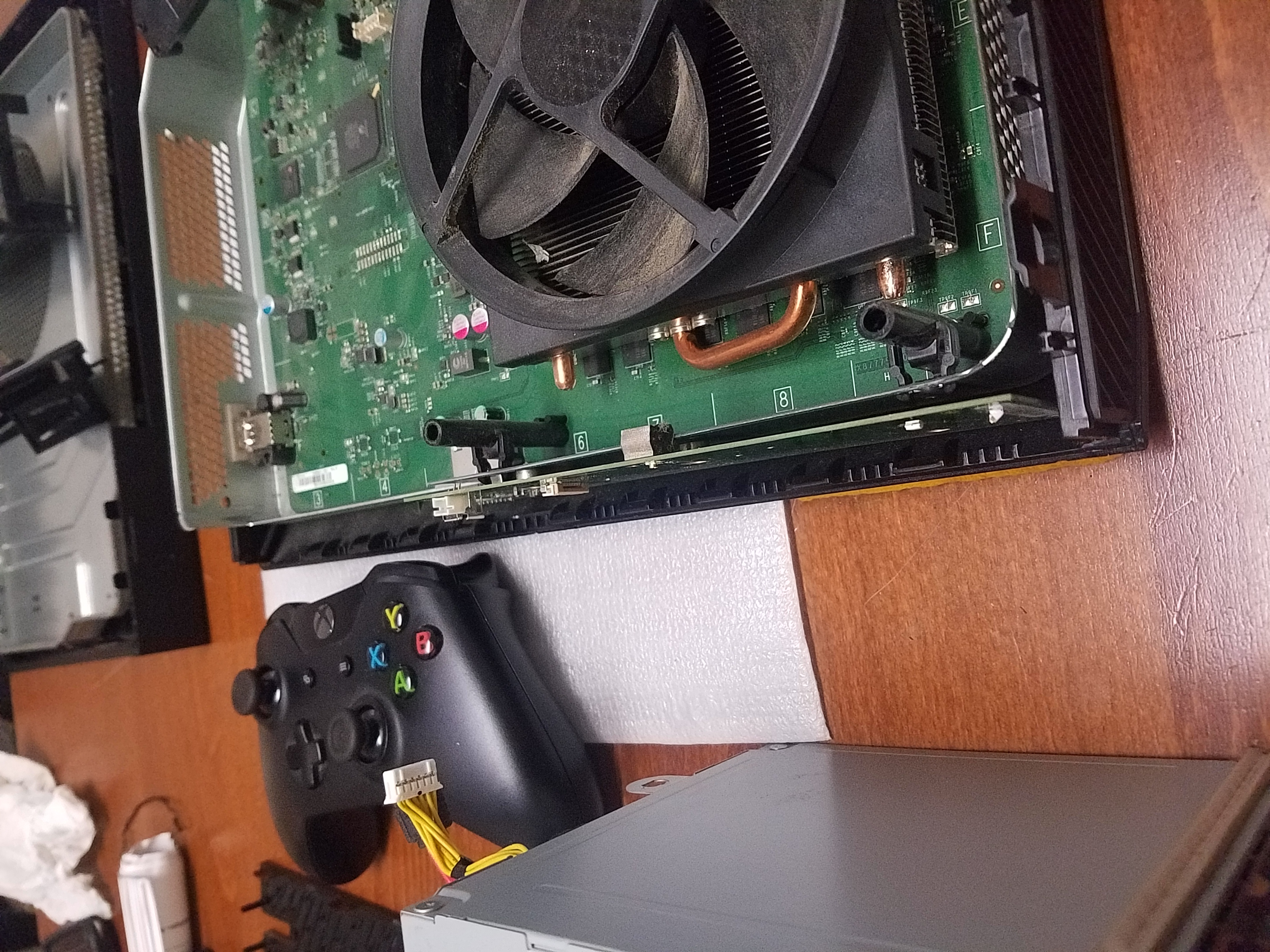
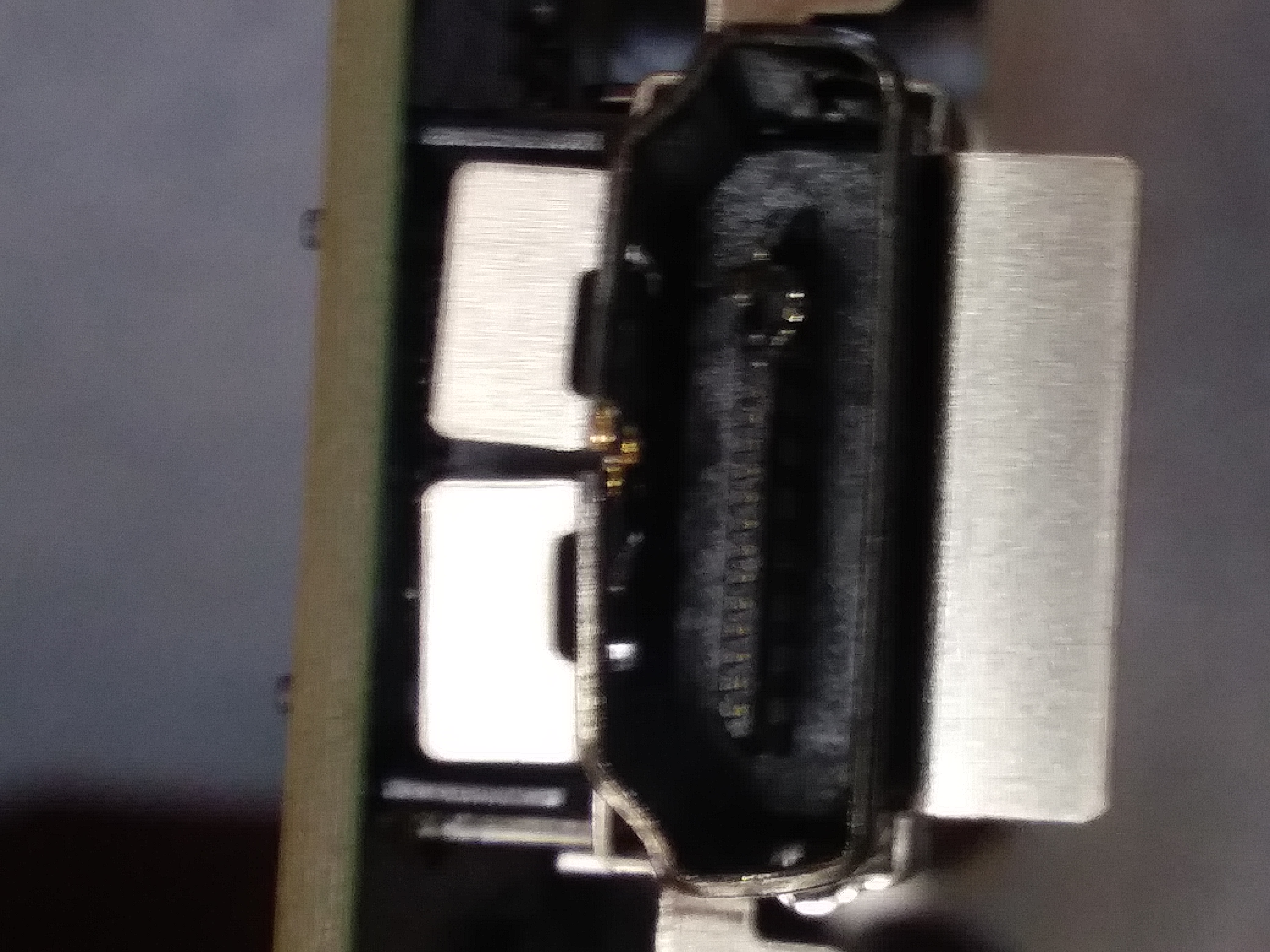
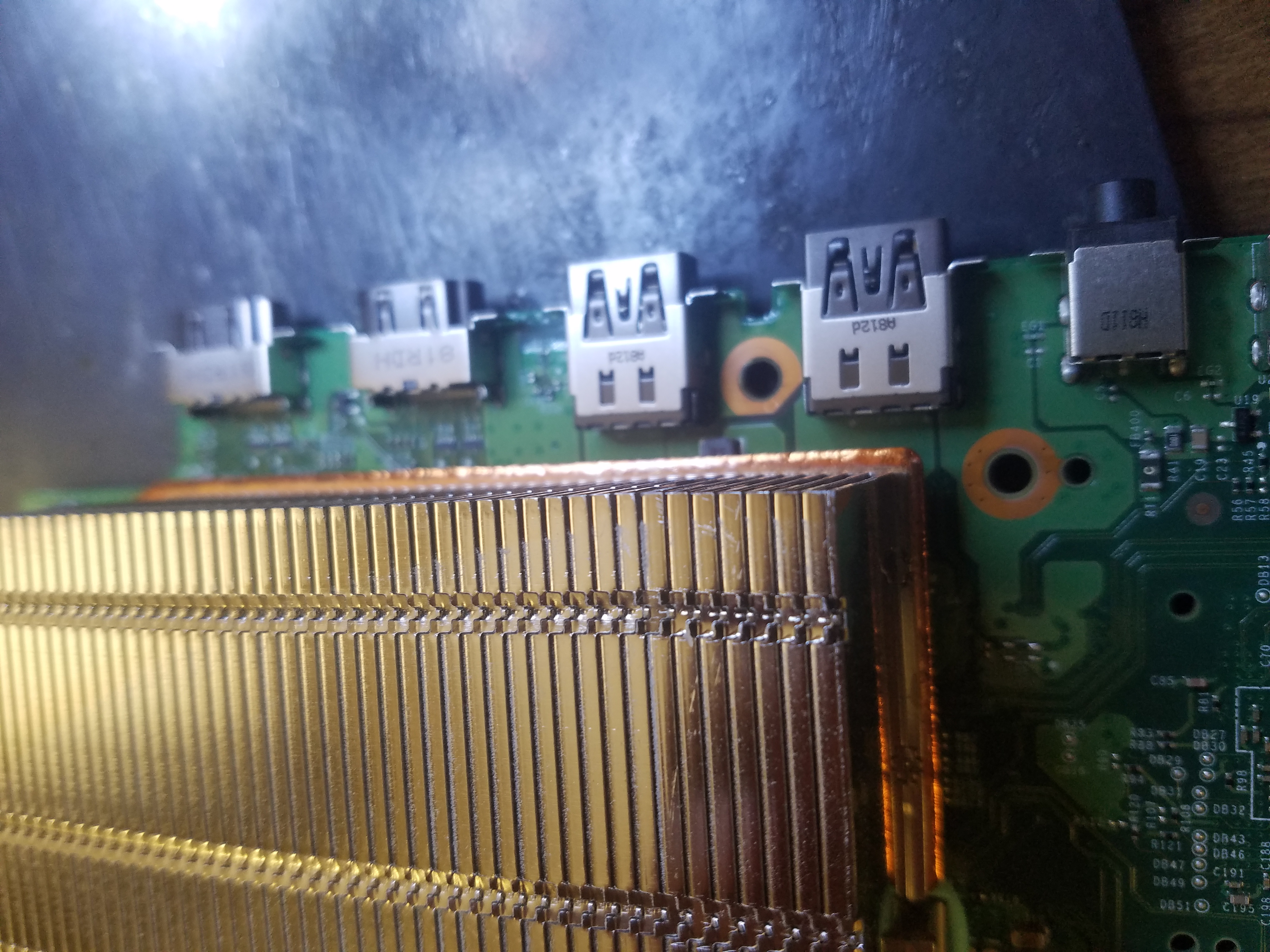
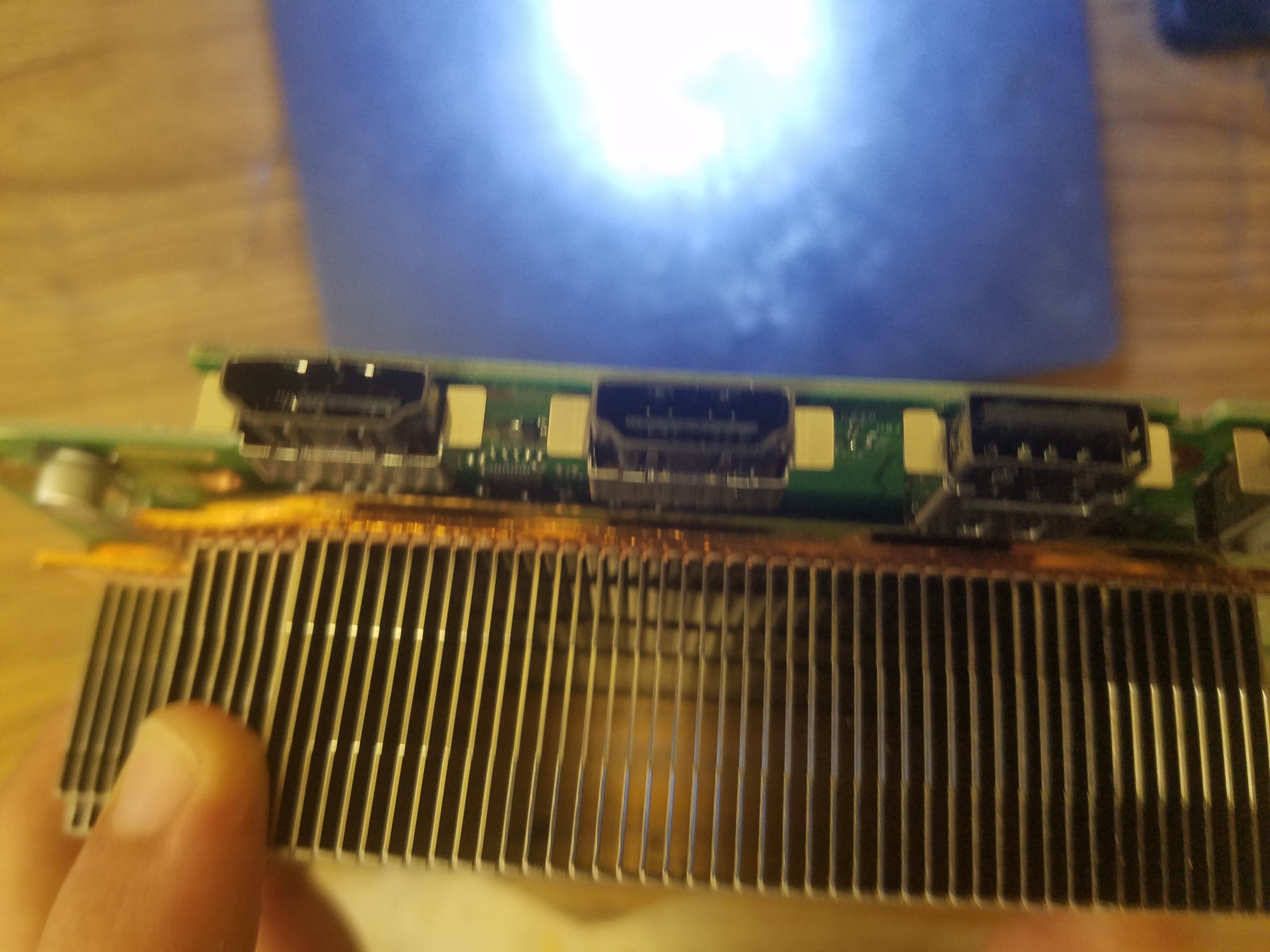
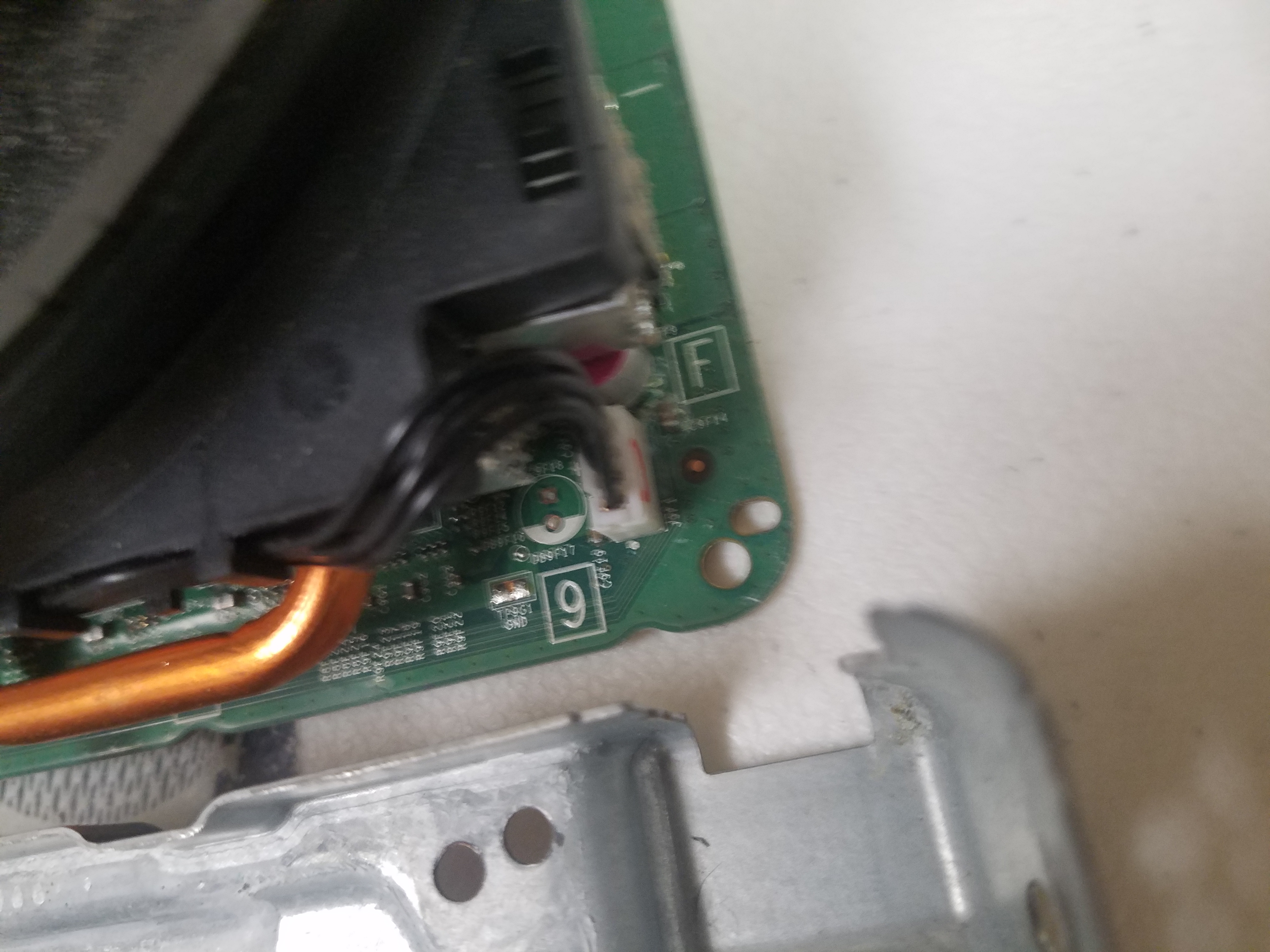
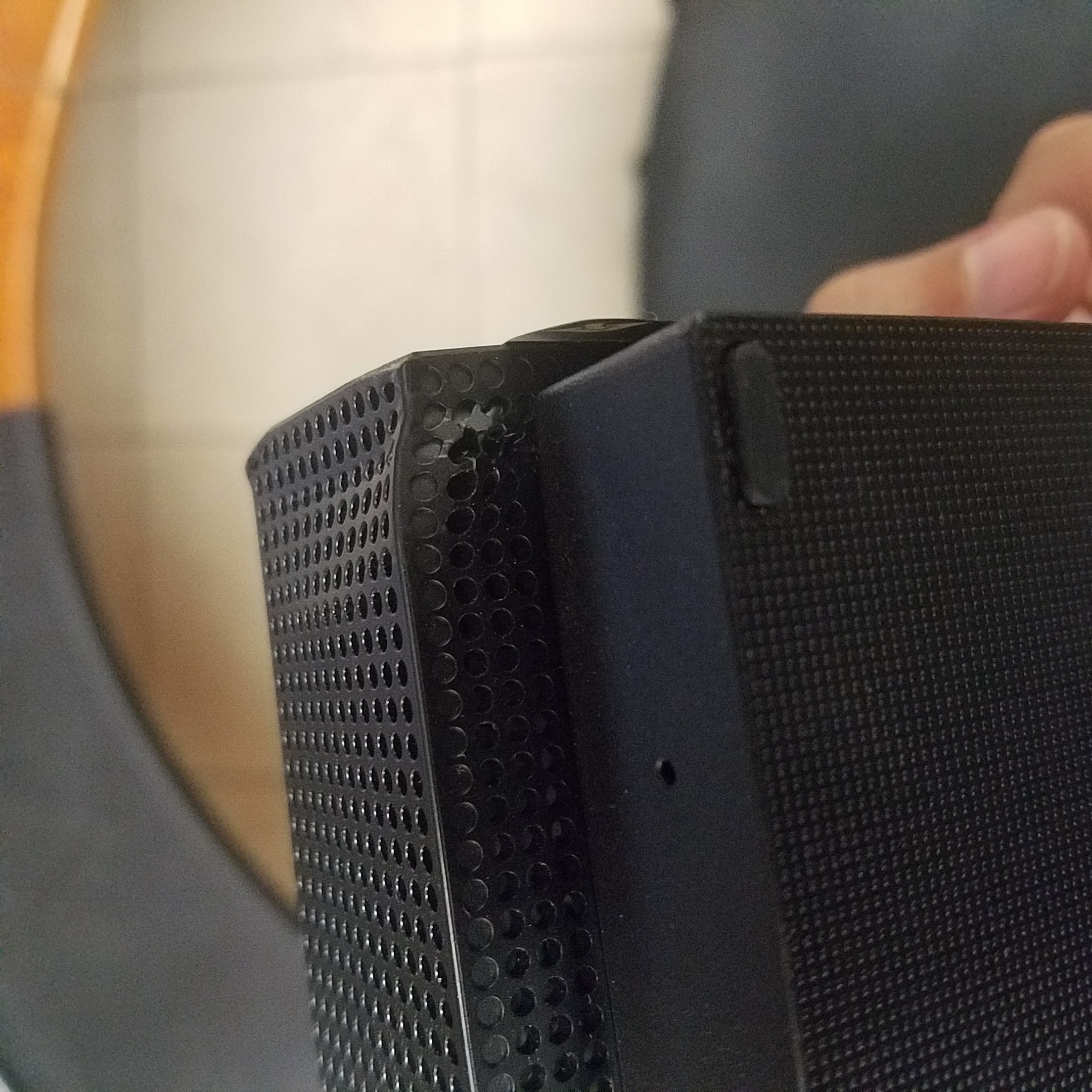
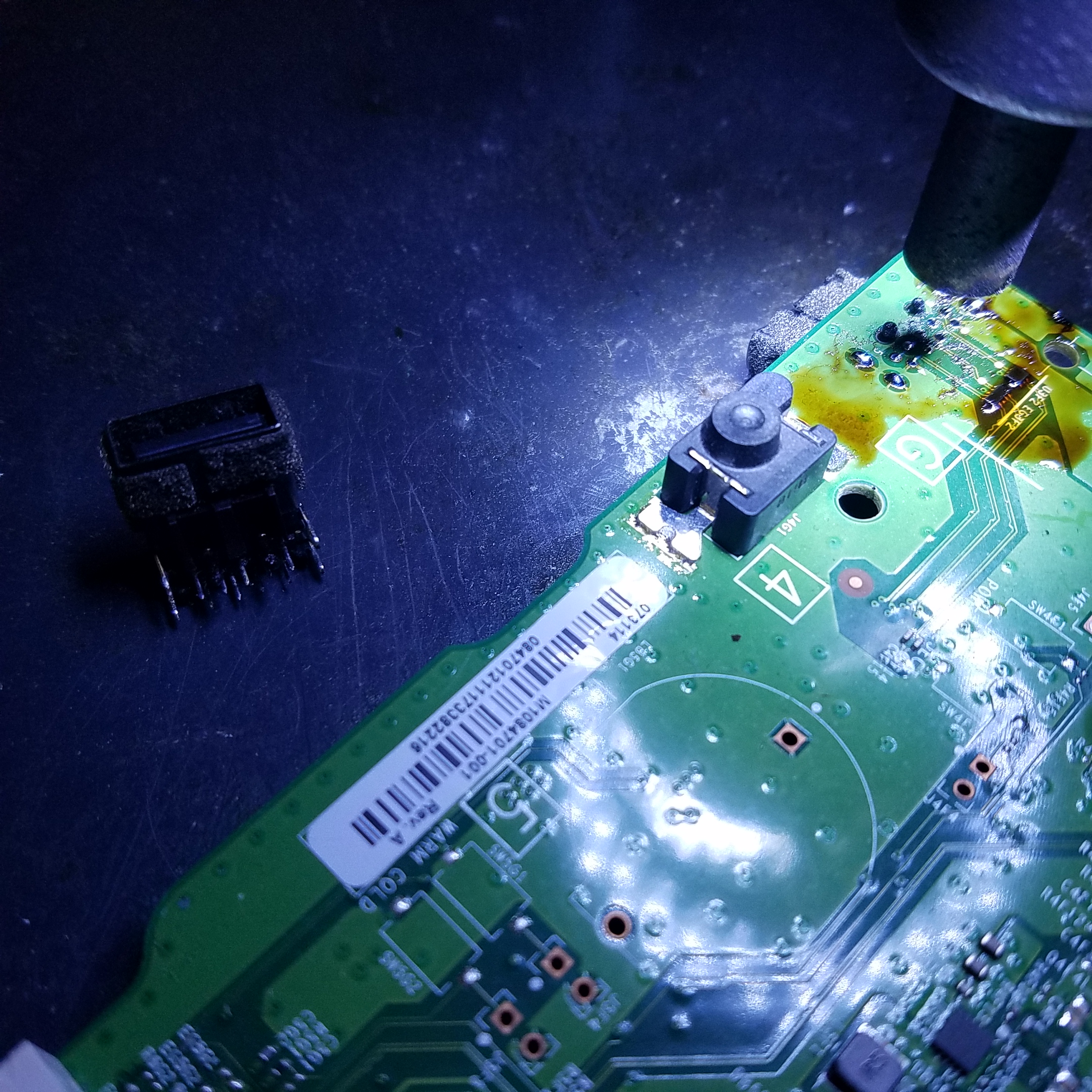
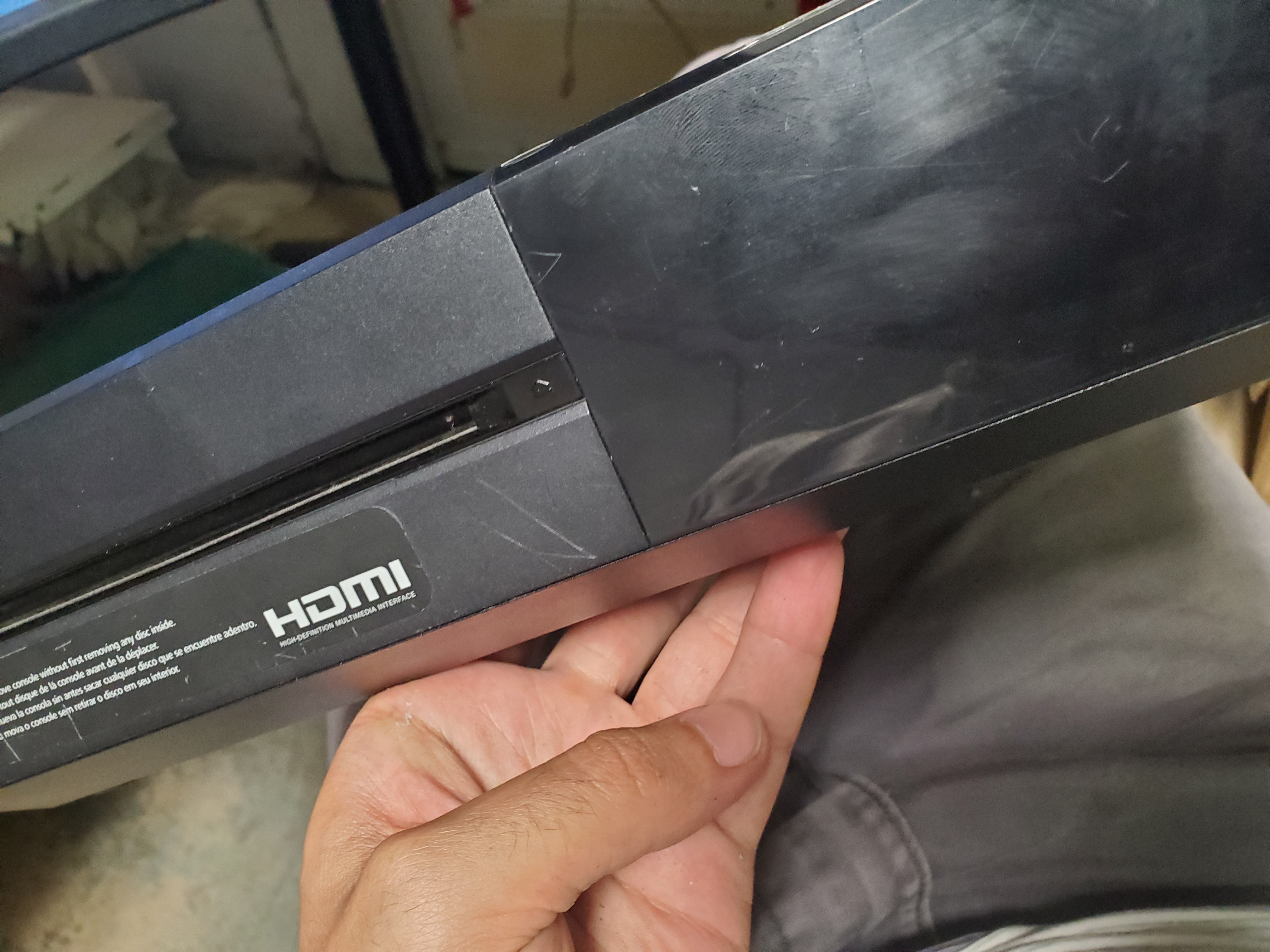
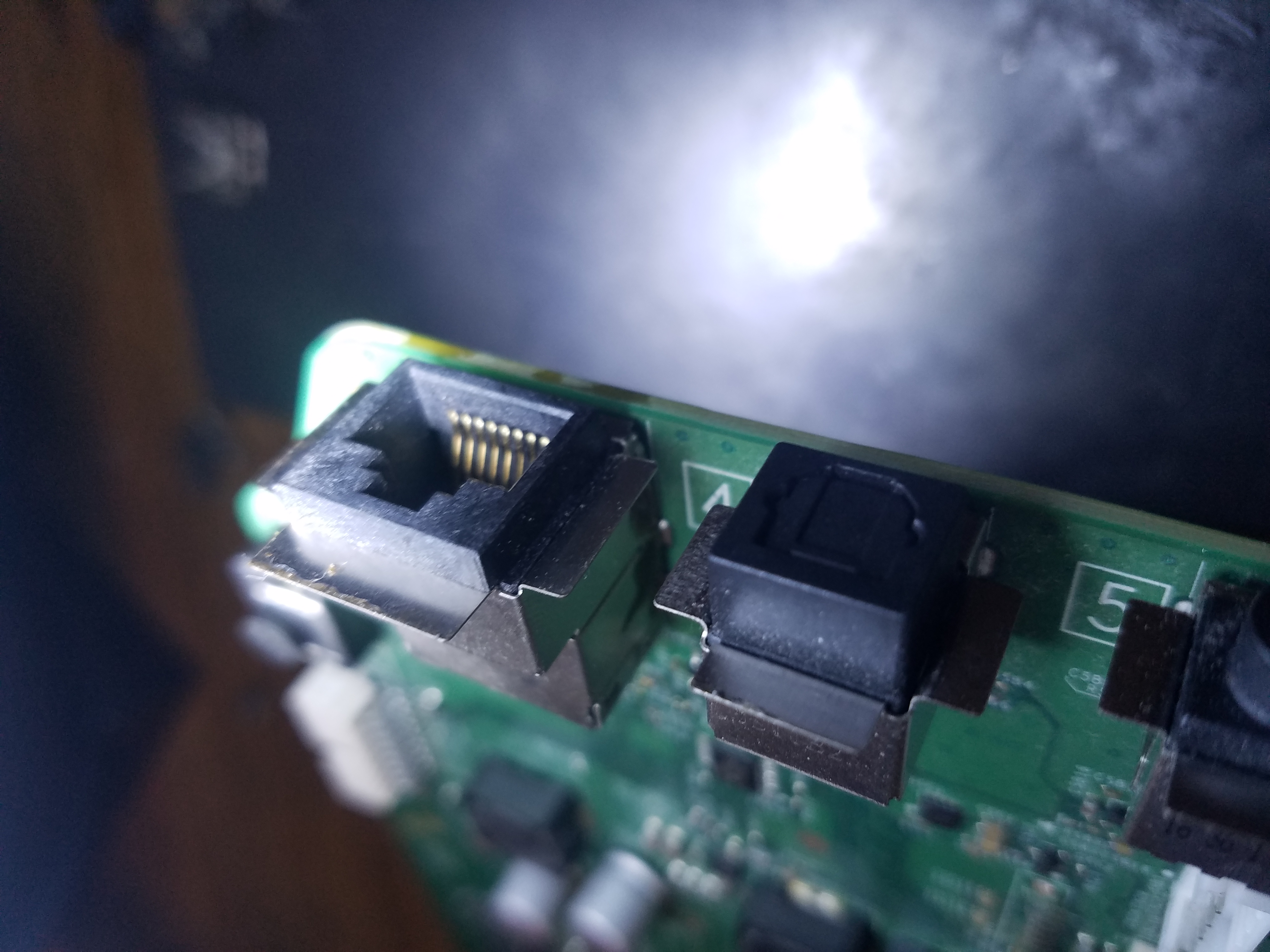
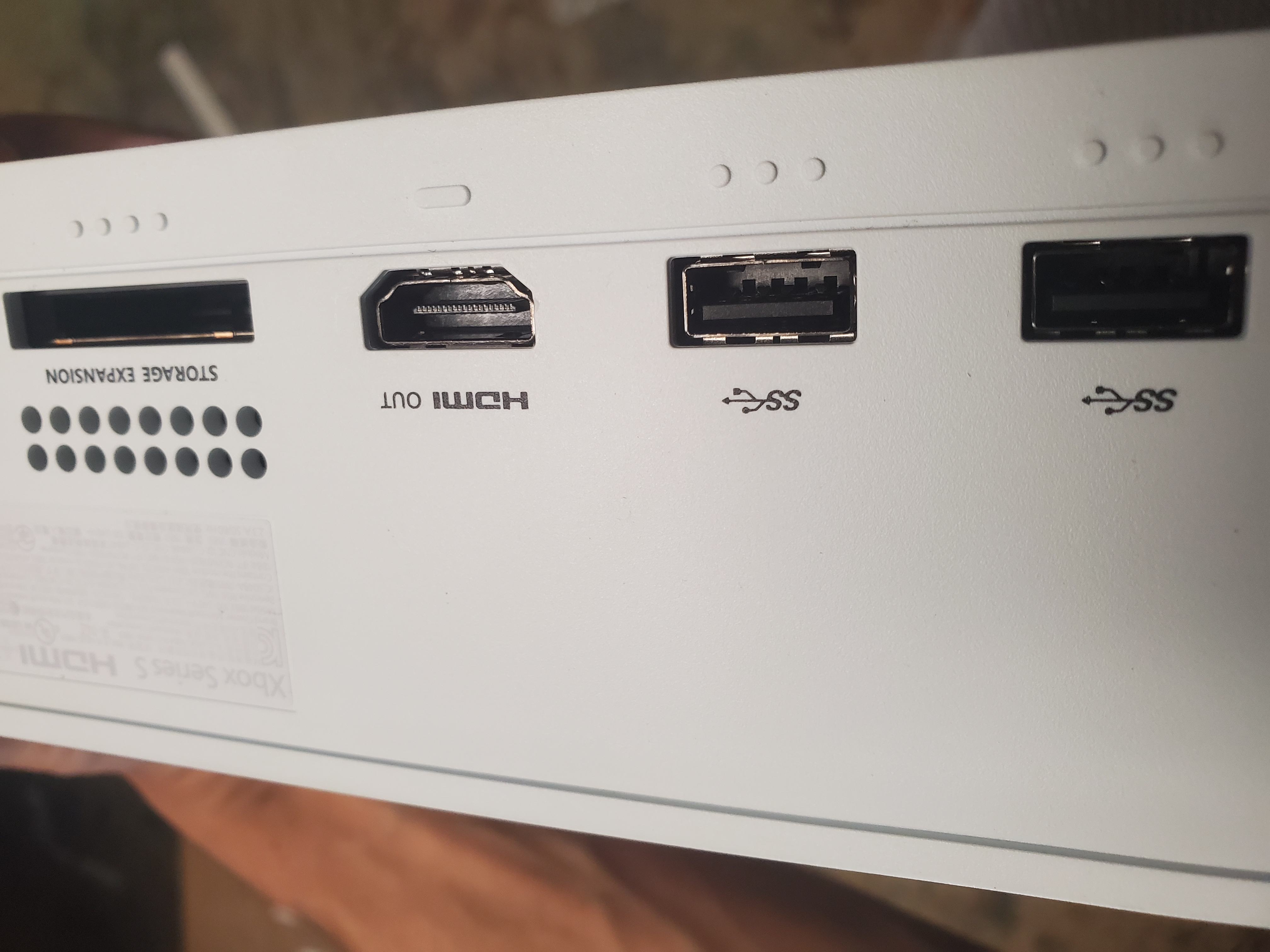
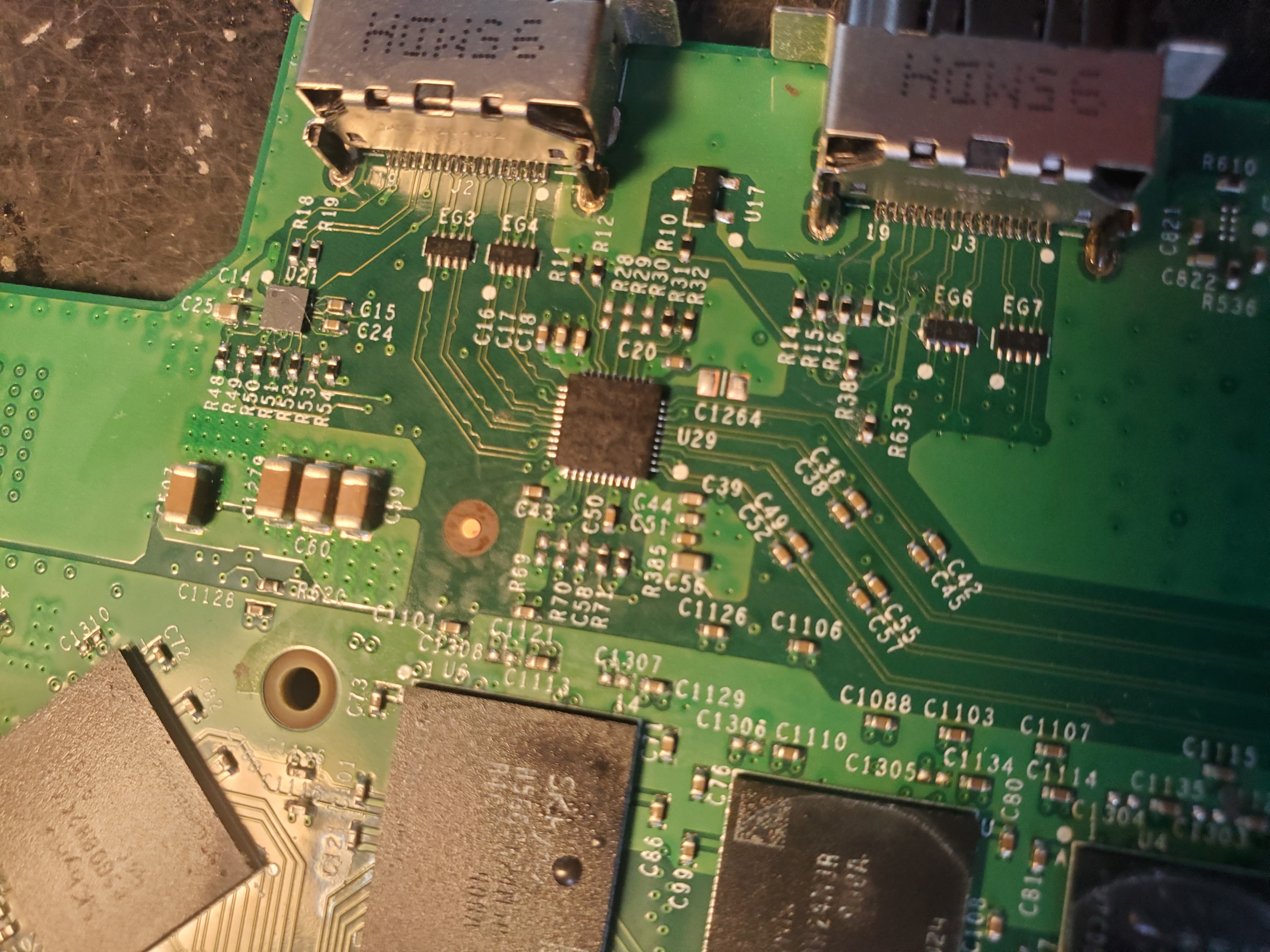
  • Xbox HDMI Port Repair: Repeated insertions, removals, or accidental drops can damage the HDMI port. We replace them promptly.
  • DVD and Blu‑Ray Disc Problems: We handle laser replacements, spindle issues, and disc ejection problems.

Table of Contents

  • Nasty Error Codes
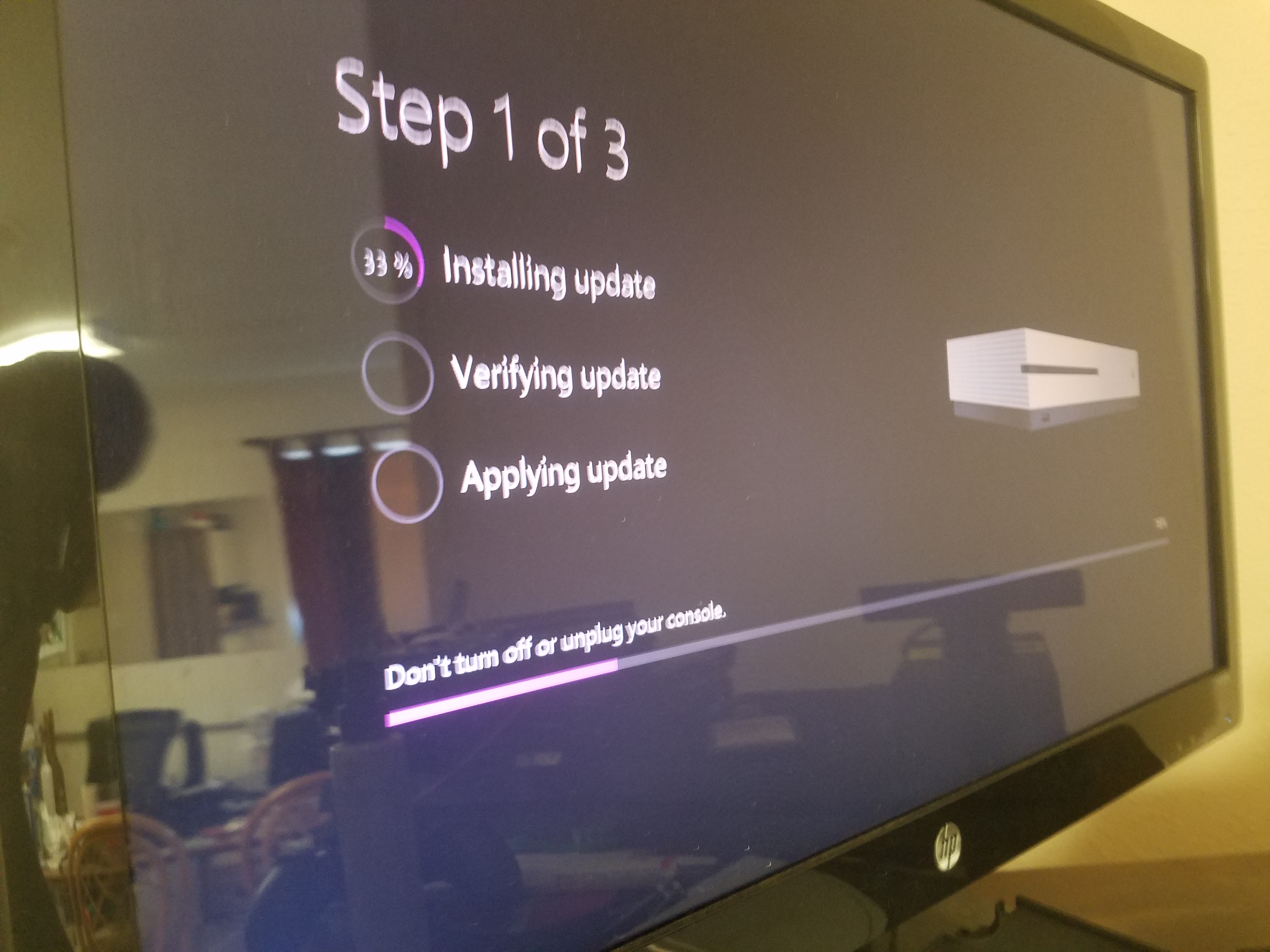
  • Problems with the Updates
  • Xbox Storage Upgrades
  • Green Screen of Death (GSOD)
  • Black Screen of Death (BSOD)
  • System Not Turning On
  • Xbox Live Connection Problems
  • Gameplay Frozen During Game Play
  • External Hard Drive Issues
  • Xbox Turning Off Randomly
  • Sound and Audio Issues
  • Xbox Controller Repair
  • Maintenance & Cleaning Services

Nasty Error Codes

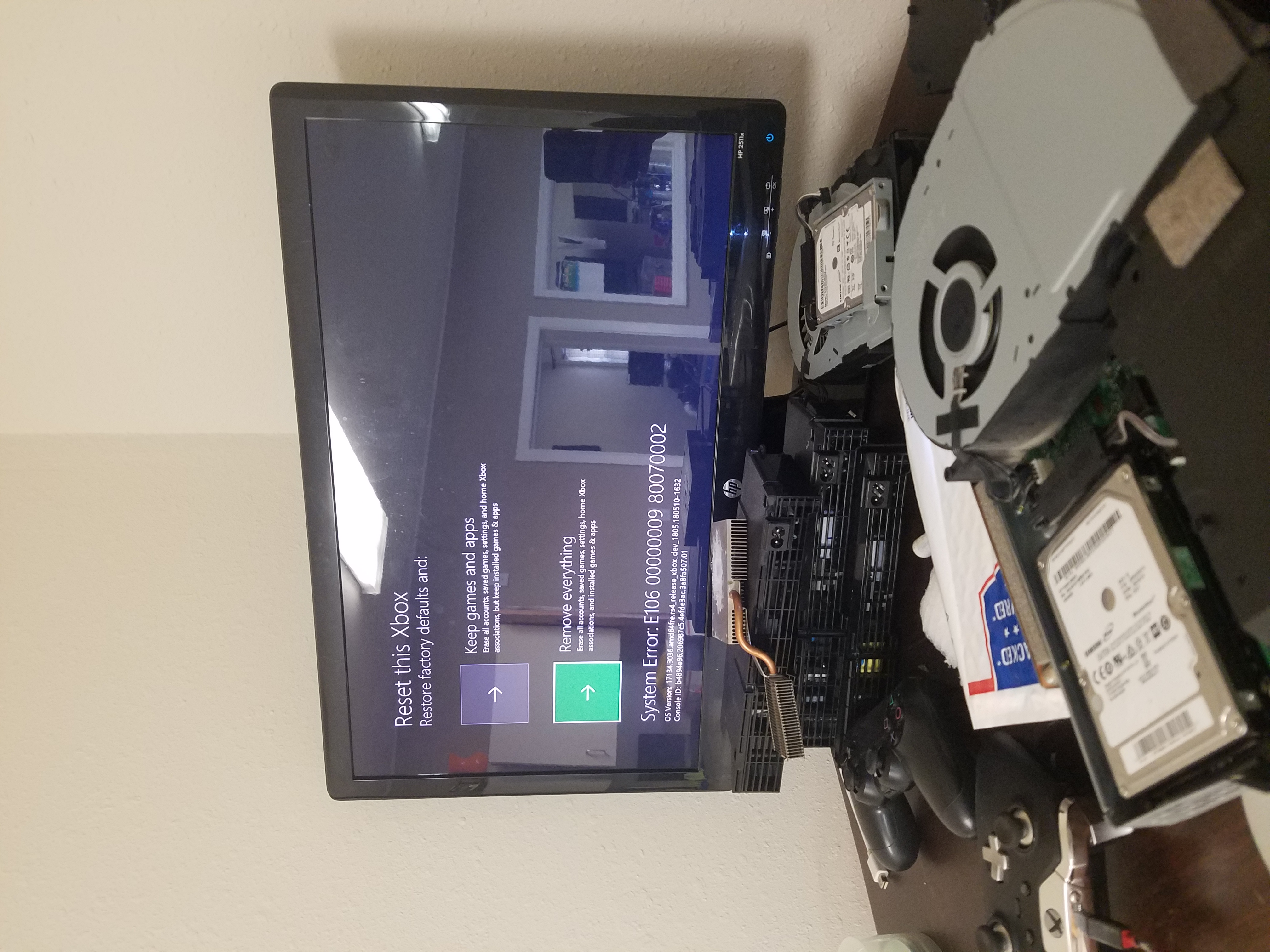
Encounter error codes like E100, E101, E200, E201, E202, or E601? We’ll diagnose the root cause and get to the bottom of these issues.

Problems with the Updates

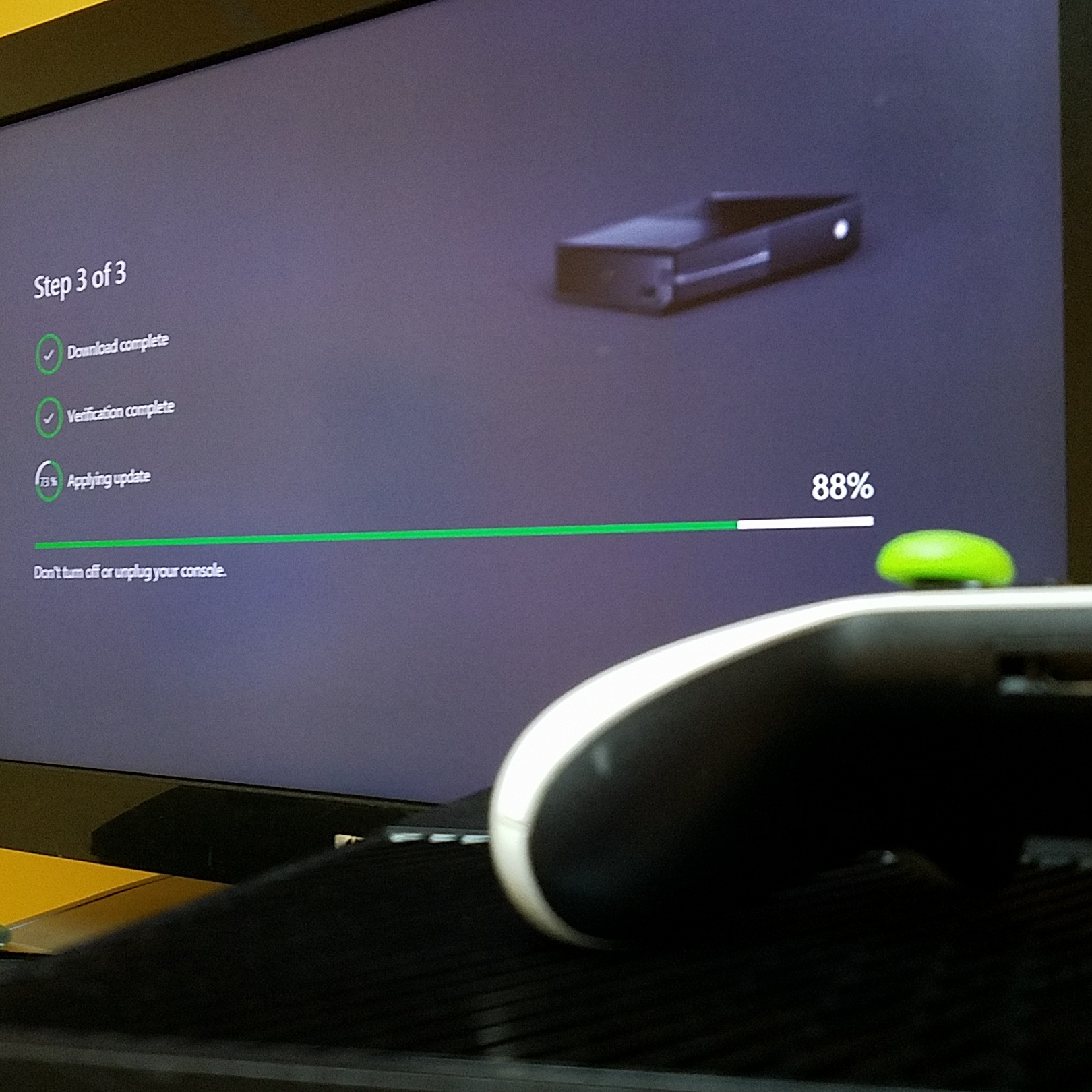
Sometimes your Ethernet or WiFi adapter malfunctions can prevent proper updates. While some claim that the system is bricked, Xboxes are never truly bricked.

Xbox Storage Upgrades

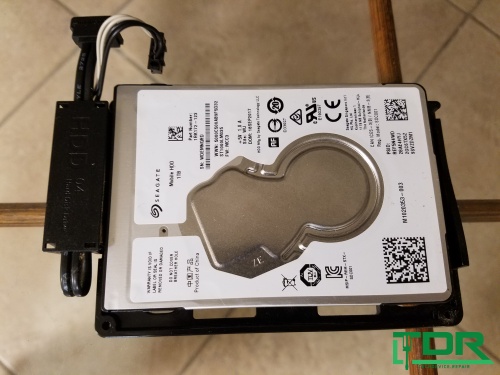
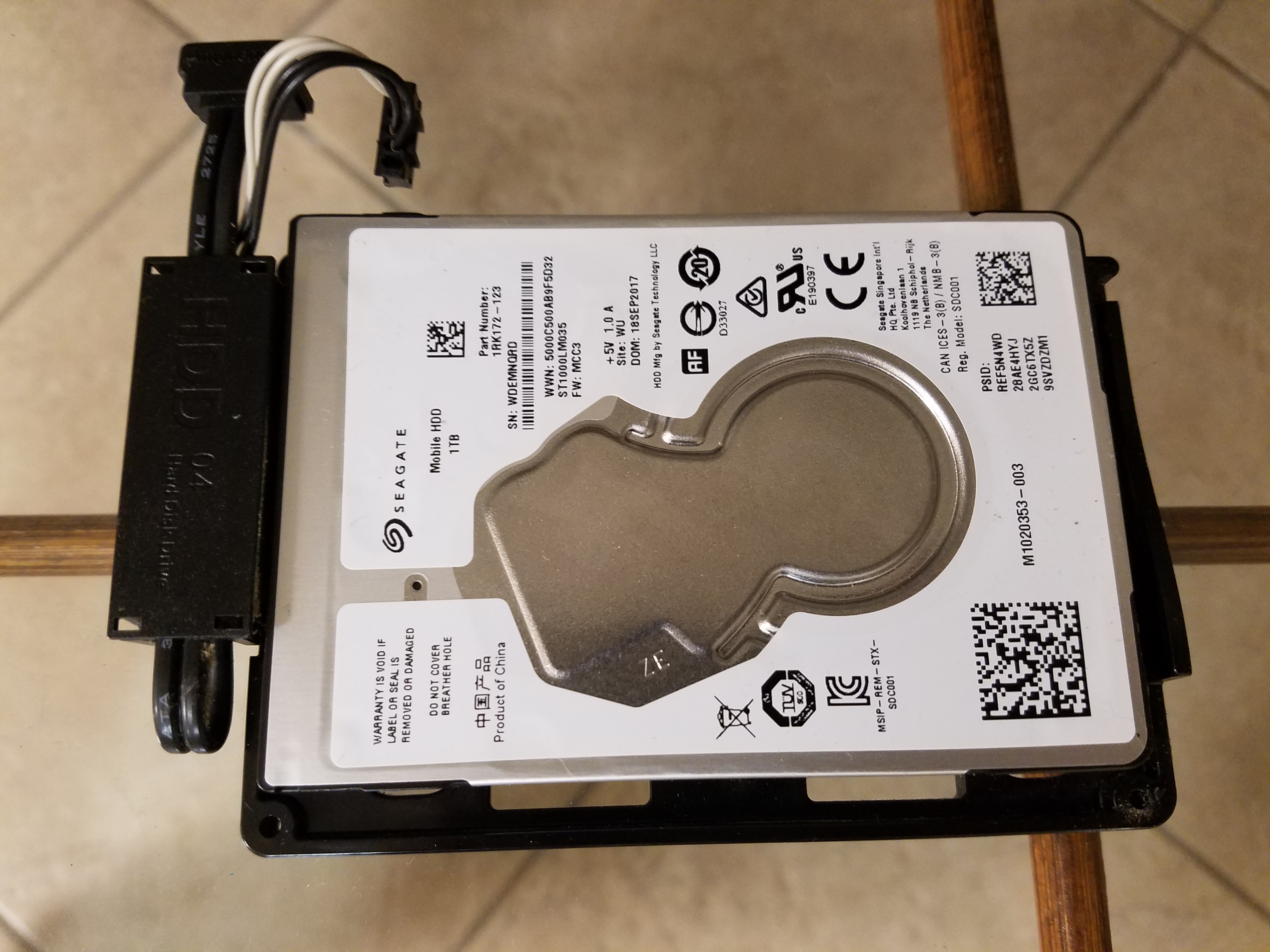
Running out of space? We can upgrade your Xbox One hard drive without data loss so you can always play your favorite games.

Green Screen of Death (GSOD)

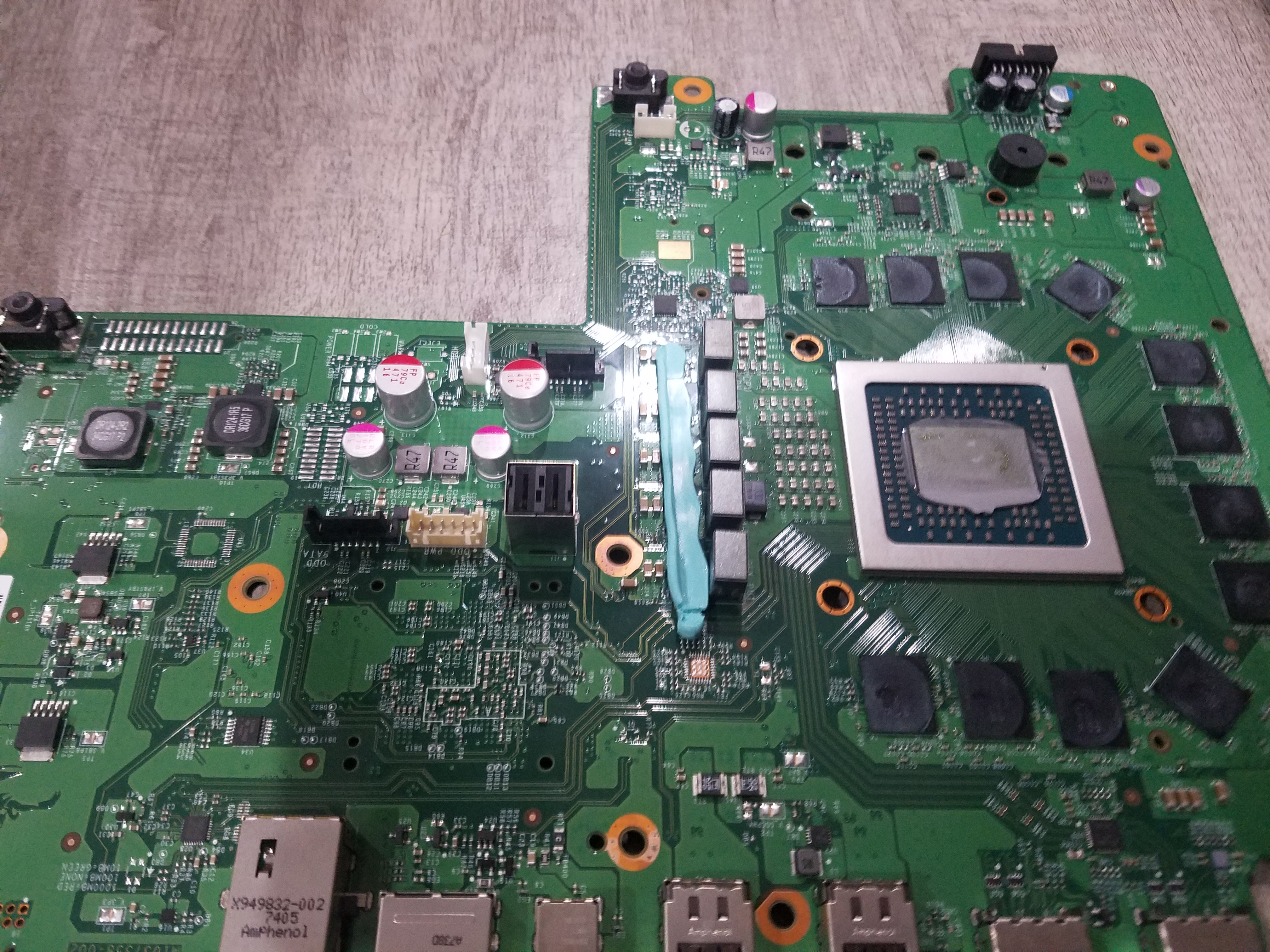
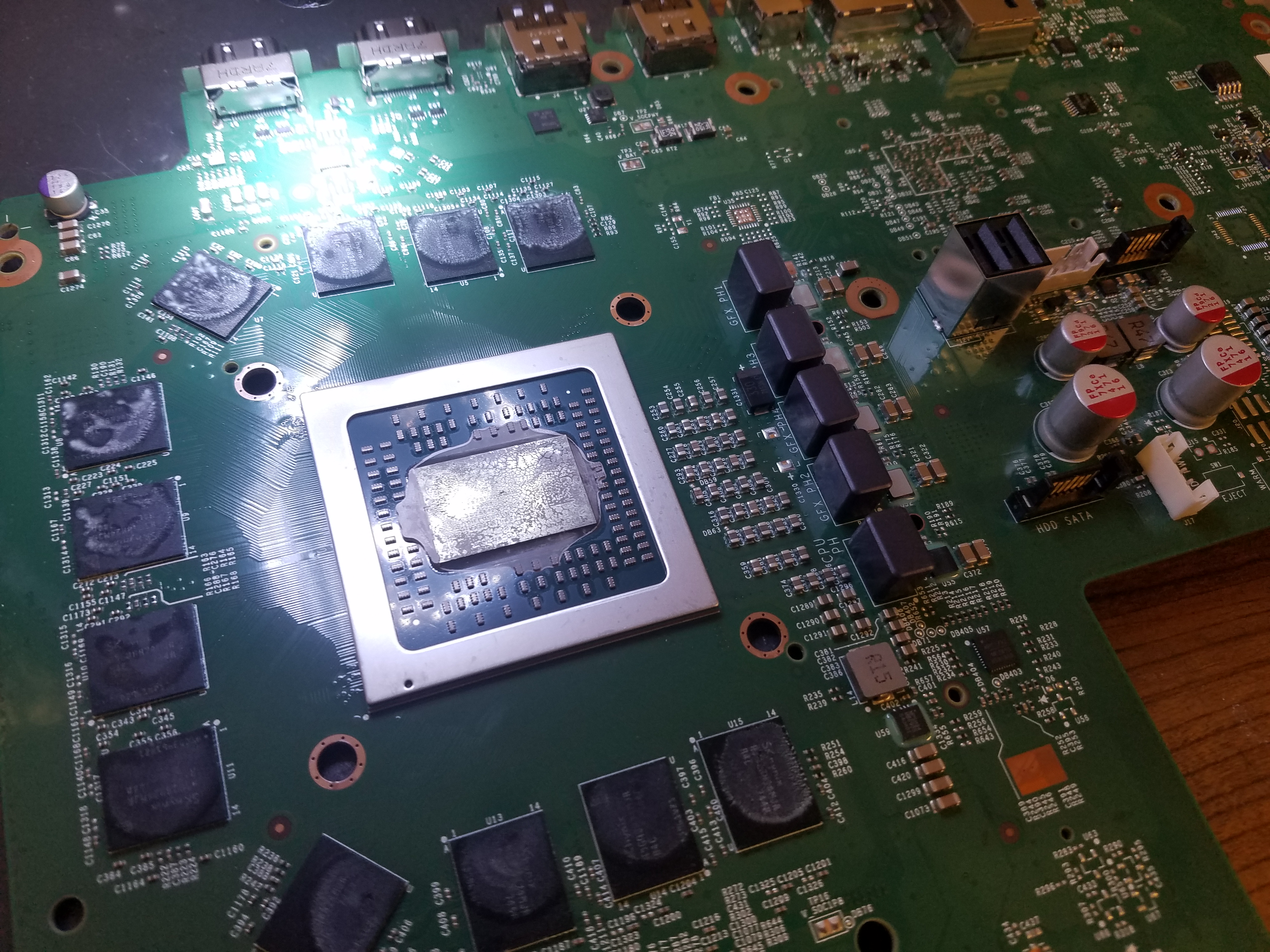
A reflow or reball on your CPU/GPU might resolve GSOD issues. Proper diagnosis is key, so bring your console in for expert treatment.

Black Screen of Death (BSOD)

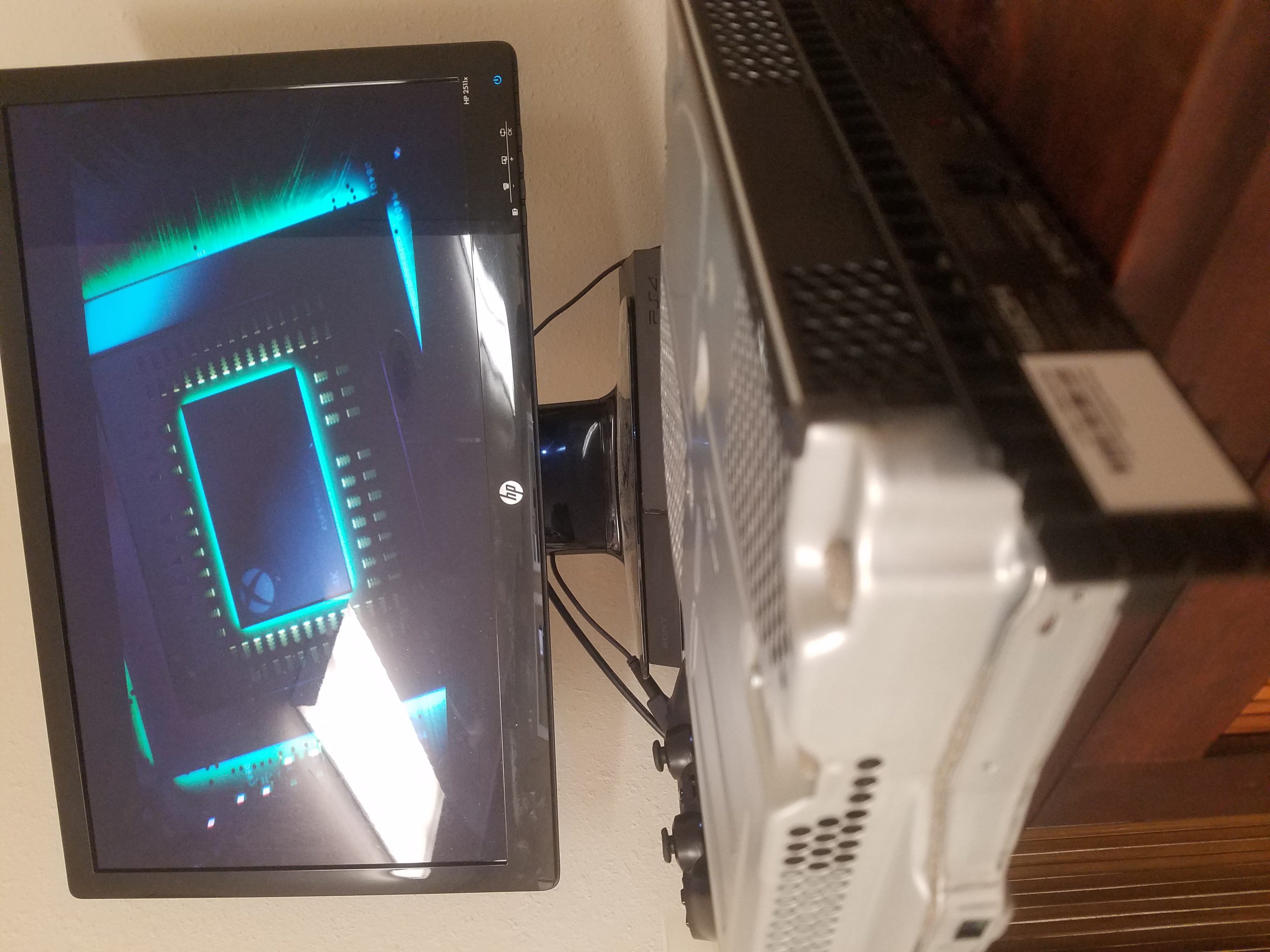
The Black Screen of Death means your system powers up and the light comes on, yet nothing appears on your screen – sometimes your TV will even display a “no signal” message.

BSOD can be commonly caused by three issues:

  • Hard Drive Failure: The hard drive can fail without warning. A clicking or ticking noise usually indicates that it’s gone bad, causing a loss of picture.
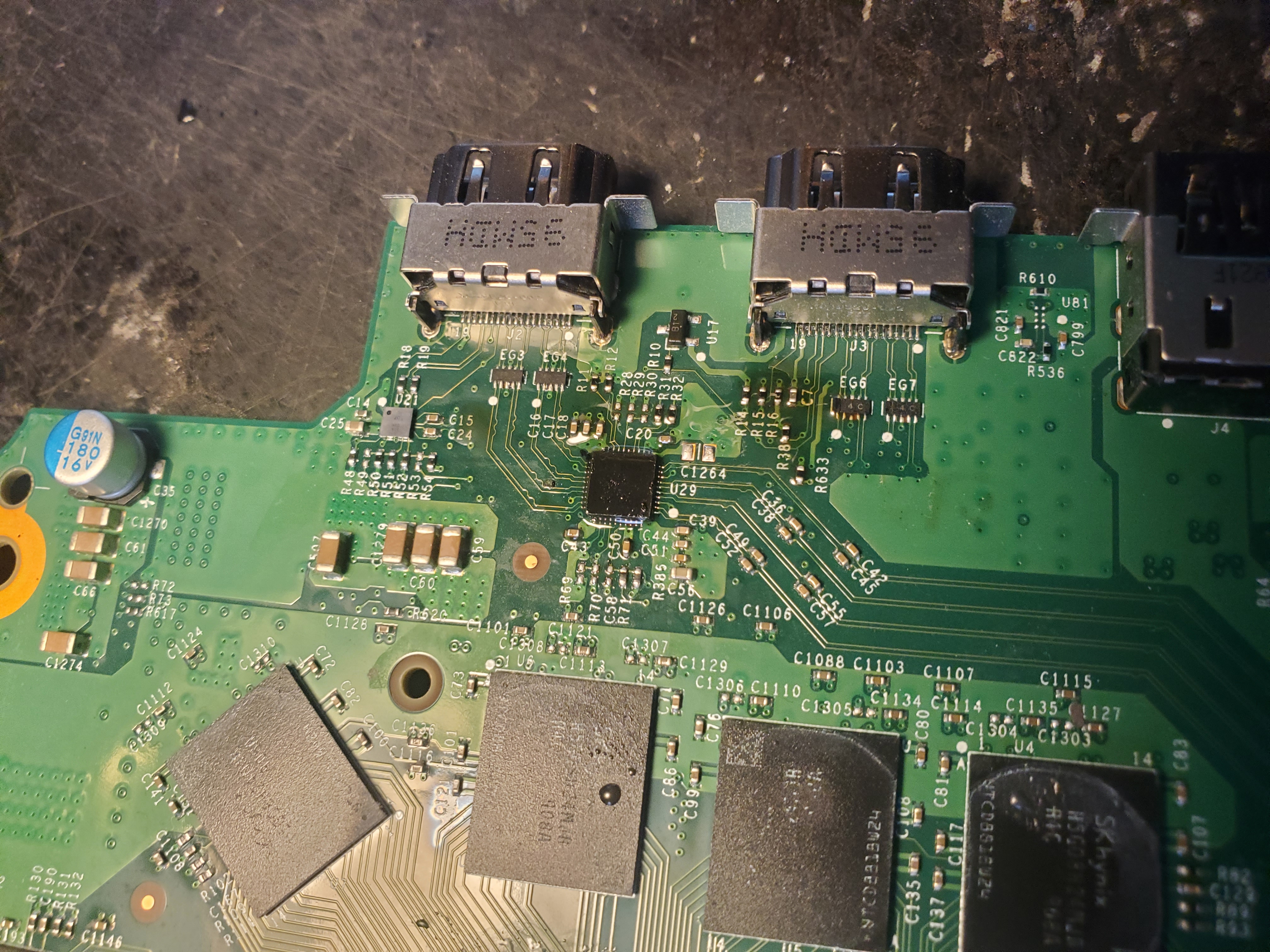
  • HDMI Port Damage: A physically broken HDMI port is a frequent culprit – we replace these regularly.
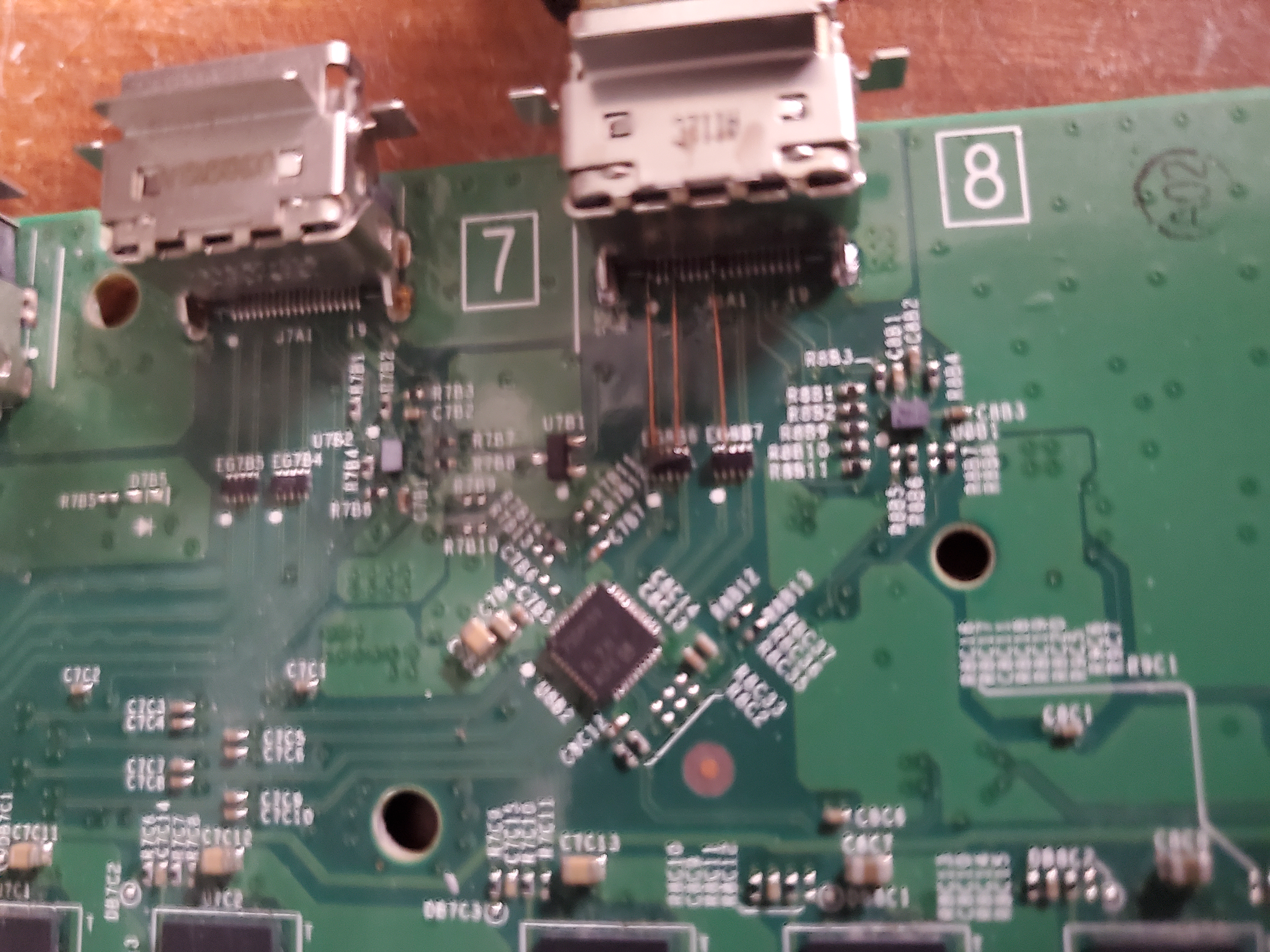
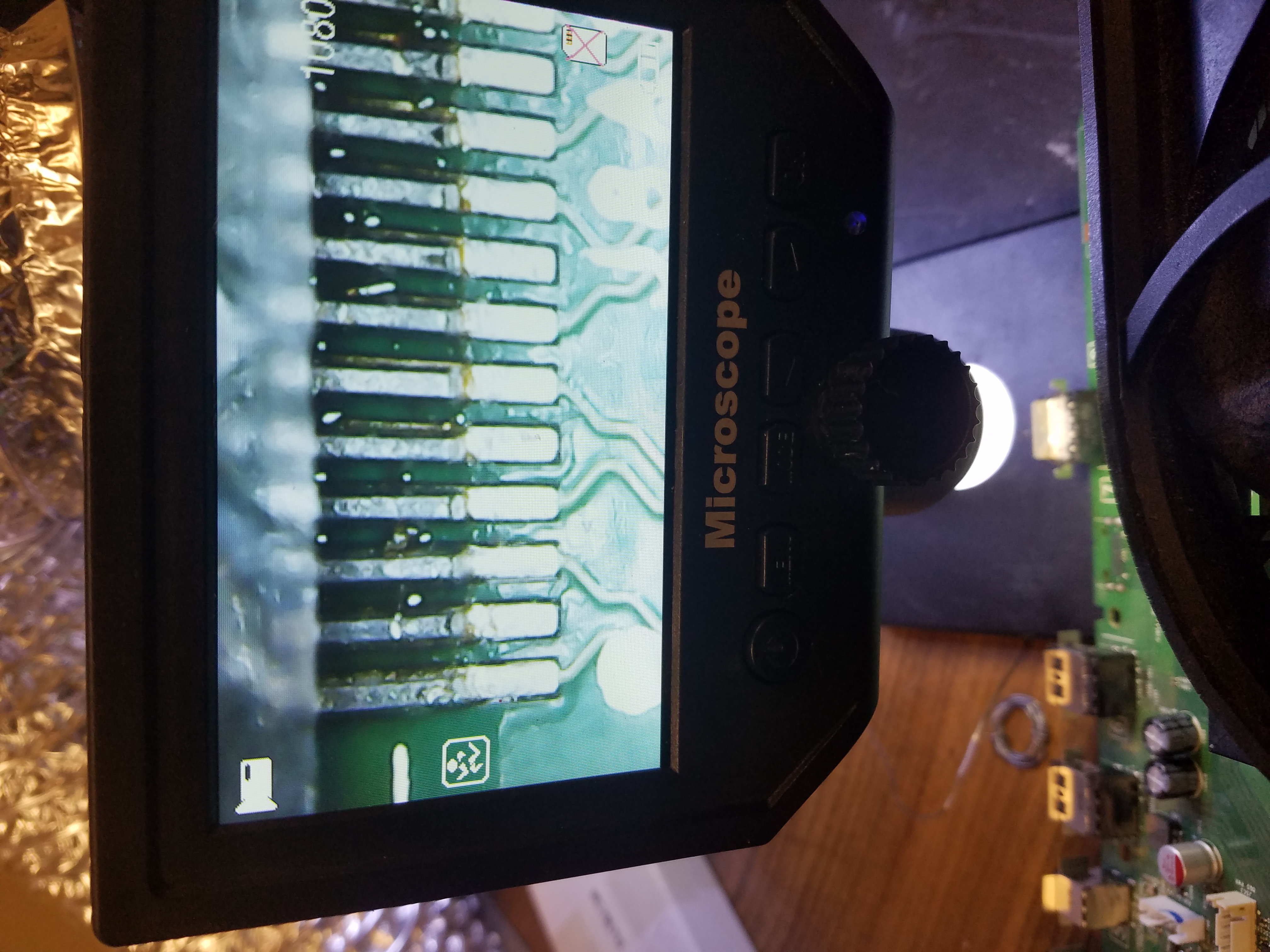
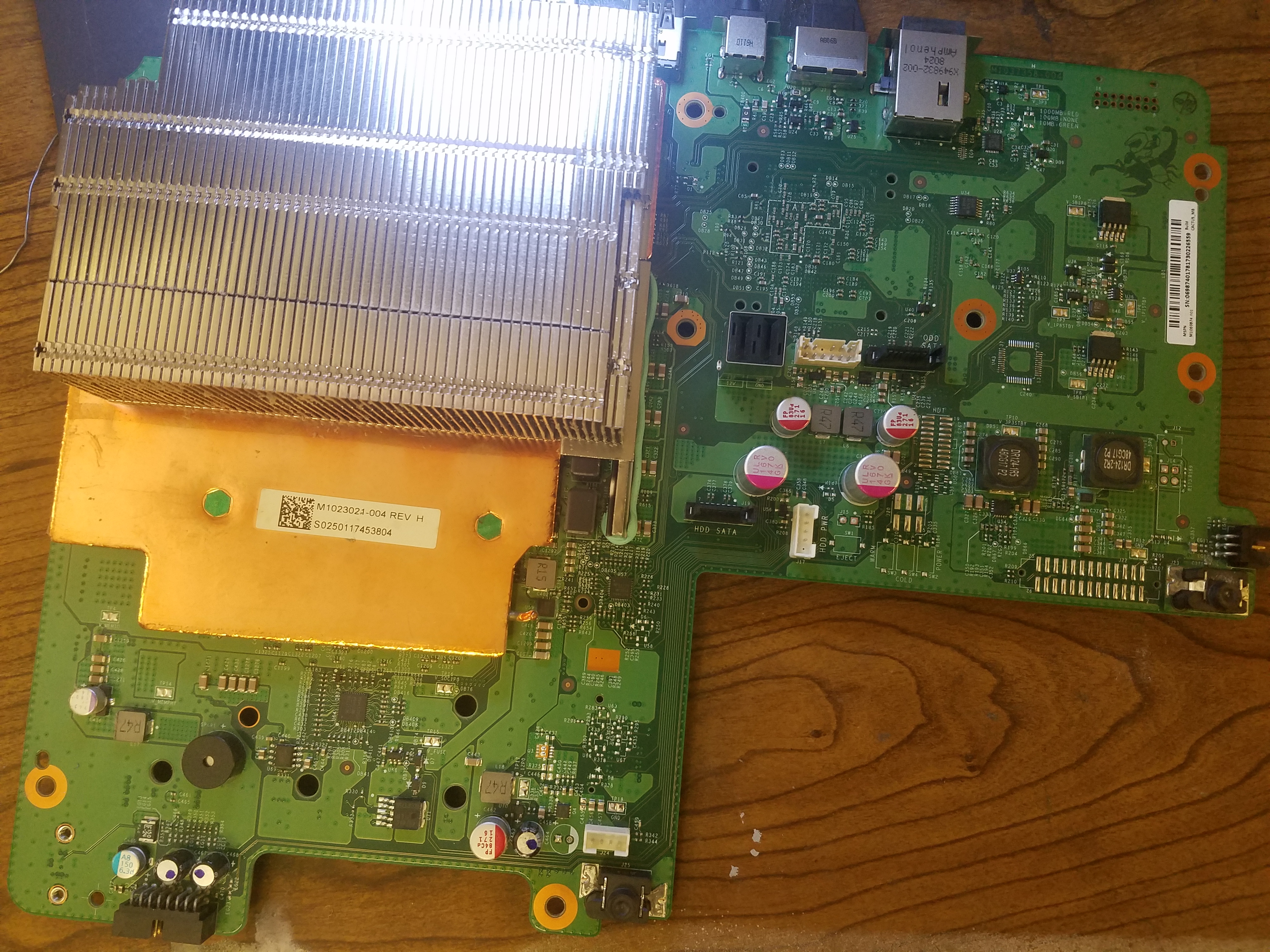
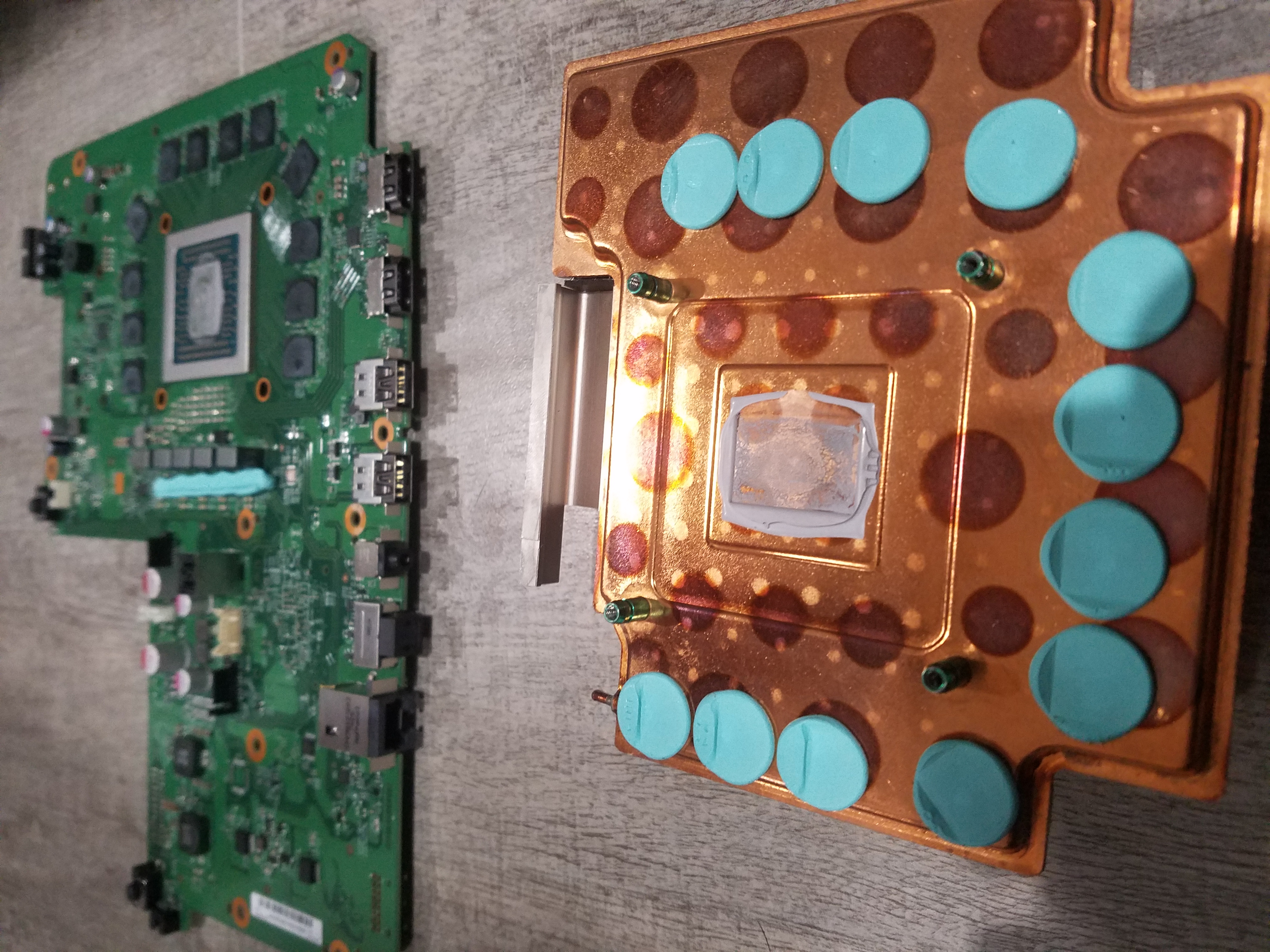
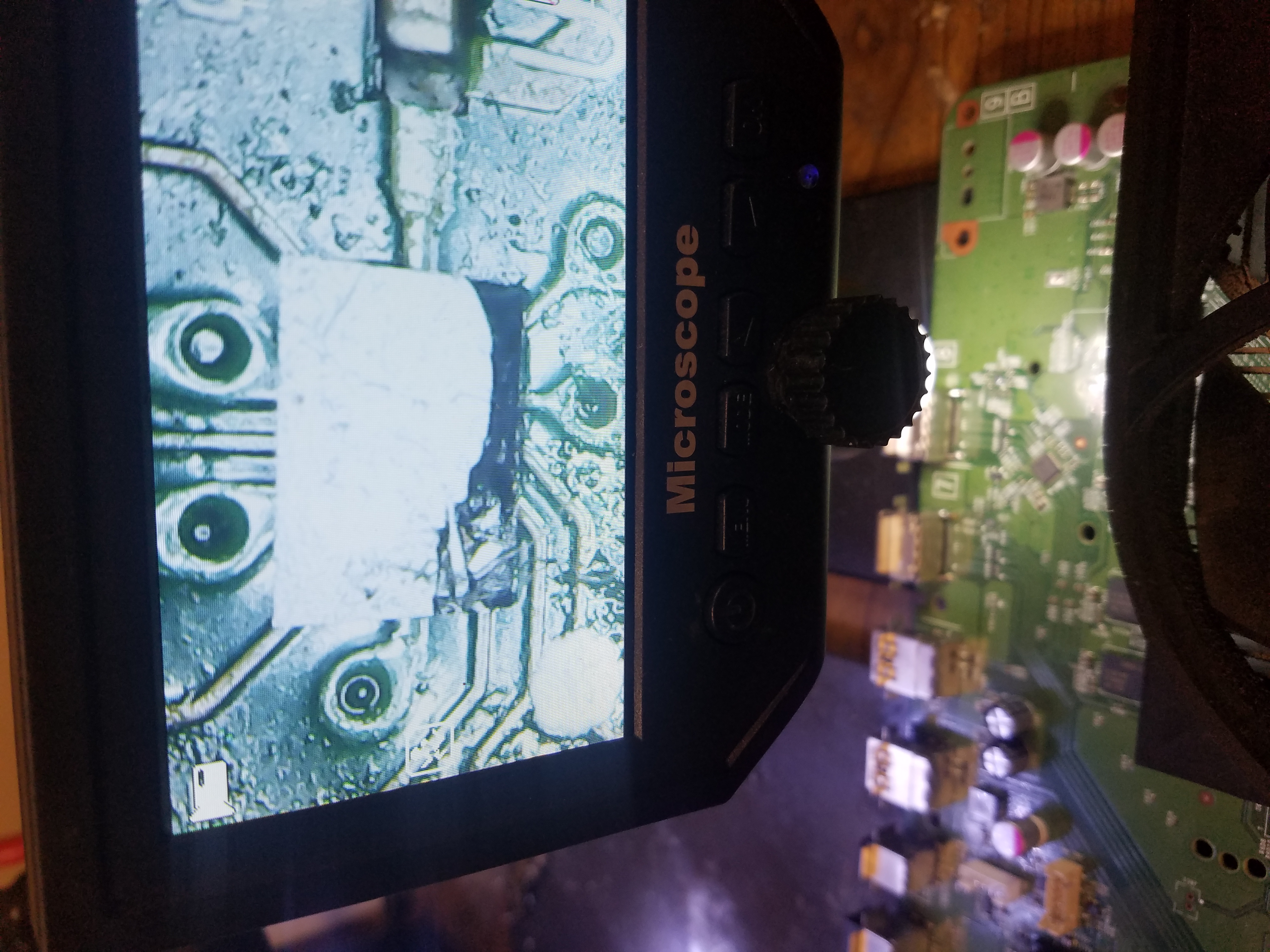
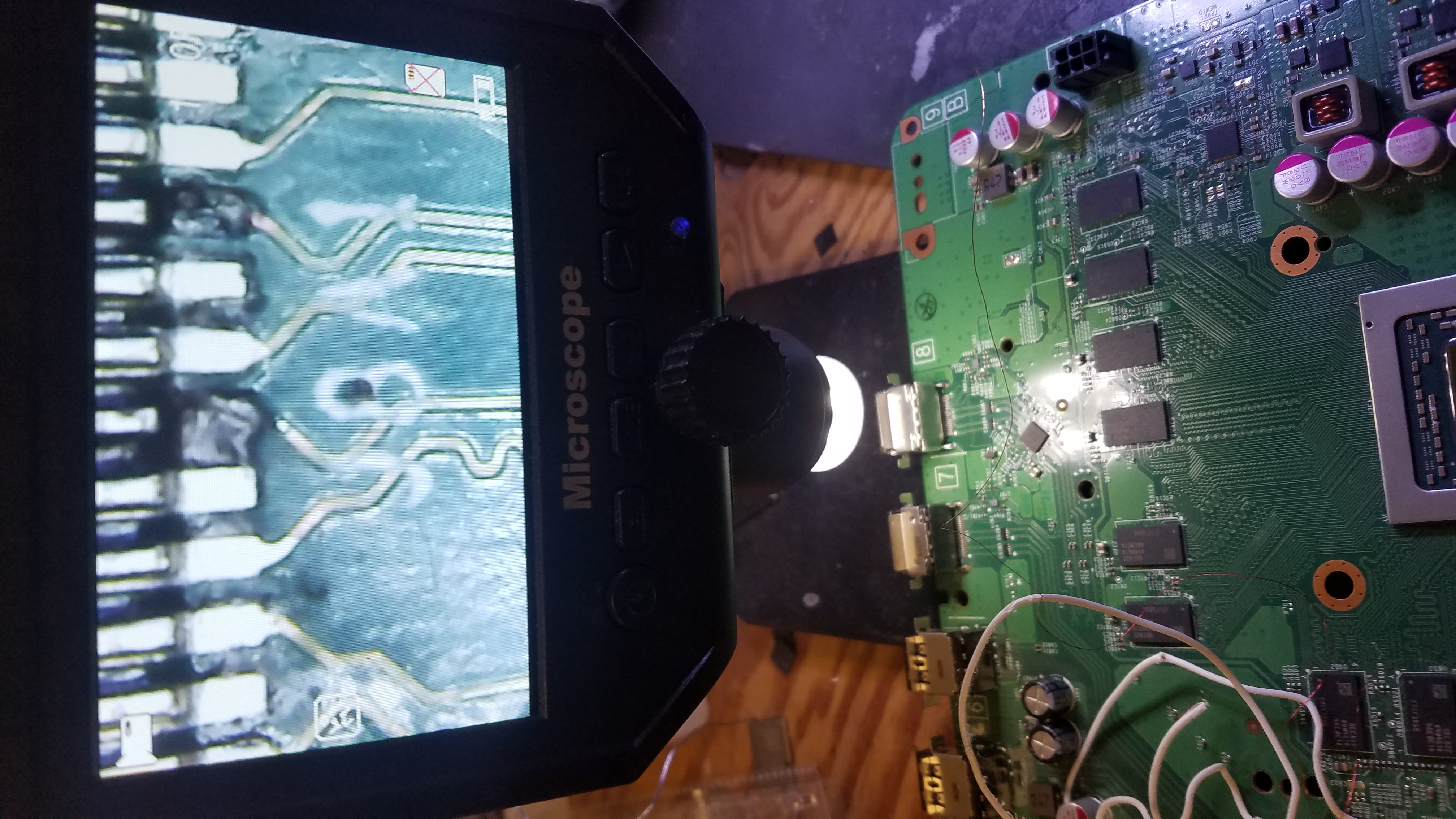
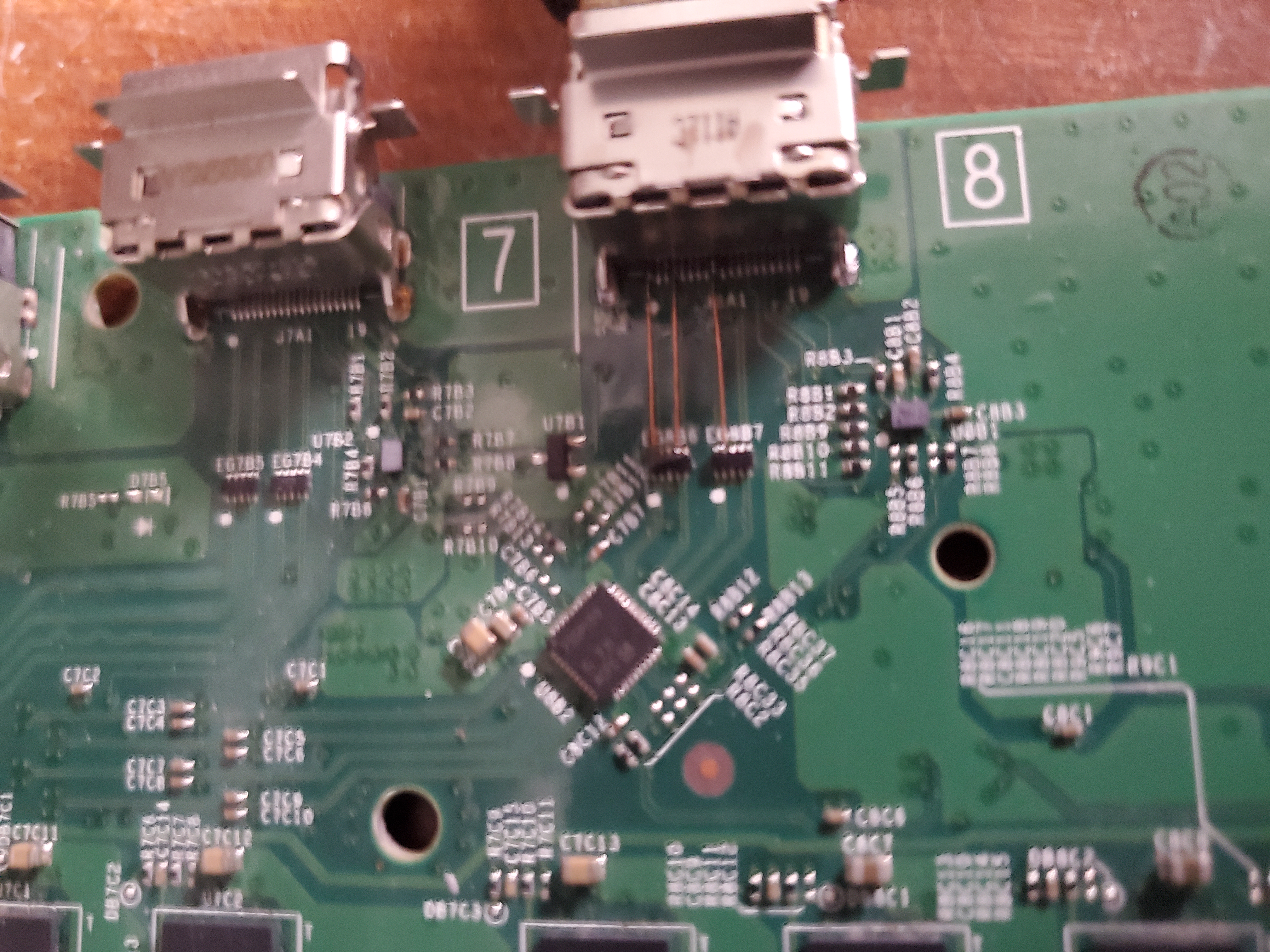
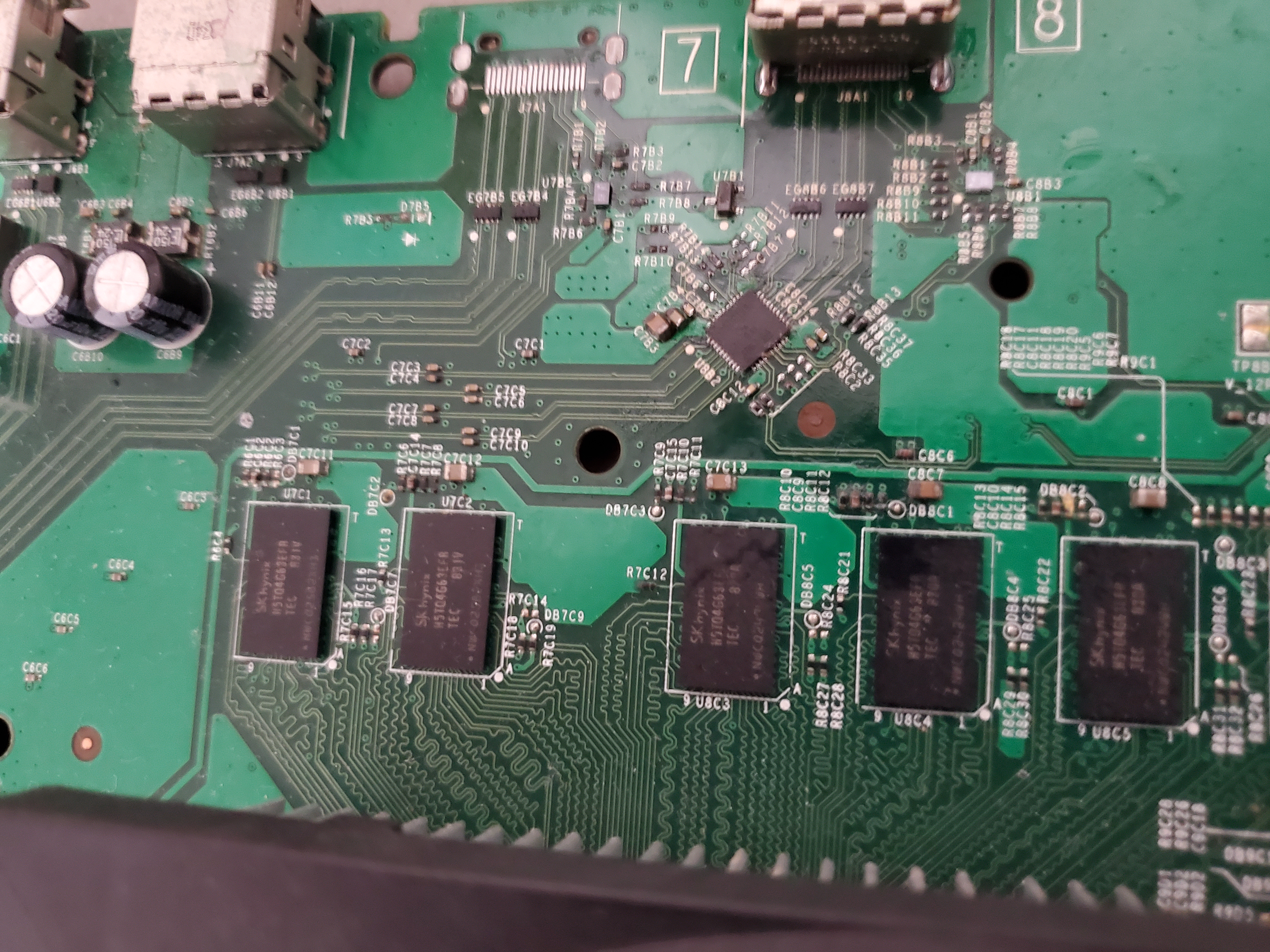
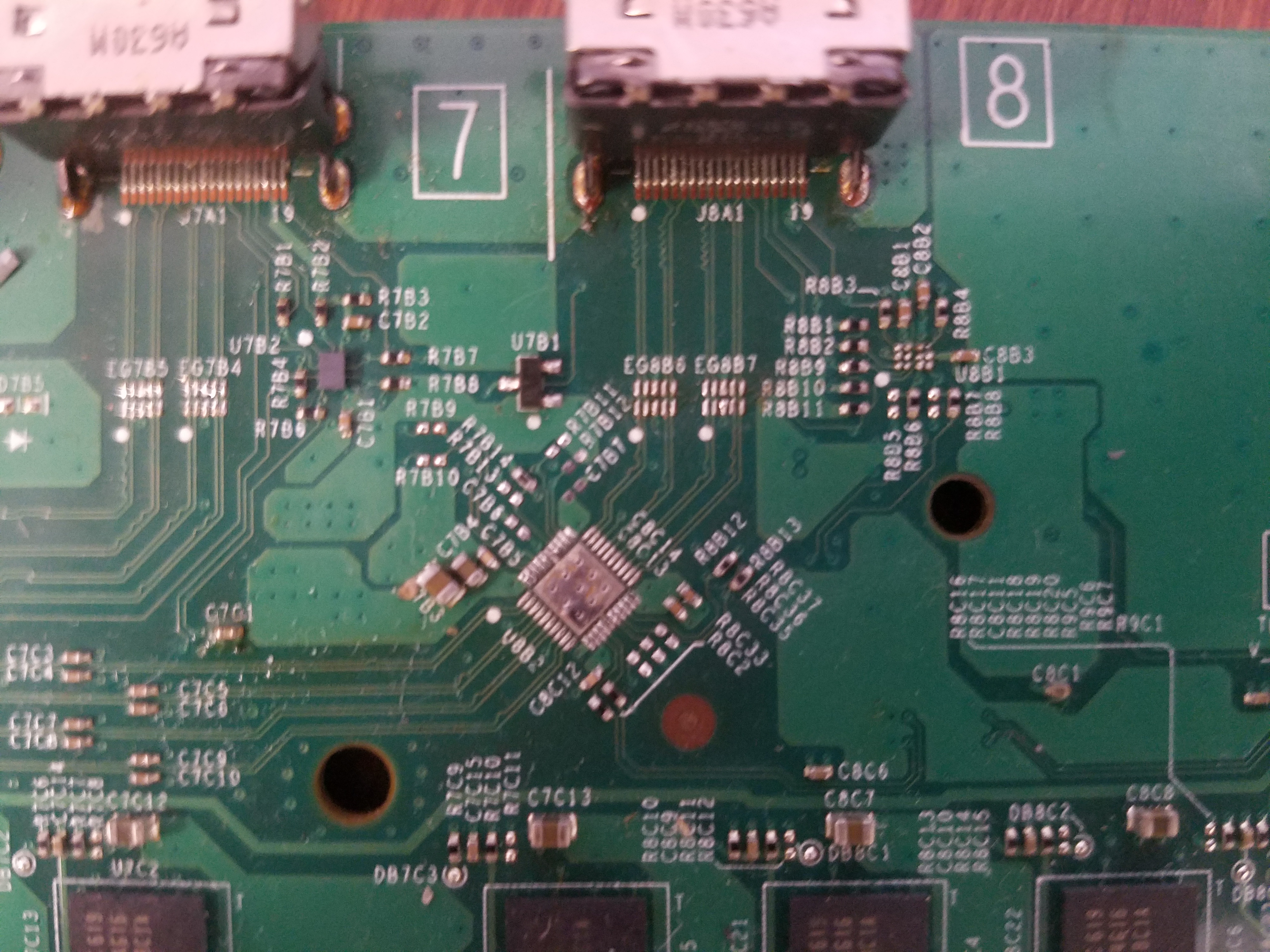
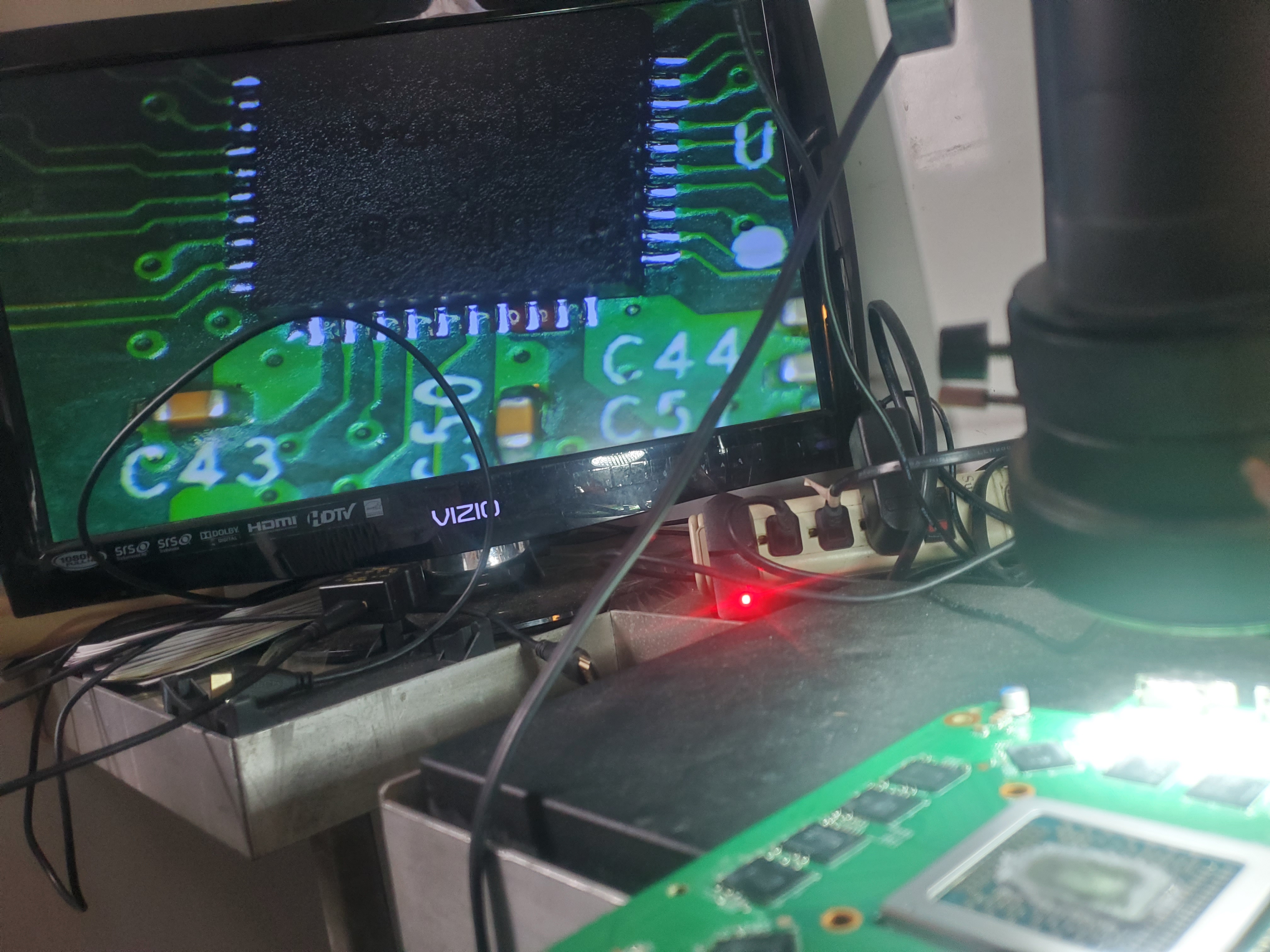
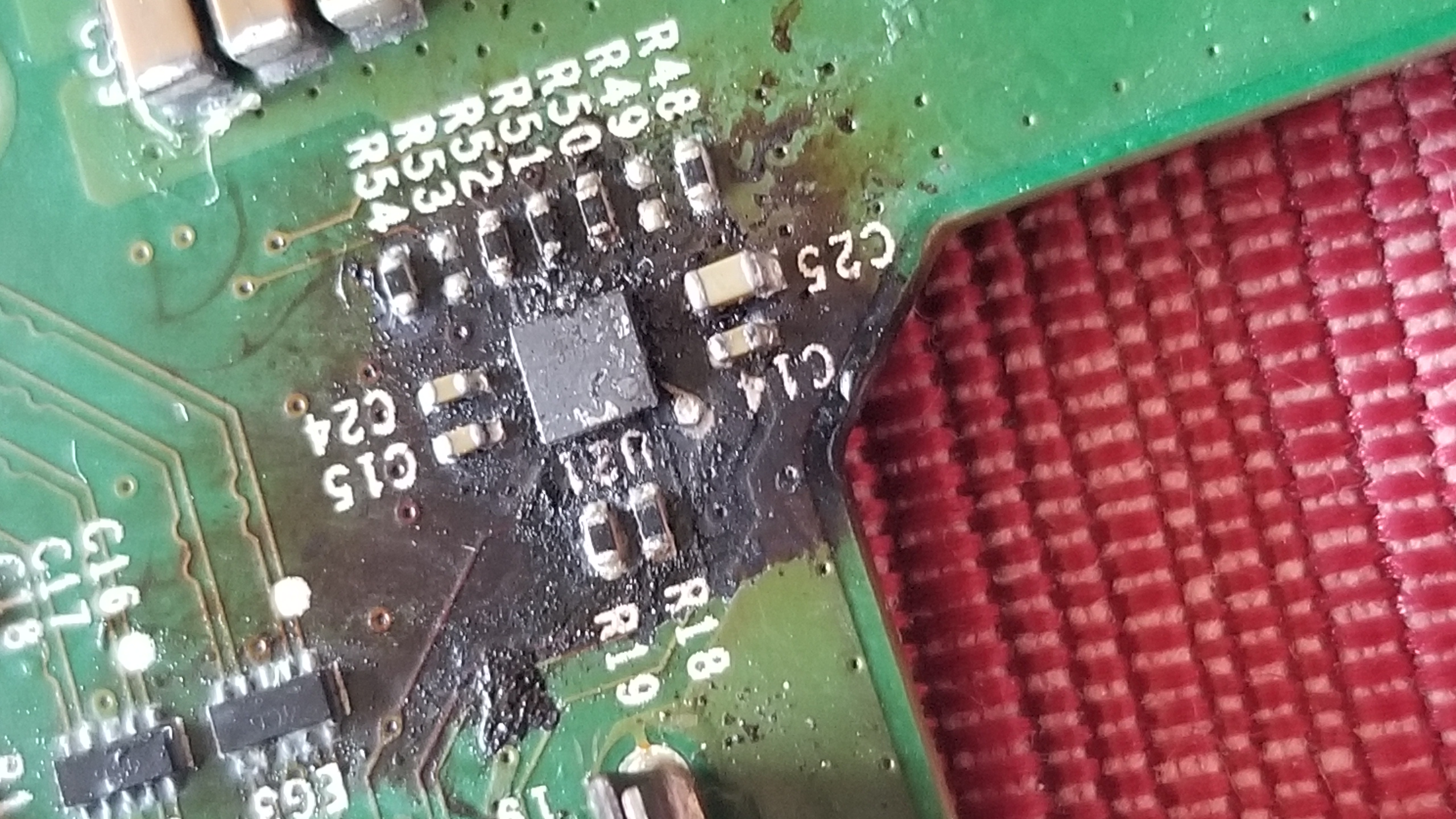
  • Retimer/HDMI Chip Issues: This specialized repair involves removing and replacing a few microprocessors. It typically takes 1 to 3 hours, as the APU supplies the correct voltage to the HDMI router which must be properly assessed.

System Not Turning On

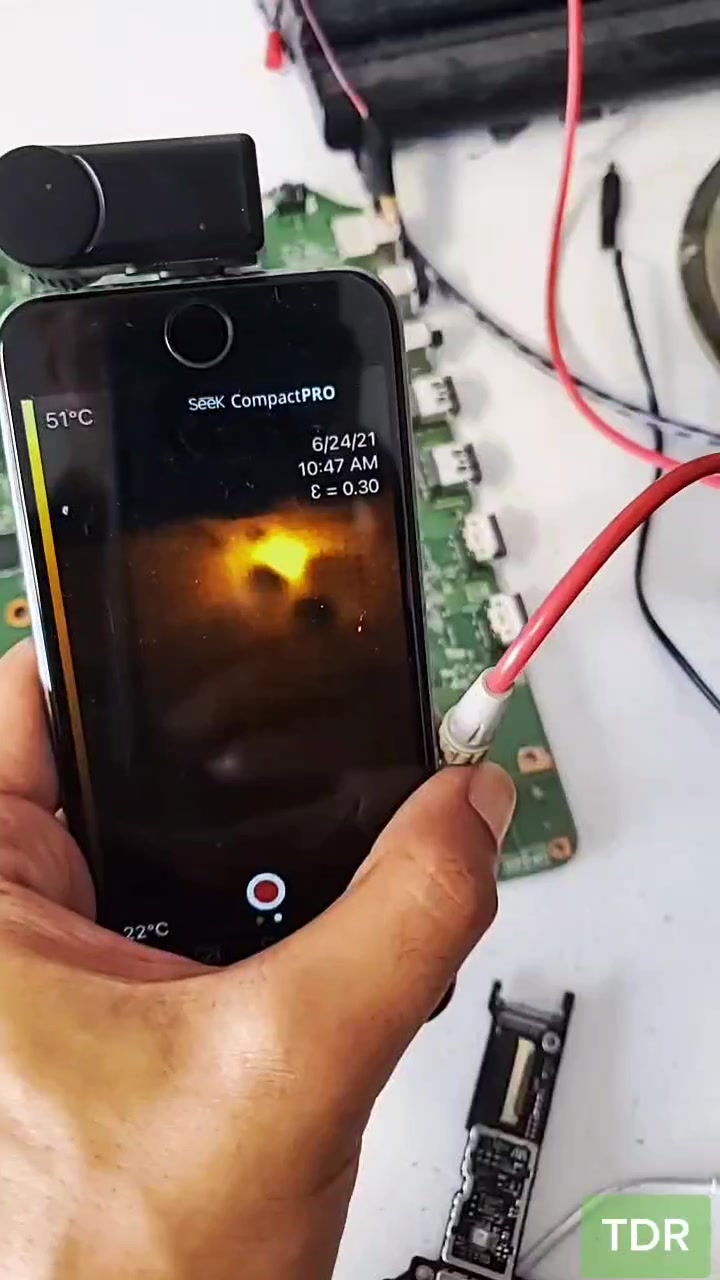
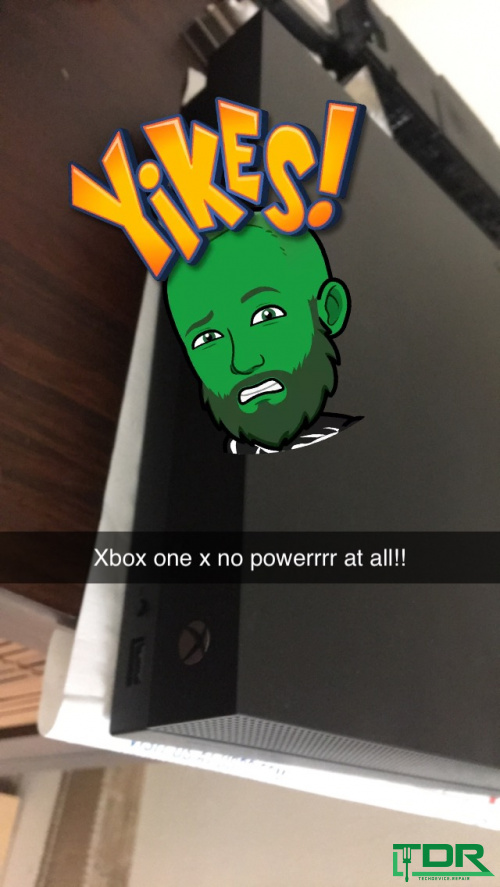
Xbox One power supply issues are common. If your system isn’t powering up despite proper connections, it needs a deeper diagnostic.

Xbox Live Connection Problems

Struggling to log in to Xbox Live? We offer remote assistance or in-person diagnostics to resolve your network connectivity issues.

Gameplay Frozen During Game Play

Freezing during gameplay can sometimes be fixed with a reflow. Bring your console in for a full check-up.

External Hard Drive Issues

If your external hard drive is not recognized, we can help diagnose and fix the problem.

Xbox Turning Off Randomly

Random shutdowns can be caused by overheating or power issues. Our diagnostics will pinpoint the problem.

Sound and Audio Issues

Whether it’s distorted sound or no audio at all, we have the expertise to repair your console’s audio system.

Xbox Controller Repair

Both elite and regular Xbox One controllers can develop issues like stuck buttons or connectivity problems. We repair them and even offer controller mods.

Elite Controller Tip: If you experience drift, try cleaning the thumb stick with 91% isopropyl alcohol. If damage is permanent, regular cleaning may be required.

Xbox One Maintenance

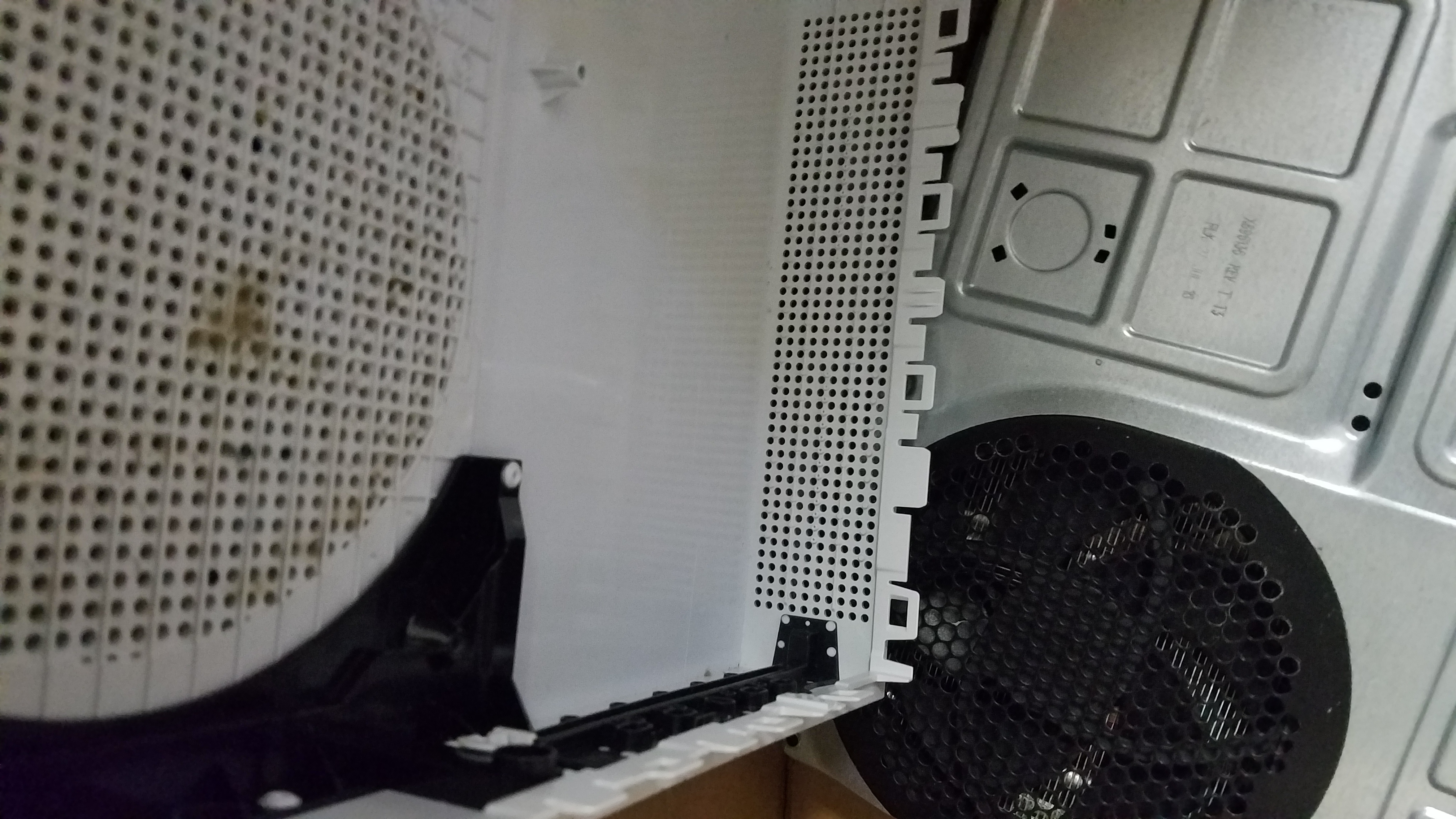
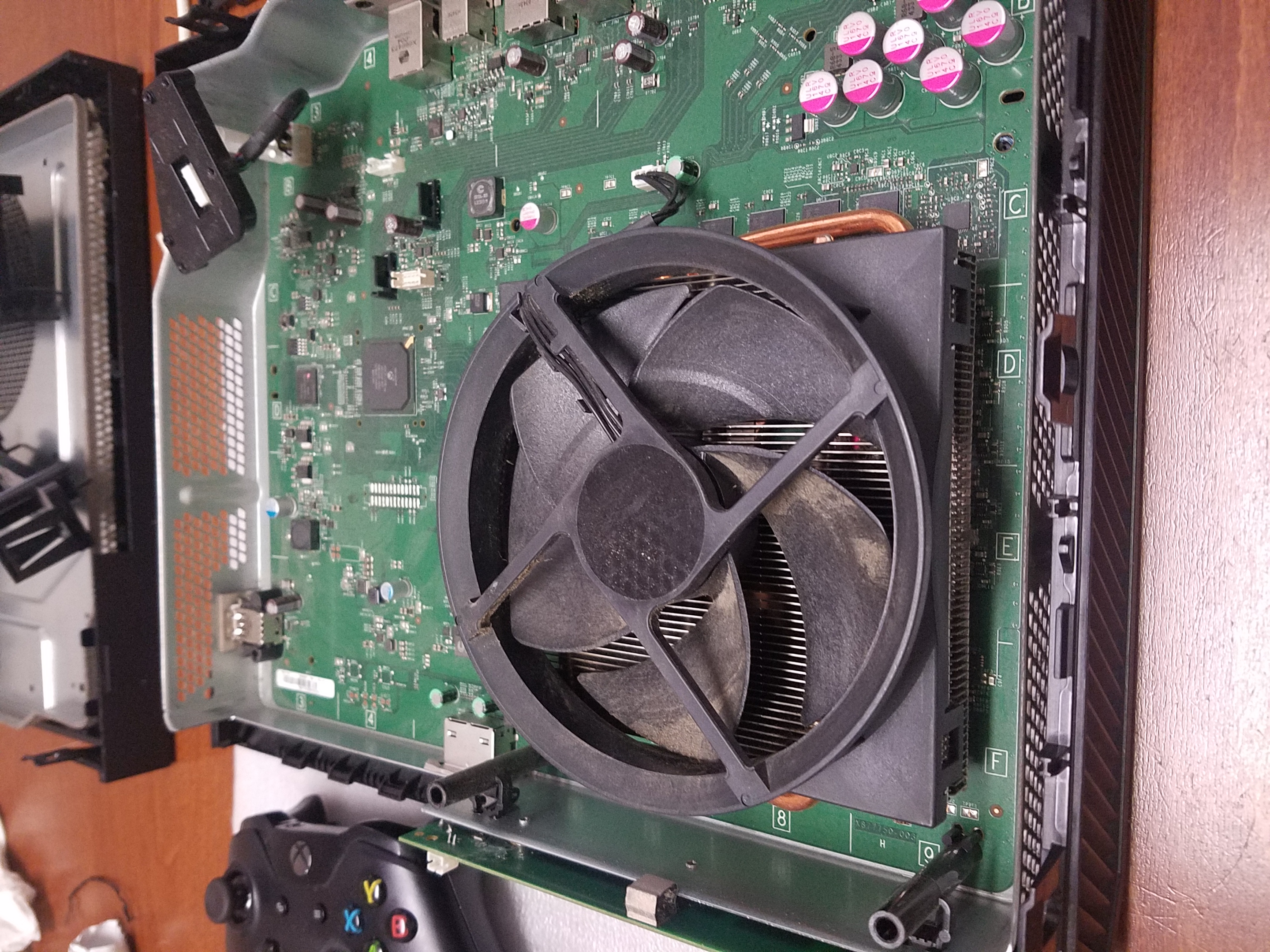
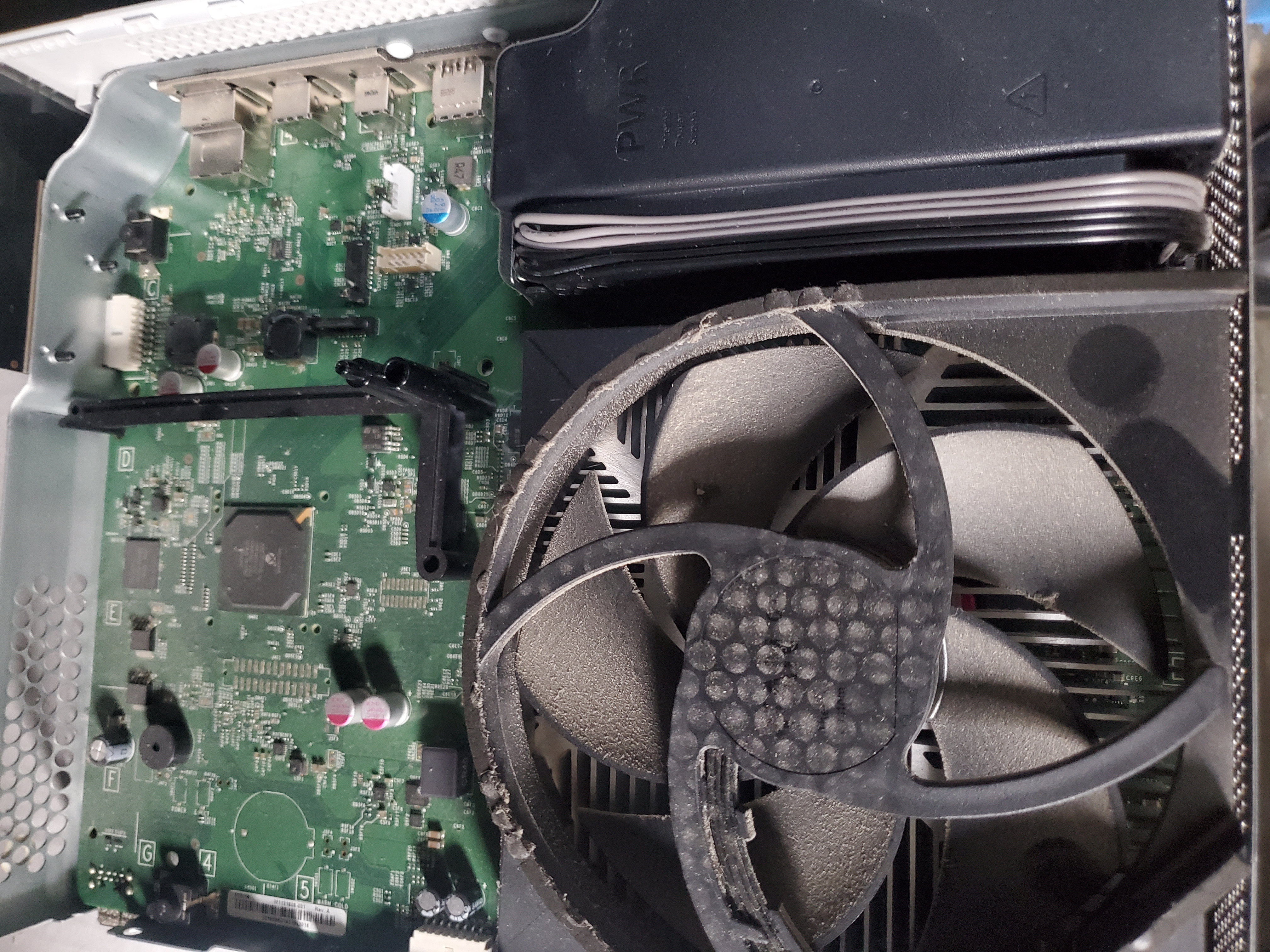
Regular cleaning can prevent major repairs. Our Xbox One Cleaning Service removes dust and debris, helping you avoid costly reflows or rebills.

Xbox One HDD Upgrade Service

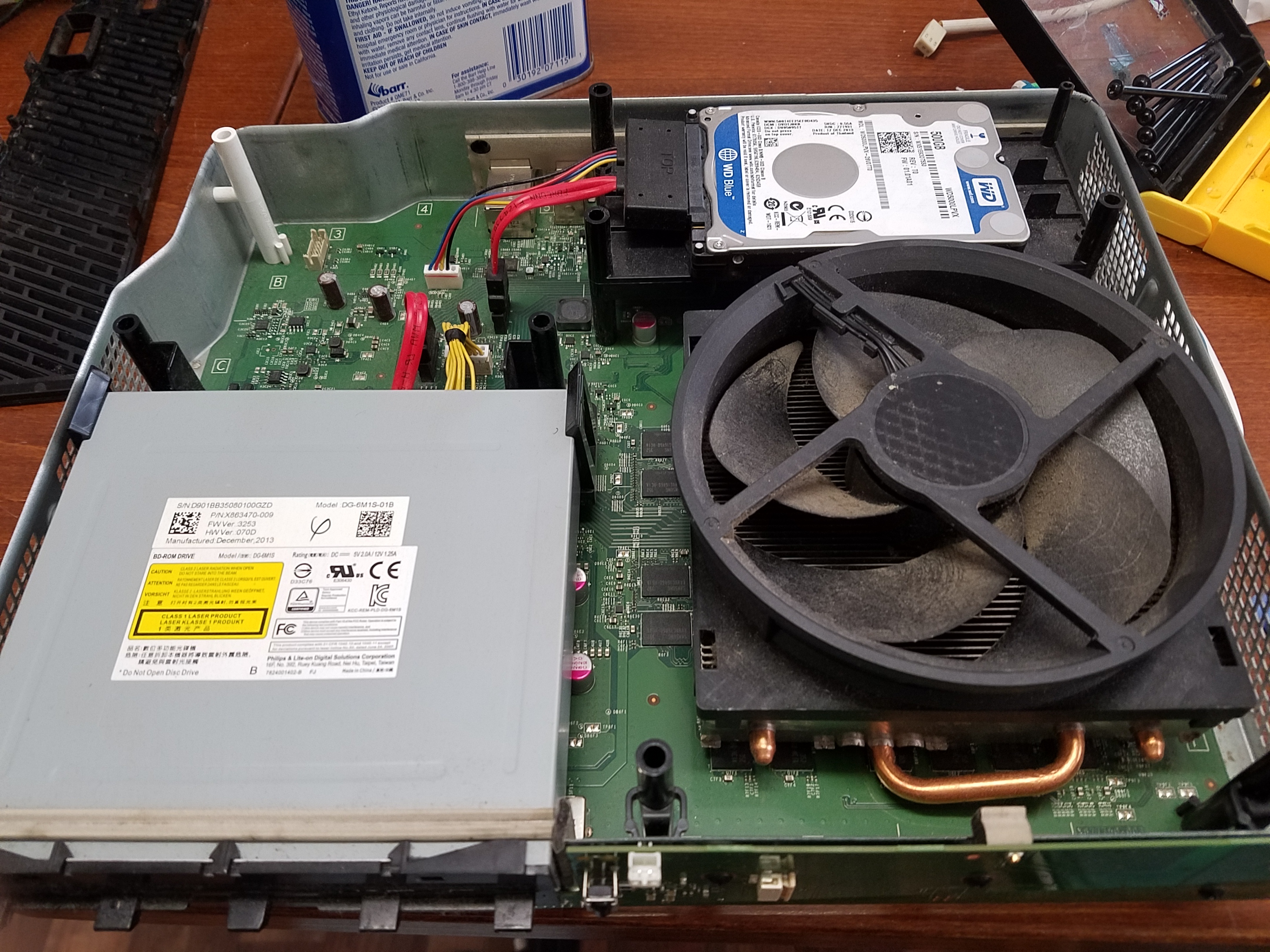
Xbox One systems come standard with a 500 GB drive—which is absolutely too small for playing many games. If you really want the most out of your Xbox system, you need to upgrade to a 1 TB or 2 TB drive. For the “Leet” gamers out there, a 4 TB drive upgrade is available.

What Drive Best Fits Me?

Now you also have a choice of speed when it comes to your drive. You can choose a 5400 rpm or 7200 rpm drive, or even a more expensive 10k rpm drive. Alternatively, you can step up to an SSD drive, which offers blazing-fast speeds—up to 30 times faster than a normal HDD, though at a higher cost. It really comes down to whether you value speed or storage capacity.

Upgrade Options

There are two types of upgrades:

  • Fresh Upgrade: We perform a clean install and reflash of your Xbox. This gives you a system that is as good as brand new—complete with fresh software upgraded to the latest firmware, all installed on your newly upgraded 1 TB, 2 TB, or 4 TB drive.
  • Clone Upgrade (Clone-Grade): This method aims to preserve your existing data with about a 90% success rate. Keeping your data intact during a storage upgrade can be cumbersome and time-consuming, especially with factors like encryption and error correction.

Whichever drive you choose and whichever budget you have, we will replace and upgrade your system so you can enjoy more storage and keep all your games in one place.

Common Questions

  • How long is the Xbox One warranty? Microsoft typically offers a 1-year warranty covering manufacturer defects—excluding water, physical, or pest damage.
  • How do I fix my Xbox One or its power brick? Simply send it to TDR for diagnostics and repair.
  • My Xbox One won’t turn on. What can I do? Ensure all power connections are secure. If the issue persists, bring it in for a thorough diagnostic.

Xbox One Repair Blog

Read our repair blog for real-life case studies and repair stories—from fixing no video issues and ethernet port replacements to HDD upgrades and Blu‑Ray drive repairs.

Get Your Xbox Fixed Today

Don’t let a broken Xbox keep you from gaming. Contact TDR for expert repair services and diagnostics.

Start a Repair

Most Popular Xbox One Videos

previous or current roach infestations go straight into the decontamination chamber for life. too much risk of disease. etc etcFor more information on...
1M+

A big NO👎 for this Xbox one s | #shorts - YouTube

Duration: 00:00:18

1,167,721
Watch to see the difference of an expert opinion on what is misdiagnosed as a broken HDMI port. If you do not have the right tools it will be annoying...
100K+

You might think your HDMI port is broken on your Xbox, However... - YouTube

Duration: 00:00:59

629,043
0:00: Intro of OG Xbox one with no video0:12: I take it down the motherboard here0:27: We got the Xbox one logofor more information on our Xbox one re...
100K+

OG Xbox one with no video. simple fix. #shorts - YouTube

Duration: 00:00:37

618,601

Common Xbox One Repairs

We fix a wide range of issues for the Xbox One. Here are some common problems we address:

More Xbox One Videos

Xbox one s can be tricky when diagnosing the black screen of death. Some people think its the HDMI port. .. so they mess up the port while trying to p...
100K+

Xbox One S BSOD.. caused, not, by the HDMI - YouTube

Duration: 00:00:59

554,985
Completely obliterated Xbox one s. Just Watch! enjoyFor more information on this repair please visit https://techdevicerepair.com/xbox-one-s-x-repair-...
100K+

What a mess of an Xbox One S! Can we fix it? - YouTube

Duration: 00:01:00

514,902
This is a classic motherboard repair where we will need to replace the retimer chip.Those chips can go bad, especially if connected to a bad TV all th...
100K+

Xbox One X suffering from lines on the screen and random glitches - YouTube

Duration: 00:00:59

250,812
This special edition Xbox One X came in for a "bad video" issue. the power button was also broken, but it does power on with the cd inserted... The...
10K+

special edition xbox one x having an issue with no signal to TV - YouTube

Duration: 00:00:55

60,769
HDD upgrades are available https://techdevicerepair.com/xbox-one-hdd-upgrade-service/
10K+

Xbox One X Hard Drive Reflash. - Quick Video - YouTube

Duration: 00:00:37

47,455
the Xbox one x suffers from a no video issue on the screen. you can stream it to the computer but you get no signal to your tv. usually the tv causes...
10K+

Xbox One X - no signal - incompatible signal on TV - YouTube

Duration: 00:00:59

43,609
customer sent in a limited edition Xbox one s gears of War for a repair no-signal repair.For info on this repair : https://techdevicerepair.com/xbox-o...
10K+

Gears of War Xbox One S in for repair. Can we fix it? - YouTube

Duration: 00:00:36

43,187
Customer sent in this Xbox One that does not power on at all or make any noises, lights, or beeps. here is our repair attempt.Enjoy!For more informat...
10K+

A completely dead Xbox One S - 12V short main rail - YouTube

Duration: 00:00:55

38,574
I wonder if we added a drive to this one.. What would happen. However this is an HDMI port repair. Enjoy! for more information on our Xbox one repairs...
10K+

Xbox One S digital edition repair... odd concept. - YouTube

Duration: 00:00:59

36,523
Please see other videos on how to get out of the 58 percent issue when upgrading your hdd.most common reasons 1. reset software2. bluray failure3. bad...
10K+

1TB Xbox one S Harddrive replacement - stuck at 58% - YouTube

Duration: 00:01:00

16,019
Power management chip corroded.0:00: Xbox One X0:11: We do see previous work here0:28: the power management area0:38: Let's go test itFor info on Xbox...
10K+

Water damaged Xbox One X #shorts - YouTube

Duration: 00:00:53

11,169
In this video, we are going to show you how we Fix Xbox One Water Damage EASY Repair (QUICK METHOD)Are you having one of these issues? Water Damaged...
10K+

Water Damaged Xbox ... Can we fix it? - YouTube

Duration: 00:00:58

10,379
Quick and easy port swaps here for the Xbox one s... hoping the SS and SX will be as durable and workable as this model. Really love the S HDMI ports....

15 second Xbox one s HDMI port swap. the IN for the OUT - YouTube

Duration: 00:00:16

7,087
Previously tampered with!For more information on this repair visit: https://techdevicerepair.com/xbox-one-black-screen-of-death-repair-service/SUBSCRI...

They tried! They Failed!. Special Edition Xbox One X #shorts - YouTube

Duration: 00:00:59

6,580
Let's fix this no-video issuesometimes called black screen of Deathhttps://techdevicerepair.com/xbox-one-black-screen-of-death-repair-service/

Is the xbox one x considered retro yet? - YouTube

Duration: 00:01:00

6,248
I did like the results, not gonna lie pretty fast. enjoyfor more information on HDD upgrades on the Xbox system visit: https://techdevicerepair.com/x...

Project Scorpio SSD upgrade... #shorts - YouTube

Duration: 00:00:59

5,237
Trivial for us, maybe not for all, Watch and Enjoy! For more information on Xbox One repairs visit: https://techdevicerepair.com/xbox-one-s-x-repair-s...

Advanced Warfare Limited Edition Xbox with no Video output to TV - YouTube

Duration: 00:00:59

4,522
my 2 cents on devices sent this way.it was packed properly! and the box doesn't have any signs of damage. Particularly the customer might have good in...

A message to all repair techs, be careful of this kind of customer! - YouTube

Duration: 00:00:45

3,957
I think that's pasta sauce.!! For more information on our repairs please visit https://www.techdevicerepair.com/xbox-one-s-x-repair-service-xb1/SUBSCR...

Xbox is not powering on due to water damage! Can we fix it! - YouTube

Duration: 00:00:56

3,945
The DP159 retimer chip for the Xbox one S blows constantly. and even if you replace the HDMI Port you will not get any signal! Believe me! You have to...

Replaced HDMI port & Still not working? NP! It's the RETIMER Chip - YouTube

Duration: 00:00:43

2,814
No power repairs on the xbox one system can be from many different reasons. to get your Xbox repaired visit: https://www.techdevicerepair.com/xbox-on...

OG Xbox One . not powering up.. - YouTube

Duration: 00:00:56

2,793
Can we fix it? For more information on the Xbox no video repairs visit: https://www.techdevicerepair.com/xbox-one-black-screen-of-death-repair-service...

Xbox One X with a short on the video Signaling circuit! - YouTube

Duration: 00:00:45

2,488
If the Blu-ray drive is not spinning and you do see the laser working. then it could be one of 2 things. the spindle or the board.in this case the boa...

What do you do if replacing the laser and spindle fails? Xbox one Blu-ray fix - YouTube

Duration: 00:00:58

2,279
keep eliquid away from xbox systems. 😂😂😂For more information on our repairs please visit our website at https://techdevicerepair.comEliquid damaged...

eliquid damaged Xbox one x! (bluray is not working) - YouTube

Duration: 00:00:54

1,320
Finally got this one working! Reminds me of the days of RROD! ha...if you know you know..https://techdevicerepair.com/xbox-one-s-x-repair-service-xb1...

We replaced almost every chip on this Xbox, But then we give this a try! - YouTube

Duration: 00:00:50

991
The Biggest issue was the HDMI ESD Protection/Booster Chip. For more information visit: https://techdevicerepair.com/xbox-one-s-x-repair-service-xb1/

Water Damaged Xbox -- Can we fix it? (Coffee Spill) #shorts - YouTube

Duration: 00:00:58

988
For more information on our repairs please visit https://techdevicerepair.com/xbox-one-s-x-repair-service-xb1/----------------------------------------...

Completely Not Working original Xbox one #letsfixit - YouTube

Duration: 00:00:59

537
The no video issue on an xbox one x is related to the TDP158 chip if and only if the HDMI and other components test good. The ESD chip is the second o...

Gears of War 5 Special Edition Xbox one X in for a motherboard repair. #longershorts #novideo - YouTube

Duration: 00:01:42

468
Enjoy the speed run.-----------------------------------------------------------------------------------------------------------Twitter: https://twitte...

Repairing 3 Consoles in less than a Minute! Let's Go! - YouTube

Duration: 00:00:59

467

Xbox One Photo Gallery

Footer

Ready to Fix Your Xbox One?

Don't wait! Get a fast, reliable repair from our expert technicians. Click below to start the process online.

Start Your Repair Now
Repair service guide

Choose the right path before you ship.

Tech Device Repair provides component-level electronics repair through nationwide mail-in service, local drop-off partners, and limited On-the-Go service around Port Orange and Daytona. Use this guide to understand diagnosis, pricing, shipping, payment, warranty coverage, and customer support before starting an intake.

Start with the device model, the symptoms you can observe, and the service route you prefer. Useful details include whether the device powers on, whether video or charging fails intermittently, whether a connector is loose or physically damaged, and whether another shop has already worked on the board. Clear symptoms help TDR support route the request without guessing at a diagnosis.

The online intake creates a support record so the customer, the repair request, and later updates stay connected. It does not promise that a specific part is the cause. A console with no video may need an HDMI connector, filter, encoder, power rail, or board-level diagnosis. A laptop that will not charge may have a damaged port, cable problem, battery issue, or motherboard fault. The lab confirms the repair path after inspection.

Use the repair intake for a new device. Use TDR support when you already have a case, need help choosing a catalog service, or have a question about an existing repair.

Nationwide mail-in service is available throughout the United States. After opening an intake, package the device securely and follow the shipping instructions provided by TDR support. Remove loose accessories that are not required for diagnosis, protect protruding ports, use sufficient padding on every side, and choose a box that prevents movement. Customers pay shipping to and from the repair facility unless a written service term says otherwise.

TDR also works with independent drop-off partners. A drop-off location receives the device and helps move it into the repair process; it is not necessarily the laboratory that performs component-level board work. Check the location directory for the current address, directions, available services, and location-specific instructions before traveling.

On-the-Go repair is a local service around Port Orange and Daytona for eligible devices and repairs. Availability depends on the work, route, and schedule. Some faults require lab equipment and cannot be completed in the truck. TDR support will confirm whether mobile service, local drop-off, or mail-in service is appropriate for the reported problem.

TDR focuses on faults that often require soldering, connector replacement, trace repair, circuit testing, or board-level rework. Common services include PlayStation and Xbox HDMI port repair, Nintendo Switch charging-port work, laptop HDMI and charging-port replacement, damaged fan connectors, no-video diagnosis, and motherboard repair. Browse the service catalog for currently published repair options and prices.

A catalog service describes a known repair path, but the reported symptom remains the starting point. Physical damage, liquid exposure, previous repair attempts, missing pads, torn traces, damaged chips, and multiple simultaneous failures can change the work required. The device is inspected before the repair is represented as complete. When the reported fault does not match a published service, TDR may require diagnostic review before confirming a price.

The no-fix, no-repair-labor policy means repair labor is not charged when TDR cannot successfully repair the reported fault. Shipping, diagnostic items expressly approved in advance, parts already authorized, or other written non-repair charges may still apply. Review the service agreement for the terms governing a particular order.

Published catalog prices are starting points for the named service and device. An invoice can include the repair service, outbound shipping, applicable tax, and any separately approved work. TDR support should explain material changes before charging for a different repair path. Customers should rely on the current TDR invoice rather than an amount copied from an older message or an external ticketing system.

Online checkout uses PayPal for supported card and PayPal payments. A payment link is associated with one TDR invoice and should not be reused after that invoice is voided or superseded. TDR can also record an approved manual payment method, such as cash, against the invoice with an audit trail. The invoice status and payment ledger—not the support ticket—are the source of truth for whether TDR has been paid.

Do not send card numbers, account credentials, or other payment secrets through support chat, email, or intake notes. Use the secure checkout attached to the active invoice. If an amount or invoice number appears inconsistent, contact TDR before paying so support can verify the current order.

TDR customer support is connected through CCC, the system that helps the support agent recognize the customer and keep phone, SMS, email, web intake, and ticketing activity attached to the correct case. The support ticket is a communication tool; it is not the invoice, payment record, or repair record. TDR owns the catalog, order, invoice, payment, shipping, and repair facts for this business.

When you contact support about an existing repair, provide the current TDR invoice number or the support reference shown in your confirmation. Avoid opening multiple intakes for the same device and fault unless support asks you to do so. Duplicate requests make it harder to keep messages, shipping information, and repair decisions in one place.

A returning customer can have more than one case over time. A later laptop repair should not overwrite an earlier PlayStation repair, and an external ticket number should not become the customer identity. This structure lets TDR support understand the relationship without mixing separate devices or jobs.

After a successful repair, TDR records completion and coordinates the return method. Mail-in devices are normally shipped back using the address associated with the order. Local devices may be returned through the applicable pickup or drop-off process. Confirm address changes with support before return shipping begins.

Successful repairs include a 90-day warranty on parts and the repaired issue plus a 2-year guarantee on labor and workmanship, subject to the service agreement. Coverage does not turn every later device problem into the same repair. New impact damage, liquid exposure, unrelated faults, tampering, and damage outside the completed work may require a separate case and diagnosis. Contact support promptly if the repaired symptom returns.

Keep the invoice number and describe what changed after the repair. TDR can compare the current symptom with the completed work and determine the next step. Do not send the device without a current support instruction, because the correct route and shipping details may differ from the original order.