PS4 Blue Light of Death (BLOD) Repair for PlayStation 4

Starting at $99.00 · Same-day service · 90-day warranty · 50+ U.S. drop-off locations

PS4 Blue Light of Death (BLOD) Repair Repair for PlayStation 4

Service is currently on hold

Overview

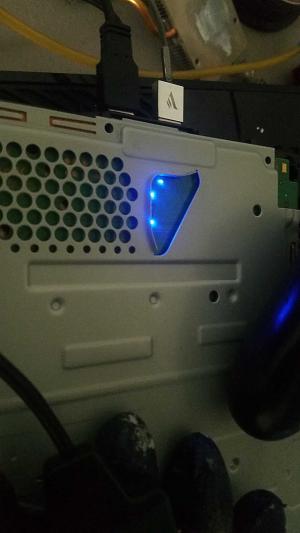
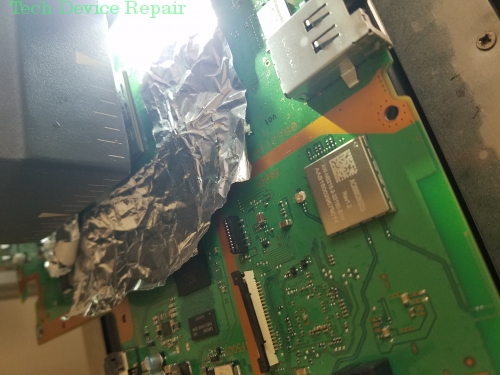
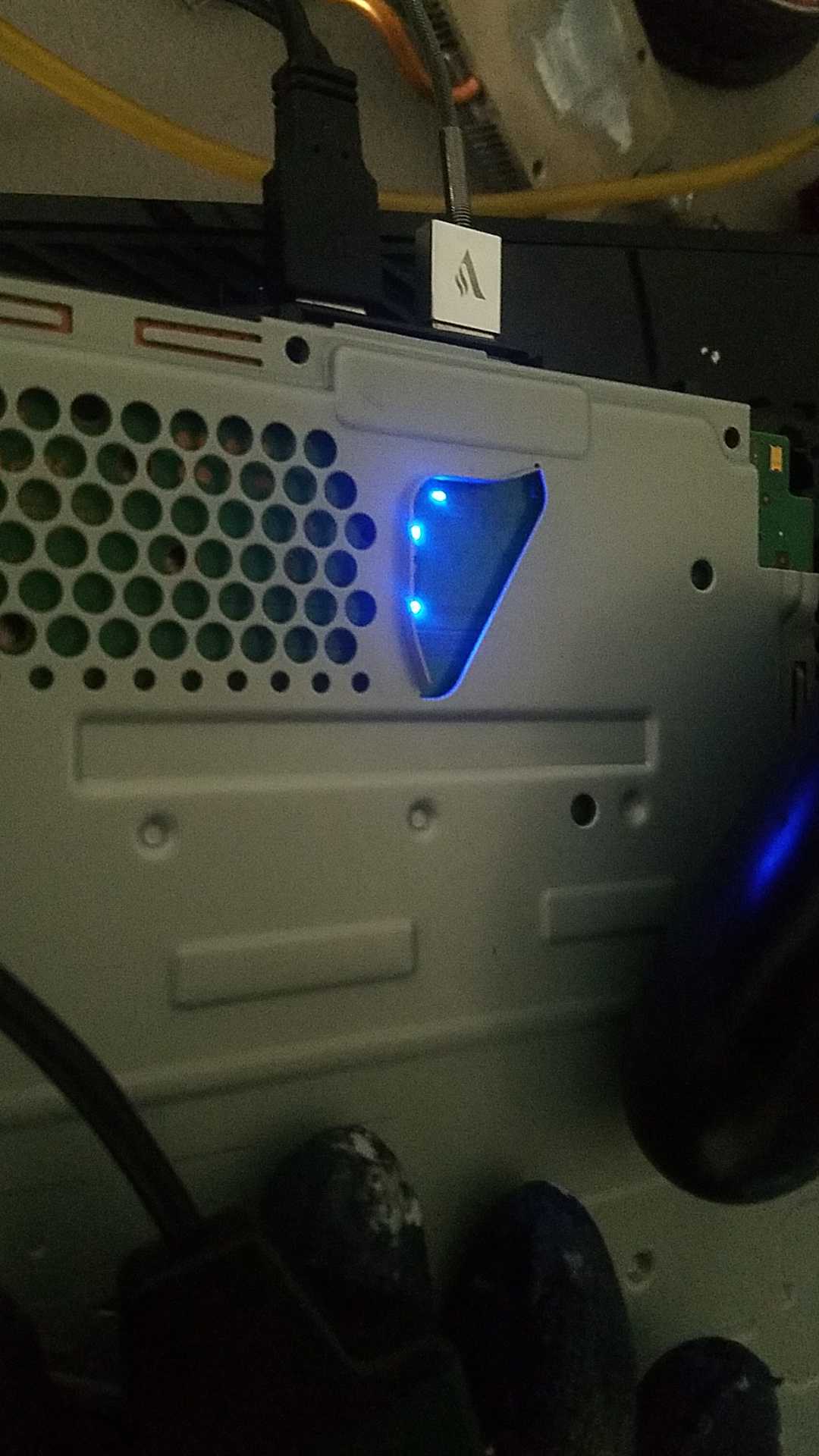
At Tech Device Repair we have repaired all the Blue Light of Death issues. The BLOD is known as the worst error you can get on the PS4 – usually meaning you only see a blue light, with no video or audio. Sometimes the blue light comes and goes, and sometimes it stays. If you have experienced a constant or temporary BLOD, you’re in luck because we have studied the issues and can repair most of them.

Types of BLOD

There are 3 major types of BLOD:

Type I (Instant Shutdown)

When the light bar turns blue for a fraction of a second and then goes away, you experience a no-power BLOD. This issue can be caused by the power supply, the motherboard main chip APU, or secondary chips that have shorted out. Fuses may have blown and other power components might have failed. Repairability is about 80%.

Type II (Blue Light 1-5 Seconds)

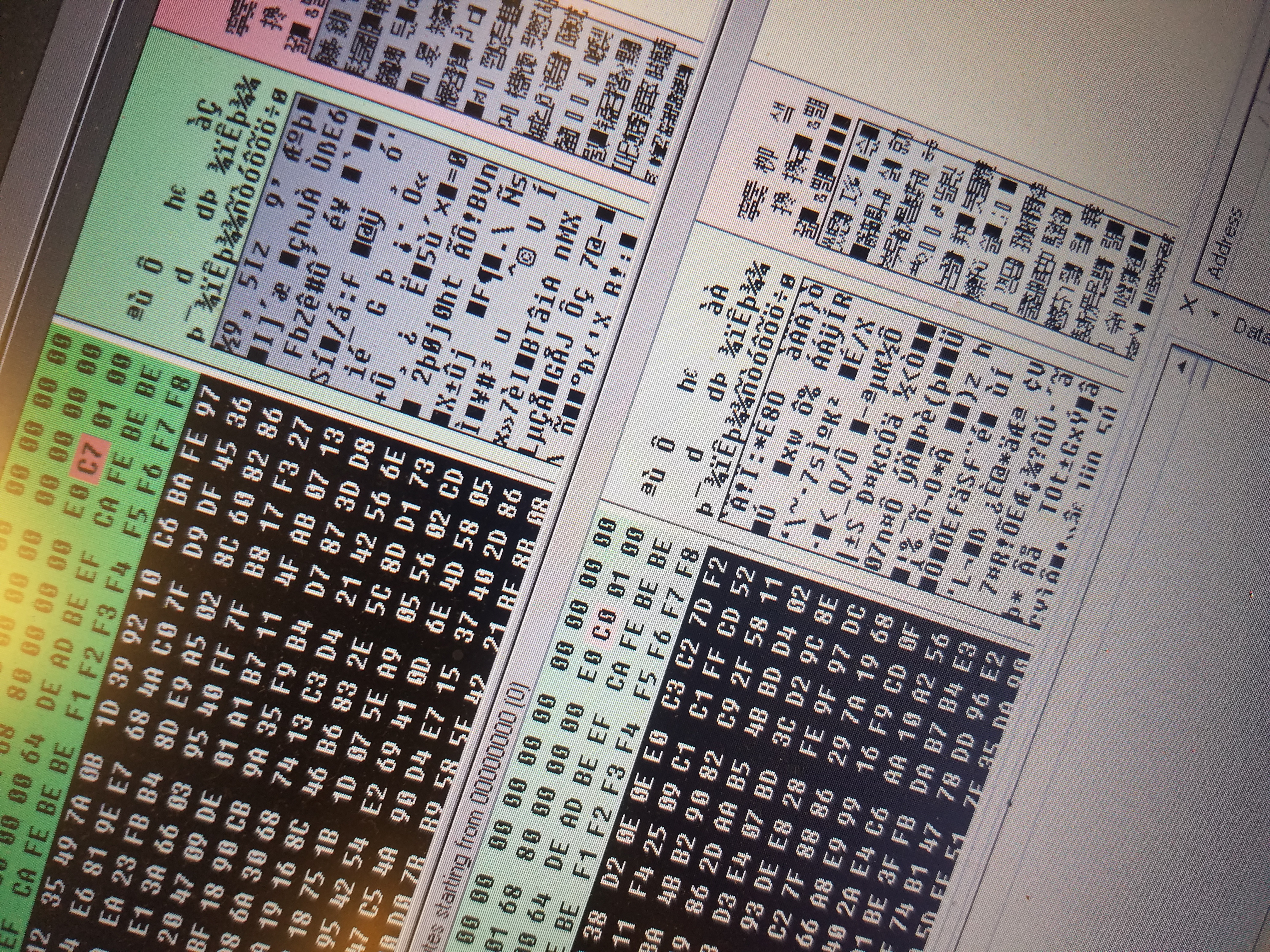
Often triggered by a system update or sudden shutdown, this issue may be due to corrupted software on the board. We detail this on our YouTube channel as we continue to learn about the system’s encryption. Repairability is about 50%. The challenge lies in decrypting, repairing, and then re-encrypting the data—a process made difficult by Sony’s encryption restrictions.

Type III (Constant Blue Light)

This is the most common BLOD issue, stemming from a design flaw. With specialized equipment, we can repair it, though human error may sometimes affect the process. Repairability is approximately 95%.

Is your PS4 experiencing the Blue Light of Death?

Consider these tips to determine if your console is repairable (applicable for Type I & III):

Trick 1

  1. Turn off your PS4
  2. Wait a few seconds
  3. Tap 2 tough taps on the top middle of your PS4

It may appear as if the blue light issue is resolved, but the PS4 will simply restart a few times and then crash. Do not repeat this process more than once.

Trick 2

If you’ve ever tried the “Washer Method” and managed to get your system working temporarily—whether for an hour, a day, or even a month—then there’s a chance for repair. However, prolonged use of the washer method can permanently damage the board, making professional repair difficult.

So what now?

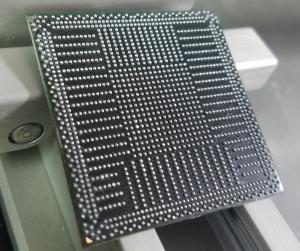
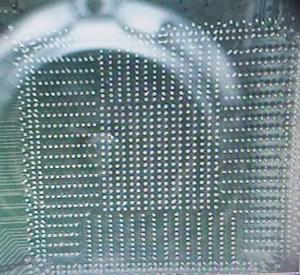
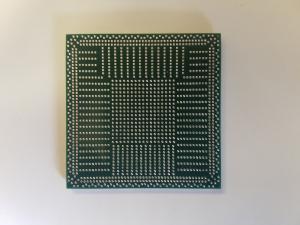
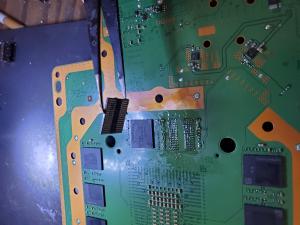
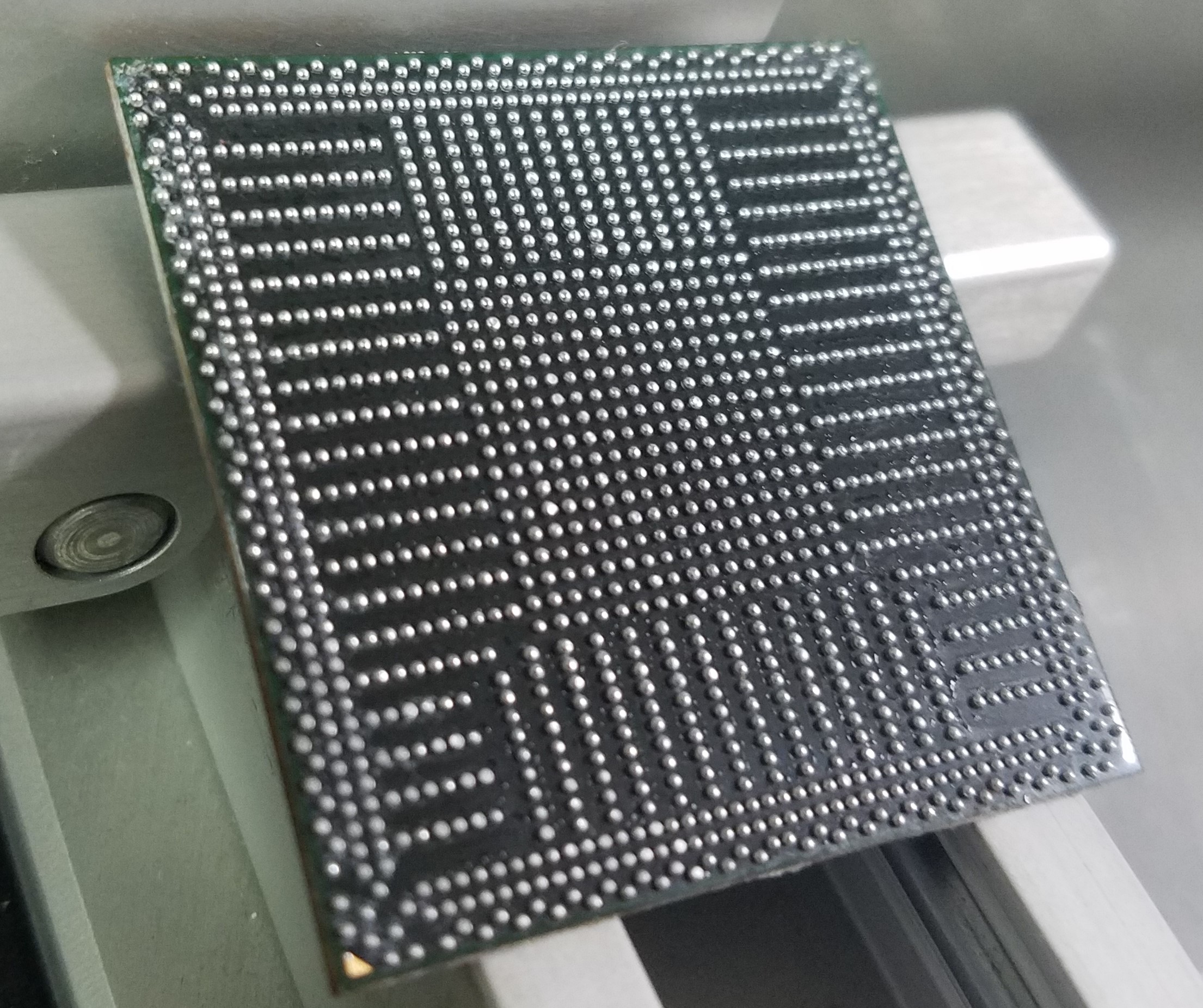
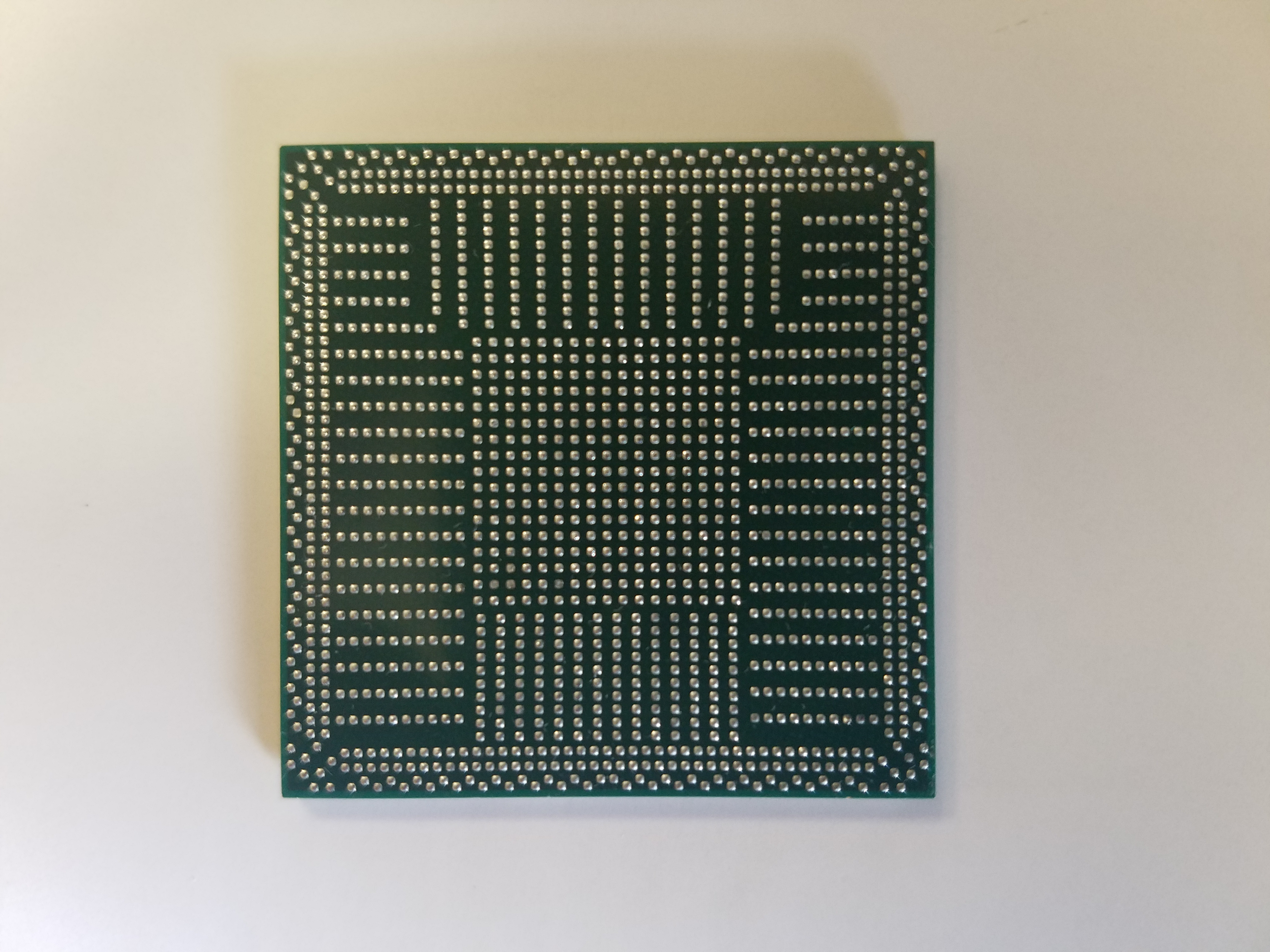
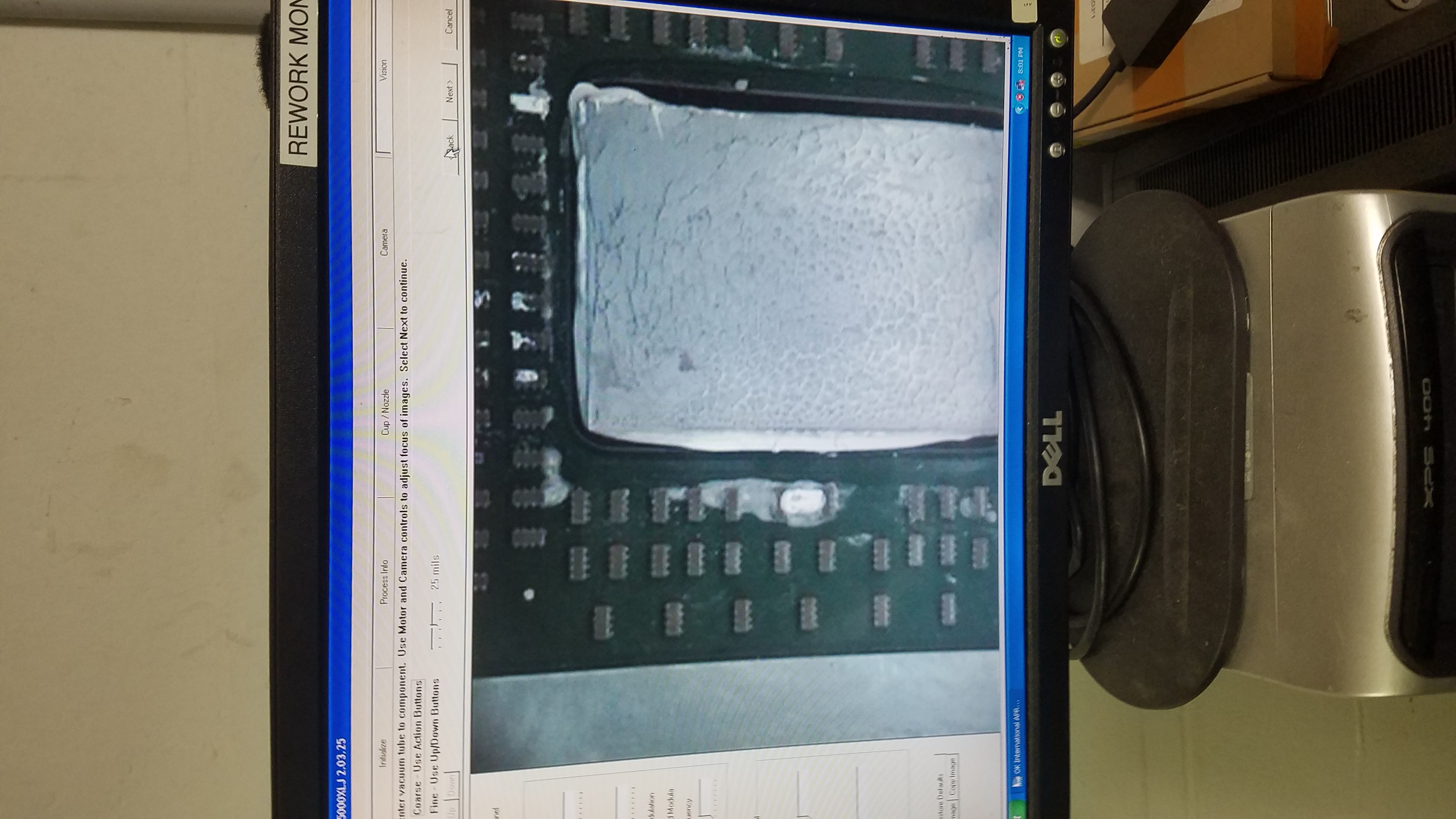
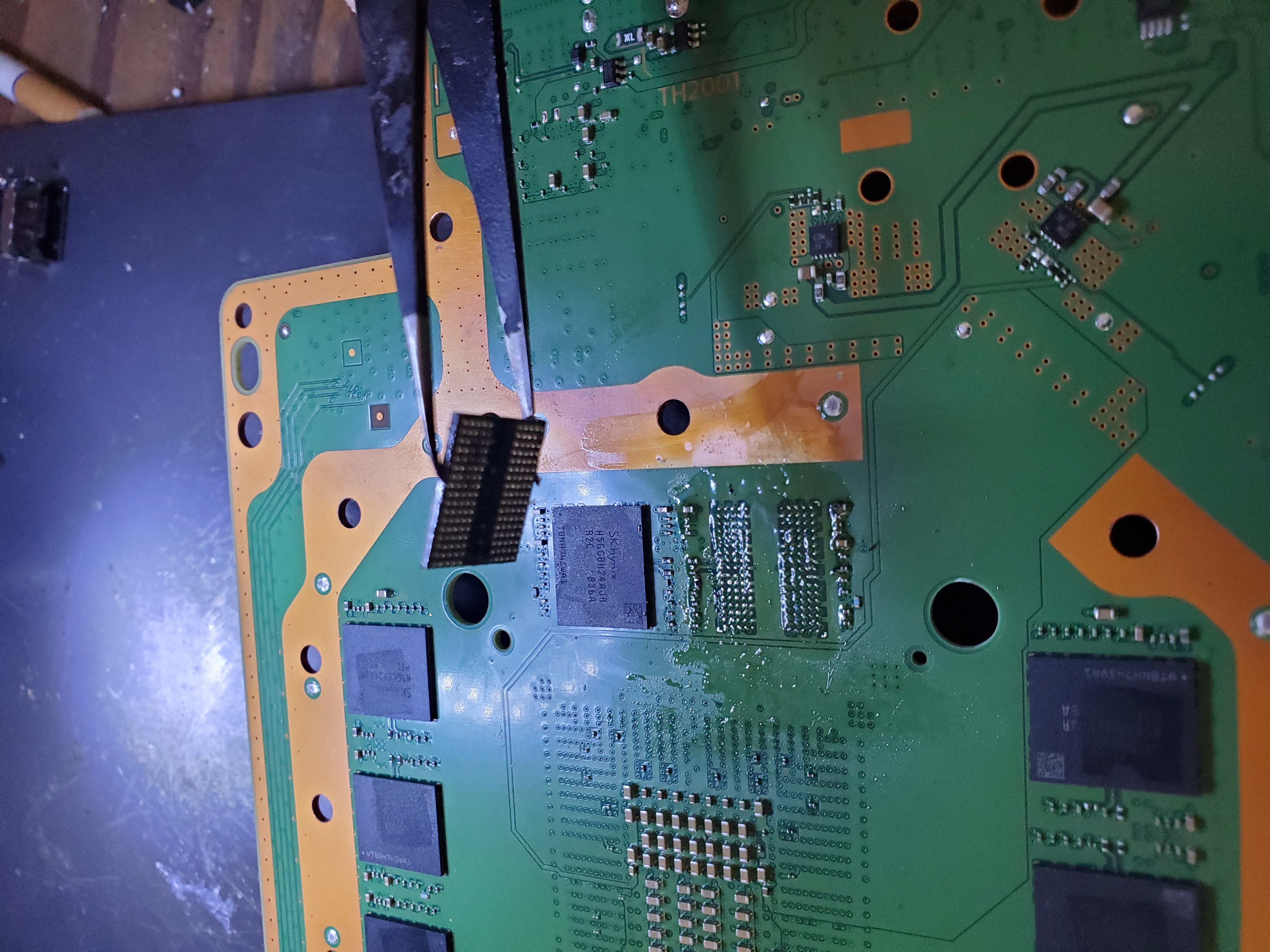
If you’ve temporarily fixed the blue light issue, we can permanently repair your machine using advanced motherboard re-manufacturing techniques, such as reflow or reballing. At TDR, we reveal specific details of our process upon request.

When a system is reballed, data is typically preserved; however, it isn’t guaranteed as data may be corrupted during the process. Despite this, our data recovery success rate is 99% for BLOD-related issues.

Symptoms & Heuristics

Symptoms

  • Constant Blue Light
  • Blue light comes on once and goes off
  • No video and the light keeps blinking

Heuristics

Some industry experts suggest that simply tightening washers can repair the BLOD. While this may work temporarily, it can result in irreversible damage. The repeated stress may misalign the components, causing long-term issues.

Here is why...

The APU of the PS4 can separate from the motherboard due to a tiny, hairline fracture that isn’t visible to the naked eye. This separation affects conductivity. Using washers excessively can deform the chip, the motherboard, and the solder joints, potentially causing an "eternal BLOD" where repairs become impossible.

Where to Get It Repaired?

You’ve come to the right place! At TDR, we specialize in advanced techniques for repairing the PS4’s BGA (the APU). Our expertise is trusted by experts in the gaming console repair industry.

Request a repair quote below and call us today. If your console shows a white light instead of blue, that indicates the White Light of Death issue, which is also repairable.

Repair Price:

$99.00 1.00% OFF

Issue Photo Gallery

Videos Related to PS4 Blue Light of Death (BLOD) Repair Repair

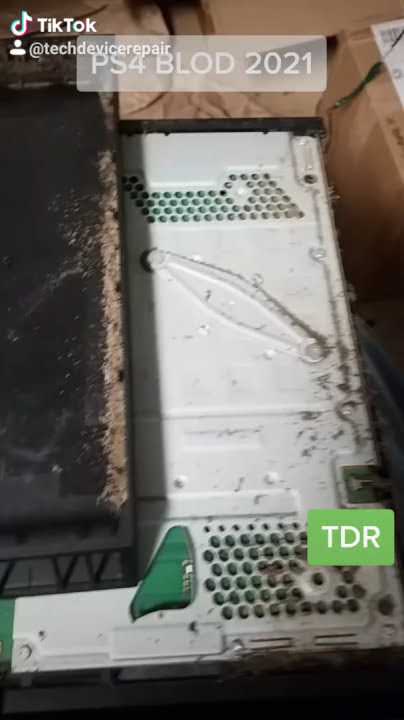
If you do not do regular maintenance, you will be prone to BLOD. It's a motherboard thing, and Sony is not to blame.for more info on the BLOD issue v...
The main reason for BLOD on a PS4 - Happy New Year 2021! - YouTube
100K+ Views

The main reason for BLOD on a PS4 - Happy New Year 2021! - YouTube

Duration: 00:01:00

134,660
Sometimes you might think that the BLOD is caused by the motherboard or any other reason. However, Do your due diligence and check! The Hard Drive usu...
Trivial BLOD (Blue Light Of Death) - quick repair - PS4 Slim - YouTube
100K+ Views

Trivial BLOD (Blue Light Of Death) - quick repair - PS4 Slim - YouTube

Duration: 00:00:50

115,009
The real golden boy.. special edition, requires a special repair. Enjoy! #golden #ps4 For more info on PS4 repairs visit: https://techdevicerepair.c...
A special edition PS4 requiring a special repair - the real golden boy! #shorts - YouTube
10K+ Views

A special edition PS4 requiring a special repair - the real golden boy! #shorts - YouTube

Duration: 00:01:00

11,995
Crazy system with both BLOD and no signal on tv. 2 in 1 Repair Hope you have enjoyed it. For more information on our repairs please visit https://tech...
Blue light of death & no signal ( blod + wlod ) repaired - YouTube

Blue light of death & no signal ( blod + wlod ) repaired - YouTube

Duration: 00:01:00

892

Ready to Fix Your PlayStation 4's PS4 Blue Light of Death (BLOD) Repair?

Our expert technicians are ready to help. Get started with our easy online repair process.

Start Your PlayStation 4 PS4 Blue Light of Death (BLOD) Repair Repair

Related Repairs

Repair service guide

Choose the right path before you ship.

Tech Device Repair provides component-level electronics repair through nationwide mail-in service, local drop-off partners, and limited On-the-Go service around Port Orange and Daytona. Use this guide to understand diagnosis, pricing, shipping, payment, warranty coverage, and customer support before starting an intake.

Start with the device model, the symptoms you can observe, and the service route you prefer. Useful details include whether the device powers on, whether video or charging fails intermittently, whether a connector is loose or physically damaged, and whether another shop has already worked on the board. Clear symptoms help TDR support route the request without guessing at a diagnosis.

The online intake creates a support record so the customer, the repair request, and later updates stay connected. It does not promise that a specific part is the cause. A console with no video may need an HDMI connector, filter, encoder, power rail, or board-level diagnosis. A laptop that will not charge may have a damaged port, cable problem, battery issue, or motherboard fault. The lab confirms the repair path after inspection.

Use the repair intake for a new device. Use TDR support when you already have a case, need help choosing a catalog service, or have a question about an existing repair.

Nationwide mail-in service is available throughout the United States. After opening an intake, package the device securely and follow the shipping instructions provided by TDR support. Remove loose accessories that are not required for diagnosis, protect protruding ports, use sufficient padding on every side, and choose a box that prevents movement. Customers pay shipping to and from the repair facility unless a written service term says otherwise.

TDR also works with independent drop-off partners. A drop-off location receives the device and helps move it into the repair process; it is not necessarily the laboratory that performs component-level board work. Check the location directory for the current address, directions, available services, and location-specific instructions before traveling.

On-the-Go repair is a local service around Port Orange and Daytona for eligible devices and repairs. Availability depends on the work, route, and schedule. Some faults require lab equipment and cannot be completed in the truck. TDR support will confirm whether mobile service, local drop-off, or mail-in service is appropriate for the reported problem.

TDR focuses on faults that often require soldering, connector replacement, trace repair, circuit testing, or board-level rework. Common services include PlayStation and Xbox HDMI port repair, Nintendo Switch charging-port work, laptop HDMI and charging-port replacement, damaged fan connectors, no-video diagnosis, and motherboard repair. Browse the service catalog for currently published repair options and prices.

A catalog service describes a known repair path, but the reported symptom remains the starting point. Physical damage, liquid exposure, previous repair attempts, missing pads, torn traces, damaged chips, and multiple simultaneous failures can change the work required. The device is inspected before the repair is represented as complete. When the reported fault does not match a published service, TDR may require diagnostic review before confirming a price.

The no-fix, no-repair-labor policy means repair labor is not charged when TDR cannot successfully repair the reported fault. Shipping, diagnostic items expressly approved in advance, parts already authorized, or other written non-repair charges may still apply. Review the service agreement for the terms governing a particular order.

Published catalog prices are starting points for the named service and device. An invoice can include the repair service, outbound shipping, applicable tax, and any separately approved work. TDR support should explain material changes before charging for a different repair path. Customers should rely on the current TDR invoice rather than an amount copied from an older message or an external ticketing system.

Online checkout uses PayPal for supported card and PayPal payments. A payment link is associated with one TDR invoice and should not be reused after that invoice is voided or superseded. TDR can also record an approved manual payment method, such as cash, against the invoice with an audit trail. The invoice status and payment ledger—not the support ticket—are the source of truth for whether TDR has been paid.

Do not send card numbers, account credentials, or other payment secrets through support chat, email, or intake notes. Use the secure checkout attached to the active invoice. If an amount or invoice number appears inconsistent, contact TDR before paying so support can verify the current order.

TDR customer support is connected through CCC, the system that helps the support agent recognize the customer and keep phone, SMS, email, web intake, and ticketing activity attached to the correct case. The support ticket is a communication tool; it is not the invoice, payment record, or repair record. TDR owns the catalog, order, invoice, payment, shipping, and repair facts for this business.

When you contact support about an existing repair, provide the current TDR invoice number or the support reference shown in your confirmation. Avoid opening multiple intakes for the same device and fault unless support asks you to do so. Duplicate requests make it harder to keep messages, shipping information, and repair decisions in one place.

A returning customer can have more than one case over time. A later laptop repair should not overwrite an earlier PlayStation repair, and an external ticket number should not become the customer identity. This structure lets TDR support understand the relationship without mixing separate devices or jobs.

After a successful repair, TDR records completion and coordinates the return method. Mail-in devices are normally shipped back using the address associated with the order. Local devices may be returned through the applicable pickup or drop-off process. Confirm address changes with support before return shipping begins.

Successful repairs include a 90-day warranty on parts and the repaired issue plus a 2-year guarantee on labor and workmanship, subject to the service agreement. Coverage does not turn every later device problem into the same repair. New impact damage, liquid exposure, unrelated faults, tampering, and damage outside the completed work may require a separate case and diagnosis. Contact support promptly if the repaired symptom returns.

Keep the invoice number and describe what changed after the repair. TDR can compare the current symptom with the completed work and determine the next step. Do not send the device without a current support instruction, because the correct route and shipping details may differ from the original order.