Xbox Series X/S Repair Services

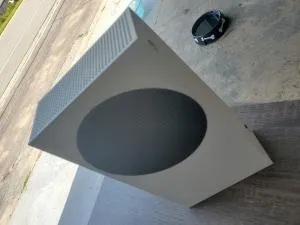
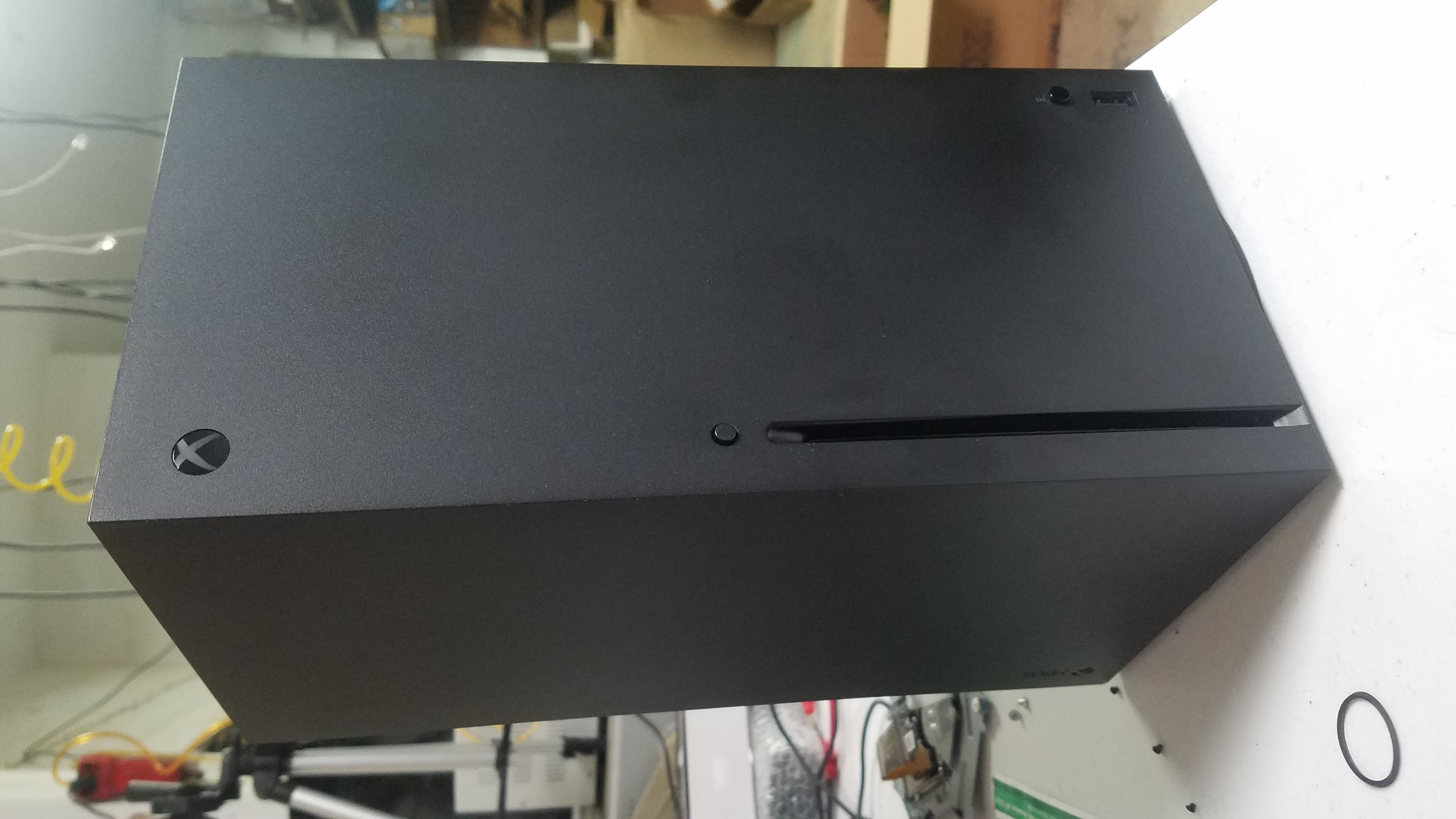
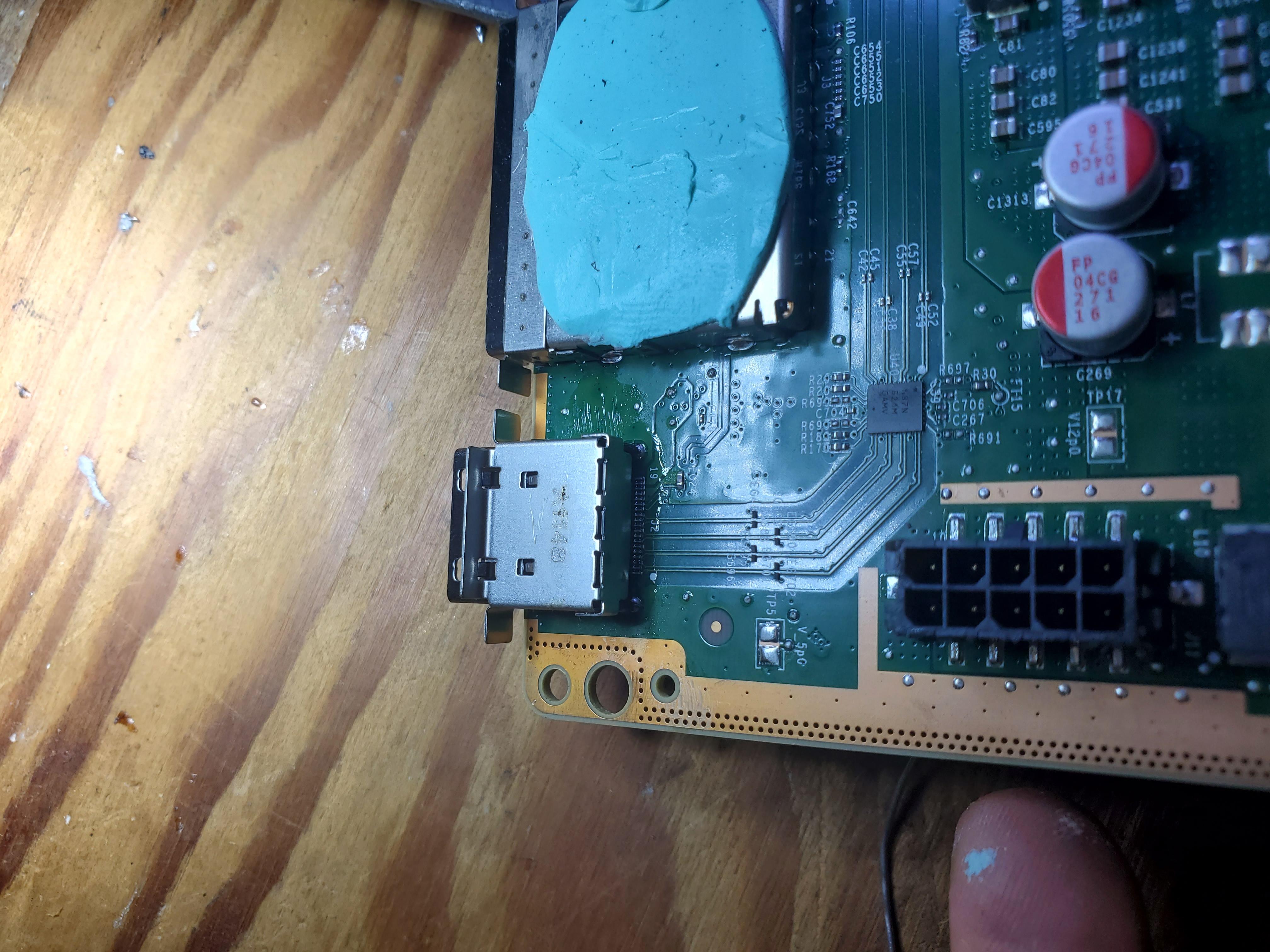
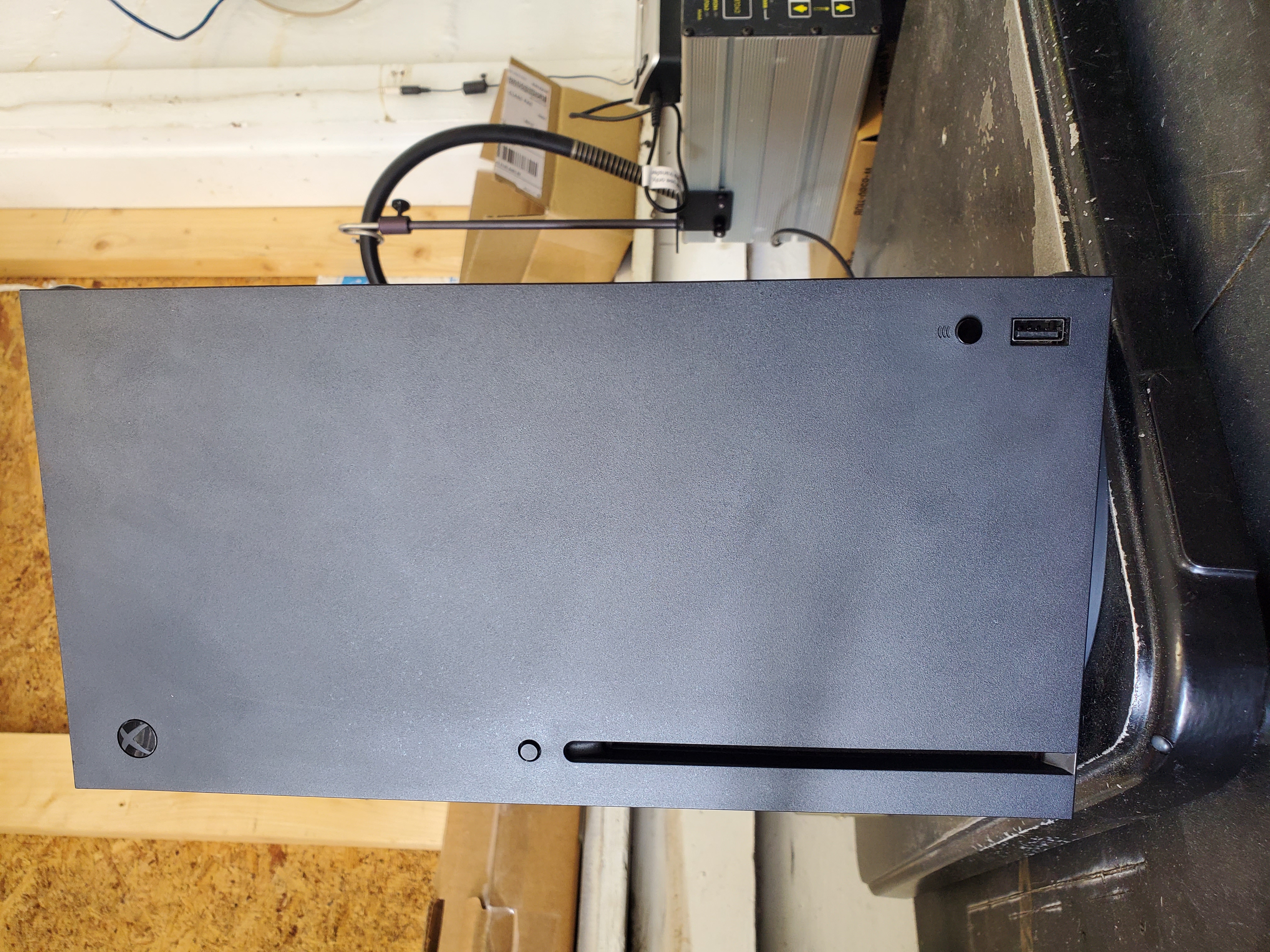
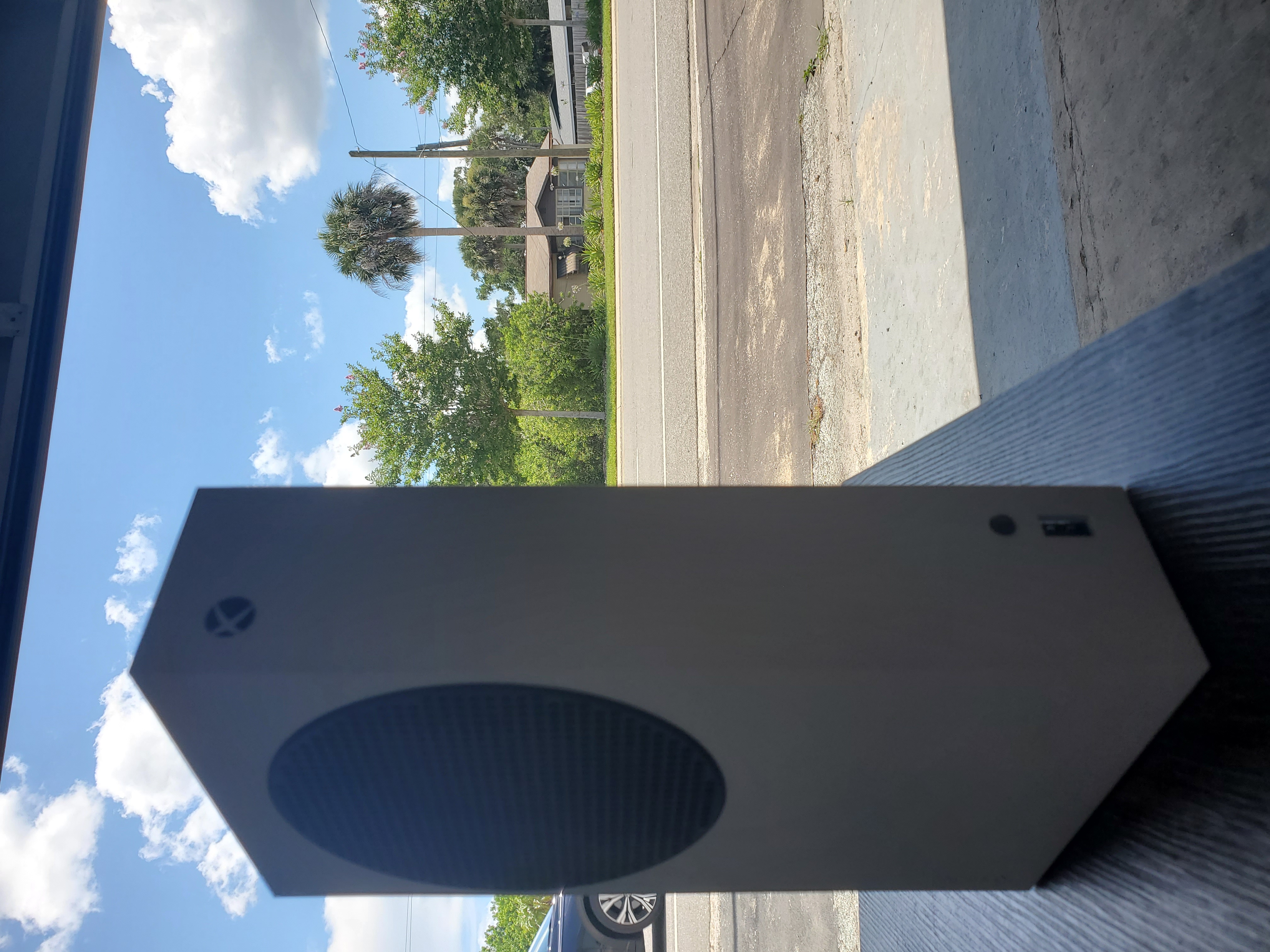
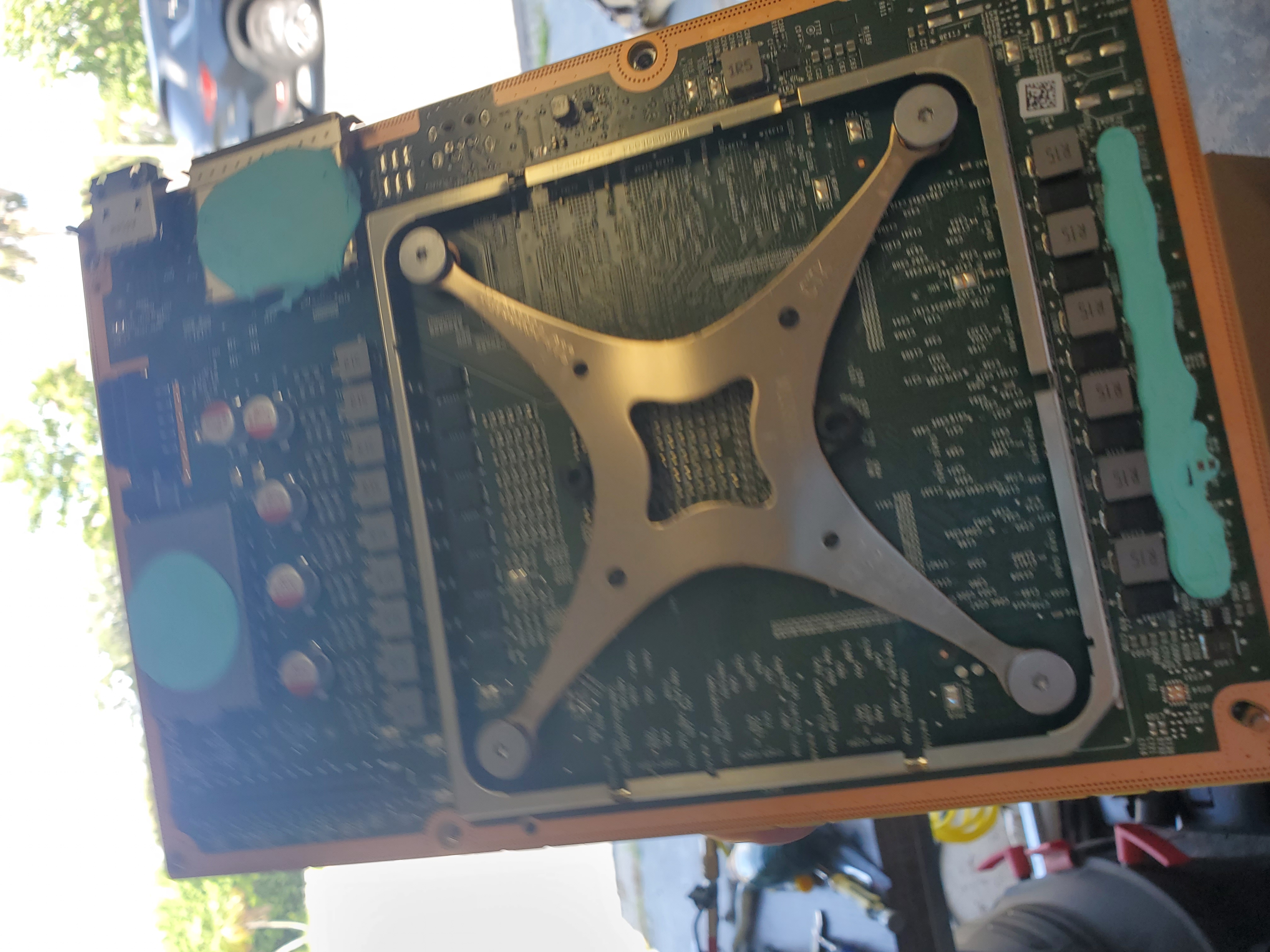
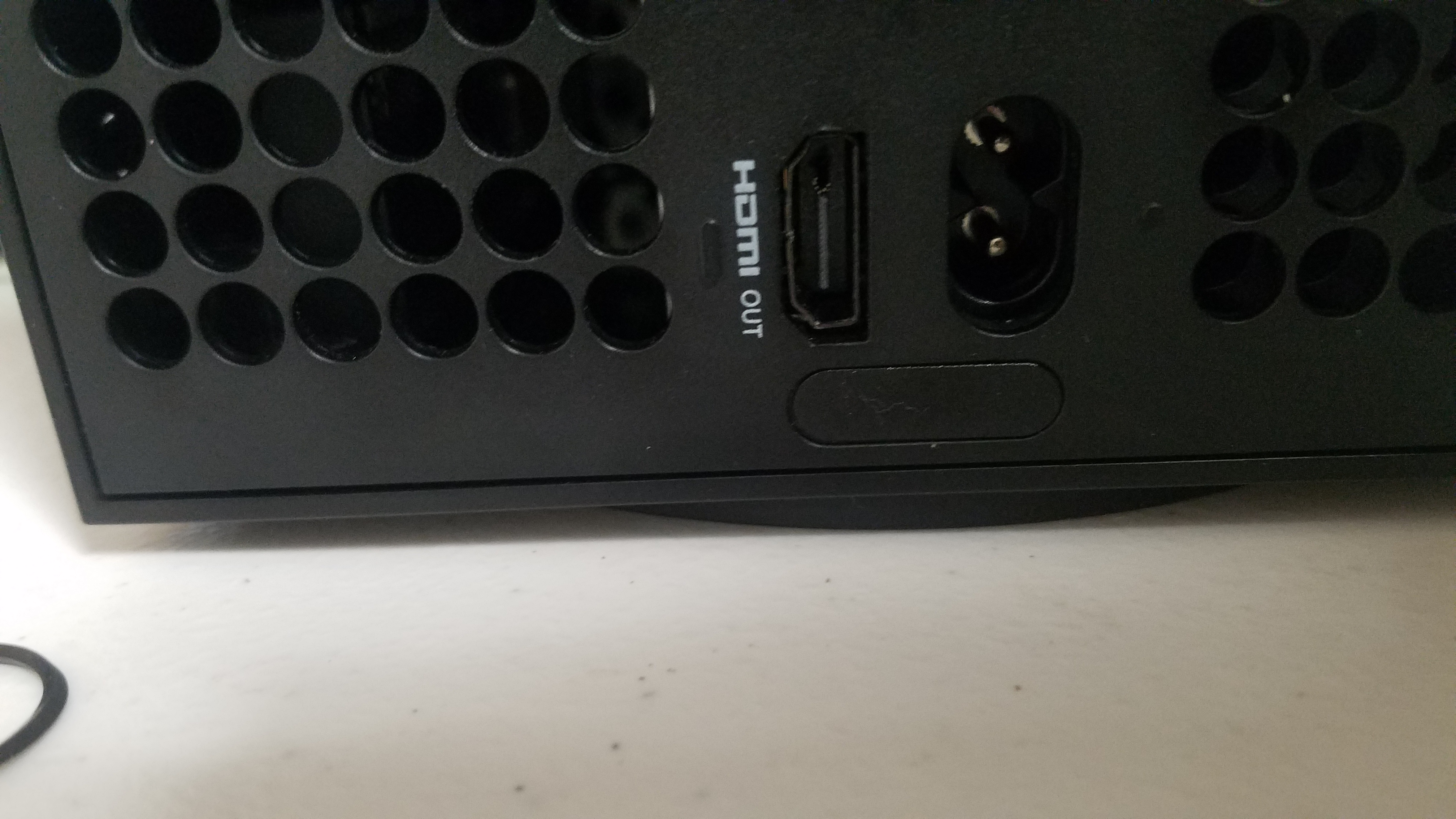
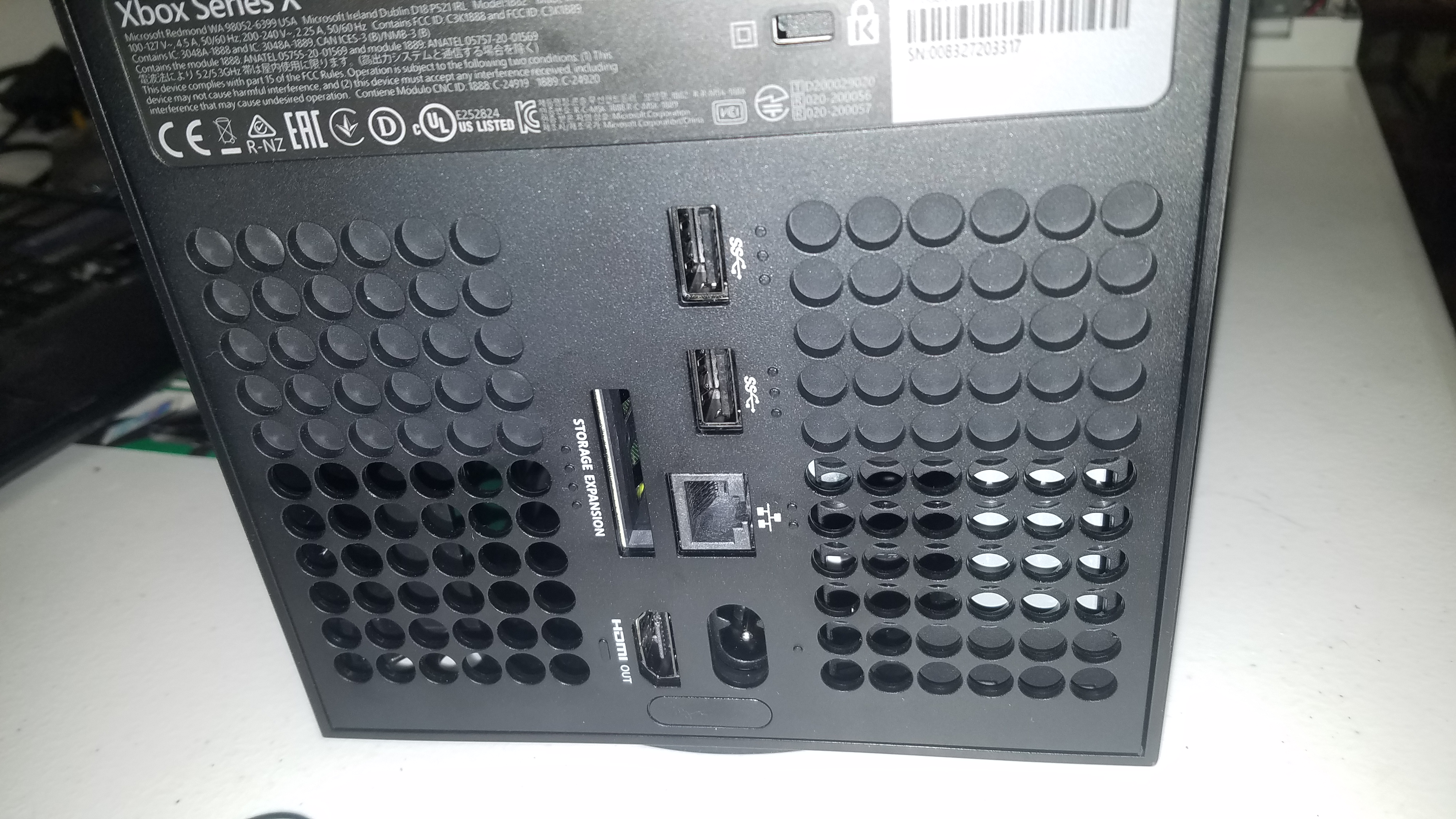
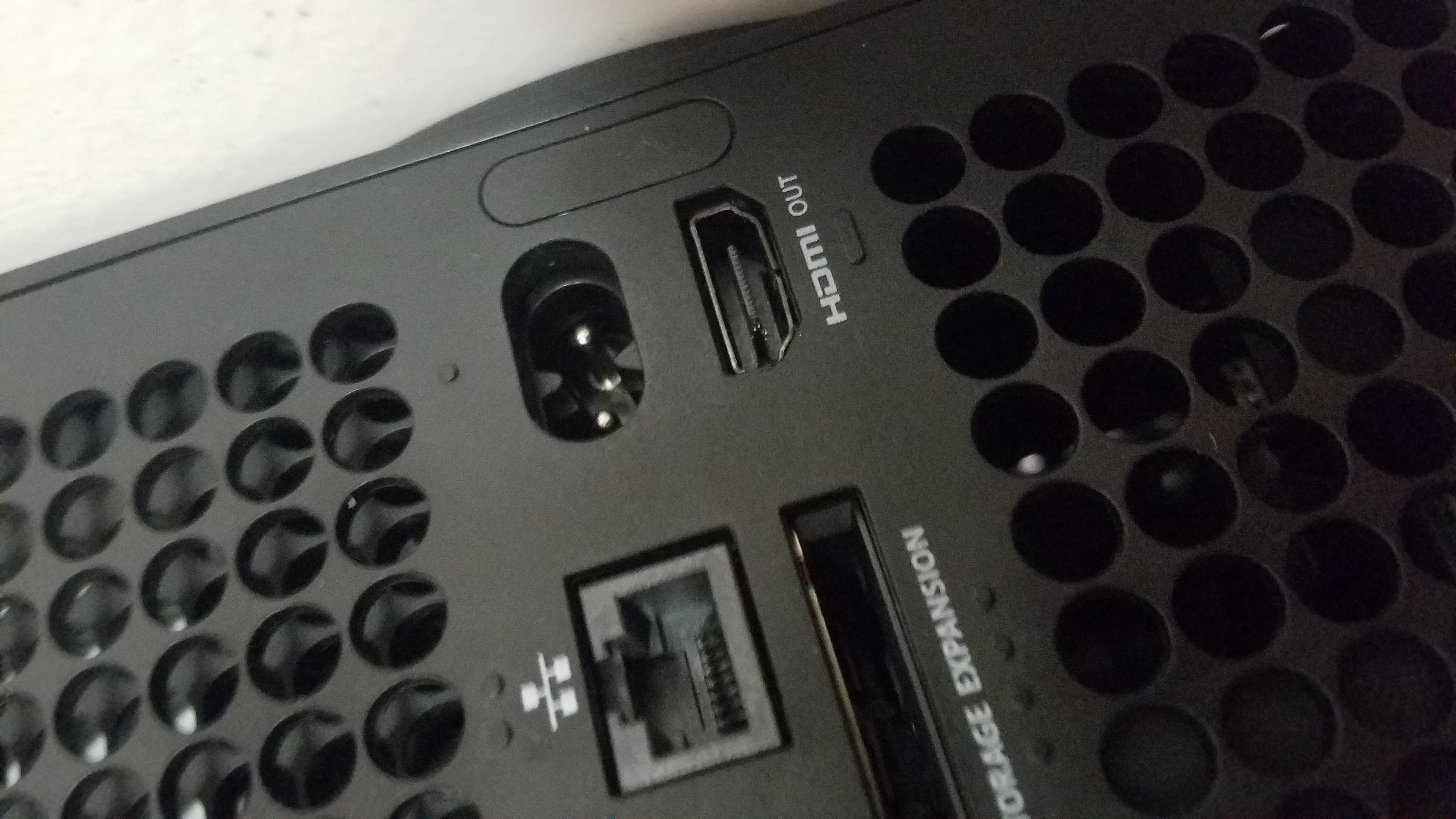
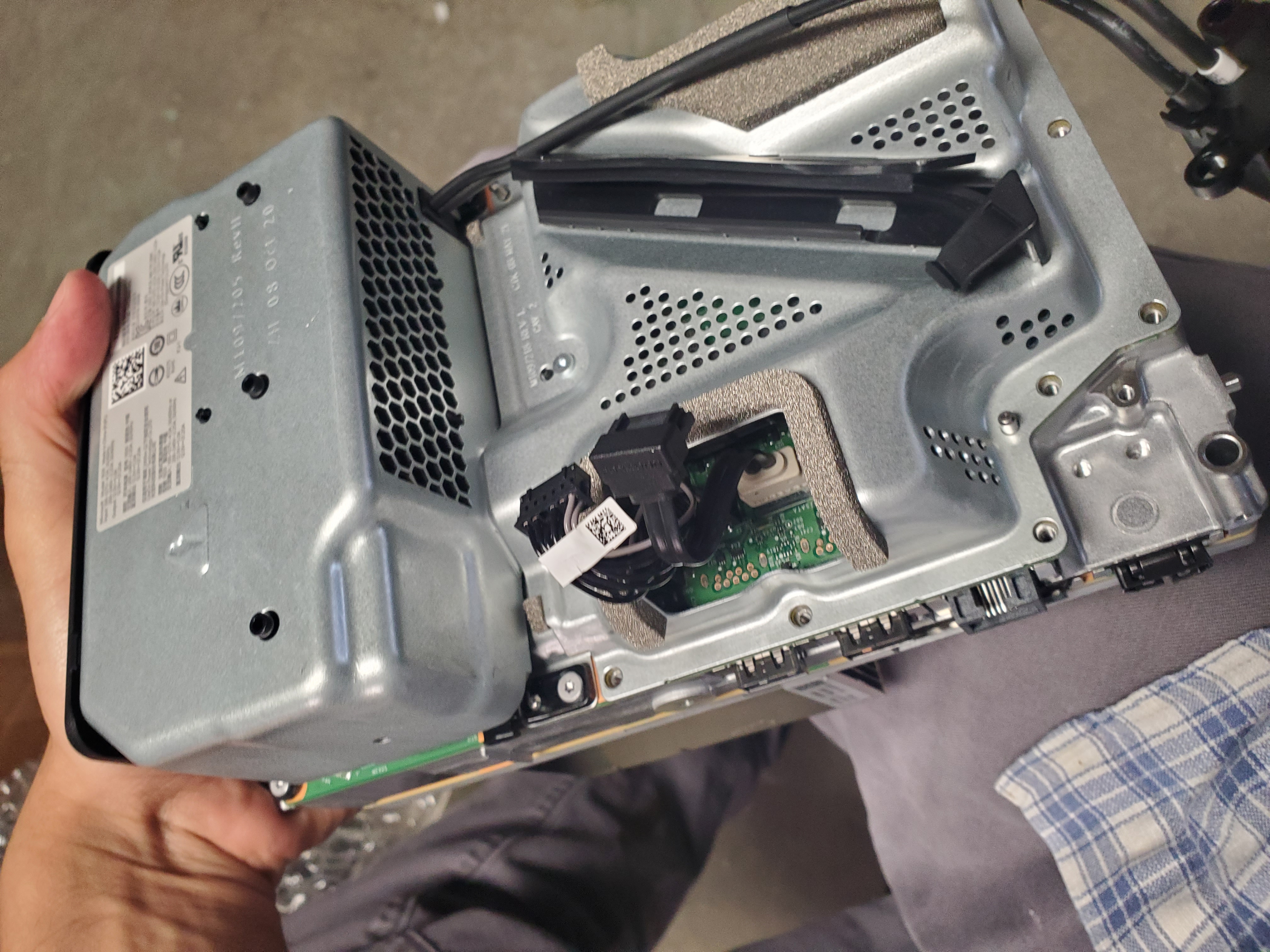
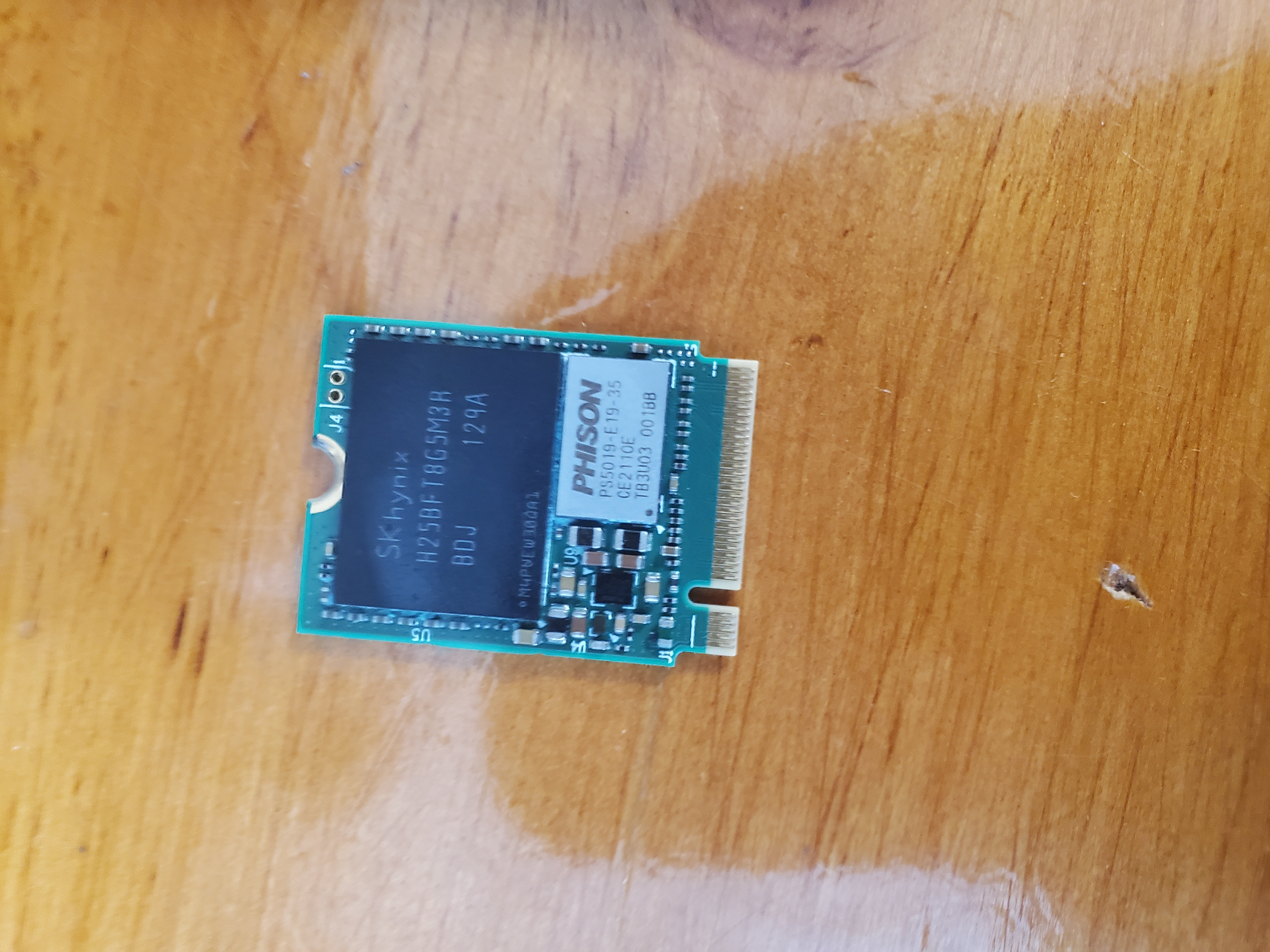
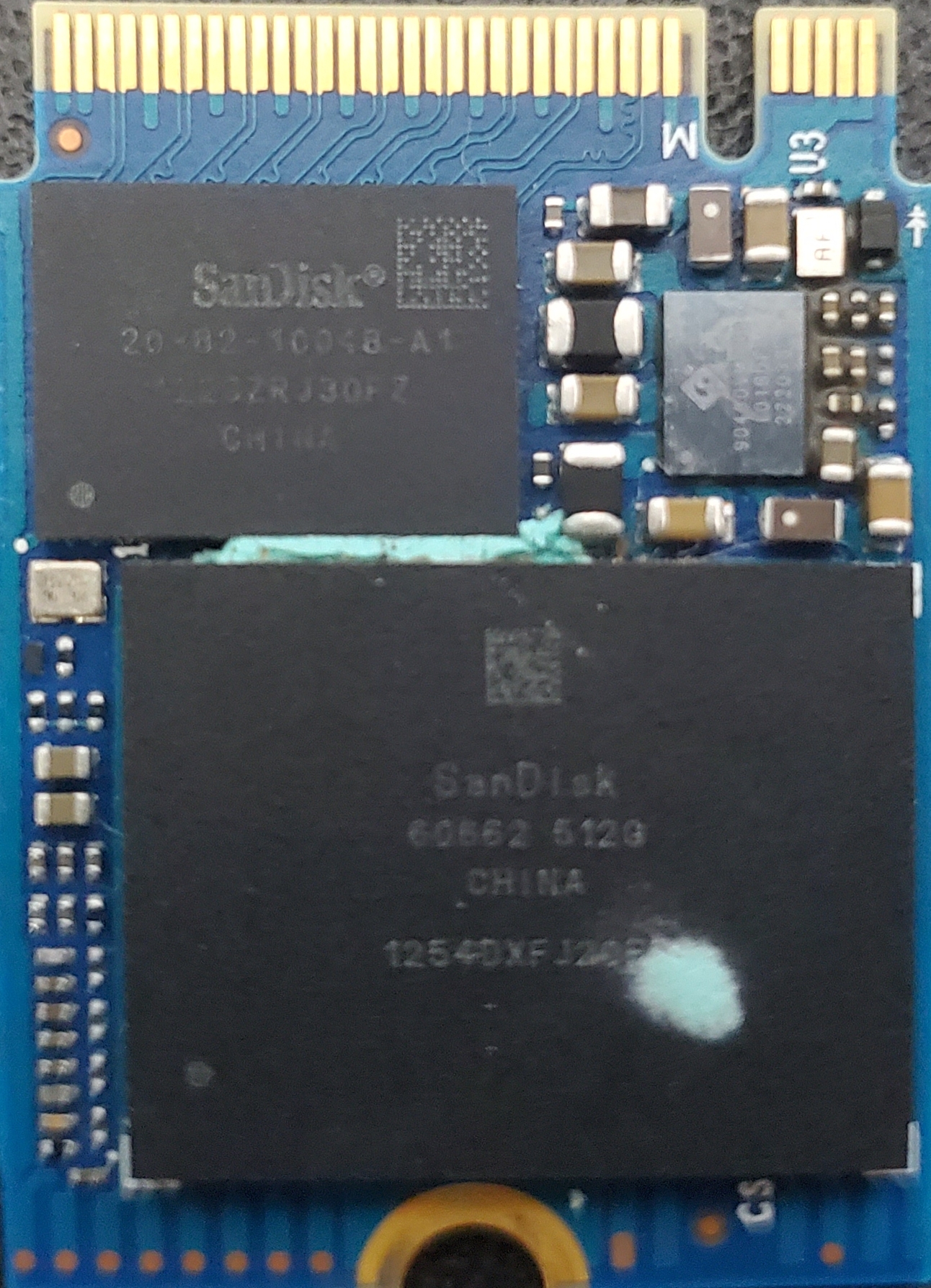
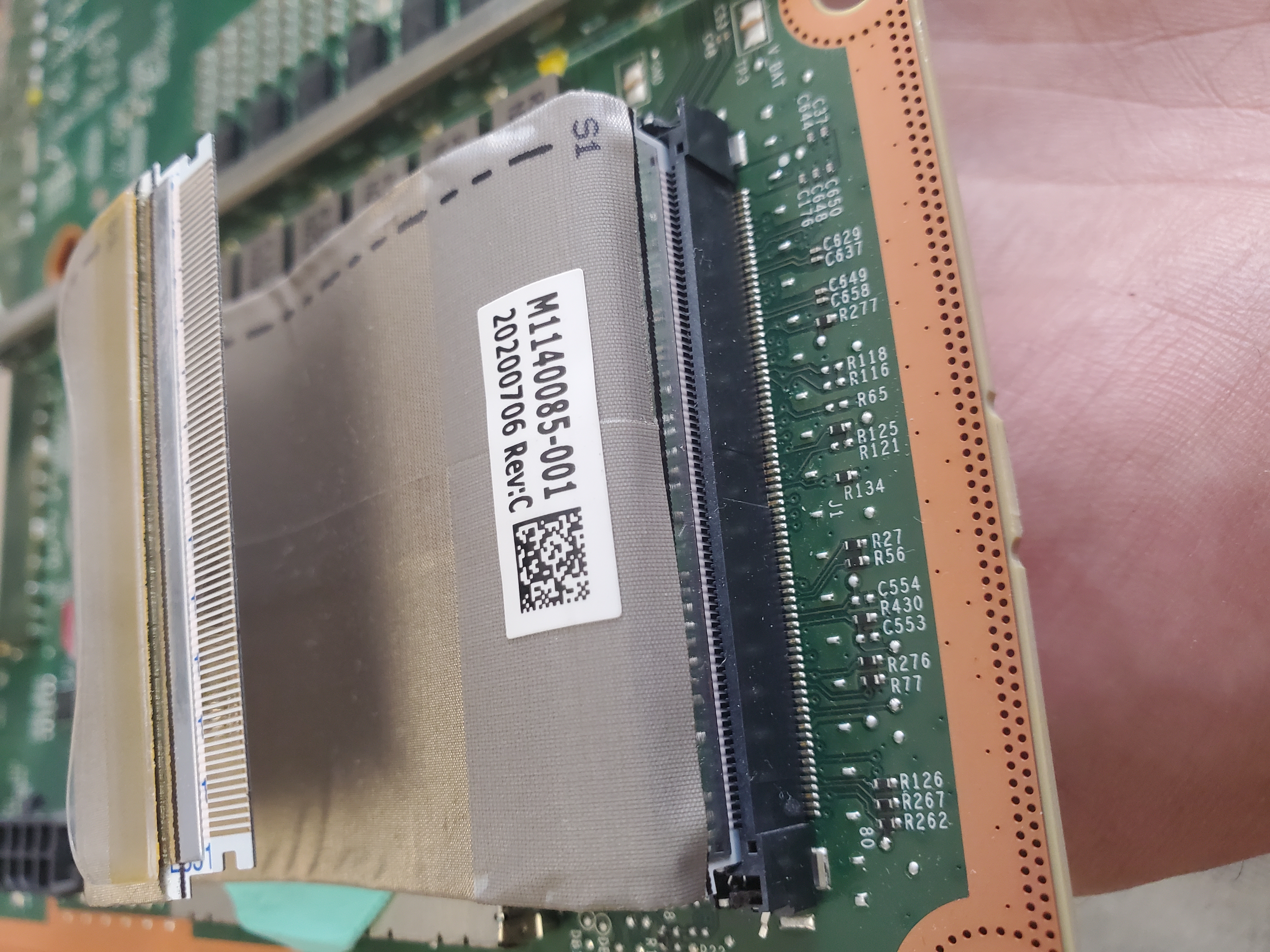
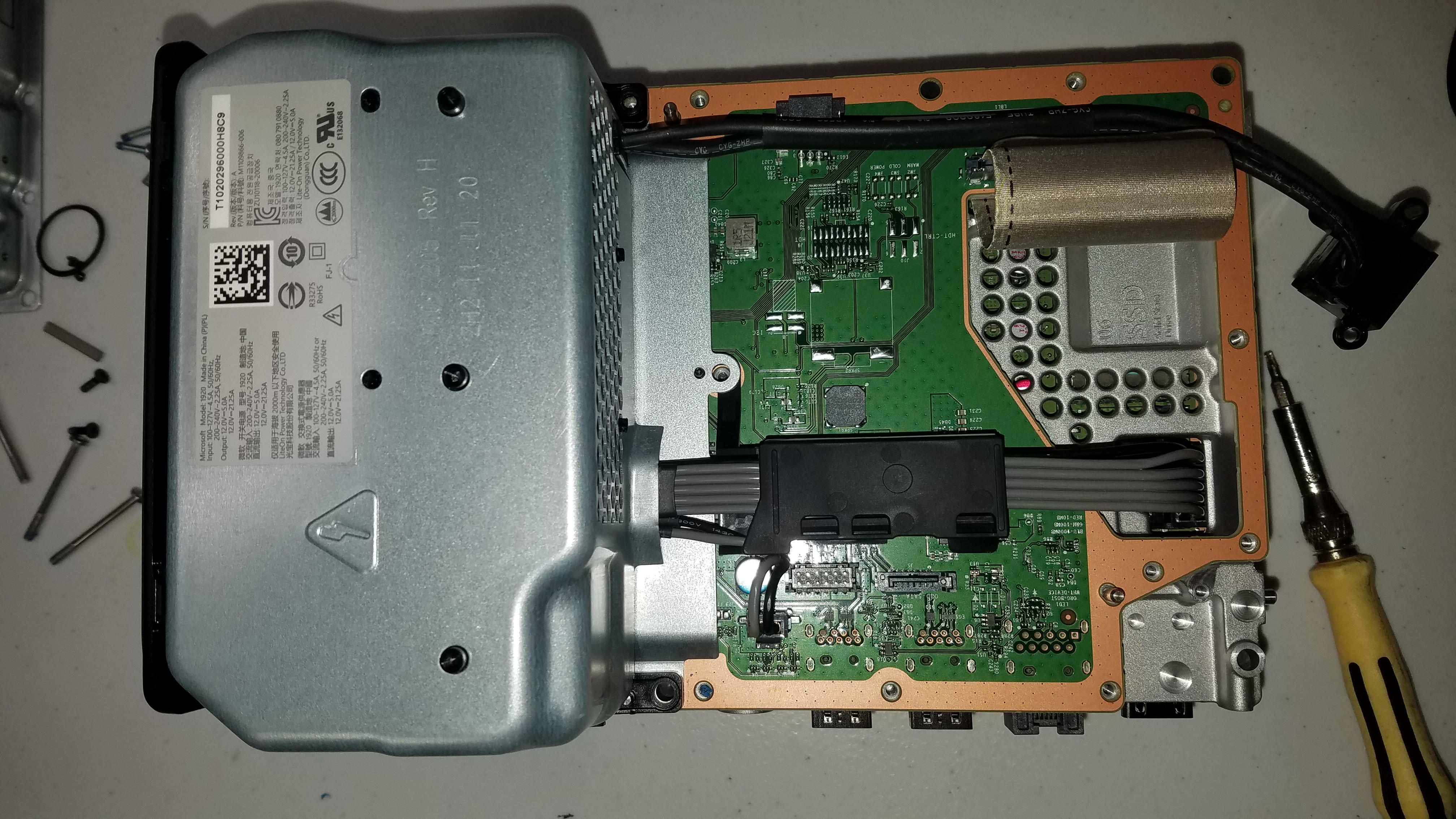
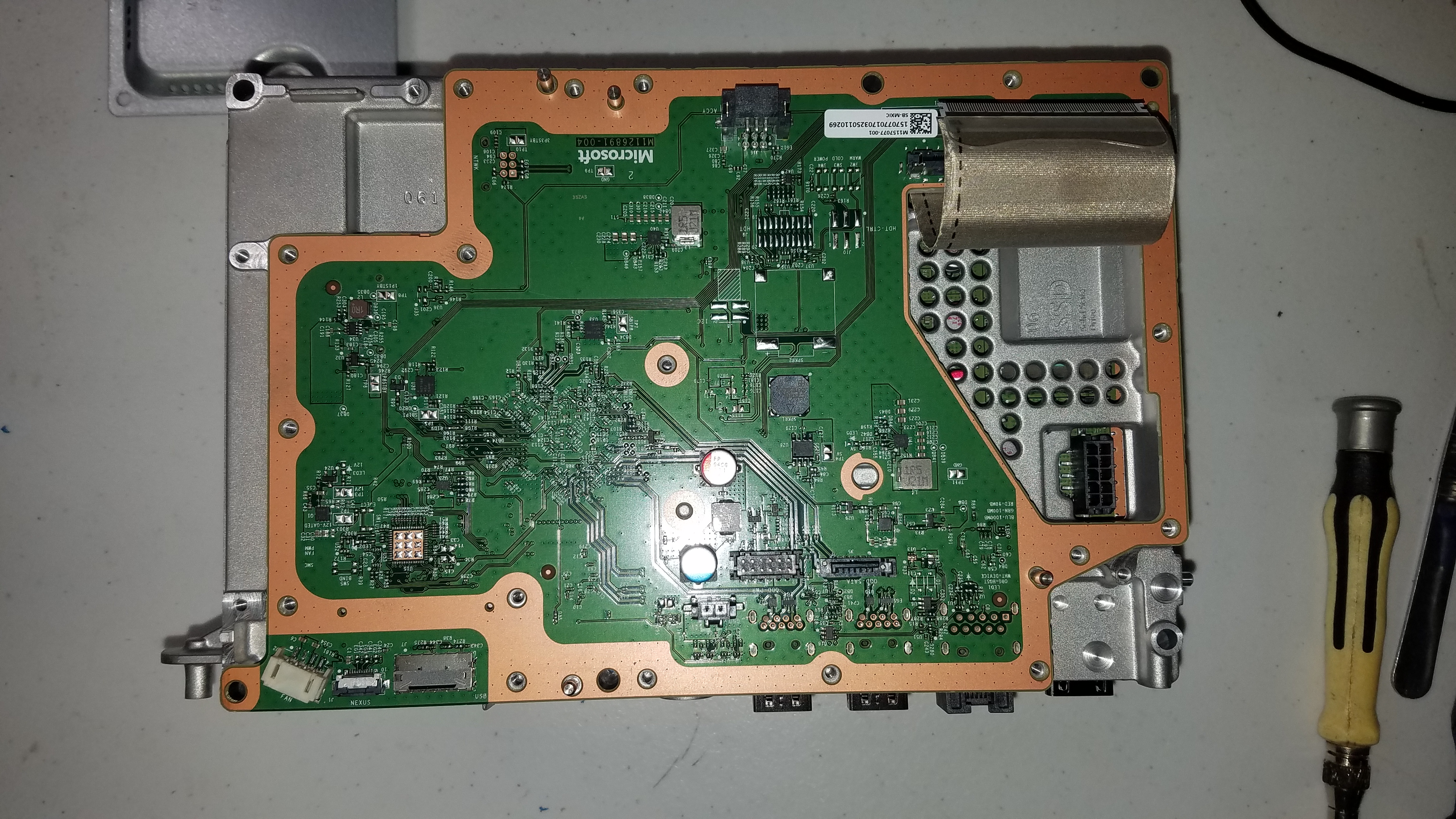
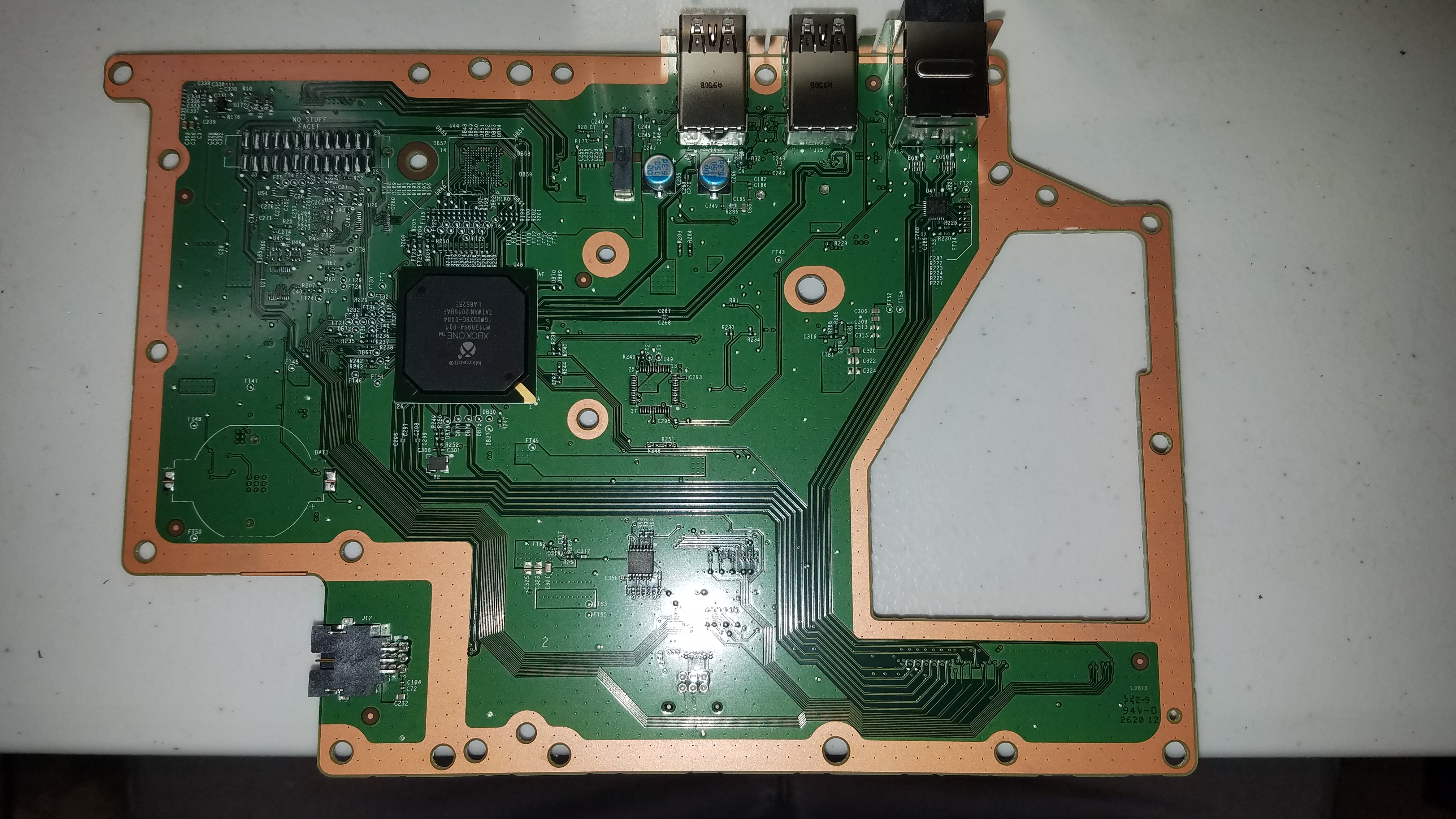
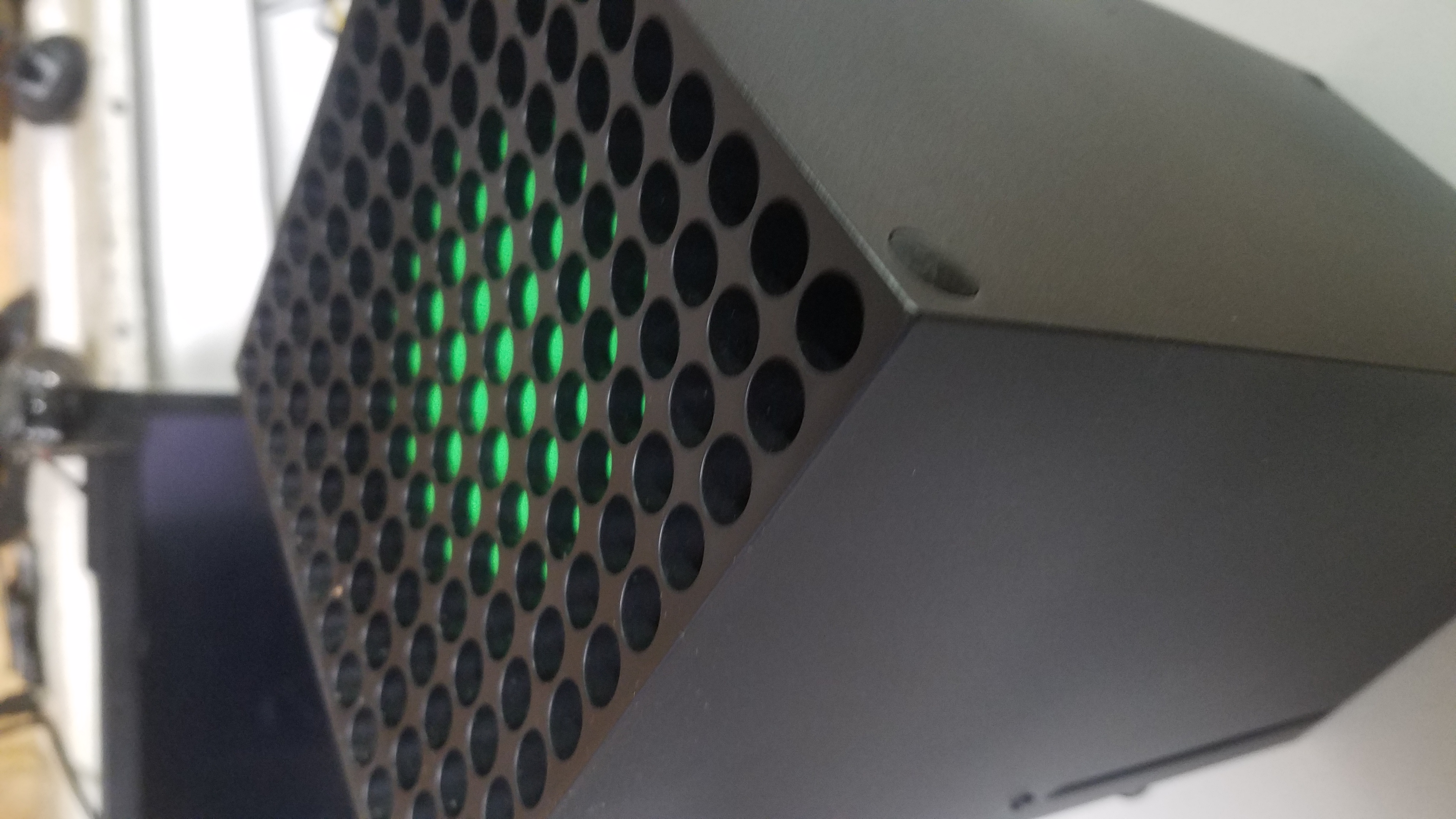
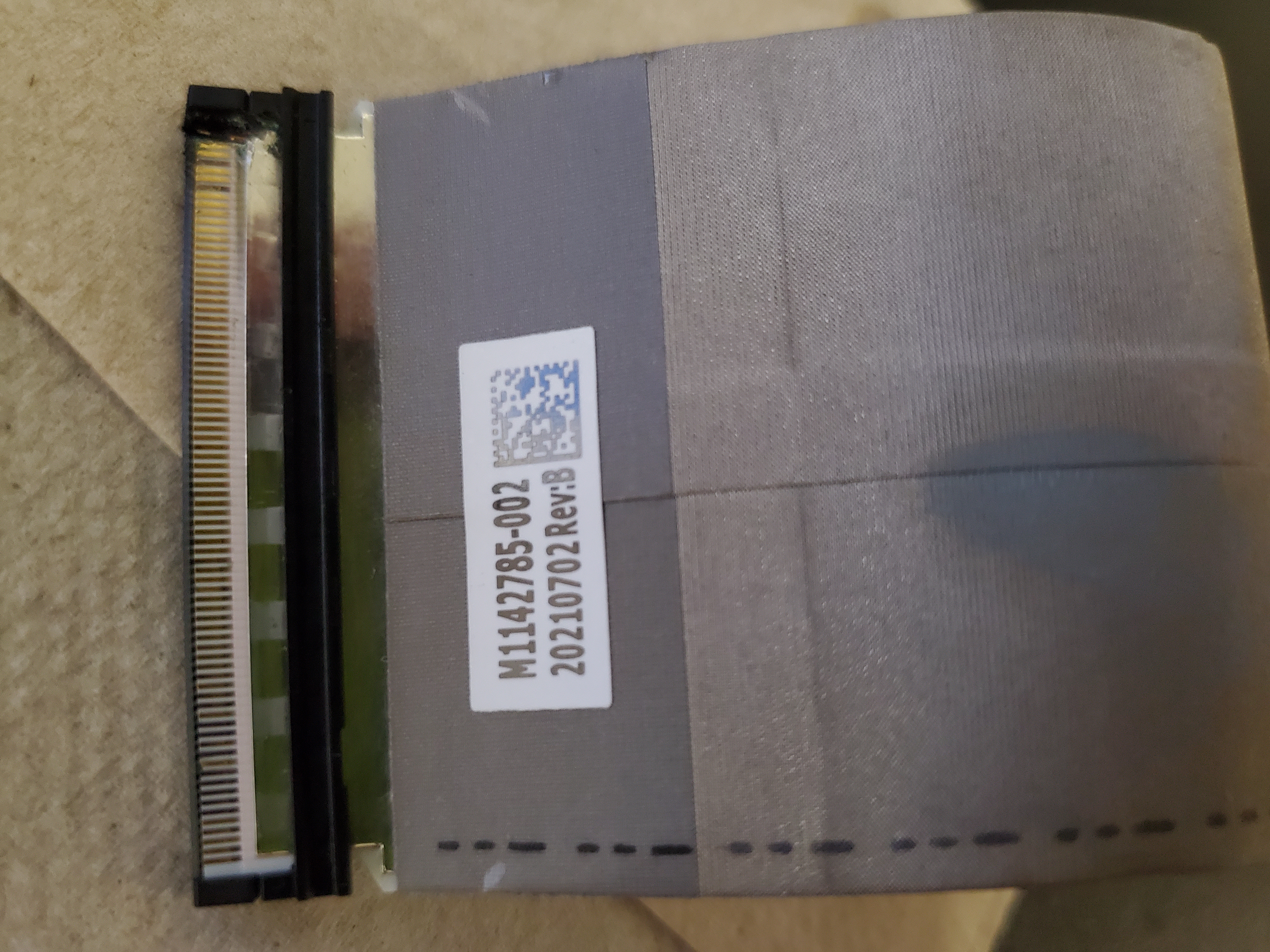
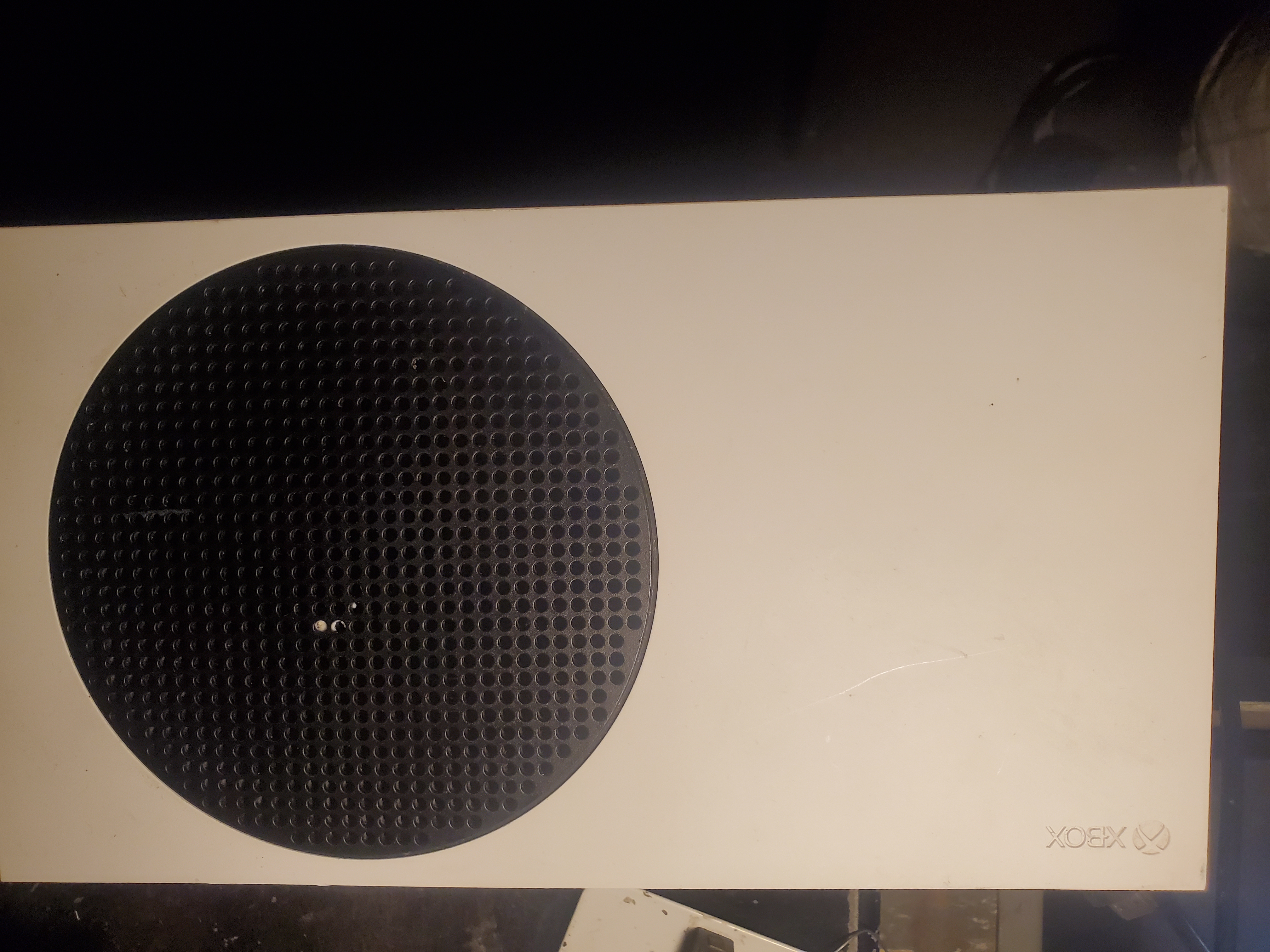
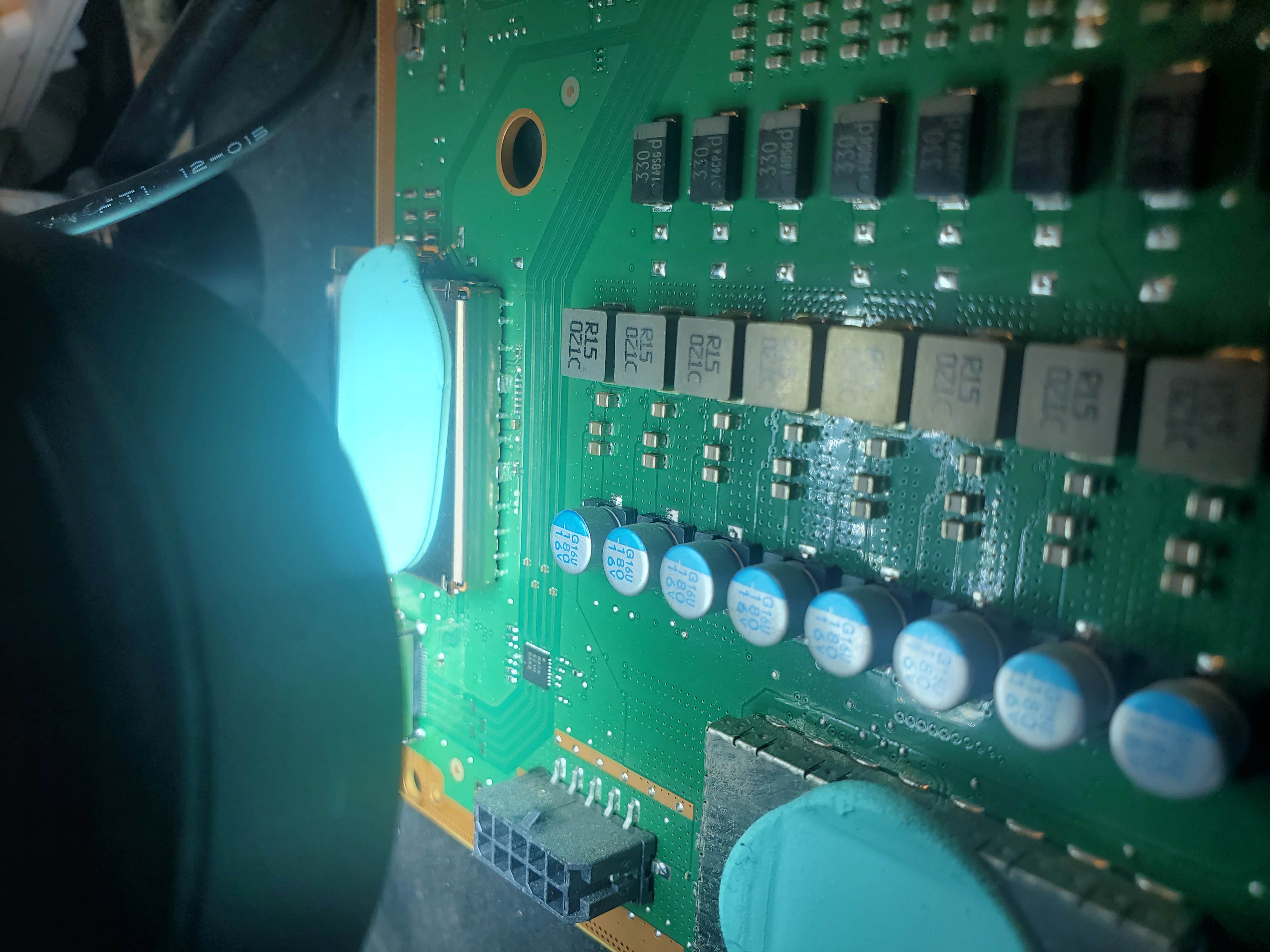
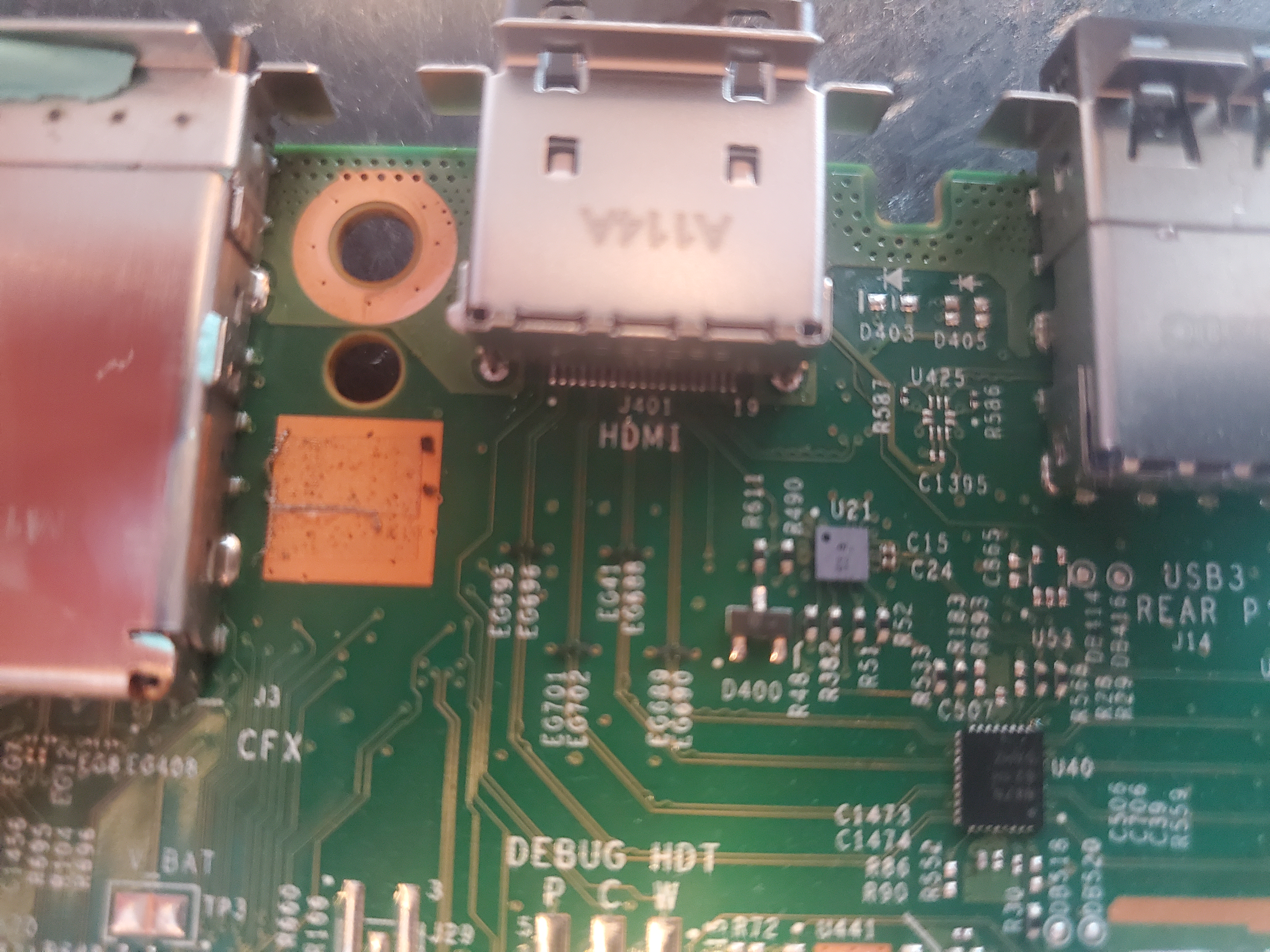
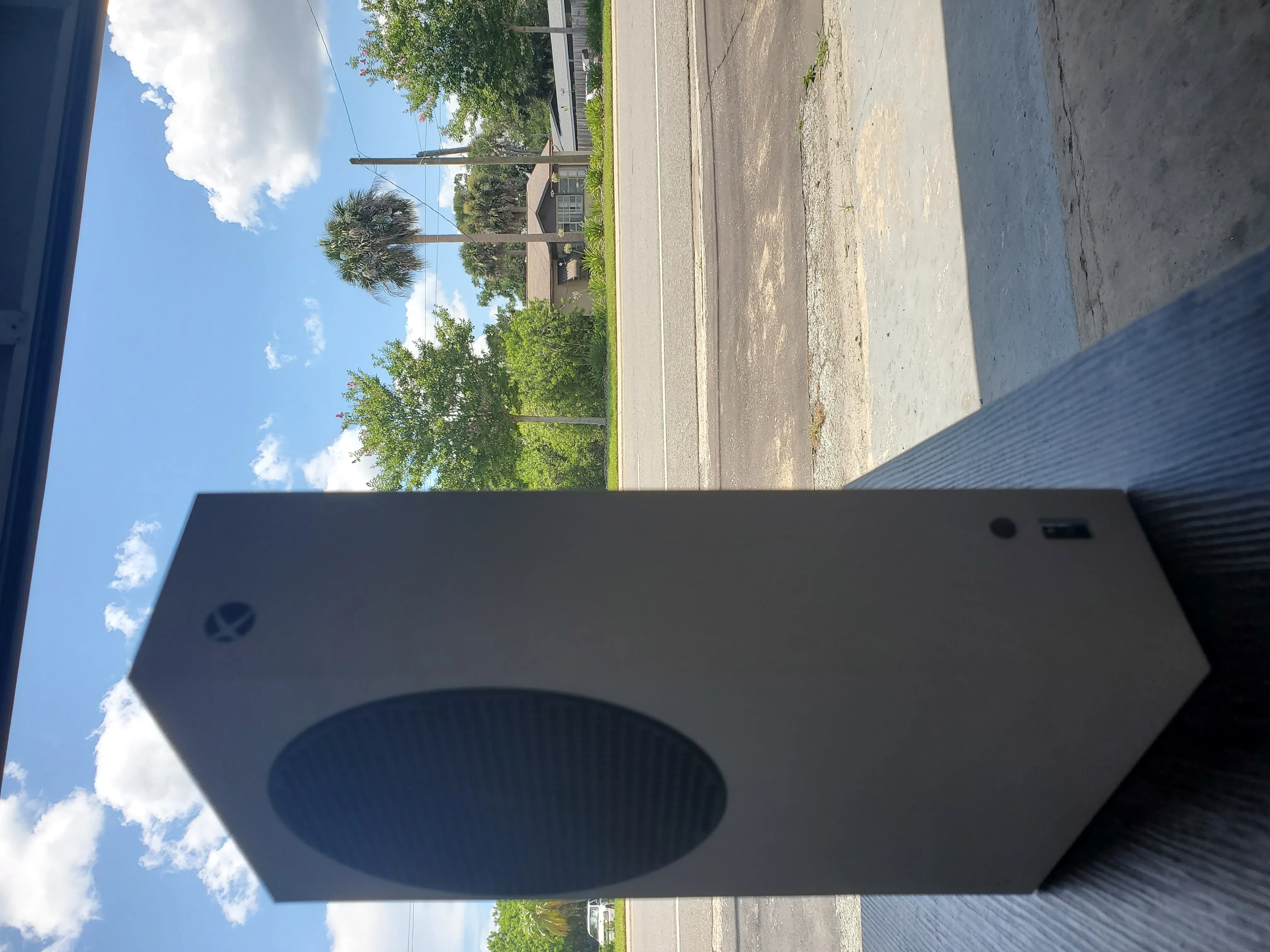
We are currently offering a wide range of repair services for the new generation Xbox Series X and Series S consoles from Microsoft. Some parts remain scarce – for example, SSDs are not yet available (June 2022) and only donor units are accepted. However, we stock OEM factory HDMI ports, power connectors, and HDMI chips for both systems. For more details on repairs, please click the "Start a Repair" button below.

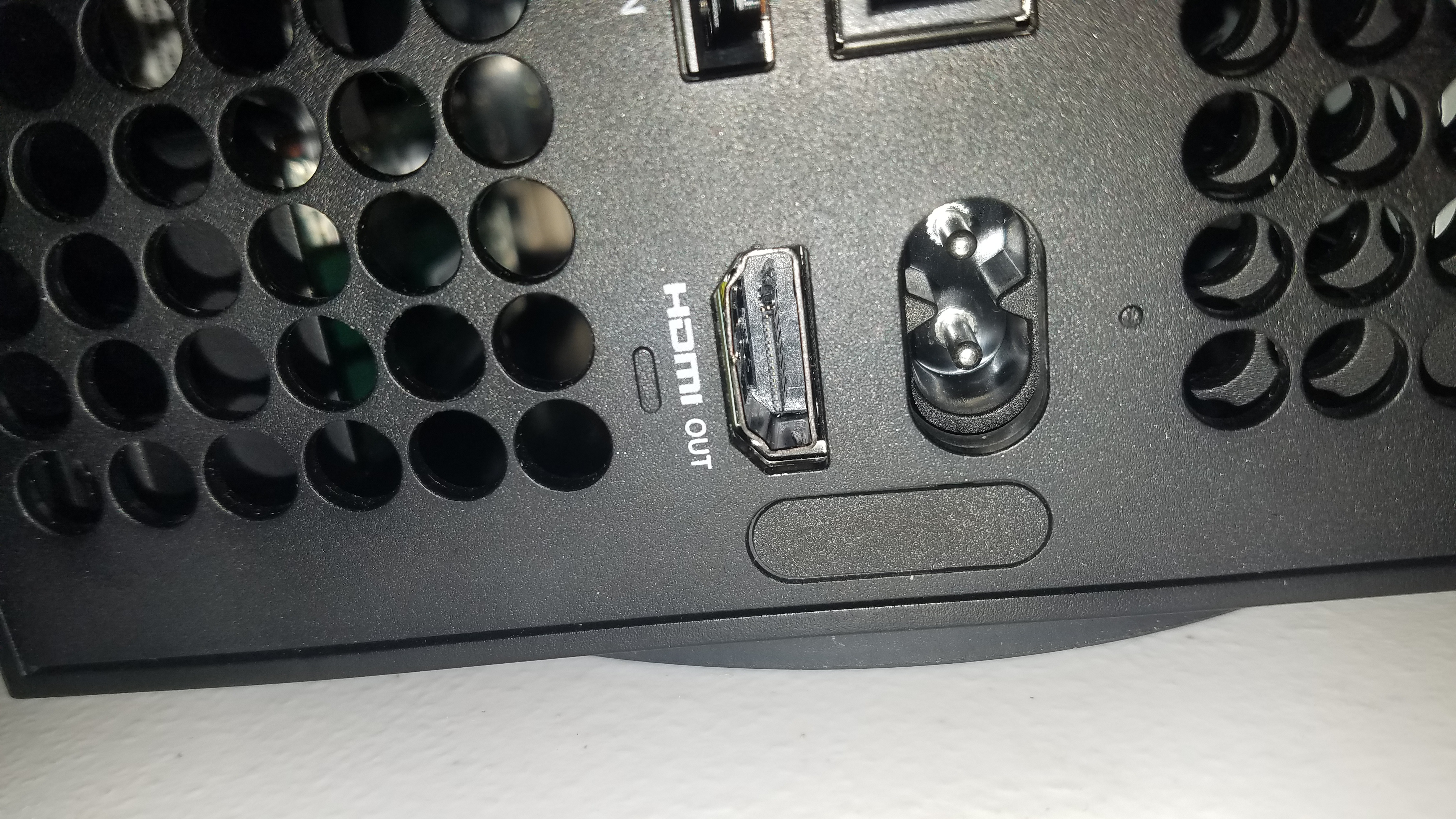
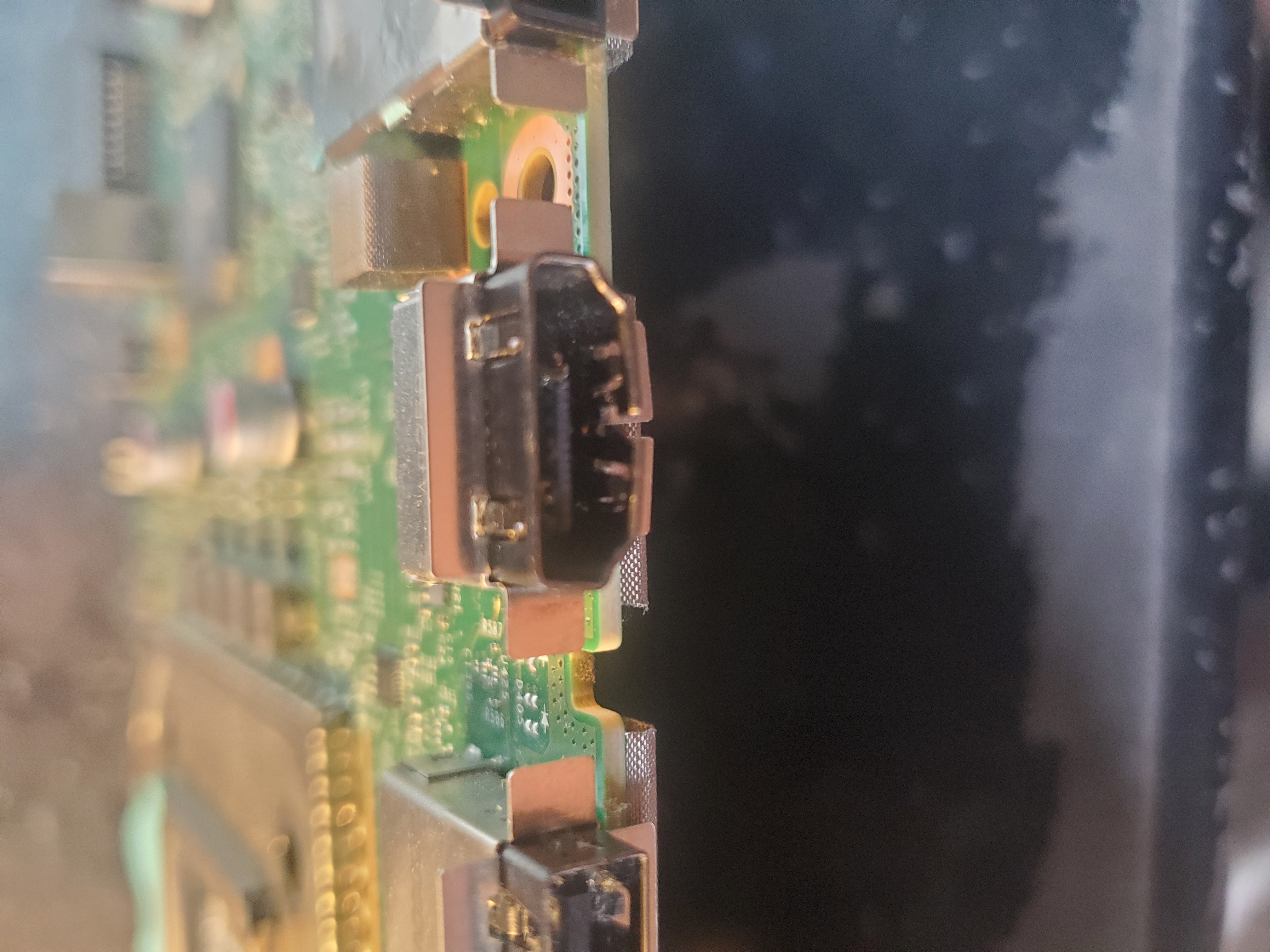
OEM Factory HDMI Port Replacement

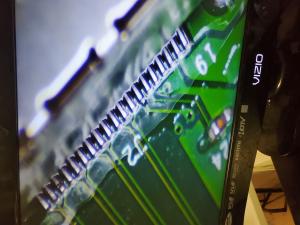
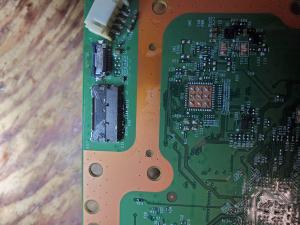
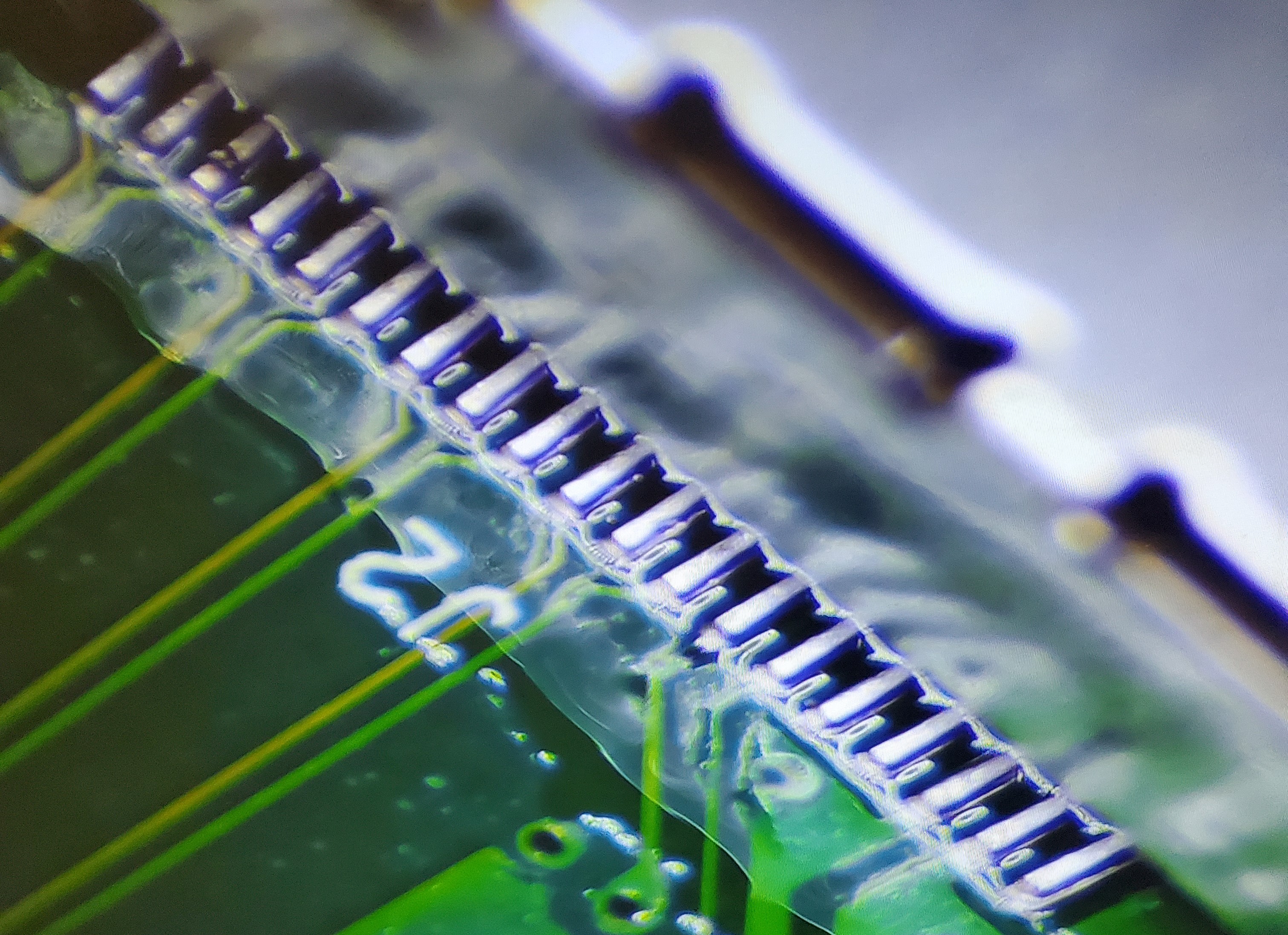
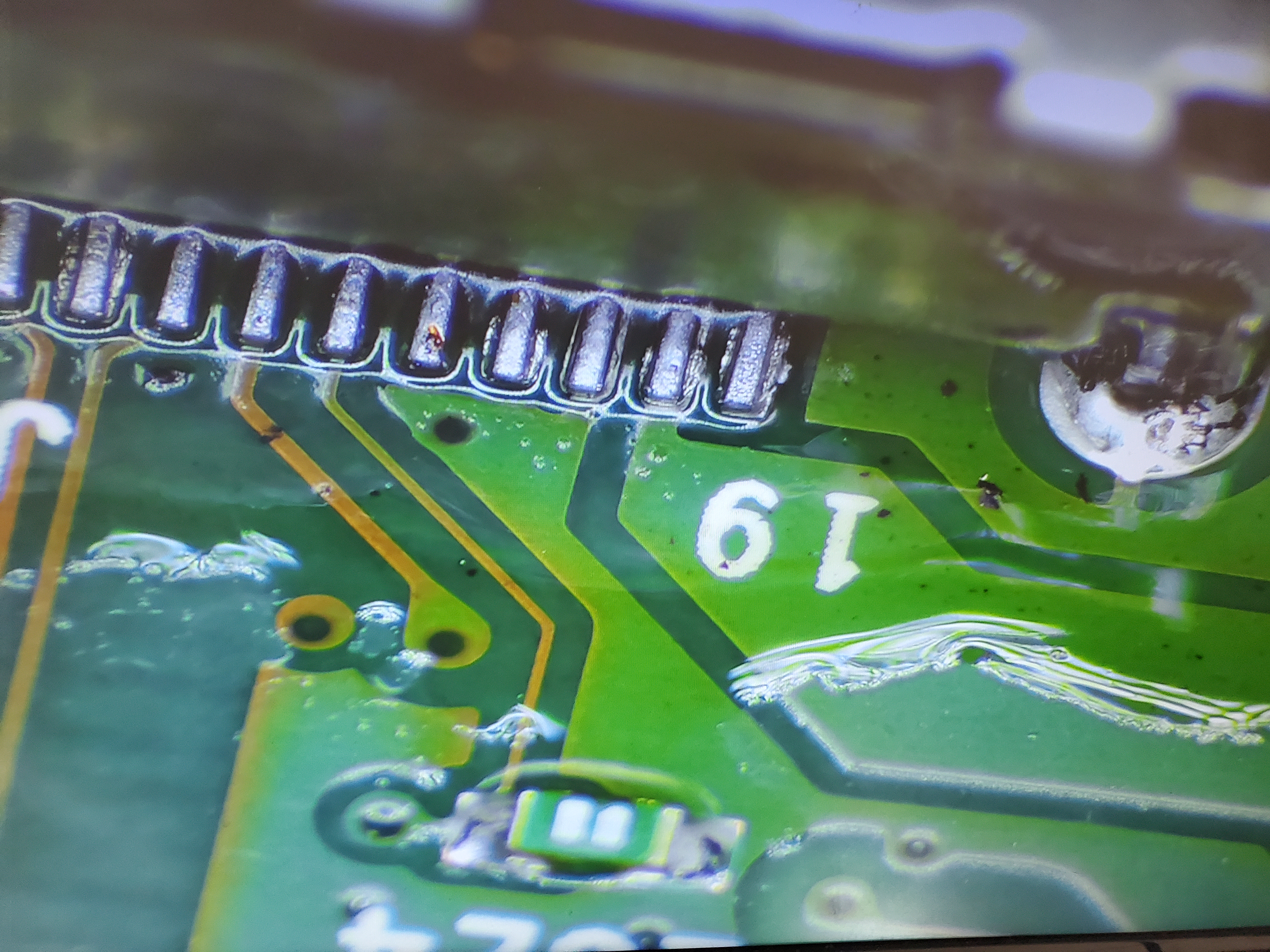
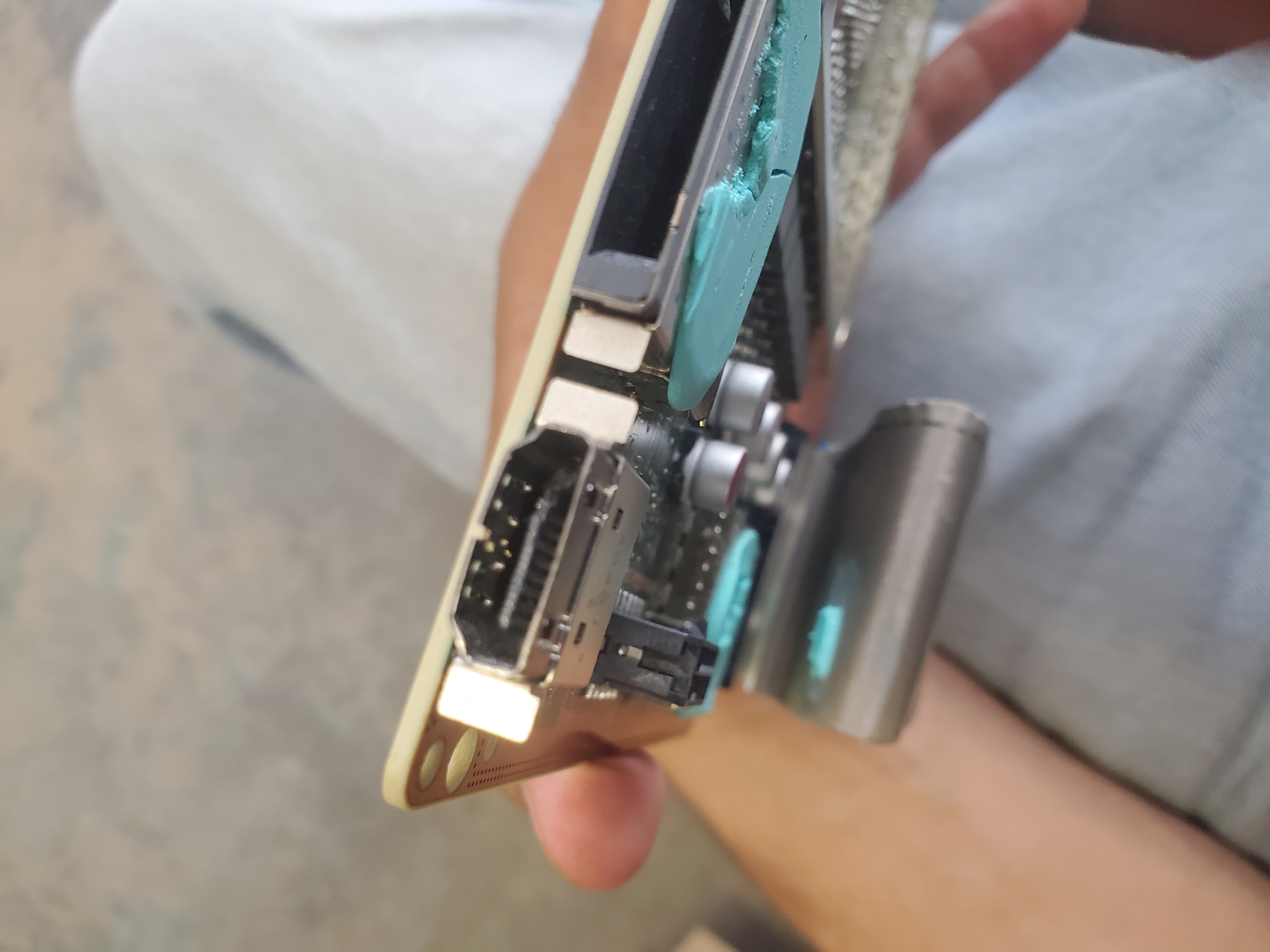
The HDMI port on these systems is robust and requires significant force to break. Still, like all devices, failure can occur. We offer brand new OEM factory HDMI ports that are typically replaced the same day—often within 30 minutes!

No Power Issues

No power is a common issue that can arise for many reasons. Our expert technicians will diagnose and repair any no-power issues to ensure your console receives the proper voltage and functionality.

No Video / Black Screen Problems

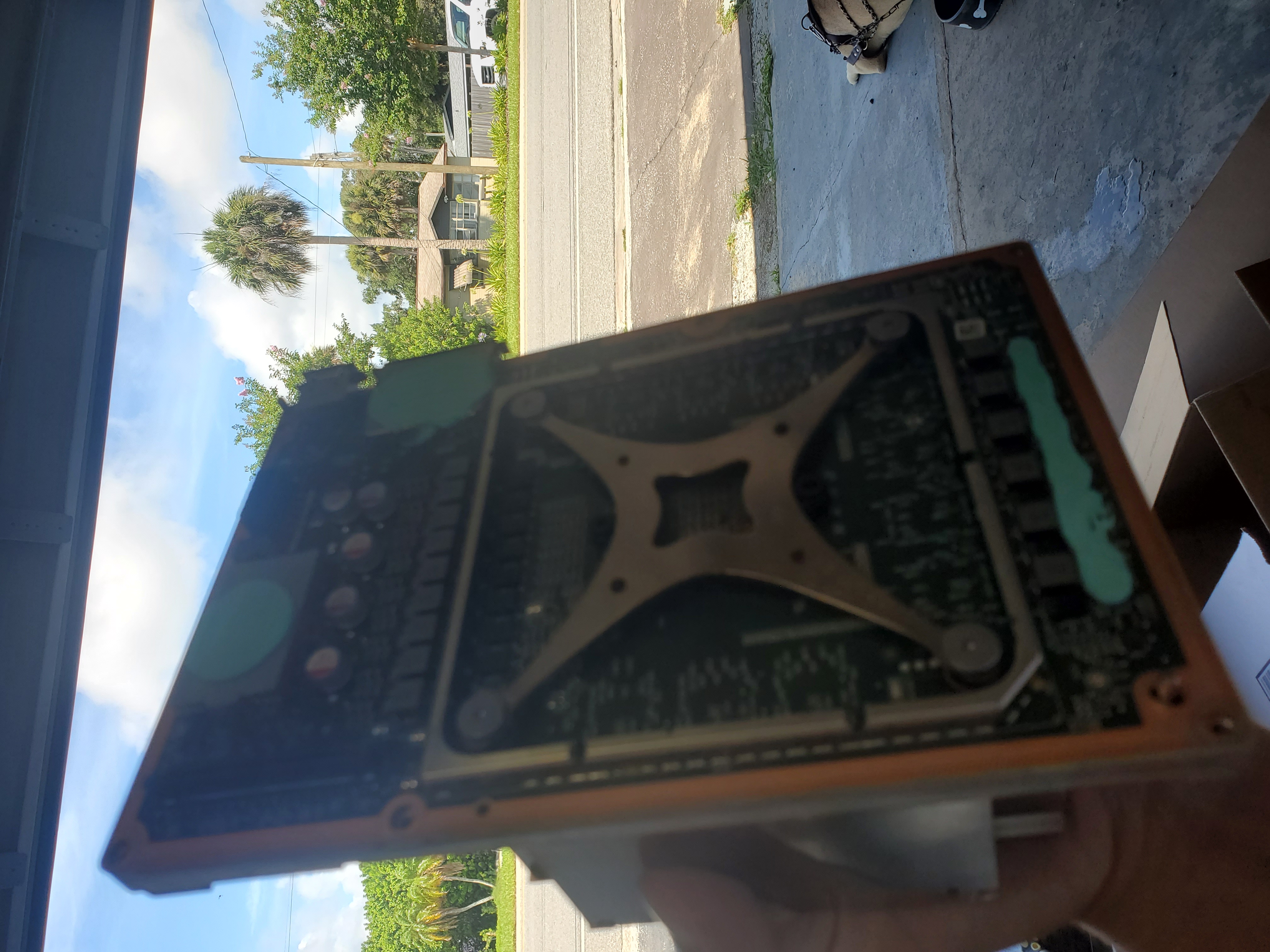
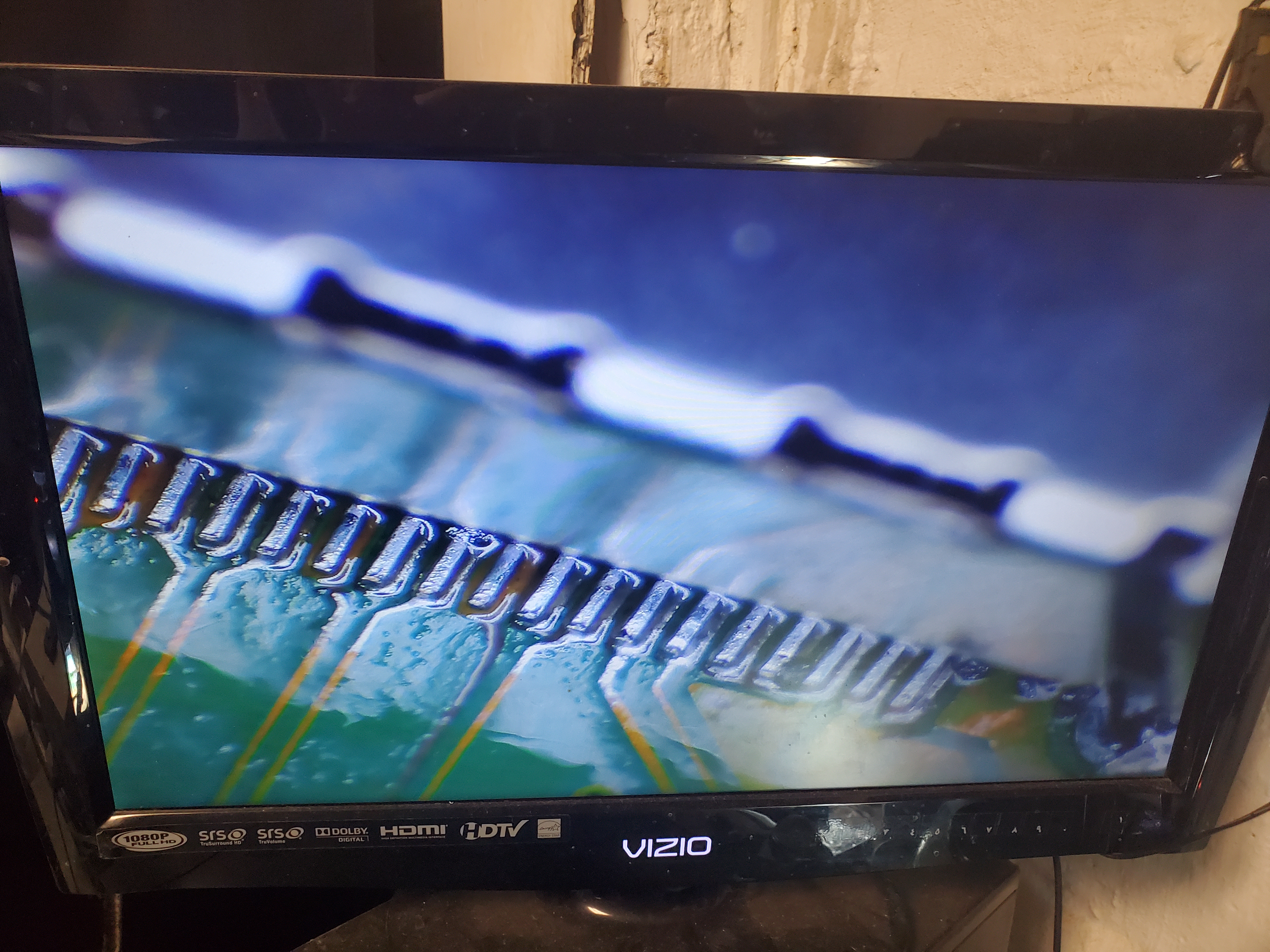
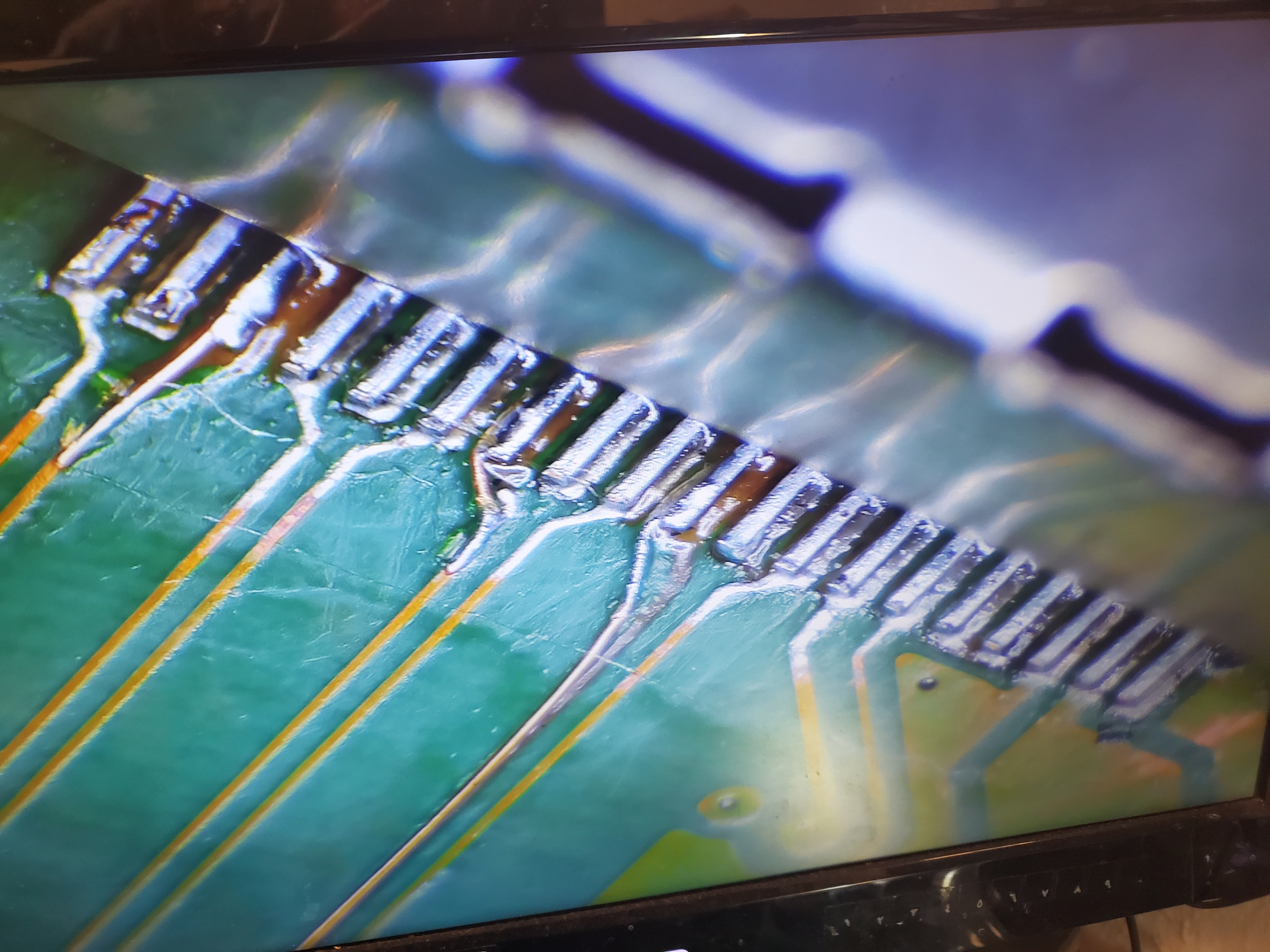
When your console displays no video or black screens, it might be due to a broken HDMI port or issues within the motherboard’s signaling circuits. Note that with Series X, the SSD is soldered on, which can complicate diagnostics if it fails.

Table of Contents

  • The Long-Anticipated Scarlett Series
  • Major Issues: BGA Problems & Chip Disconnections
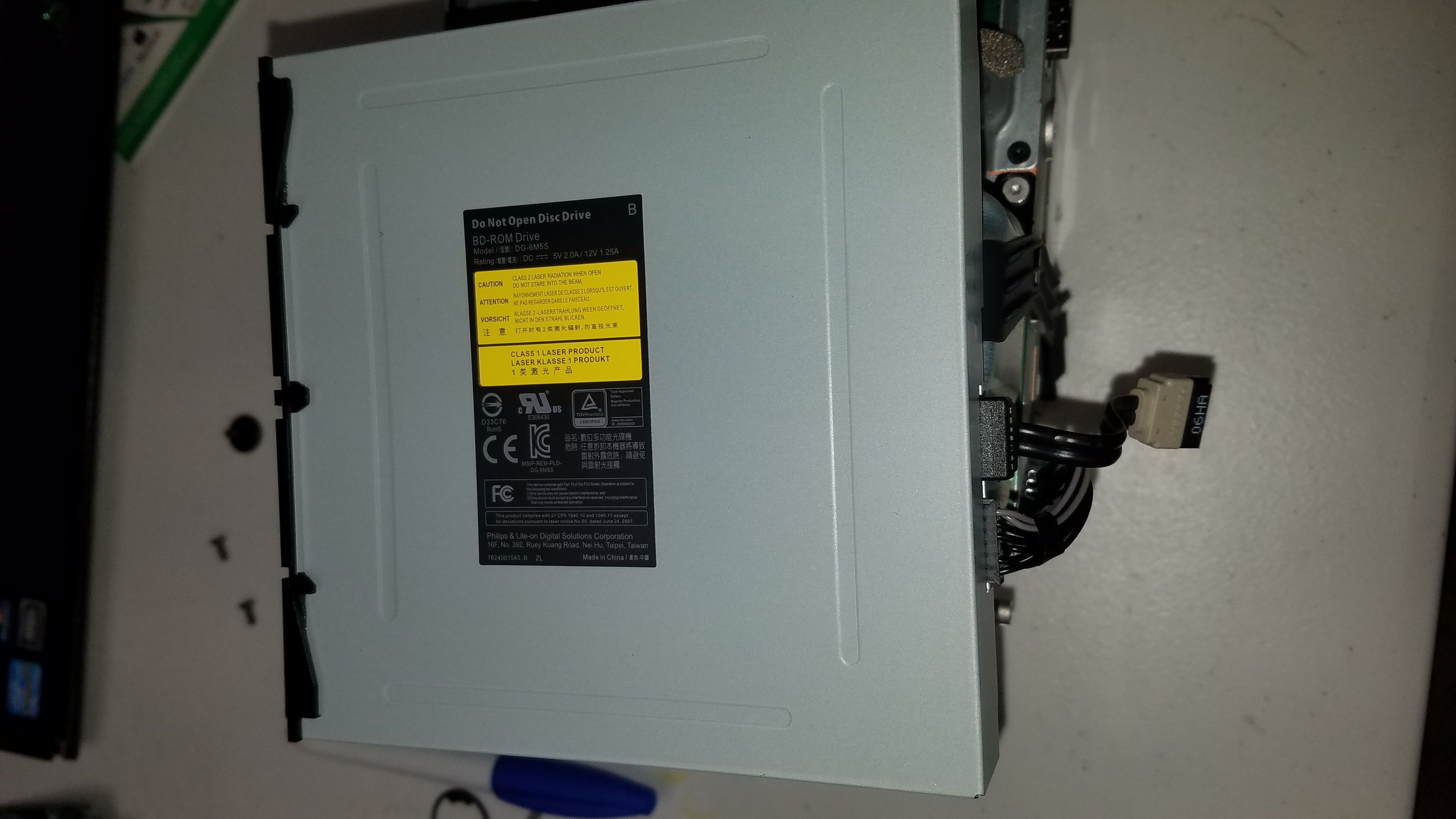
  • Blu-ray Drive and Mechanical Failures
  • Overheating & Regular Maintenance

Anticipated Issues with the Scarlett Series

Earlier in 2020, we discussed the highly anticipated Scarlett Series X version of the Xbox. With its release slated for the third quarter of 2020, this console is expected to play native 4K at 30+ FPS—with most games running at 60 FPS—and feature a powerful Nvidia core for impressive teraflops and overall performance.

However, as with all modern electronics, issues such as BGA (Ball Grid Array) problems are expected. This can lead to major chips disconnecting from the motherboard—similar to the infamous red ring of death on the Xbox 360. Additionally, mechanical issues with Blu-ray drives may occur. Though these issues can sometimes be mitigated, they are not entirely preventable.

Prevention & Maintenance

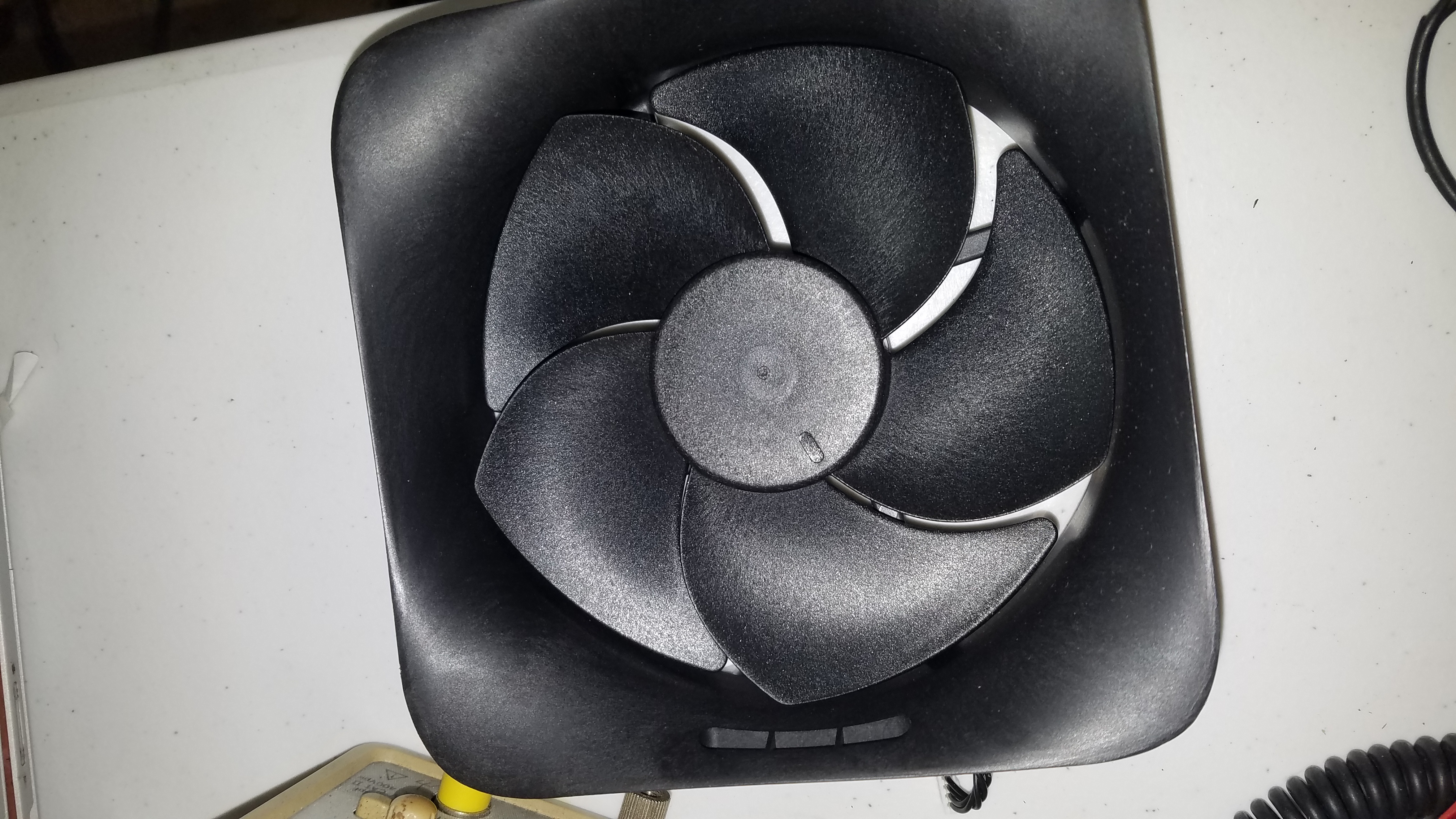
While it’s hard to prevent every issue, keeping your system cool and well-maintained can help. Avoid placing your console directly on an air conditioner (to prevent water damage) and ensure it’s in a moderate environment. The CPU is designed to operate at up to 85°C, with the heatsink ideally running between 60-80°C. If temperatures rise above 90°C, the fan speeds up—and you risk hardware failure.

  • Do not eat near your console; organic debris can cause internal damage.
  • Avoid smoking near the system, as residue can impair mechanical components.
  • Always use a surge protector for both your TV and console to shield against power surges.

Repair & Maintenance

At TDR, we repair all the issues you may encounter with the next-generation Xbox systems. Building on our proven track record with the Xbox One Project Scorpio, we ensure that when your console breaks, we’ll be here to fix it. Our diagnosis is always free – you only pay for shipping and handling.

Most Popular Xbox Series X/S Videos

He dropped it during TV setup! The first Xbox Series X HDMI port repair! Retrofit 4 the Xbox series XWe use 100% new OEM factory ports now that they...
100K+

The first Xbox Series X HDMI port repair! retrofit 4 the xbox sx - YouTube

Duration: 00:00:53

279,554
0:00: Intro of Repairing an Xbox Series S0:11: Nothing on the screen0:21: We got the new port0:33: It's power is onFor more information on the series...
10K+

Repairing an Xbox Series S. - YouTube

Duration: 00:00:44

99,247
While it was plugged in...0:00: Intro of Xbox Series S 0:19: I cleaned up the pieces0:33: Connected the power supply0:42: also tested with SSDFor more...
10K+

This Xbox Series S drank some soda #shorts - YouTube

Duration: 00:00:54

20,853

Common Xbox Series X/S Repairs

We fix a wide range of issues for the Xbox Series X/S. Here are some common problems we address:

More Xbox Series X/S Videos

0:00: Xbox Series X0:13: dead power supply 0:22: Let's testFor more info on Xbox Series X repairs visit: https://techdevicerepair.com/xbox-series-x-s-...
10K+

Completely dead Xbox Series X. Simple fix! #shorts #youtubeshorts #short - YouTube

Duration: 00:00:33

20,759
We do not see these come in as often and this is the first video from us evert for a series s HDMI port. got to post one no?0:00: Xbox Series S0:11: T...
10K+

Xbox Series S HDMI Port Replacement. #shorts - YouTube

Duration: 00:00:28

18,404
For more info on SX repairs: https://techdevicerepair.com/xbox-series-x-s-repair-service/Series X HDMI replacements: https://techdevicerepair.com/xbox...
10K+

Roach Infested Xbox Series X.... - YouTube

Duration: 00:00:46

17,347
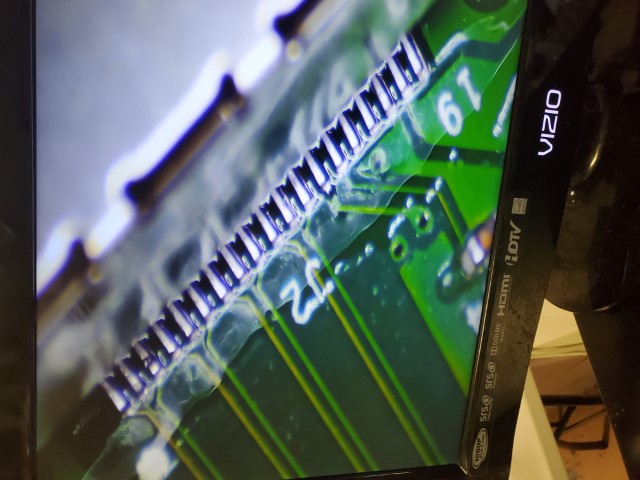
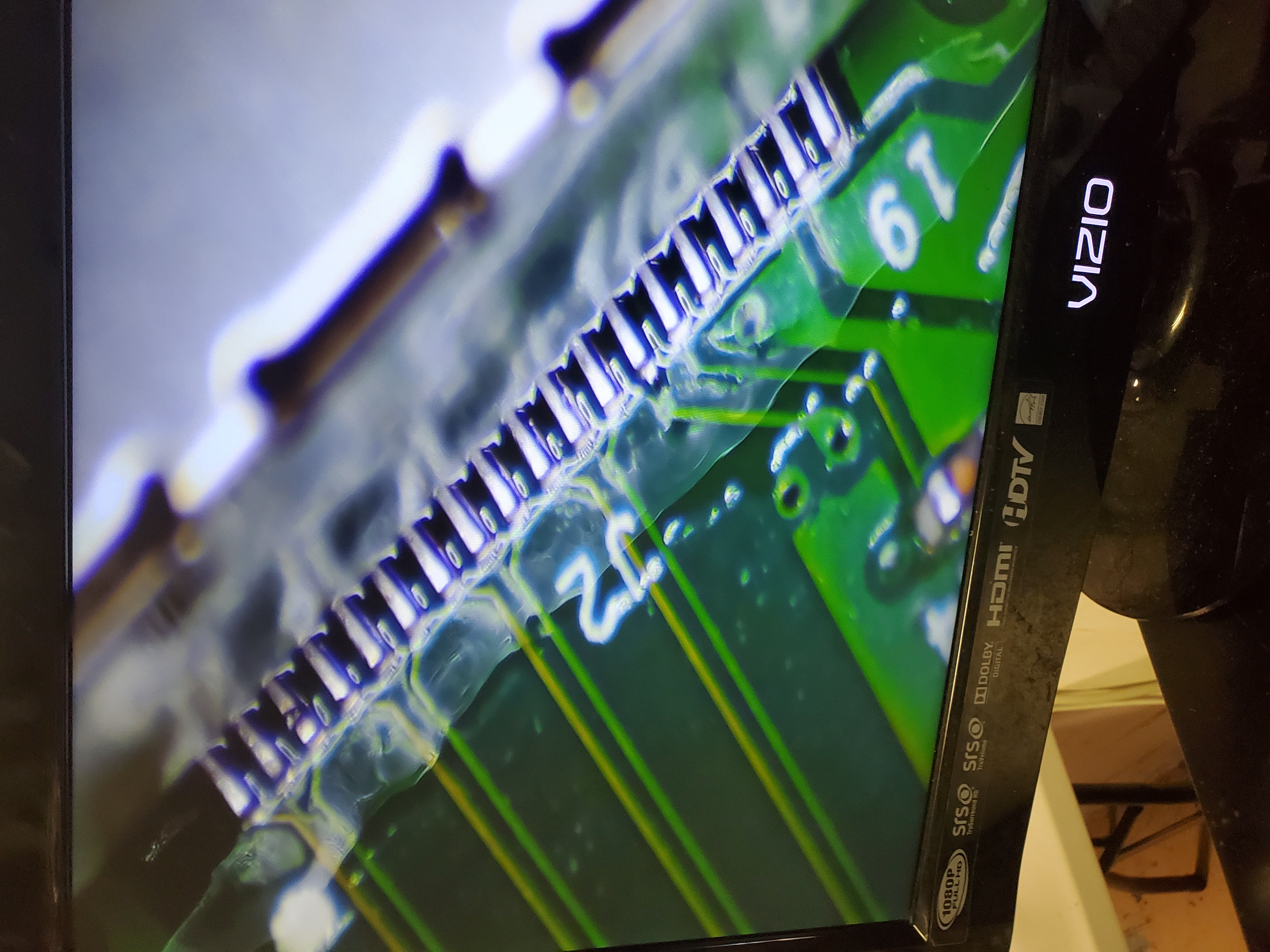
We ran traces, 1 Advanced with UV curing mask as that is behind the port itself.0:00: Xbox Series X motherboard0:13: Cleaned up0:23: New PortFor more...

Ripped up Xbox Series X motherboard #shorts - YouTube

Duration: 00:00:39

9,656
Can you keep up? For more information on the Series X HDMI Port Repairs: https://techdevicerepair.com/xbox-series-x-s-hdmi-port-repair-service/-------...

17 second : ) Xbox Series X -- HDMI Port repair - YouTube

Duration: 00:00:16

9,163
They call it NEXUS... why? explain yourself. 0:00: Xbox Series X0:10: The power connector0:20: Replacing it0:46: Let's testSUBSCRIBE: https://www.yout...

Customer sent in an Xbox Series X with a broken nexus connector.. #shorts - YouTube

Duration: 00:00:58

9,082
the 3 layer sandwich motherboard designs rather frustrating... .For more info on the series X HDMI port replacements Visit: https://www.techdevicerepa...

Xbox Series X HDMI port replacement. - YouTube

Duration: 00:00:39

7,478
Not knowing what is inside... I opened it on my lap.

That's nasty... #seriesx - YouTube

Duration: 00:00:31

7,451
Very Common Do It Yourself Mistake. The connector needs to be pushed. and the other one near it needs to be pried open.. so it causes confusion and th...

This Xbox Series X is not powering on. #diy #fail nexus connector repair - YouTube

Duration: 00:01:00

6,726
lets fix this mess. For more information on our series X HDMI port repairs visit: https://techdevicerepair.com/xbox-series-x-s-hdmi-port-repair-servic...

Xbox Series X Jigsaw Repair #shorts - YouTube

Duration: 00:00:59

6,429
I don't mind doing B2B but not this trash all the time.. For more information on our Xbox Series X HDMI port replacements visit: https://techdevicerep...

A local repair shop gives me the dirtiest consoles, Xbox Series X HDMI repair.. - YouTube

Duration: 00:00:47

5,557
0:00: Intro of Series S0:13: Removed the chip0:20: Fan SpinIn the original video, we spoke briefly about the right to repair. and this was an example...

The actual repair video of the Series S.. #righttorepair - YouTube

Duration: 00:00:31

4,742
For more information on the series X HDMI port repair visit: https://techdevicerepair.com/xbox-series-x-s-repair-service/

Xbox Series X in for repair . - YouTube

Duration: 00:00:38

3,922
This power supply is sensitive to power surges. Simple fix.For more information on our series x repairs visit: https://techdevicerepair.com/xbox-serie...

This completely dead series x was mailed in. - YouTube

Duration: 00:00:35

3,593
from drafts thought I'd share. enjoy.https://techdevicerepair.com

An Xbox Series X that doesn't power on. #diyfail - YouTube

Duration: 00:00:36

3,023
For more information on our series X HDMI port repairs visit https://techdevicerepair.com/xbox-series-x-s-hdmi-port-repair-service/SUBSCRIBE: https://...

Xbox series X in the building for repair... original HDMI ports! no more retro fitting! - YouTube

Duration: 00:00:58

2,871
For more info on our series s repairs visit: https://techdevicerepair.com/xbox-series-x-s-repair-service/

Xbox Series S in the building.. #RighttoRepair - YouTube

Duration: 00:00:59

870

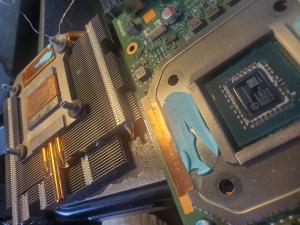
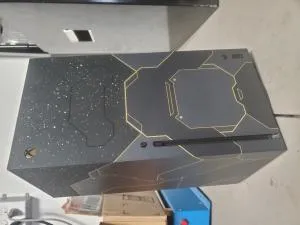
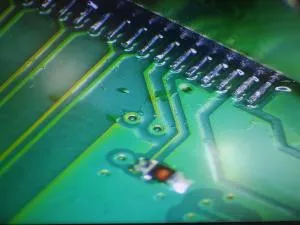
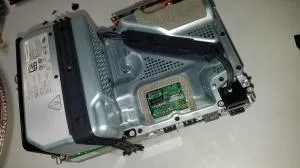
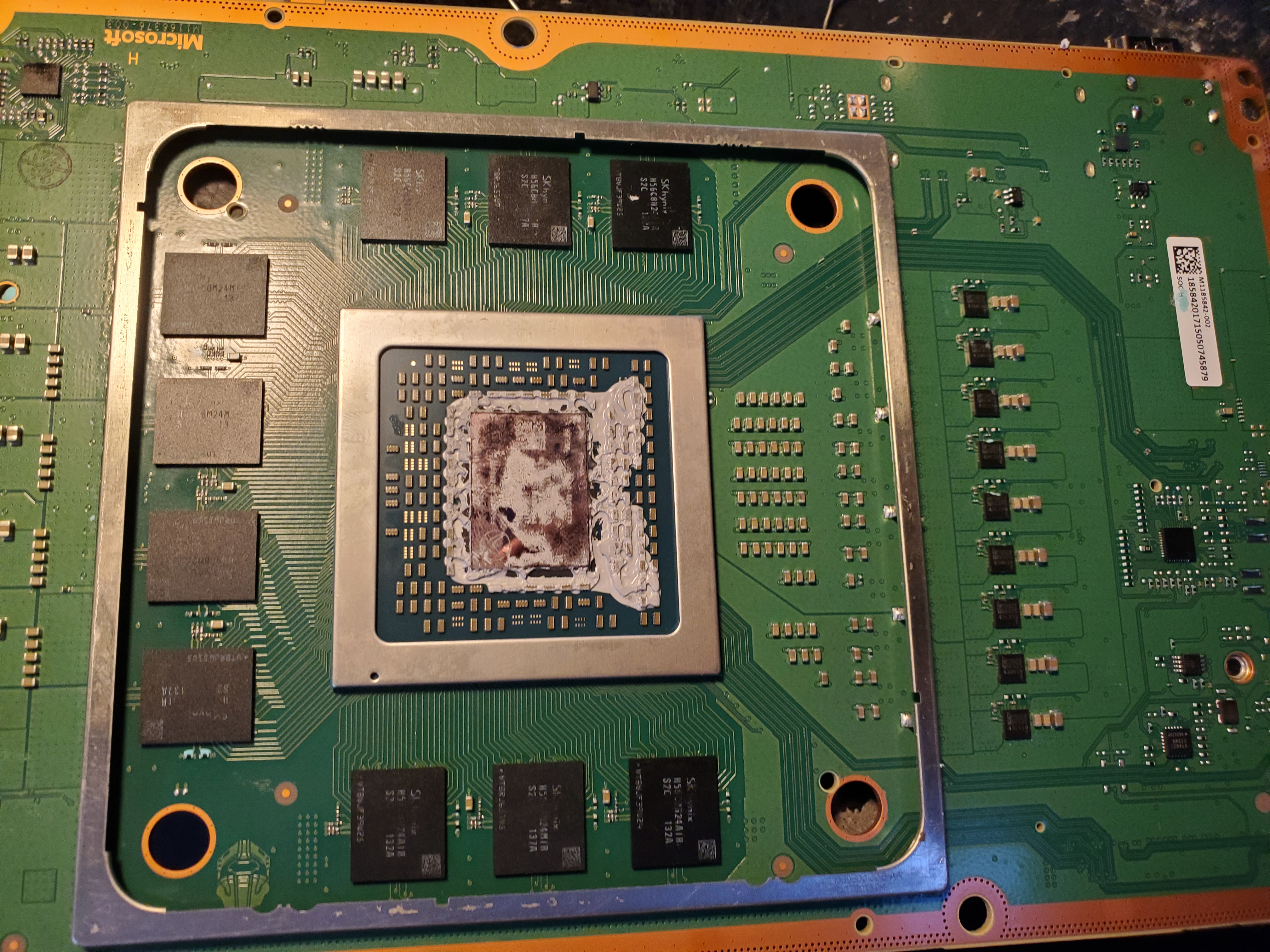
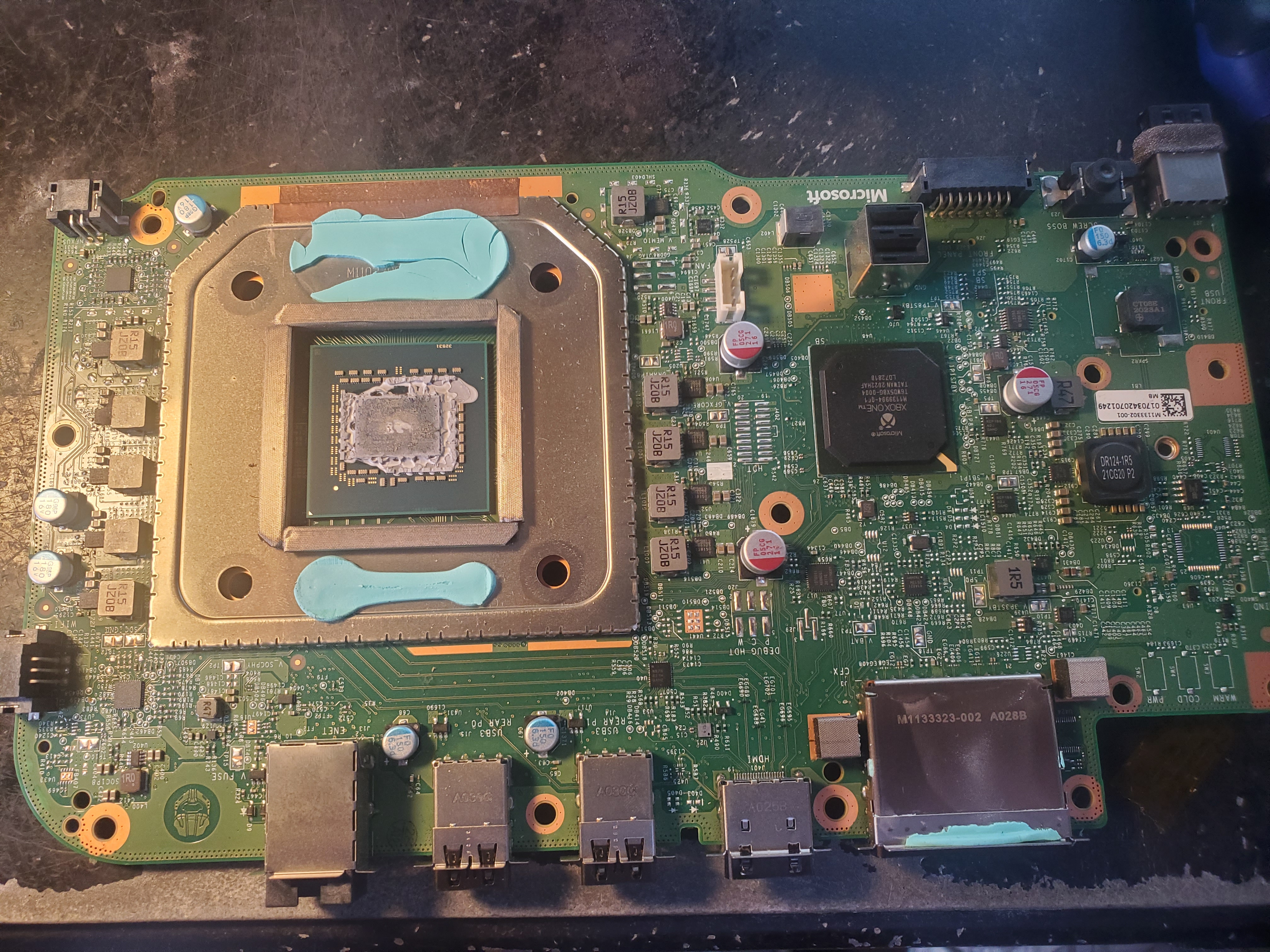
Xbox Series X/S Photo Gallery

Ready to Fix Your Xbox Series X/S?

Don't wait! Get a fast, reliable repair from our expert technicians. Click below to start the process online.

Start Your Repair Now
Repair service guide

Choose the right path before you ship.

Tech Device Repair provides component-level electronics repair through nationwide mail-in service, local drop-off partners, and limited On-the-Go service around Port Orange and Daytona. Use this guide to understand diagnosis, pricing, shipping, payment, warranty coverage, and customer support before starting an intake.

Start with the device model, the symptoms you can observe, and the service route you prefer. Useful details include whether the device powers on, whether video or charging fails intermittently, whether a connector is loose or physically damaged, and whether another shop has already worked on the board. Clear symptoms help TDR support route the request without guessing at a diagnosis.

The online intake creates a support record so the customer, the repair request, and later updates stay connected. It does not promise that a specific part is the cause. A console with no video may need an HDMI connector, filter, encoder, power rail, or board-level diagnosis. A laptop that will not charge may have a damaged port, cable problem, battery issue, or motherboard fault. The lab confirms the repair path after inspection.

Use the repair intake for a new device. Use TDR support when you already have a case, need help choosing a catalog service, or have a question about an existing repair.

Nationwide mail-in service is available throughout the United States. After opening an intake, package the device securely and follow the shipping instructions provided by TDR support. Remove loose accessories that are not required for diagnosis, protect protruding ports, use sufficient padding on every side, and choose a box that prevents movement. Customers pay shipping to and from the repair facility unless a written service term says otherwise.

TDR also works with independent drop-off partners. A drop-off location receives the device and helps move it into the repair process; it is not necessarily the laboratory that performs component-level board work. Check the location directory for the current address, directions, available services, and location-specific instructions before traveling.

On-the-Go repair is a local service around Port Orange and Daytona for eligible devices and repairs. Availability depends on the work, route, and schedule. Some faults require lab equipment and cannot be completed in the truck. TDR support will confirm whether mobile service, local drop-off, or mail-in service is appropriate for the reported problem.

TDR focuses on faults that often require soldering, connector replacement, trace repair, circuit testing, or board-level rework. Common services include PlayStation and Xbox HDMI port repair, Nintendo Switch charging-port work, laptop HDMI and charging-port replacement, damaged fan connectors, no-video diagnosis, and motherboard repair. Browse the service catalog for currently published repair options and prices.

A catalog service describes a known repair path, but the reported symptom remains the starting point. Physical damage, liquid exposure, previous repair attempts, missing pads, torn traces, damaged chips, and multiple simultaneous failures can change the work required. The device is inspected before the repair is represented as complete. When the reported fault does not match a published service, TDR may require diagnostic review before confirming a price.

The no-fix, no-repair-labor policy means repair labor is not charged when TDR cannot successfully repair the reported fault. Shipping, diagnostic items expressly approved in advance, parts already authorized, or other written non-repair charges may still apply. Review the service agreement for the terms governing a particular order.

Published catalog prices are starting points for the named service and device. An invoice can include the repair service, outbound shipping, applicable tax, and any separately approved work. TDR support should explain material changes before charging for a different repair path. Customers should rely on the current TDR invoice rather than an amount copied from an older message or an external ticketing system.

Online checkout uses PayPal for supported card and PayPal payments. A payment link is associated with one TDR invoice and should not be reused after that invoice is voided or superseded. TDR can also record an approved manual payment method, such as cash, against the invoice with an audit trail. The invoice status and payment ledger—not the support ticket—are the source of truth for whether TDR has been paid.

Do not send card numbers, account credentials, or other payment secrets through support chat, email, or intake notes. Use the secure checkout attached to the active invoice. If an amount or invoice number appears inconsistent, contact TDR before paying so support can verify the current order.

TDR customer support is connected through CCC, the system that helps the support agent recognize the customer and keep phone, SMS, email, web intake, and ticketing activity attached to the correct case. The support ticket is a communication tool; it is not the invoice, payment record, or repair record. TDR owns the catalog, order, invoice, payment, shipping, and repair facts for this business.

When you contact support about an existing repair, provide the current TDR invoice number or the support reference shown in your confirmation. Avoid opening multiple intakes for the same device and fault unless support asks you to do so. Duplicate requests make it harder to keep messages, shipping information, and repair decisions in one place.

A returning customer can have more than one case over time. A later laptop repair should not overwrite an earlier PlayStation repair, and an external ticket number should not become the customer identity. This structure lets TDR support understand the relationship without mixing separate devices or jobs.

After a successful repair, TDR records completion and coordinates the return method. Mail-in devices are normally shipped back using the address associated with the order. Local devices may be returned through the applicable pickup or drop-off process. Confirm address changes with support before return shipping begins.

Successful repairs include a 90-day warranty on parts and the repaired issue plus a 2-year guarantee on labor and workmanship, subject to the service agreement. Coverage does not turn every later device problem into the same repair. New impact damage, liquid exposure, unrelated faults, tampering, and damage outside the completed work may require a separate case and diagnosis. Contact support promptly if the repaired symptom returns.

Keep the invoice number and describe what changed after the repair. TDR can compare the current symptom with the completed work and determine the next step. Do not send the device without a current support instruction, because the correct route and shipping details may differ from the original order.